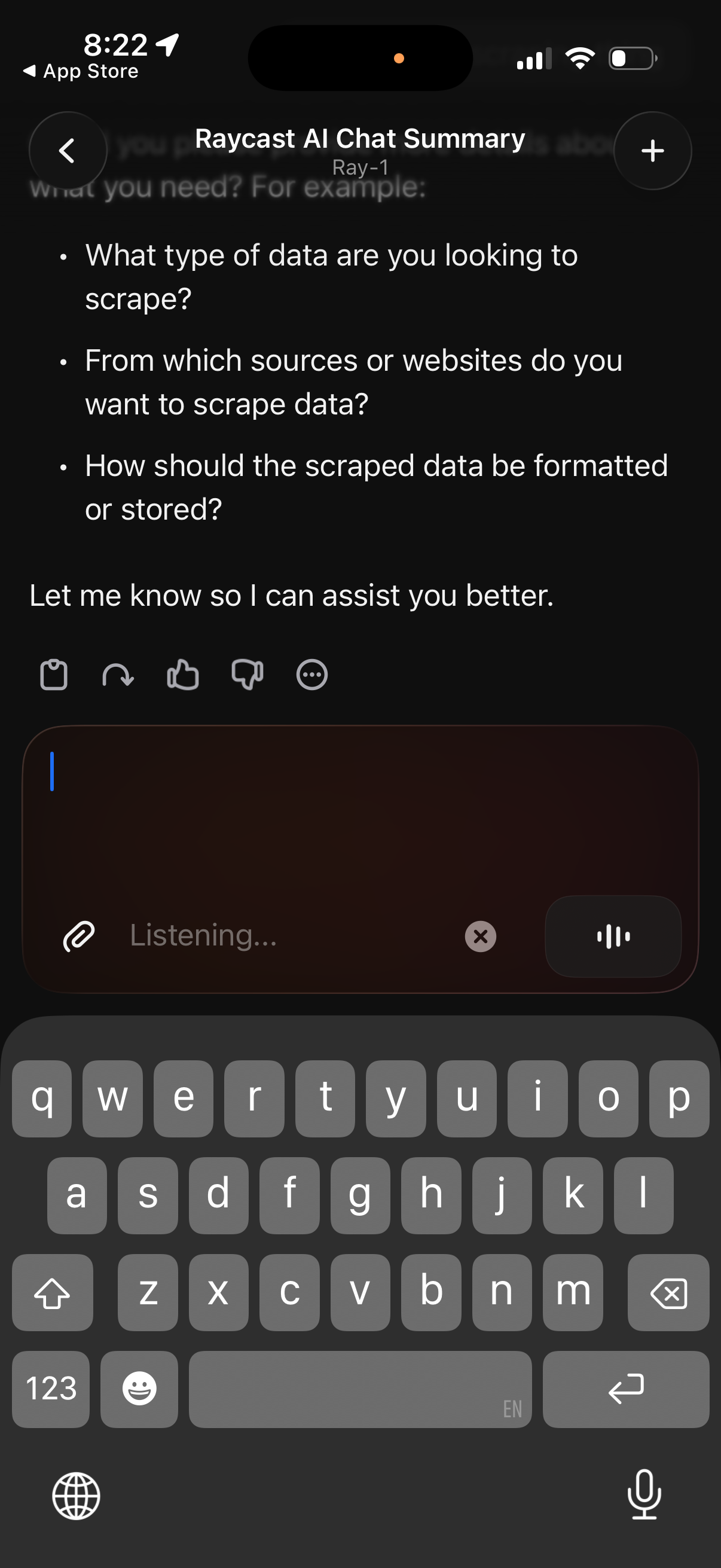
AI chat conversation screen showing a generated summary with bullet-point follow‑up questions to clarify a user’s request. Includes a message composer with attachment button, voice/listening input mode, and quick actions for reacting or giving feedback (like/dislike, more options), plus navigation and new chat controls.
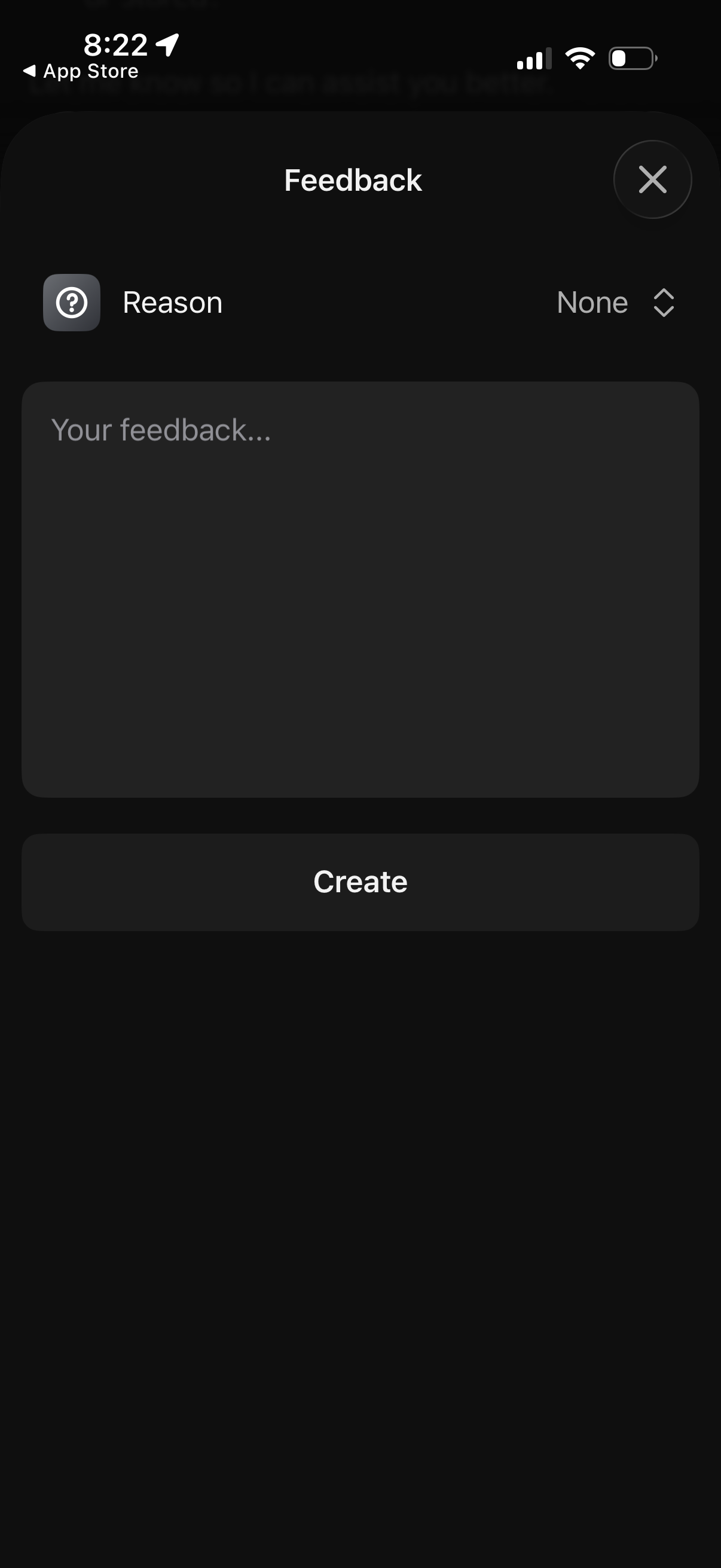
Modal feedback form overlay where users select a feedback reason from a dropdown, type comments in a large text area, and submit via a primary “Create” button, with an X icon to close and cancel.
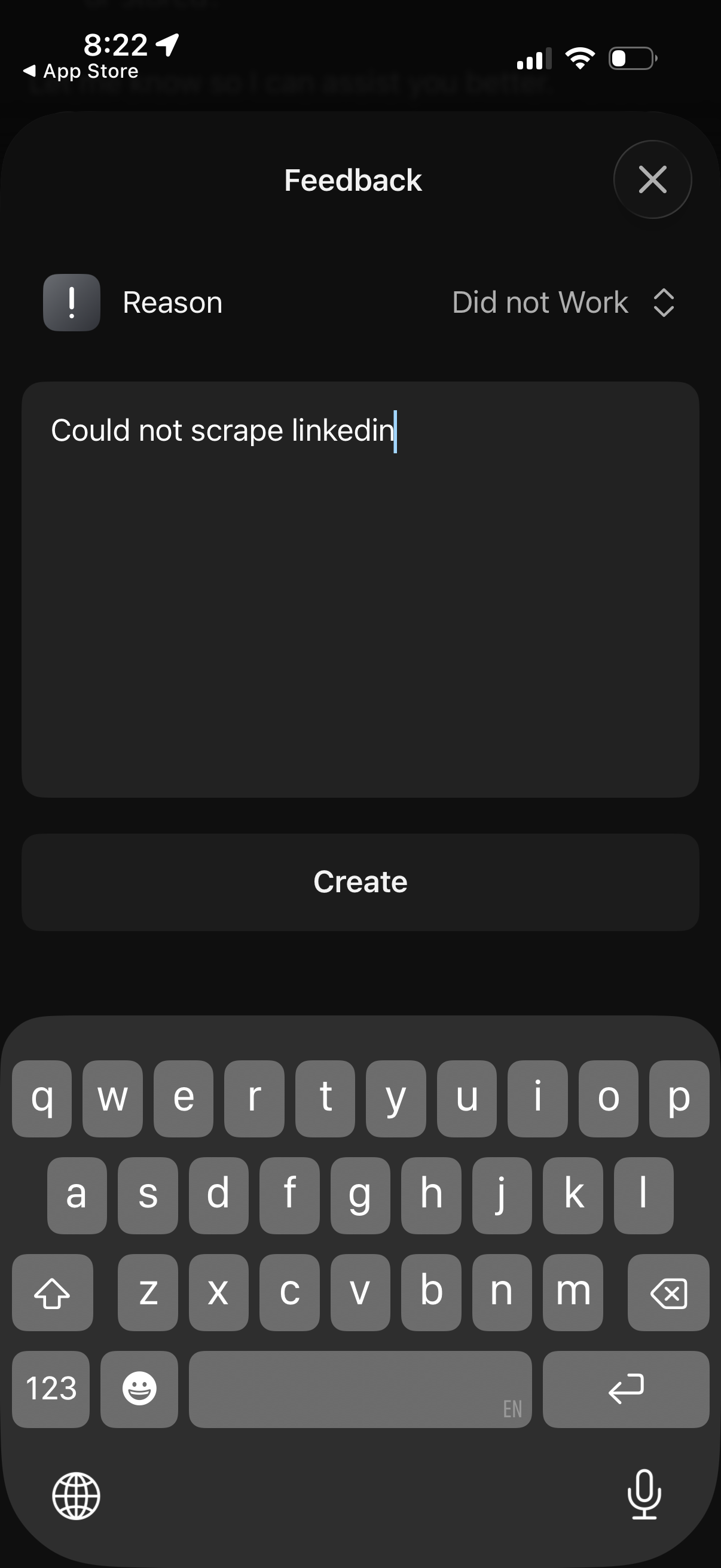
Modal feedback form overlay with a dropdown to select an issue reason (e. g.
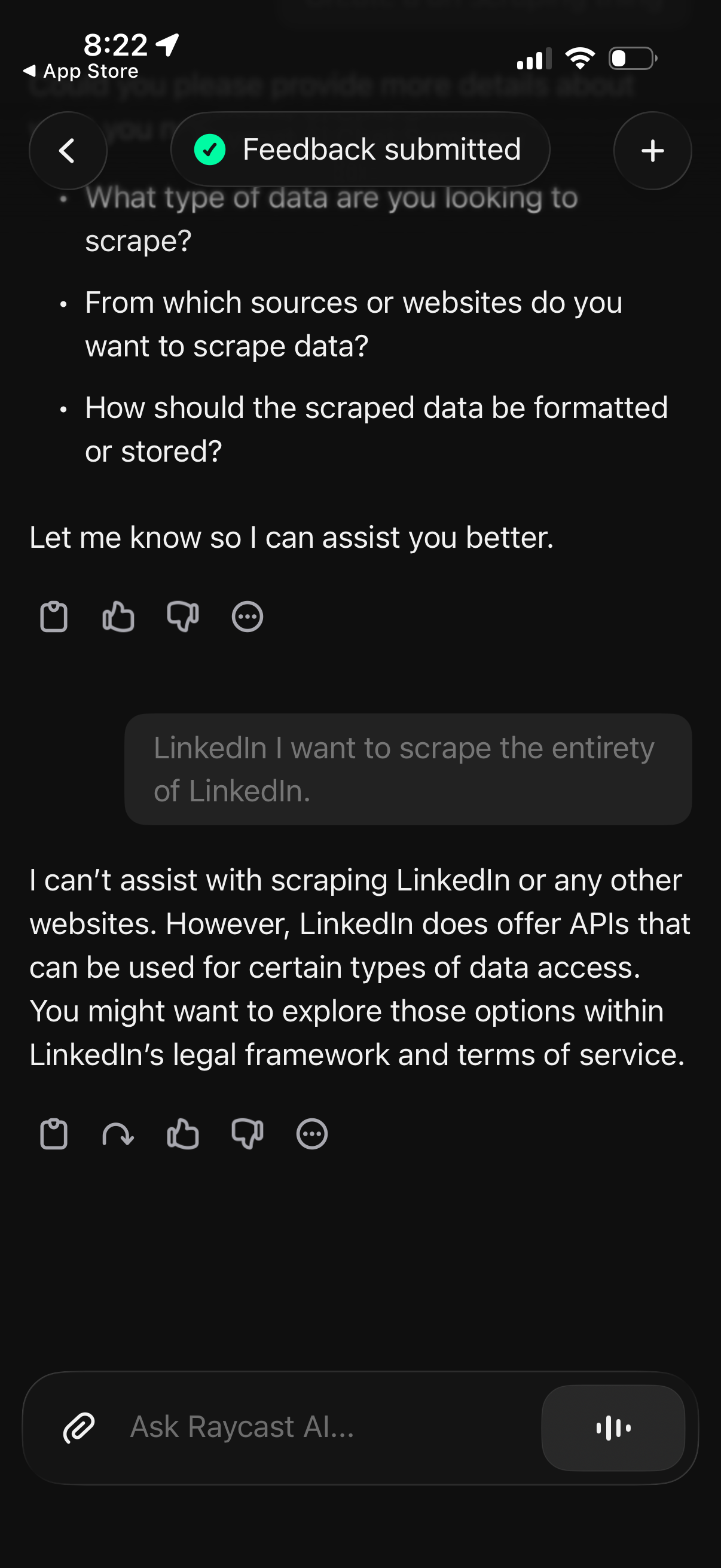
AI chat conversation screen showing a “Feedback submitted” status banner and a response that refuses a user request, suggesting using official APIs within terms of service instead. Includes message action controls (like/dislike, share, more options), back and add buttons in the header, and a bottom input bar to ask a new question.