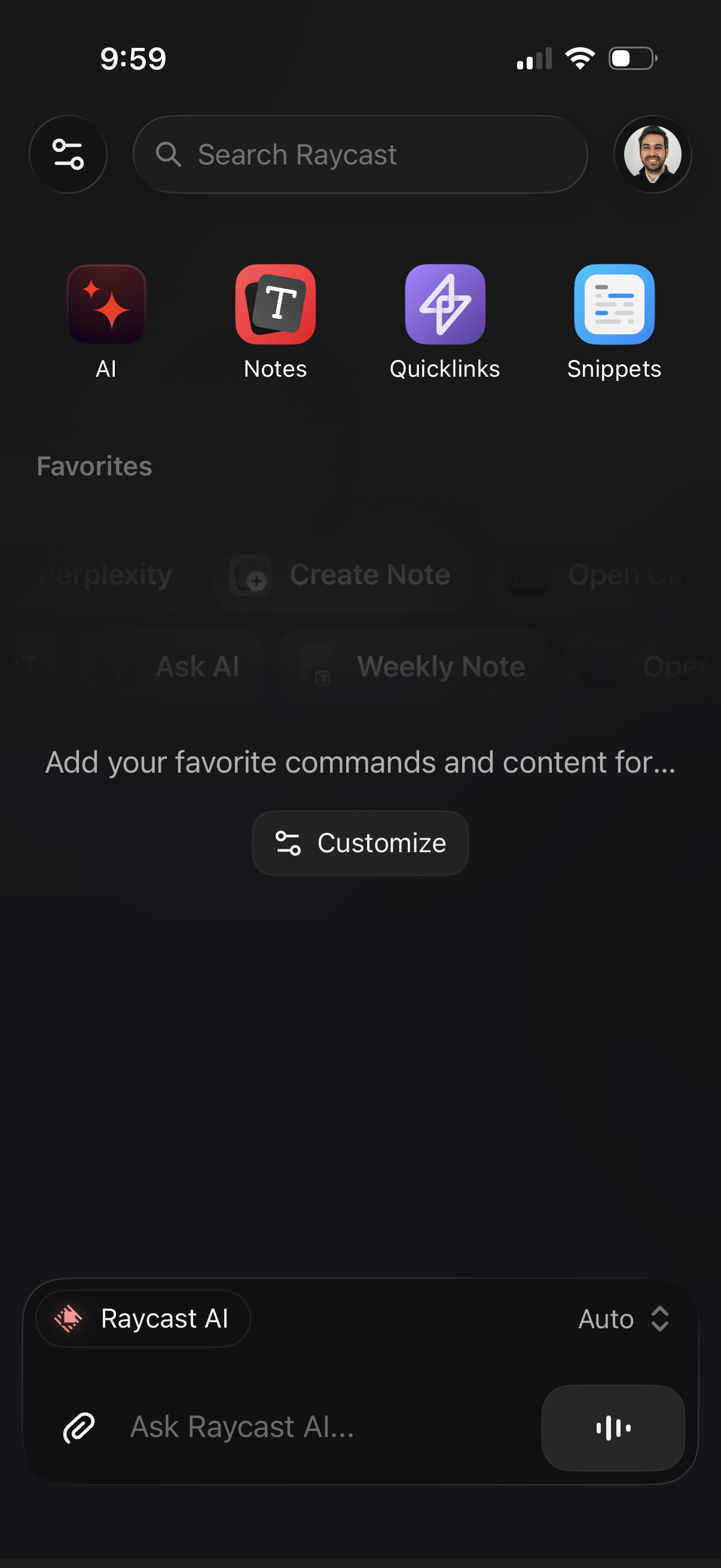
Home/dashboard screen for a productivity launcher app with a global search bar and quick-access tiles for AI, Notes, Quicklinks, and Snippets, plus a profile button and settings/filter icon. Includes an empty Favorites section with a “Customize” action and a bottom AI chat input (“Ask Raycast AI”) with attachment and voice controls.
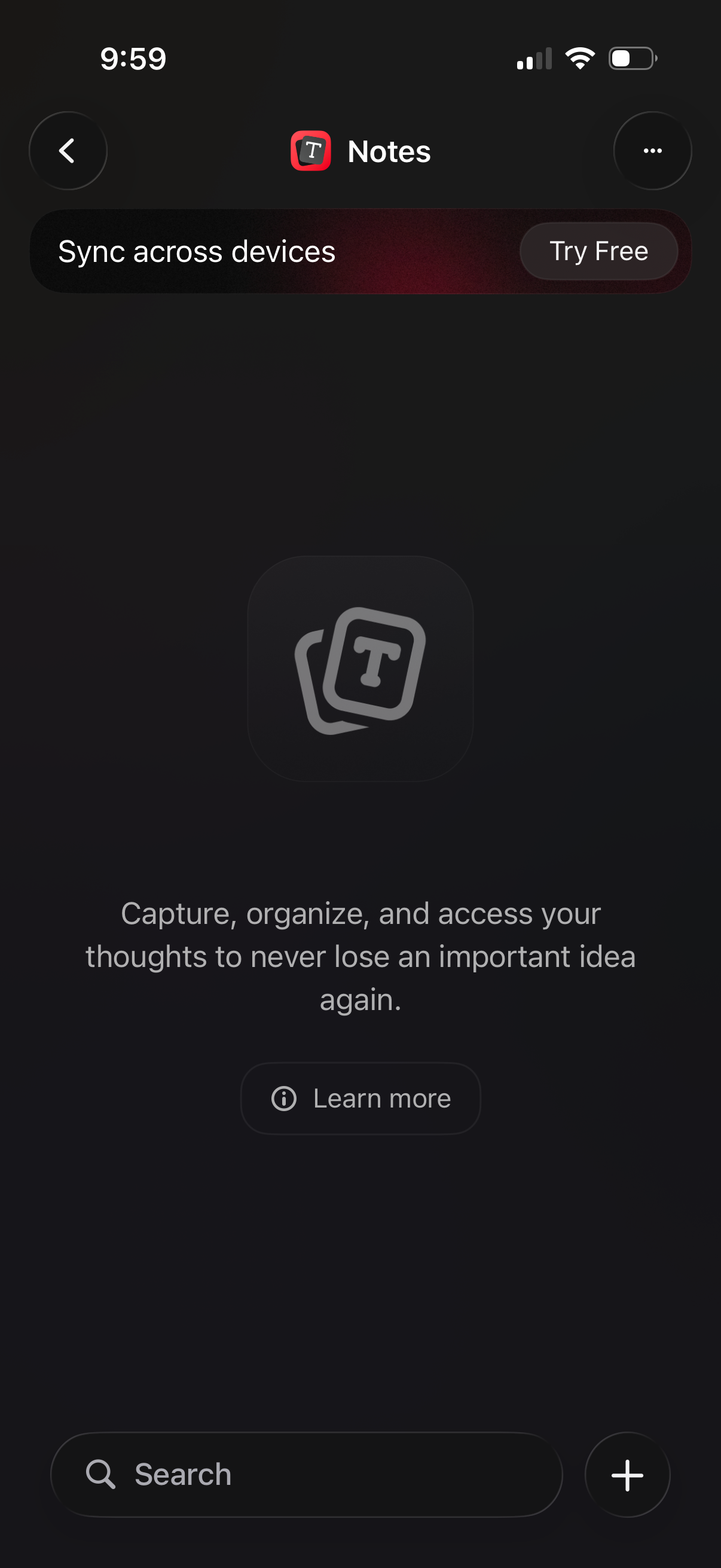
Notes app empty state/home screen promoting syncing across devices with a “Try Free” upsell and a “Learn more” link explaining capture and organize thoughts. Bottom bar provides search and a prominent plus button to create a new note.
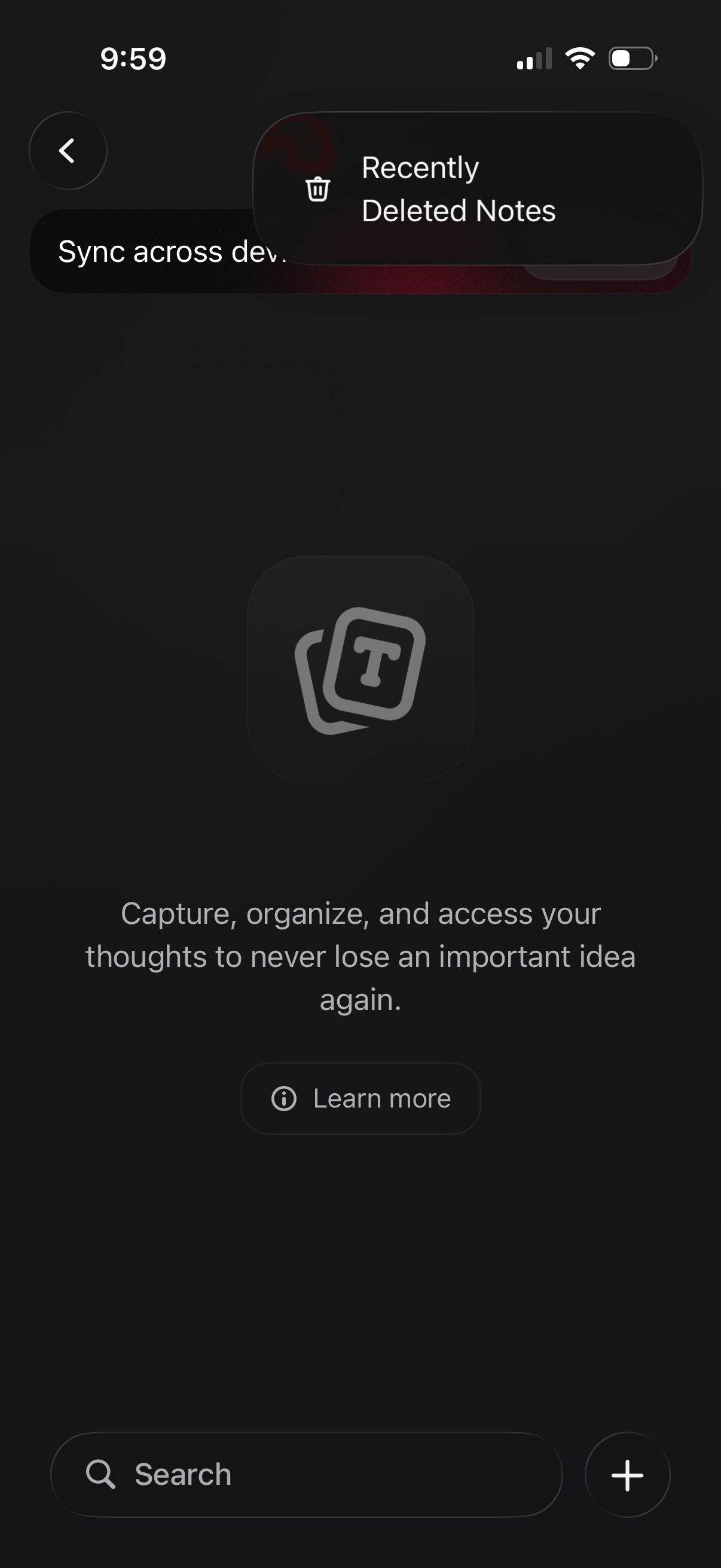
Notes app empty-state or info screen for a “Recently Deleted Notes”/sync across devices feature, showing an explanatory message about capturing and organizing thoughts. Includes a Learn more button, a search field, and a floating plus action to create a new note.
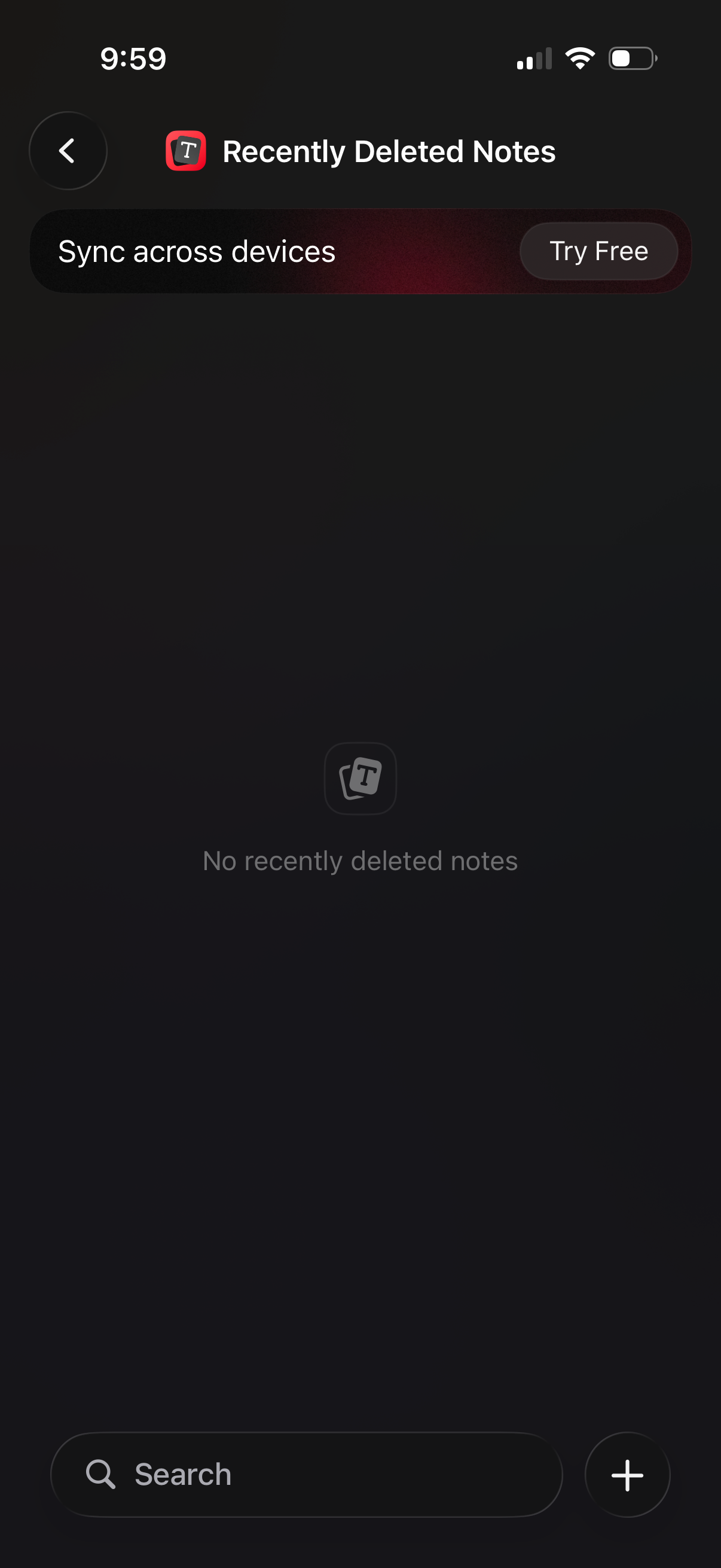
Recently Deleted Notes screen in a note-taking app showing an empty state (“No recently deleted notes”) and a promotional banner to sync across devices with a “Try Free” CTA. Bottom bar includes a search field and a floating plus button to create a new note, with a back navigation control at the top.