manage ai models
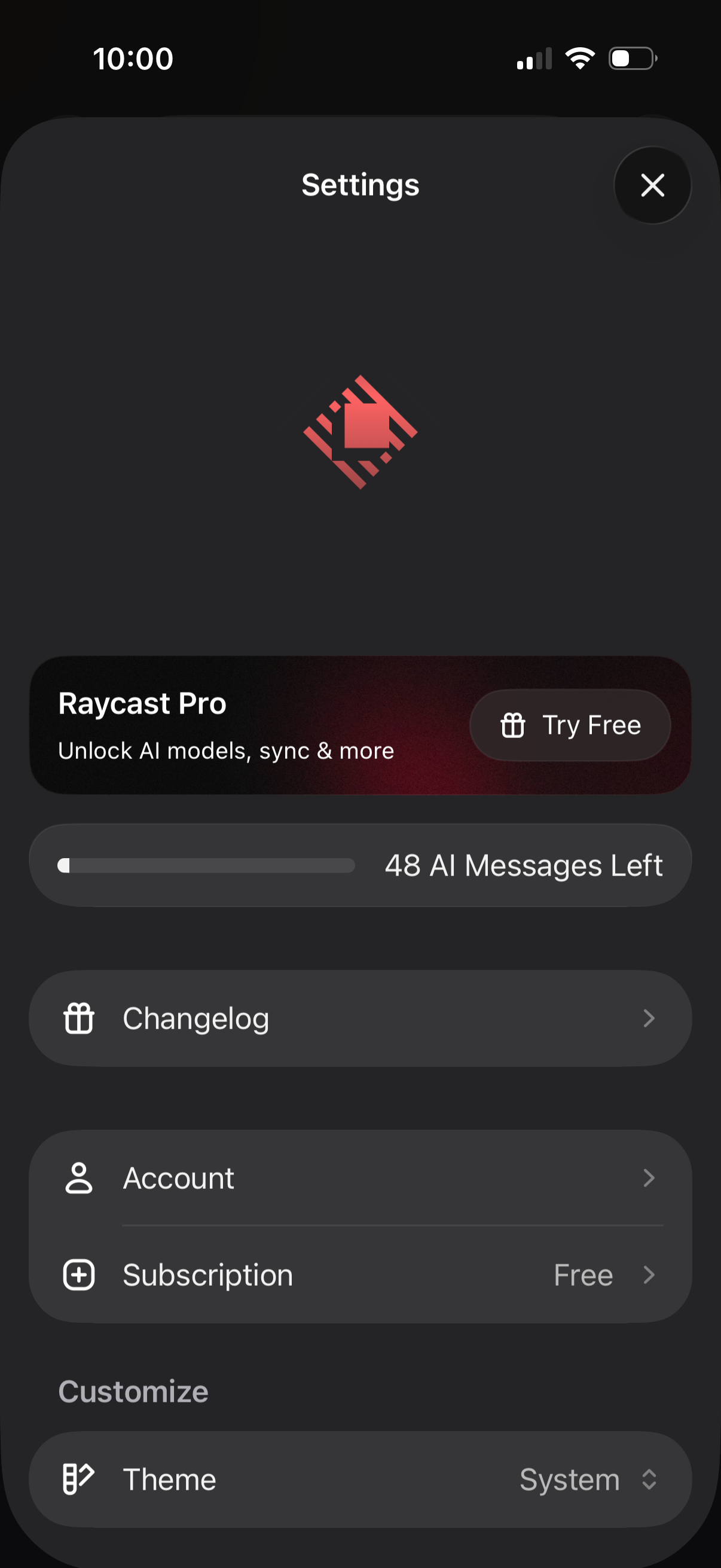
Mobile app settings screen for an AI assistant app showing a Pro upsell with “Try Free,” a usage meter for remaining AI messages, and navigation links to Changelog and Account/Subscription details. Includes customization options such as selecting the app theme (system) and a close button to dismiss settings.
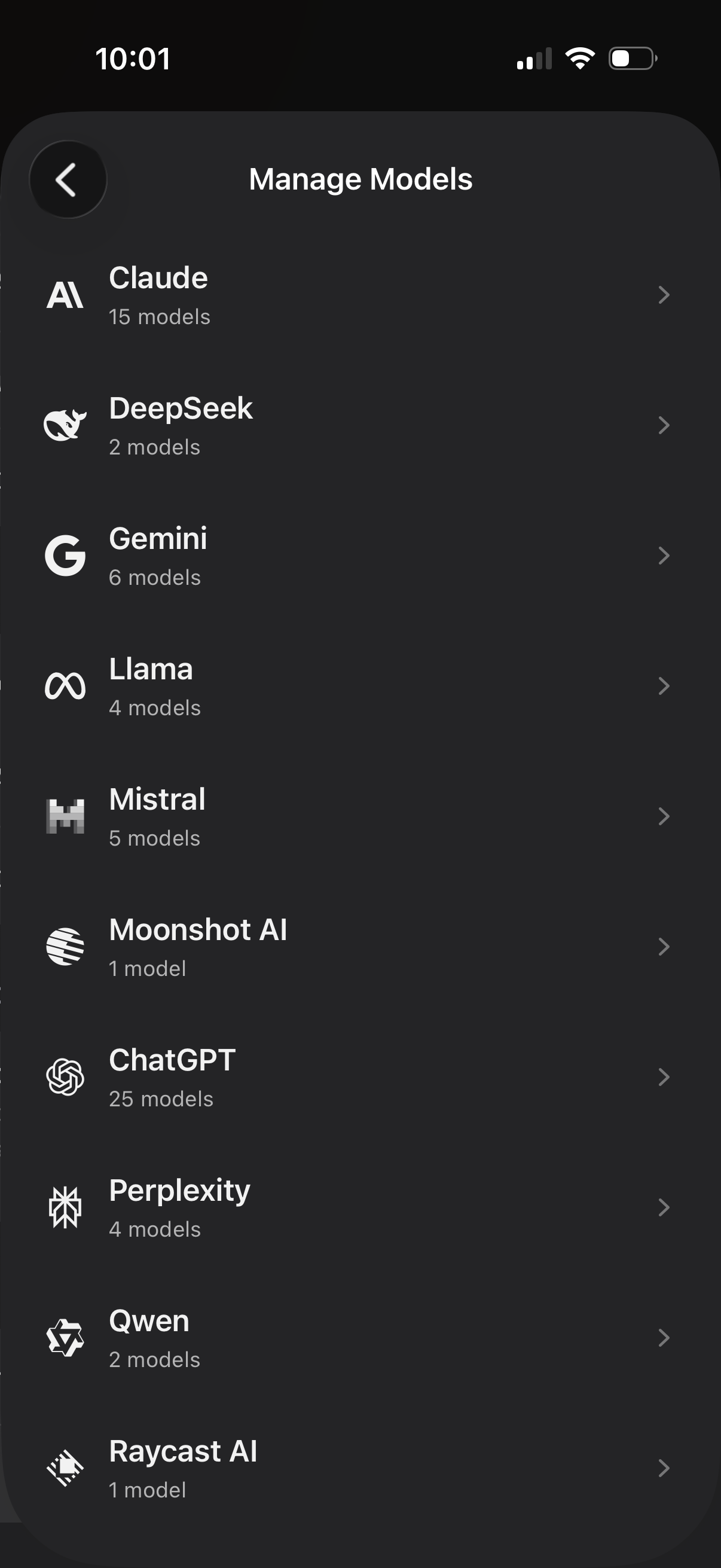
Manage Models settings screen showing a list of AI providers (Claude, DeepSeek, Gemini, Llama, Mistral, ChatGPT, Perplexity, etc. ) with logos and the number of available models for each.
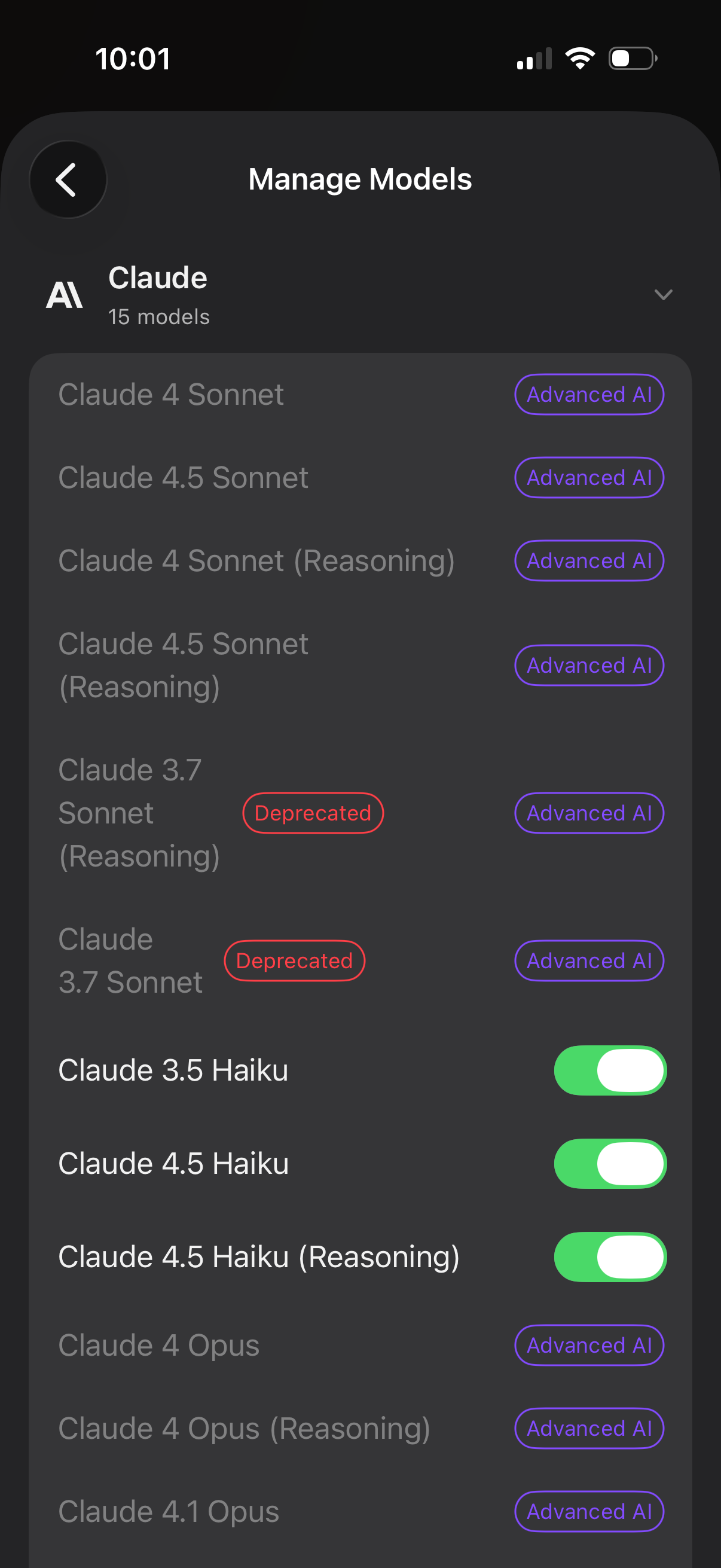
Settings screen for managing AI models within a provider (Claude), showing a list of available model variants with badges for “Advanced AI” and “Deprecated” status. Users can enable or disable specific models using toggle switches and navigate back from the Manage Models page.
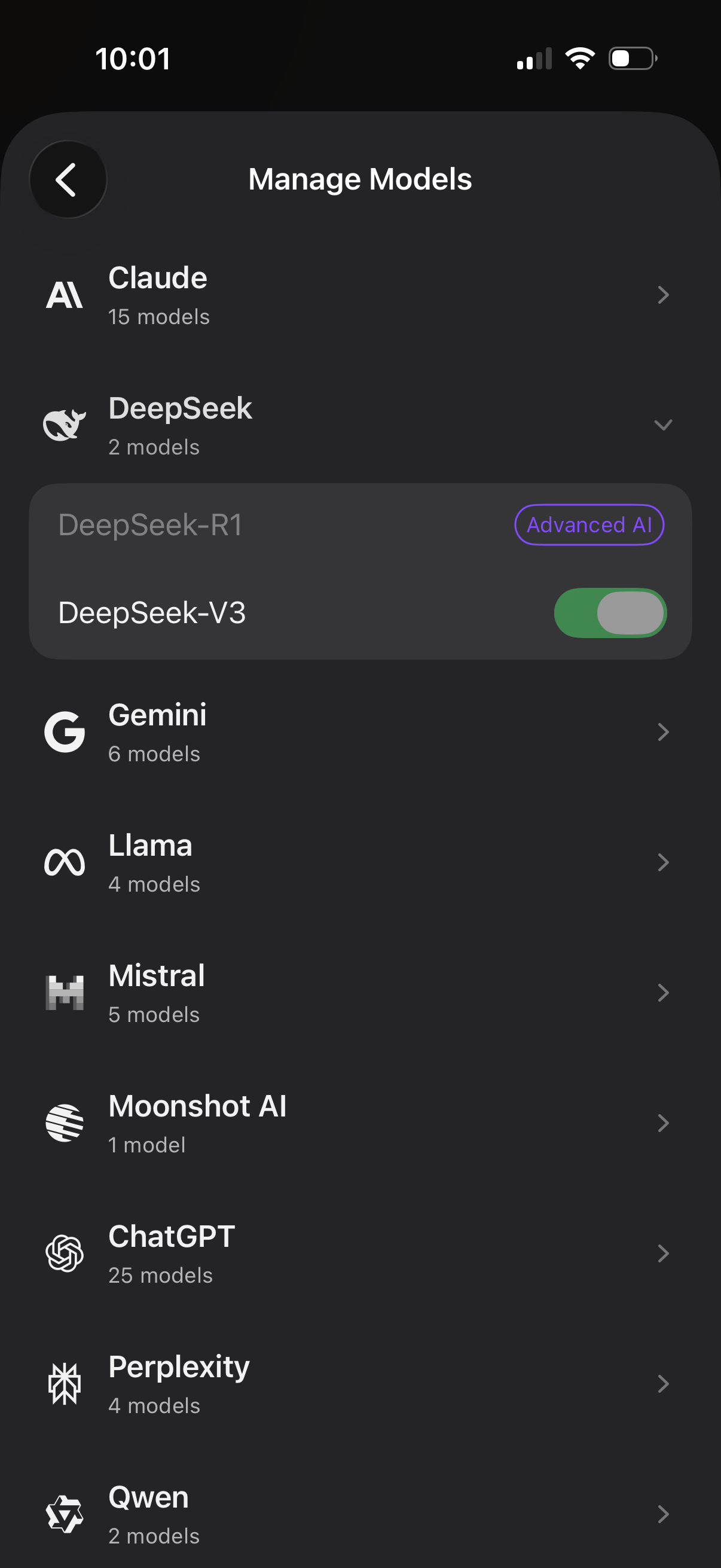
Settings screen for managing AI models, listing multiple model providers with the number of available models and navigation to provider details. An expanded provider section lets the user select a specific model and toggle it on/off, with an “Advanced AI” badge indicating premium or enhanced capabilities.
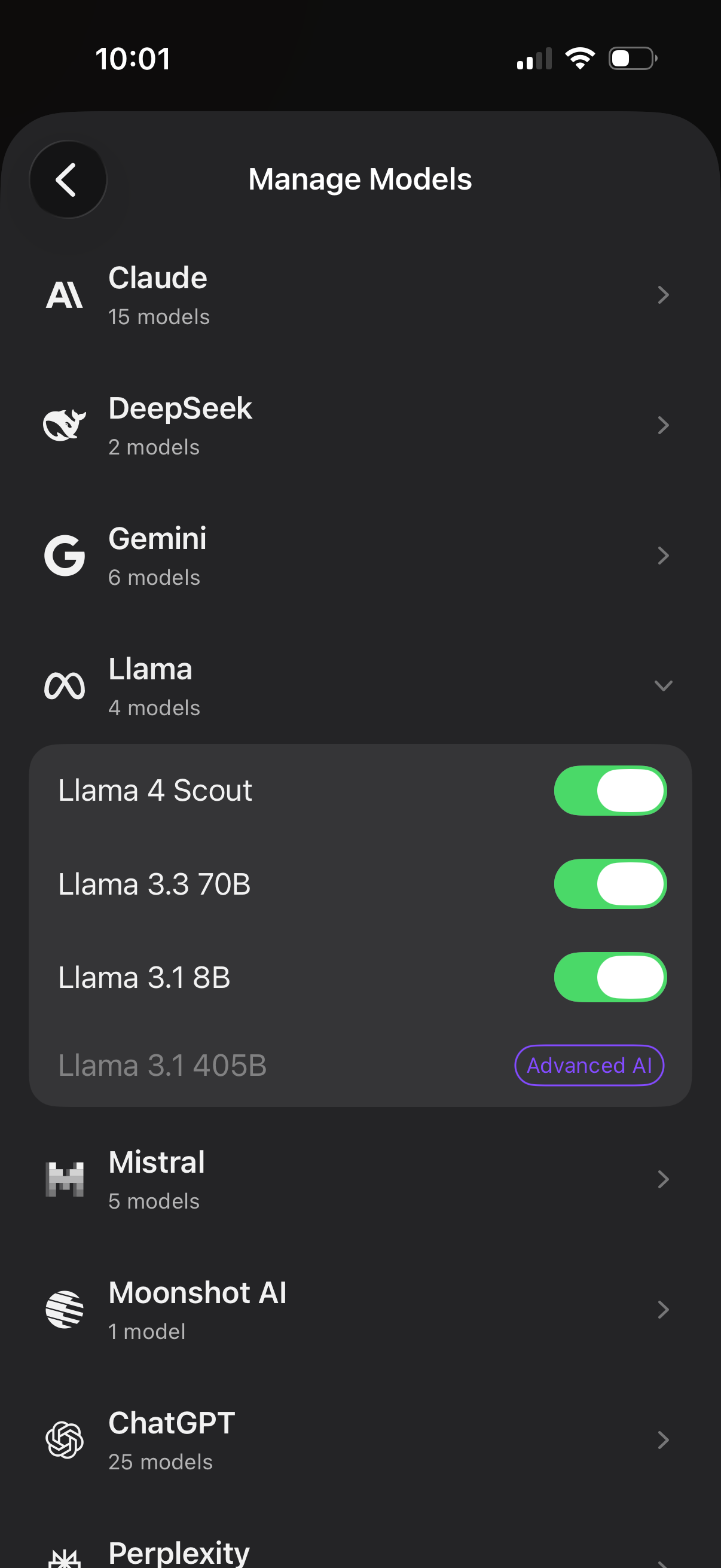
AI settings screen for managing available LLM providers and models, showing a list of providers (e. g.
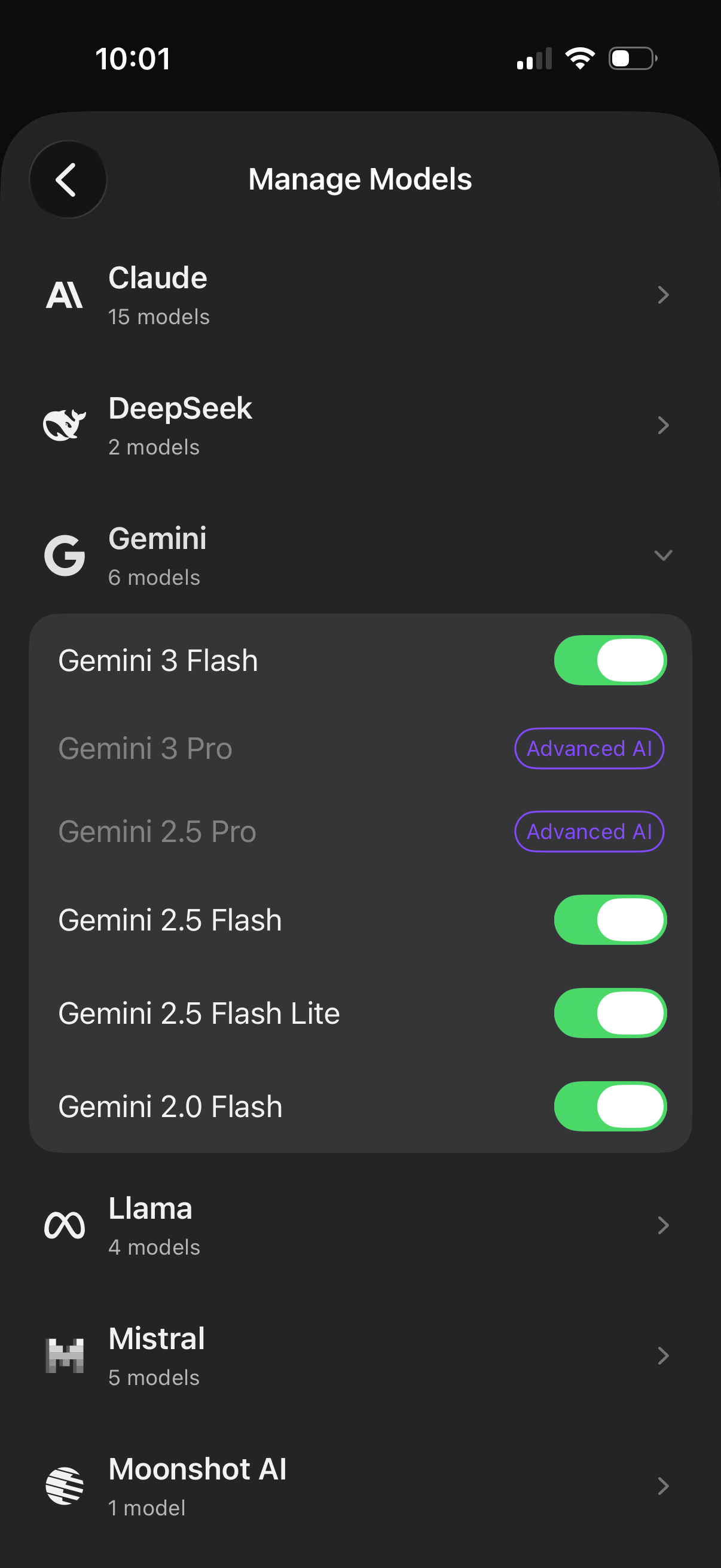
Settings screen for managing AI model providers and available models, showing a list of vendors (e. g.
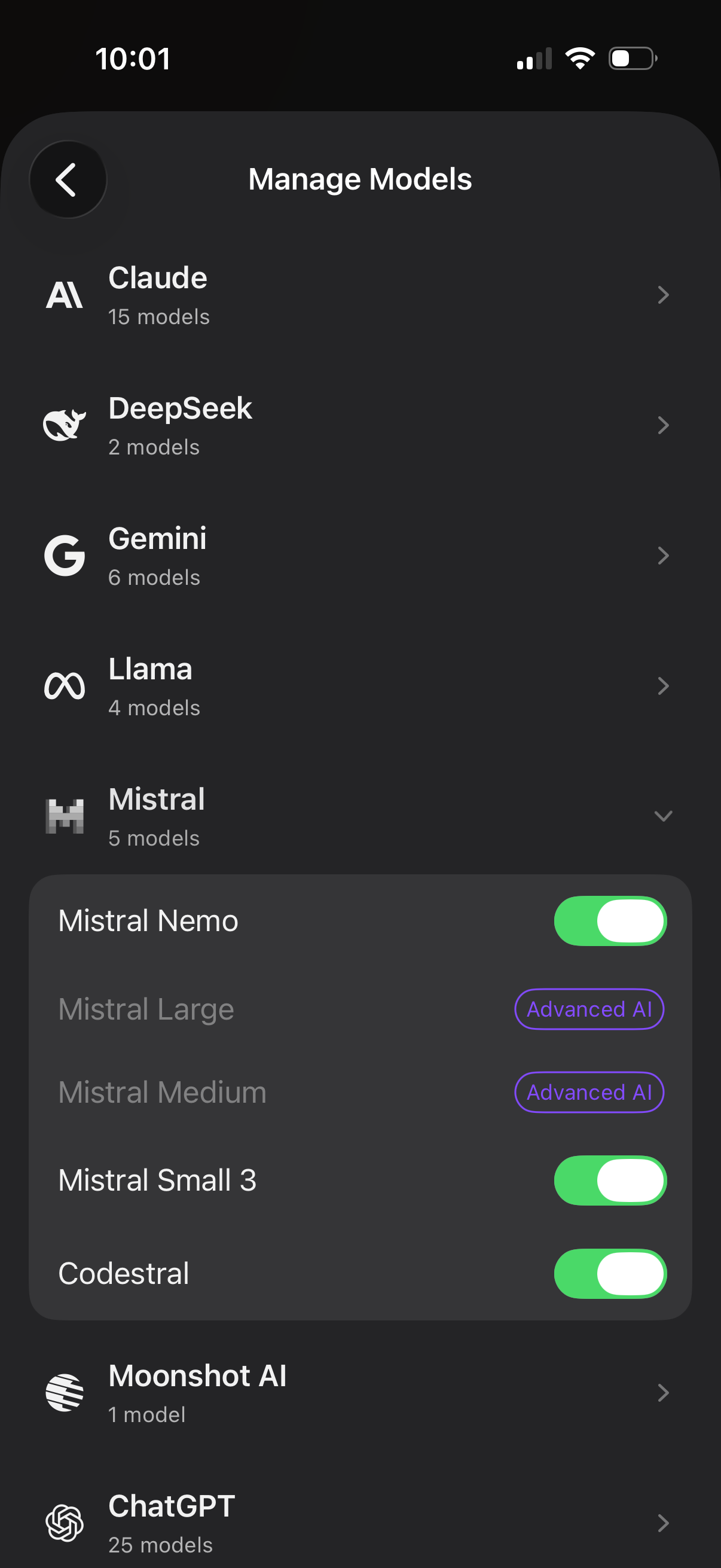
Manage Models settings screen for an AI app showing a list of model providers (e. g.
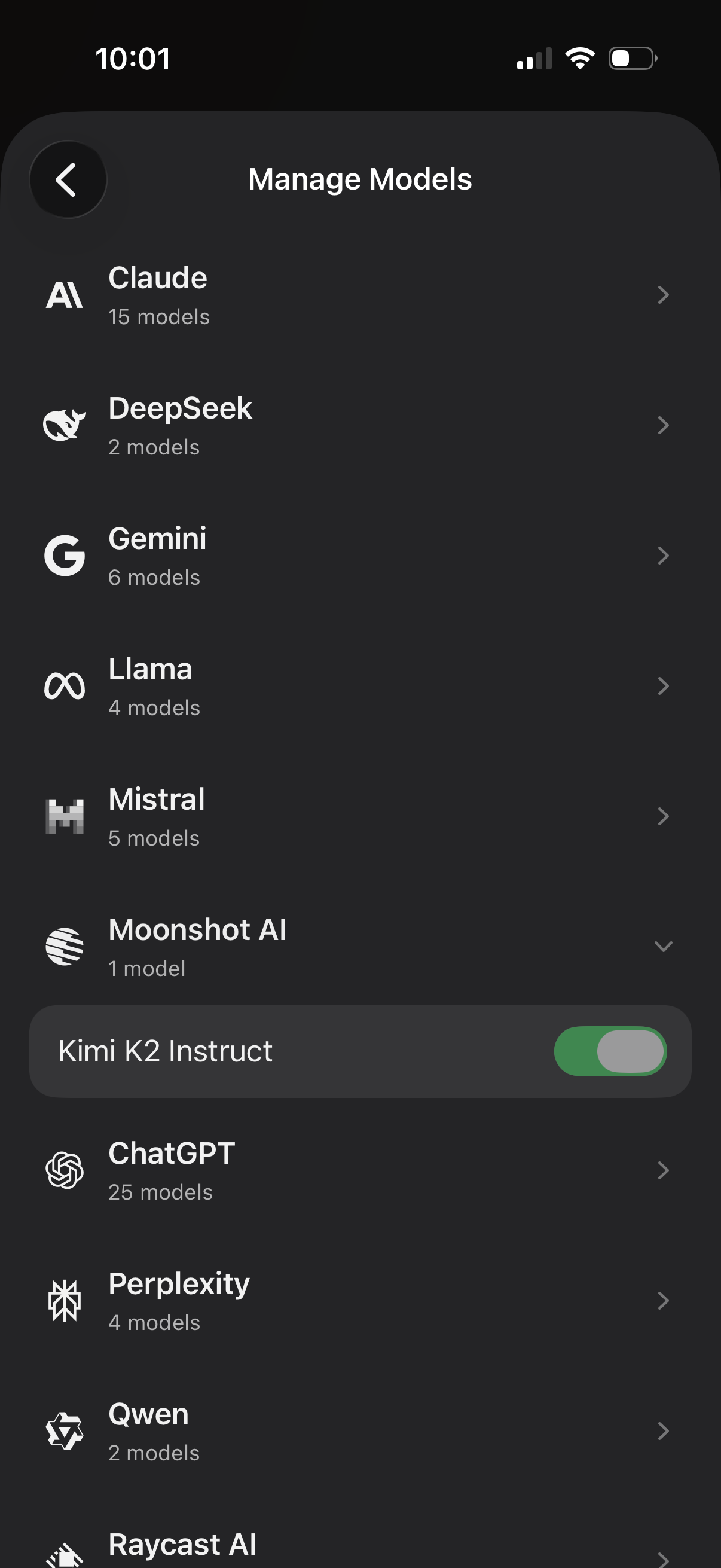
Settings screen for managing AI models, showing a list of providers (e. g.
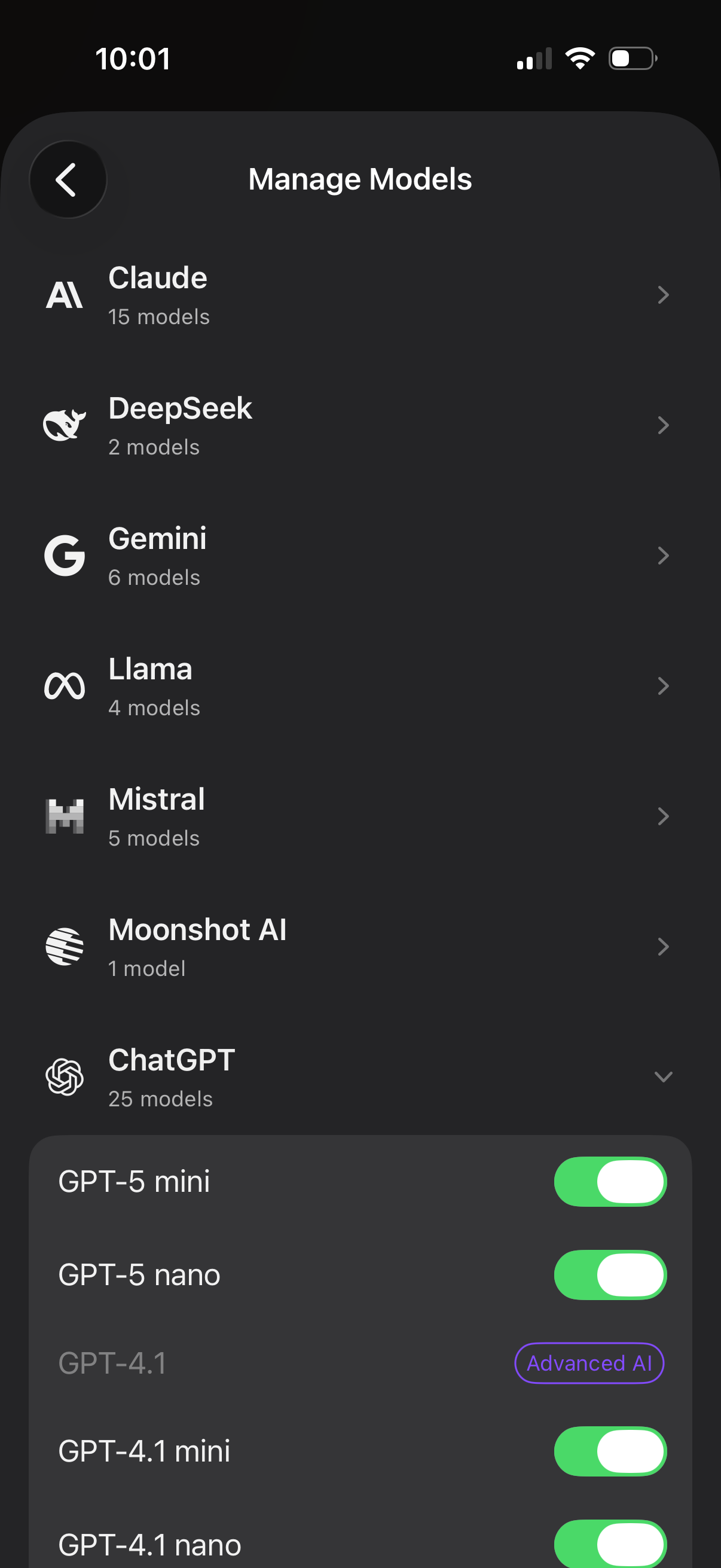
Settings screen for managing AI models, listing multiple providers (Claude, DeepSeek, Gemini, Llama, Mistral, Moonshot, ChatGPT) with model counts and navigation to each provider’s options. An expanded provider section shows individual model variants with toggle switches to enable/disable availability and badges indicating advanced models.
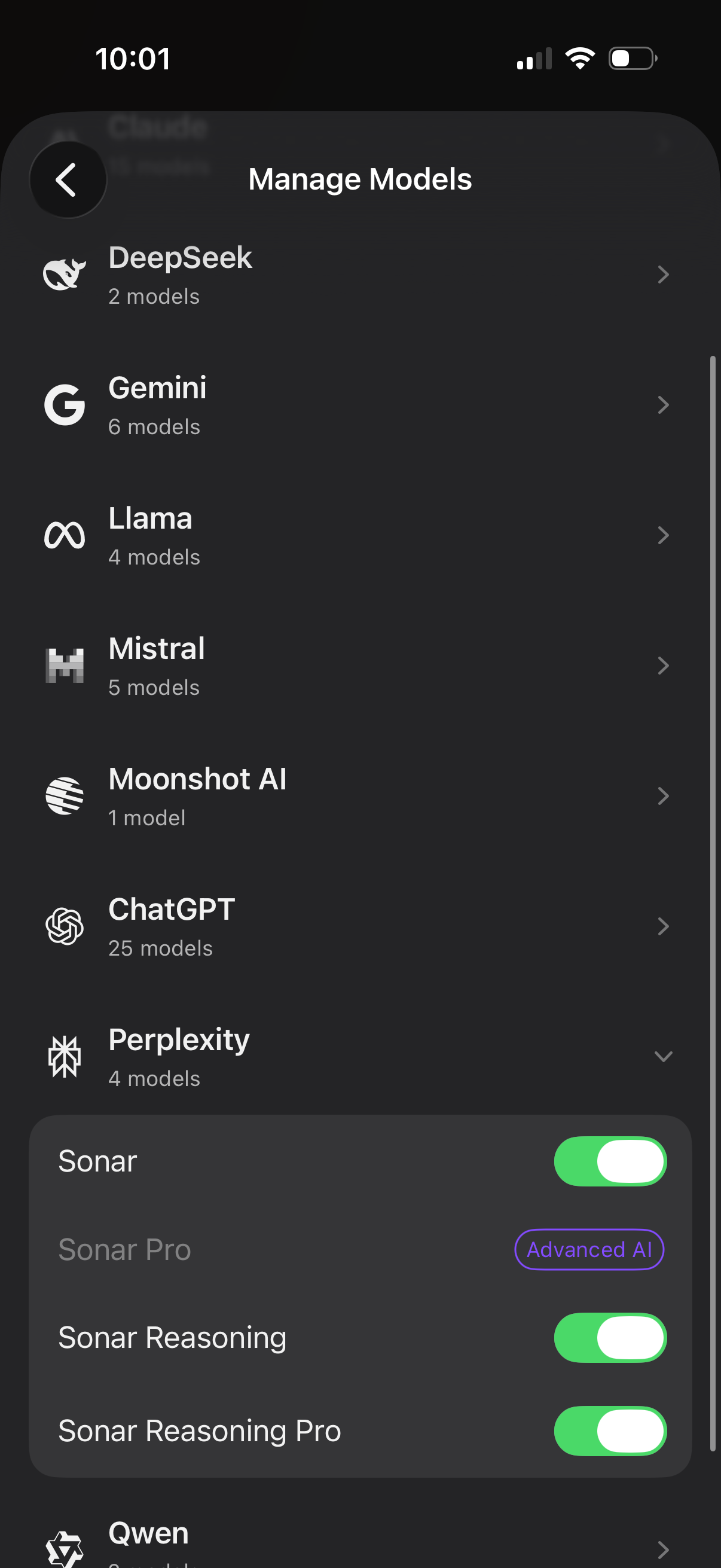
AI settings screen for managing and selecting LLM providers and models, showing a list of sources (e. g.
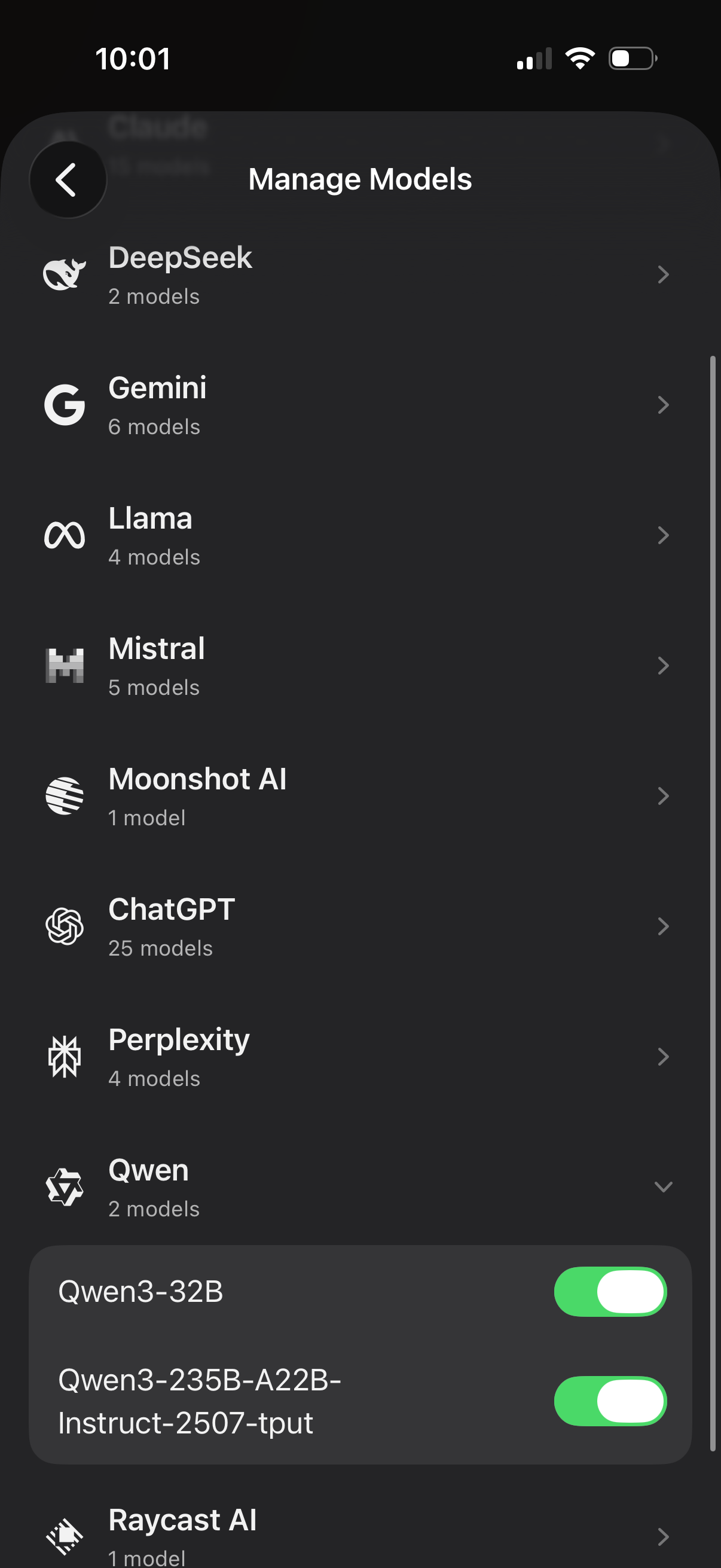
Manage Models settings screen for an AI app showing a list of model providers (e. g.
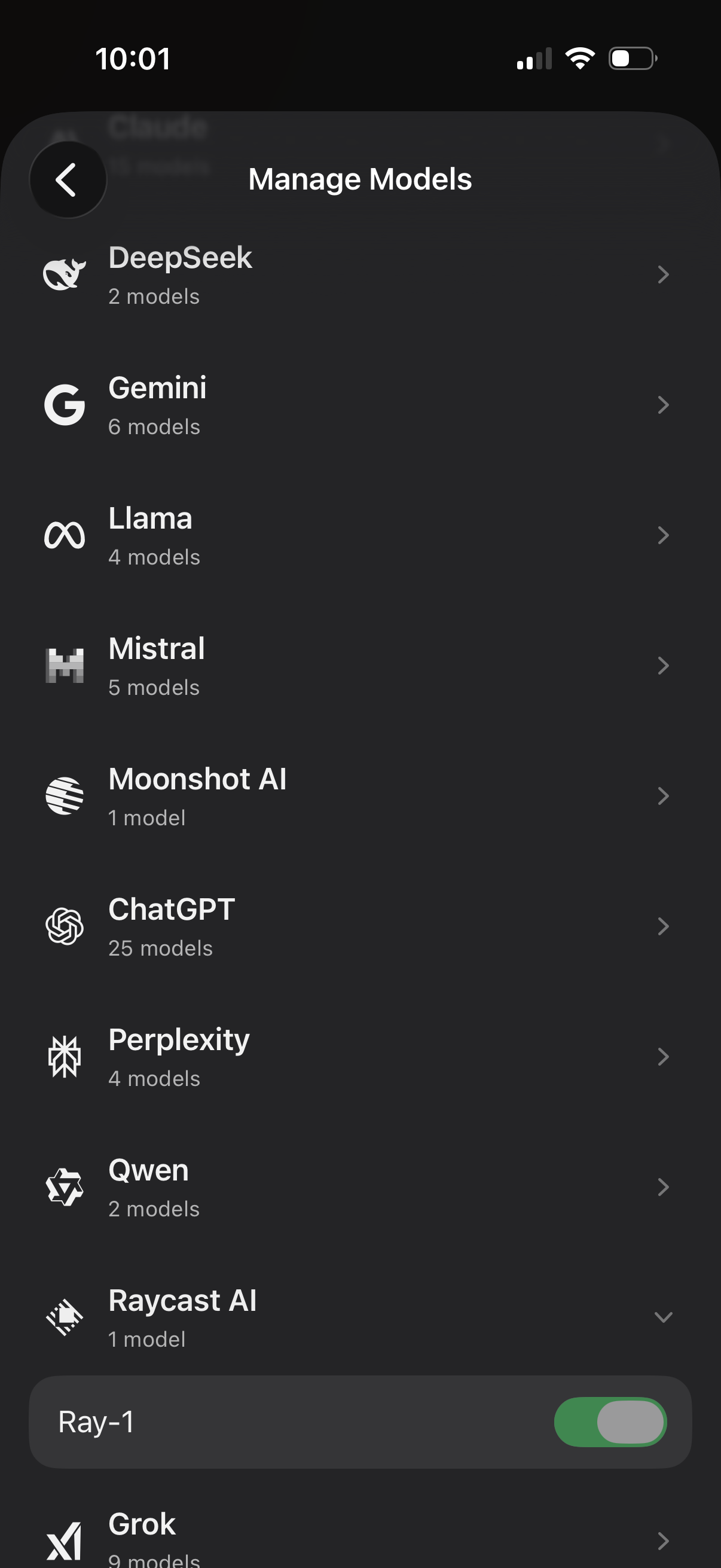
AI model management settings screen showing a list of providers (e. g.
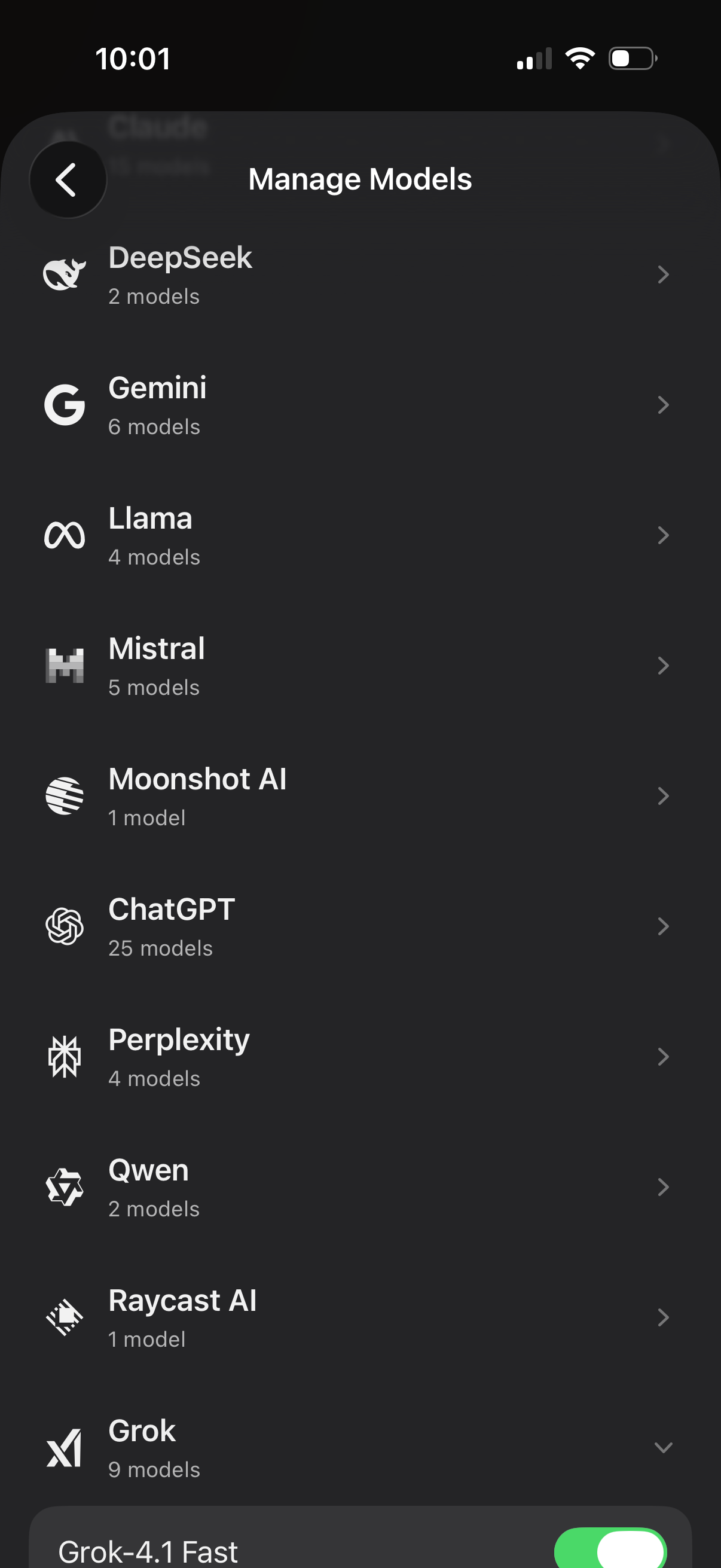
Manage Models settings screen showing a list of AI providers (e. g.