remove background and confirm
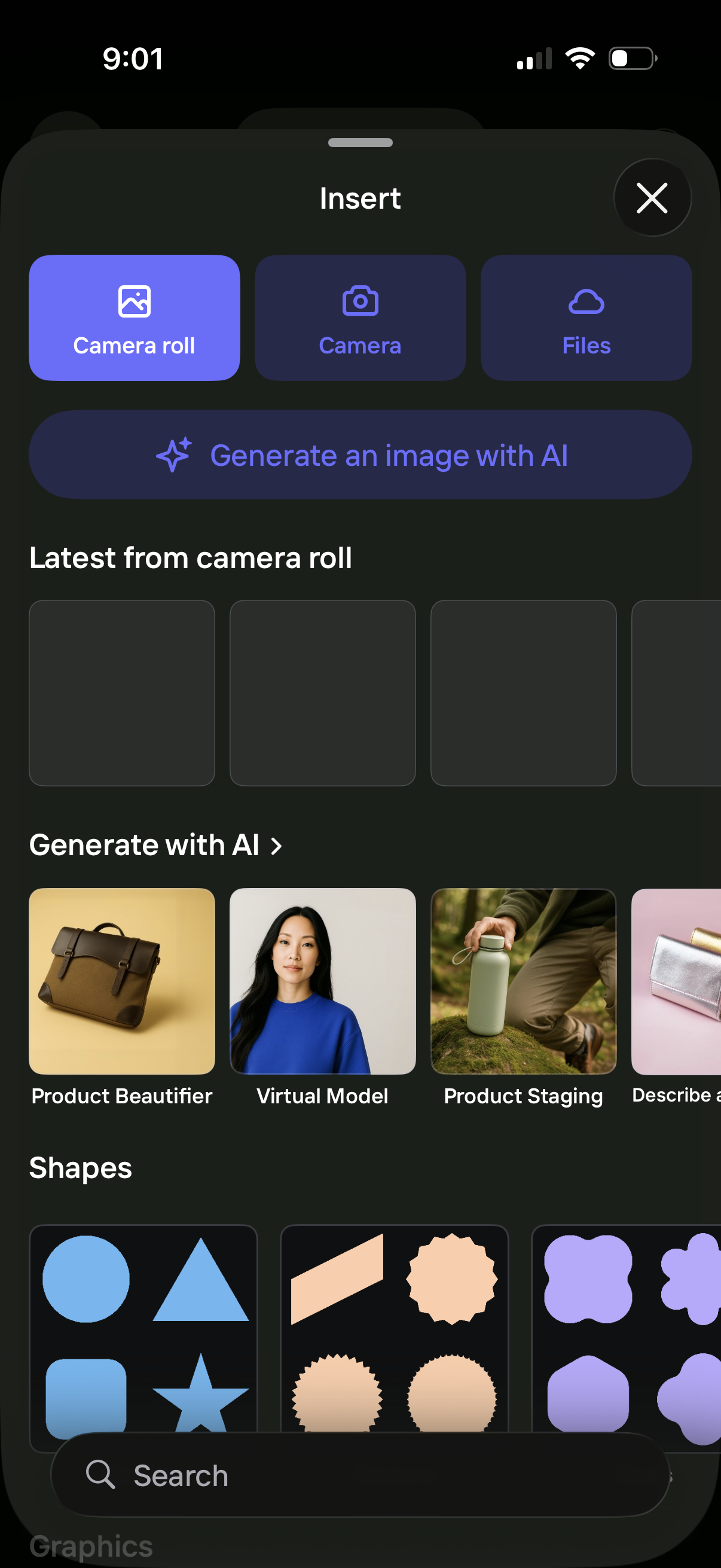
Bottom-sheet “Insert” menu for a design/editor app that lets users add content from Camera Roll, Camera, or Files, with a prominent option to generate an image with AI. The panel also previews recent photos, showcases AI creation templates (e.
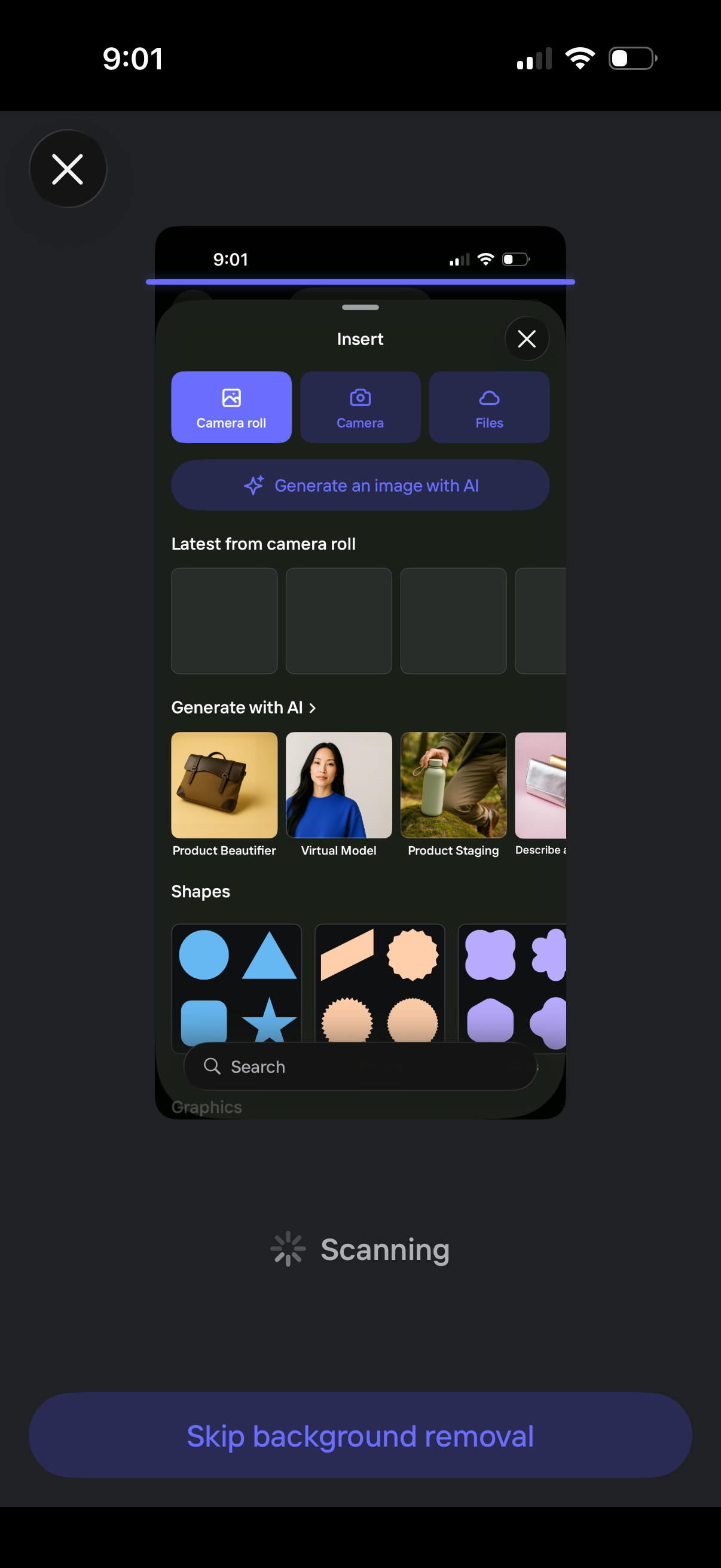
Image editor scanning screen with an “Insert” bottom sheet for adding assets, offering quick options to import from camera roll, take a photo, or browse files, plus a prominent “Generate an image with AI” action. The panel also shows recent camera roll thumbnails, AI generation templates (e.

Photo cutout selection and editing screen where users can import an image from camera roll, camera, or files, or generate an image with AI, then preview cutout results and shape options. Primary actions are Edit Cutout, Confirm to apply the selection, or Choose another photo to restart.

Mobile photo editor screen for retouching a cutout on a canvas, with options to replace the image source (camera roll/camera/files), edit cutout, crop, and generate an image with AI. A bottom sheet shows progress for an AI retouch action (“Generating a new shadow”) with a cancel button and a Done action to finish editing.