grant photo library access
1
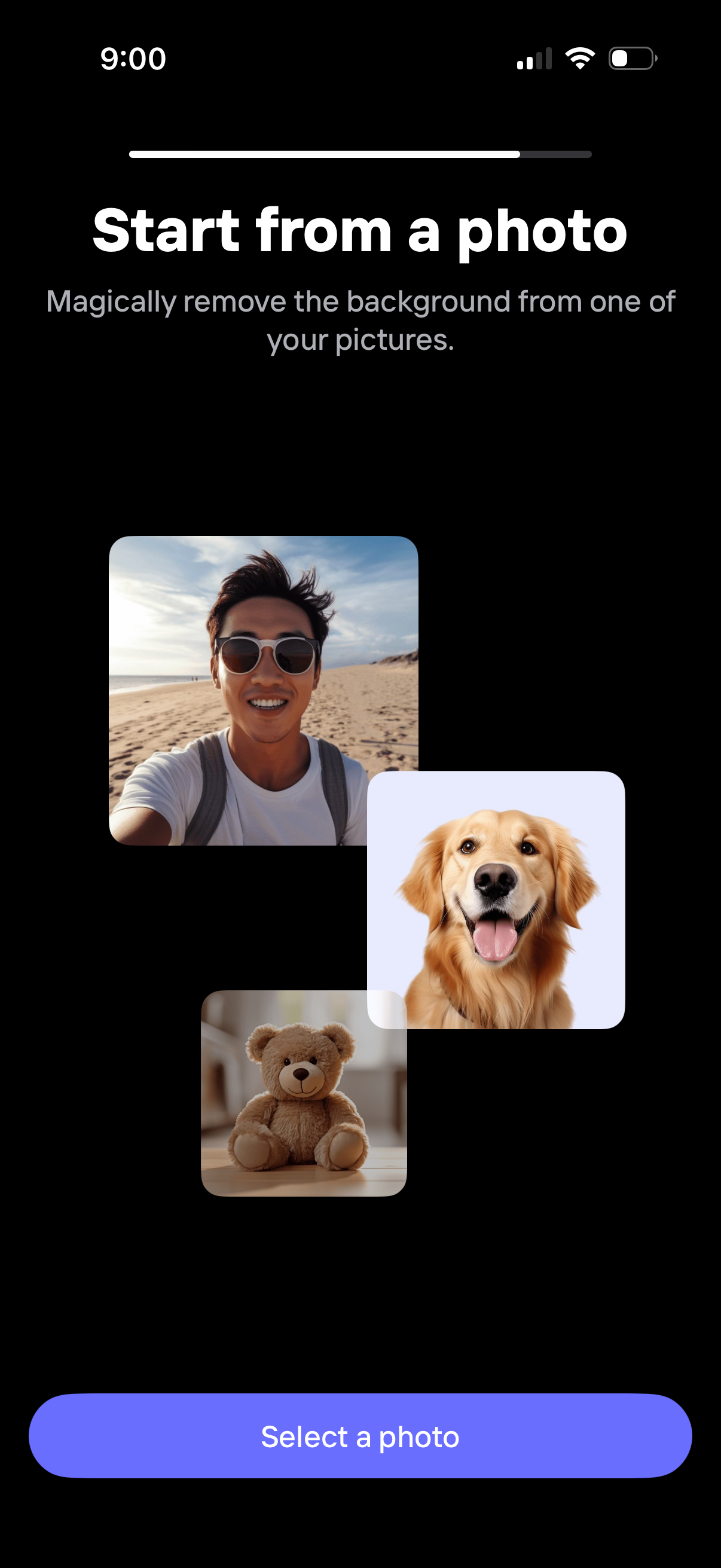
Onboarding step prompting users to start from a photo to automatically remove the background from an image. The screen explains the feature with example thumbnails and a primary “Select a photo” button to open the photo picker.
2
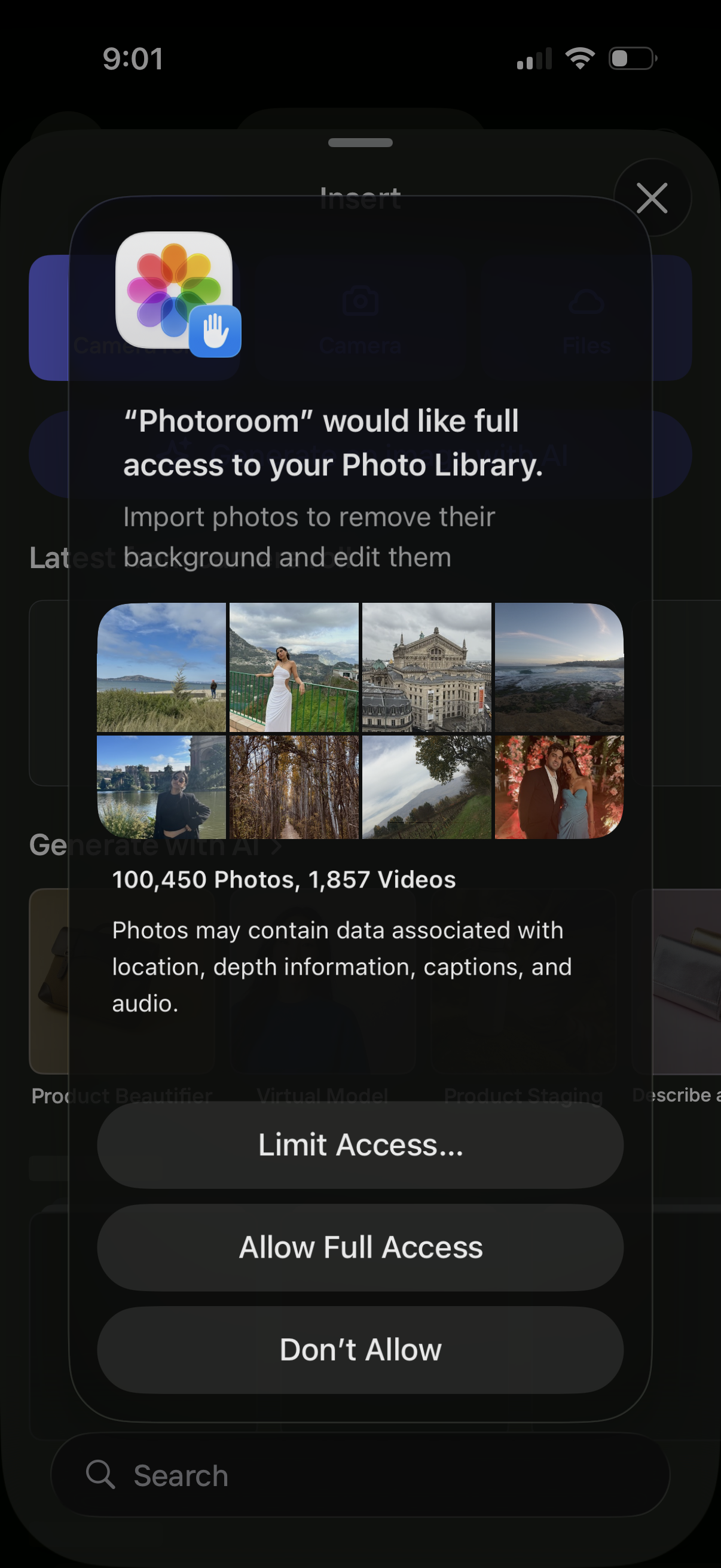
iOS system permission modal requesting an app to access the user’s Photo Library, showing a preview grid and explanation of data usage. Provides actions to Limit Access, Allow Full Access, or Don’t Allow, with a close button.
3
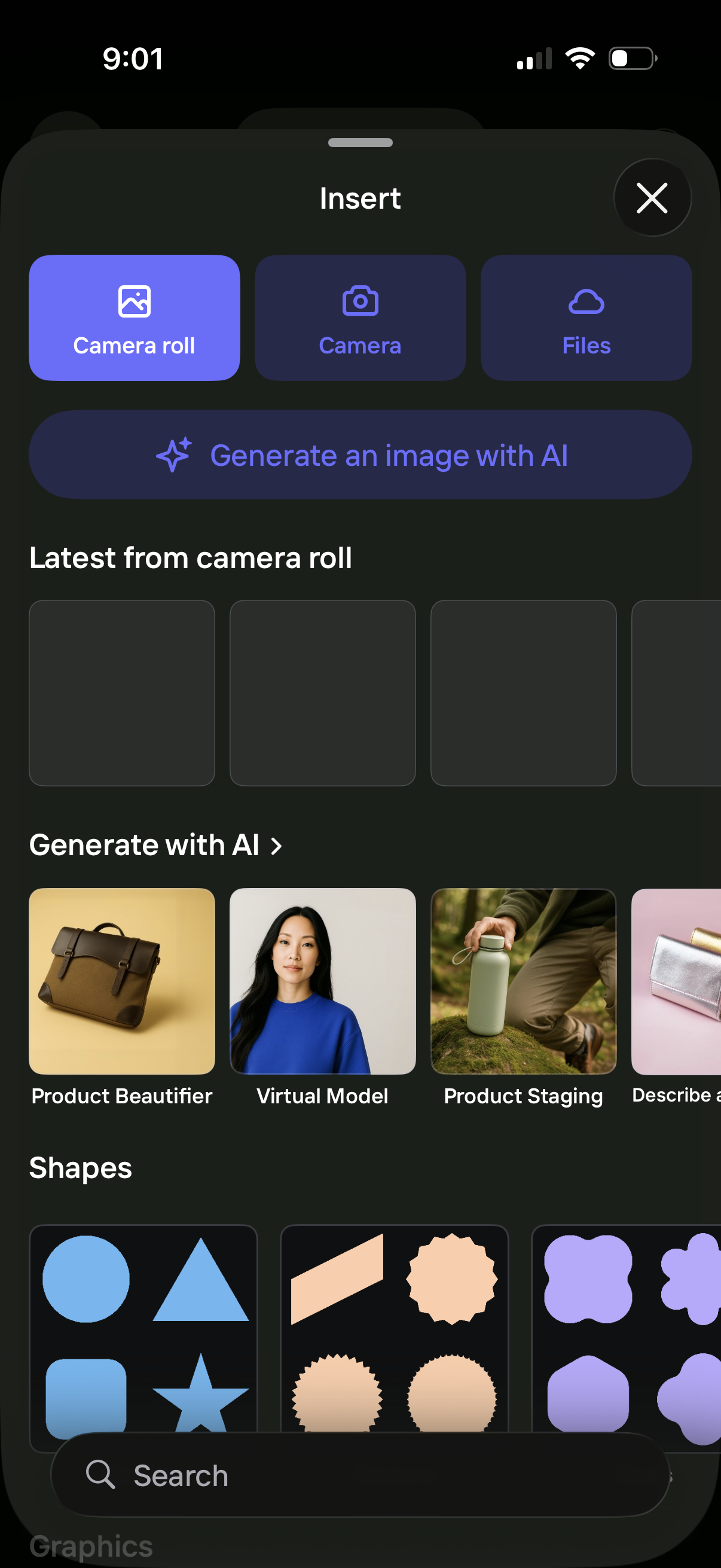
Bottom-sheet “Insert” menu for a design/editor app that lets users add content from Camera Roll, Camera, or Files, with a prominent option to generate an image with AI. The panel also previews recent photos, showcases AI creation templates (e.