apply ai background
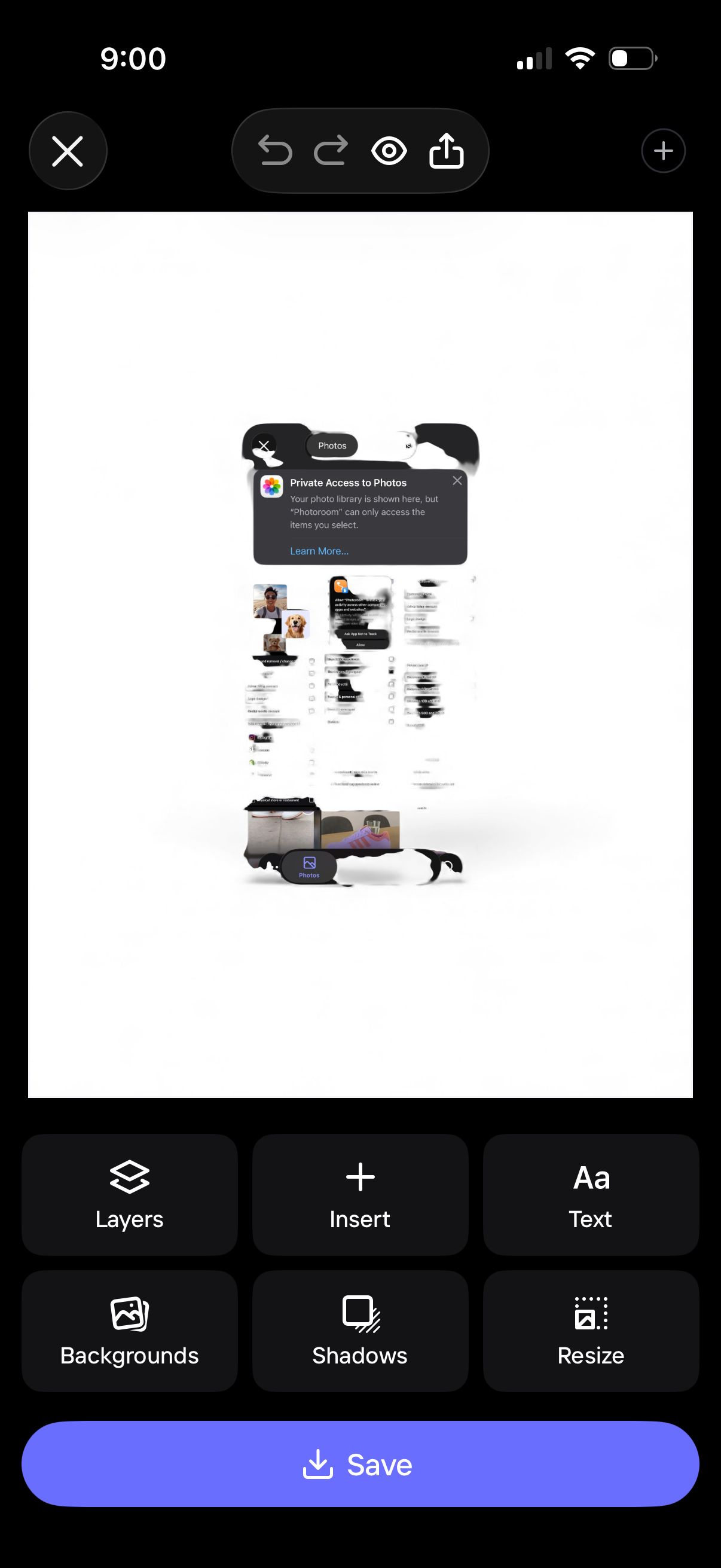
Mobile design editor screen showing a canvas preview with photo insertion and editing controls, including undo/redo, preview, and share. Bottom toolbar provides actions like layers, insert, add text, backgrounds, shadows, and resize, with a primary Save button to export the design.
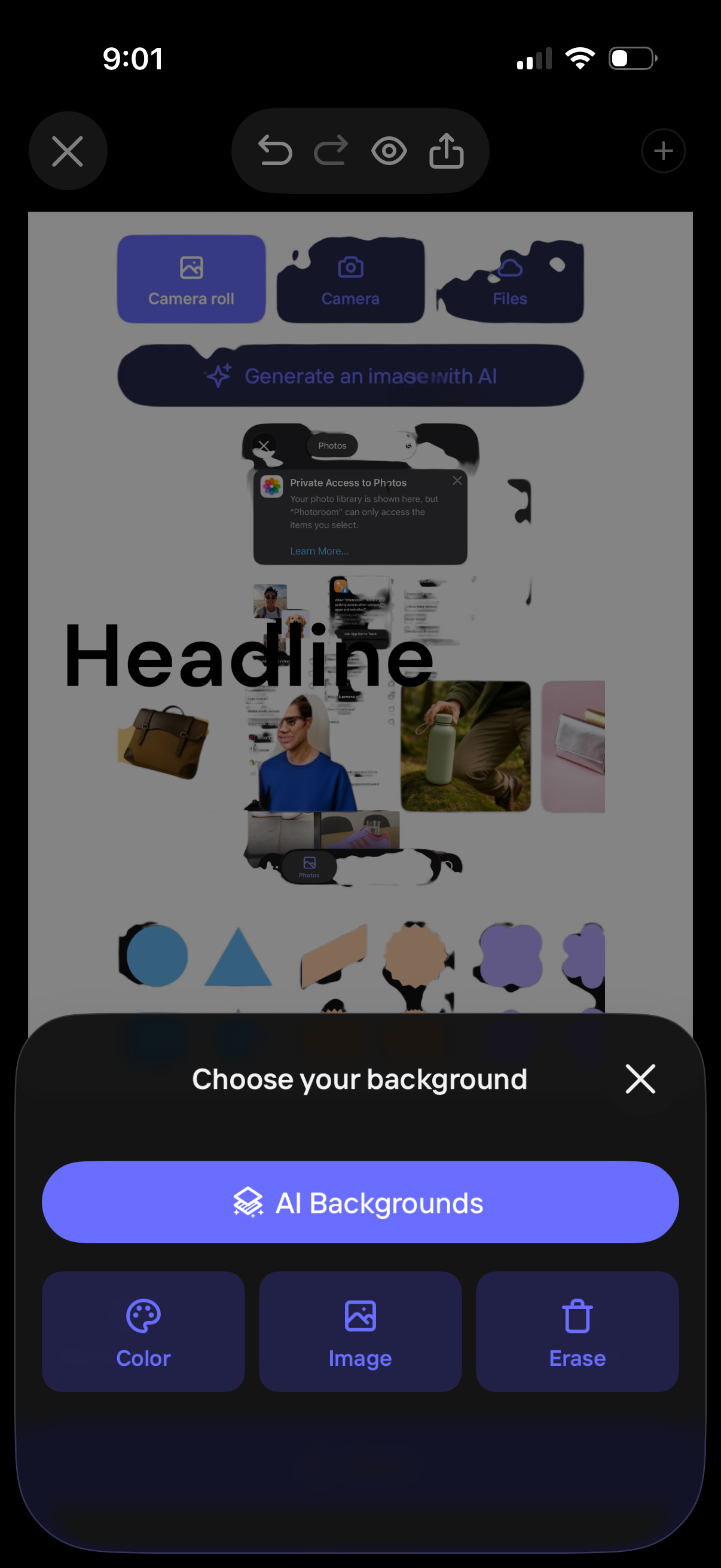
A design editor screen showing a bottom sheet to “Choose your background,” with options for AI-generated backgrounds plus tools to set a solid color, pick an image, or erase the current background. The canvas is visible behind the modal, and the top bar includes controls like close, undo/redo, preview, and share.
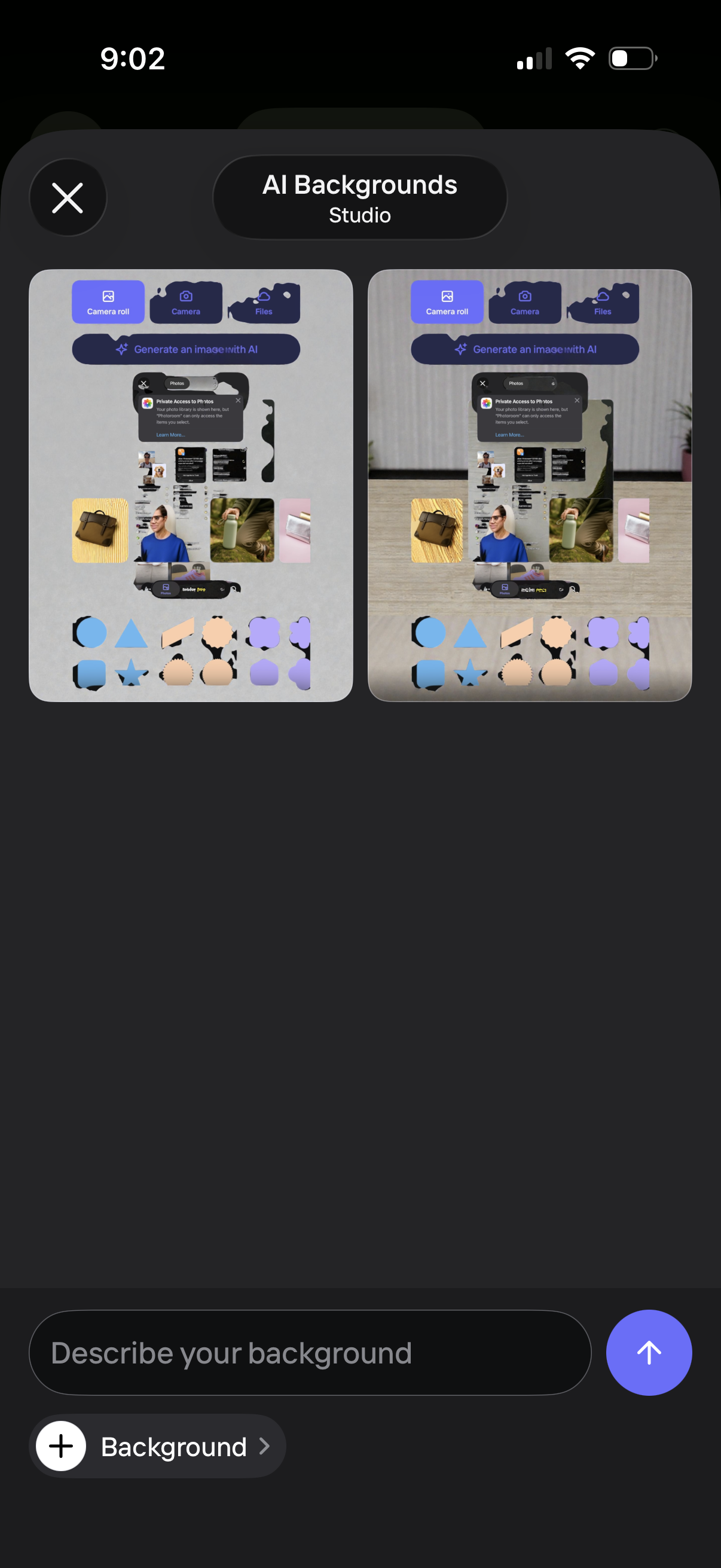
AI background generator studio screen showing two preview options of generated backgrounds and controls to import an image from camera roll, camera, or files. Users can type a prompt in “Describe your background” with a send button and access background settings via a bottom toolbar, with a close button to exit.

Photo selection screen for choosing an image source, with tabs for Camera roll, Camera, Files, and an option to generate an image with AI. Shows a grid of recent photos and a primary “Use image” call-to-action to confirm the selected photo, with a close button to exit.
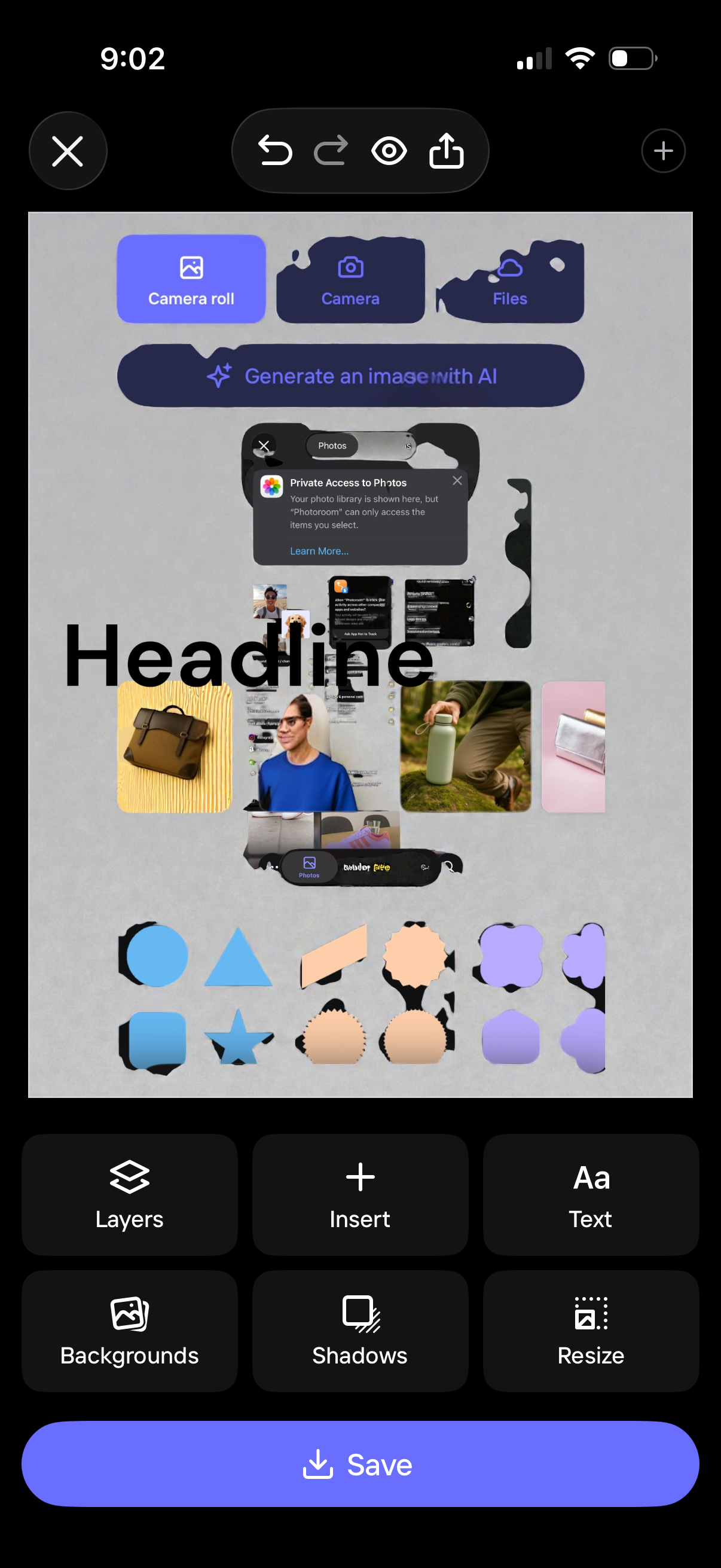
Mobile graphic design editor canvas showing a headline layout with inserted photos and decorative shapes, with tools to add layers, insert elements, add text, change backgrounds, apply shadows, resize, and save. The top panel lets users import assets from camera roll, camera, or files, or generate an image with AI, with undo/redo, preview, and share controls.