add text to design
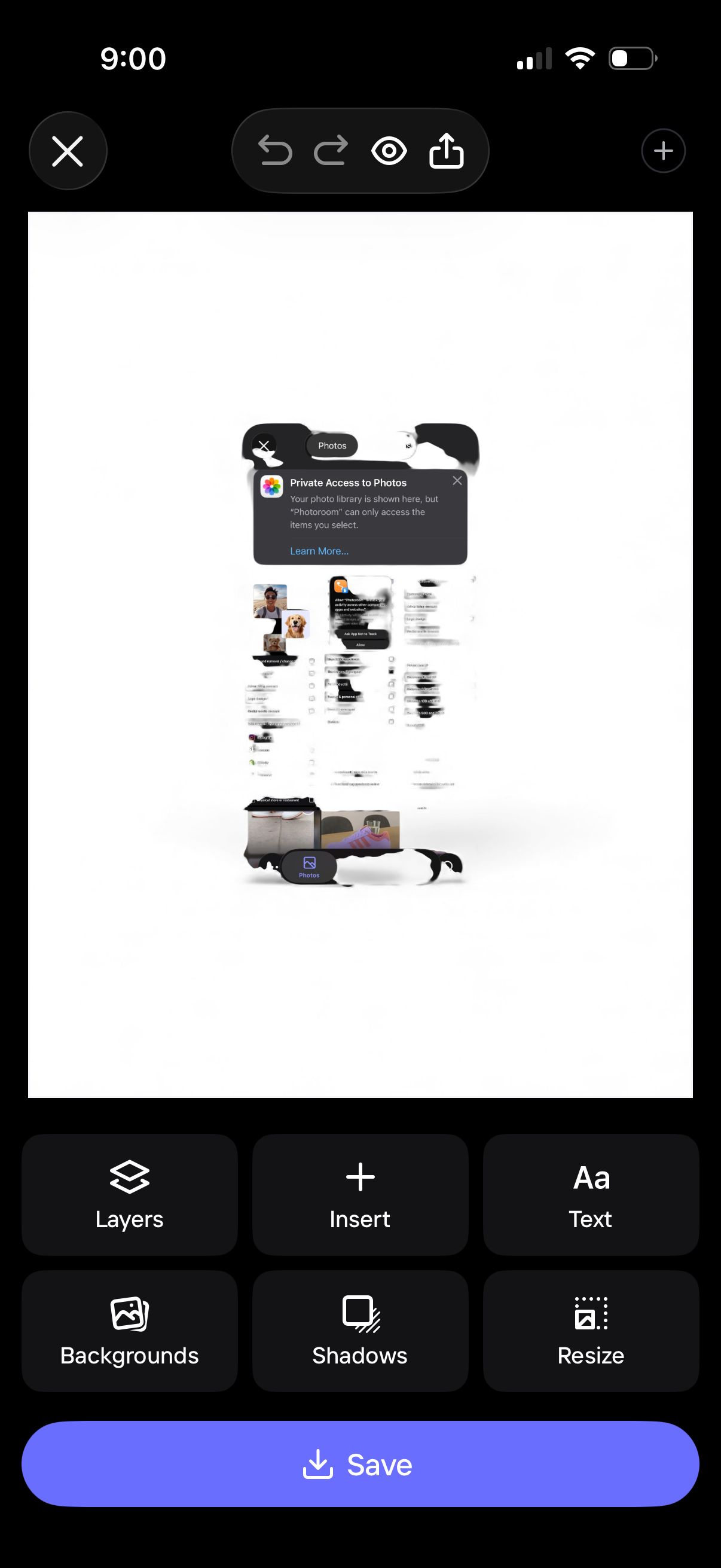
Mobile design editor screen showing a canvas preview with photo insertion and editing controls, including undo/redo, preview, and share. Bottom toolbar provides actions like layers, insert, add text, backgrounds, shadows, and resize, with a primary Save button to export the design.
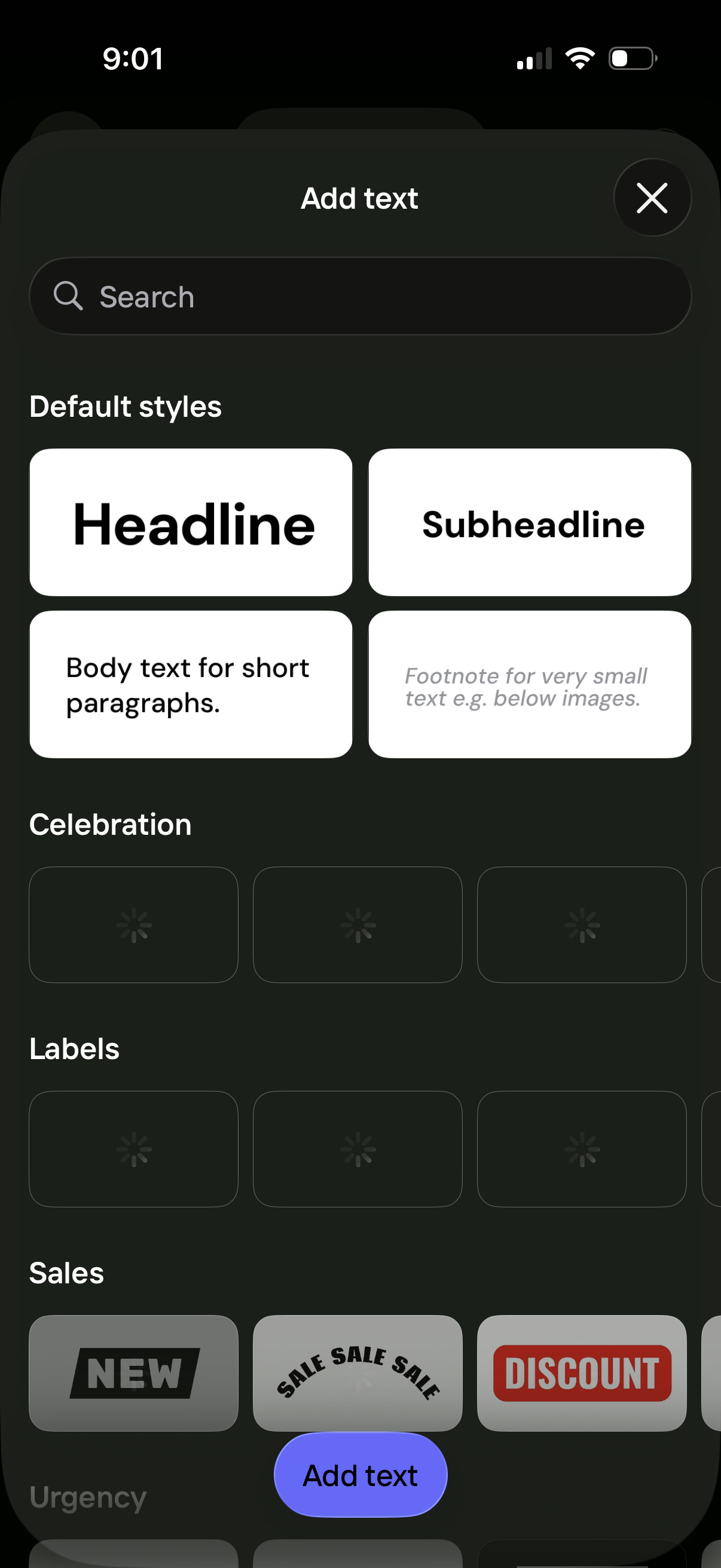
Text overlay picker screen for a story/post editor showing a searchable library of text templates and styles (headline, subheadline, body, footnote) plus themed categories like celebration, labels, and sales stickers. Users can browse and select a preset and tap “Add text” to insert it, or close the modal.
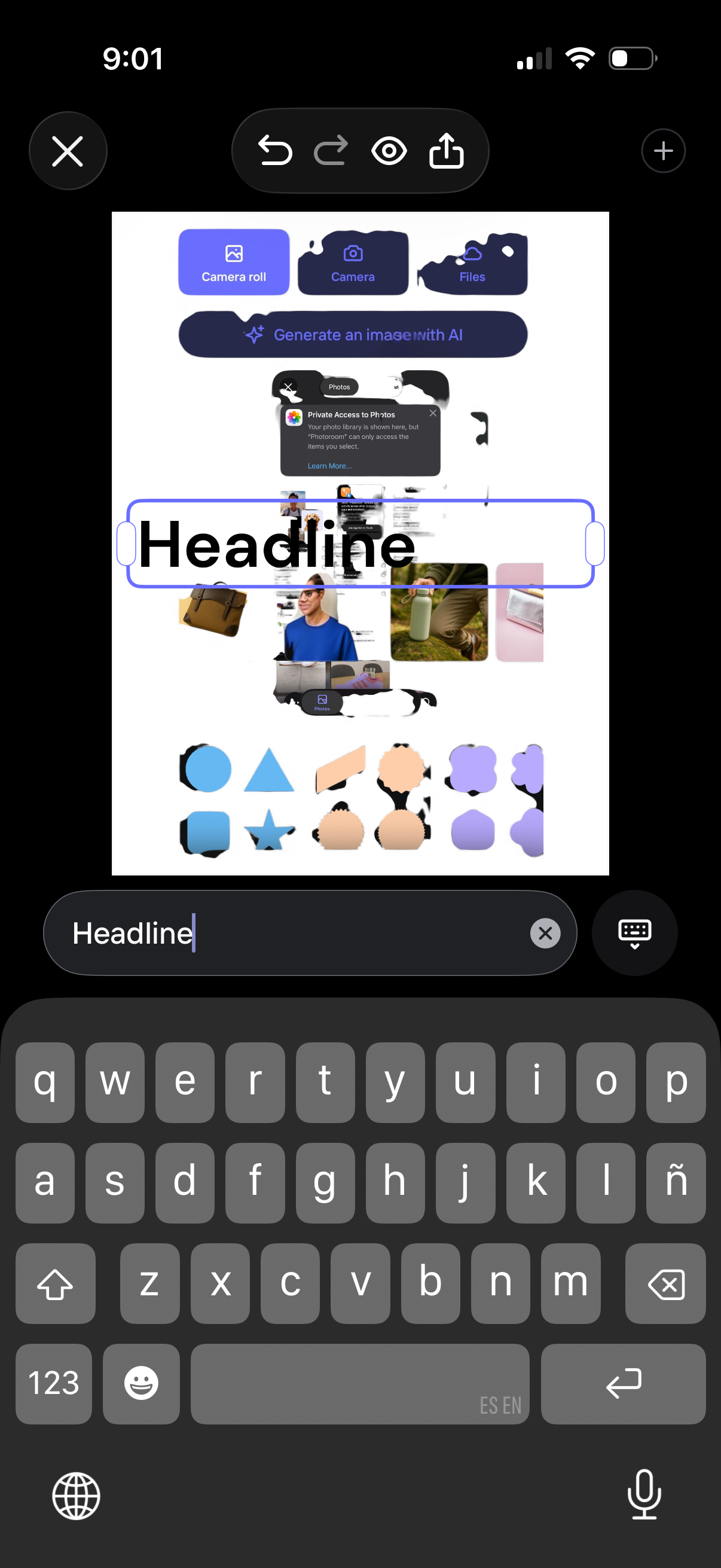
Mobile design editor canvas for creating a graphic with a text layer selected, showing a headline text box with resize handles and an on-screen keyboard for editing the text. The top toolbar includes close, undo/redo, preview, and share actions, with options to add images from camera roll/camera/files or generate an image with AI.