Sign up
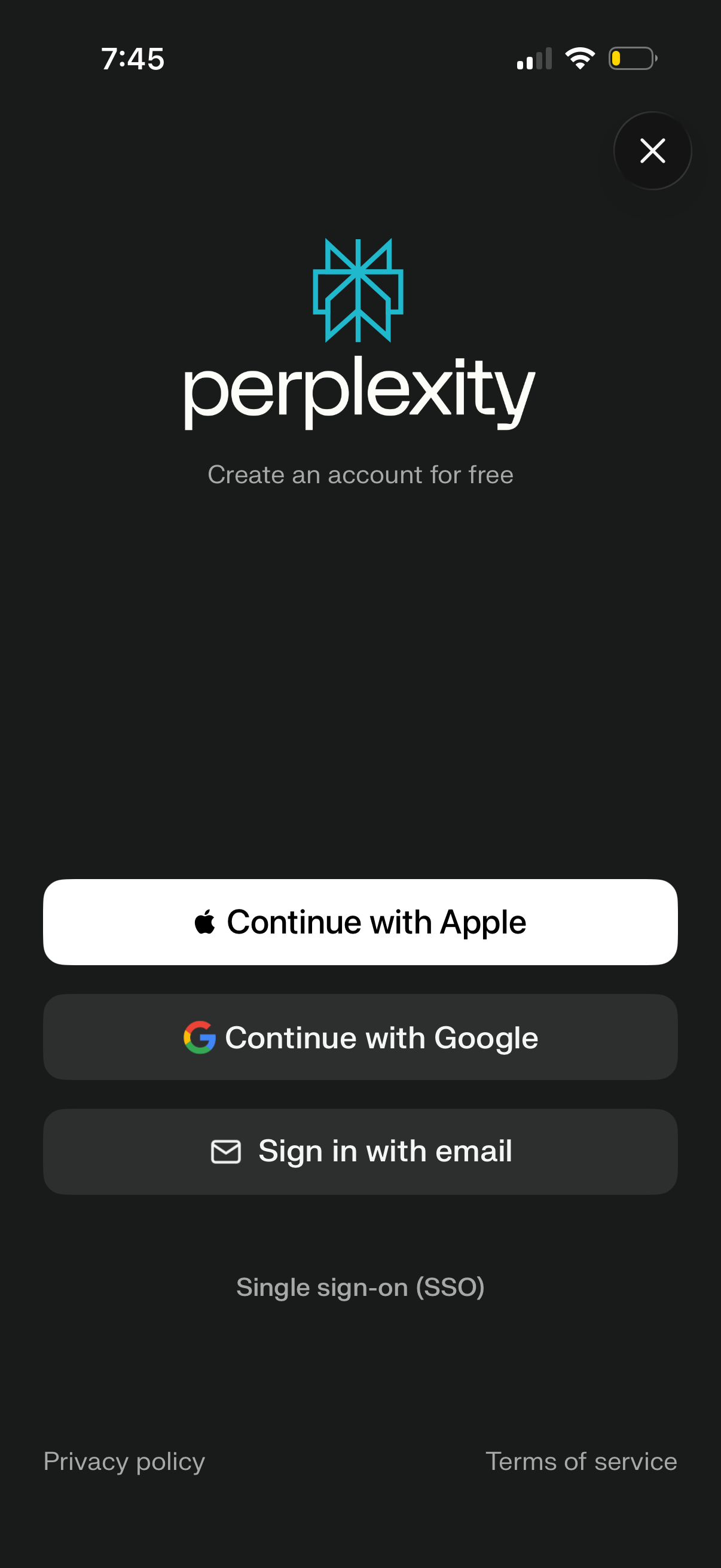
Account creation and sign-in screen prompting users to create a free account, with primary authentication options to continue with Apple, continue with Google, or sign in with email. Includes a link for single sign-on (SSO), an exit/close button, and footer links to privacy policy and terms of service.
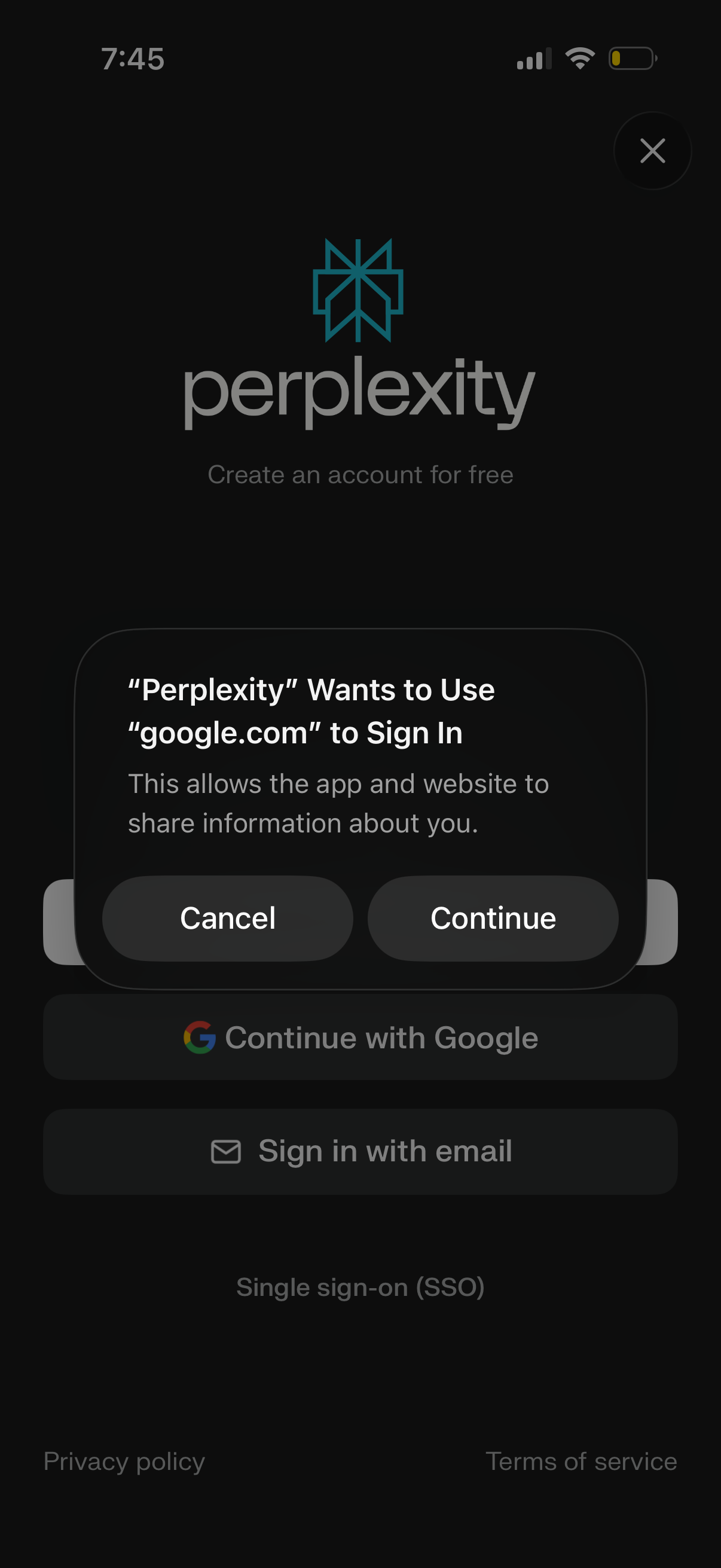
Account creation/sign-in screen showing options to continue with Google SSO or sign in with email, with links to privacy policy and terms. An iOS system consent modal asks to allow the app to use google.
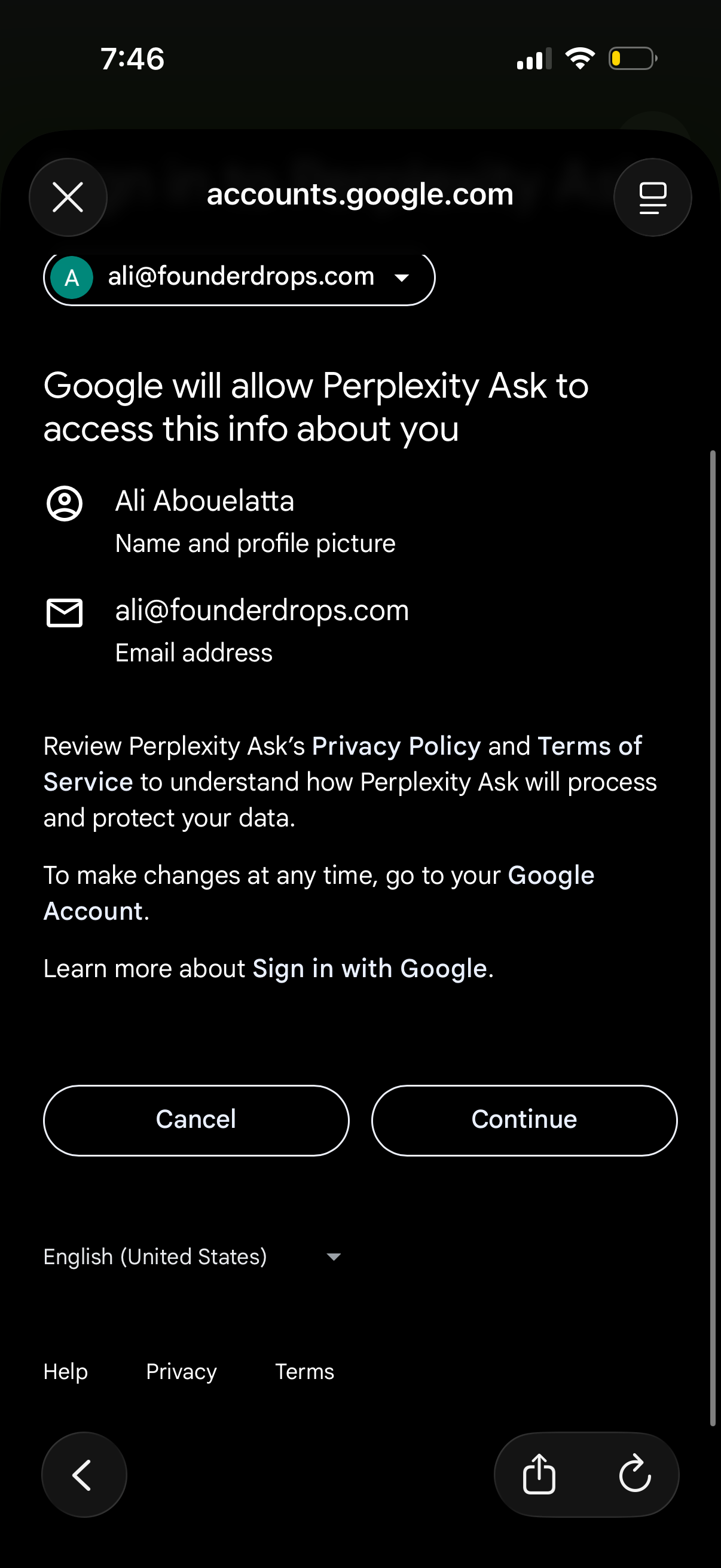
Google Sign-In OAuth consent screen in a mobile web view showing what profile data a third-party app will access (name, profile picture, and email address), with links to privacy/terms and primary actions to Cancel or Continue for account authorization.
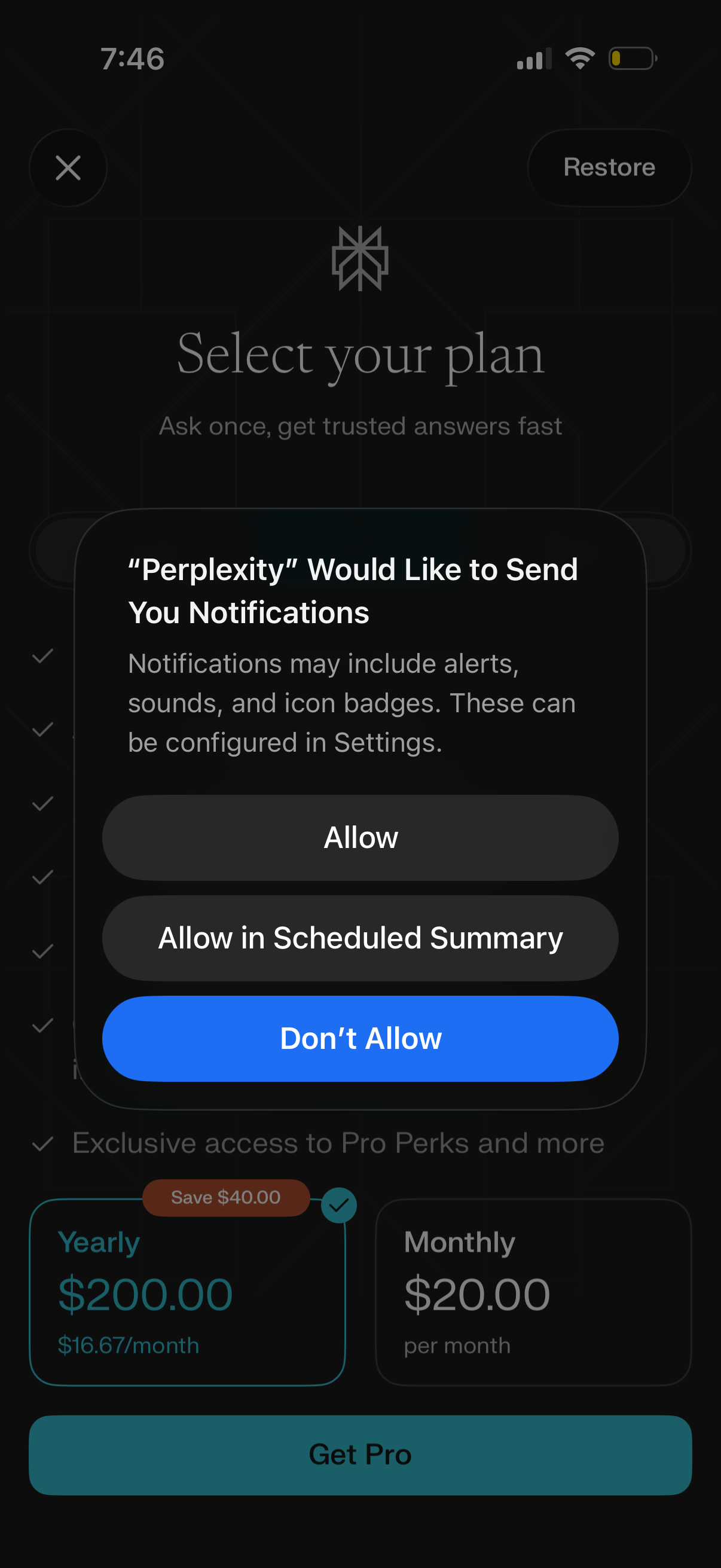
Subscription paywall screen prompting users to select a Pro plan with yearly vs monthly pricing cards, a restore purchases option, and a primary “Get Pro” call to action. An iOS system modal overlays the page requesting permission to send notifications with options to allow, allow in scheduled summary, or don’t allow.
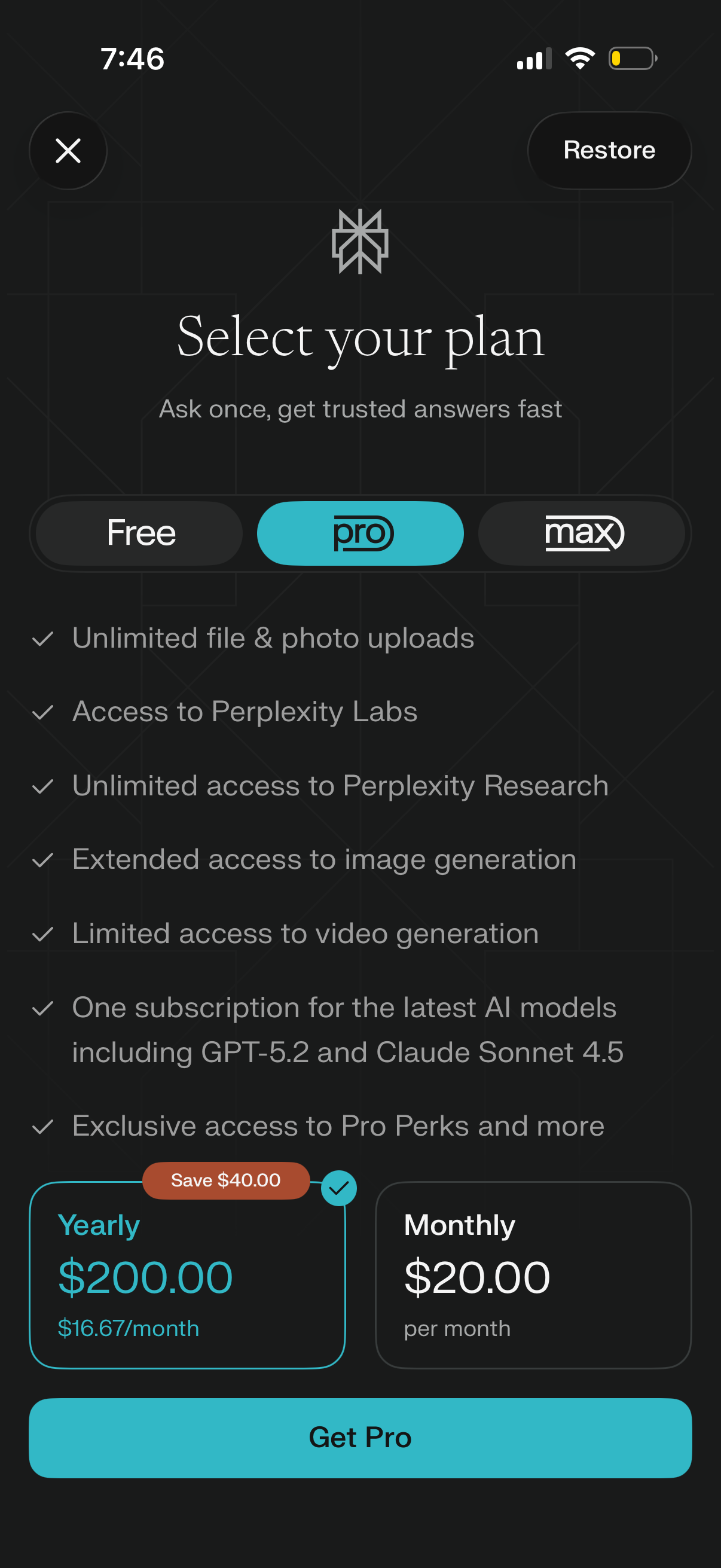
Subscription paywall screen prompting users to select a plan tier (Free, Pro, Max) with a feature checklist highlighting benefits like unlimited uploads, research/labs access, and image/video generation. Users choose a billing option (yearly with savings badge or monthly) and proceed with a primary “Get Pro” CTA, with options to close or restore purchases.
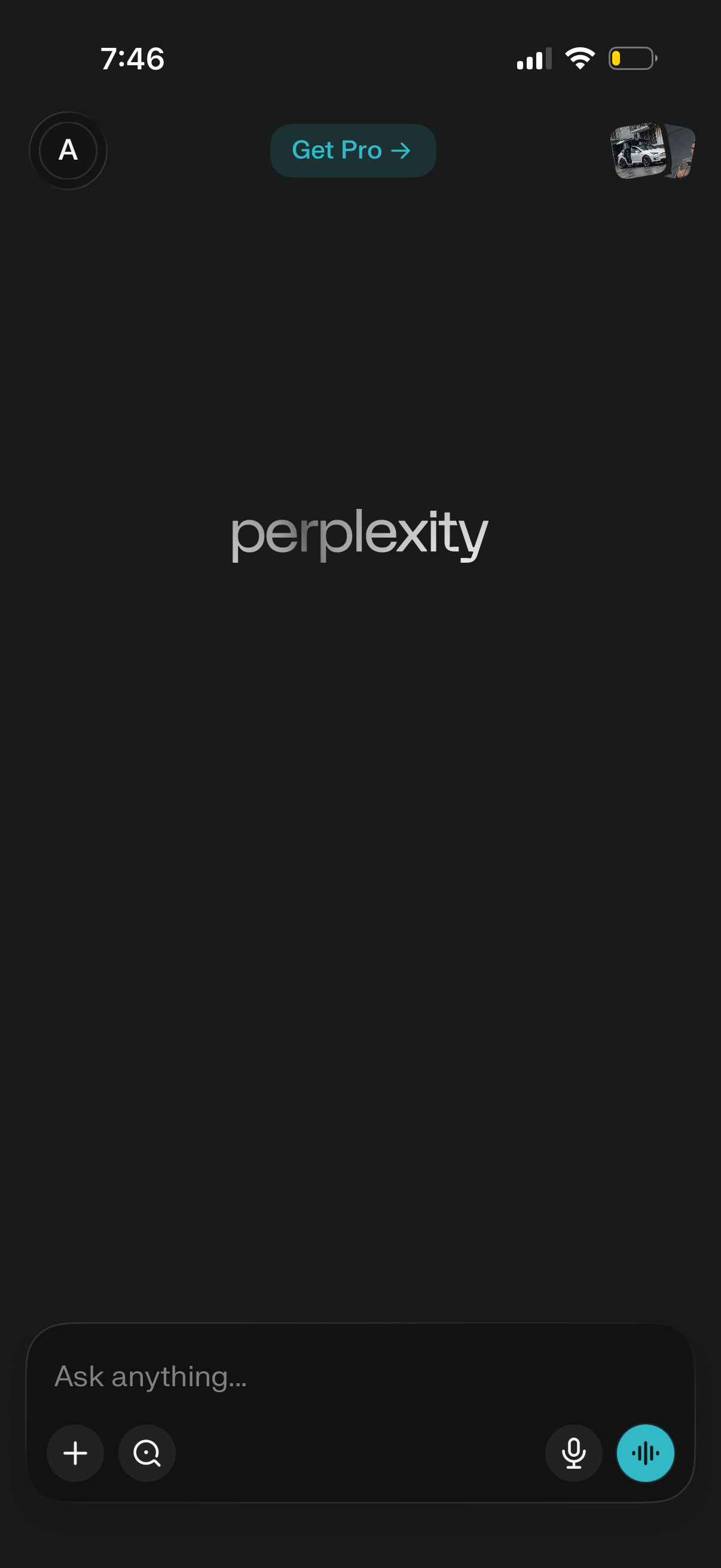
Dark-mode AI search/chat home screen with an “Ask anything” input for typing, plus voice/microphone and audio reply controls and quick action icons. Top navigation includes a profile/avatar menu and a prominent “Get Pro” upgrade button.