Signup
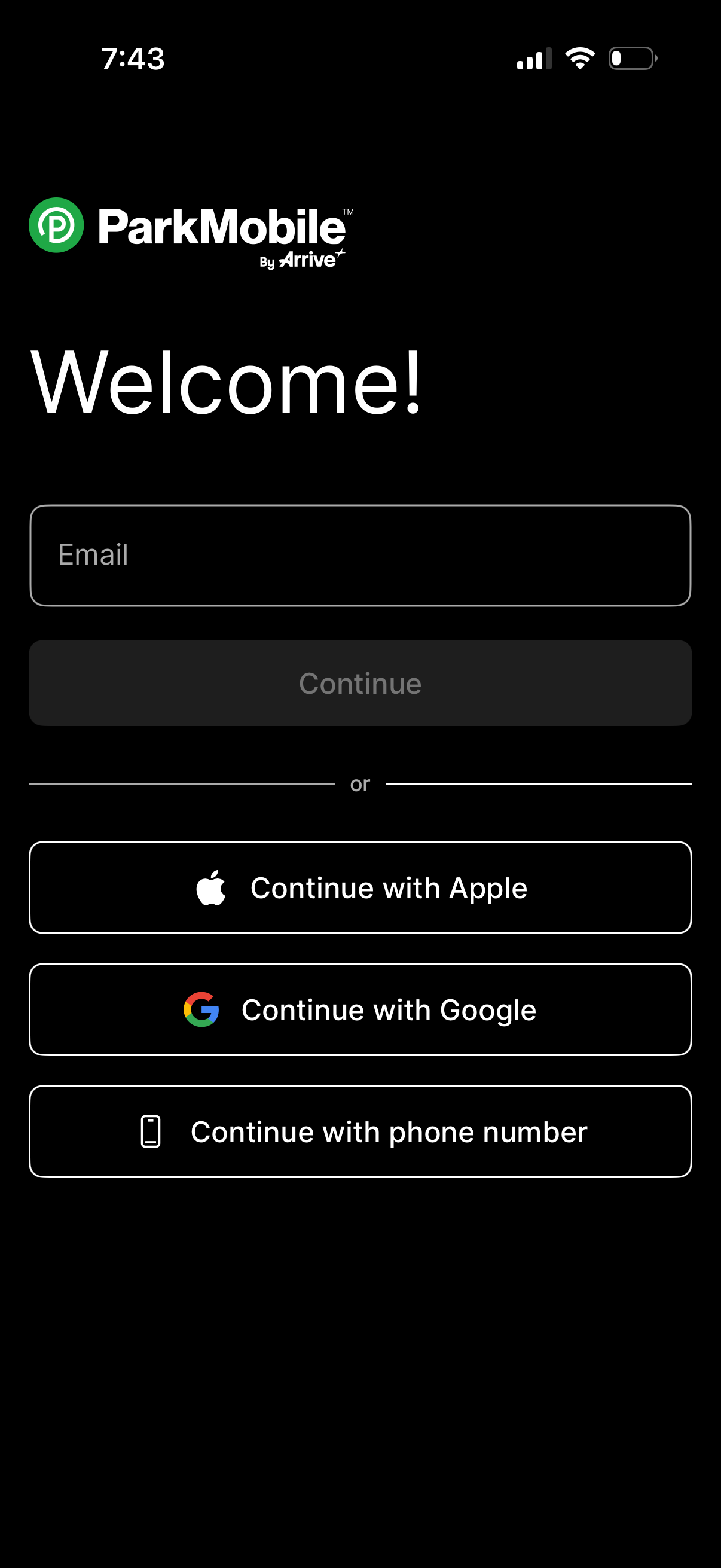
Welcome/login screen for a parking app that lets users enter an email to continue or sign in using Apple, Google, or a phone number, with a primary disabled Continue button and social login options separated by an “or” divider.
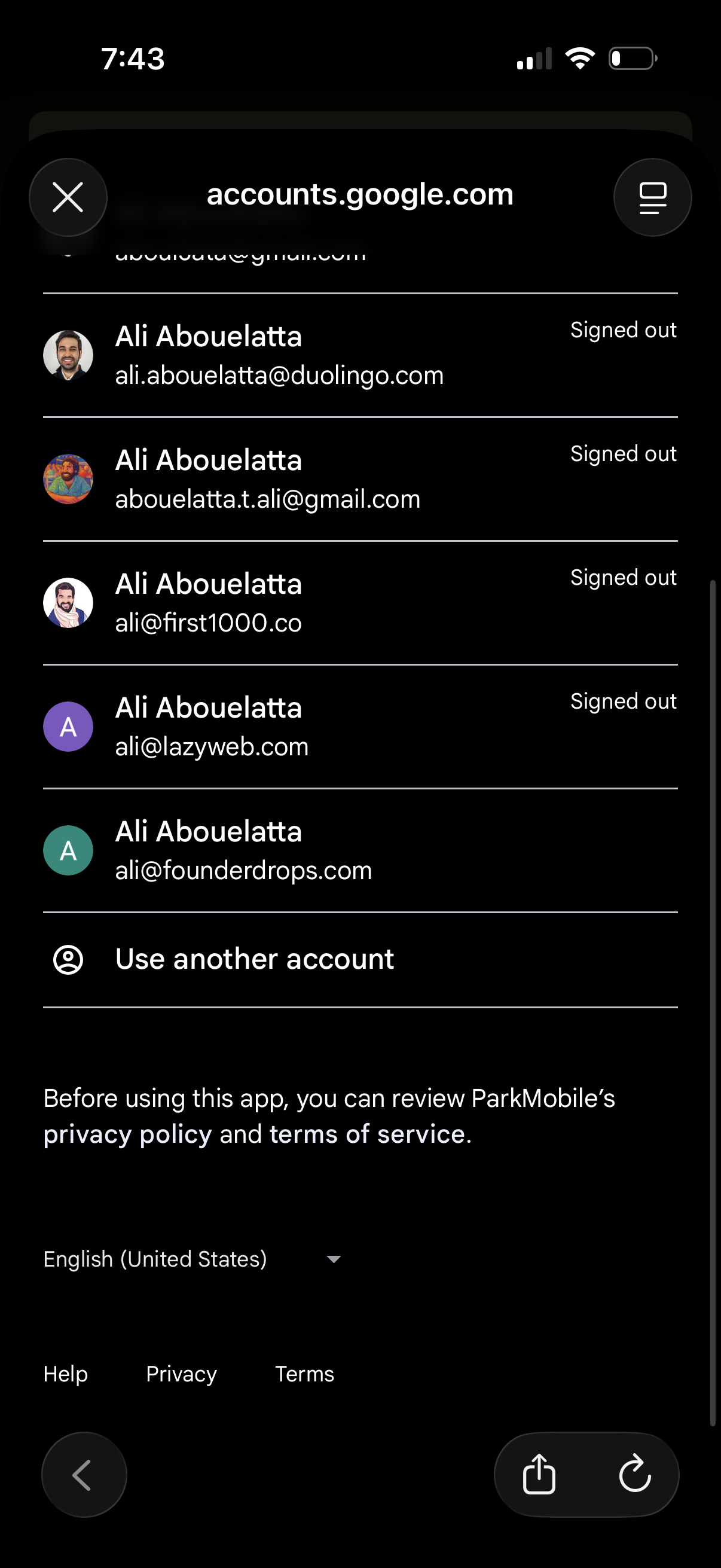
Google account chooser screen for signing in, showing a list of previously used accounts with avatars and “Signed out” status plus an option to “Use another account. ” Includes language selector and links to help, privacy, and terms as part of the OAuth login/SSO flow in an in-app browser.
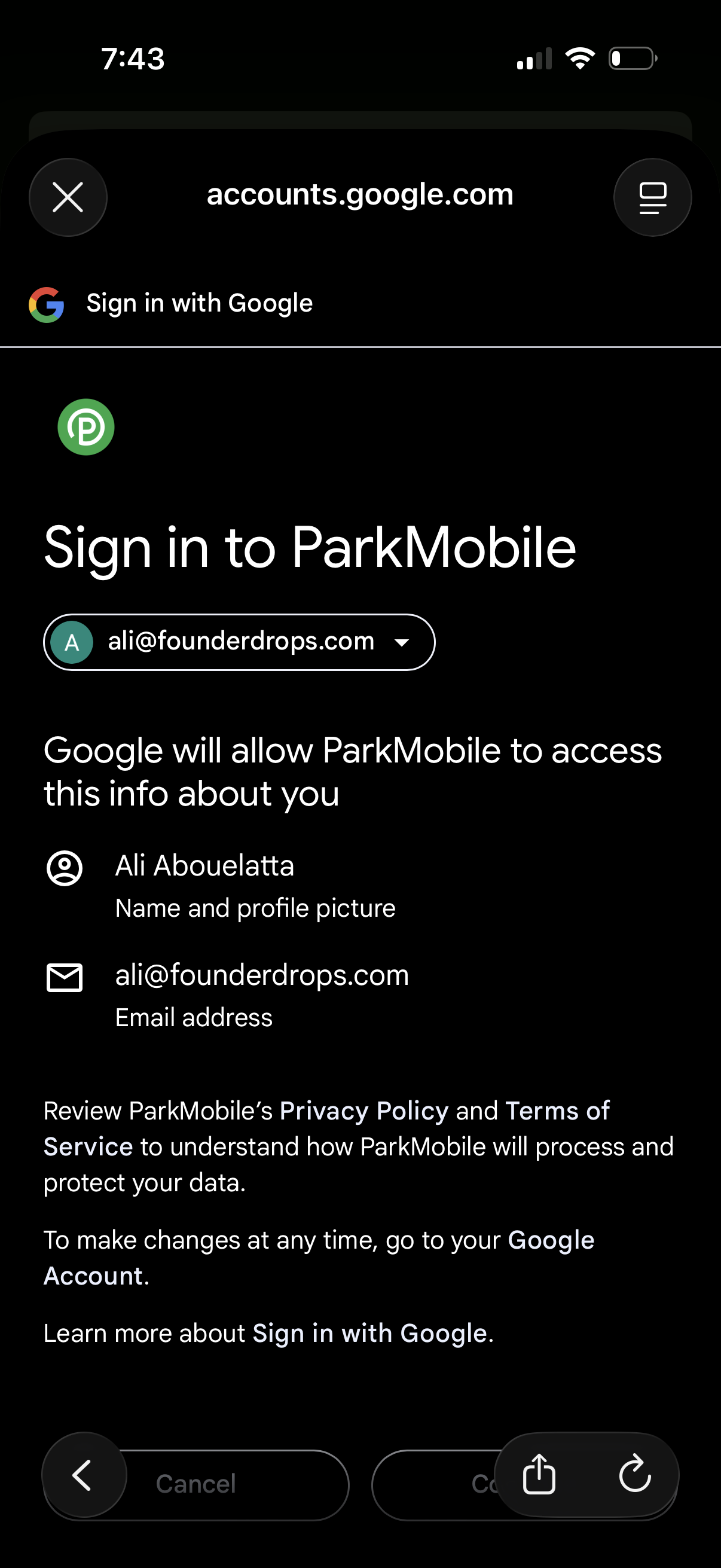
Google OAuth “Sign in with Google” consent screen for logging into an app, showing the selected Google account dropdown and the permissions/data the app will access (profile name/photo and email address). Includes actions to continue/approve or cancel the sign-in and links to privacy policy/terms information.
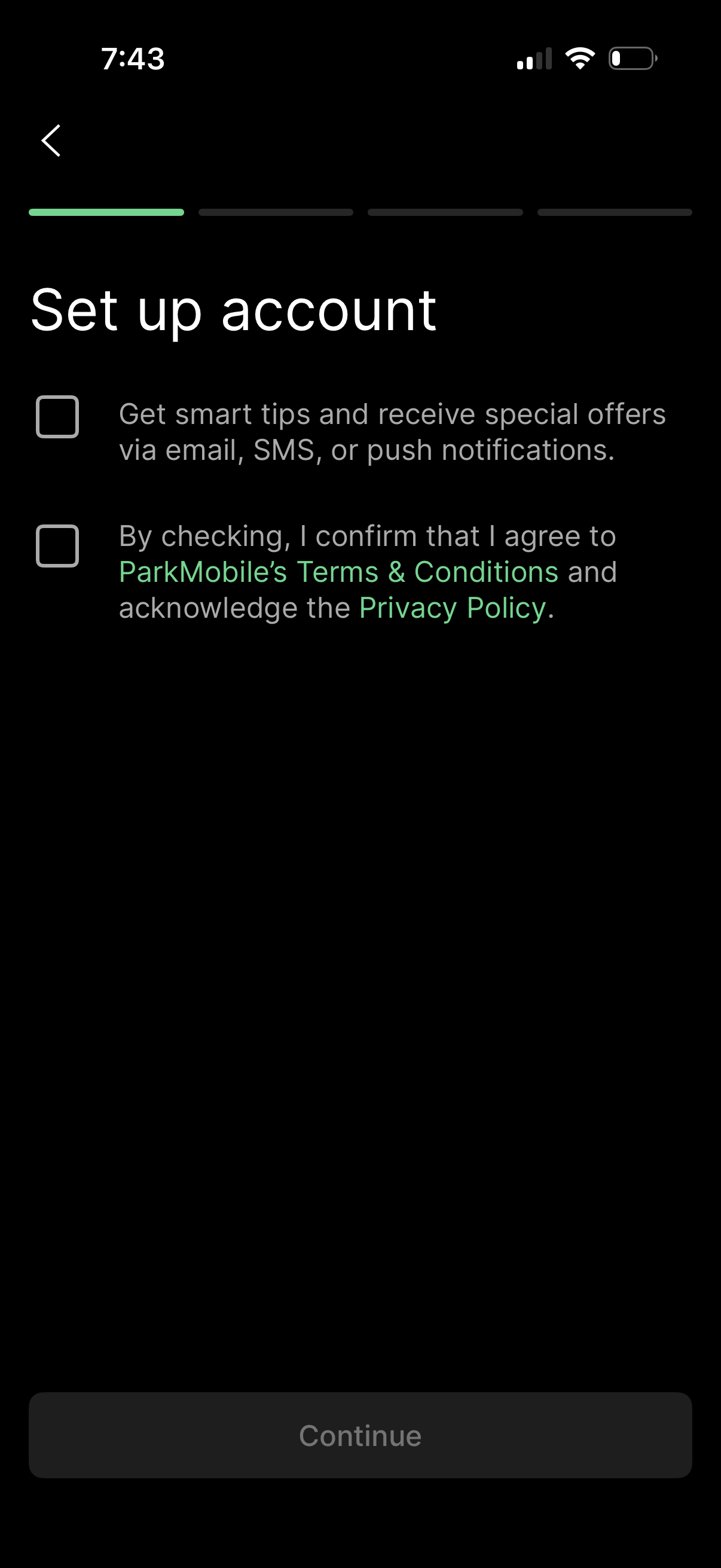
Account setup step in an onboarding flow with opt-in checkboxes for marketing communications (email/SMS/push) and mandatory agreement to Terms & Conditions and Privacy Policy via linked text. A progress indicator and back button are shown, with a disabled Continue button until requirements are met.
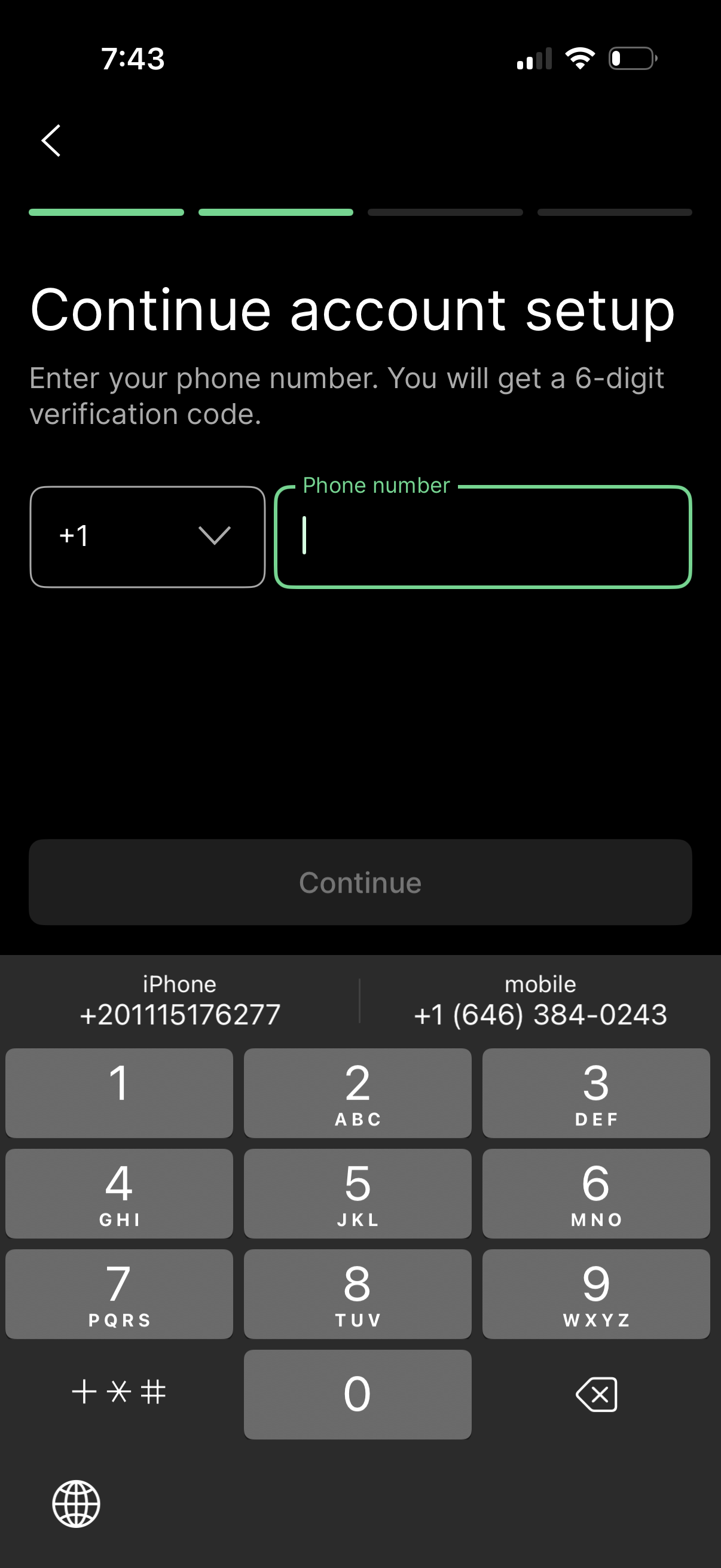
Account setup screen prompting the user to enter a phone number for SMS verification, with a country code dropdown and phone number input field. Includes a progress indicator, back navigation, and a disabled Continue button that becomes active after valid entry to receive a 6-digit code.
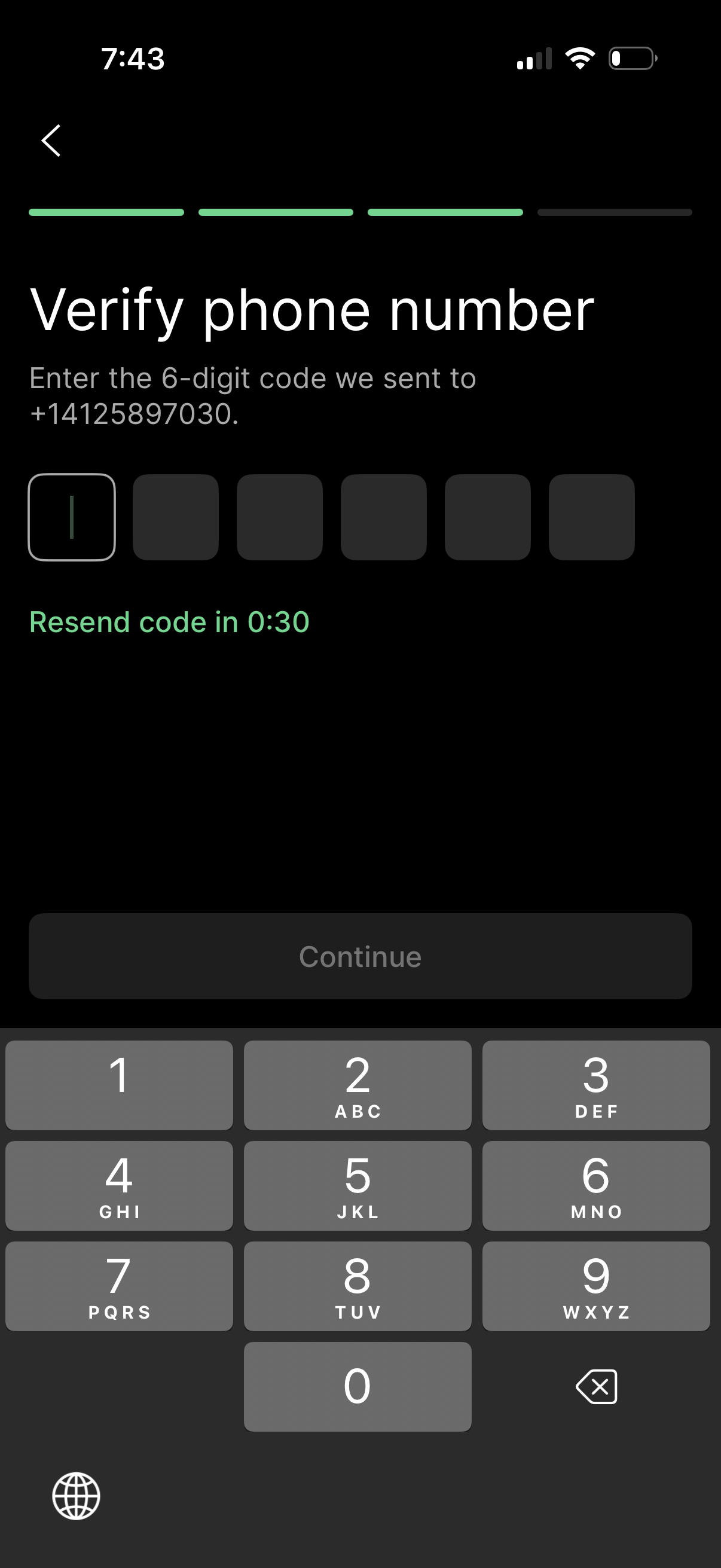
Phone number verification screen prompting the user to enter a 6-digit SMS code in segmented input fields, with a disabled Continue button until completion. Includes a resend code countdown timer and a back navigation option as part of an onboarding/authentication flow.
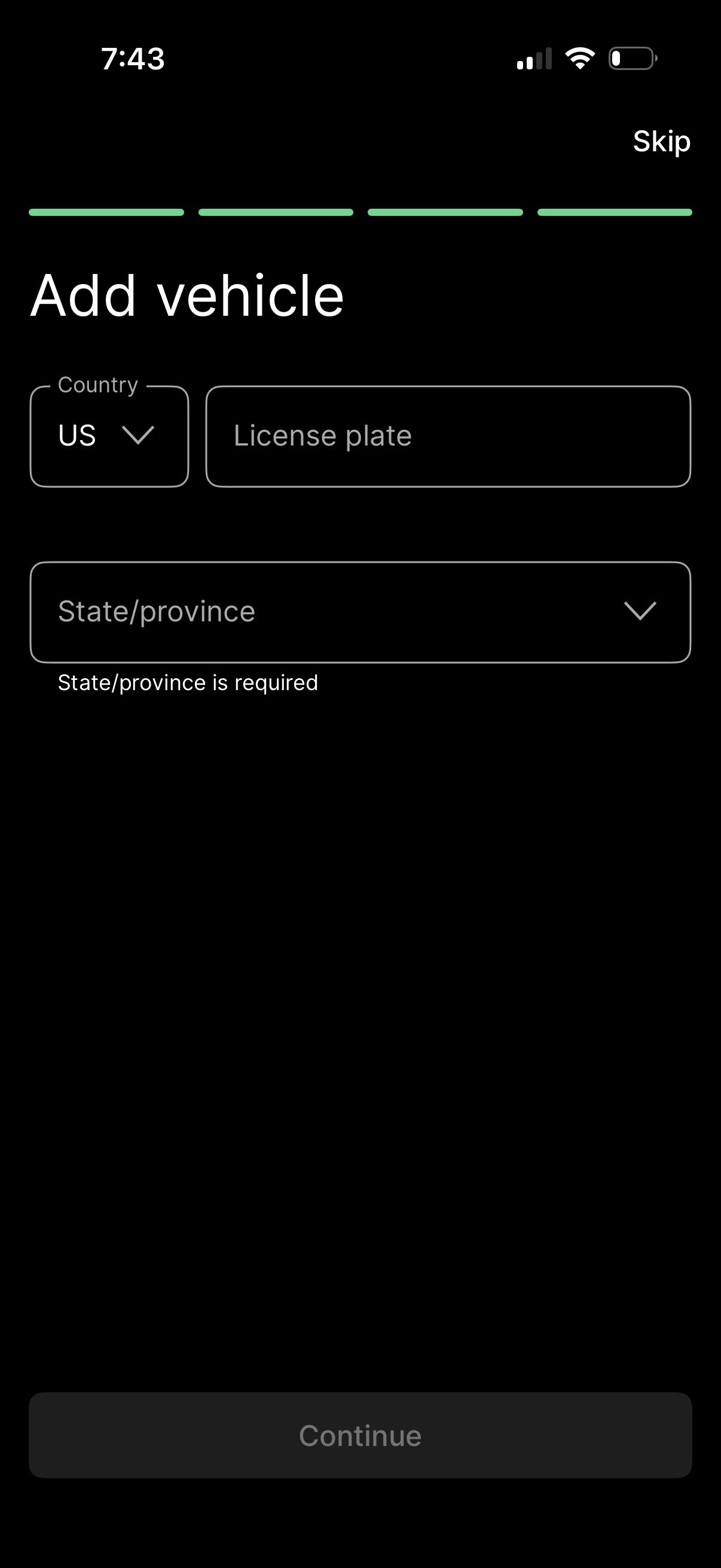
Vehicle onboarding form screen for adding a car, with fields to select country, enter license plate number, and choose state/province via dropdown. Includes a step progress indicator, a Skip option, inline validation error for required state/province, and a disabled Continue button until the form is completed.