ask ai chat about
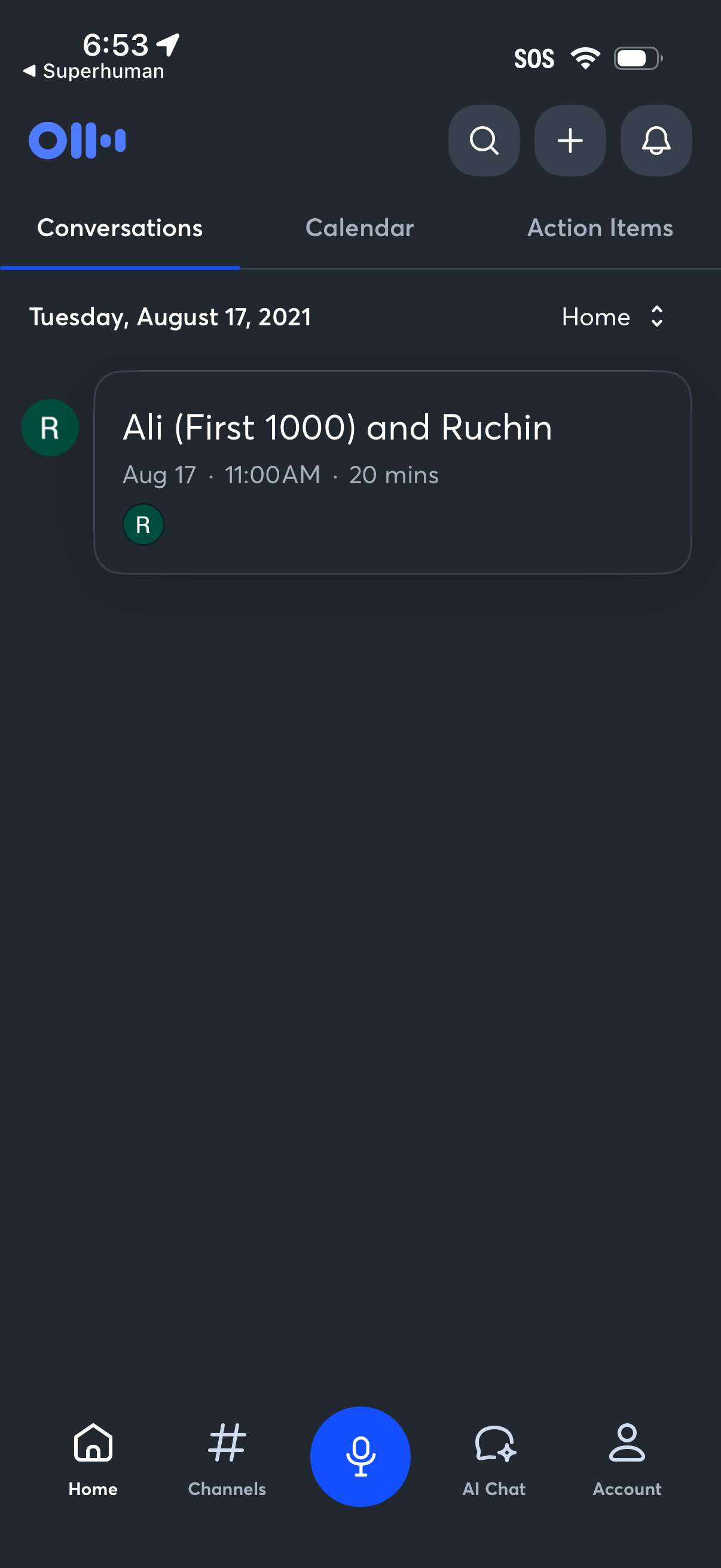
Home dashboard of a voice-first productivity app showing tabbed sections for Conversations, Calendar, and Action Items, with a dated list of meetings including time and duration. Top actions include search, add/new, and notifications, plus a bottom navigation bar with Home, Channels, a large microphone button for voice input, AI Chat, and Account.
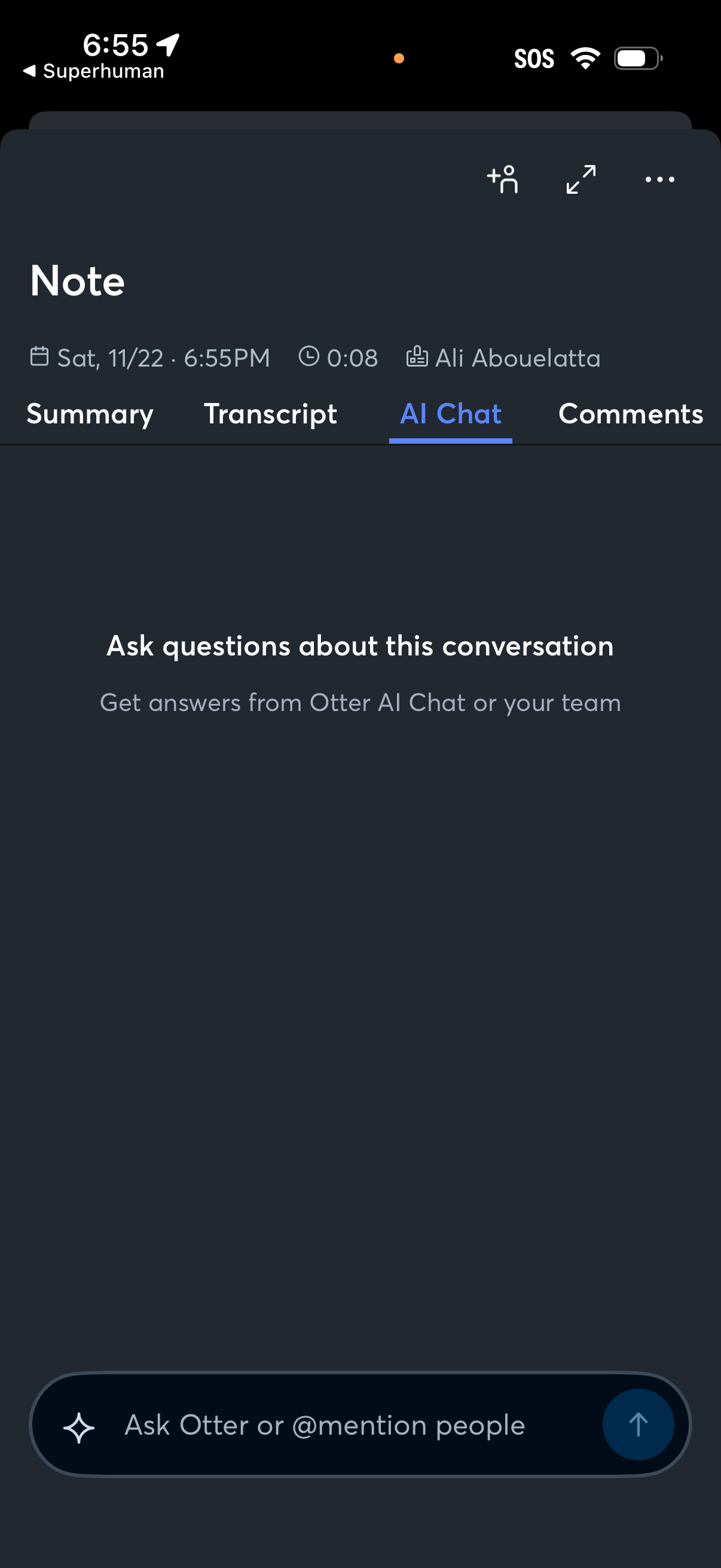
Conversation note details screen for a recorded meeting, showing tabs for Summary, Transcript, AI Chat, and Comments plus metadata like date/time and duration. The AI Chat tab lets users ask questions about the conversation with a message input to query the AI or mention teammates, with options to add participants and open more actions.
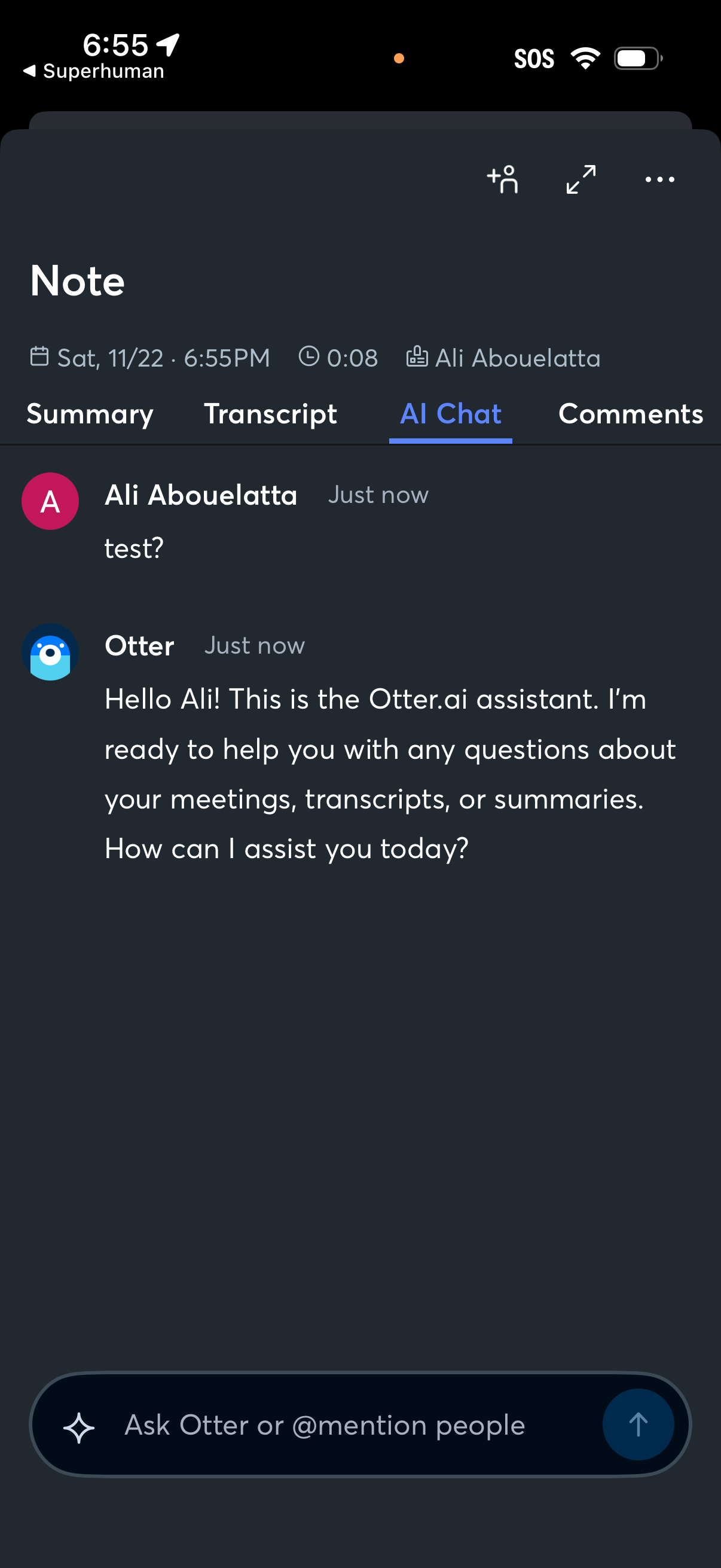
Meeting note detail screen with tabs for Summary, Transcript, AI Chat, and Comments, currently showing an AI assistant chat thread tied to a recorded meeting. Users can message the assistant in an input bar to ask questions about the meeting, transcript, or summary, and access share/collaborator and more actions from the top bar.