
World clock time zones list showing multiple cities with current local times, day offsets, and time zone abbreviations, with each row tappable for details. Includes an add (+) action to add a city and a “Time Travel” slider with reset to preview times across zones.
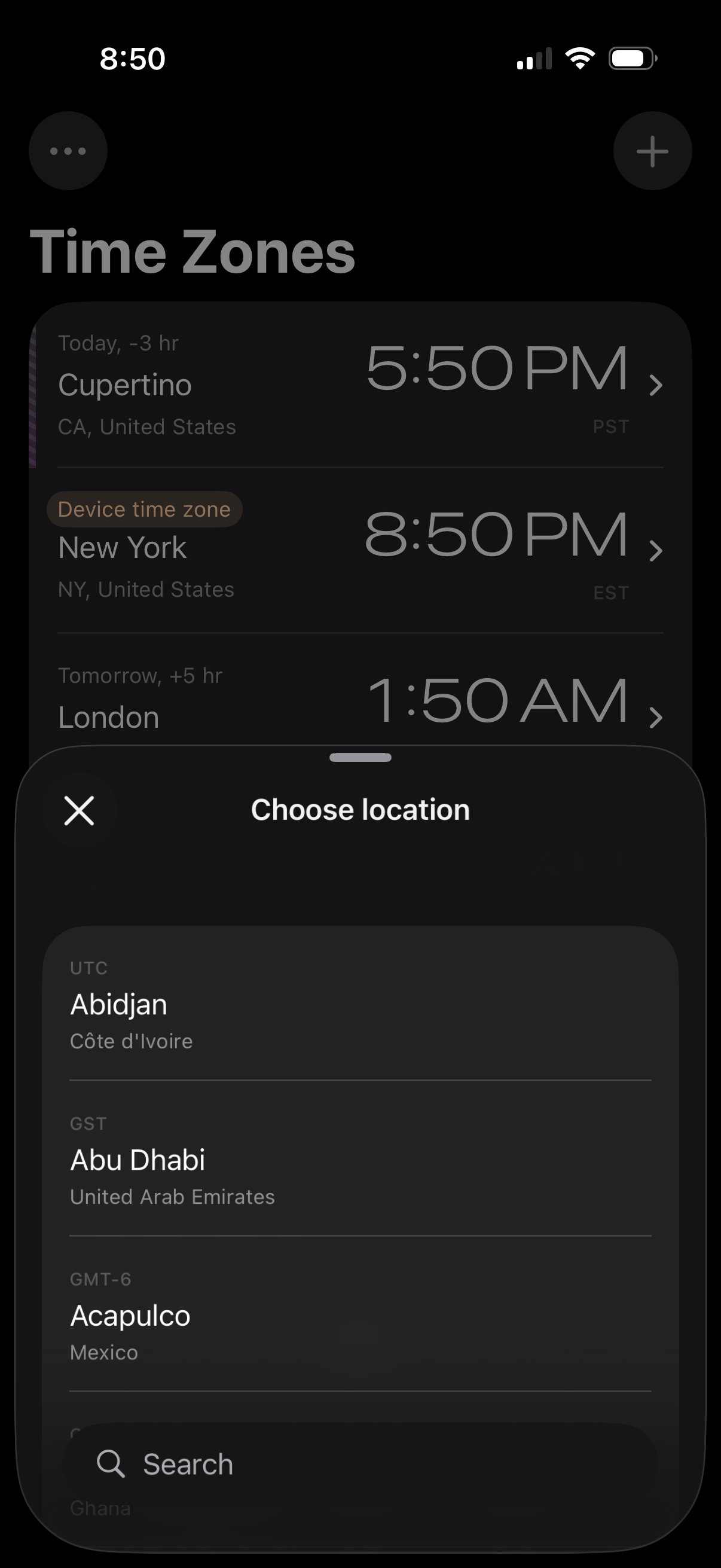
World clock time zones screen showing a list of saved cities with their current local times and a device time zone label. A bottom sheet modal lets the user choose a new location by browsing a city list and using search, with close and add controls.
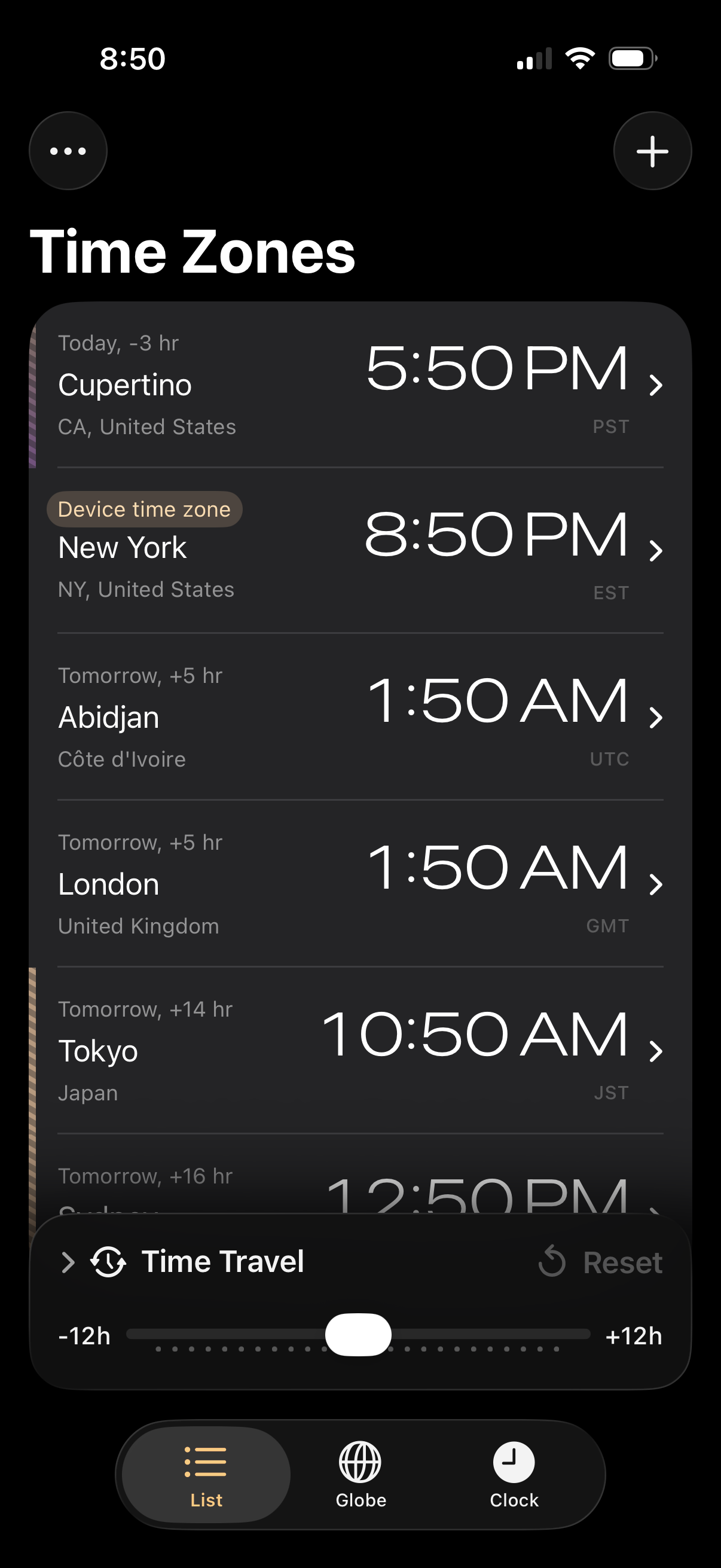
World clock time zones list screen showing multiple cities with current local time, date offset, and timezone abbreviation, with a plus button to add locations and a menu for options. Includes a “Time Travel” scrubber slider with reset to preview times across all selected zones.