Sign up
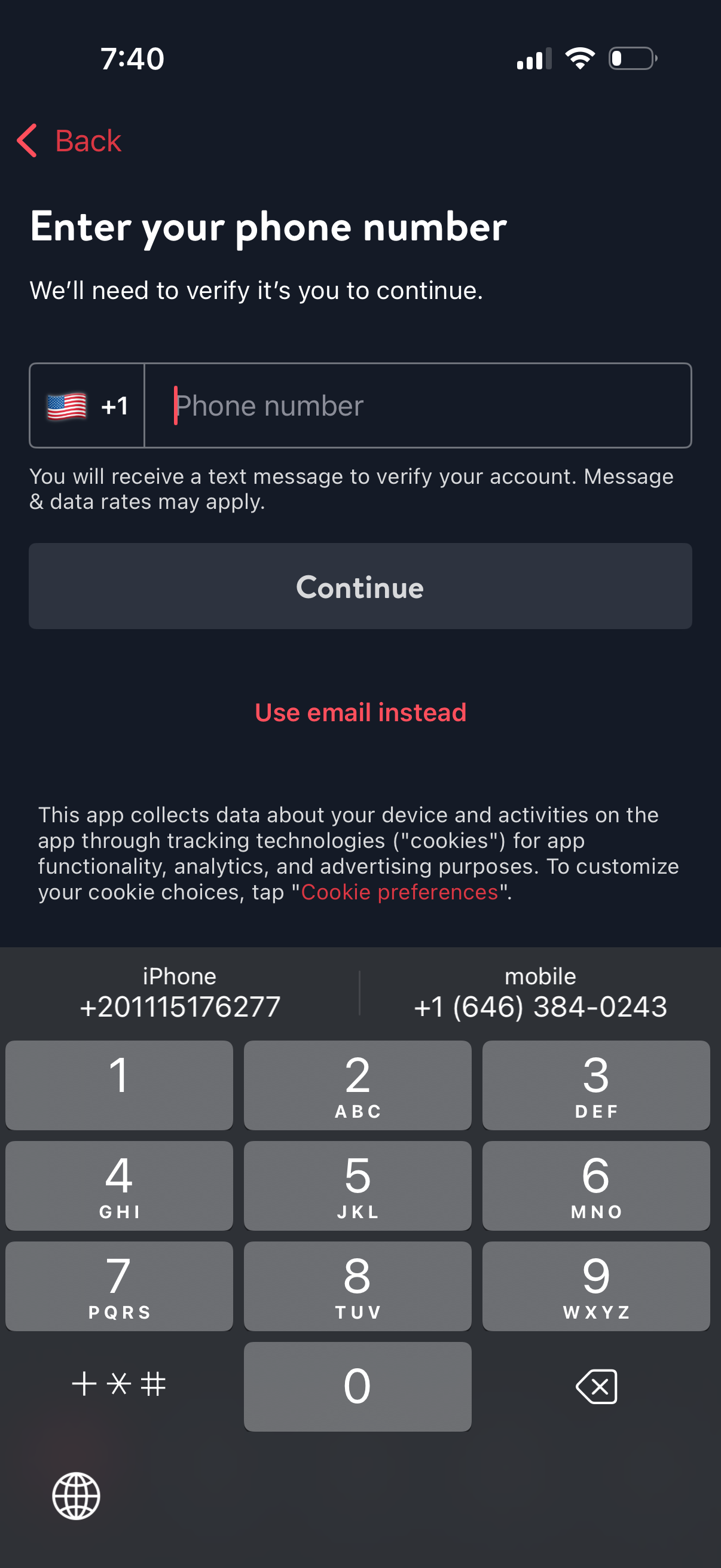
Phone number verification sign-in screen prompting the user to enter a mobile number with country code selector to receive an SMS confirmation. Includes a primary Continue button, a “Use email instead” alternative login option, back navigation, and disclosure about messaging rates and cookie/tracking preferences.
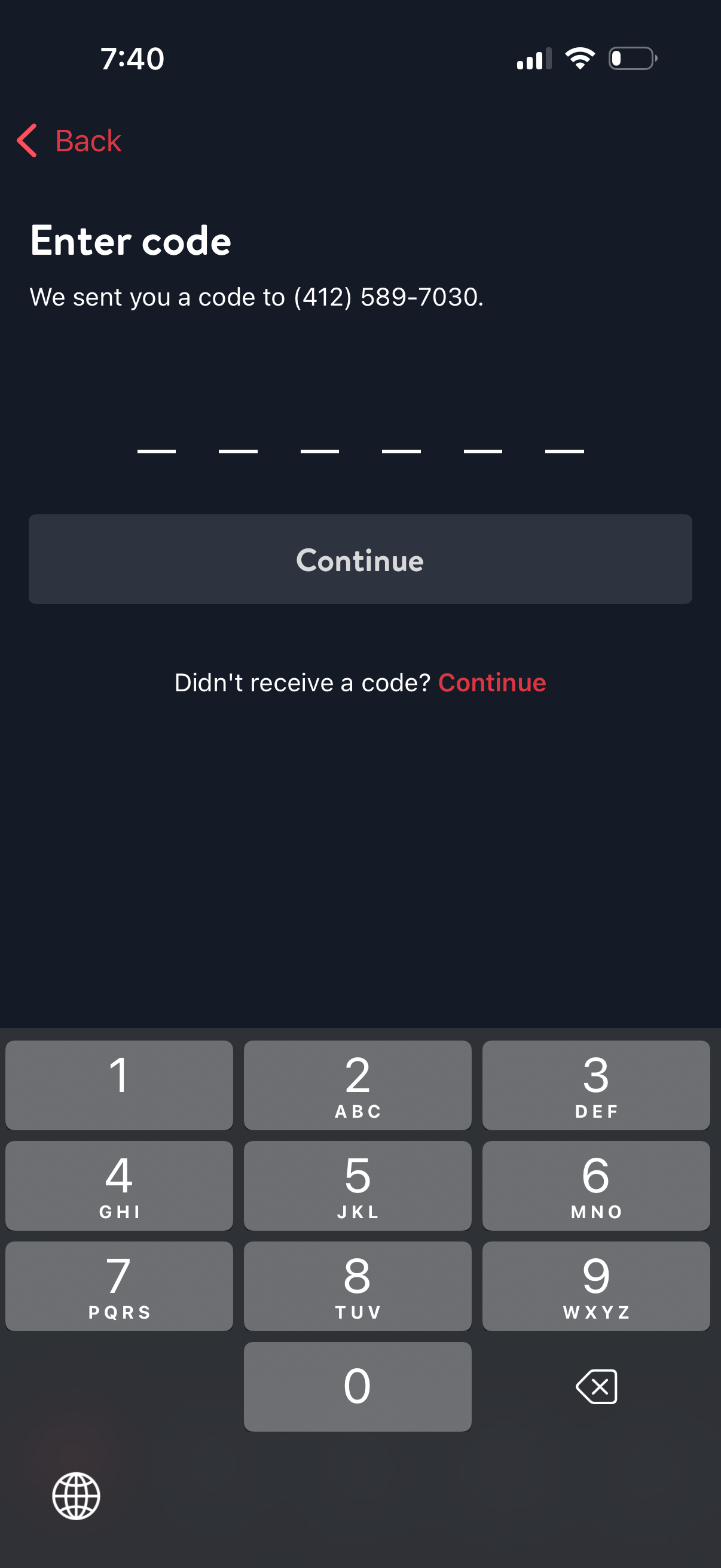
Phone number verification OTP screen prompting the user to enter a 6-digit code sent via SMS, with a numeric keypad and a primary Continue button to submit. Includes back navigation and a “didn’t receive a code?
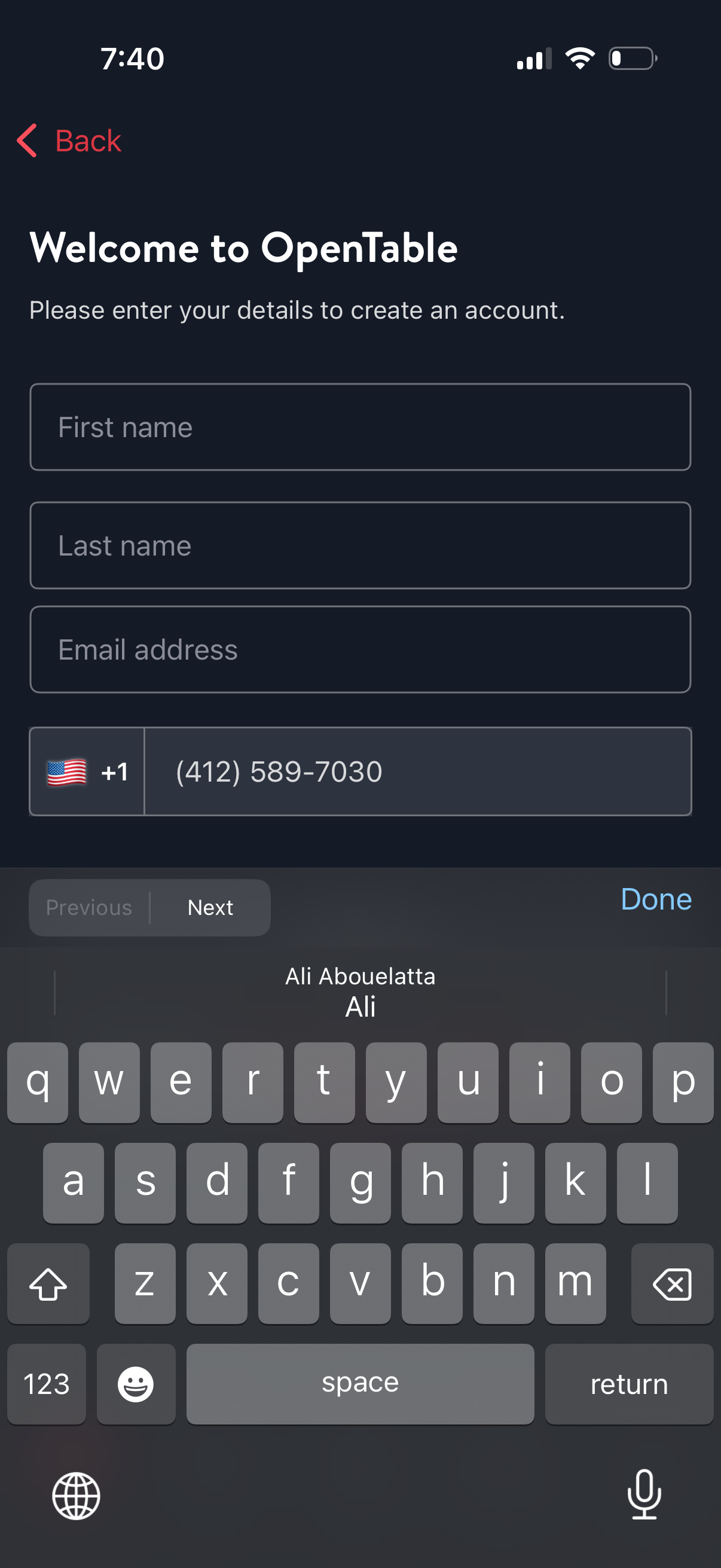
Account sign-up form for creating an OpenTable account, prompting users to enter first name, last name, email address, and phone number with country code selector. Includes back navigation and a Next action to continue registration.
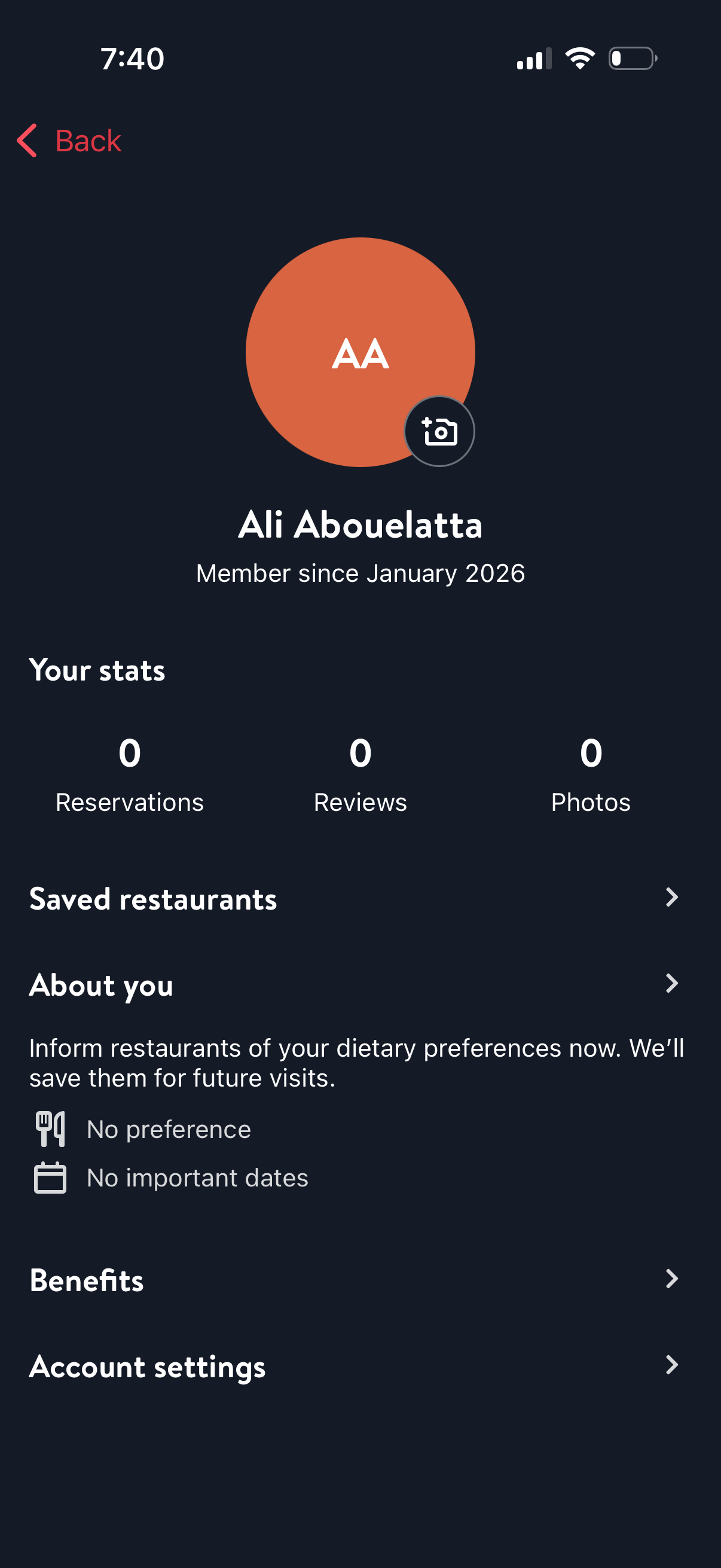
User profile/account overview screen for a restaurant reservations app showing avatar and membership date, plus stats for reservations, reviews, and photos with an option to add/change profile photo. Includes navigation links to saved restaurants, “about you” dietary preferences and important dates, benefits, and account settings.