pick number and view
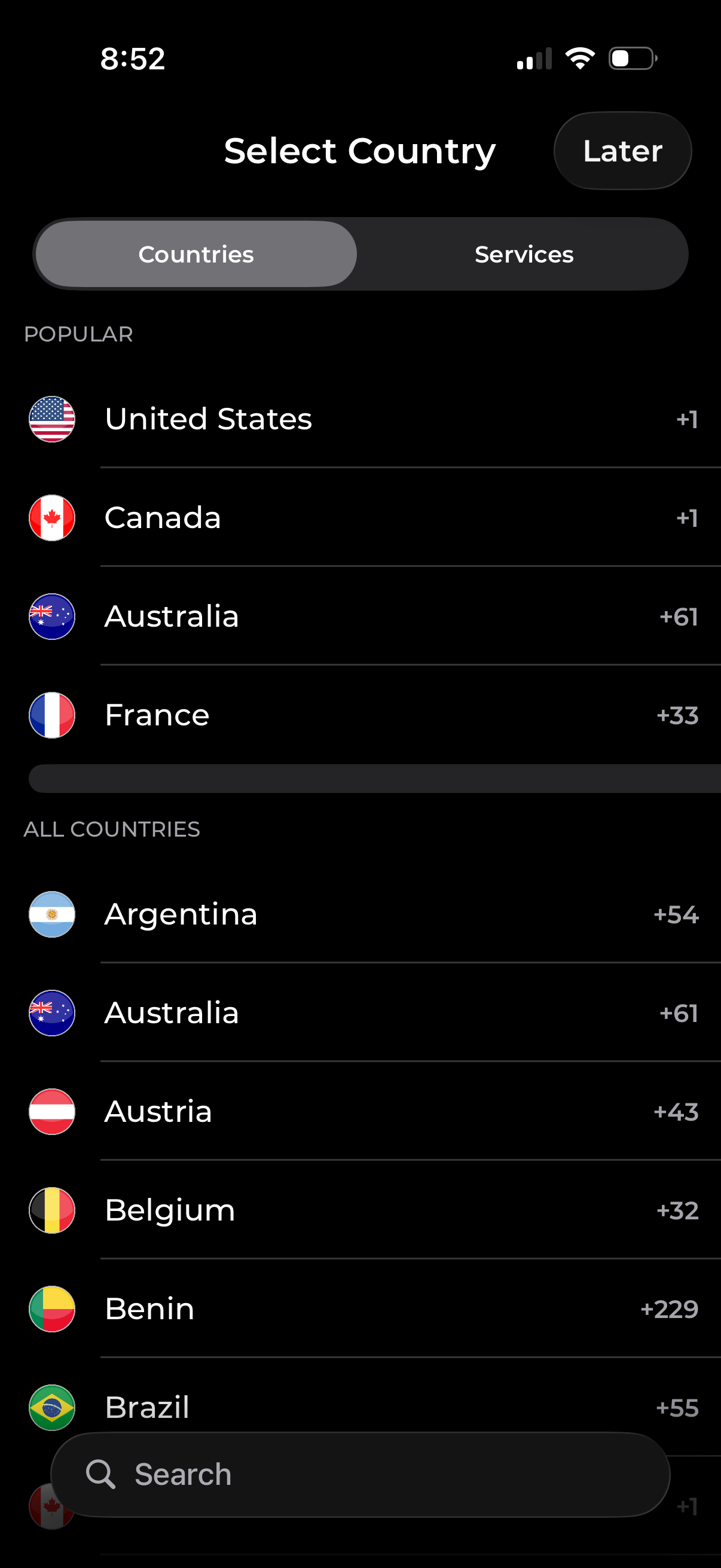
Country selection screen with tabs to switch between browsing “Countries” and “Services,” showing popular and all-country lists with flags and international dialing codes. Includes a search field to find a country quickly and a “Later” option to skip selection.
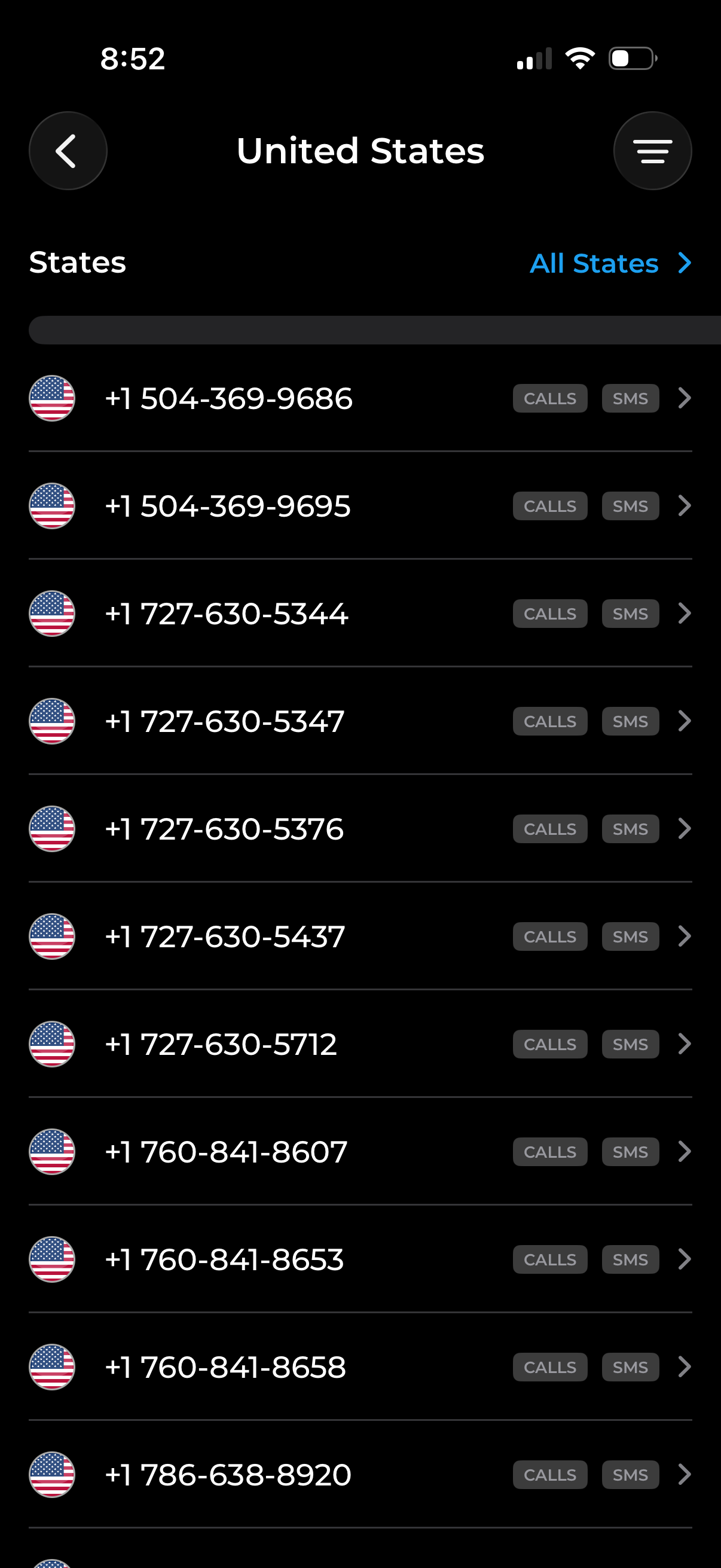
Phone number selection screen for the United States showing a scrollable list of available numbers with flag icons, a “States” filter with an “All States” selector, and quick action buttons to view call logs or SMS for each number. Includes back navigation and a menu button for additional options.
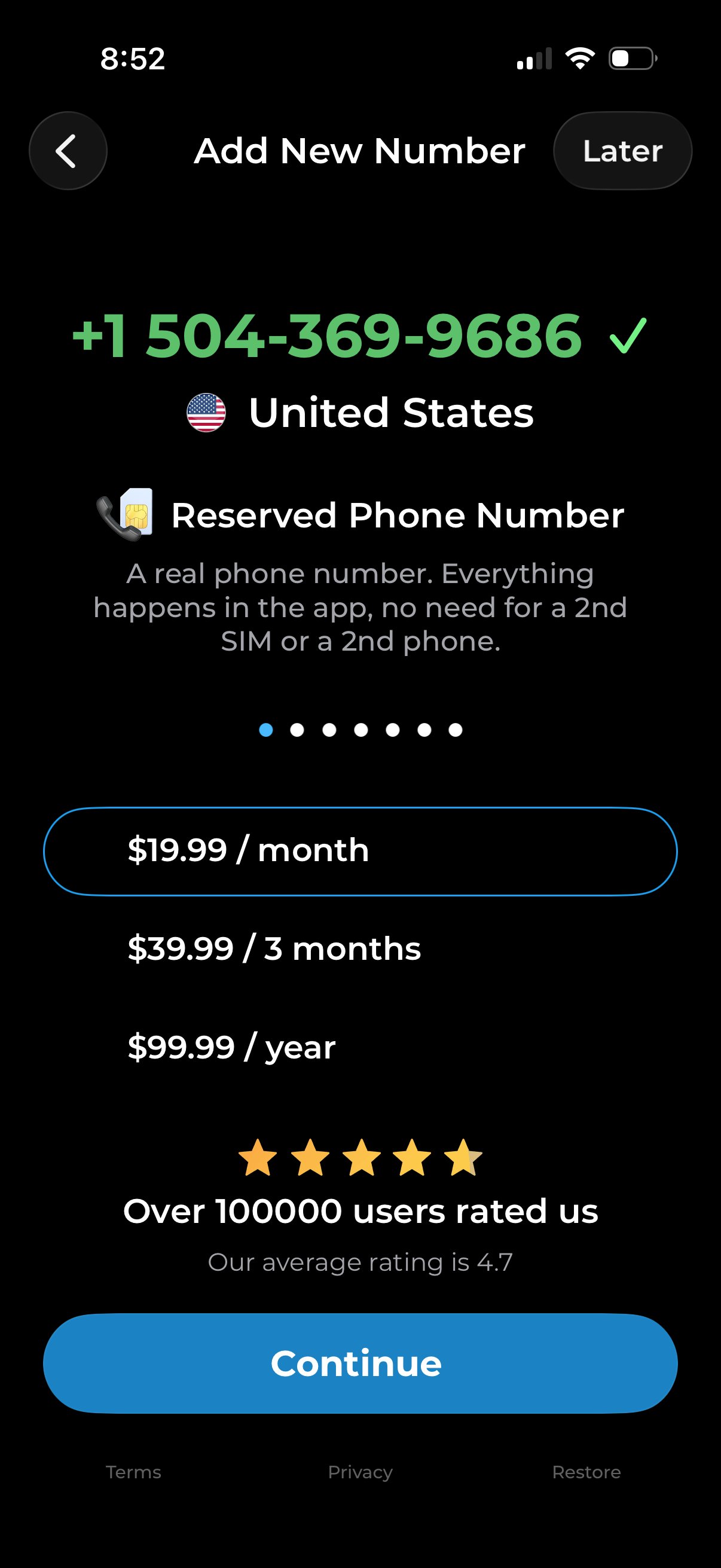
Subscription paywall for adding a new virtual phone number, showing the selected country/region and reserved phone number details. Users can choose a billing plan (monthly, quarterly, yearly), view social proof ratings, skip with “Later,” or tap “Continue” to purchase.
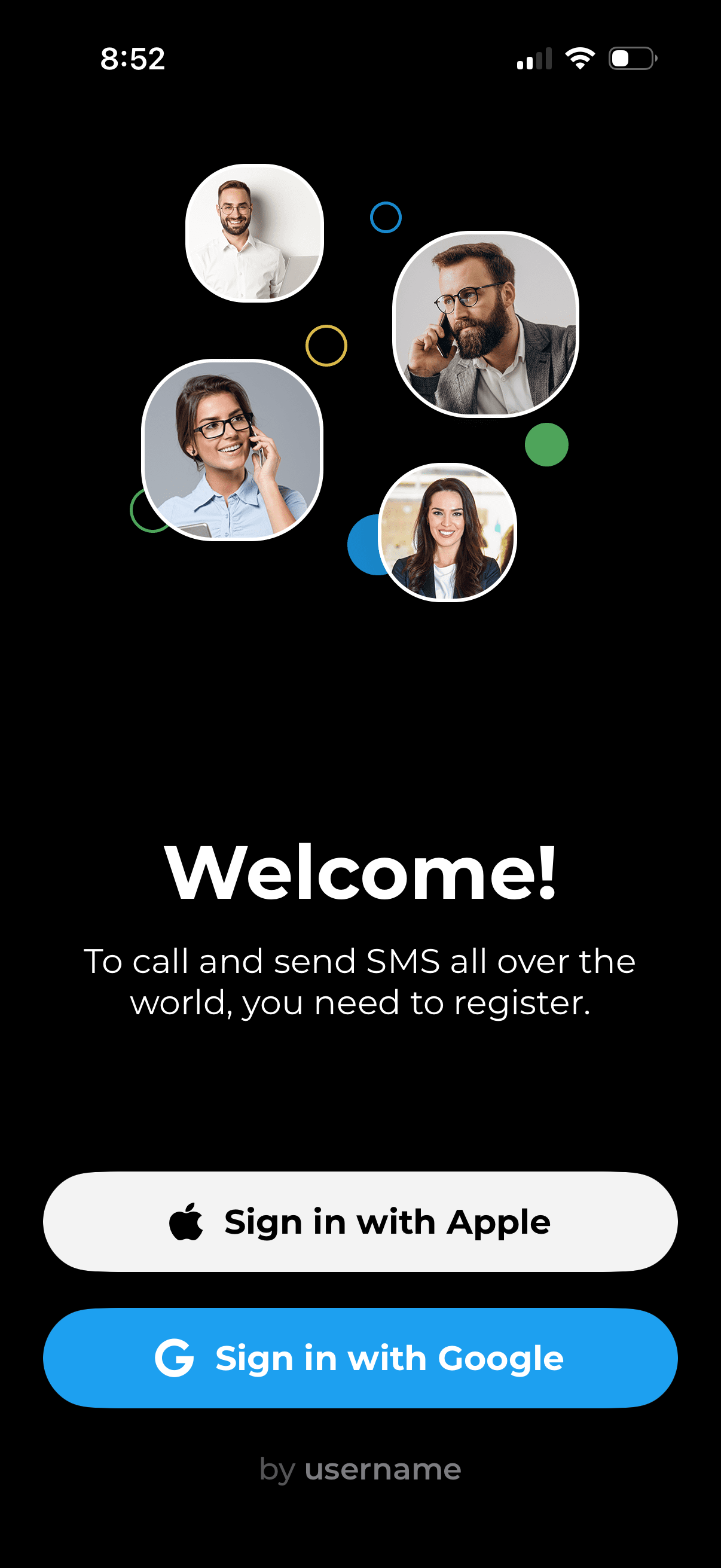
Welcome/login screen for a calling and SMS app prompting users to register to make international calls and texts. Provides primary authentication actions with “Sign in with Apple” and “Sign in with Google,” plus an option to sign in by username.
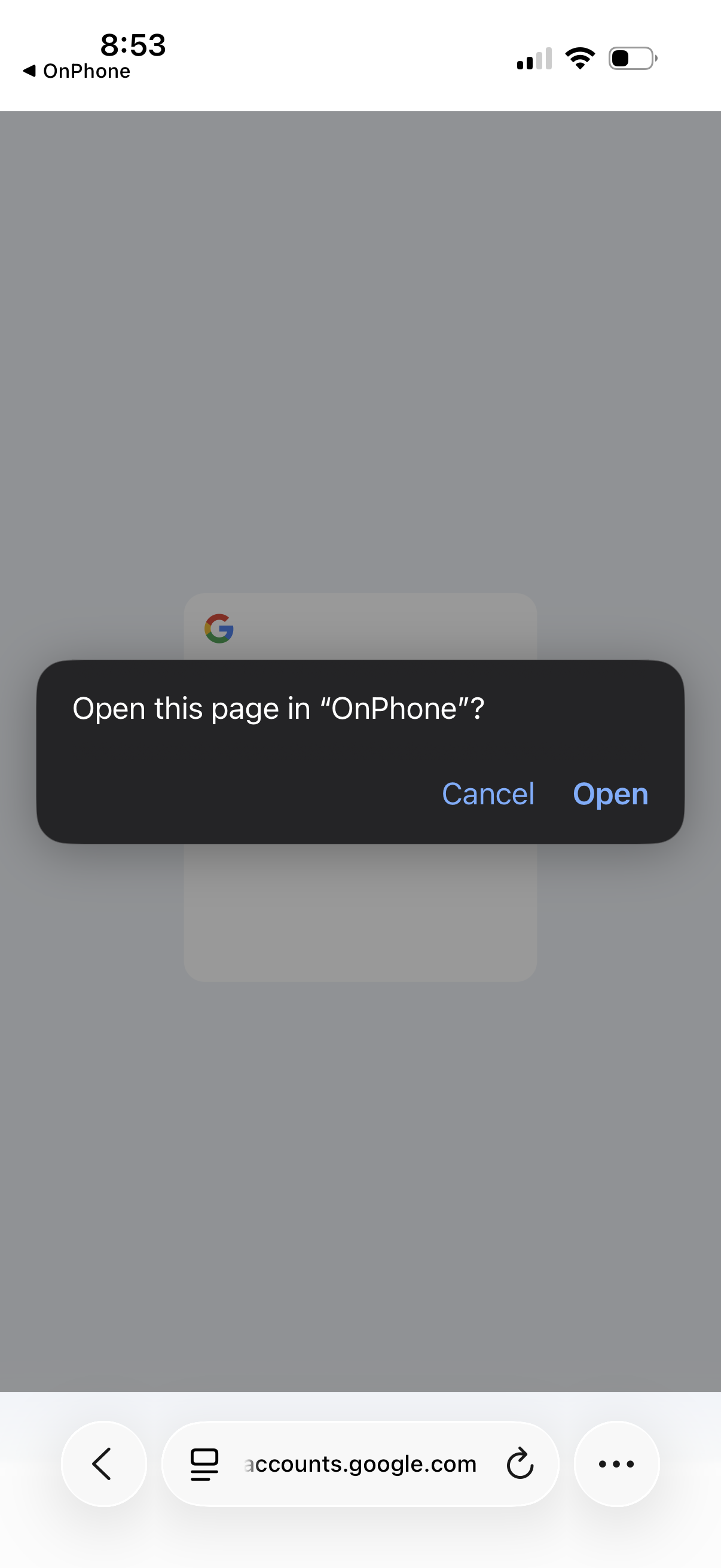
System confirmation modal asking whether to open the current web page in the “OnPhone” app, with primary actions to Cancel or Open for deep linking from the browser.
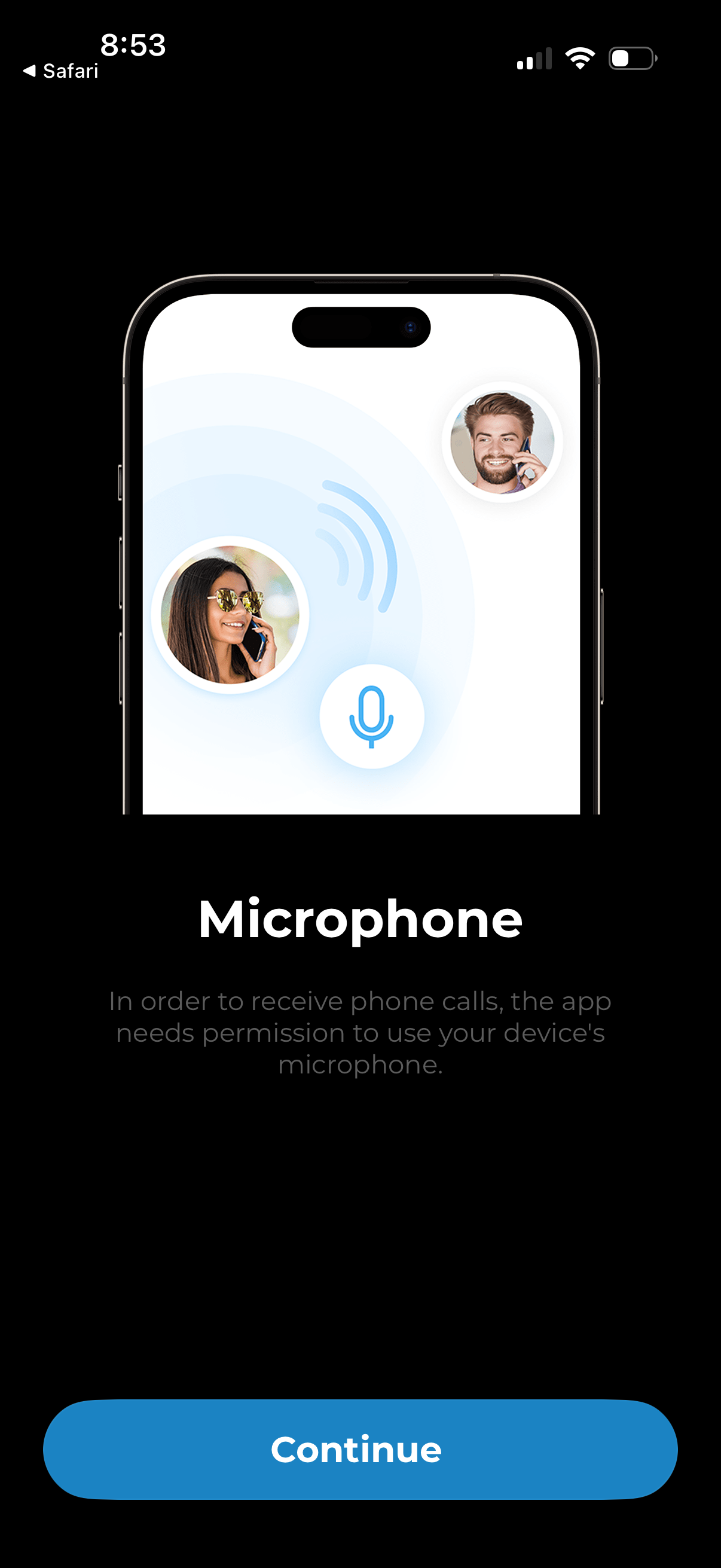
Permission request onboarding screen asking for microphone access to enable receiving phone calls, with an explanation of why the permission is needed. Includes a prominent “Continue” button to proceed to the system permission prompt.
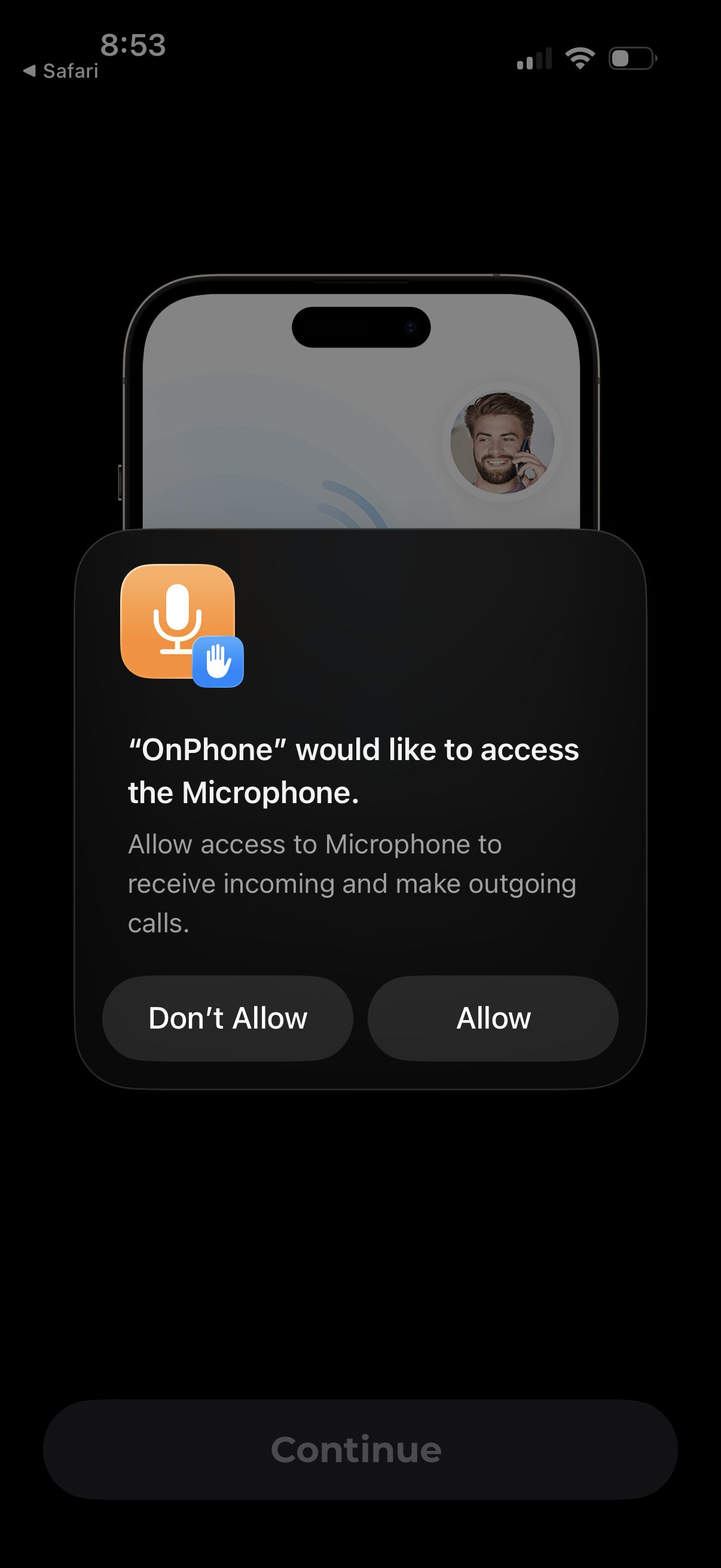
iOS system permission modal asking to allow an app to access the microphone for making and receiving calls, with primary actions to Allow or Don’t Allow. The underlying onboarding screen is dimmed with a disabled Continue button while the permission prompt is active.
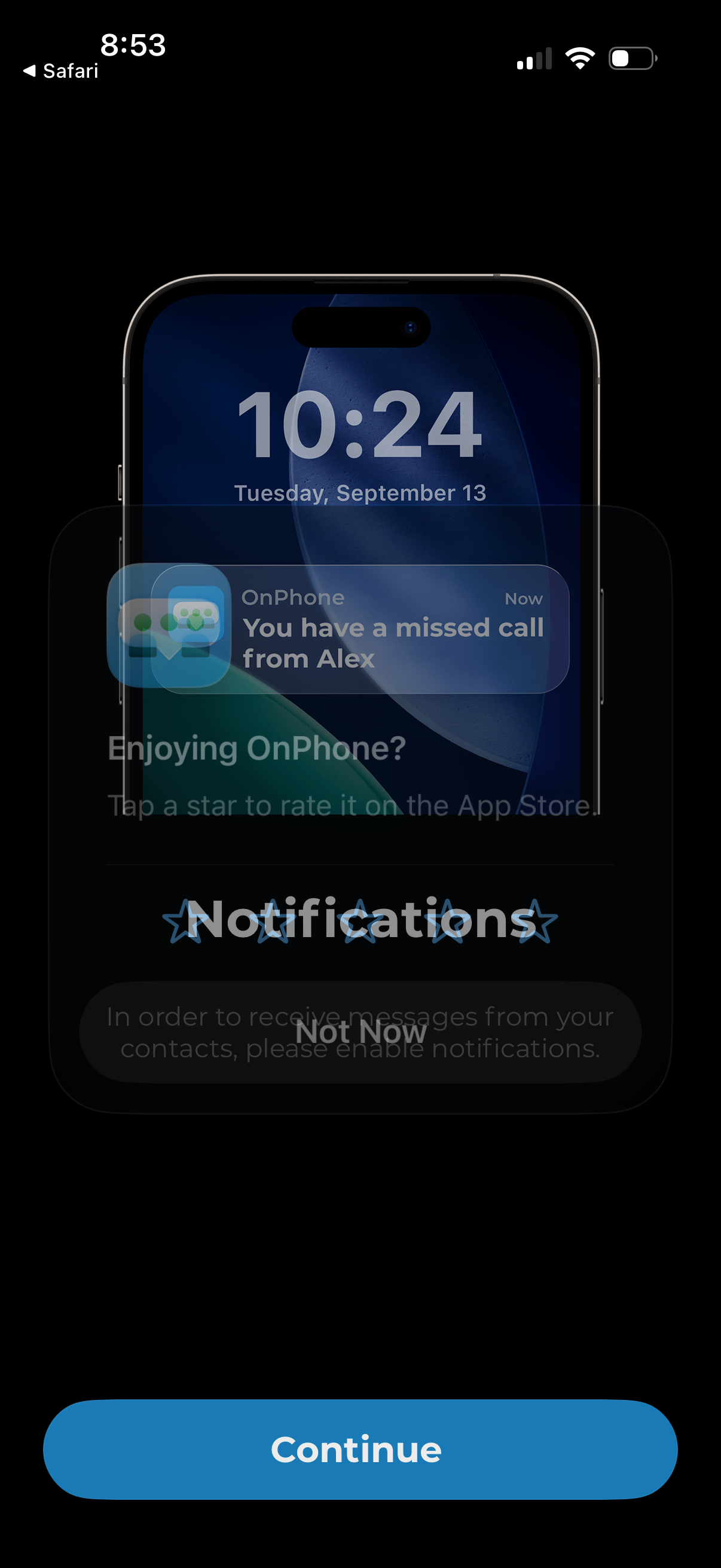
Permission prompt asking the user to enable push notifications so they can receive messages and missed call alerts, with a primary Continue button to allow notifications and an option to decline (Not Now). The screen also includes an in-app rating request overlay asking the user to rate the app in the App Store.
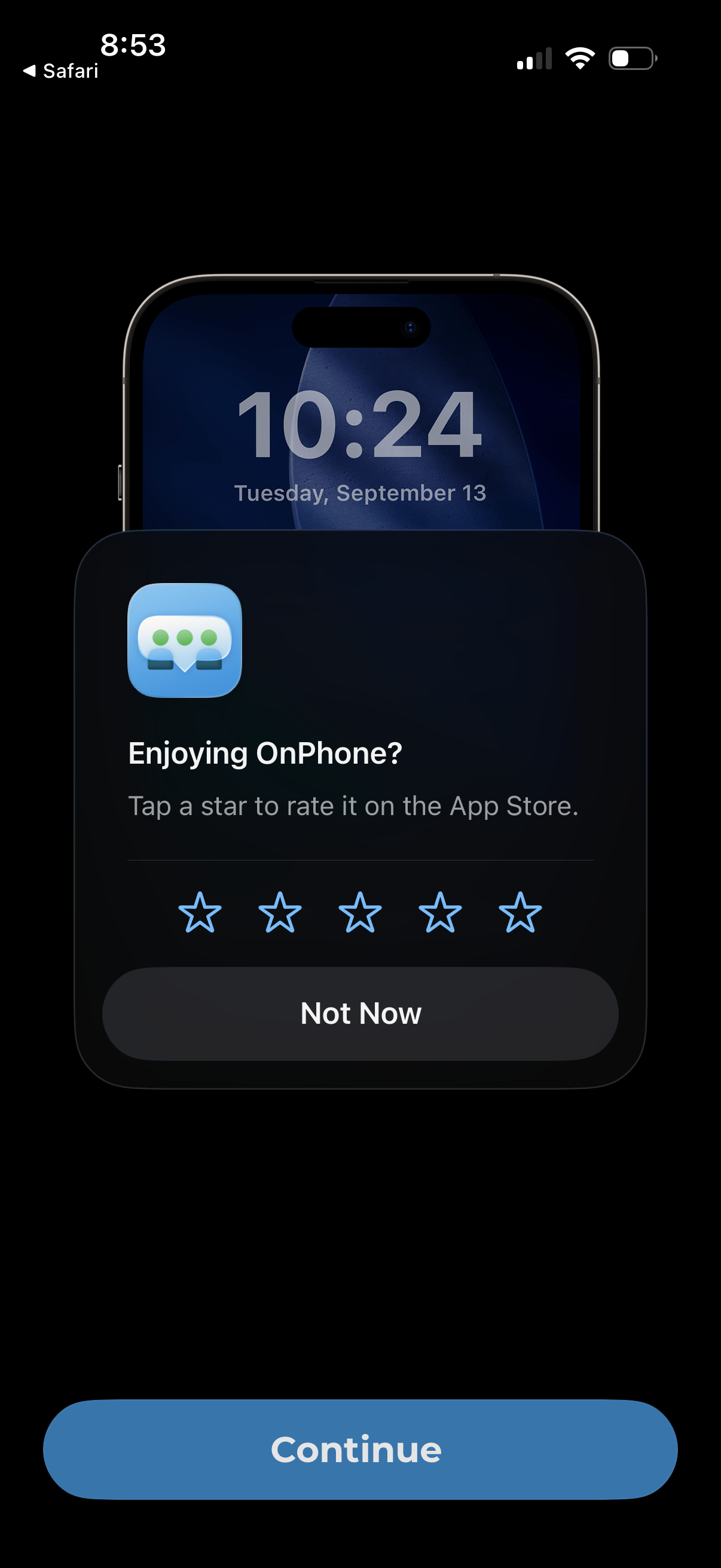
An in-app rating prompt modal asks users if they’re enjoying the app and to tap a 1–5 star rating for the App Store, with a “Not Now” dismissal option. The underlying screen is dimmed with a prominent “Continue” primary button visible behind the popup.
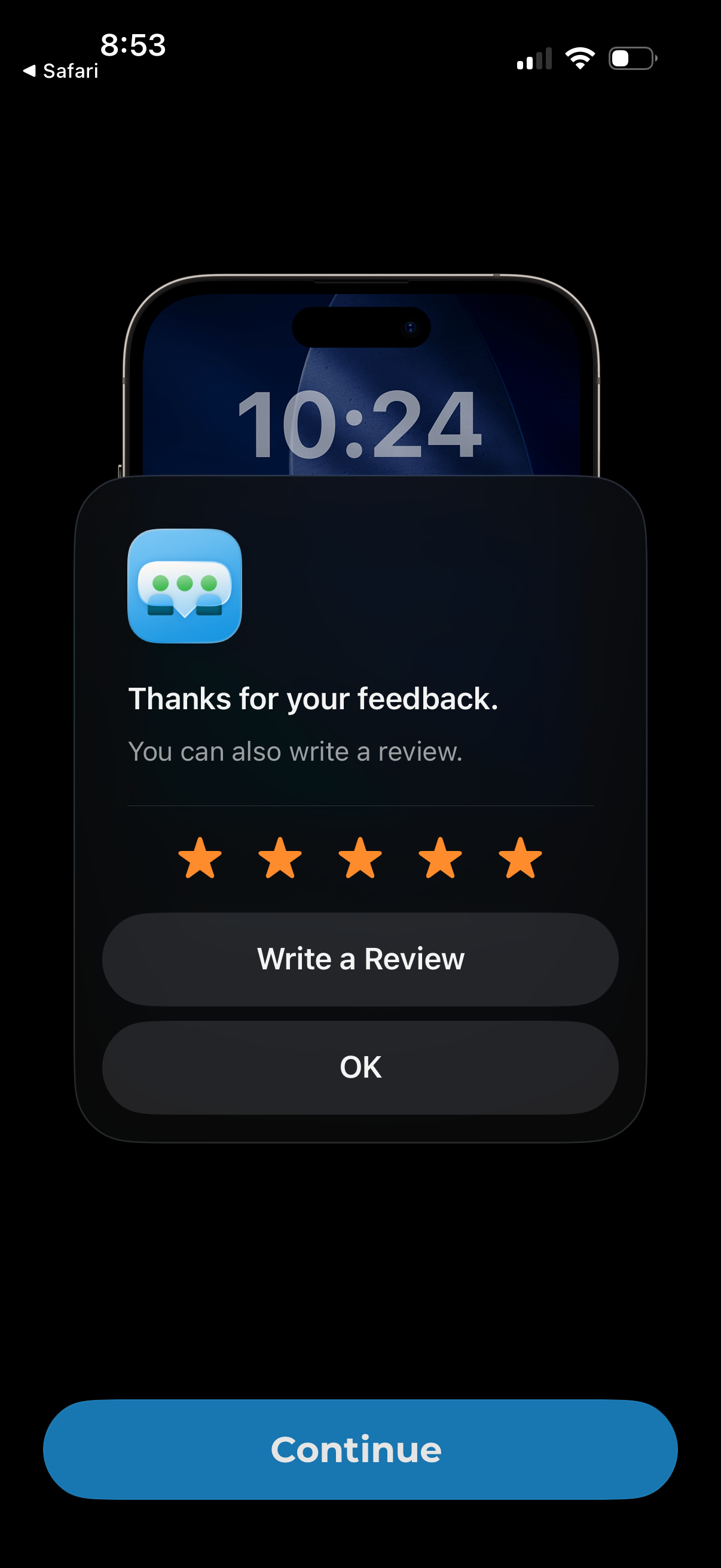
iOS-style feedback confirmation modal thanking the user after a 5-star rating, with options to write a review or dismiss via OK. The underlying screen is dimmed and includes a primary Continue button to proceed.
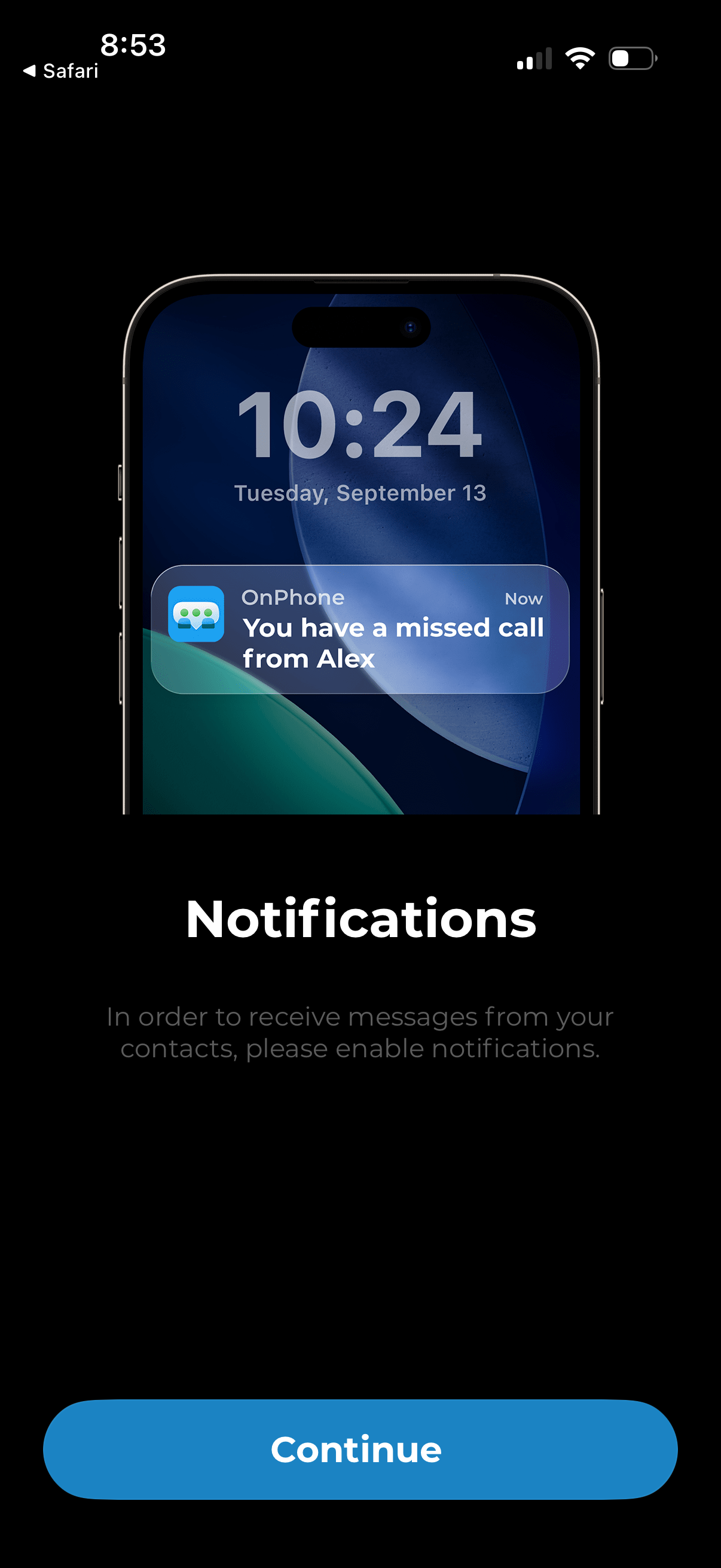
Onboarding permission prompt encouraging users to enable push notifications so they can receive messages and missed call alerts from contacts. The screen explains the benefit and provides a primary “Continue” button to proceed to the system notification authorization.
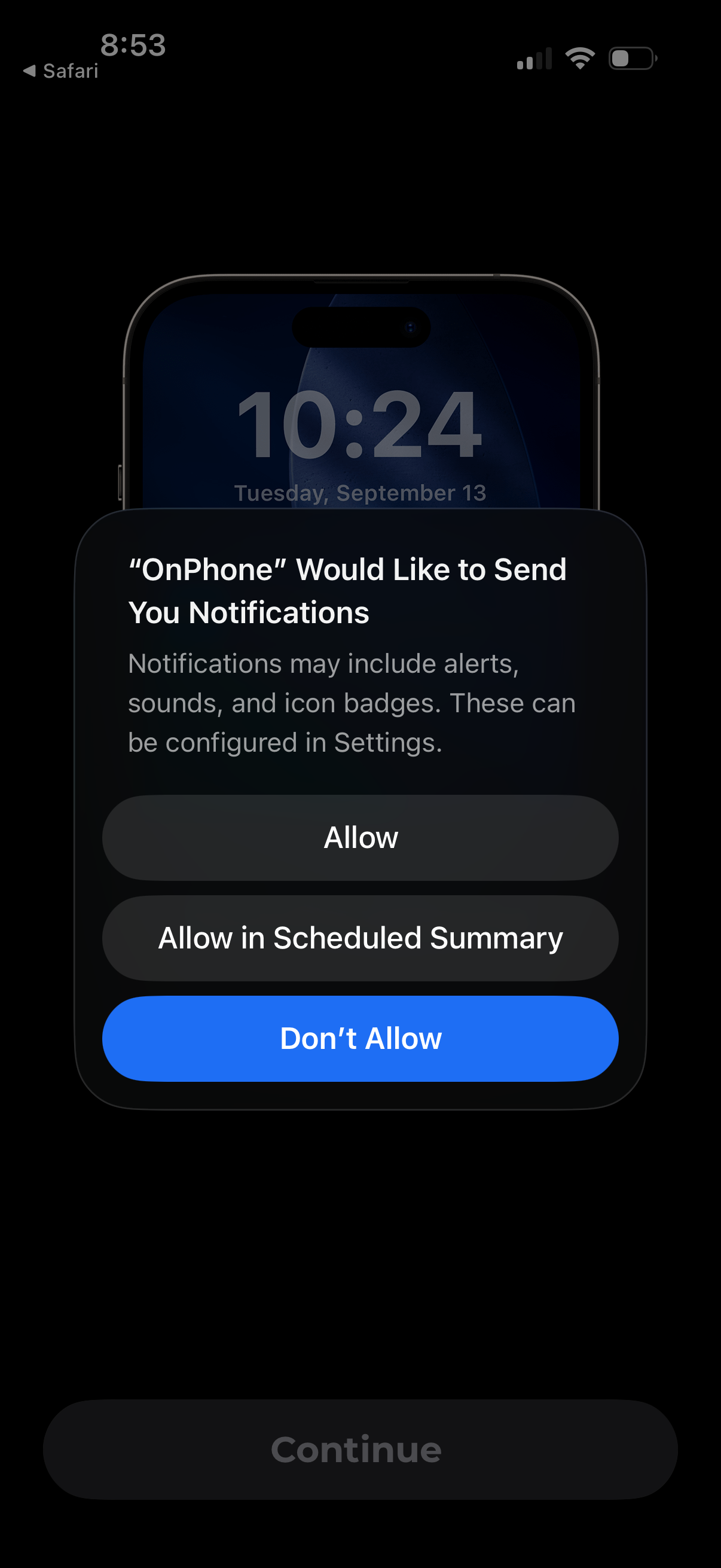
iOS system permission dialog requesting to enable app push notifications, explaining alerts/sounds/badges and offering actions to Allow, Allow in Scheduled Summary, or Don’t Allow. The app’s underlying onboarding screen is dimmed with a disabled Continue button while the permission prompt is shown.
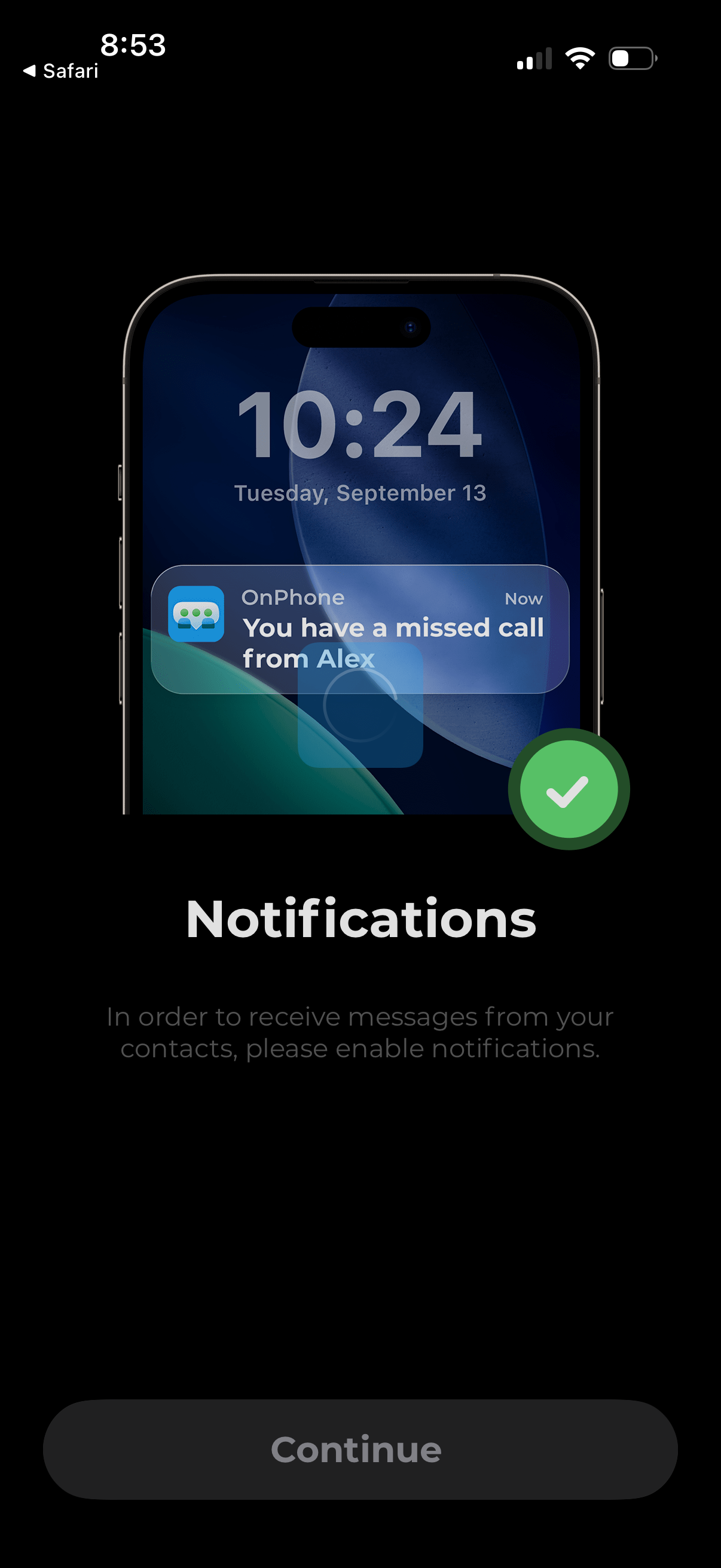
Onboarding permissions screen prompting the user to enable push notifications to receive messages and missed call alerts from contacts. Includes a brief explanation and a primary “Continue” button to proceed with notification setup.
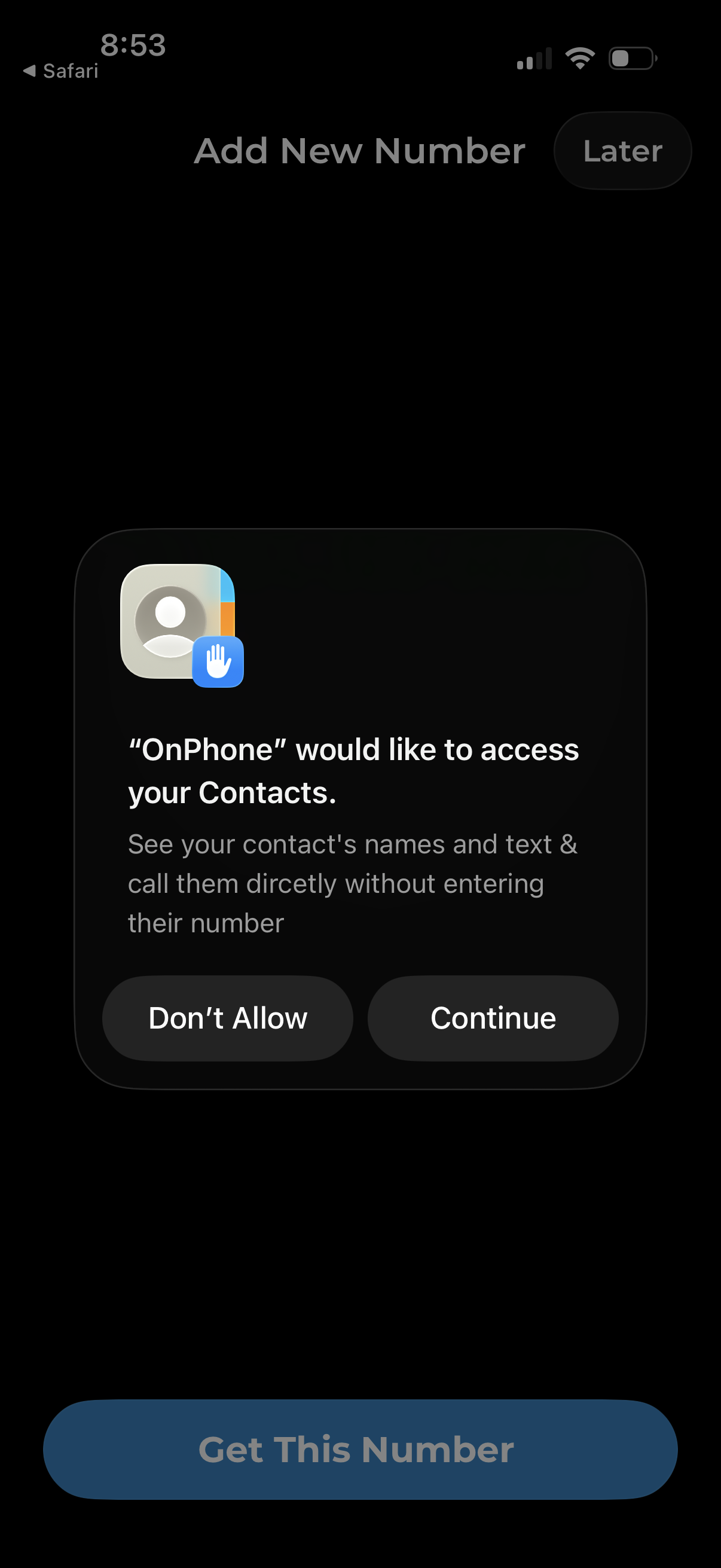
Add new phone number onboarding screen showing an iOS permission modal requesting access to the user’s Contacts so they can call or text contacts without entering numbers. The dialog offers “Don’t Allow” or “Continue,” with options to skip for later and a primary “Get This Number” call-to-action in the background.
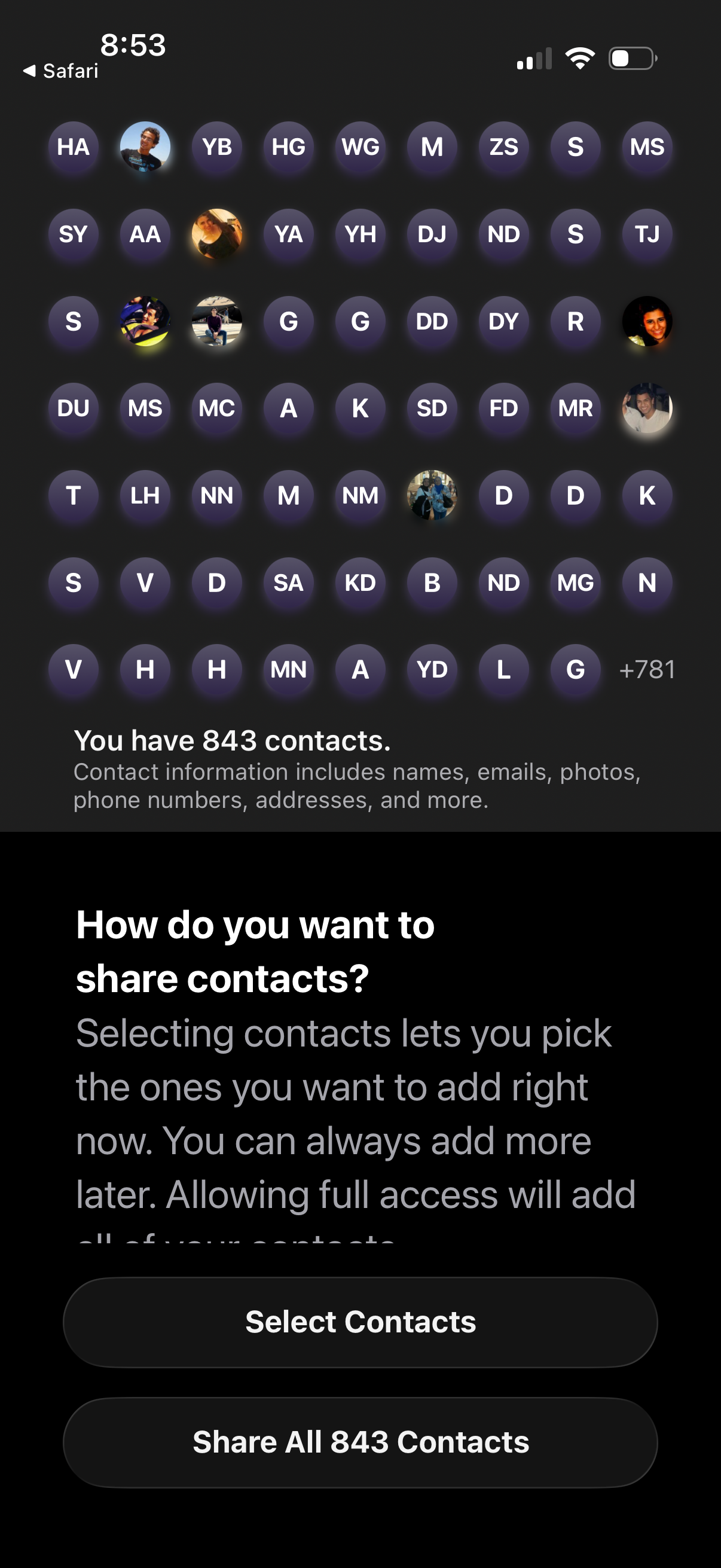
Contacts permission screen asking how the user wants to share their address book, showing a preview grid of contact avatars/initials and the total contact count. Primary actions let the user either select specific contacts to share now or grant full access by sharing all contacts.
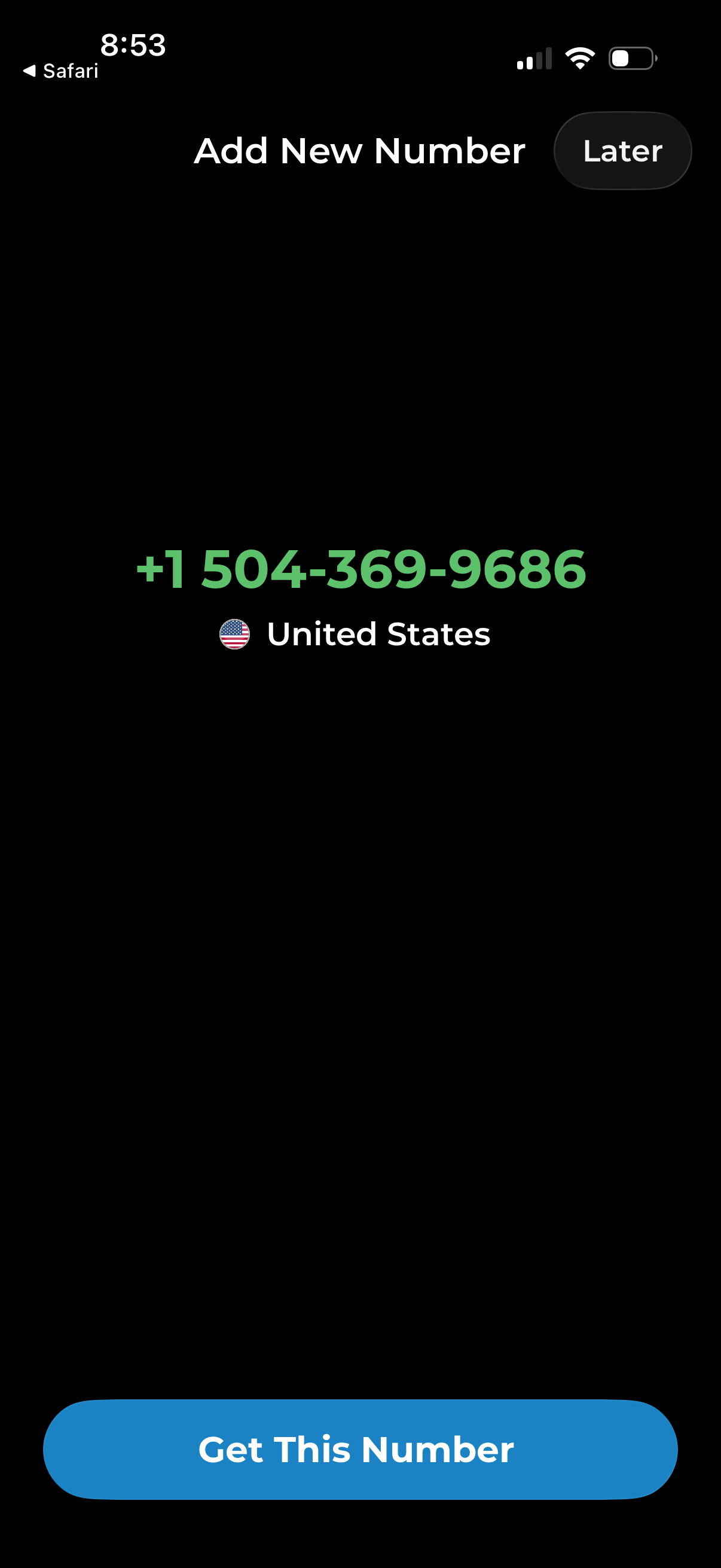
Phone number setup screen for adding a new virtual number, showing the selected phone number and country with a primary CTA to “Get This Number. ” Includes an option to skip or postpone the step via a “Later” button.
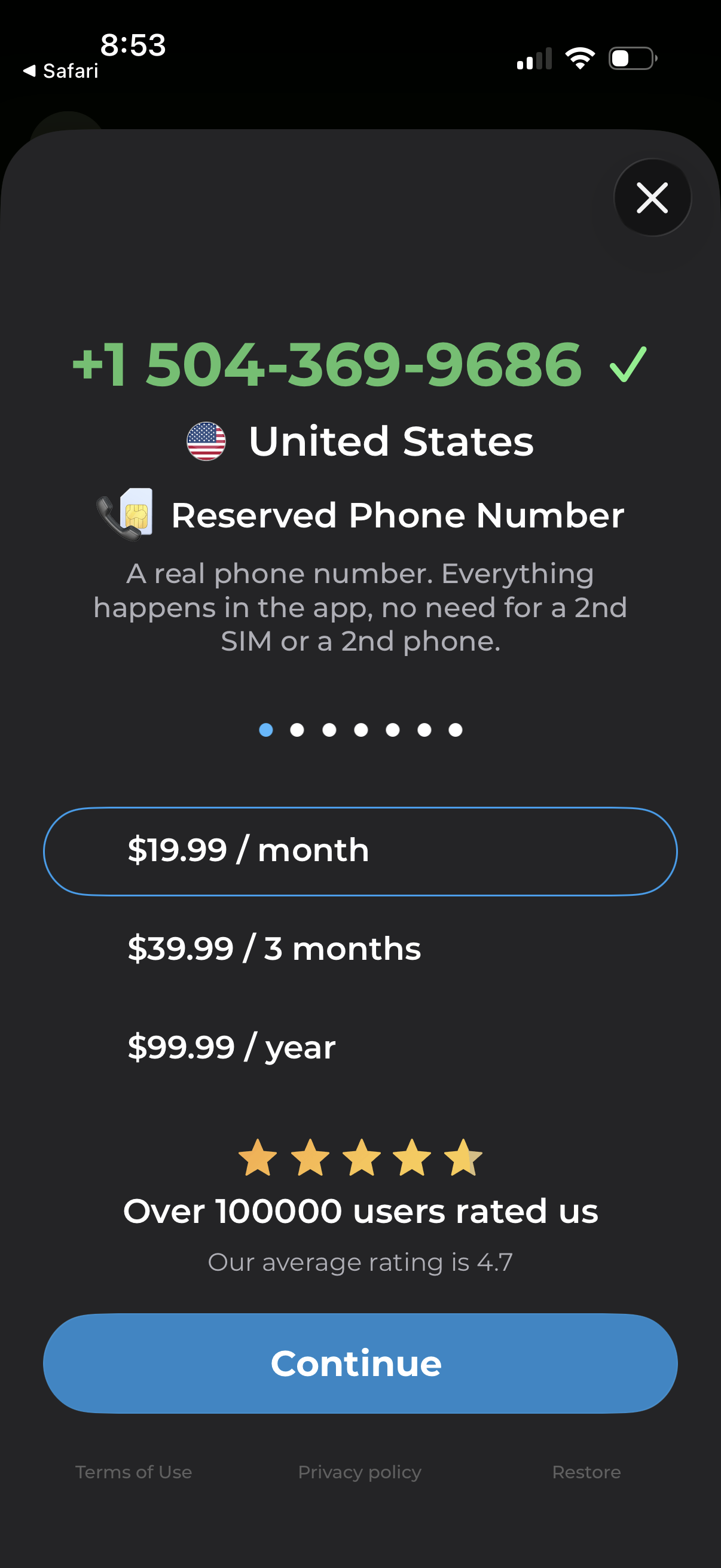
Subscription paywall for a reserved virtual phone number, showing the selected country/number and plan options (monthly, quarterly, yearly) with pricing. Users can close the modal or tap Continue to purchase, with links for terms, privacy policy, and restore purchases plus rating/social proof.
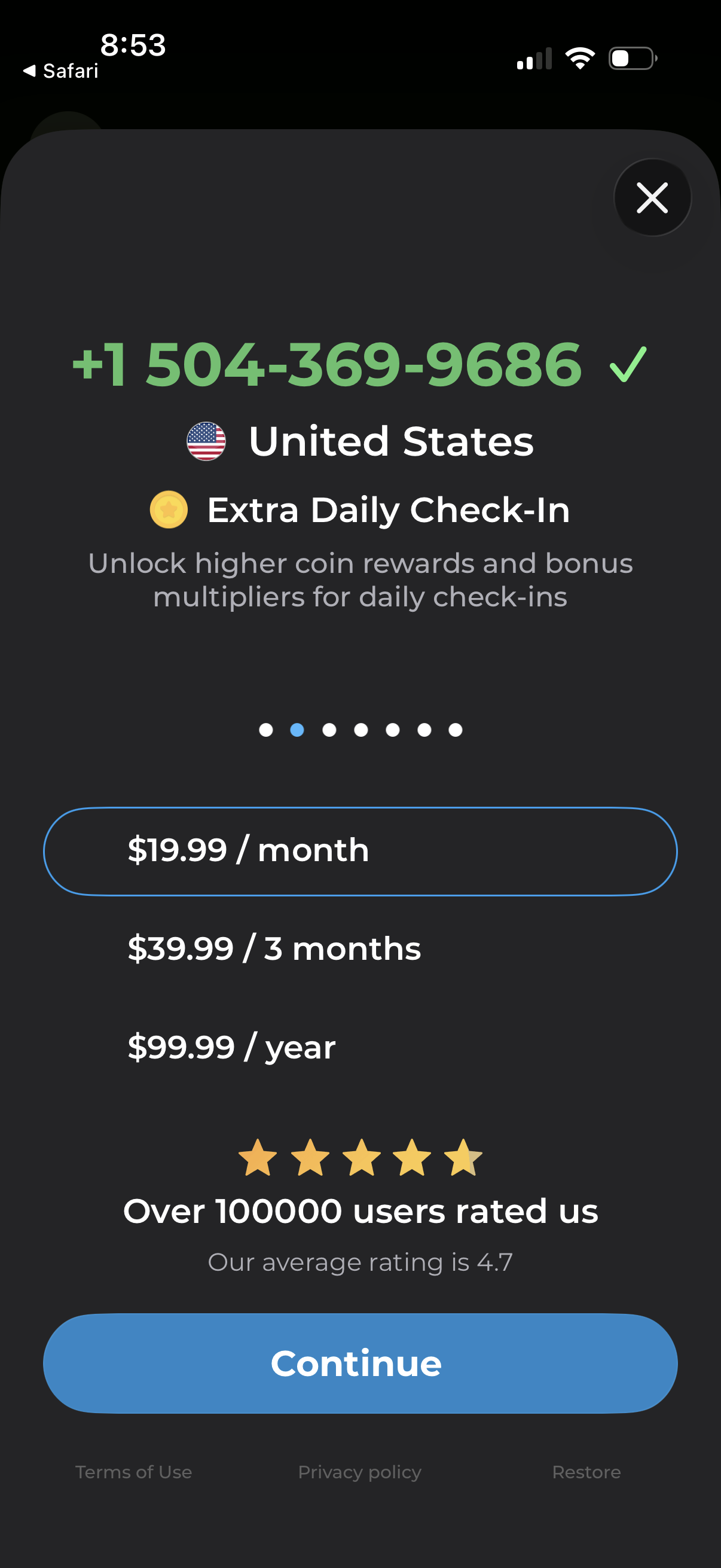
Subscription paywall modal for a phone number service showing verified US number details and “Extra Daily Check-In” rewards, with selectable pricing plans (monthly, 3 months, yearly), user rating social proof, a primary Continue button, and options to close or restore purchases.
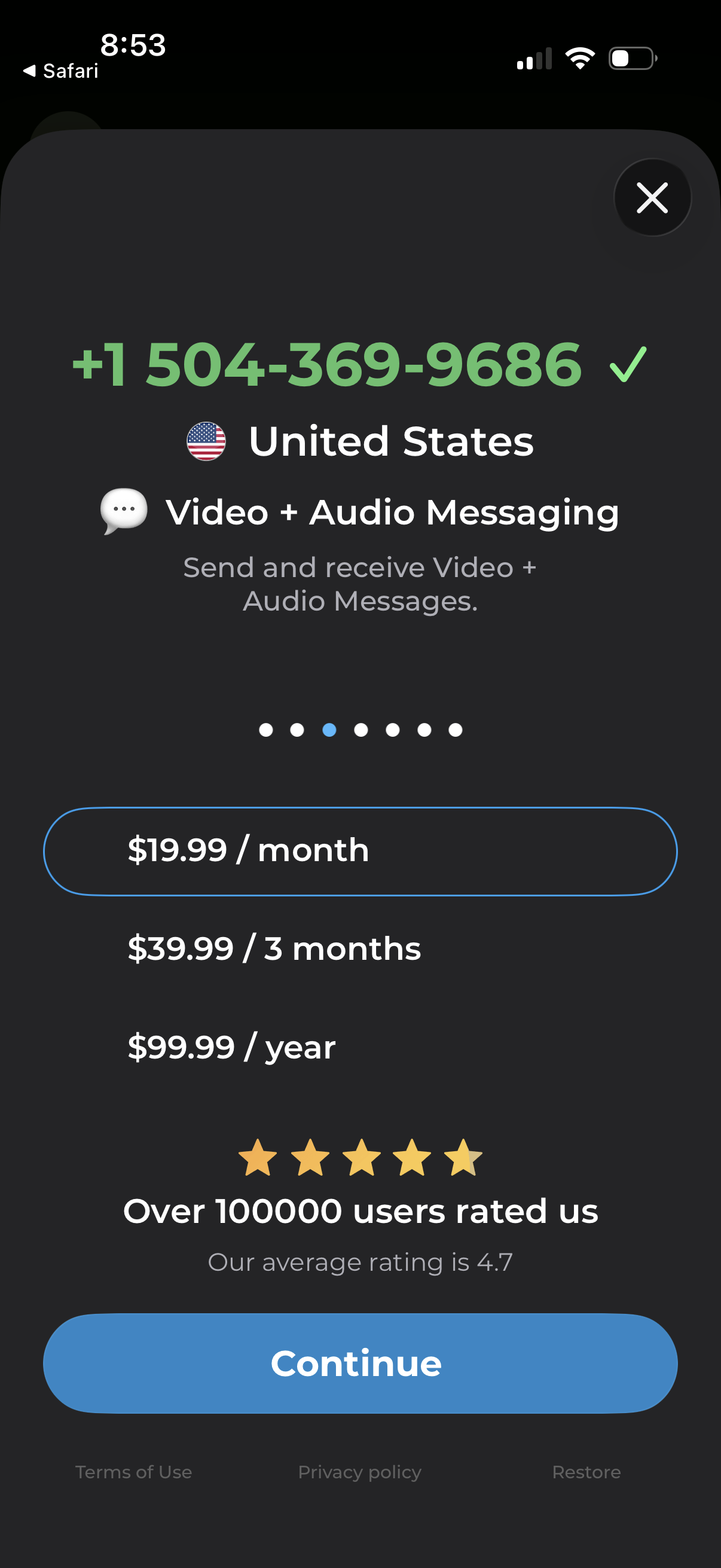
Subscription paywall screen for a US virtual phone number offering video and audio messaging, showing plan options (monthly, quarterly, yearly) with social proof star rating and a primary Continue CTA plus close and restore links.
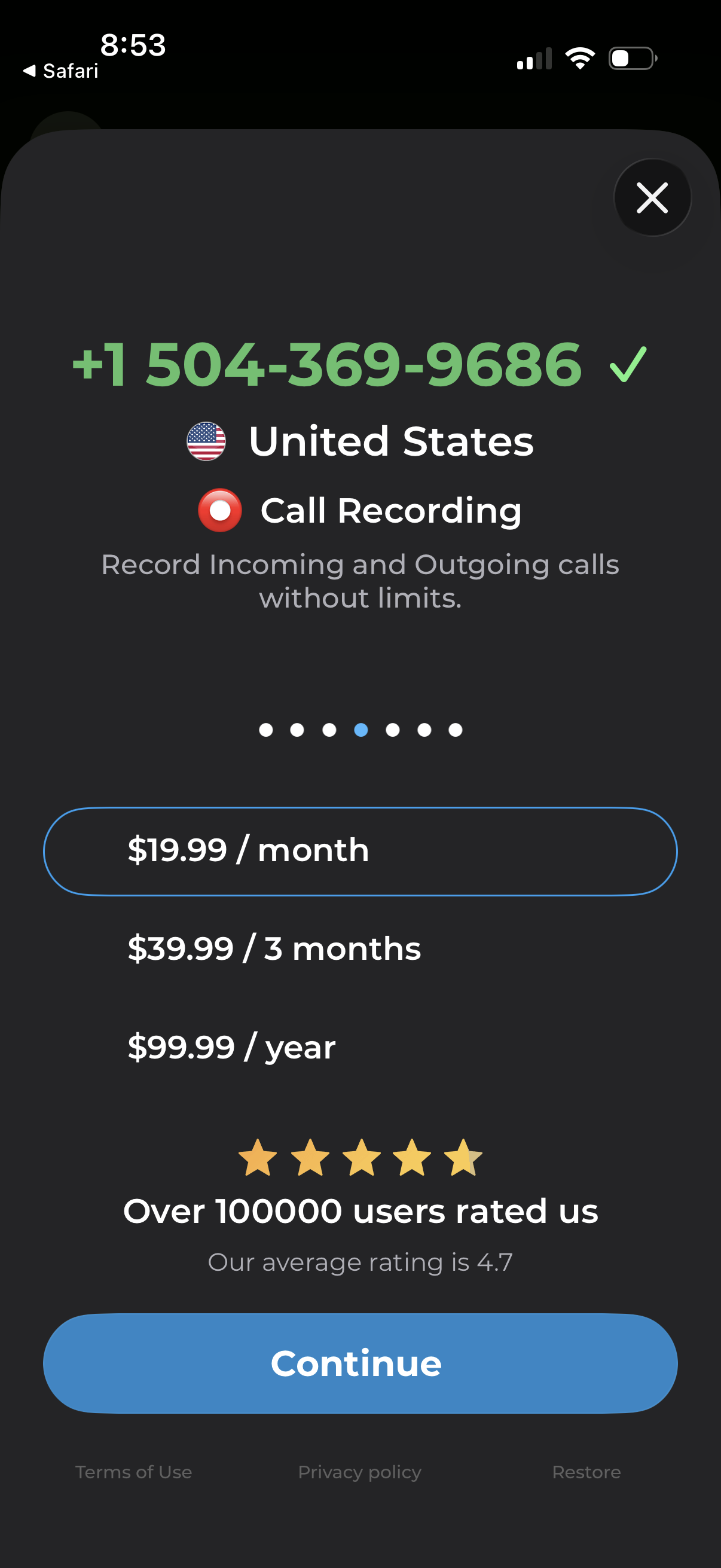
Subscription paywall for a call recording feature tied to a phone number, showing country selection and messaging about recording incoming and outgoing calls without limits. Users can choose a billing plan (monthly, quarterly, yearly), view social proof ratings, and proceed via a primary Continue button with options to close or restore purchases.
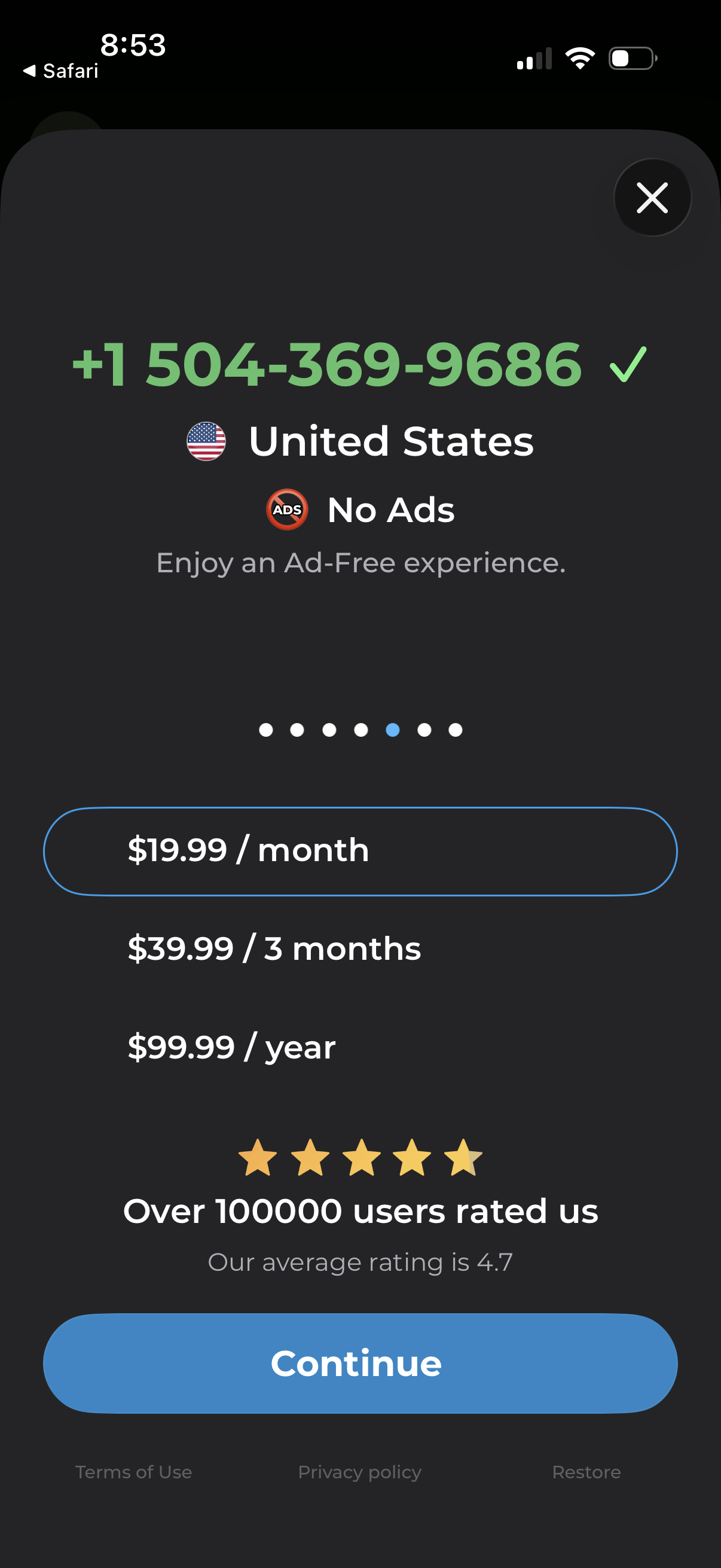
Subscription paywall screen for a phone number app showing a verified US number benefit and “No Ads” ad-free experience. Users can choose a billing plan (monthly, 3 months, yearly), view social proof ratings, and tap Continue, with options to close, restore purchases, and access terms/privacy.
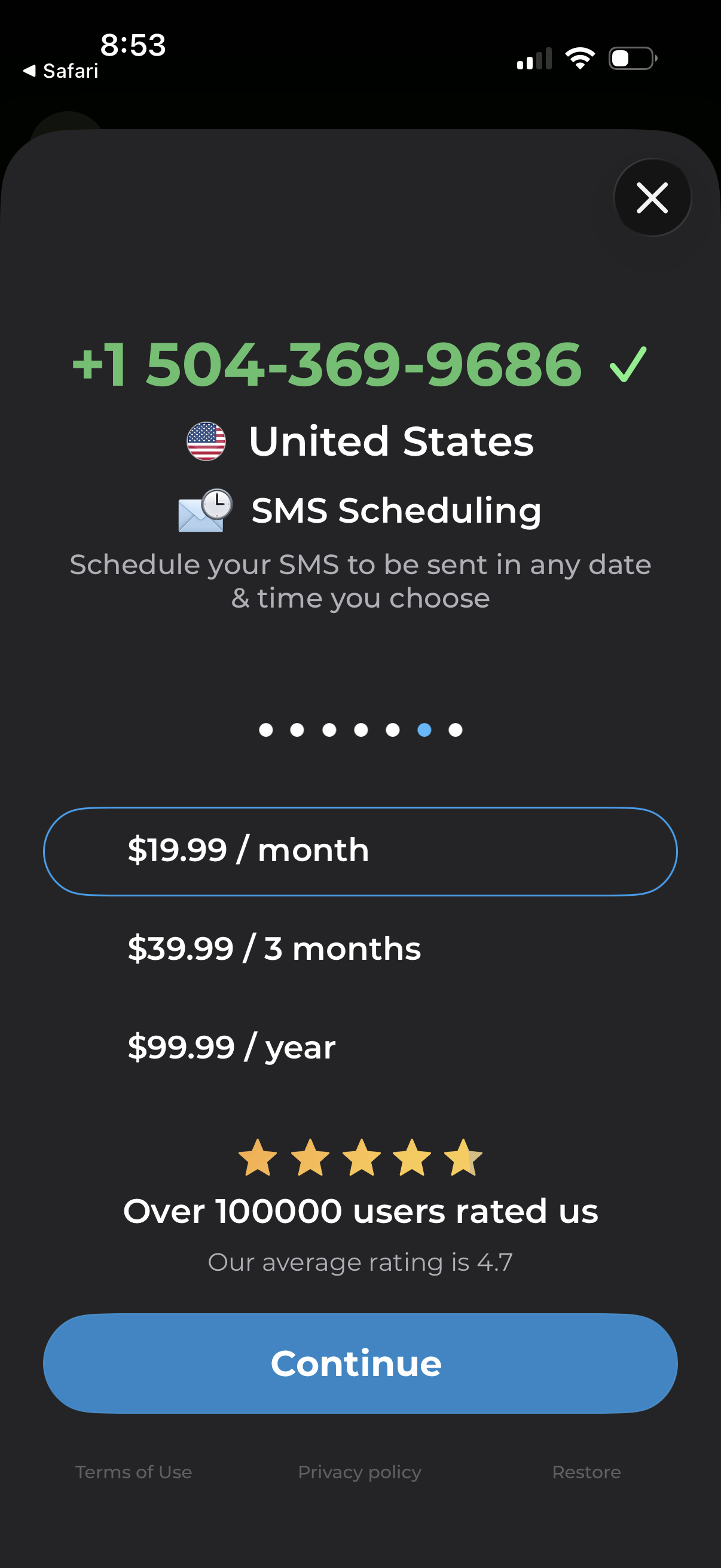
Subscription paywall screen for an SMS scheduling feature tied to a phone number and country, offering monthly, quarterly, and yearly pricing options with social proof ratings. Primary action is a “Continue” button with links to terms, privacy policy, and restore purchases, plus a close icon to dismiss the modal.
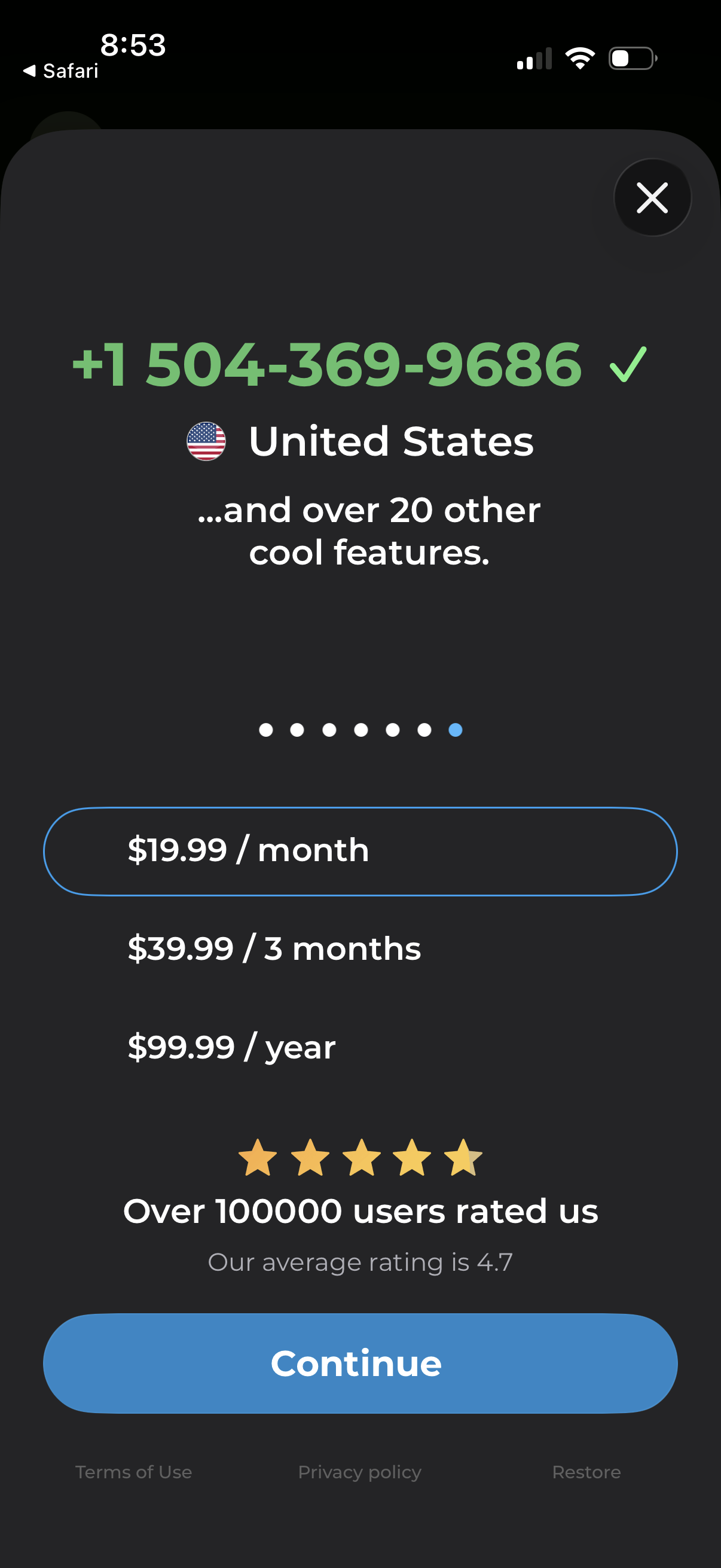
Subscription paywall modal for a phone number app showing a selected virtual number/country and highlighting extra features, with pricing options for monthly, quarterly, and yearly plans. Users can close the screen, choose a plan, and tap Continue to start the subscription, with links for terms, privacy policy, and restore purchases plus social proof rating.
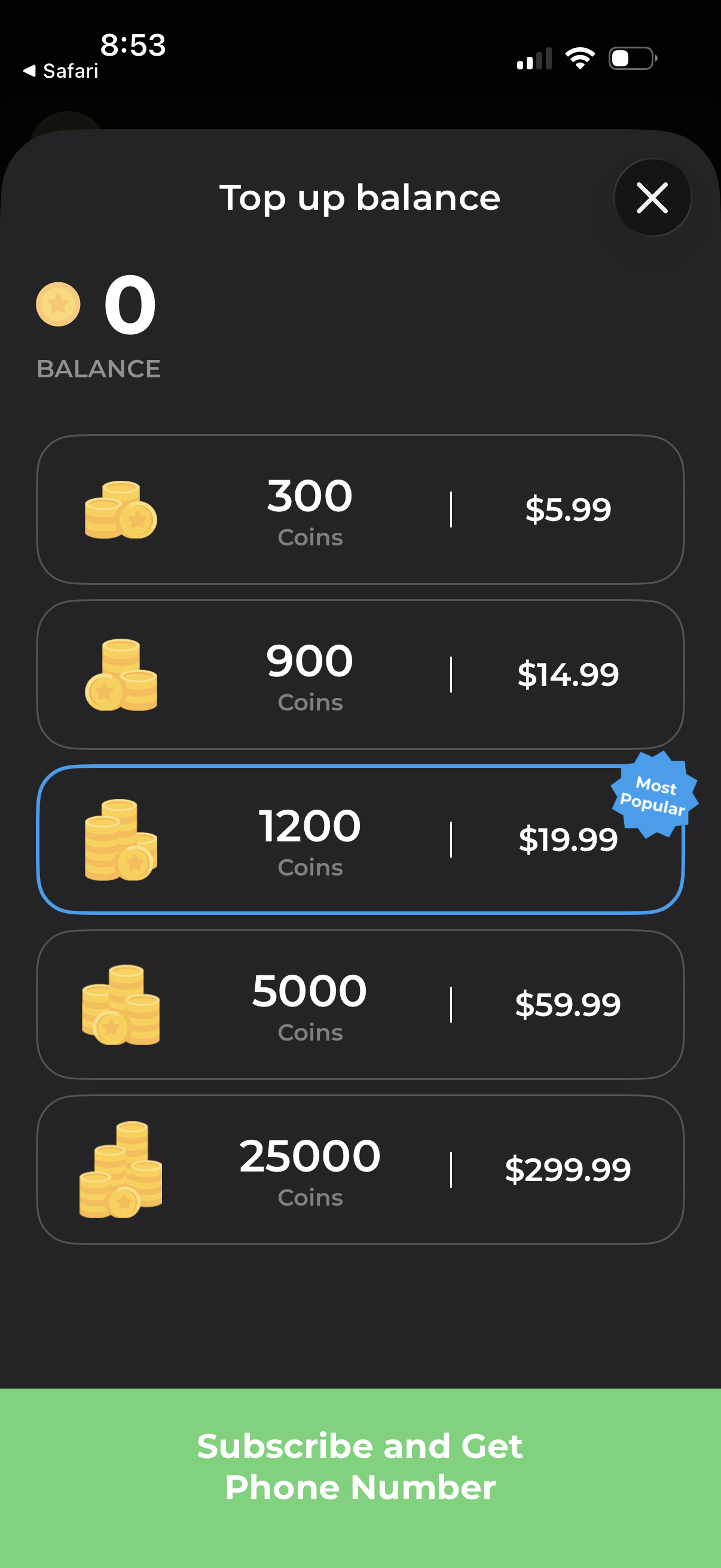
In-app currency top up screen showing current coin balance and a list of purchasable coin bundles with prices, including a highlighted “Most Popular” option. Users can select a package to buy more coins and close the modal with an X.