add home widget
1
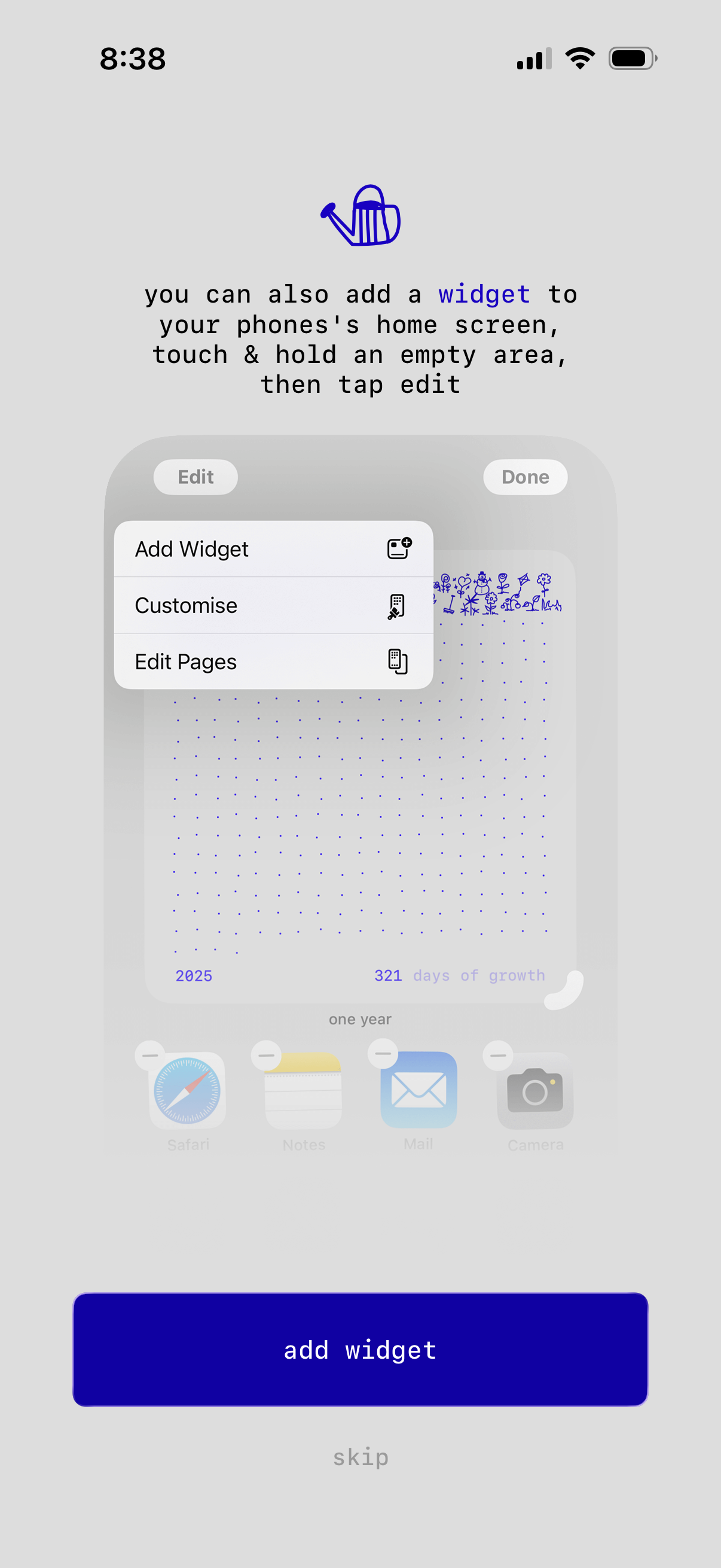
Onboarding tip screen explaining how to add the app’s widget to the iPhone home screen using Edit mode, illustrated with the iOS “Add Widget / Customise / Edit Pages” menu. Primary CTA is “add widget” with a secondary “skip” option.
2
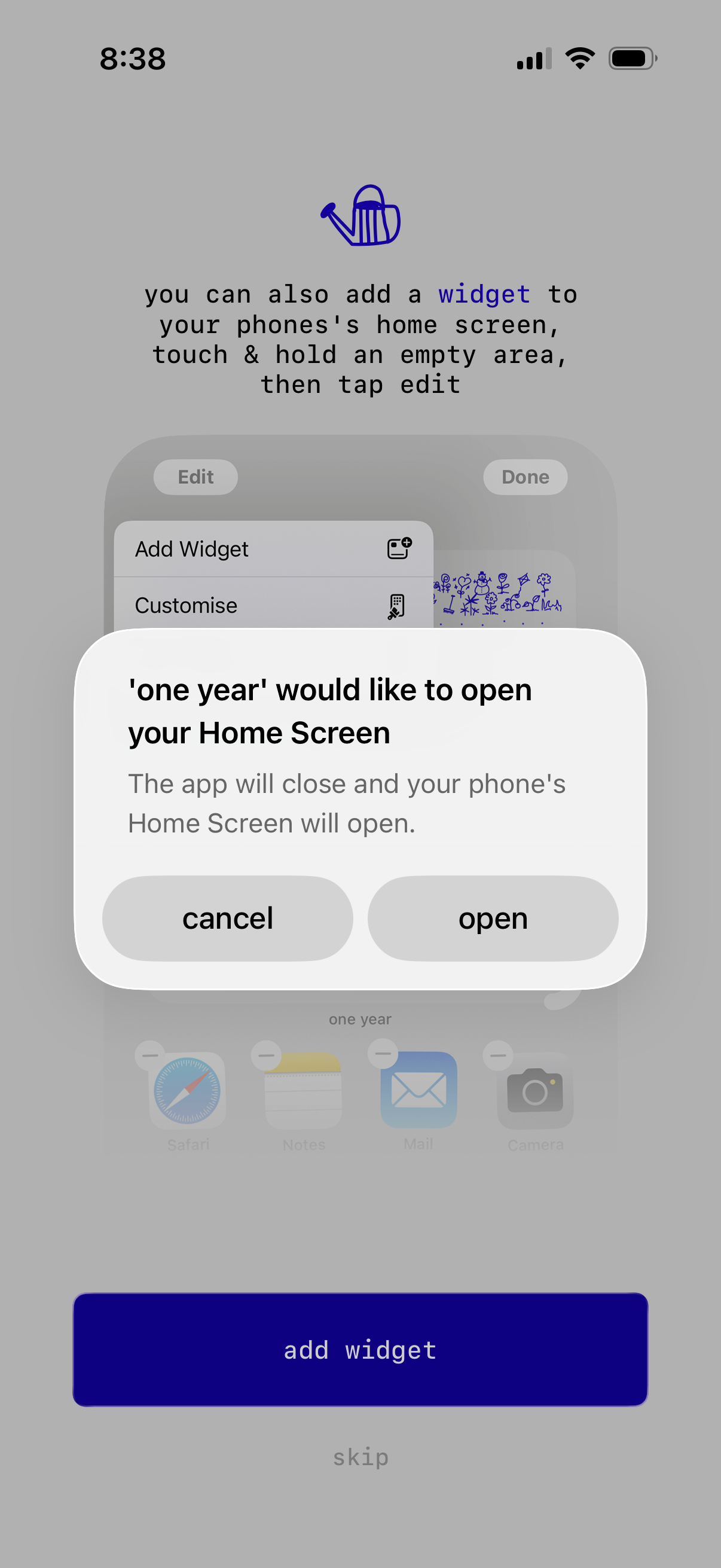
Onboarding screen prompting users to add a home screen widget, with guidance on how to edit the iPhone home screen and a primary “add widget” CTA plus an option to skip. A native iOS permission alert overlays the screen asking to open the Home Screen, with cancel and open actions.
3

Blank loading or empty state screen with a neutral background and only the iOS status bar visible, showing no content, navigation, or actions.