Onboarding
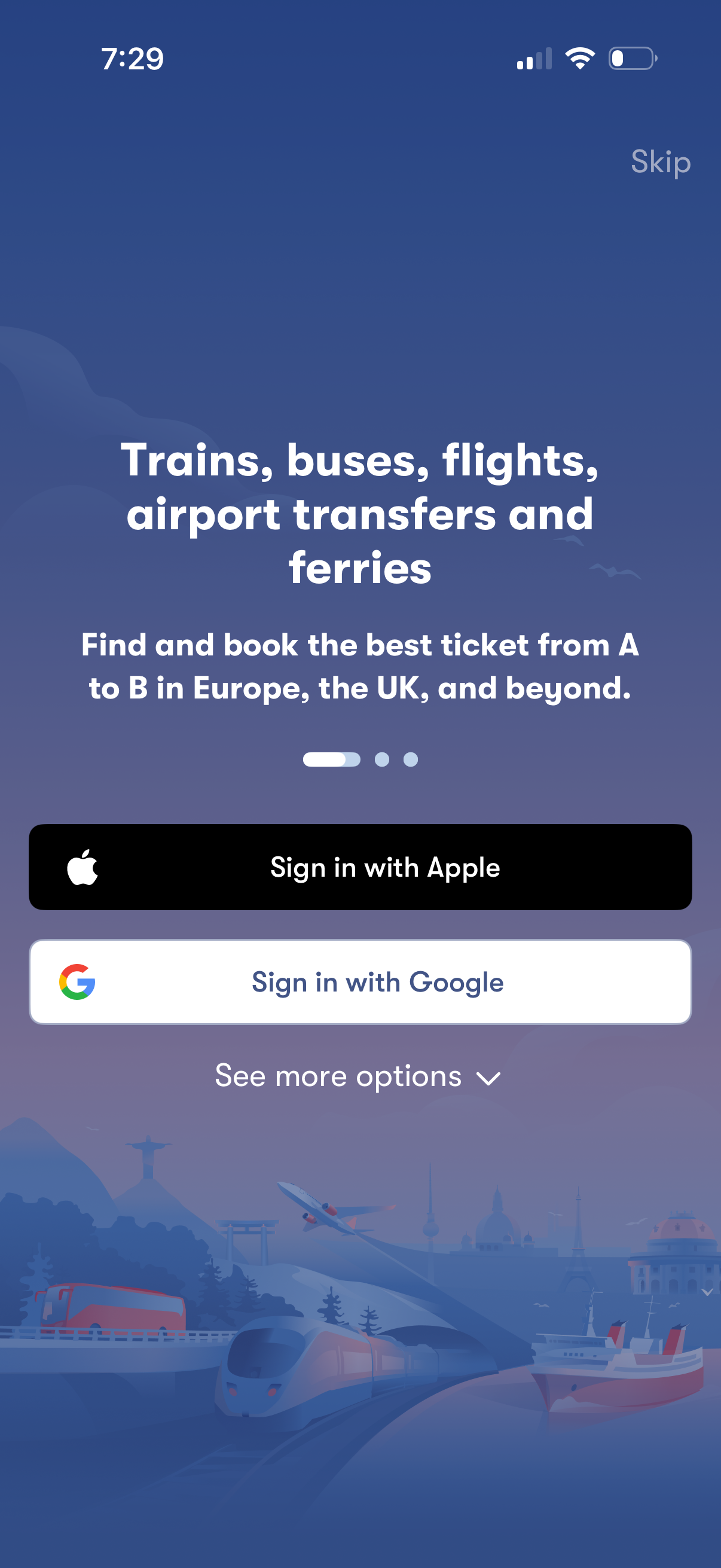
Onboarding welcome screen for a travel booking app that highlights booking trains, buses, flights, airport transfers, and ferries, with a slide indicator and option to skip. Provides authentication actions including Sign in with Apple, Sign in with Google, and a “See more options” link for additional login methods.
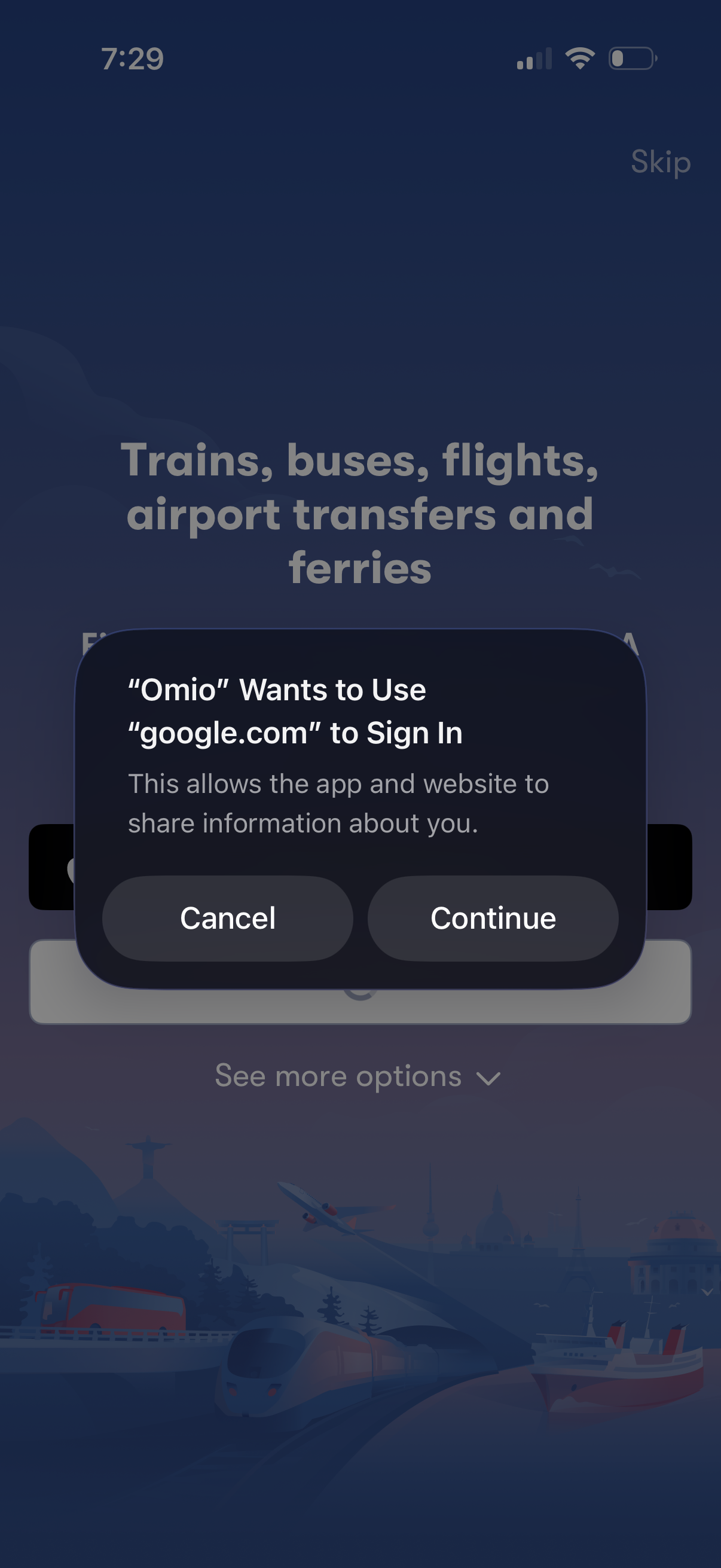
A travel booking app sign-in screen is interrupted by an iOS permission modal asking to use Google. com for authentication, offering Cancel or Continue to proceed with Google login.
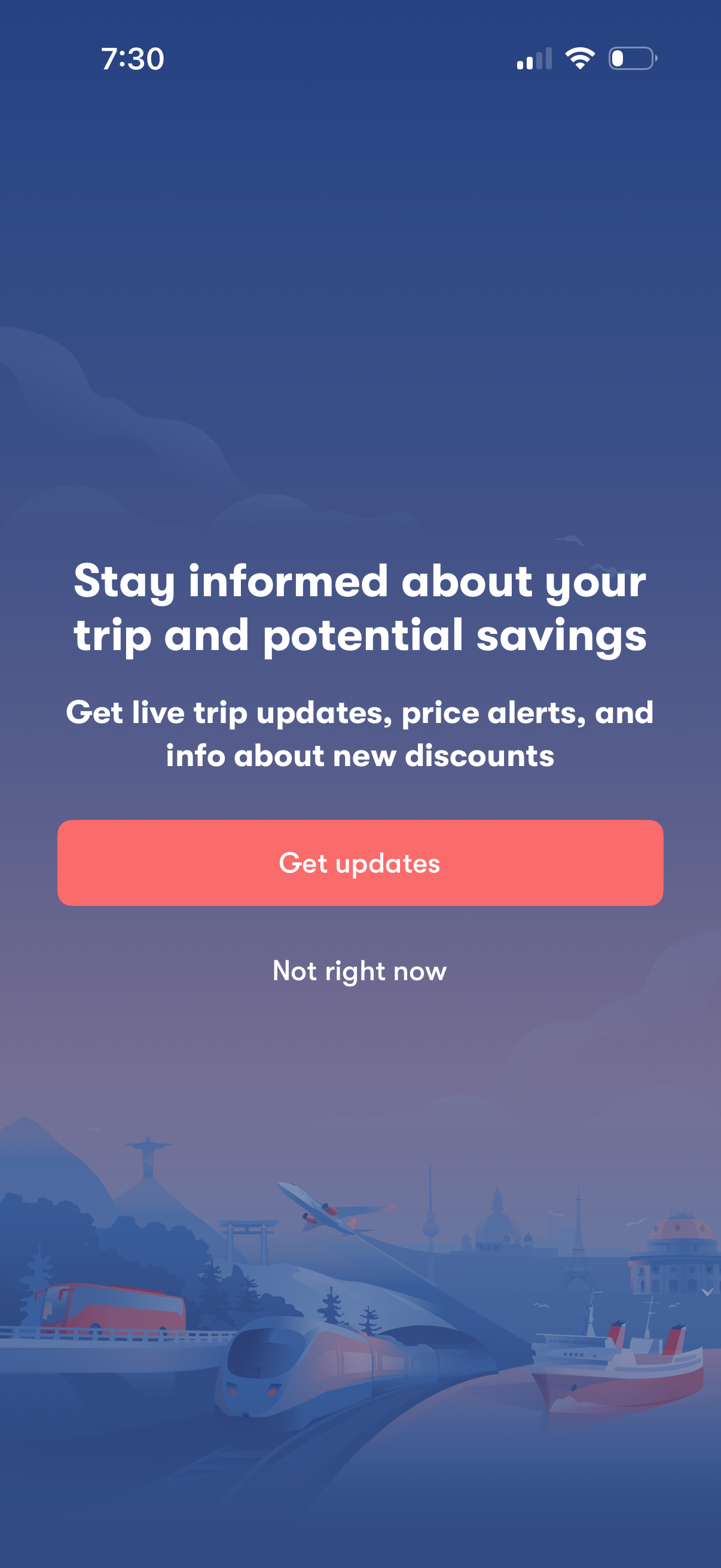
Opt-in screen prompting users to enable travel notifications for live trip updates, price alerts, and new discounts. Includes a primary “Get updates” call-to-action and a secondary “Not right now” option to dismiss.
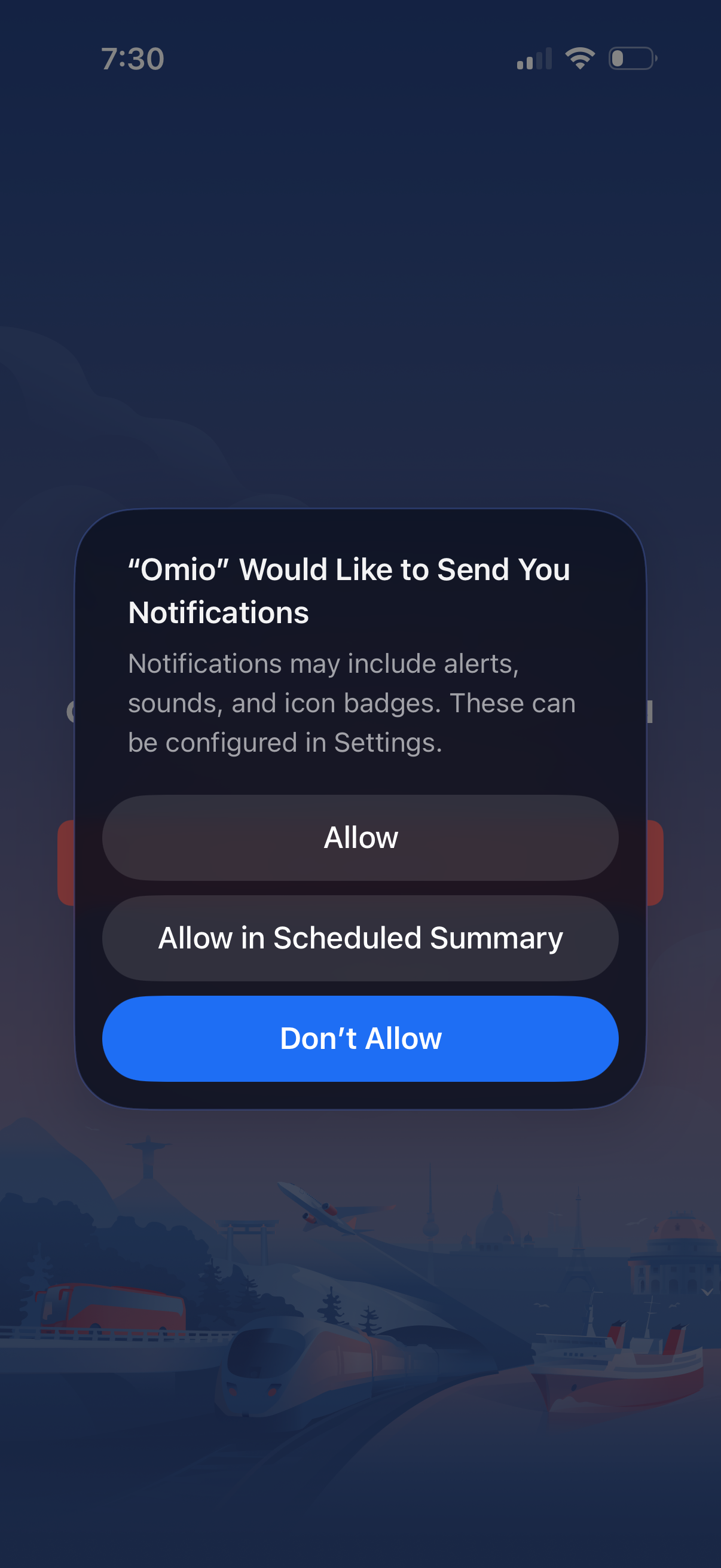
iOS system permission modal prompting the user to enable push notifications for an app, explaining alerts/sounds/badges and that settings can be changed later. Provides actions to Allow, Allow in Scheduled Summary, or Don’t Allow.
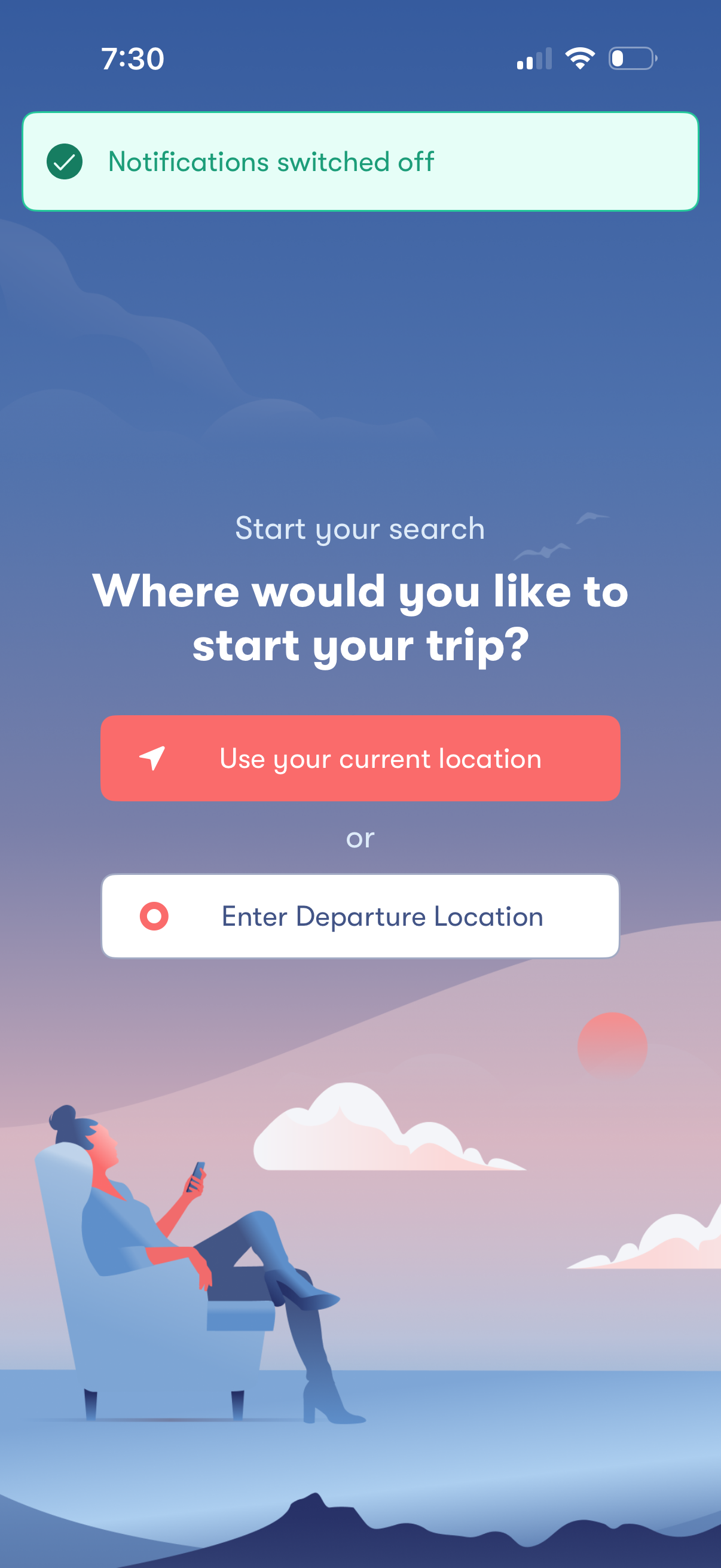
Trip search start screen prompting the user to choose a departure point, with primary actions to use the device’s current location or manually enter a departure location. A confirmation banner at the top indicates notifications have been switched off.
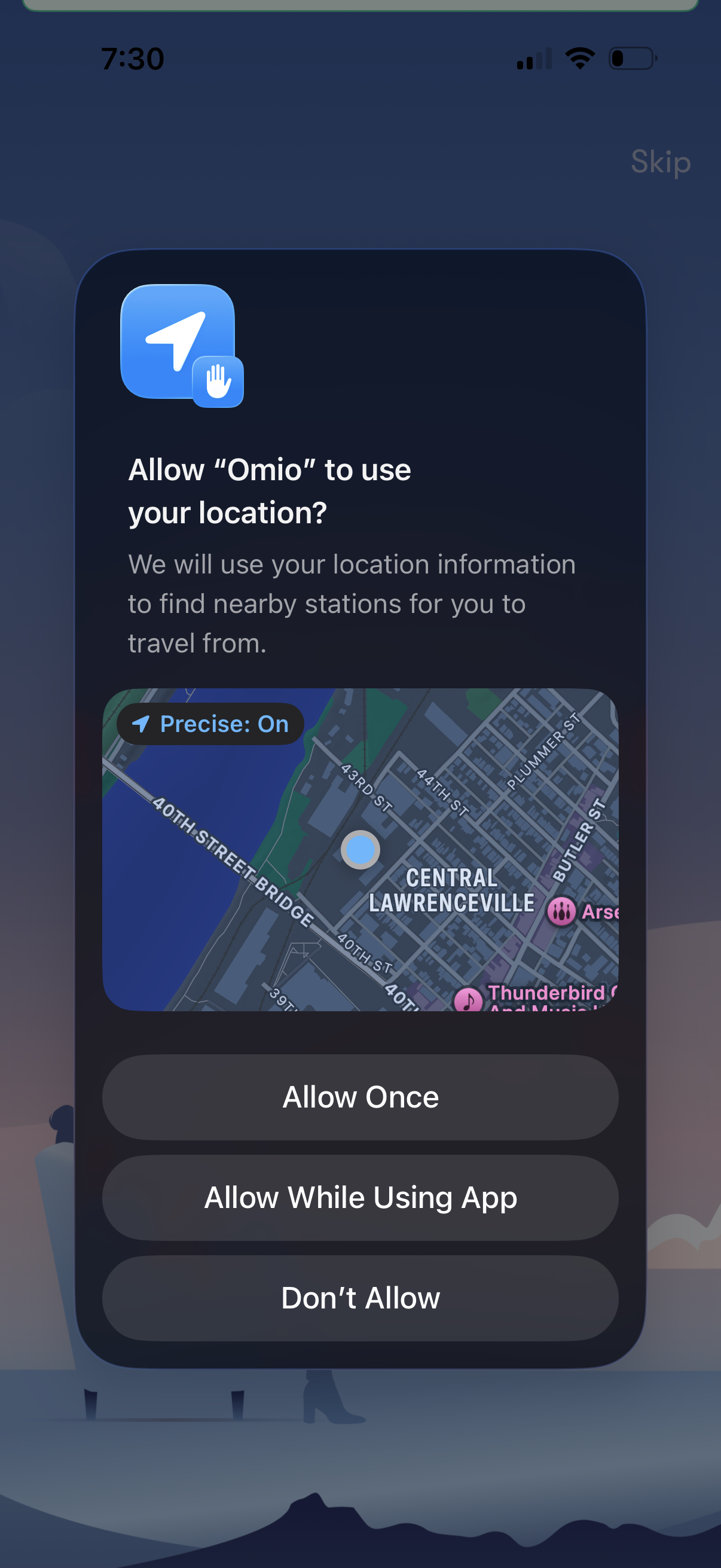
iOS system location permission prompt asking to allow the Omio app to use the user’s precise location to find nearby travel stations. Provides actions to Allow Once, Allow While Using App, or Don’t Allow, with a map preview of the current location.
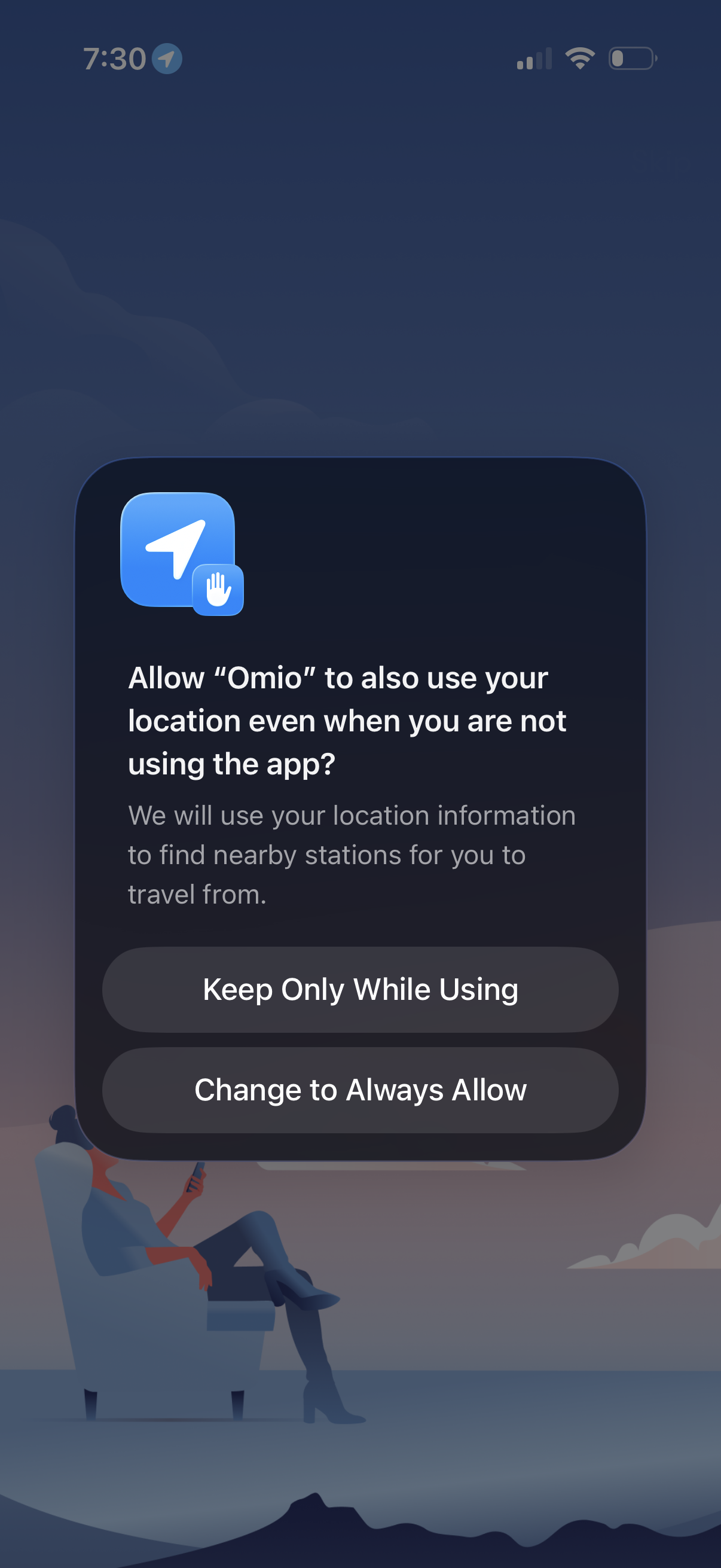
iOS system permission prompt asking the user to allow an app to use their location “always” even when not using the app, explaining it’s needed to find nearby stations. Provides actions to keep location access only while using the app or change the setting to always allow.