buy concessions
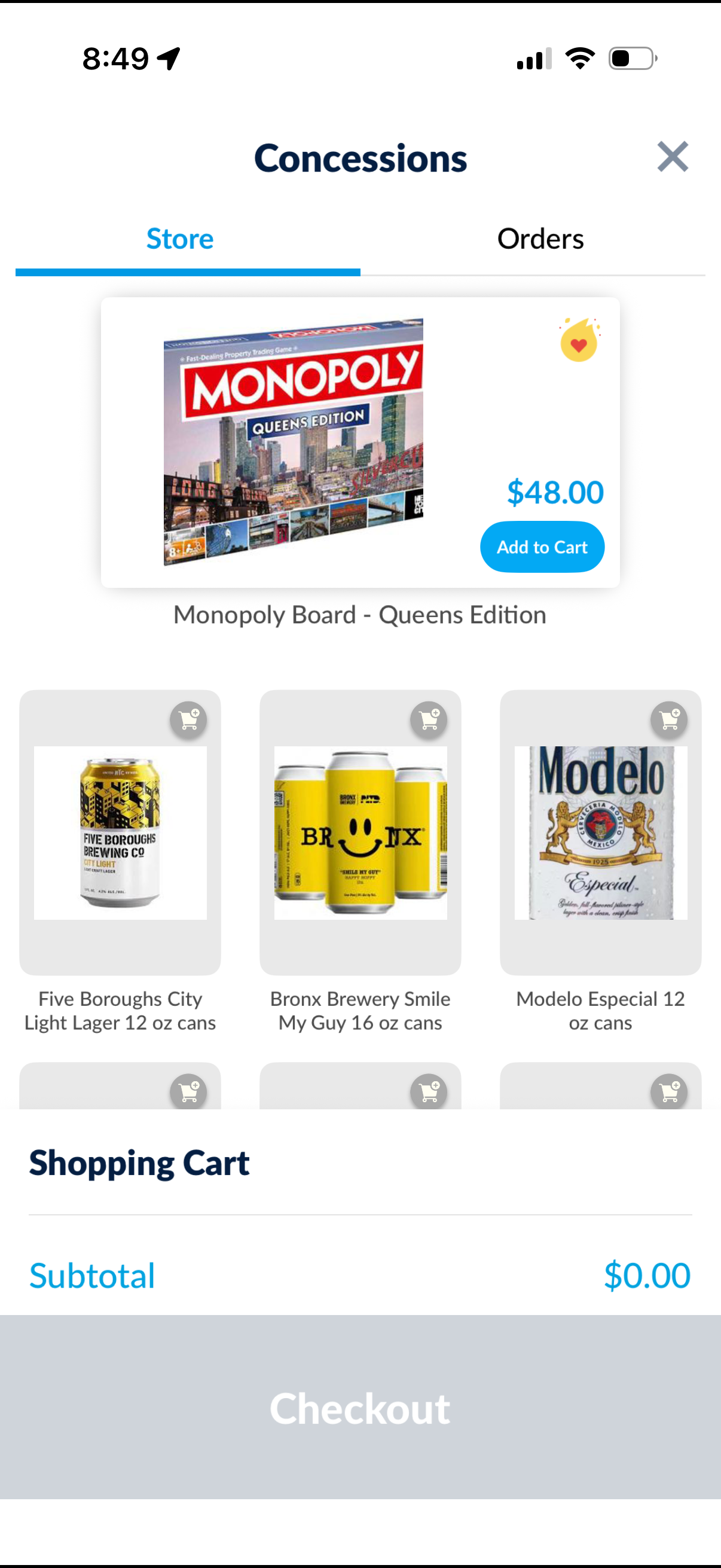
Concessions in-app store screen showing a product catalog with item images, names, prices, and add-to-cart buttons, plus a featured product card with a favorite/like icon. Includes Store and Orders tabs, a shopping cart summary with subtotal, and a prominent Checkout button.

Concessions in-app store screen with tabs for Store and Orders, featuring product cards with images, price, favorite icon, and an “Add to Cart” button. Includes a shopping cart summary with item quantity stepper, subtotal, and a prominent Checkout CTA.
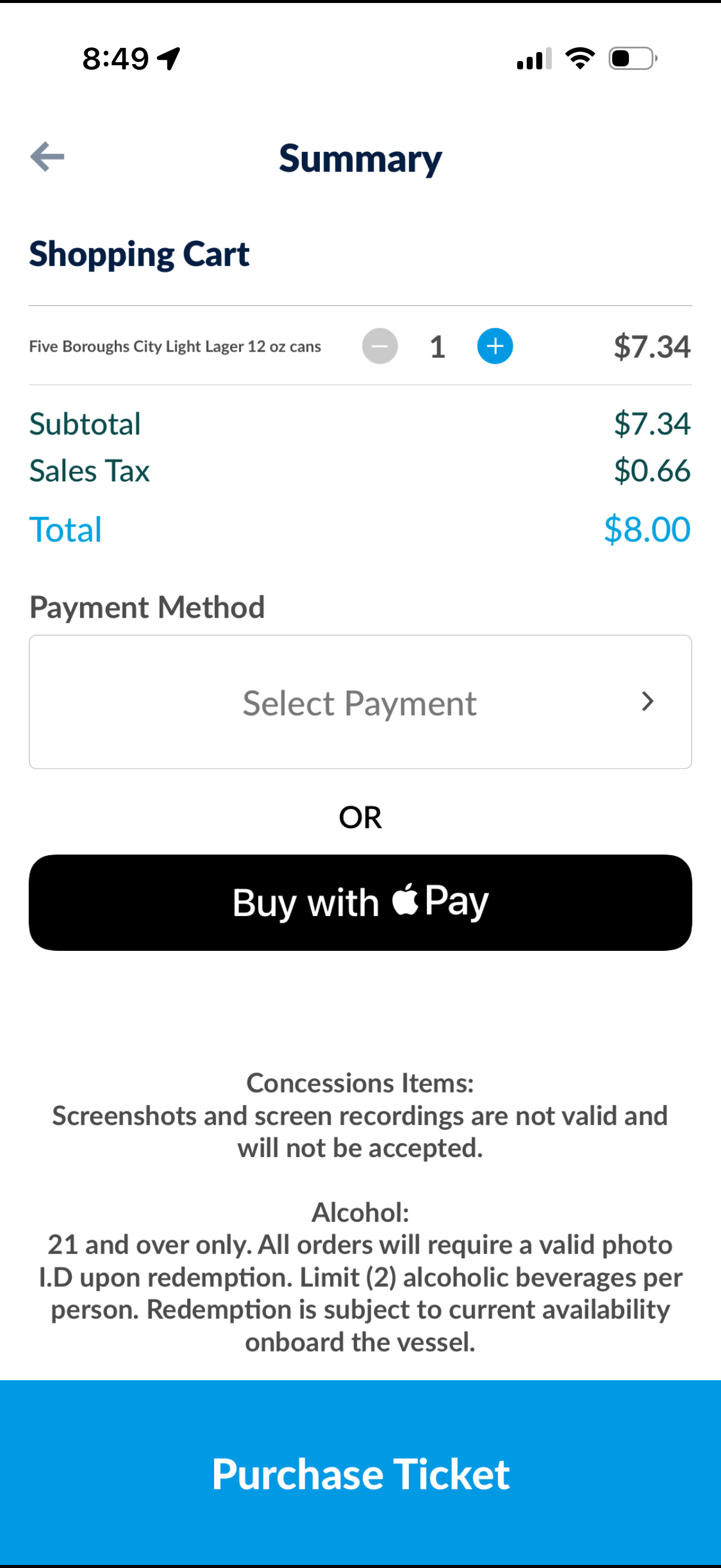
Checkout summary screen for a shopping cart showing an item with quantity stepper controls, subtotal/sales tax/total breakdown, and payment selection. Users can choose a payment method or Apple Pay and complete the order with a primary “Purchase Ticket” button, with informational disclaimers shown below.