view blocked list
1
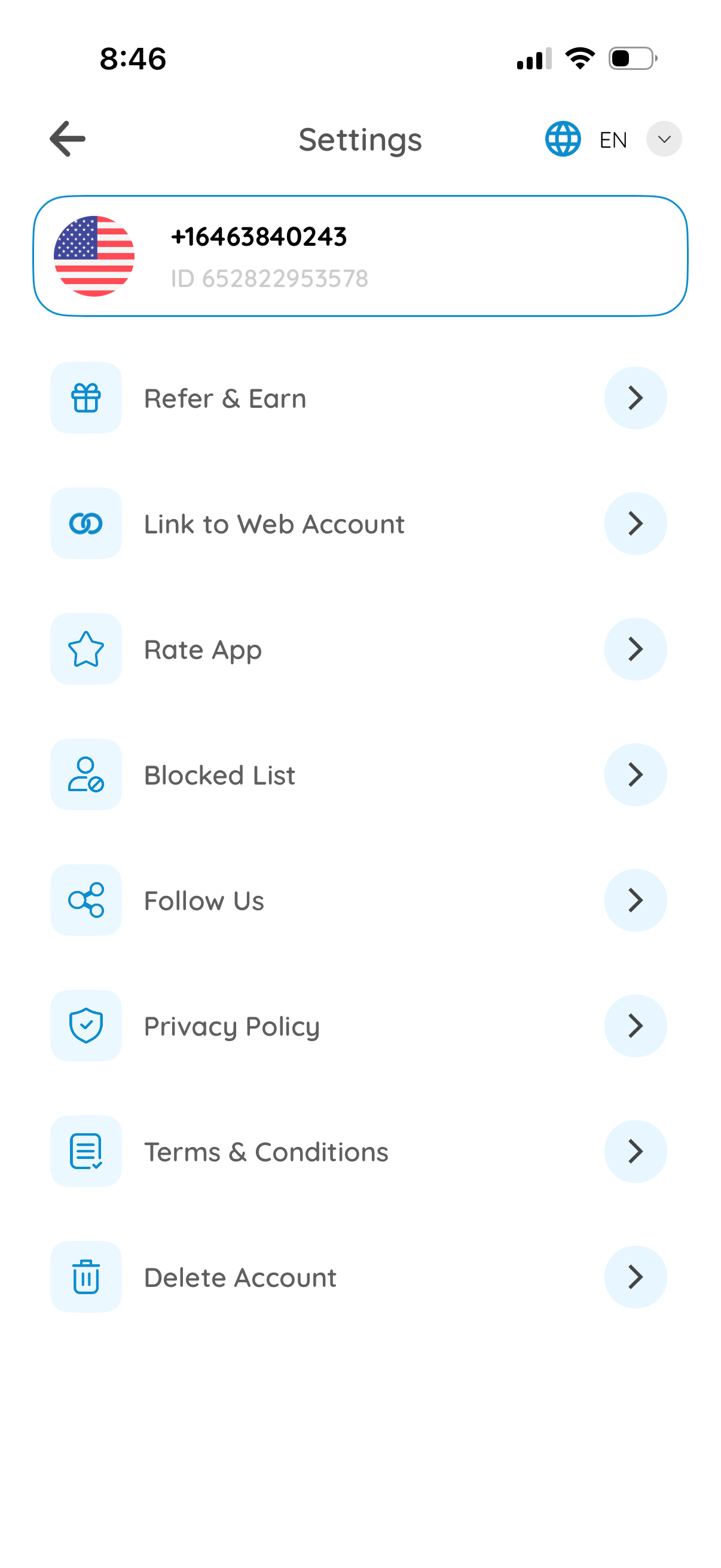
Settings screen for a messaging/communication app showing the user profile header with phone number/ID and a language selector. Provides navigation options for Refer & Earn, link to web account, rate app, manage blocked list, follow social channels, view privacy policy and terms, and delete account.
2
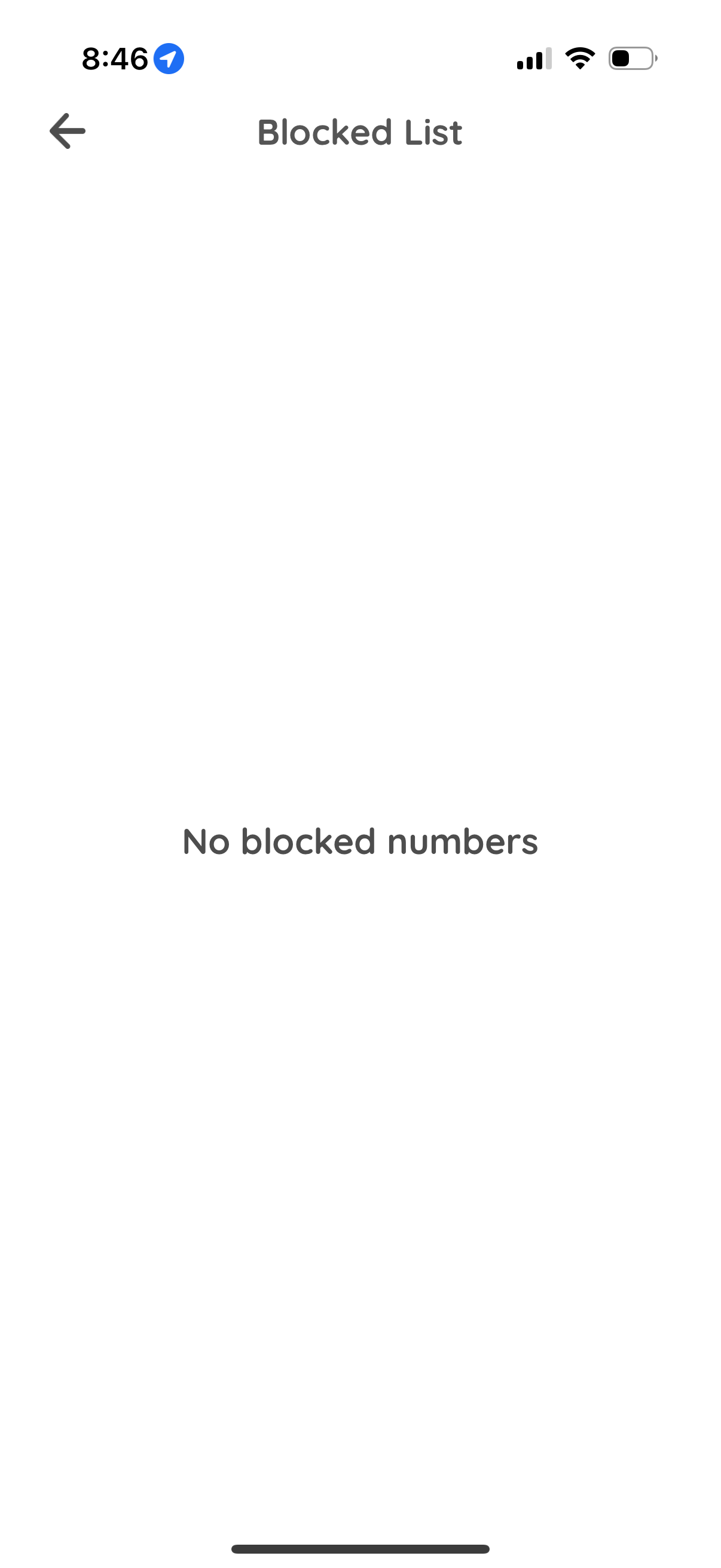
Blocked List settings screen showing the user’s blocked phone numbers, currently in an empty state with the message “No blocked numbers,” and a back navigation option.