complete onboarding
Welcome splash/onboarding screen for a podcast app with a large greeting headline and a “Tap anywhere to get started” prompt to begin setup. Includes a brief consent disclaimer with links to Terms of Use and Privacy Policy.
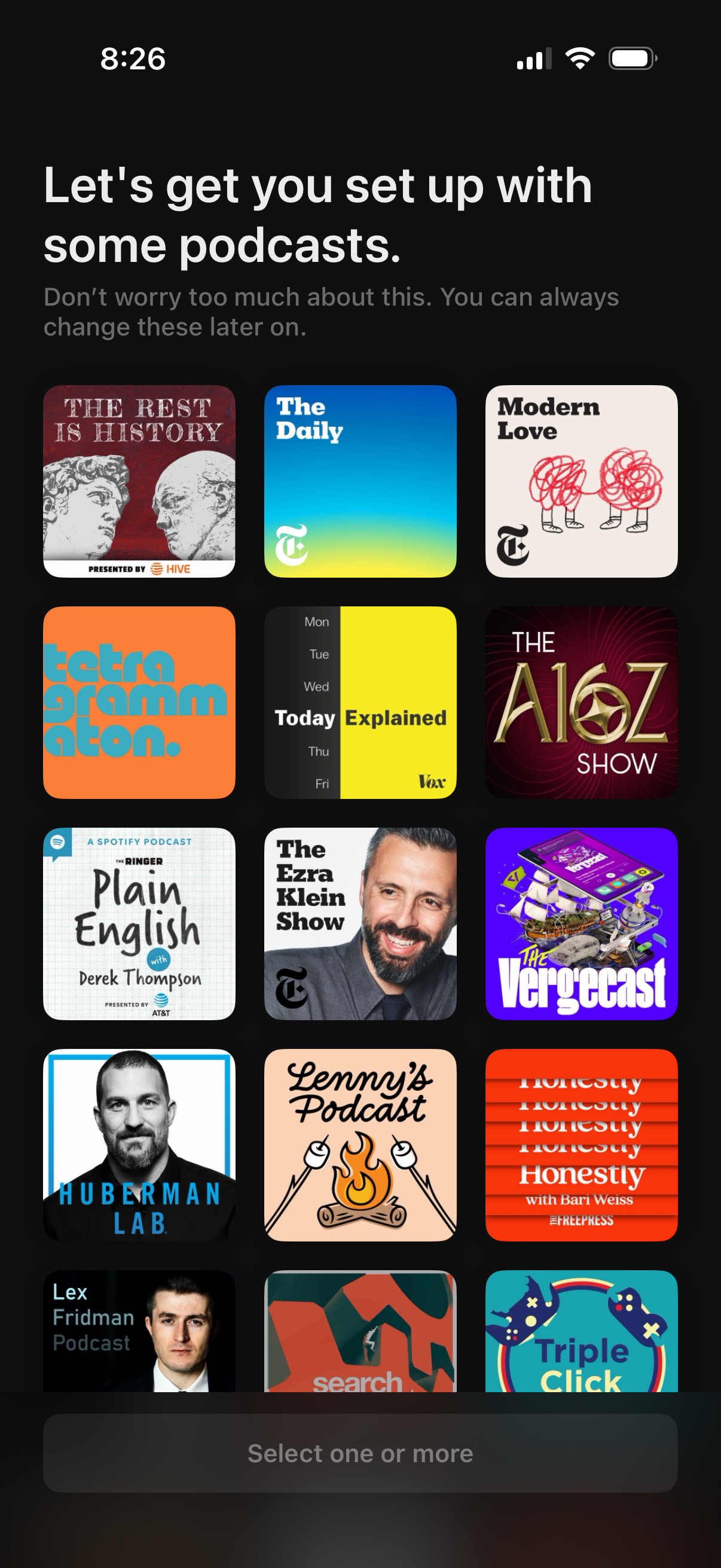
Podcast app onboarding screen prompting users to set up their feed by selecting one or more recommended podcasts. Displays a grid of podcast cover tiles to choose from with a disabled “Select one or more” action bar until a selection is made, noting choices can be changed later.
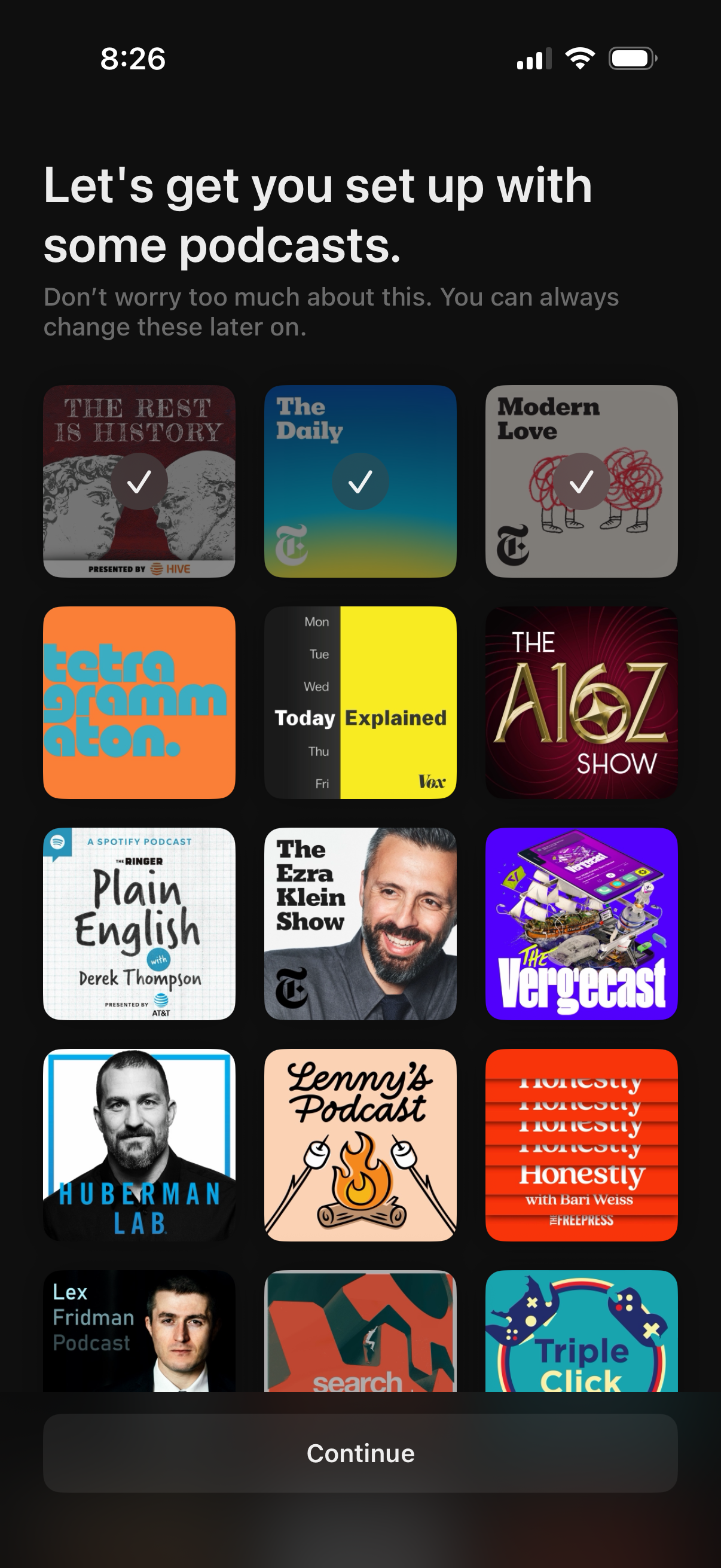
Podcast app onboarding screen prompting users to select recommended podcasts to follow, shown as a grid of podcast cover tiles with checkmarks for selected items. Includes guidance that selections can be changed later and a bottom “Continue” button to proceed with setup.
A full-screen loading/wait state with a spinner and message “Just a moment while we get things ready for you,” indicating the app is preparing content or completing setup before continuing. Minimal UI with no actions besides waiting.
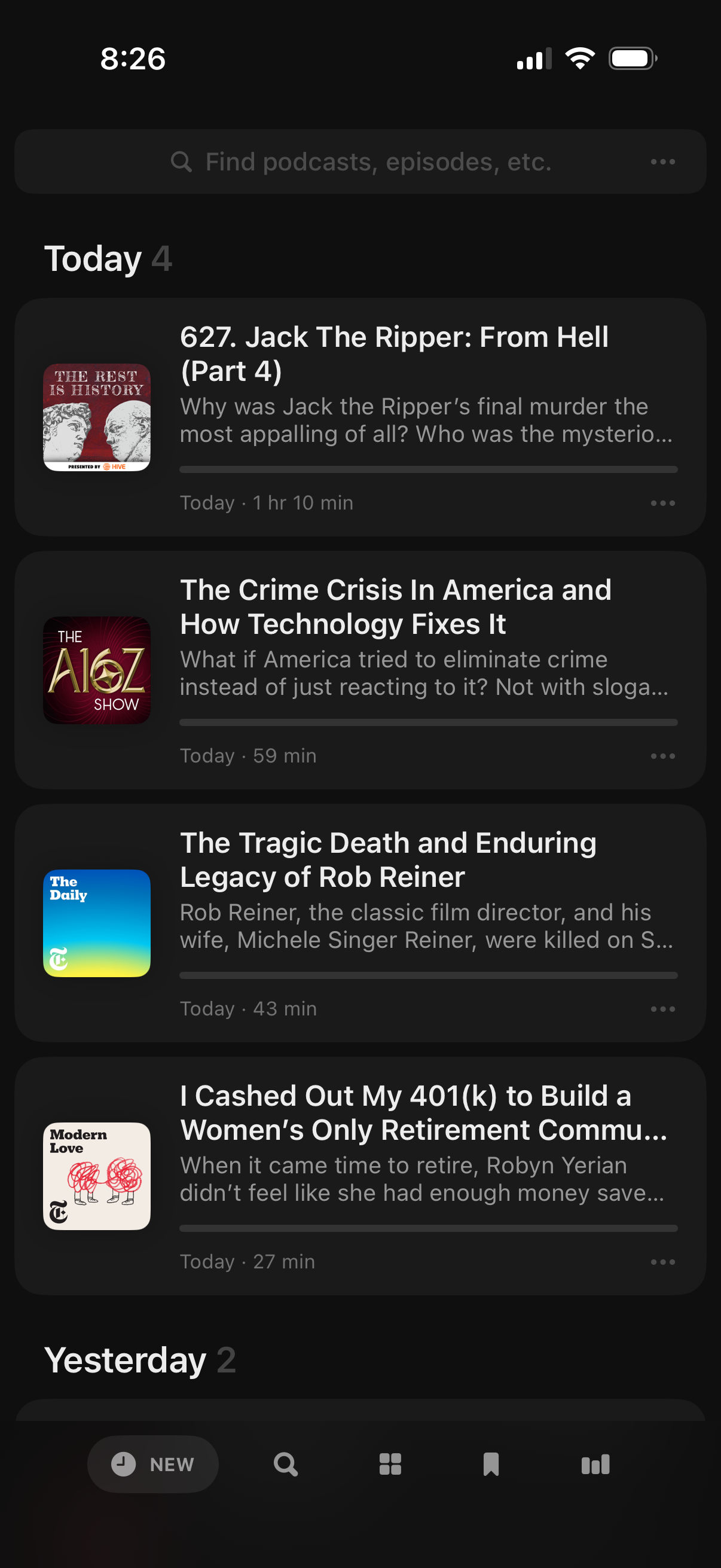
Podcast app “New” feed showing recently released episodes grouped by date (Today/Yesterday), with a search bar to find podcasts or episodes. Each episode card includes show artwork, title, brief description, duration and release time, plus a more options menu for actions like saving or downloading.