verify phone number
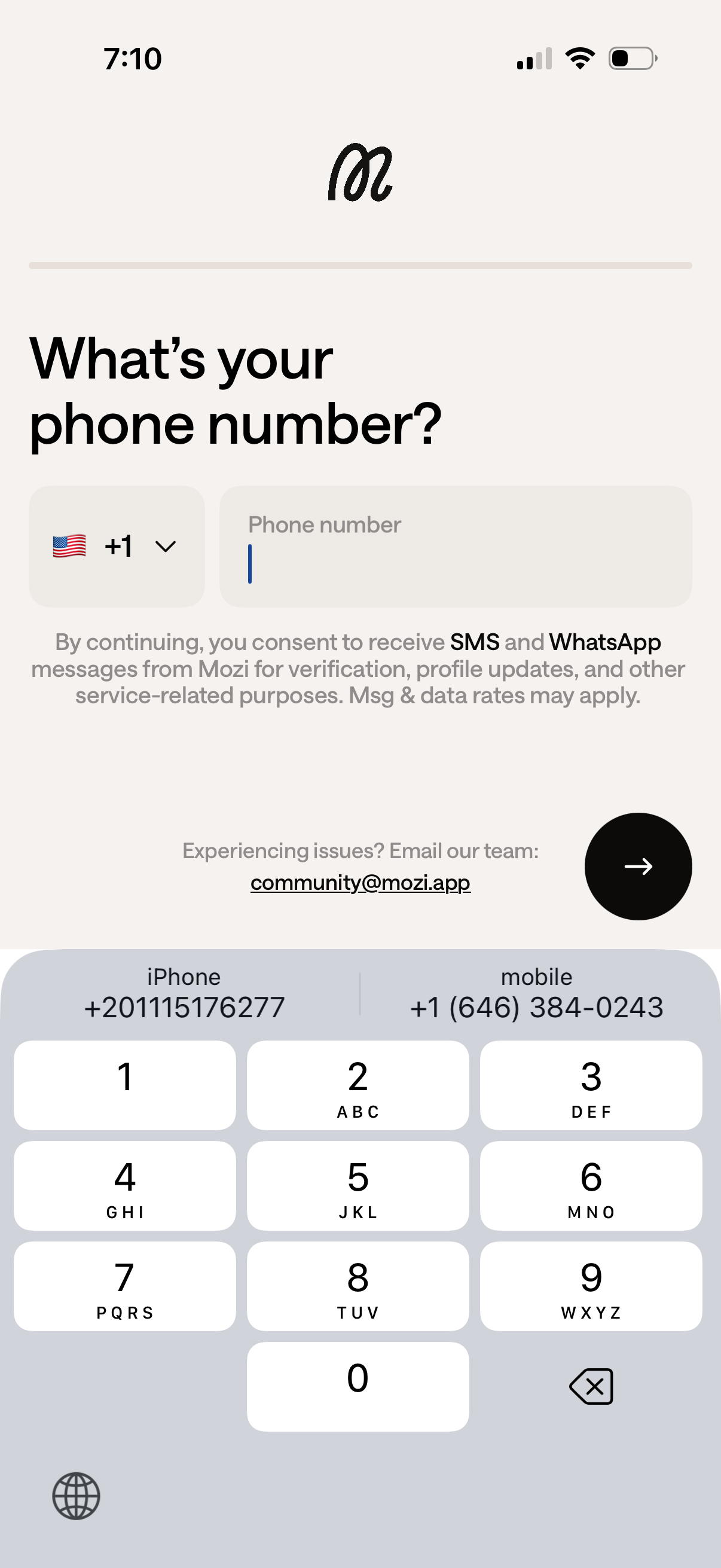
Phone number entry screen for onboarding or account sign-in, with a country code selector dropdown and a single phone number input field to receive SMS or WhatsApp verification messages. Includes consent and messaging rates disclaimer, support email link, and a primary next/continue arrow button to proceed.
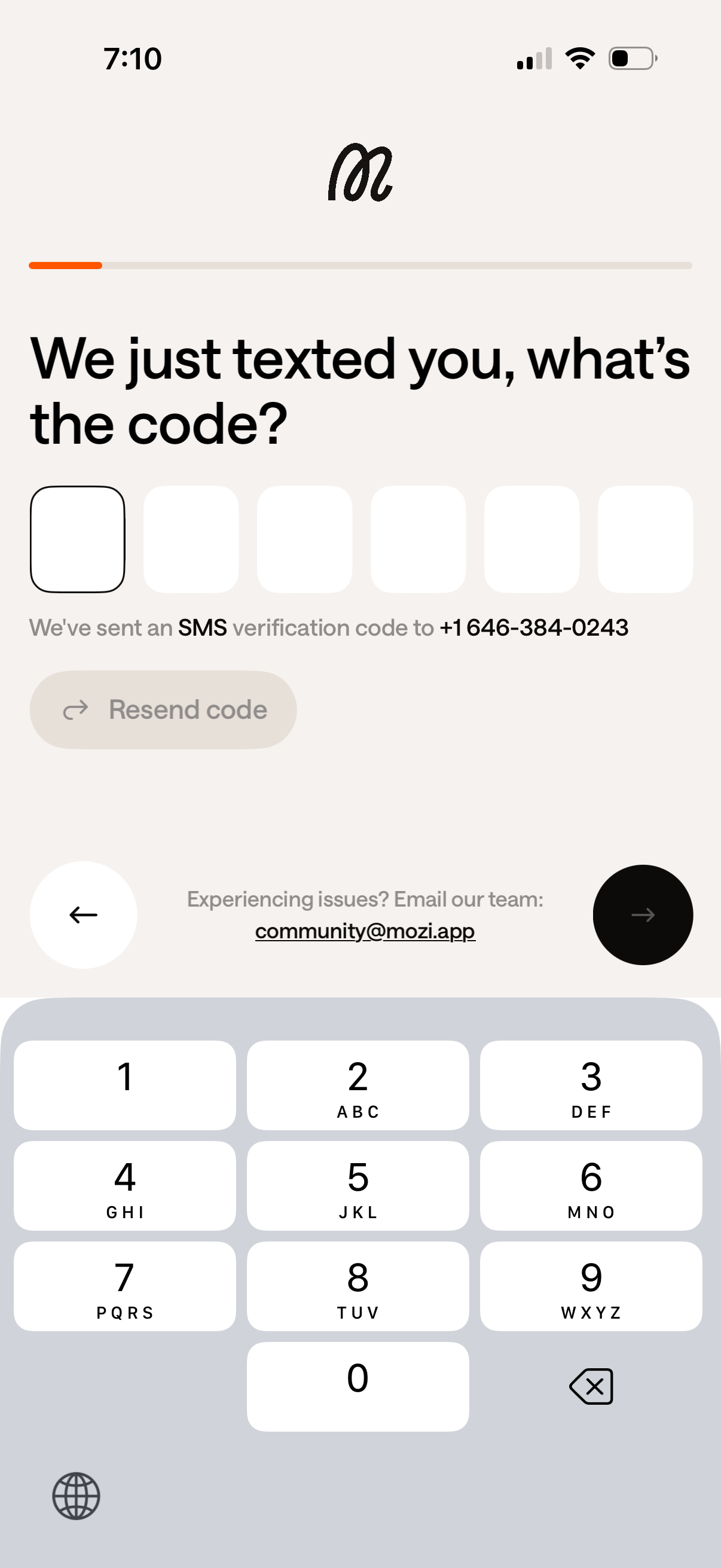
SMS verification (OTP) screen prompting the user to enter a 6-digit code sent via text message, with code input boxes, a disabled “Resend code” button, and navigation controls to go back or continue. Includes a help link for support via email if the user is experiencing issues.
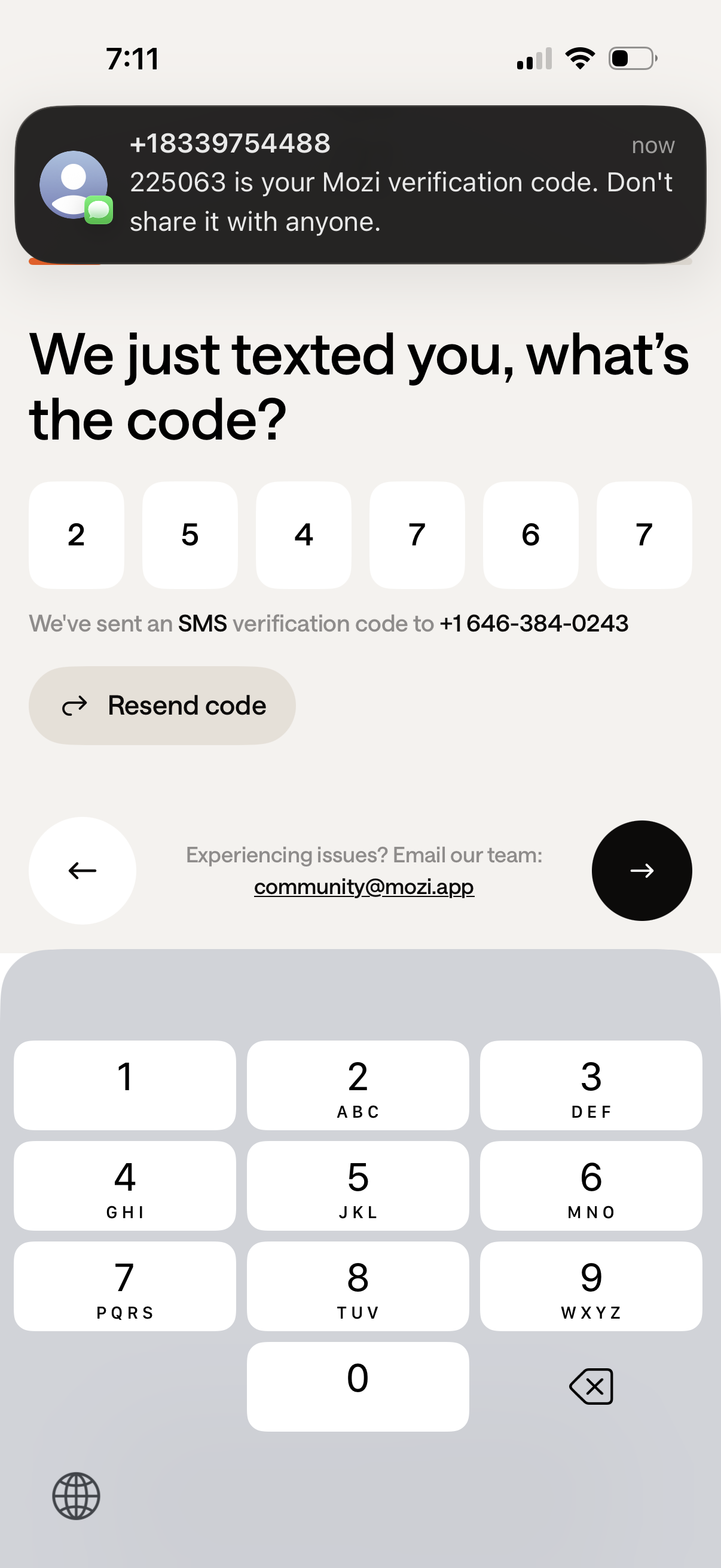
SMS one-time passcode verification screen for phone number login, prompting the user to enter a 6-digit code that was texted to their number. Includes a resend code action, support contact link, and navigation controls to go back or continue after entering the code.