Sort Recordings

Bird identification home screen showing “Your bird of the day” with a large bird photo, species name, and a share button plus a live “listening now” count. Primary actions let users identify birds via step-by-step guide, record sound with a microphone button, or take/upload a photo, with a shortcut to view saved sound recordings and bottom navigation for Identify, Explore, Life List, and Settings.

A recordings history list screen with a search bar and sortable list of saved recordings showing timestamp and location metadata, where tapping an item opens its details. Includes navigation back, overflow actions, and a bottom tab bar for Identify, Explore, Life List, and Settings.
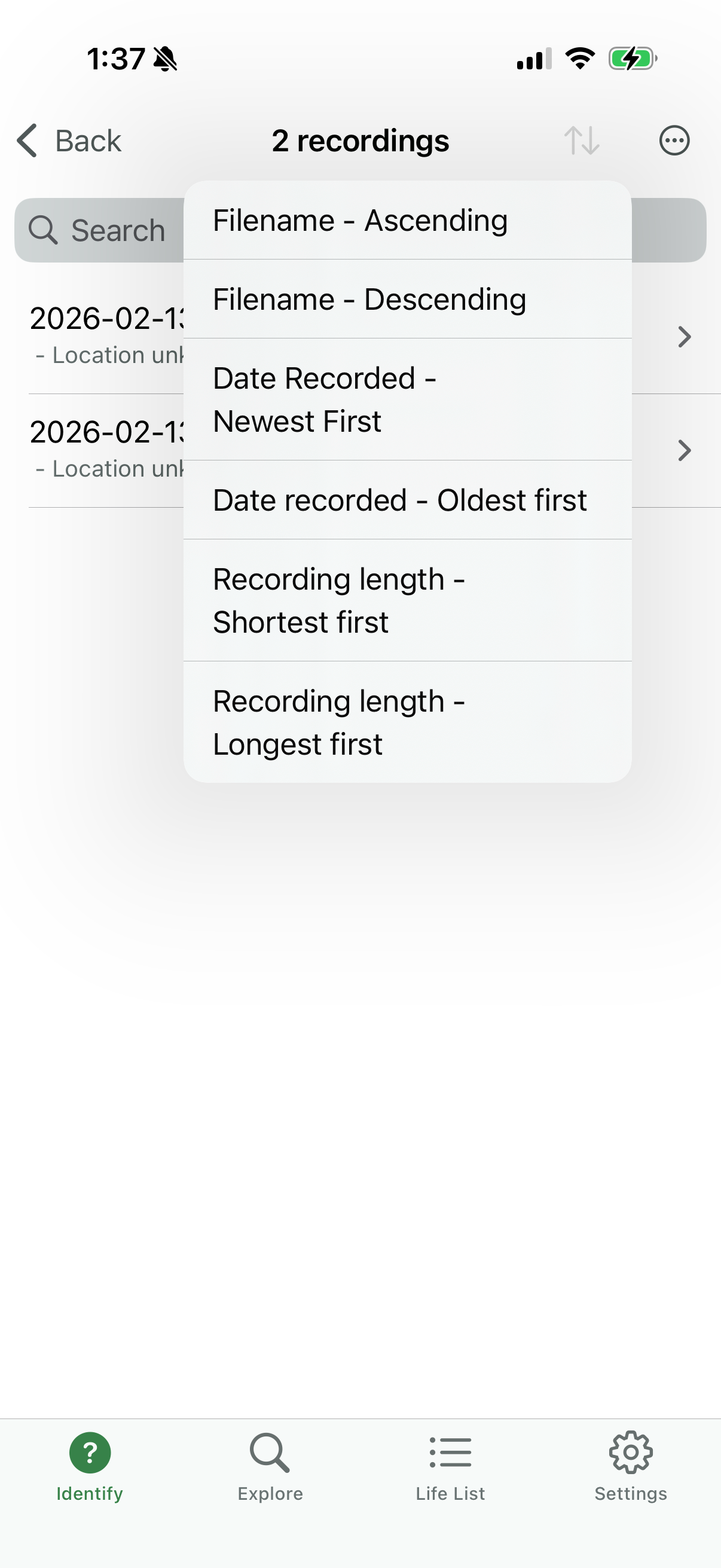
Recordings list screen with a search bar and a sort/filter menu for organizing saved audio files. The sort options let users order recordings by filename (ascending/descending), date recorded (newest/oldest), or recording length (shortest/longest).