1
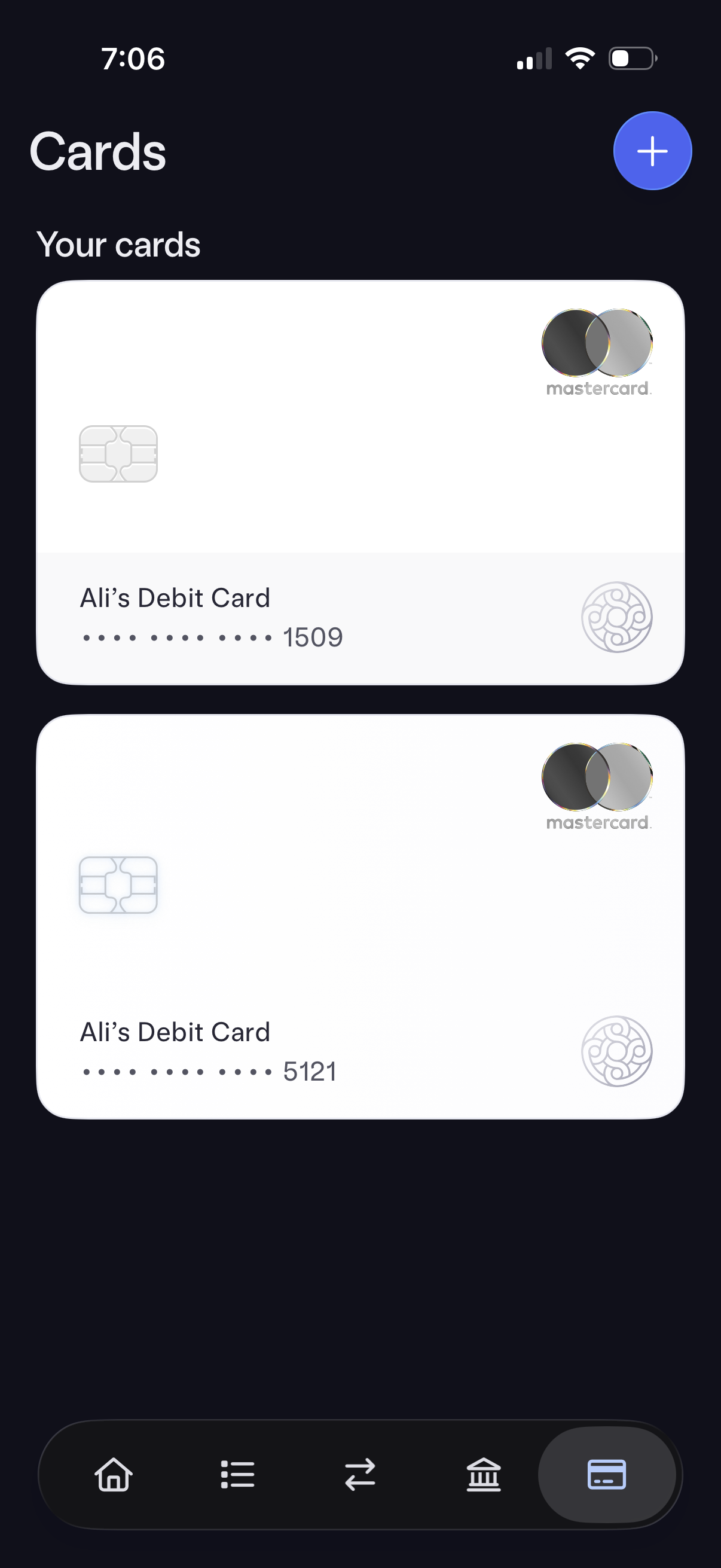
Mobile banking “Cards” screen showing a list of the user’s debit cards as large card previews with masked card numbers and card brand. Includes a prominent plus button to add a new card and bottom tab navigation for switching sections.
2
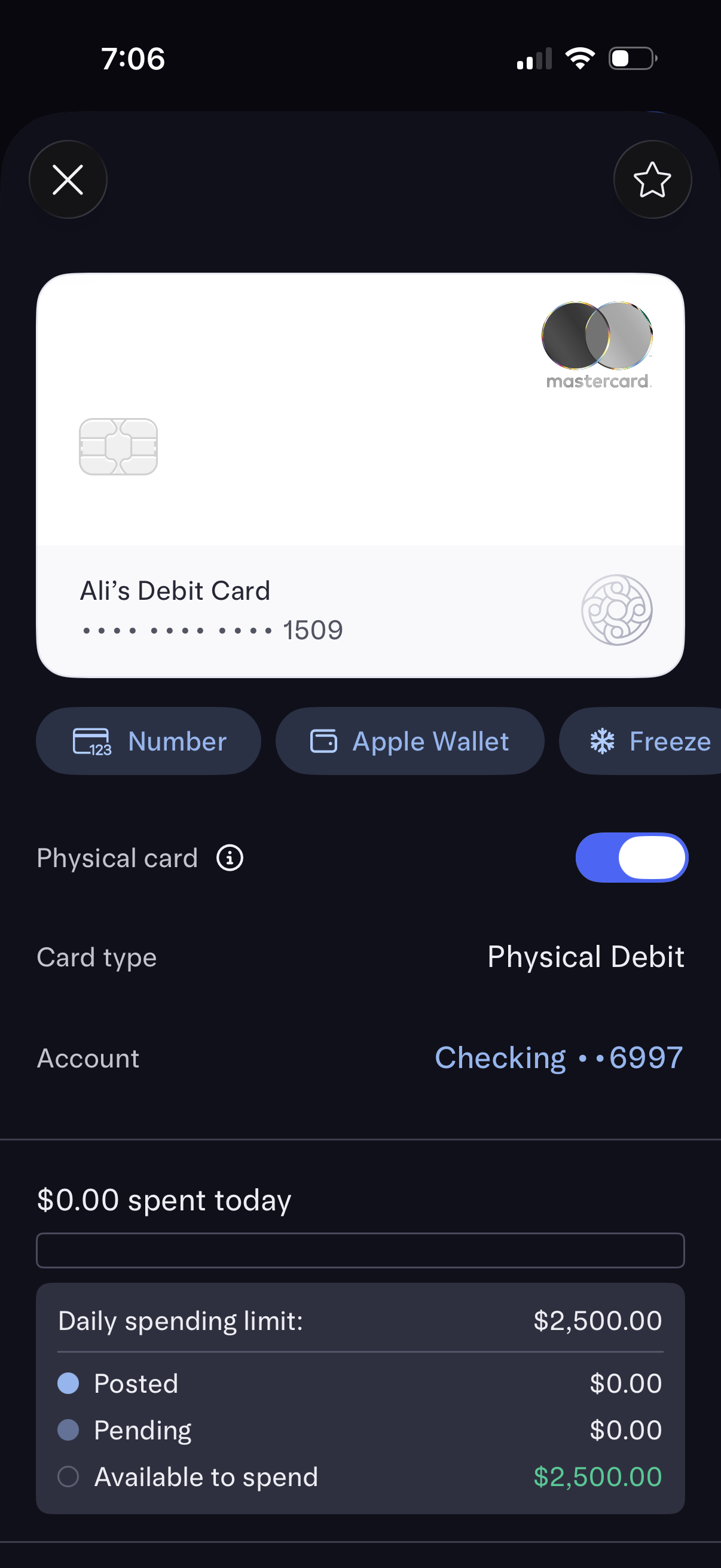
Debit card management screen showing a card preview with quick actions to view card number, add to Apple Wallet, and freeze/unfreeze the physical card. Displays card details like card type and linked account plus spending overview with amount spent today, daily spending limit, and posted/pending/available balances.