transfer between accounts
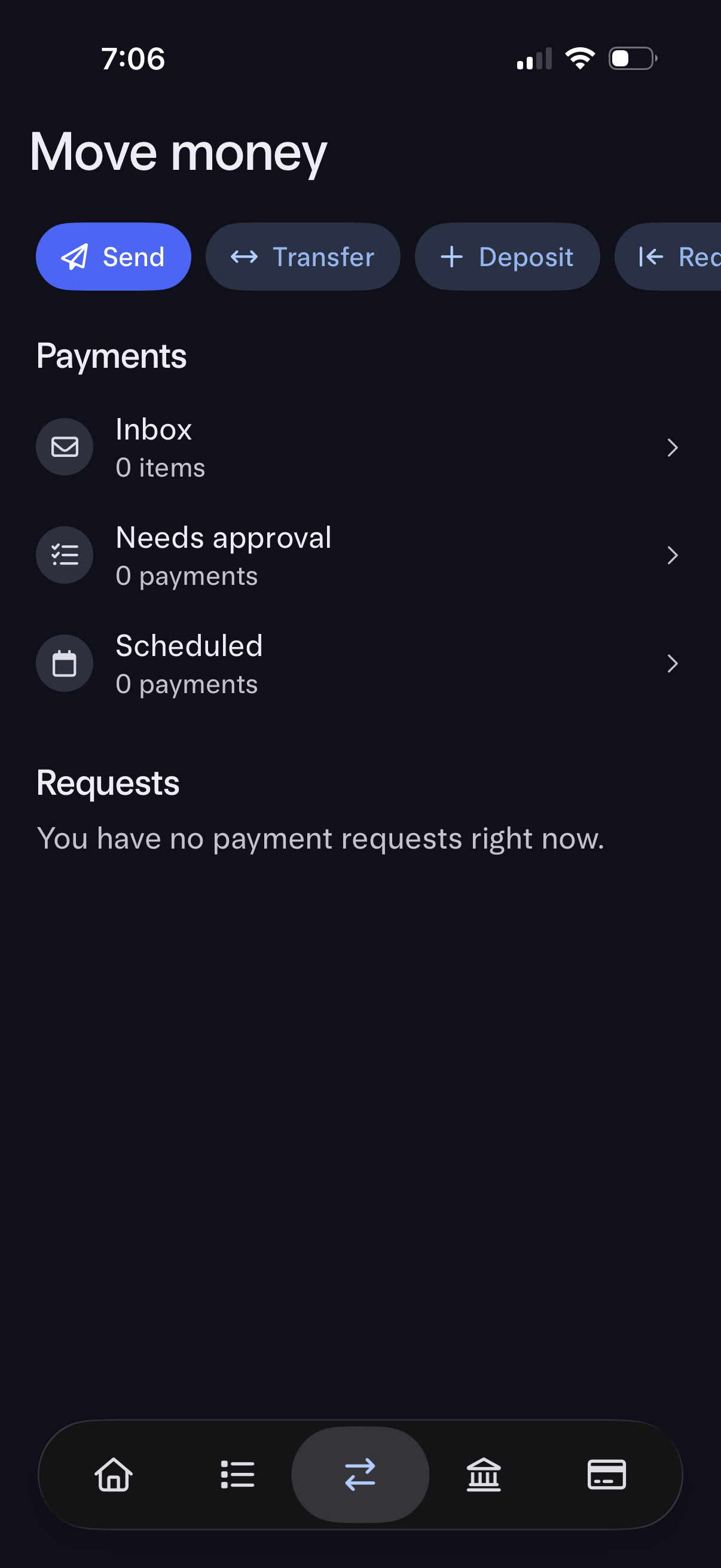
Money movement hub screen in a banking app with quick actions to Send, Transfer, Deposit, and Receive funds. Below, it lists Payments sections (Inbox, Needs approval, Scheduled) and a Requests area showing current payment requests status, with navigation into each list.
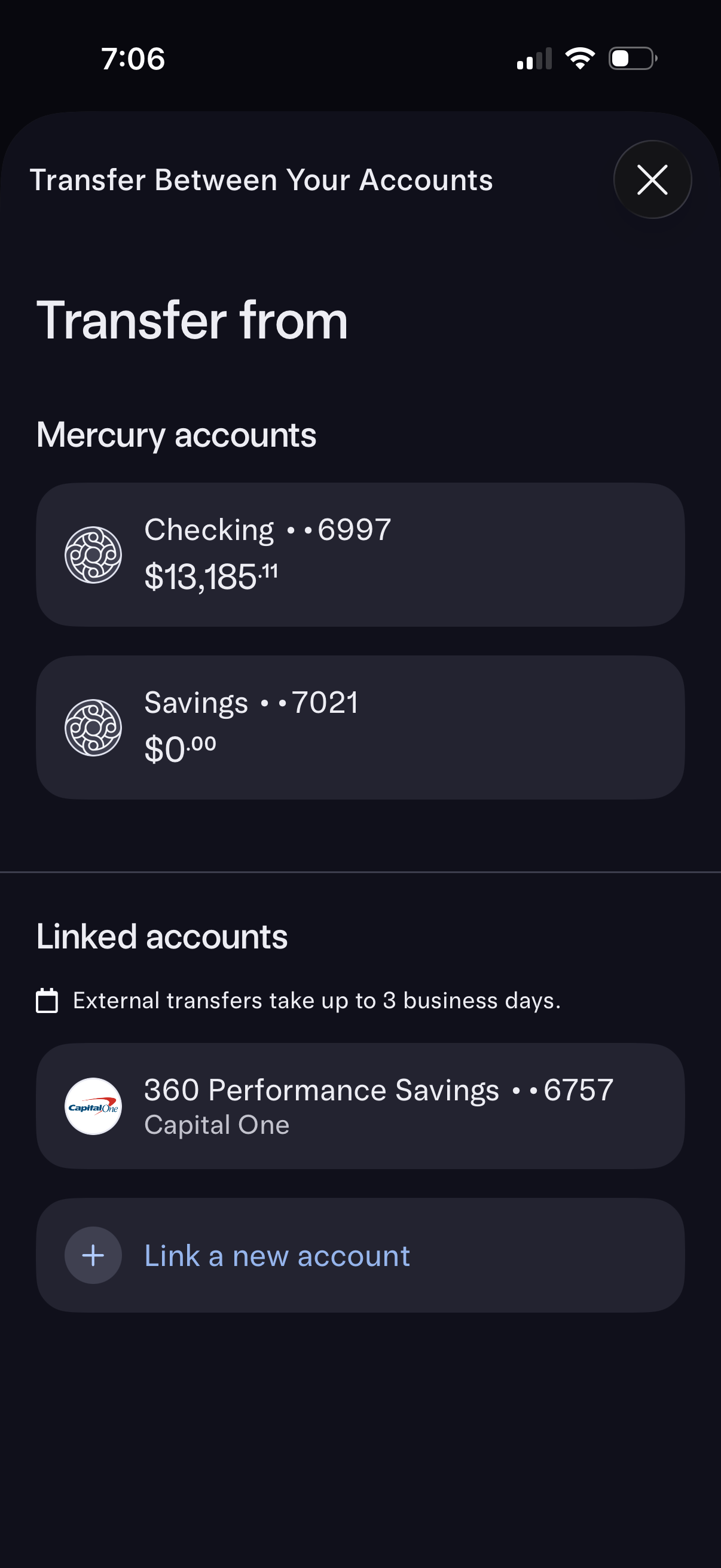
Banking transfer flow screen for selecting the source account to transfer from, showing a list of internal checking/savings accounts with masked account numbers and current balances. Includes a section for linked external accounts with an ETA note for external transfers and an option to link a new account, plus a close button to exit.
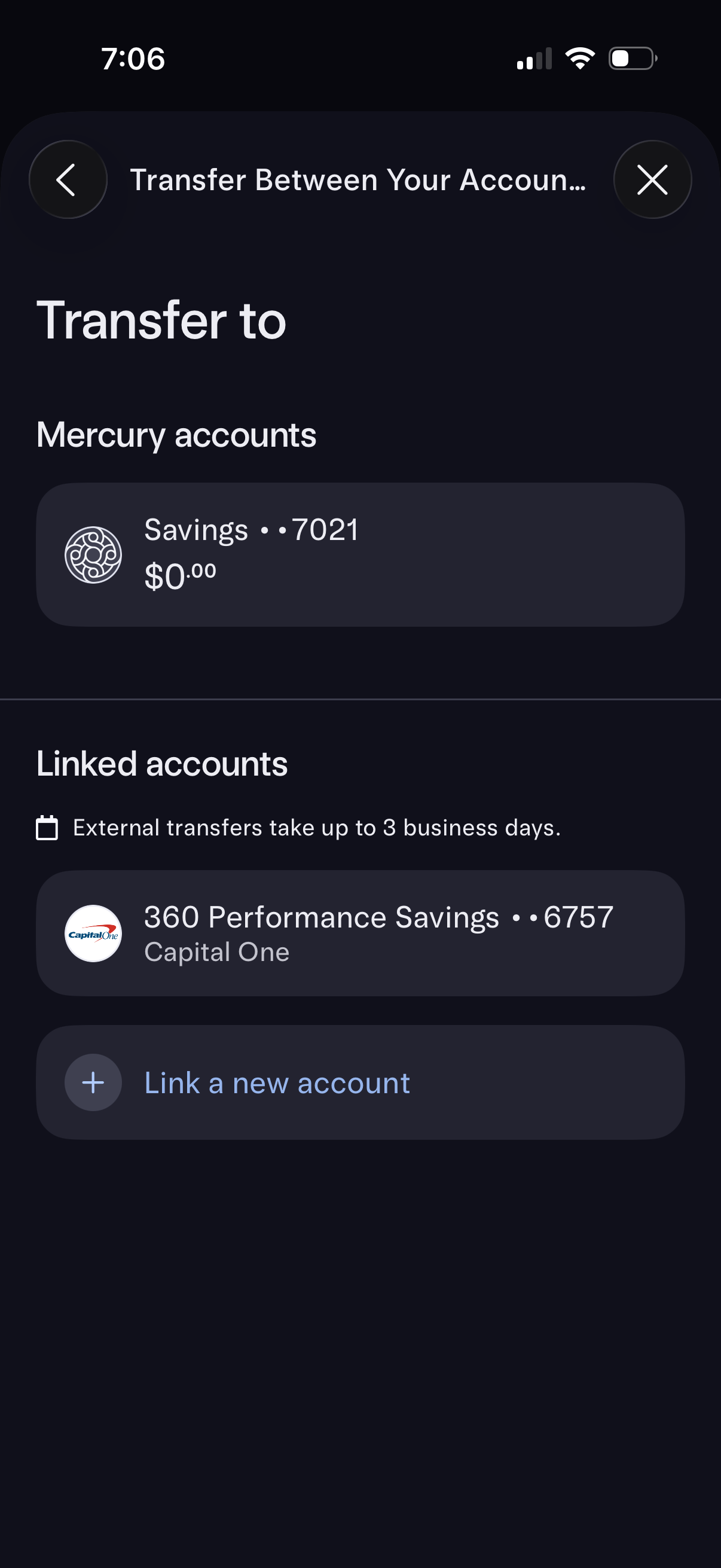
Banking transfer destination selection screen where the user chooses an account to transfer money to, showing internal accounts and externally linked accounts with masked numbers and balance info. Includes an option to link a new external account and a note about external transfer processing time, with back and close controls.
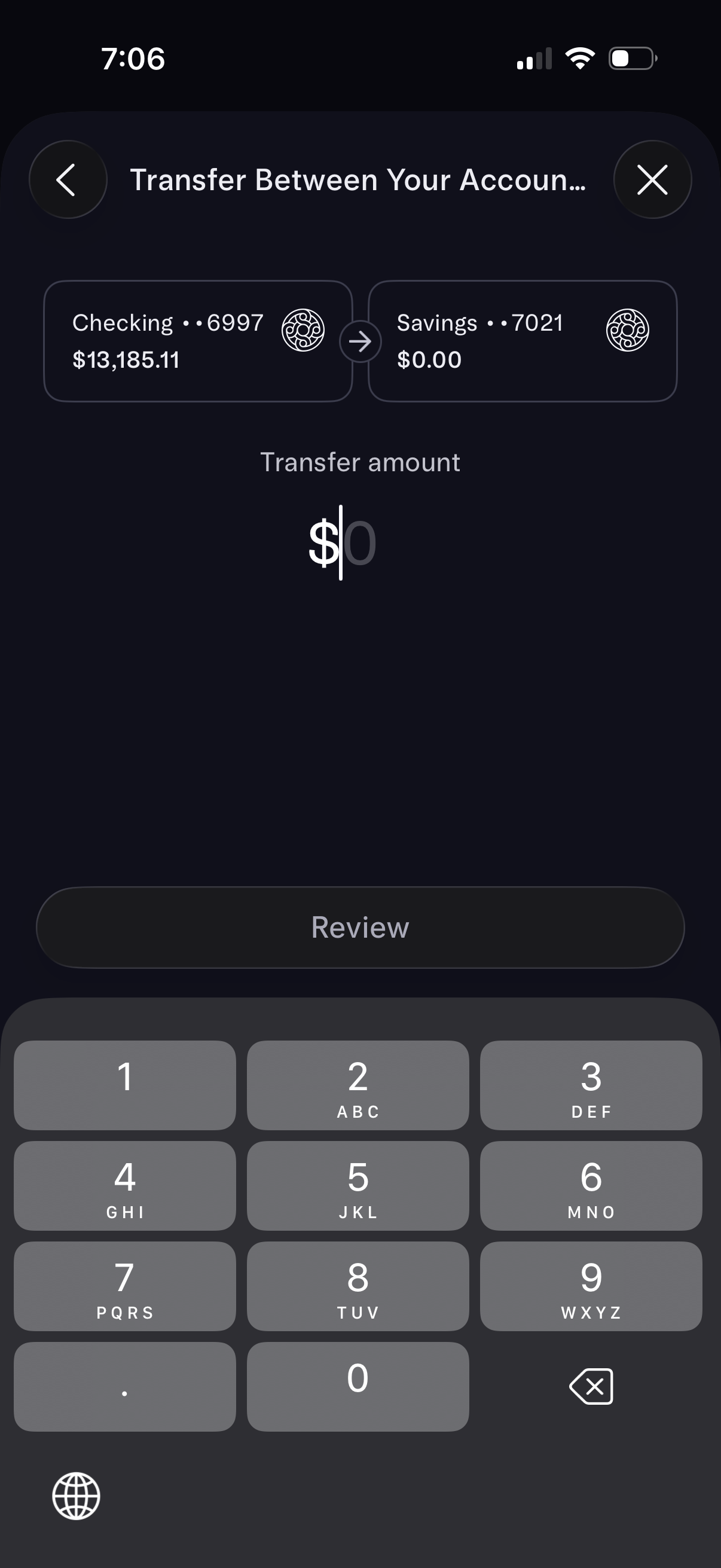
Banking app screen for transferring money between your own accounts, showing source and destination account cards (e. g.
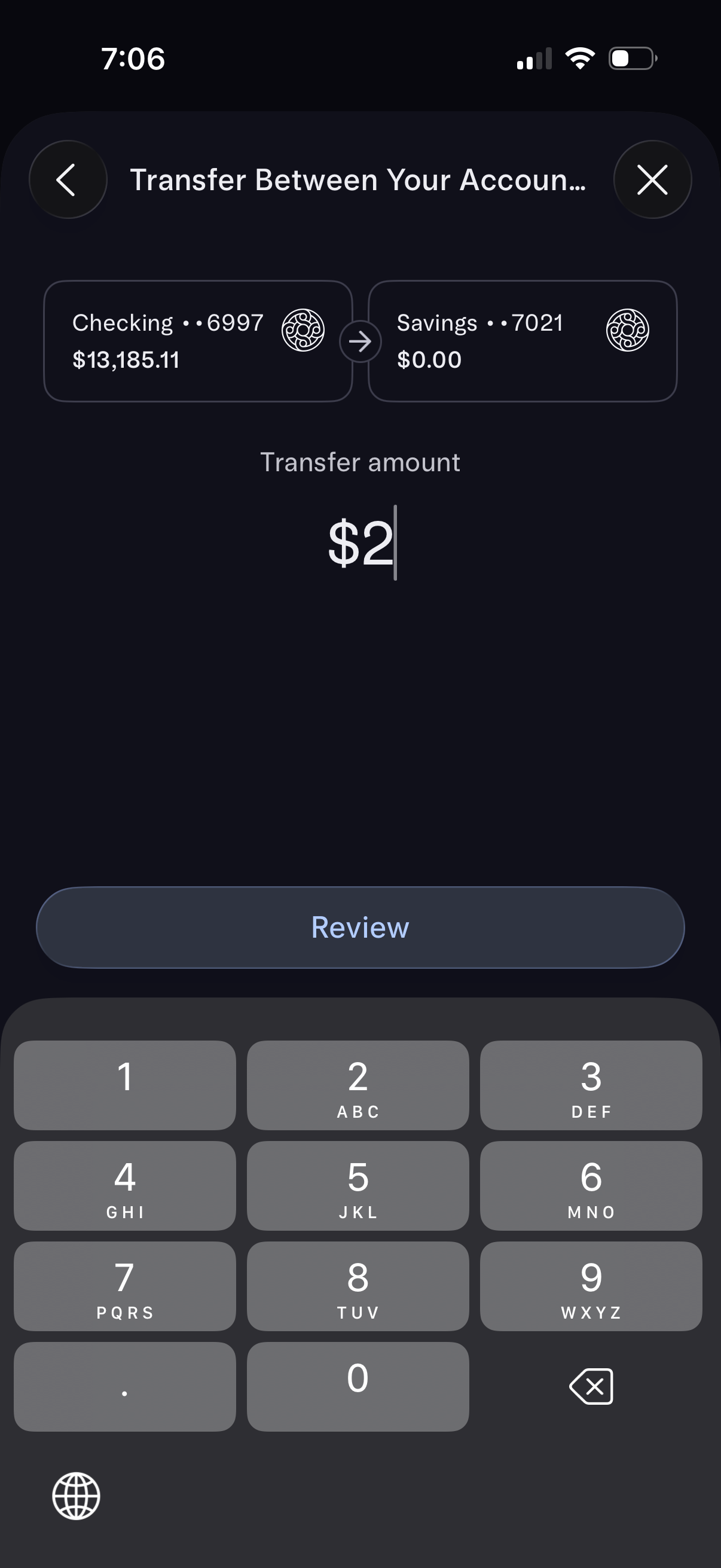
Mobile banking transfer screen for moving money between your own accounts, showing selected source and destination accounts with current balances. Includes a transfer amount input with numeric keypad and a primary “Review” button to proceed, plus back and close controls.