Sign up
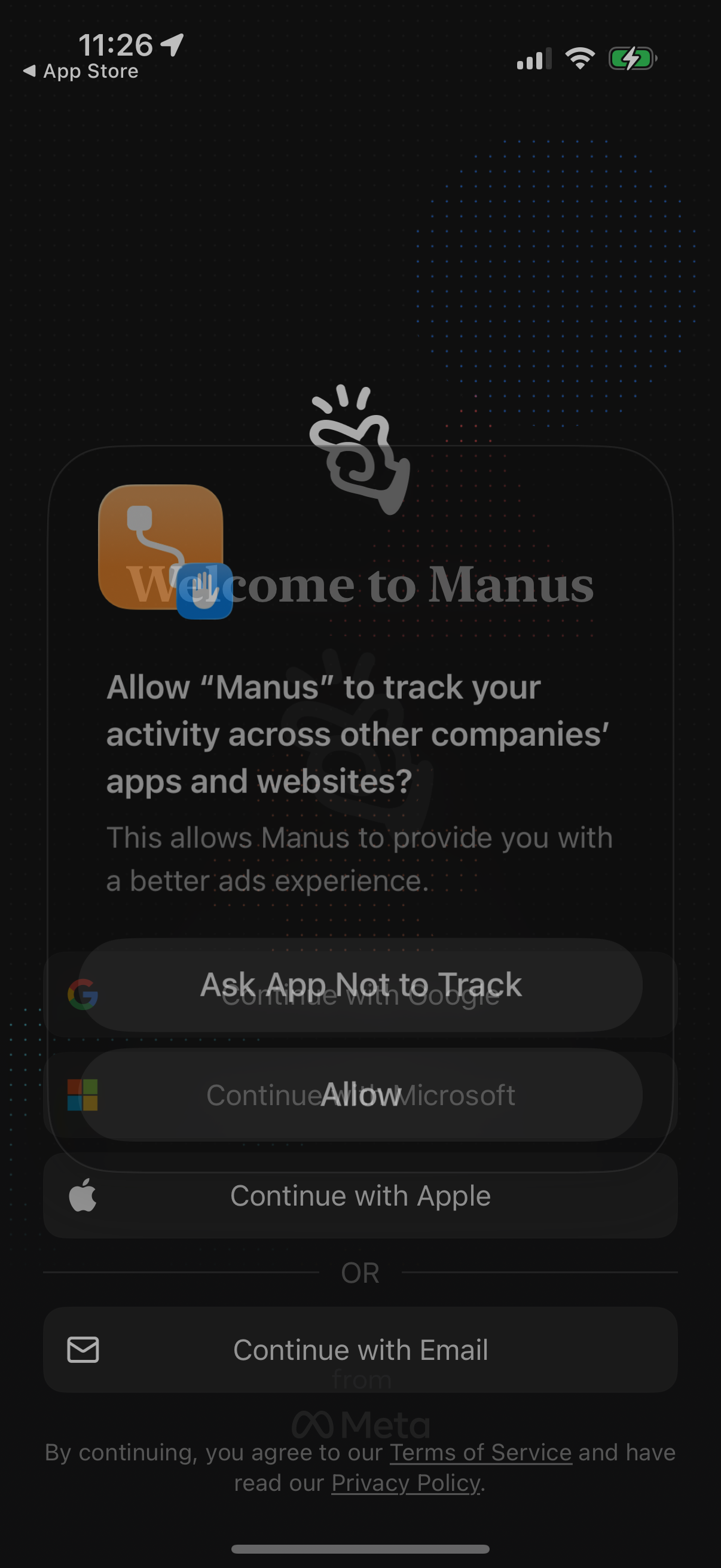
iOS App Tracking Transparency permission popup asking whether to allow the app to track user activity across other companies’ apps and websites, with primary choices to “Ask App Not to Track” or “Allow. ” This prompt appears over a sign-in/welcome screen offering authentication options like continue with Google, Microsoft, Apple, or email.
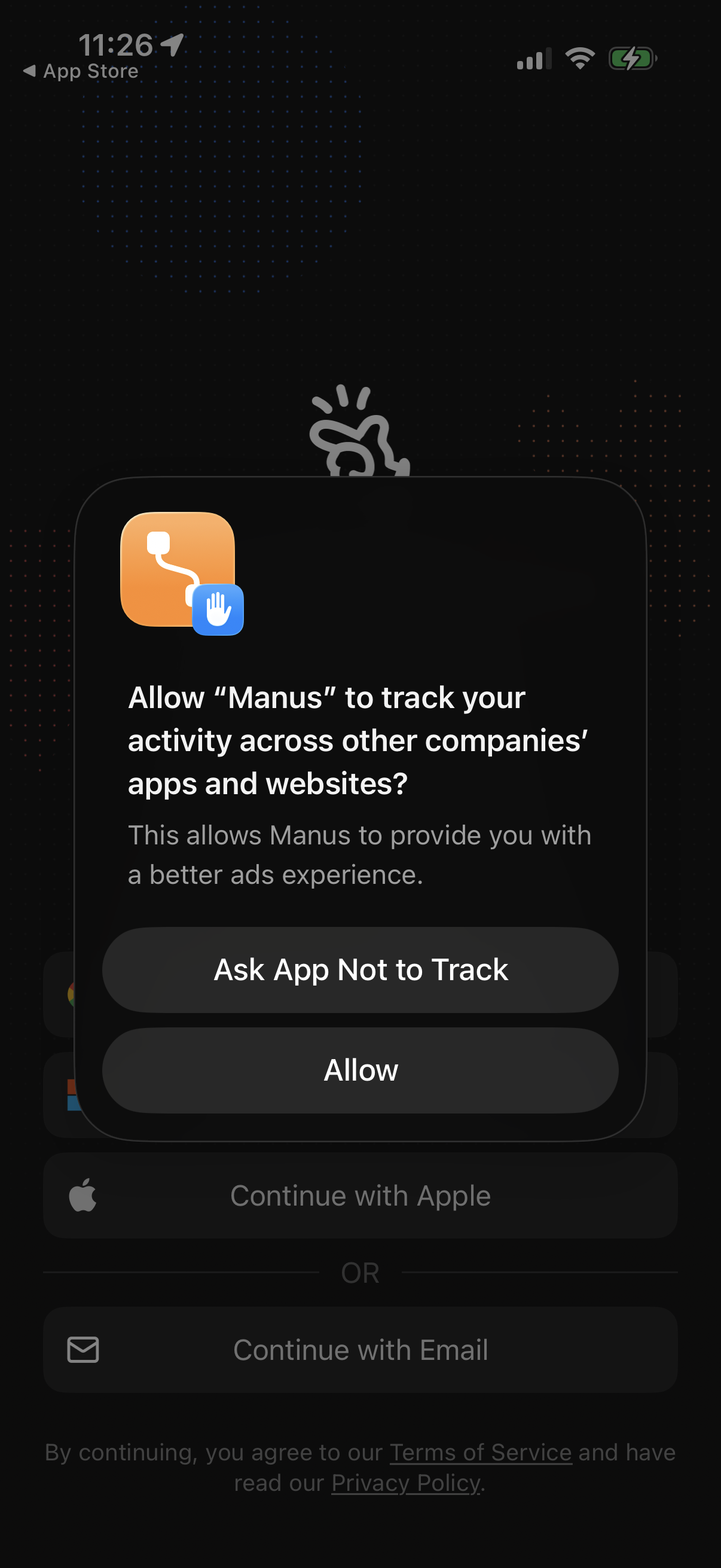
iOS App Tracking Transparency permission popup asking whether to allow the app to track activity across other companies’ apps and websites for advertising. Provides two actions: “Ask App Not to Track” or “Allow,” over a sign-in screen.
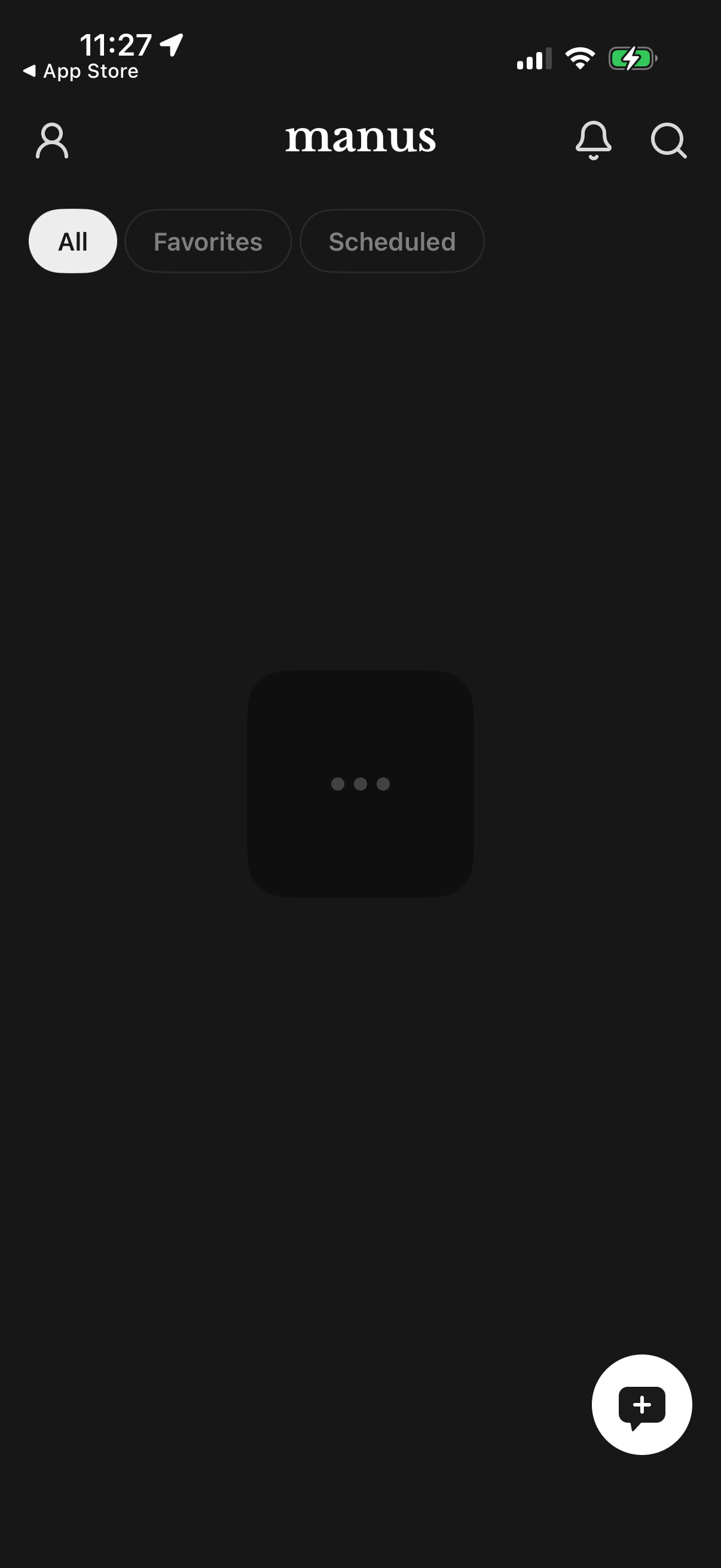
Dark-mode home feed screen for a reading/content app with segmented filters to switch between All, Favorites, and Scheduled items, plus a search and notifications icon in the header. A floating action button lets users create or add a new item while the main content area shows a loading state.
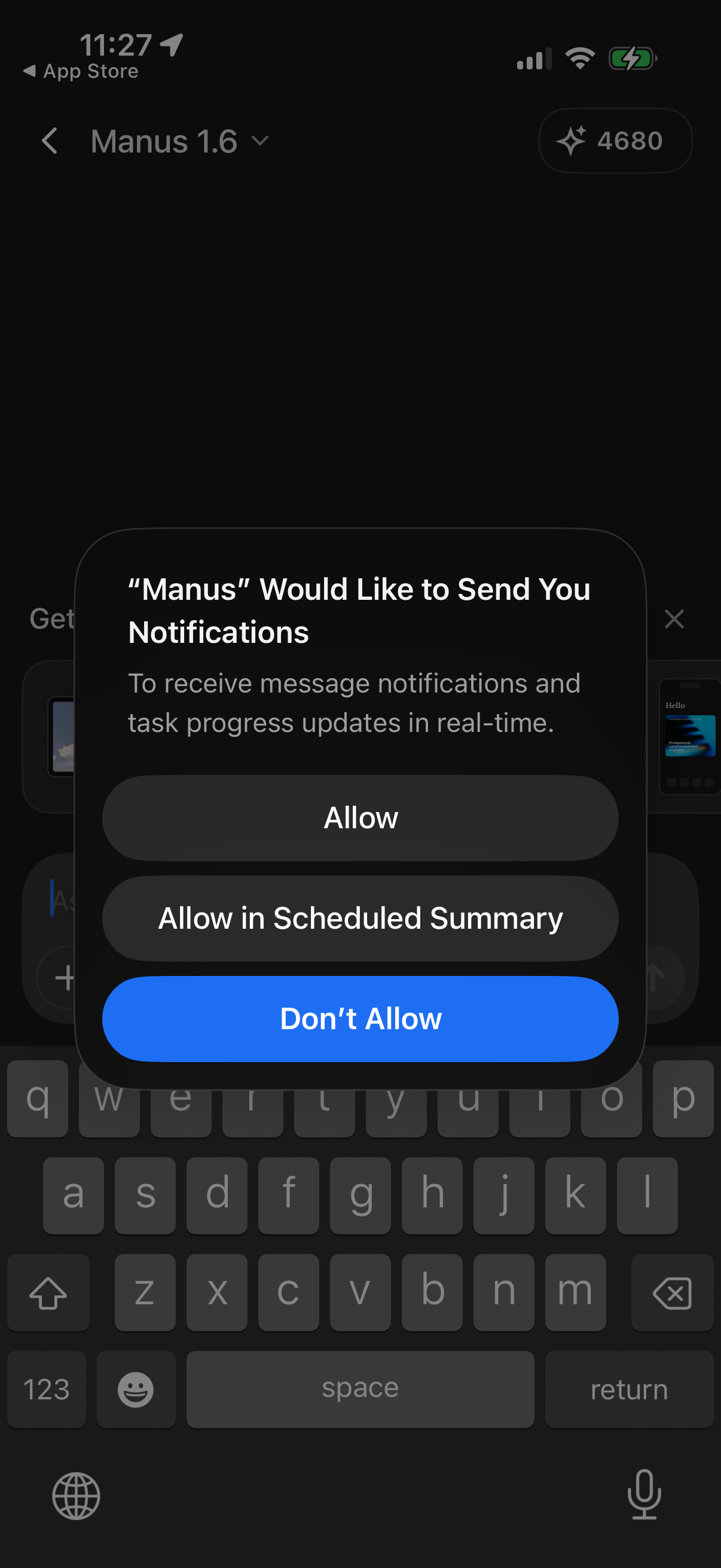
iOS system permission popup asking to enable push notifications for an app, explaining real-time message and task progress updates. Provides actions to Allow, Allow in Scheduled Summary, or Don’t Allow.