enable notifications
1
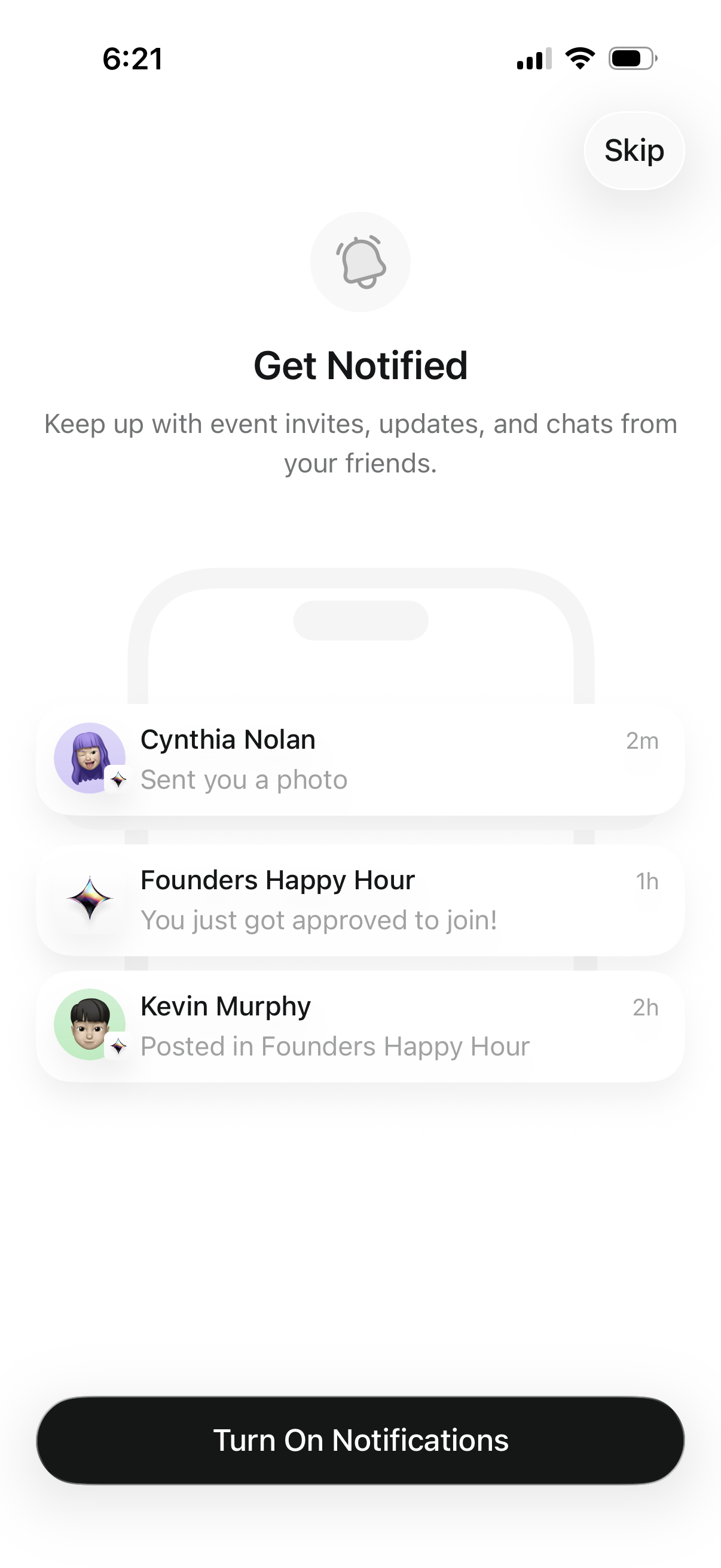
Onboarding permission prompt encouraging users to enable push notifications to stay updated on event invites, approvals, and friend chat messages, with example notification previews. Primary action is a “Turn On Notifications” button with an option to skip.
2
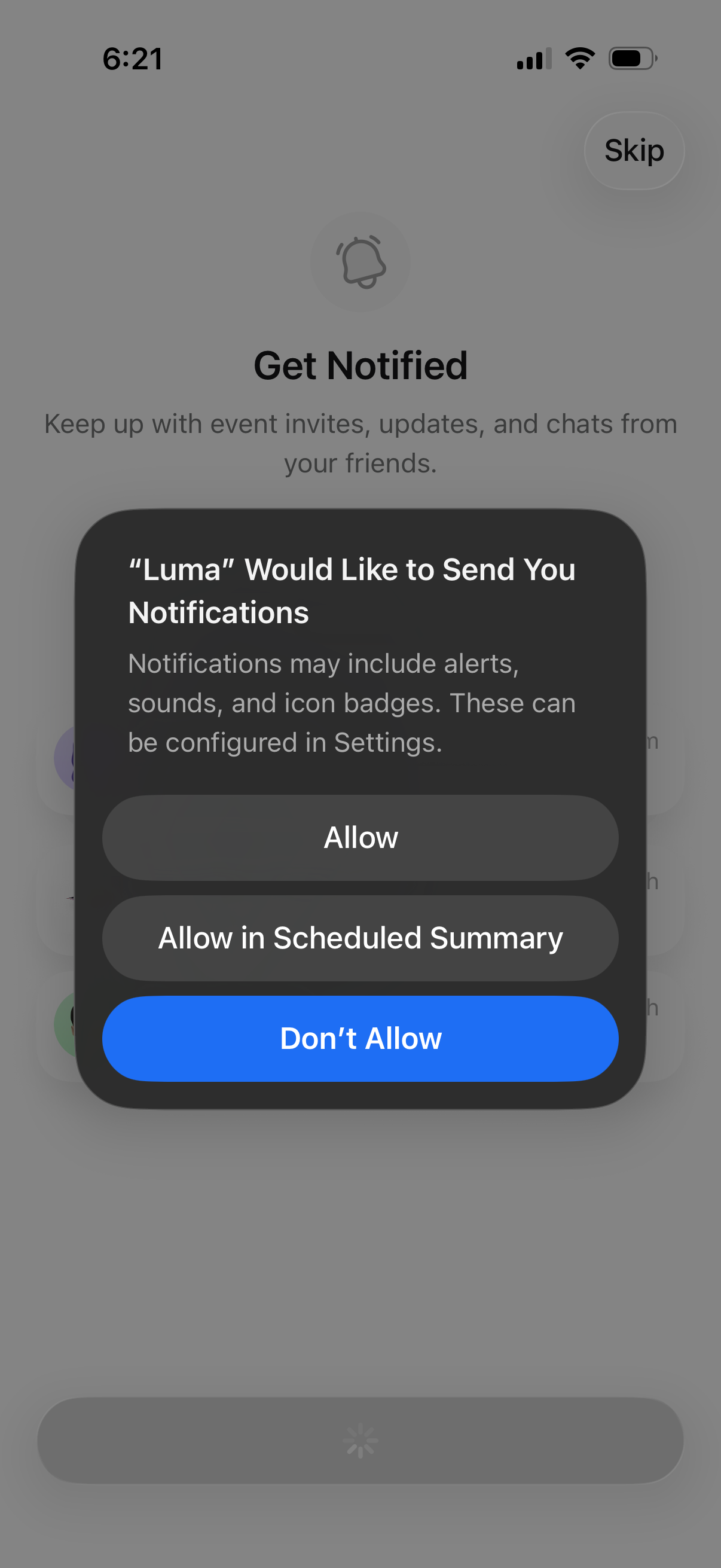
Onboarding screen prompting the user to enable push notifications to stay updated on event invites, updates, and chats, showing the iOS system permission dialog. Primary actions are Allow, Allow in Scheduled Summary, Don’t Allow, with an option to skip.
3
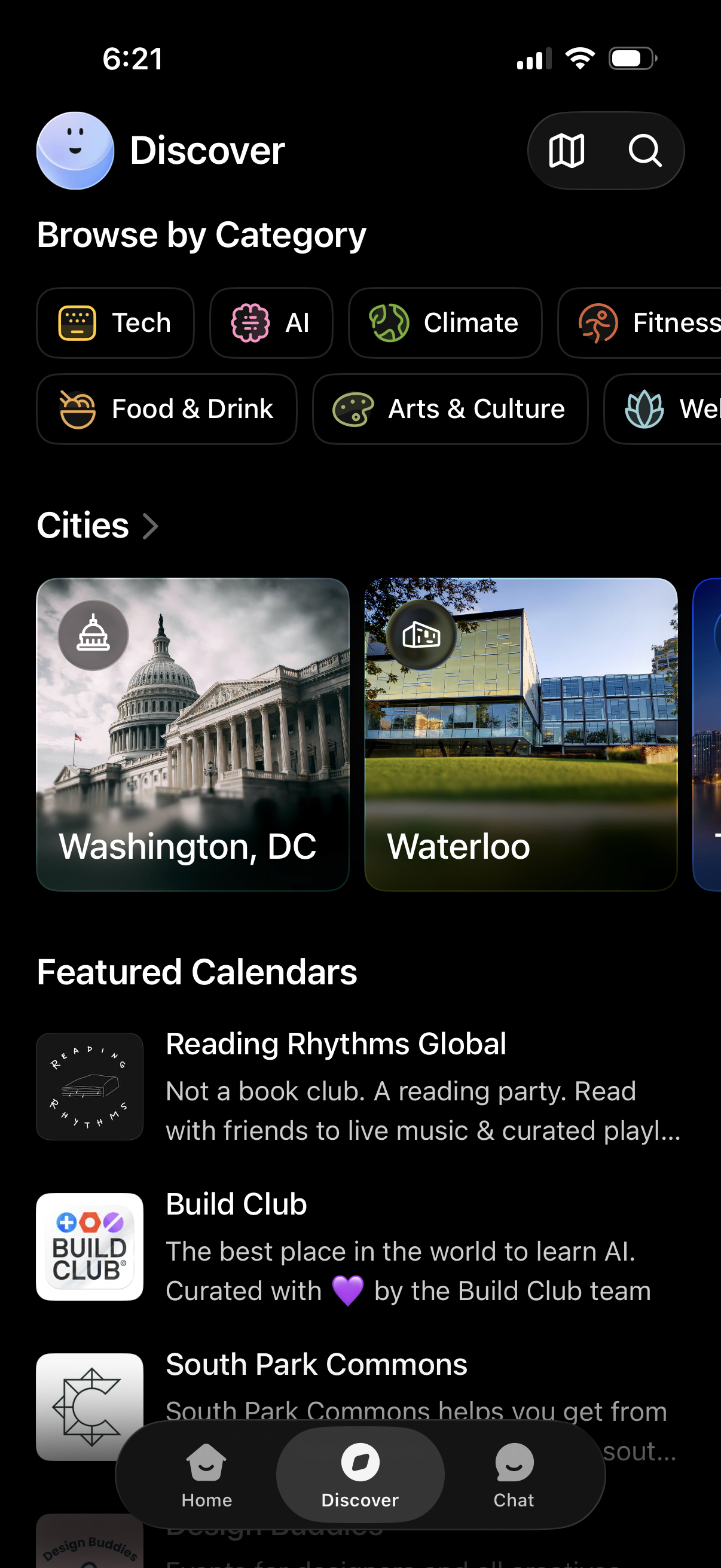
Discover/browse screen for exploring curated calendars or events, with horizontal category filter chips (e. g.