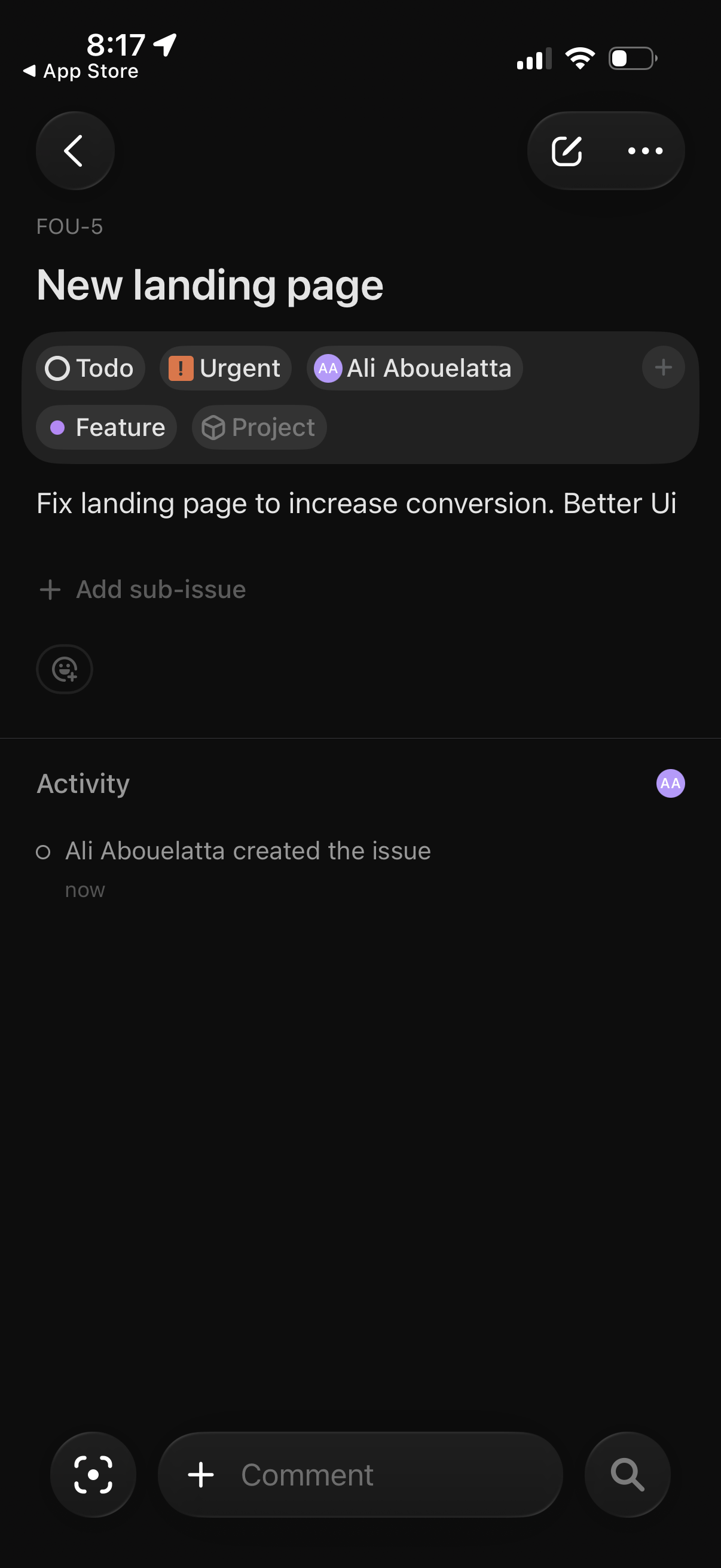
Issue detail screen in a project/task management app showing a task title and description with status and priority tags, assignee, and labels, plus controls to add sub-issues. Includes an activity feed and a bottom comment input for collaborating, with quick actions to edit/share or open more options.
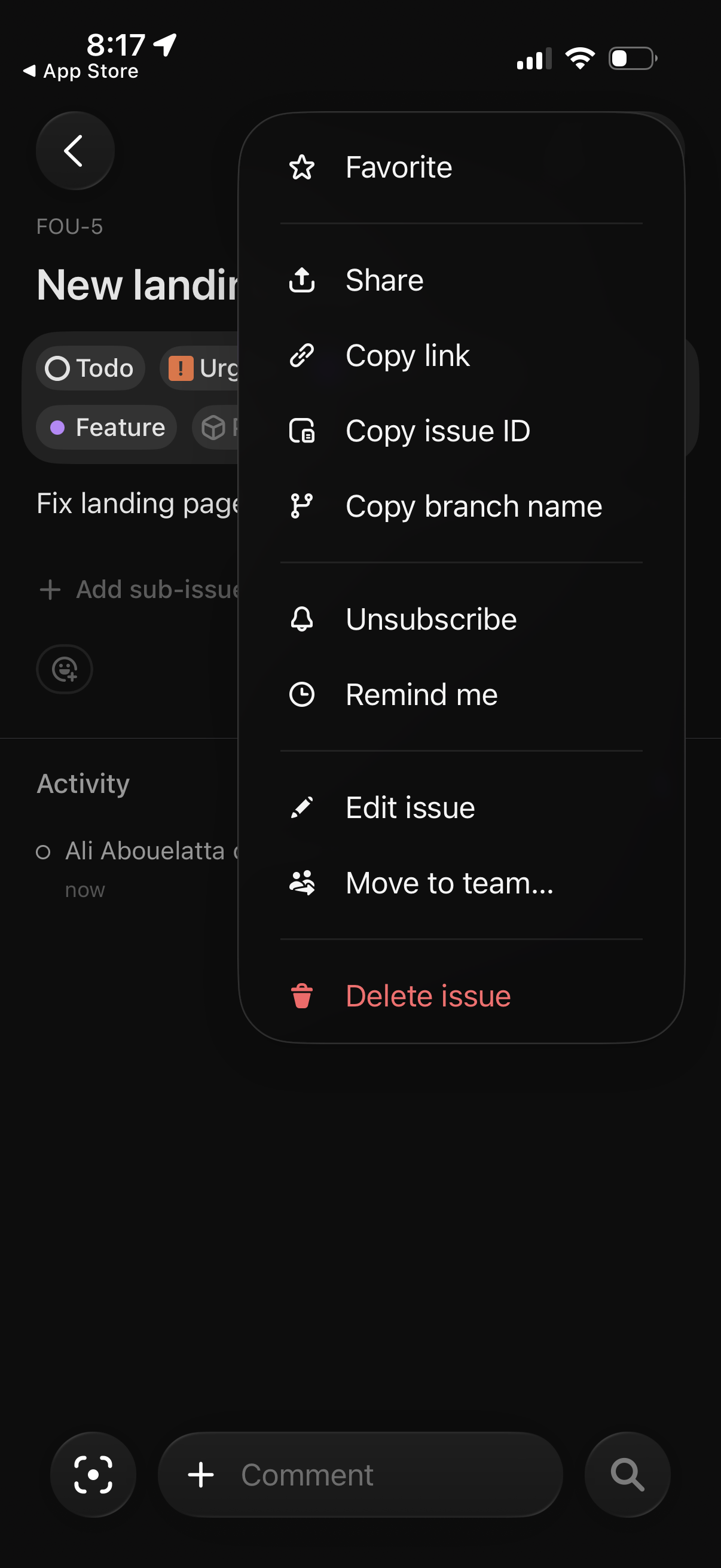
Issue detail screen in a project/bug tracker showing an overflow actions menu for an issue, with options to favorite, share, copy link/issue ID/branch name, unsubscribe, set a reminder, edit the issue, move it to a team, or delete the issue. The issue page behind the menu includes status labels and an activity/comments area.
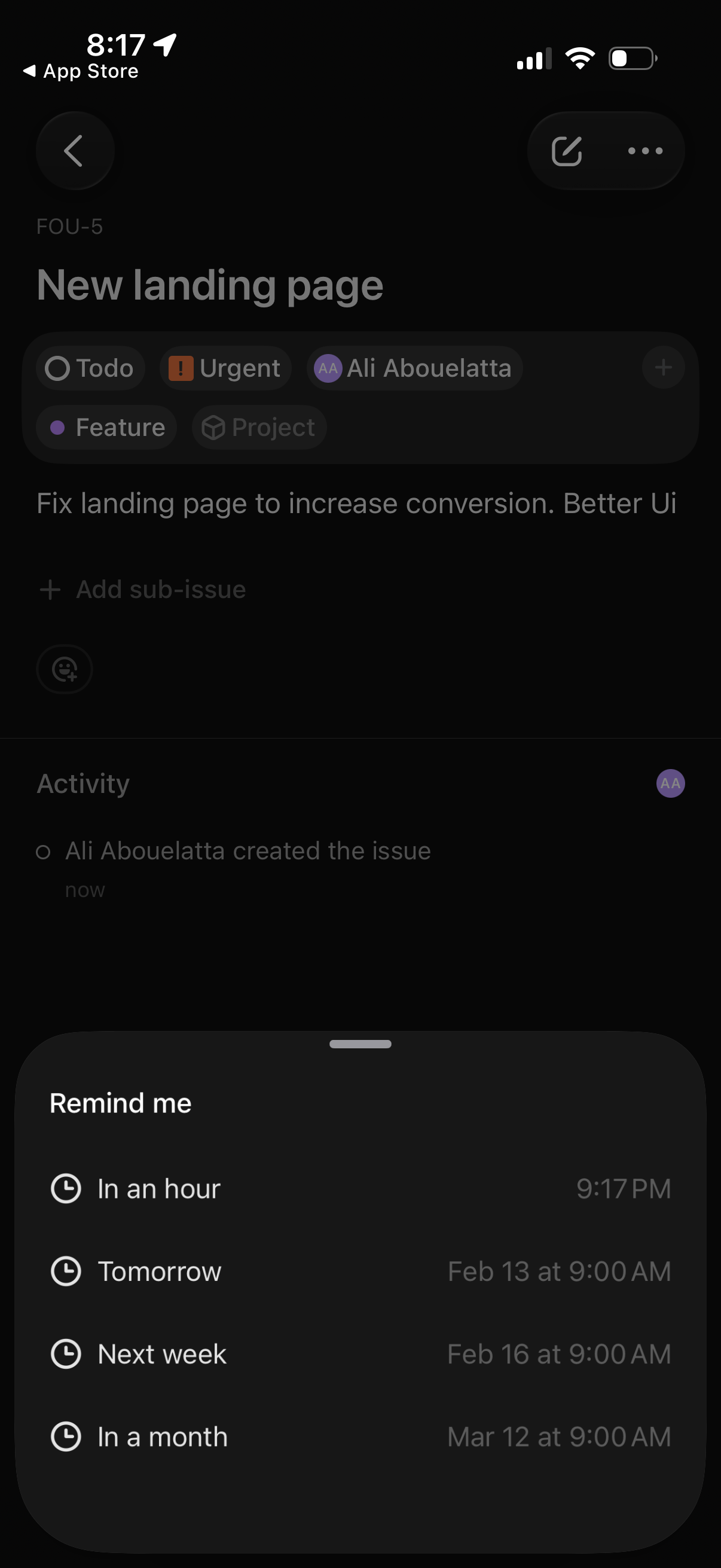
Task/issue detail screen in a project management app showing an issue title, tags/status chips, assignee, and activity log, with a bottom-sheet “Remind me” menu to schedule a reminder (in an hour, tomorrow, next week, or in a month) including the exact reminder time.
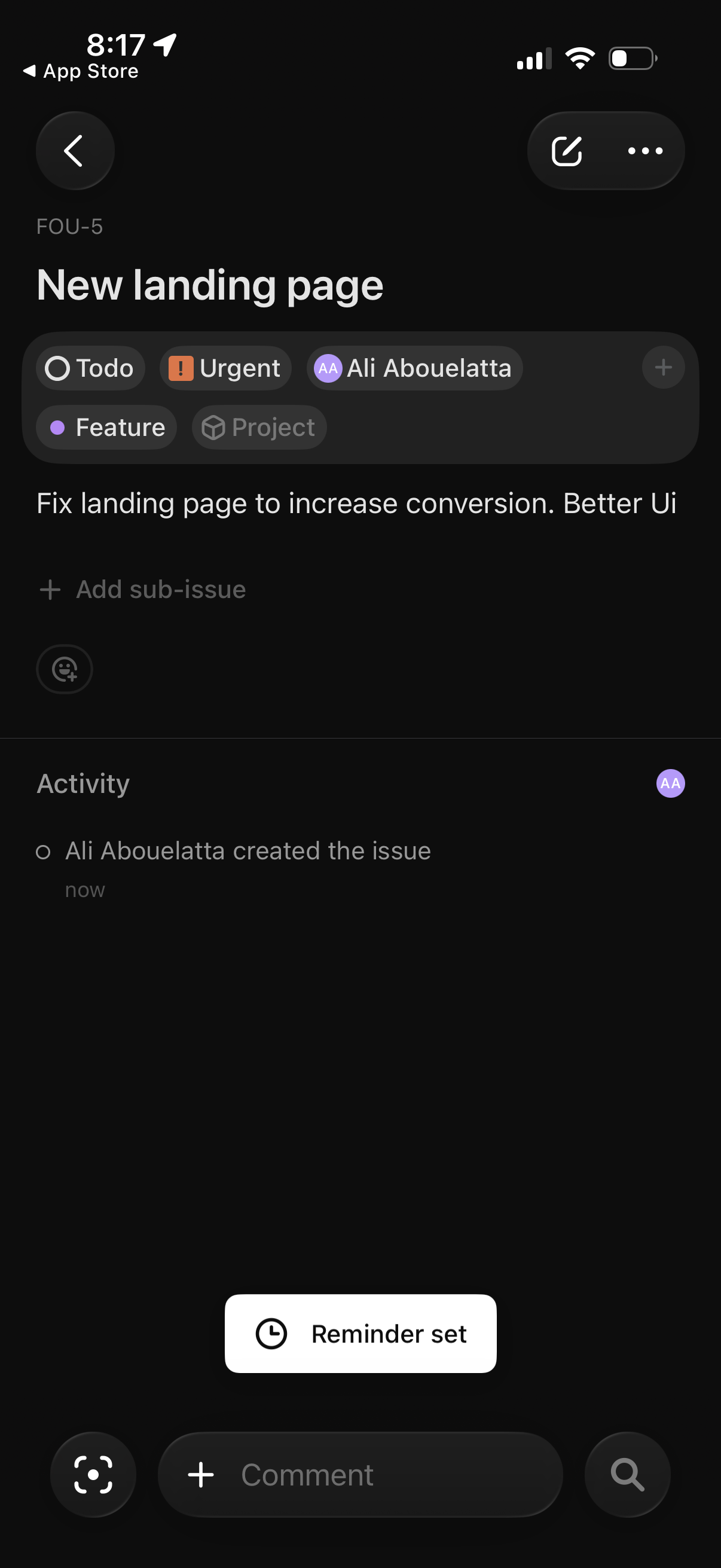
Task/issue detail screen in a project management app showing an issue title and description with status and metadata chips (to-do, urgent priority, assignee, label/project). Users can add sub-issues and comments, view activity history, and access a confirmation that a reminder has been set.