edit a remix photo
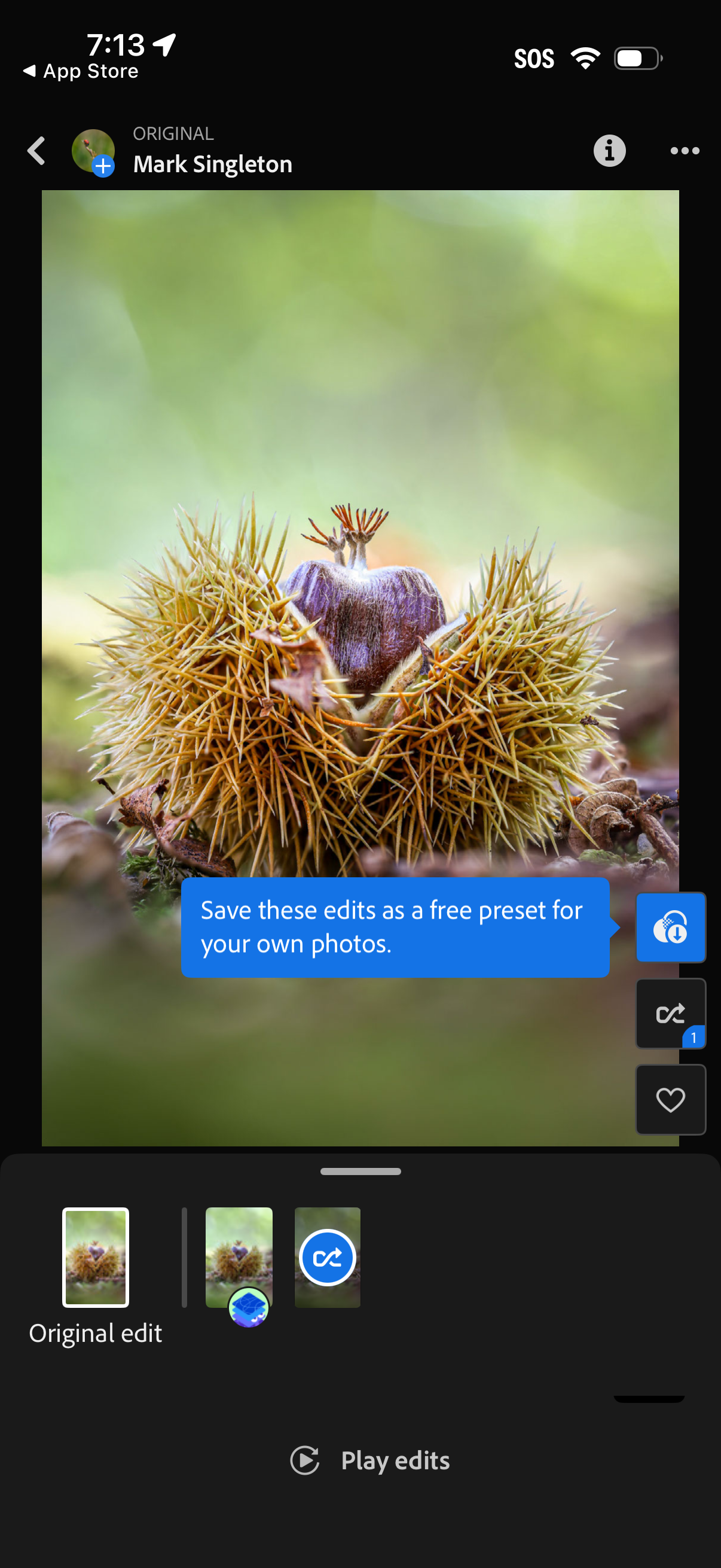
Photo editing screen showing a full-screen image preview with a timeline of edits/presets, including an “Original edit” thumbnail and a “Play edits” button to replay the edit steps. A prompt invites saving the current edits as a free preset, with quick actions on the side for sharing/saving, undo/redo, and favoriting.
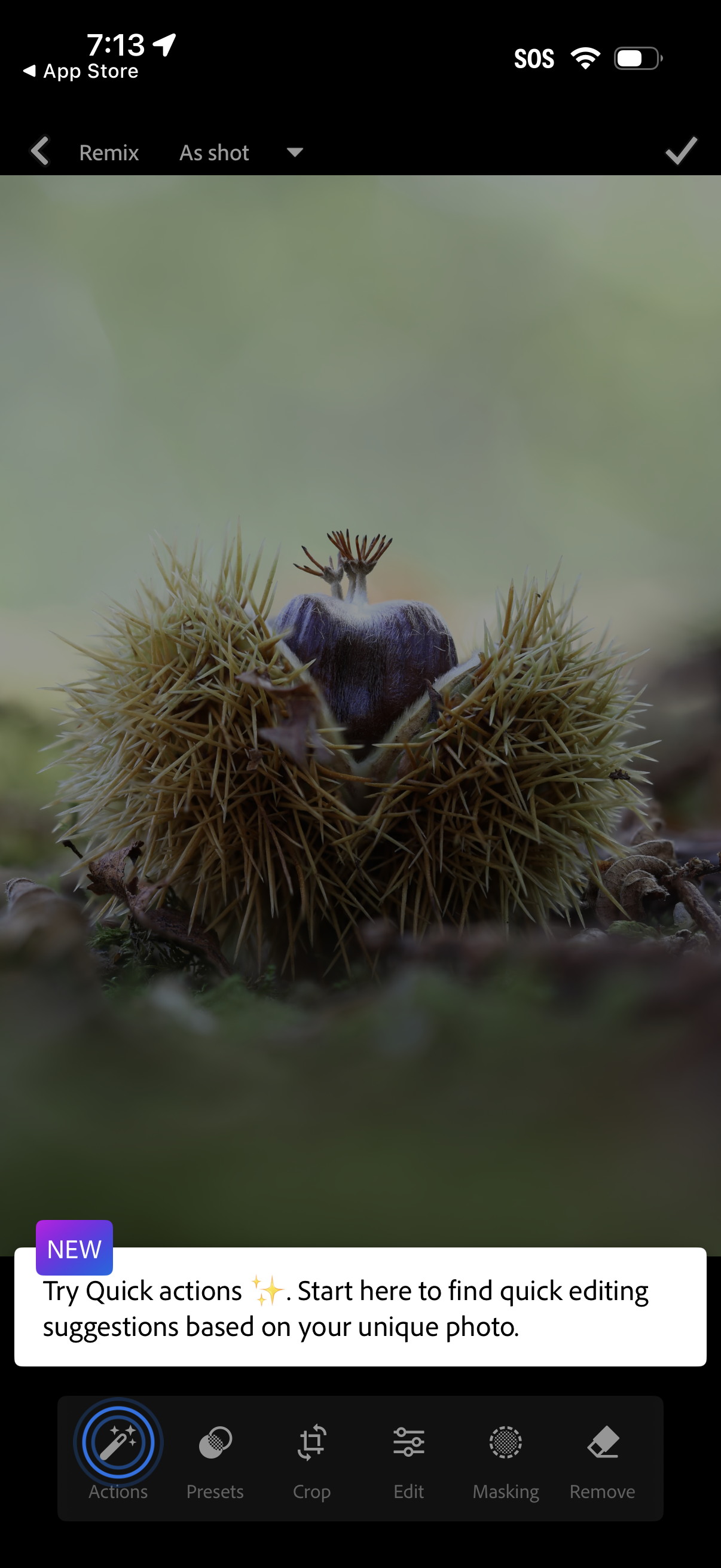
Photo editing screen showing an image preview with a bottom toolbar of editing categories including Actions/quick actions, Presets, Crop, Edit, Masking, and Remove, plus top navigation to go back or apply changes. A contextual tip card introduces “Quick actions” for automatic editing suggestions based on the photo.
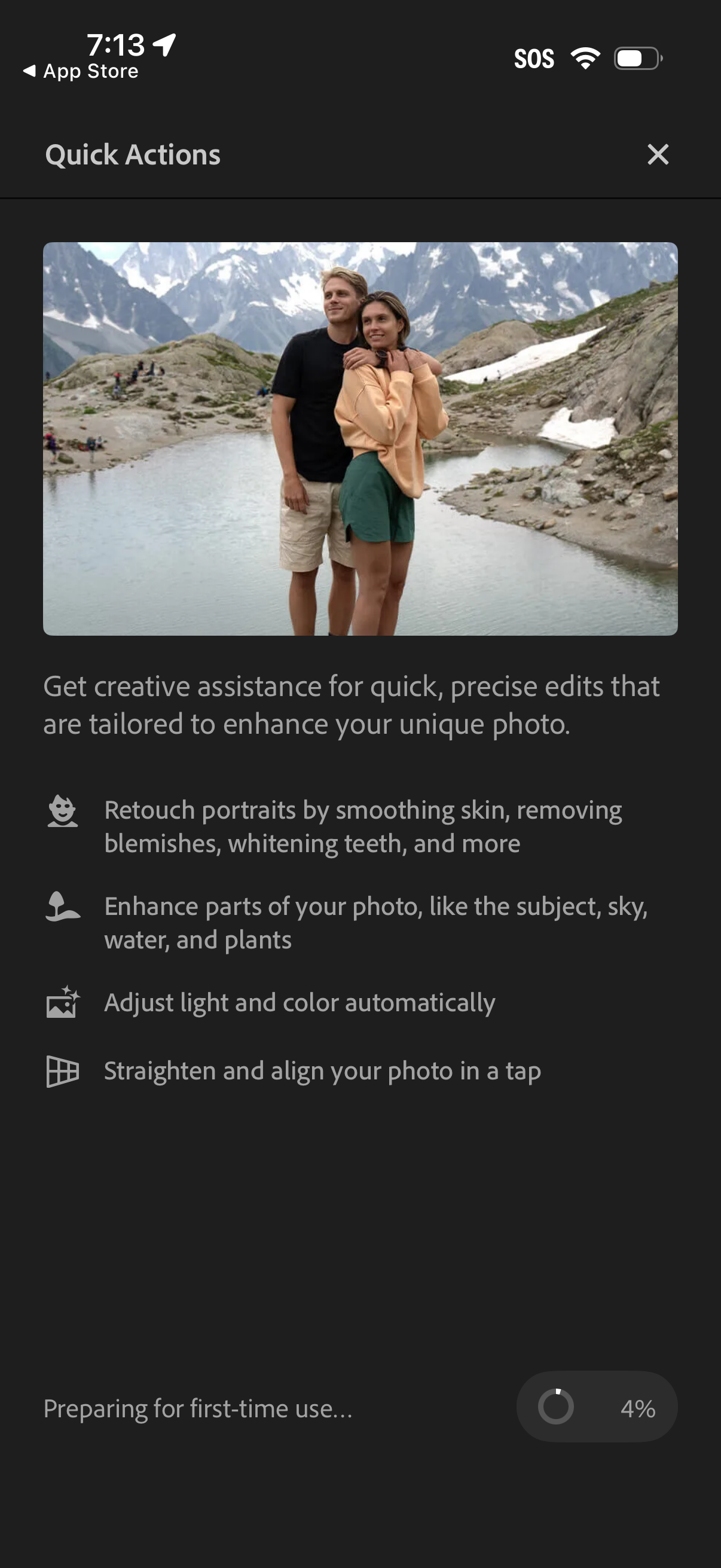
Onboarding/loading screen for a photo editing app’s AI “Quick Actions,” showcasing creative assistance for fast edits like portrait retouching, selective enhancements (subject/sky/water/plants), automatic light and color correction, and one-tap straighten/align. Includes a preview image, close button, and progress indicator for preparing first-time use.
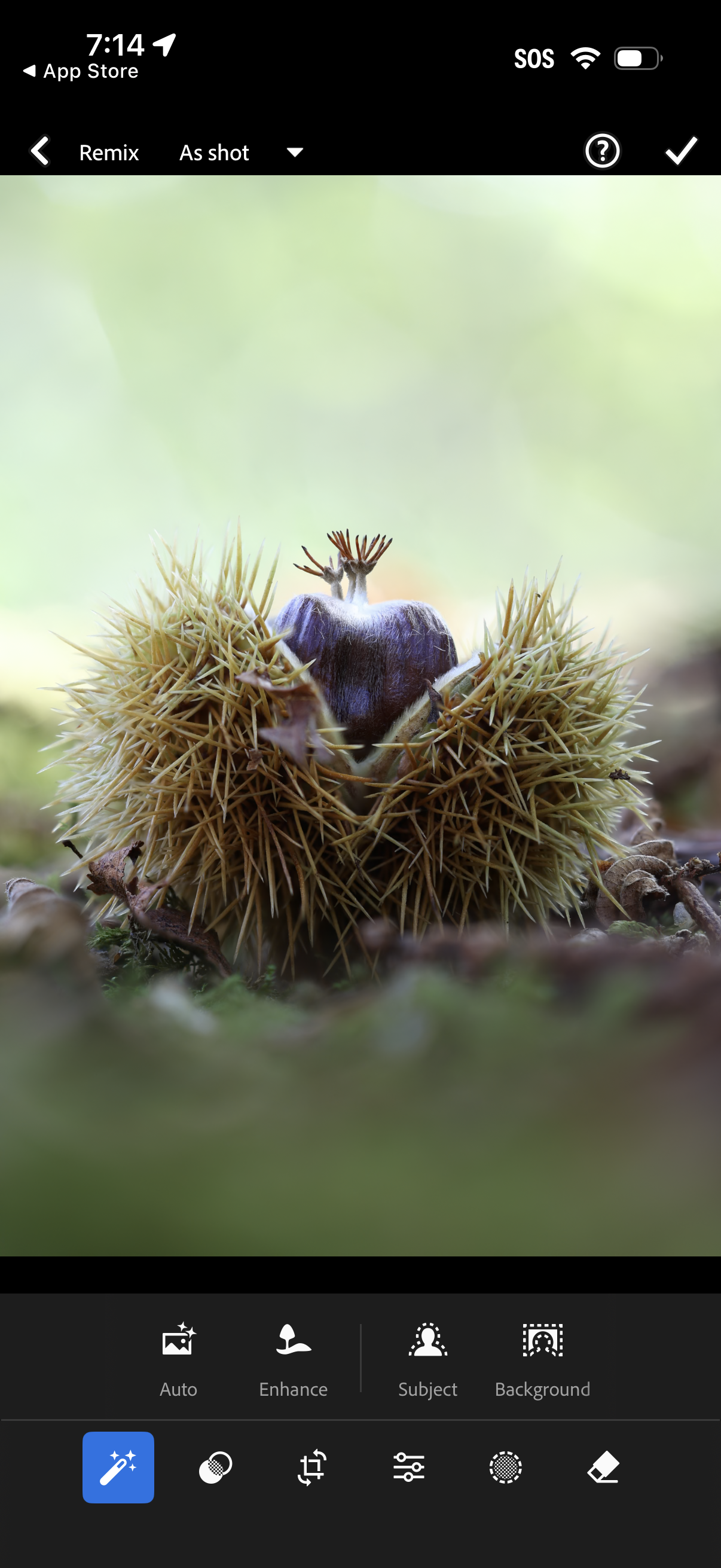
Mobile photo editing screen showing a full-screen image preview with a “Remix” mode and an “As shot” dropdown to choose a preset or version. Bottom toolbar provides quick edit options like Auto, Enhance, Subject, and Background adjustments, with controls to apply changes via a checkmark and access help.
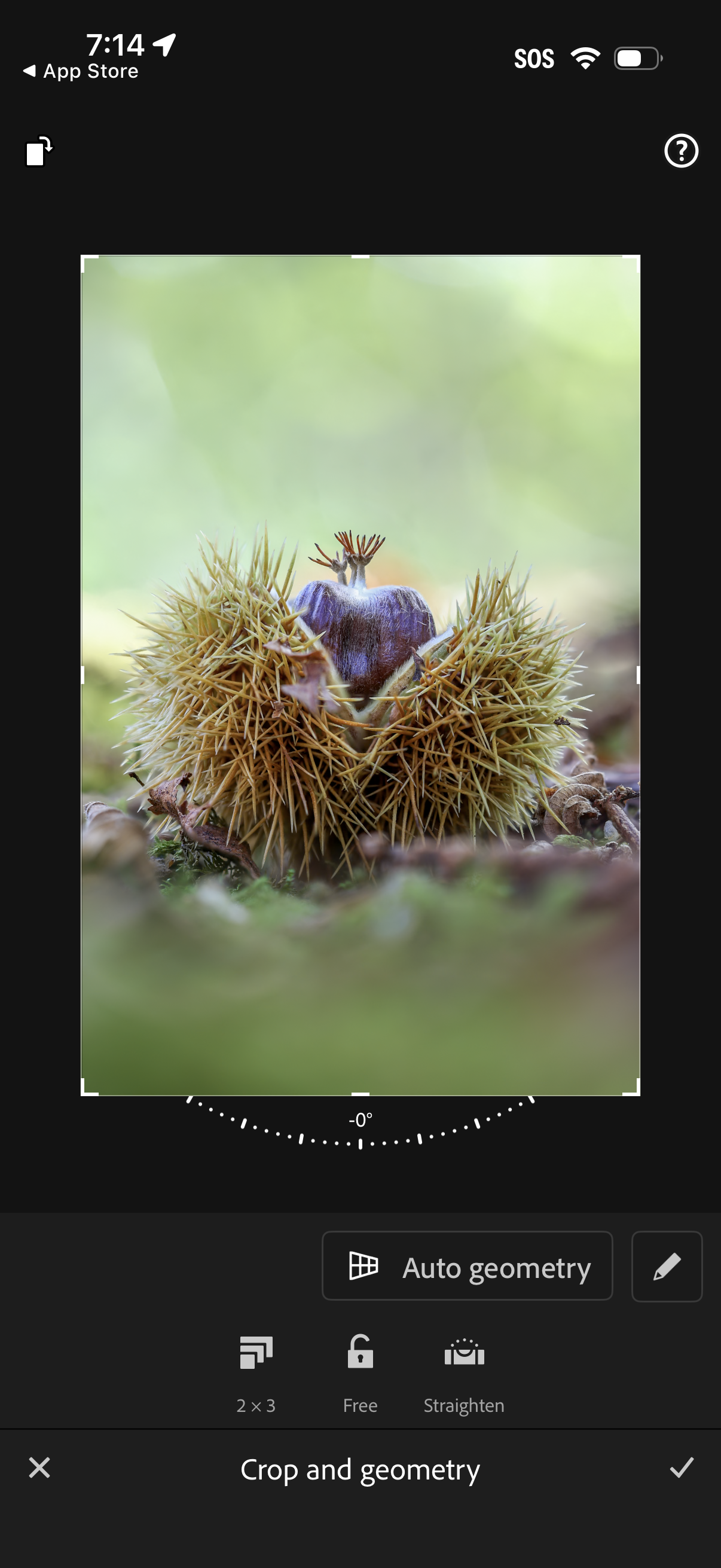
Photo editing crop and geometry screen showing a draggable crop box with rotation/straighten dial, aspect ratio presets (e. g.
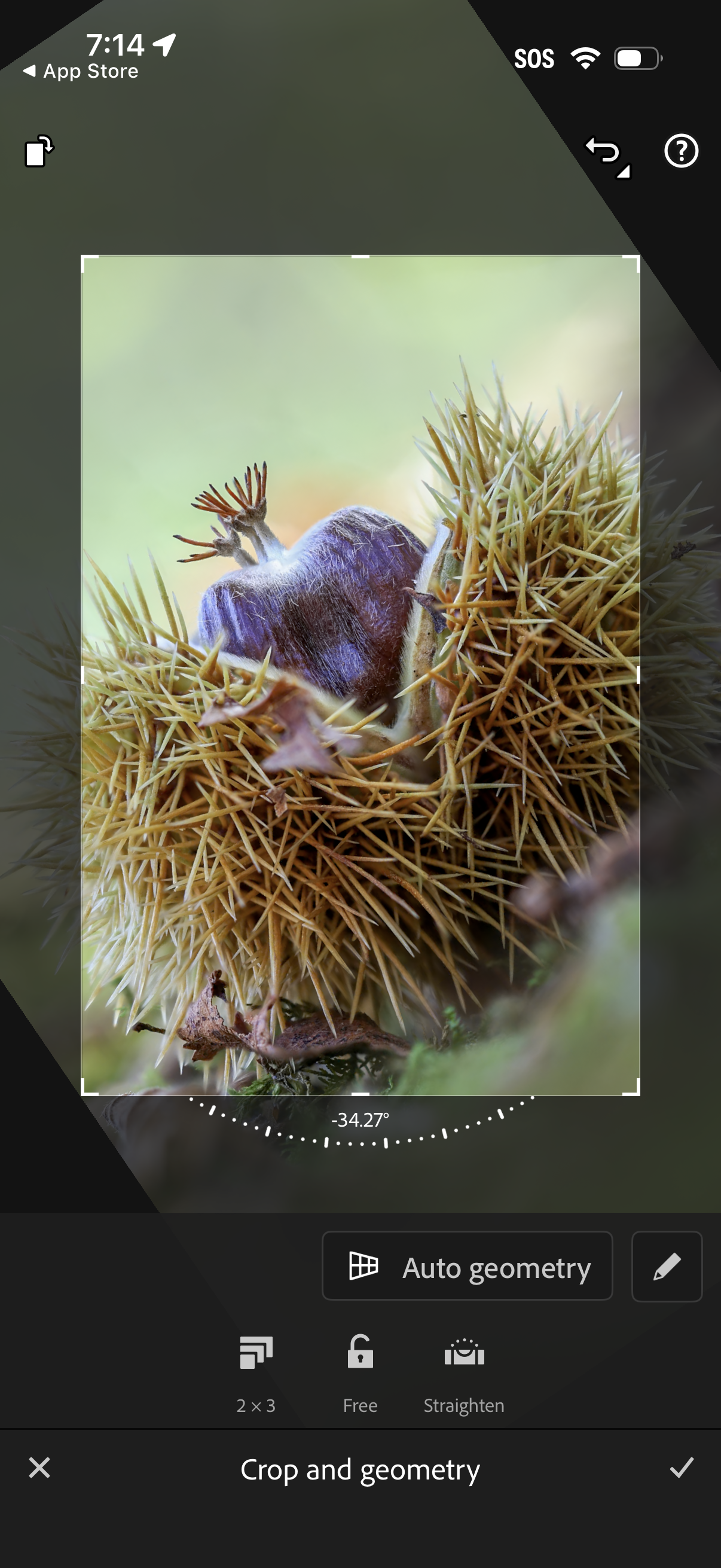
Photo editing crop and geometry screen with an adjustable crop frame and rotation/straighten dial showing degrees, plus options for aspect ratio grid, lock crop, and auto geometry correction. Users can fine-tune alignment and perspective and confirm or cancel edits.
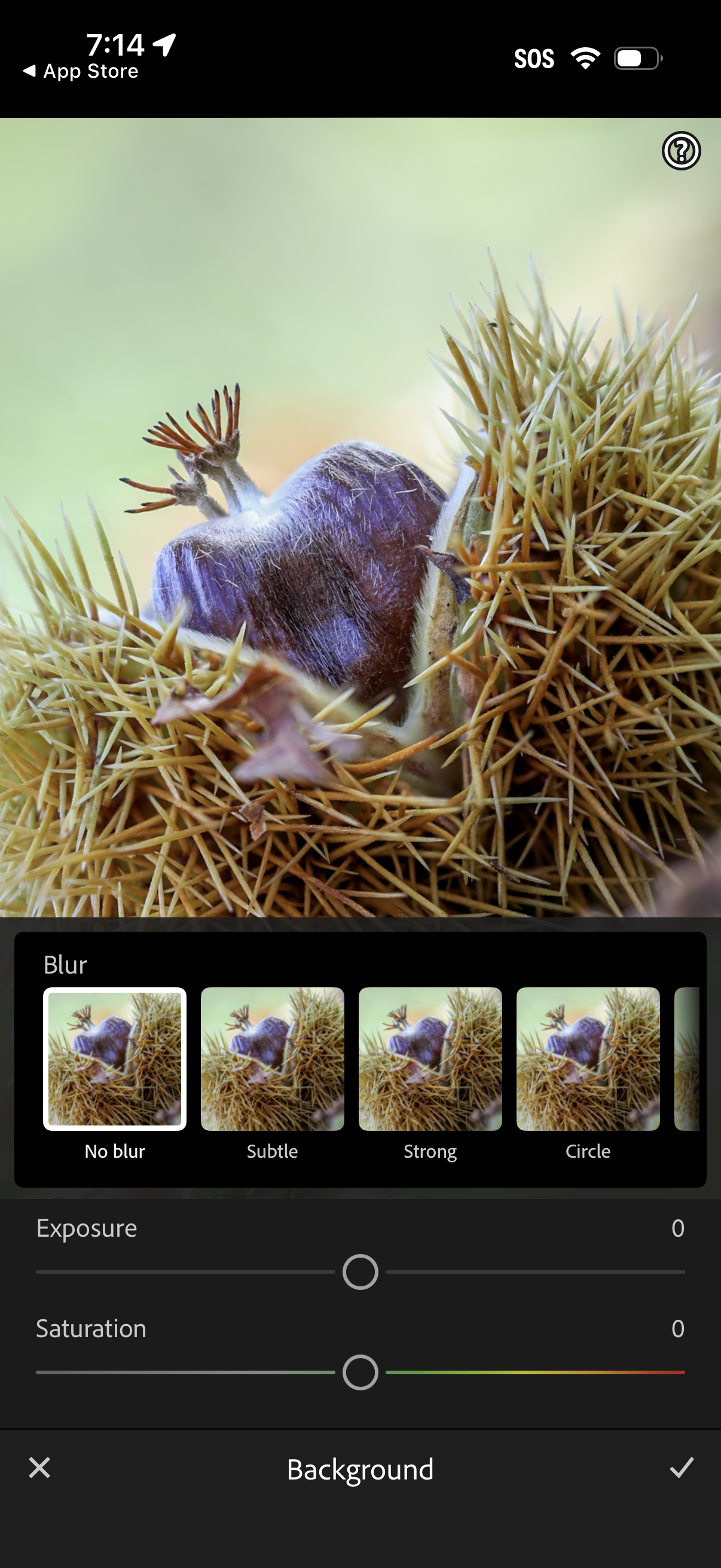
Photo editor background adjustment screen with a blur selector carousel (no blur, subtle, strong, circle) and sliders for exposure and saturation. Bottom bar provides cancel and apply actions while previewing the image changes in real time.