Sign up

Onboarding/welcome screen for a family location-sharing app promoting real-time location sharing, with carousel dots indicating multiple intro slides. Primary CTA button to “Get started” and secondary link to “Sign In” for existing users.
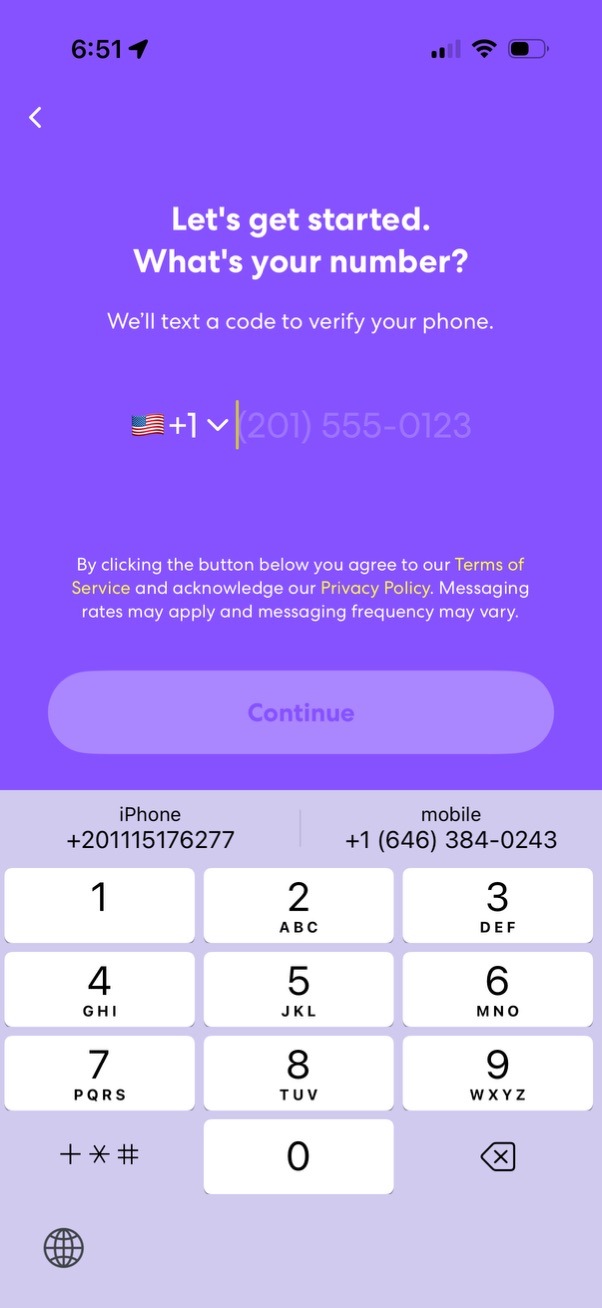
Phone number sign-up screen prompting the user to enter their mobile number with a country code selector to receive an SMS verification code. Includes Terms of Service and Privacy Policy consent text and a primary Continue button to proceed.
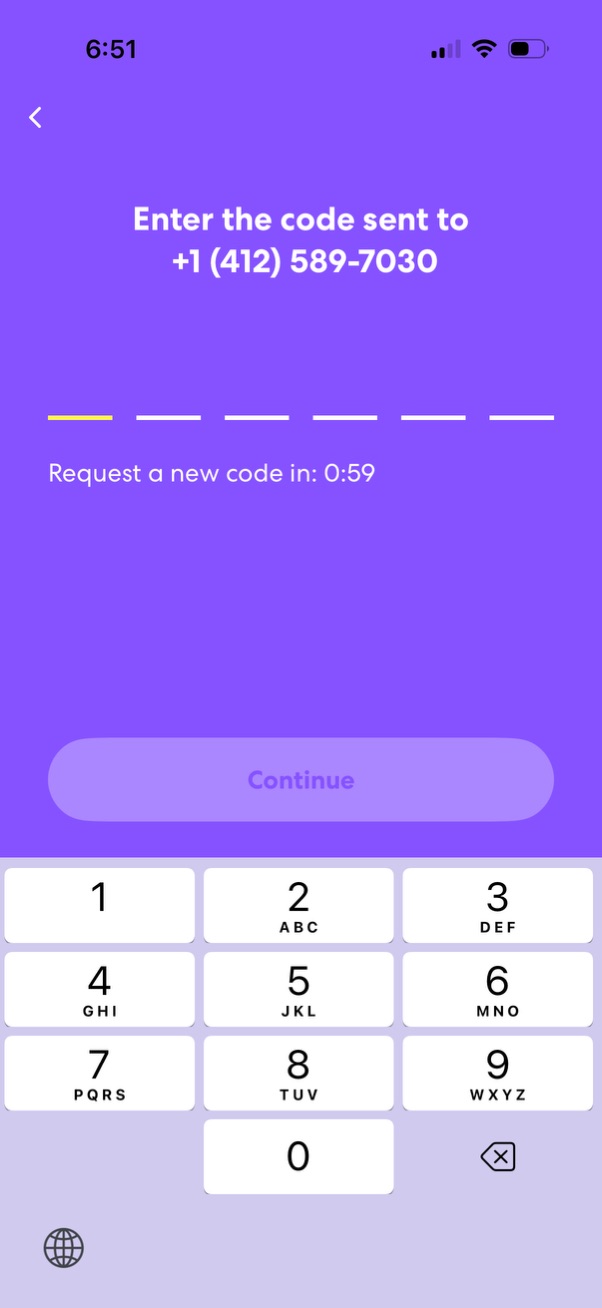
Phone number verification OTP screen prompting the user to enter a 6-digit code sent via SMS, with a countdown timer to request a new code. Includes numeric keypad input and a disabled Continue button that activates once the code is entered, plus a back navigation option.
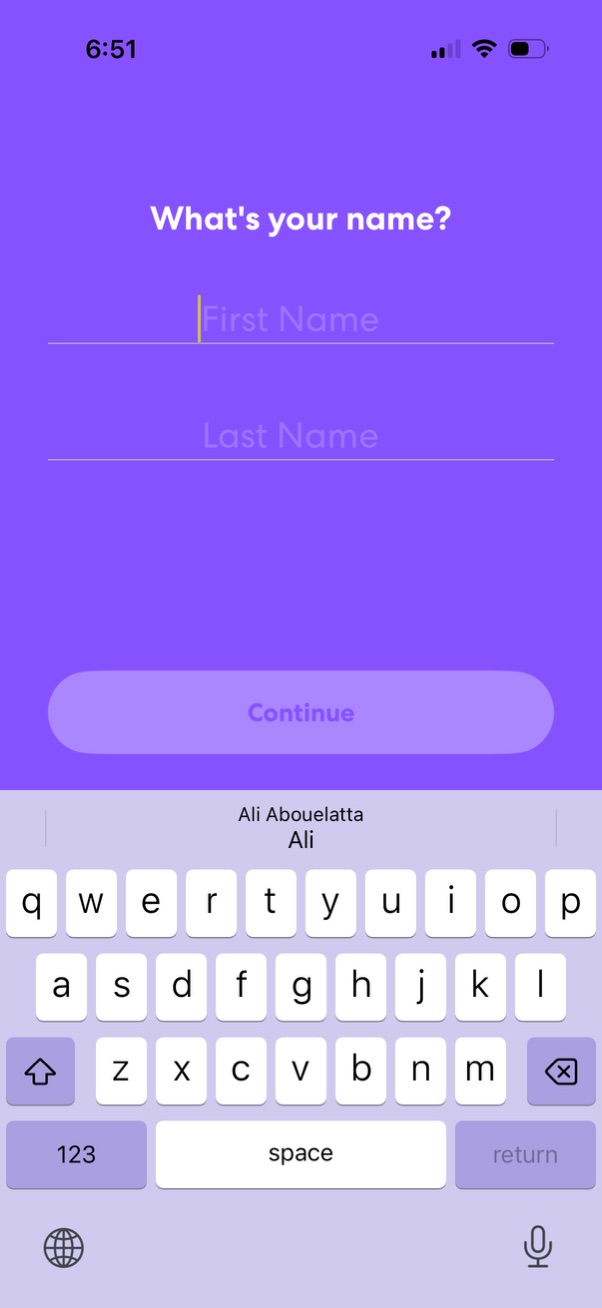
Onboarding profile setup screen asking “What’s your name? ” with two input fields for first name and last name.
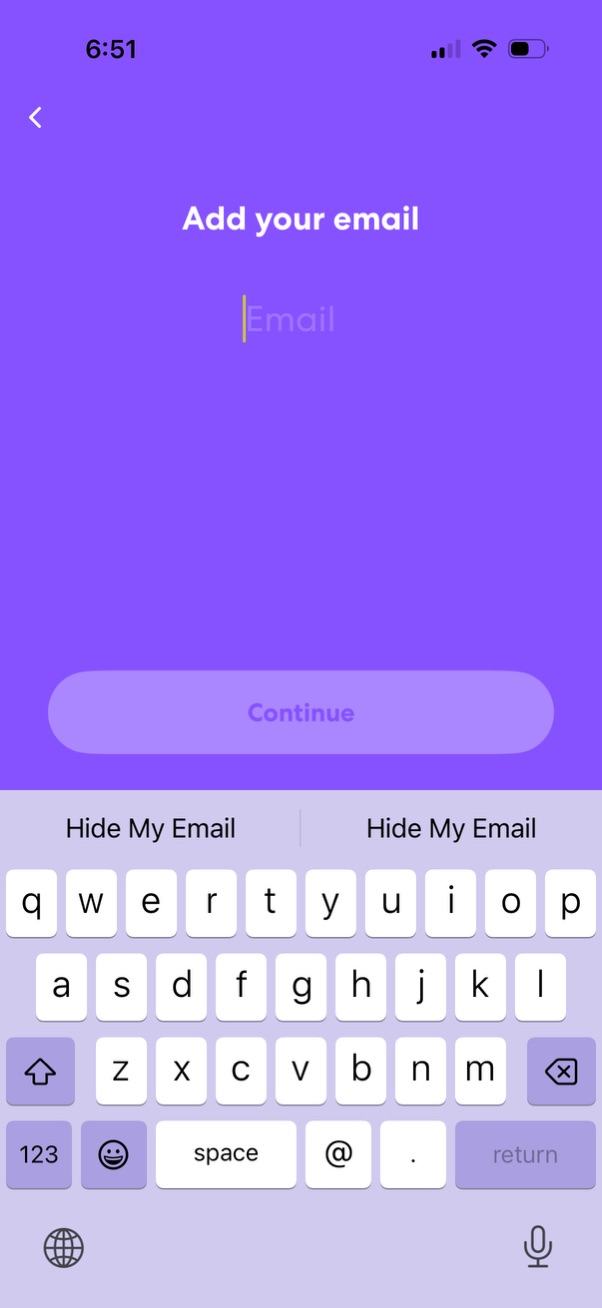
Email entry screen in an onboarding or sign-up flow prompting the user to “Add your email” with a single email text field and a back arrow for navigation. A primary “Continue” button is disabled until a valid email is entered, with the keyboard open for input.
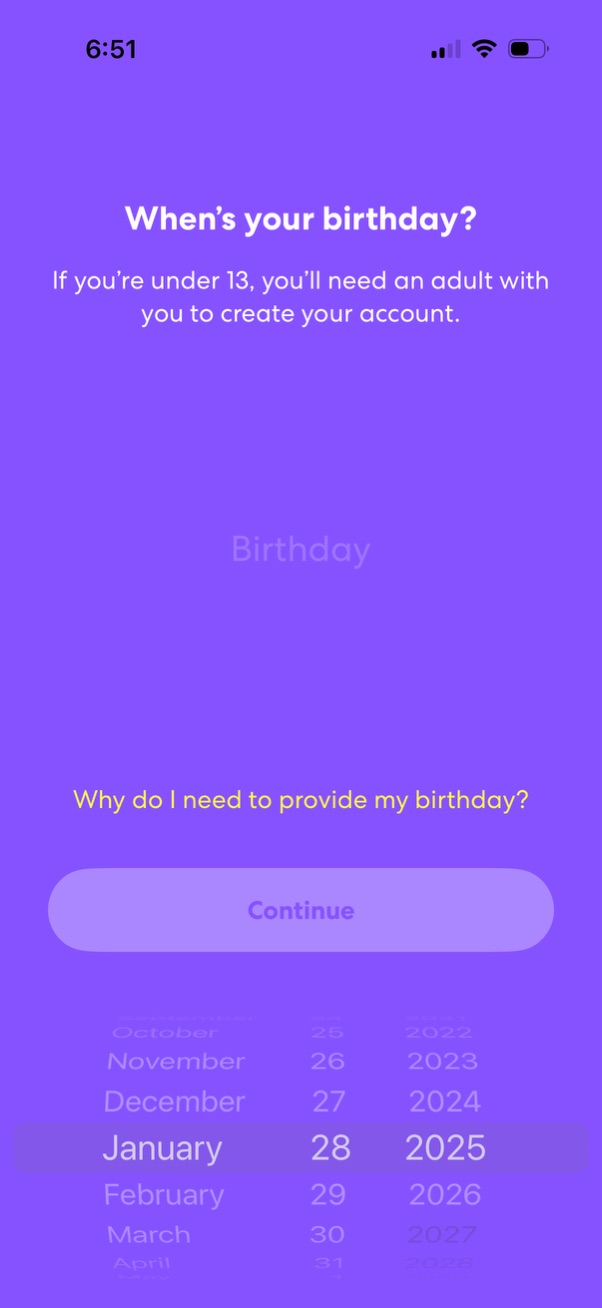
Account sign-up onboarding screen asking the user to enter their birthday with a date picker for age verification, noting that users under 13 need an adult to create an account. Includes a “Continue” button and a help link explaining why the birthday is required.
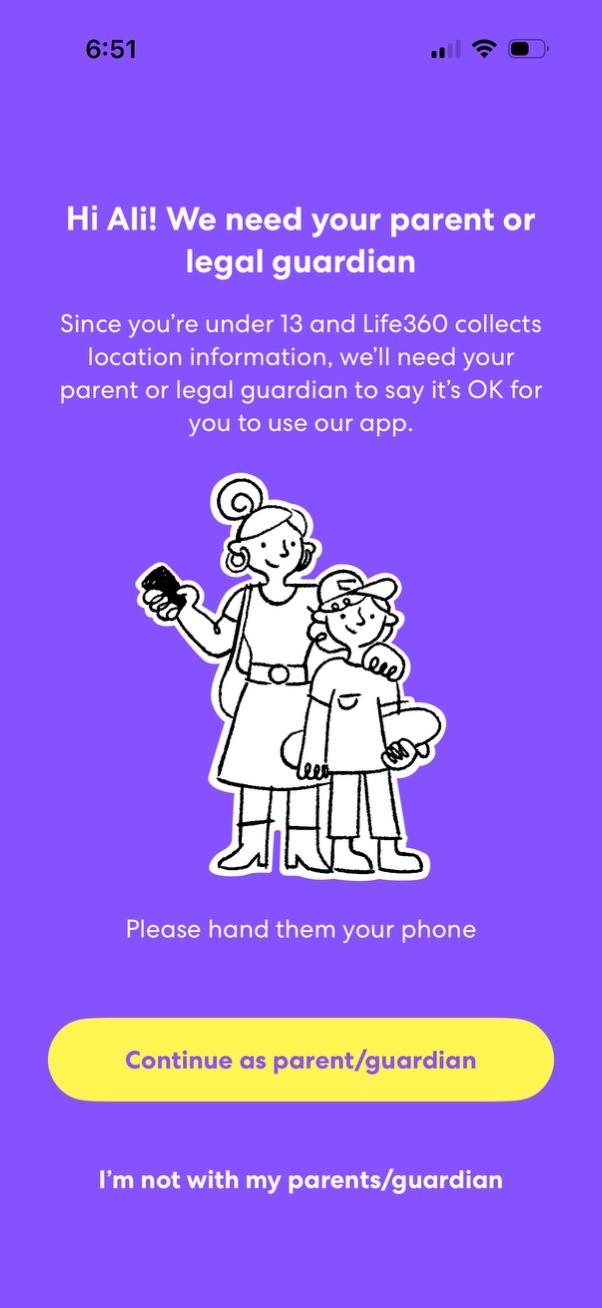
Age-gating consent screen prompting an under-13 user to get parent or legal guardian permission to use a location-tracking app, asking them to hand over the phone. Primary action is “Continue as parent/guardian,” with an alternate option “I’m not with my parents/guardian.
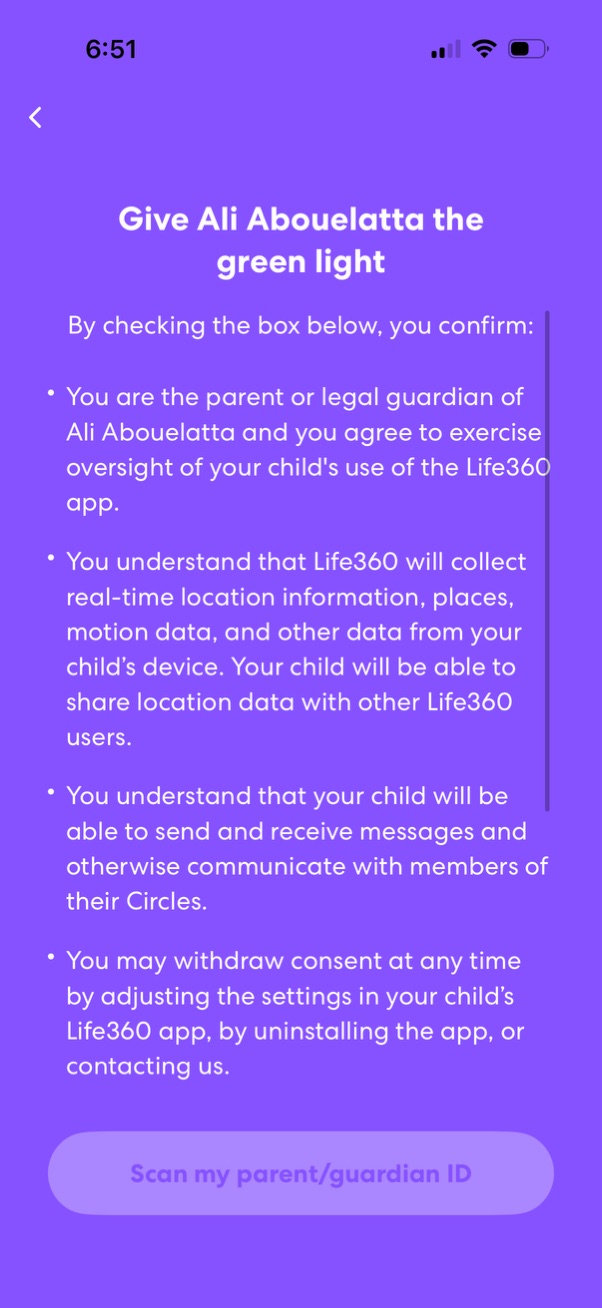
Parental/guardian consent screen to “give the green light” for a child account, explaining terms about supervising the child’s use, real-time location and motion data collection, location sharing, and messaging within circles. Primary action is a CTA to scan the parent/guardian ID to verify consent, with a back button for navigation.

Onboarding identity verification intro screen explaining the need to confirm a parent/guardian’s identity and consent to biometric processing via a third-party provider. Includes a primary CTA to “Begin verifying” and a close button to exit the flow.