unlock case analysis
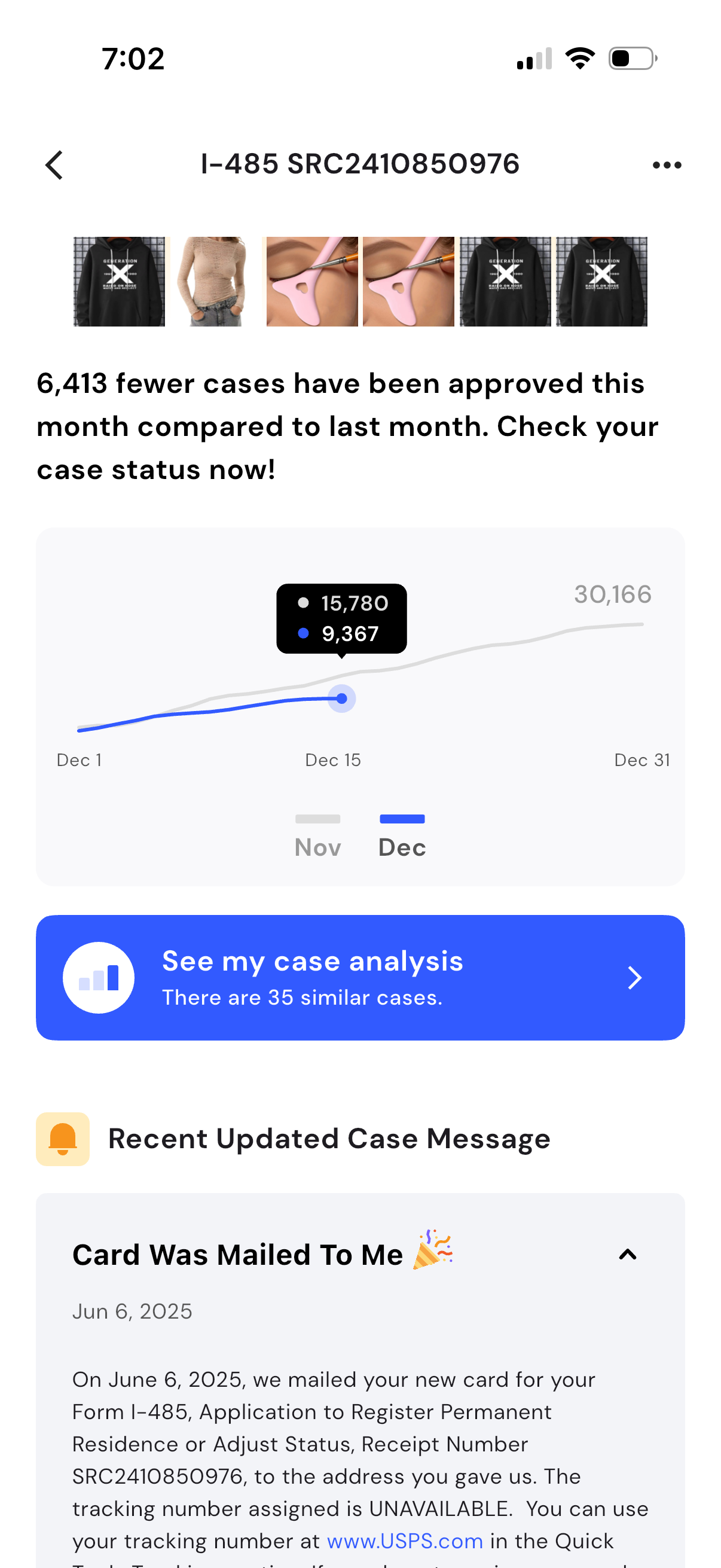
Case status detail screen for an immigration application showing a monthly approvals trend chart comparing current vs previous month and a prominent CTA to view personalized case analysis with similar cases. Below, a “Recent Updated Case Message” section displays the latest status update (e.
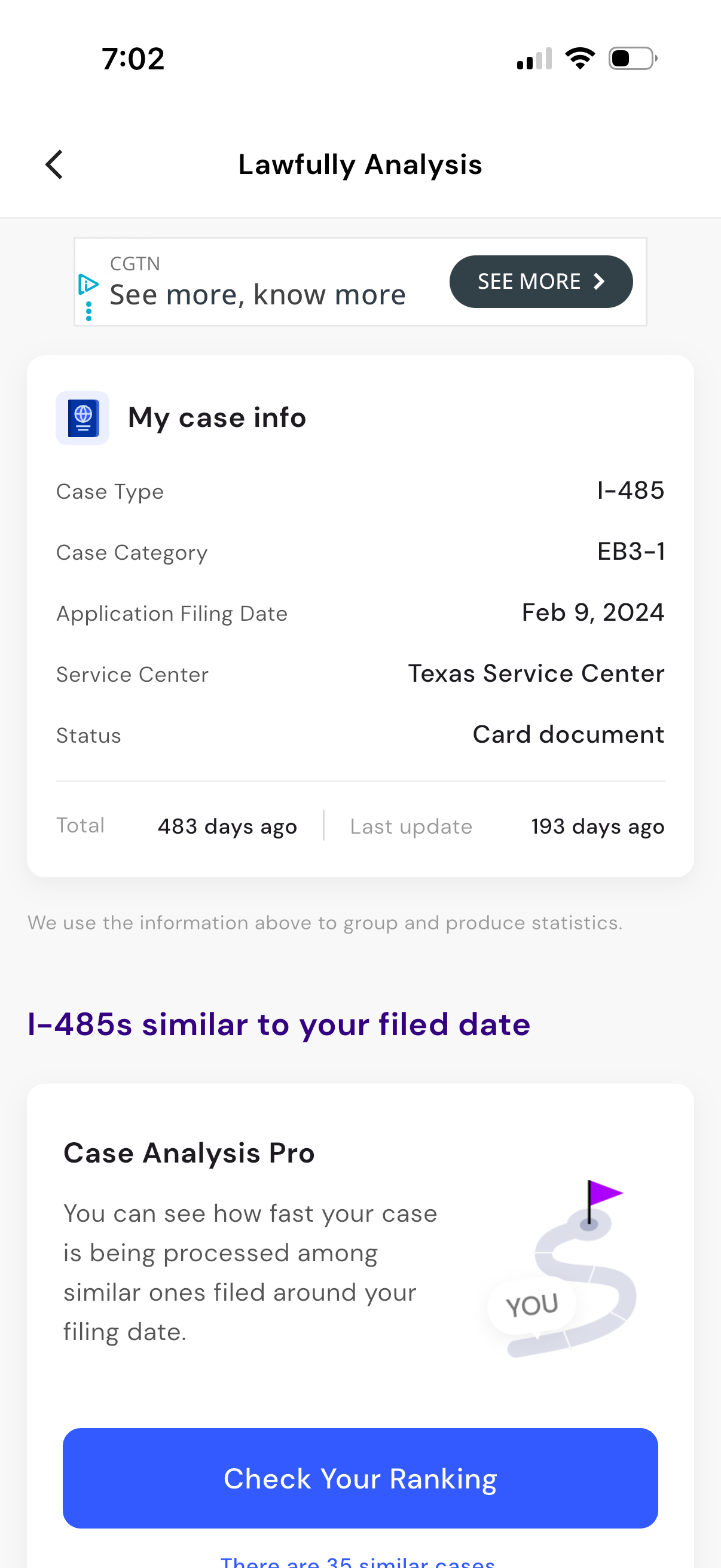
A case analysis dashboard screen showing “My case info” for an immigration application, listing case type, category, filing date, service center, current status, and time since filed/last update. Below, it offers a comparison section for similar cases with a “Check Your Ranking” call-to-action to see processing speed among cases filed around the same date.
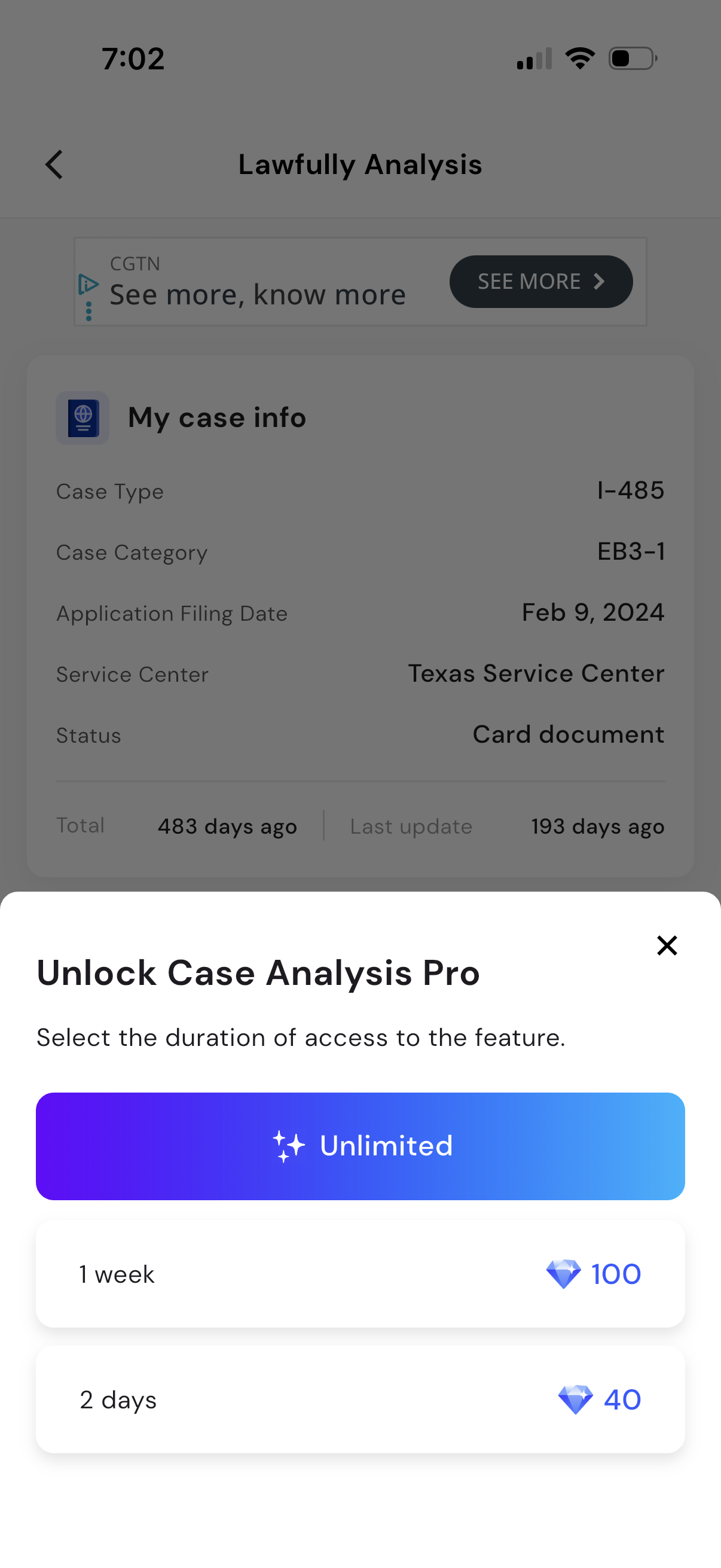
A case status details screen is partially visible in the background while a paywall modal prompts the user to “Unlock Case Analysis Pro” by selecting an access duration. The bottom sheet offers subscription options including an unlimited plan and time-limited passes (e.
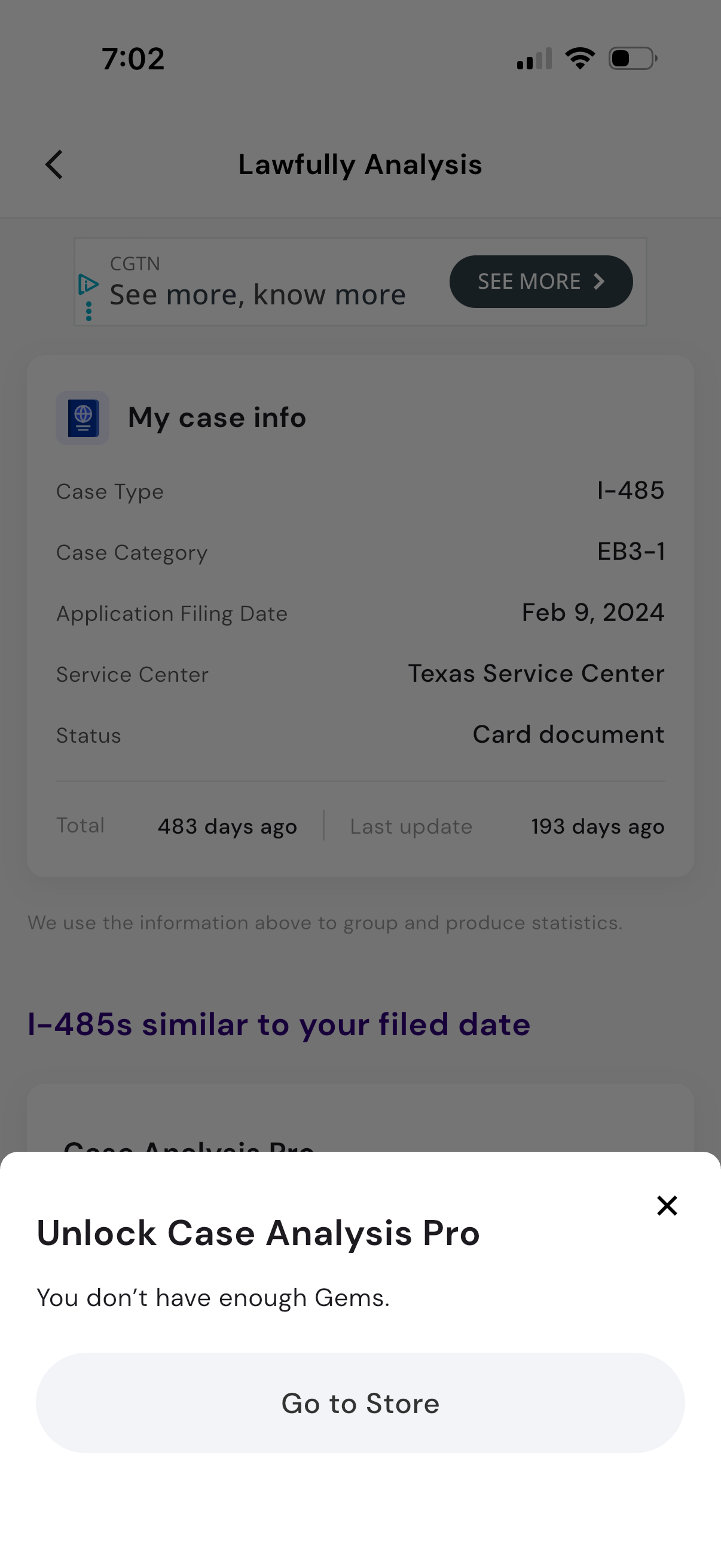
A case analysis screen showing “My case info” details such as case type, category, filing date, service center, and current status with time since filing and last update. A bottom paywall modal prompts “Unlock Case Analysis Pro” stating insufficient gems and offers a primary action to go to the store or dismiss.