book mock interview
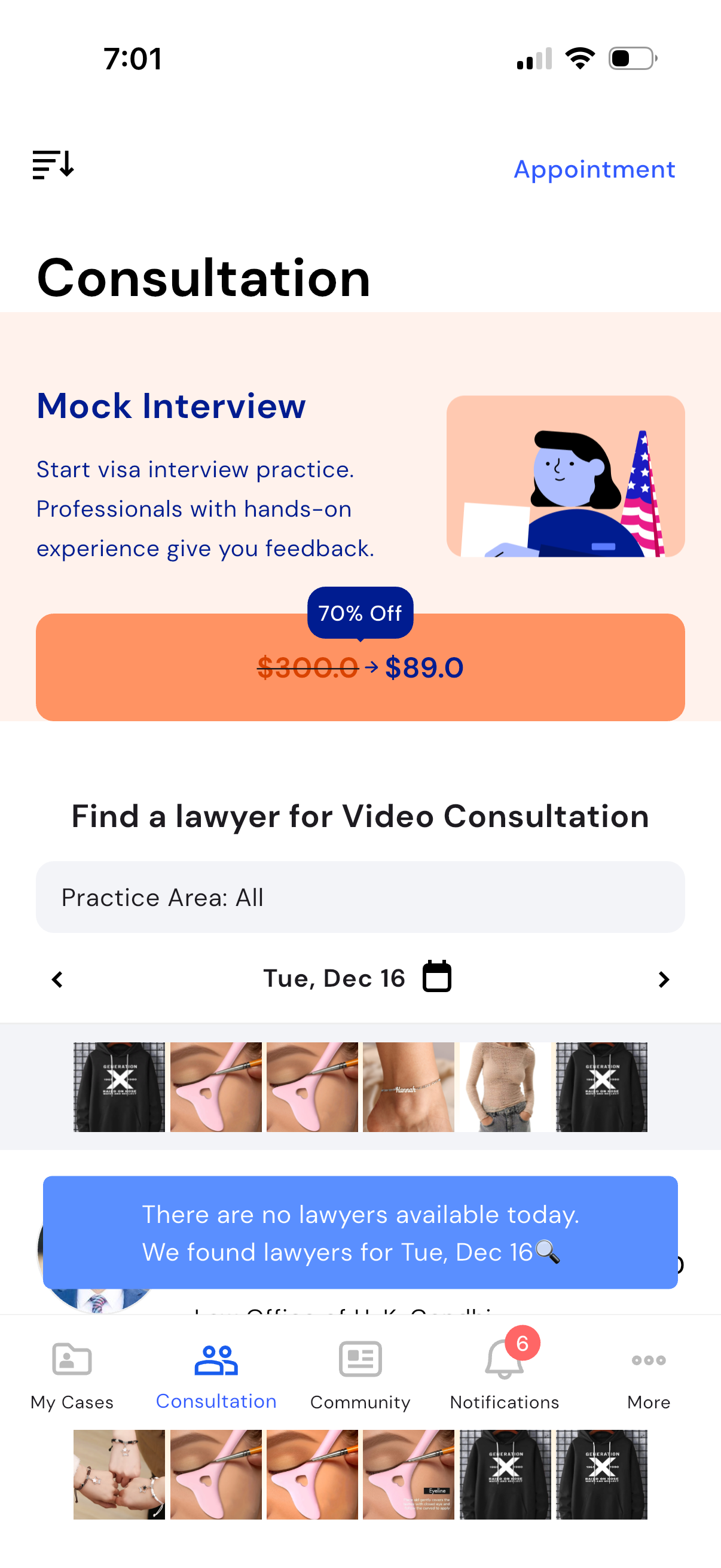
Consultation marketplace screen for booking a video consultation with a lawyer, featuring a promotional “Mock Interview” service card with discount pricing and a link to appointments. Users can filter by practice area and select a date via a calendar picker, with an in-app message indicating no providers available today and suggesting an alternate date.
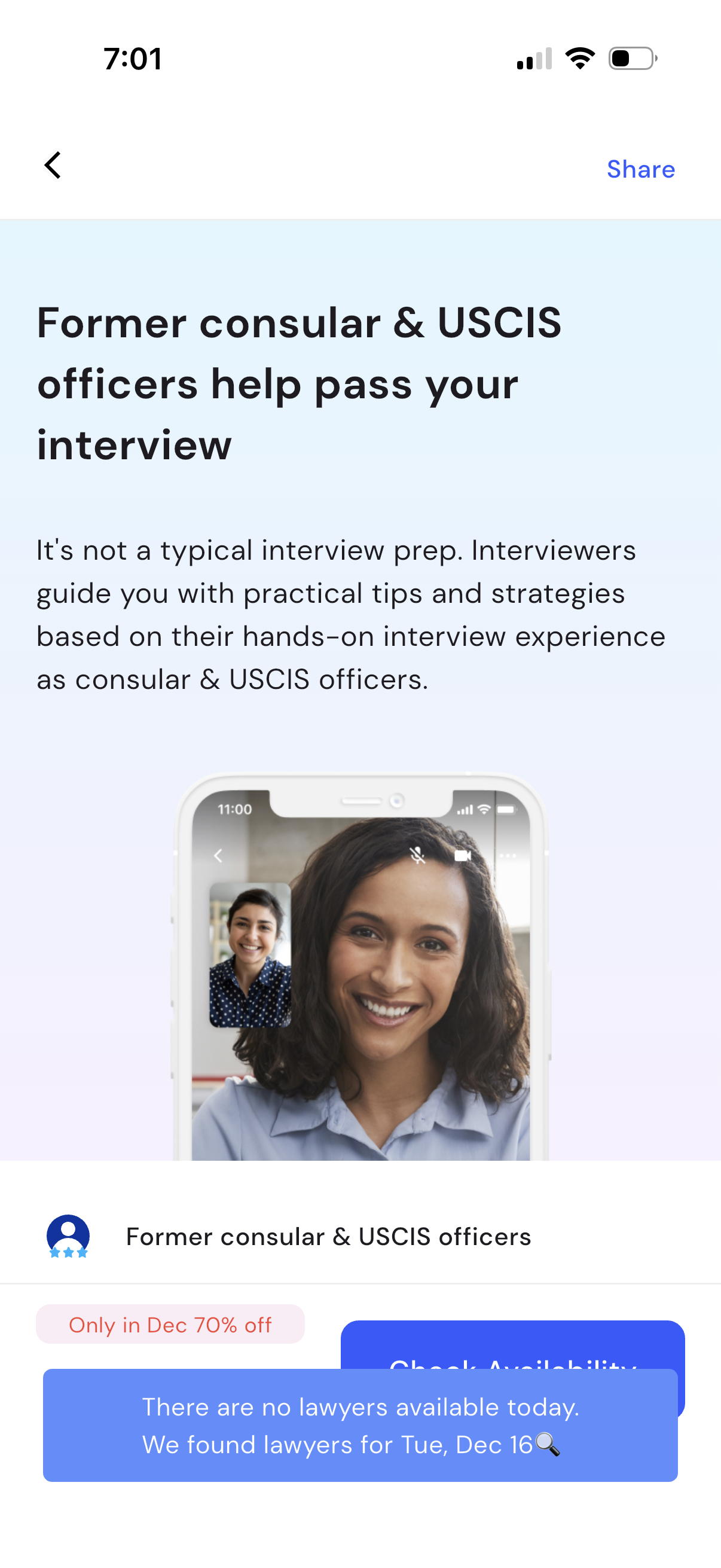
Marketing detail screen for an immigration interview preparation service highlighting help from former consular and USCIS officers, with explanatory copy and a preview image. Includes share and back navigation, a promotional discount tag, a primary “check availability” call to action, and a toast message indicating no providers available today with the next available date.
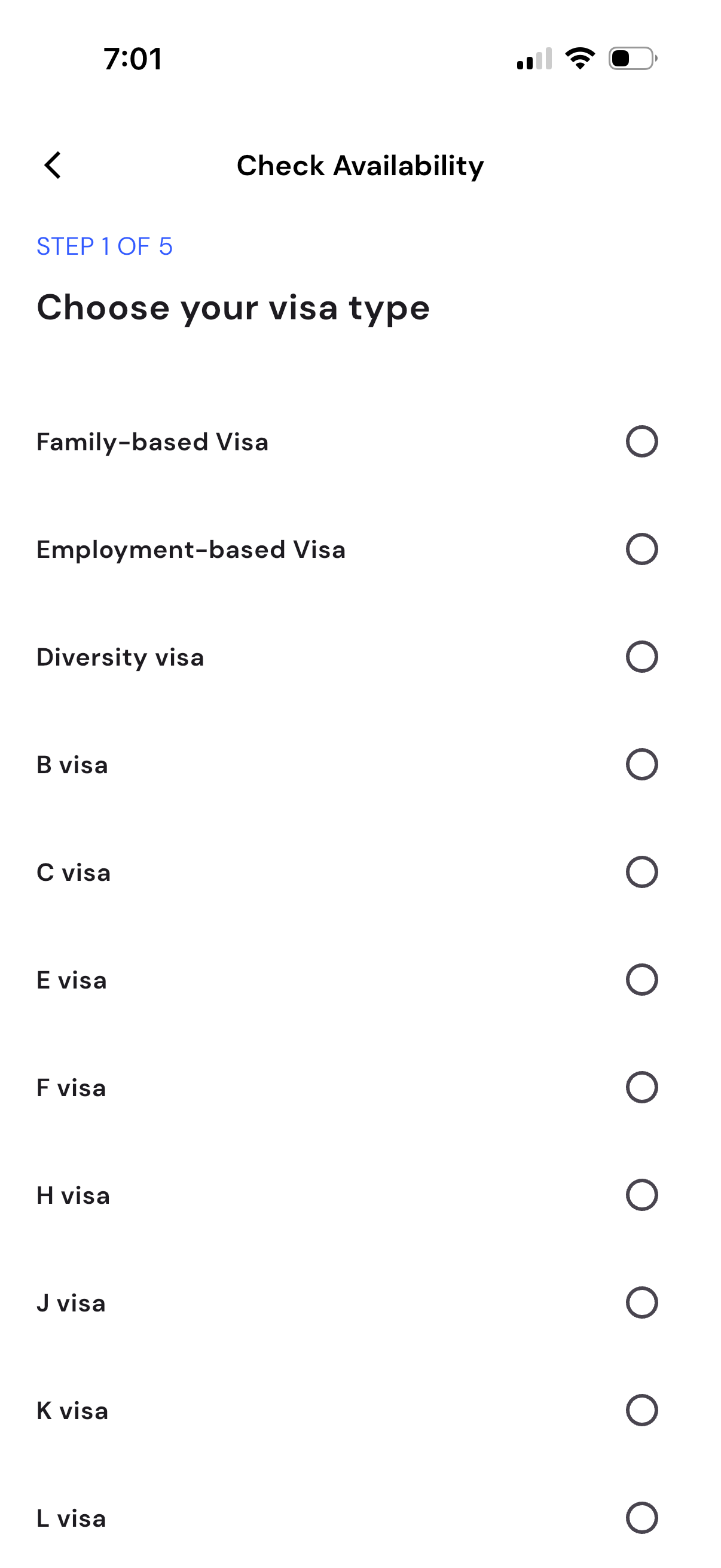
Multi-step “Check Availability” flow (step 1 of 5) asking the user to choose a visa type from a single-select radio list. Options include family-based, employment-based, diversity, and various lettered visa categories, with a back navigation control.
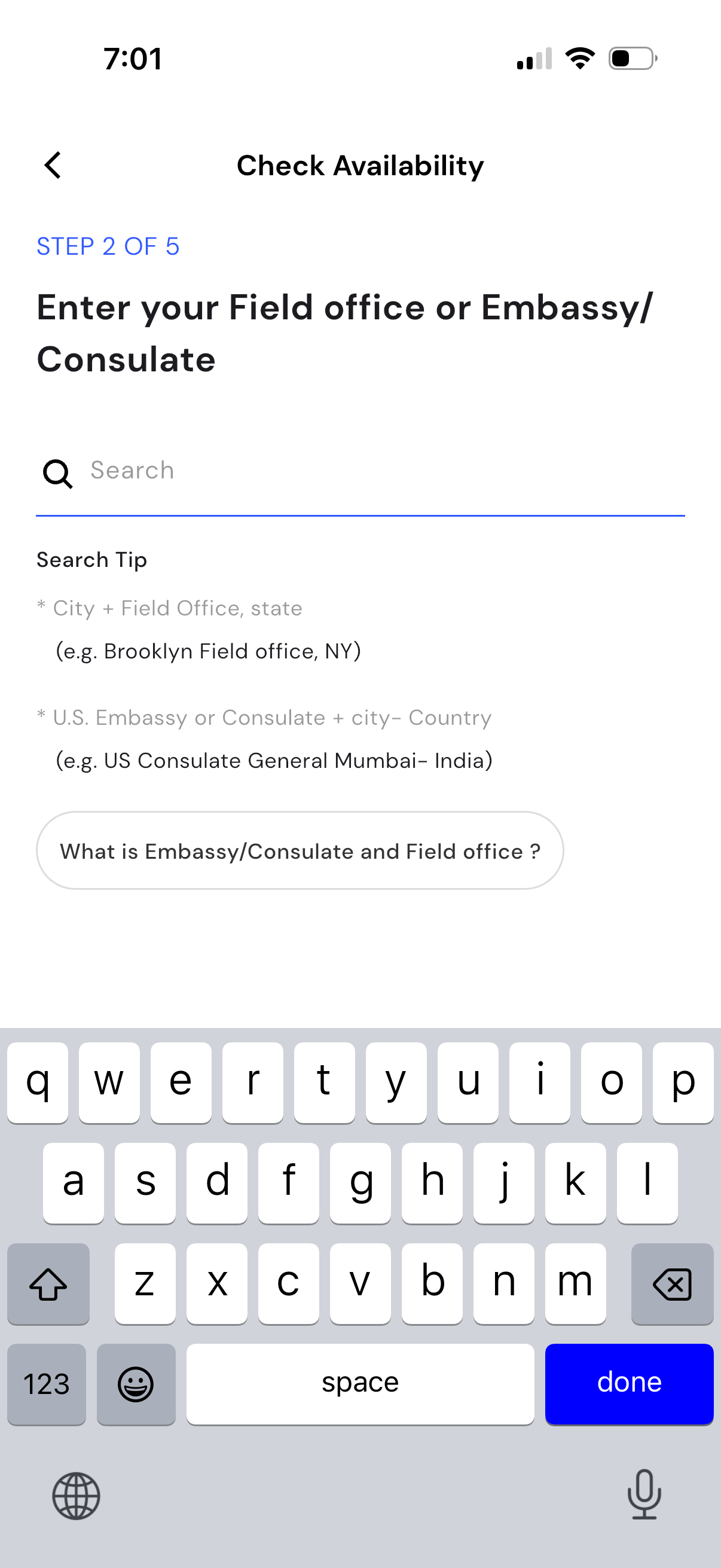
Step 2 of a “Check Availability” flow prompting the user to search and enter their field office or embassy/consulate using a search bar. Includes search tips with example formats (city + office/state or embassy/consulate + city/country) and a help link explaining what an embassy/consulate and field office are.
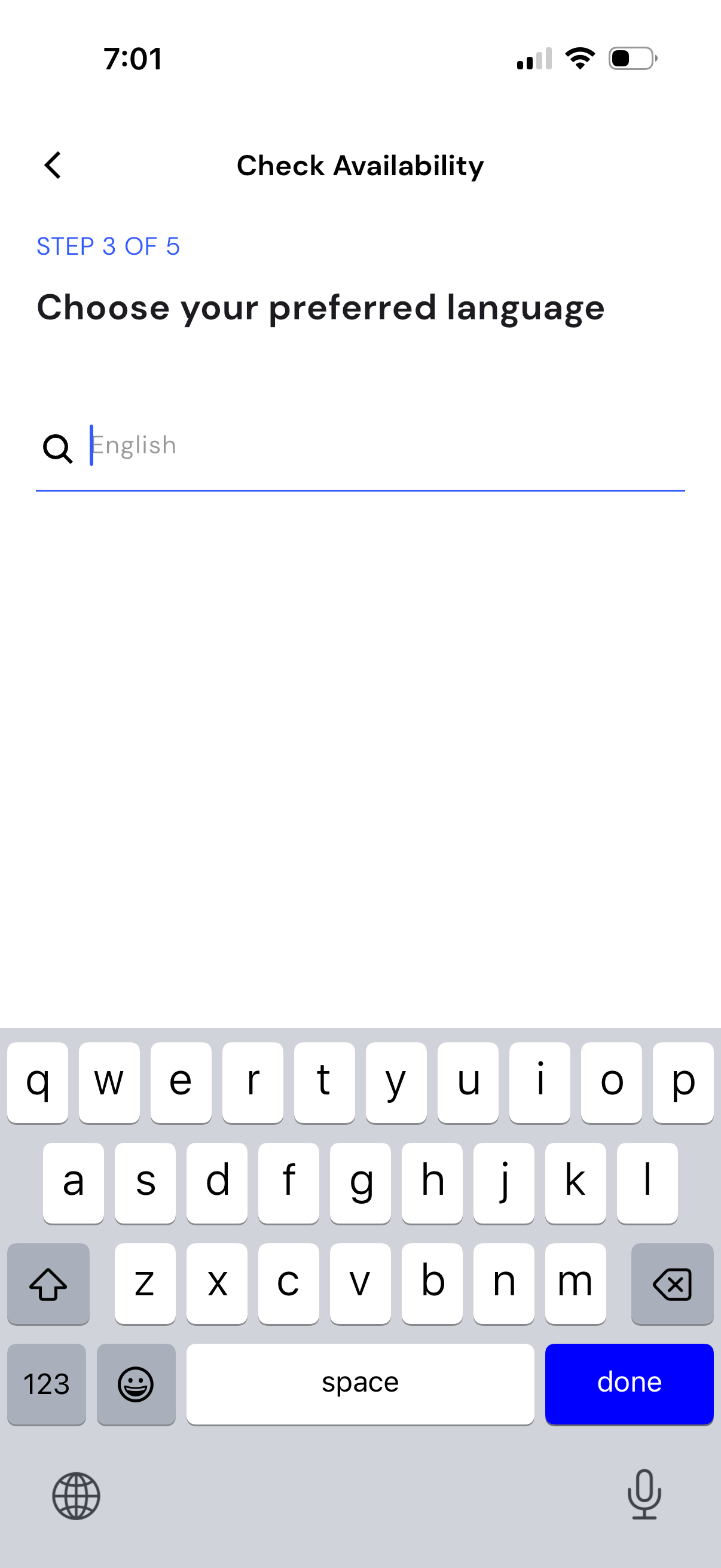
Step-based onboarding screen for checking availability that asks the user to choose a preferred language, featuring a search input with a magnifying glass icon to filter and select a language and a back navigation option.
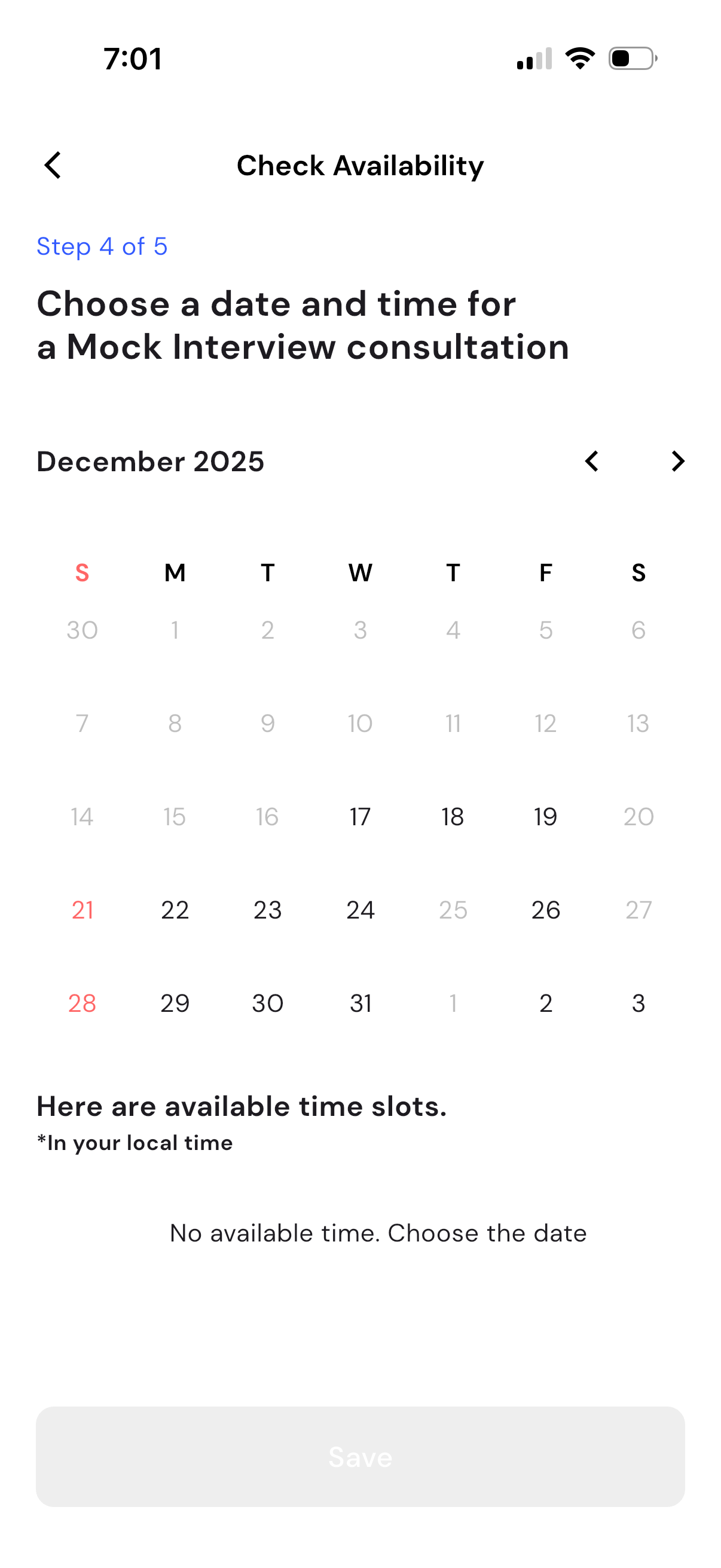
Appointment scheduling screen for a mock interview consultation where users check availability by selecting a date from a monthly calendar with previous/next month navigation. Below the calendar, available time slots are shown in local time with an empty-state message when none are available, and a disabled Save button until a slot is chosen.
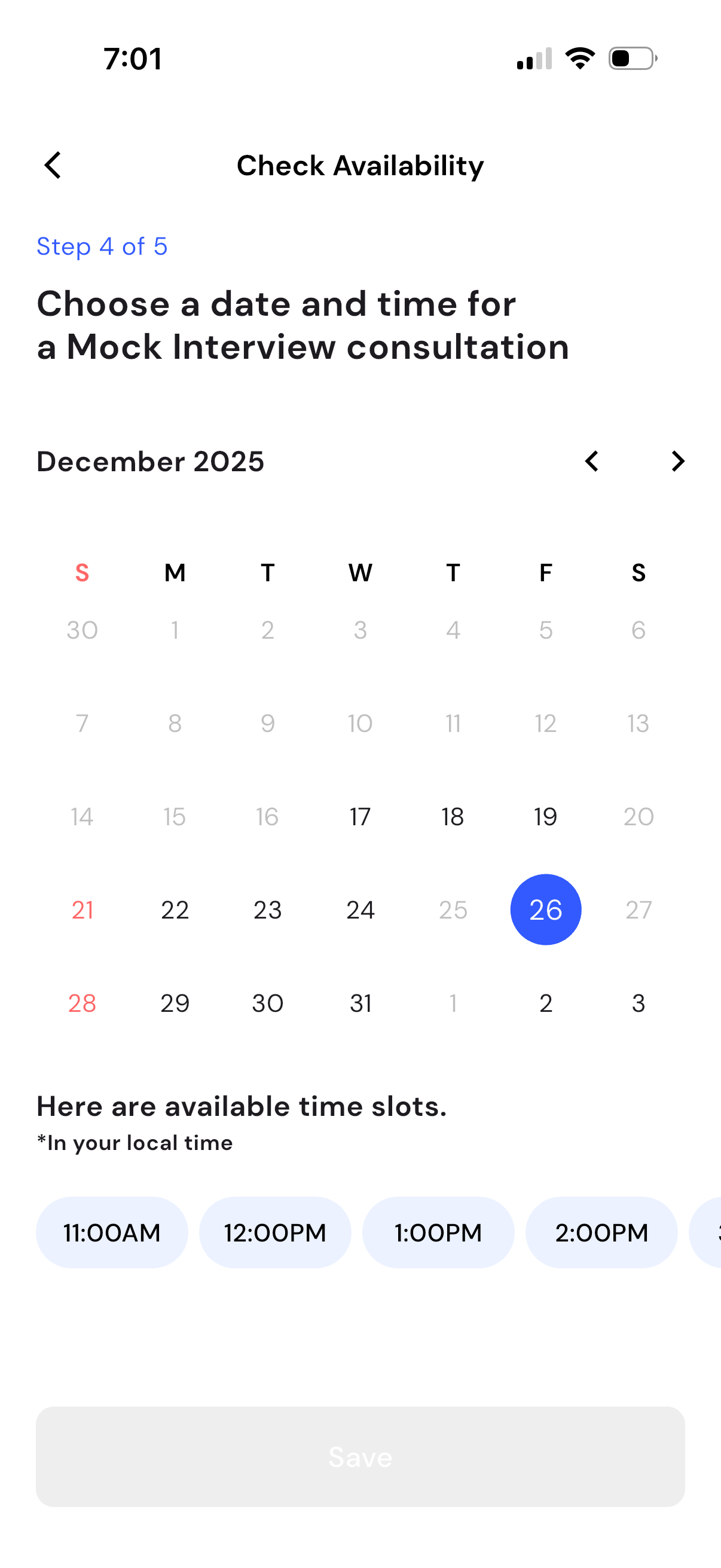
Appointment scheduling screen for checking availability and selecting a date and time for a mock interview consultation, with a monthly calendar view and previous/next month navigation. Below the calendar, available local time slots are shown as selectable chips and a disabled Save button becomes active after a selection.
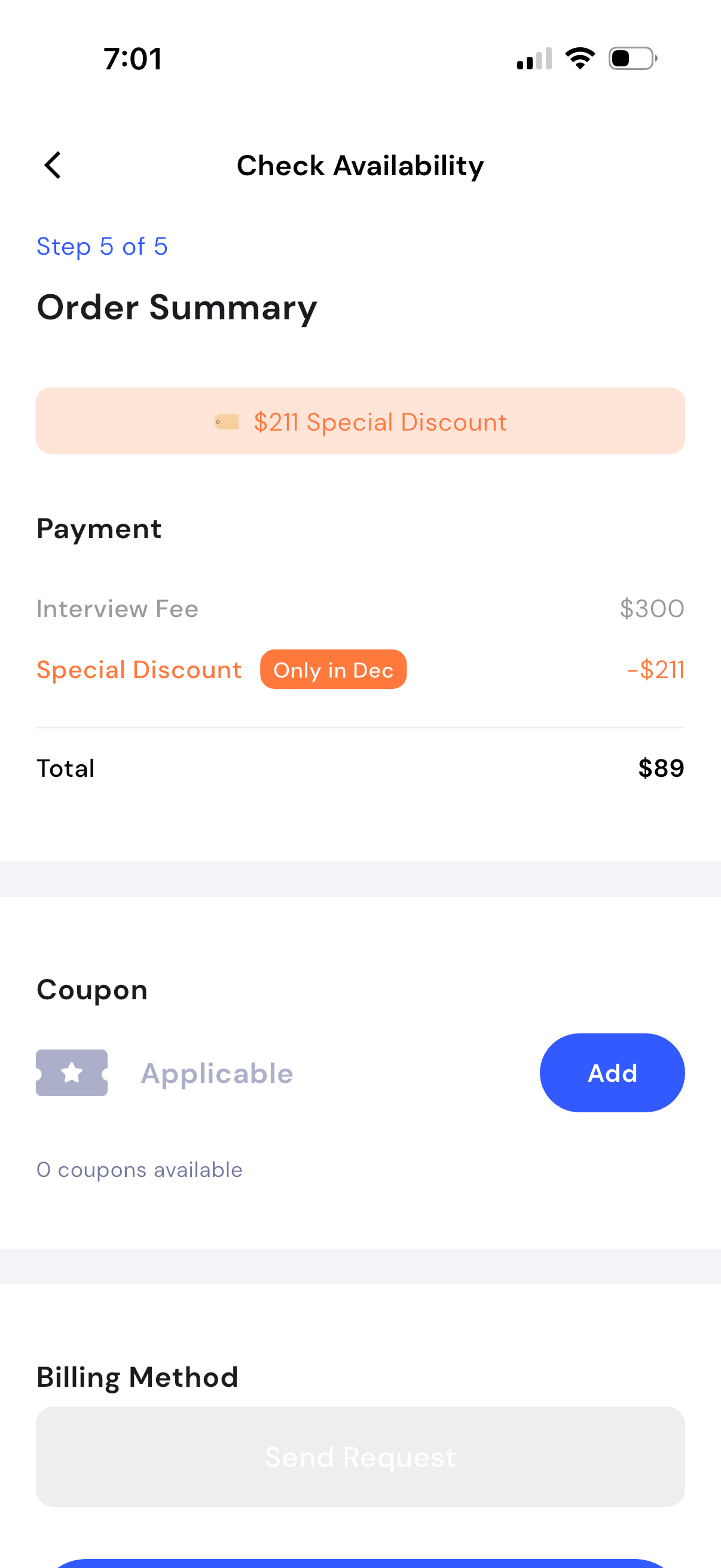
Checkout order summary screen in a multi-step booking flow (step 5 of 5) showing payment breakdown with an interview/service fee, applied special discount, and total amount due. Includes a coupon section with an Add button to apply promo codes and a billing method area with a primary “Send Request” call to action.