complete onboarding
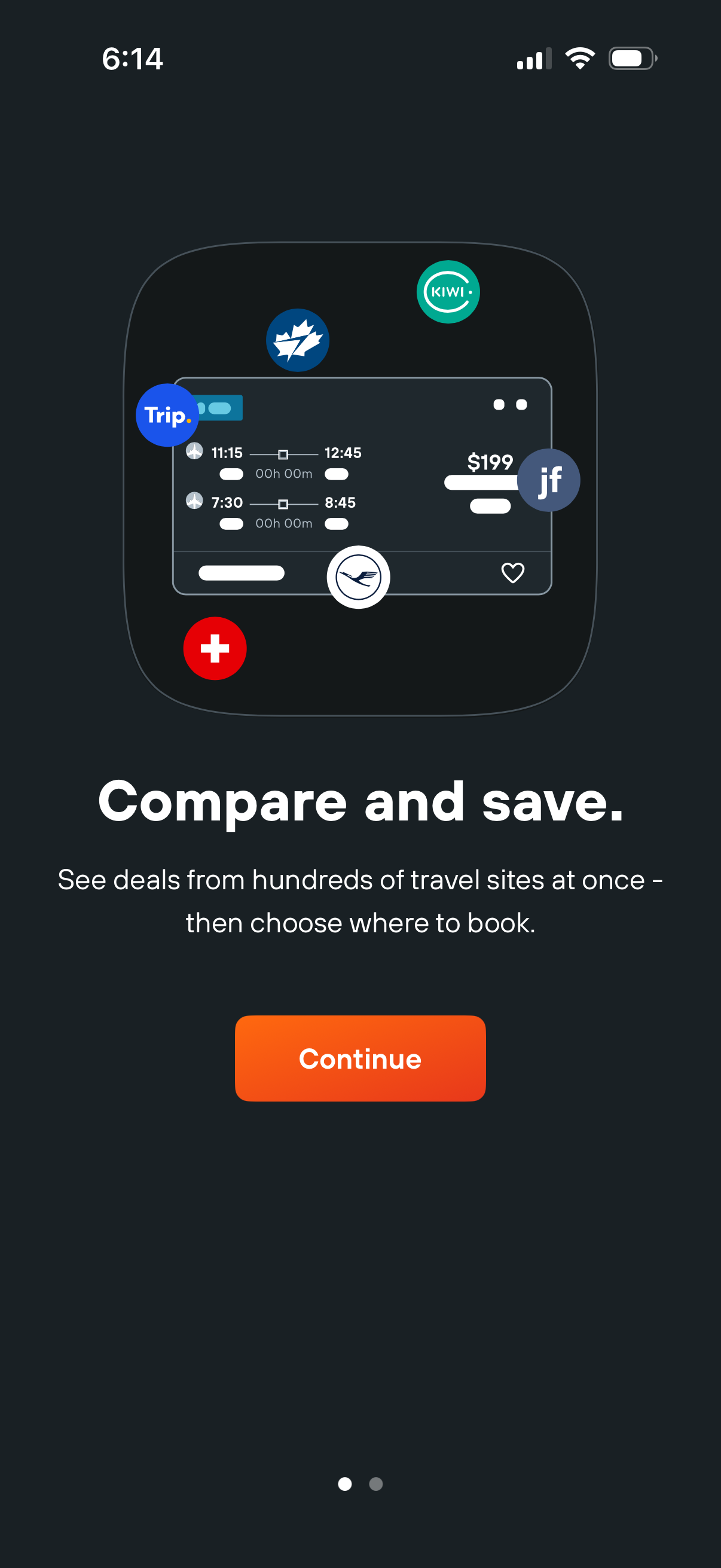
Onboarding intro screen for a travel/flight comparison app highlighting “Compare and save” by showing aggregated deals from multiple travel sites and letting users choose where to book. Includes a prominent Continue button to proceed to the next onboarding step.
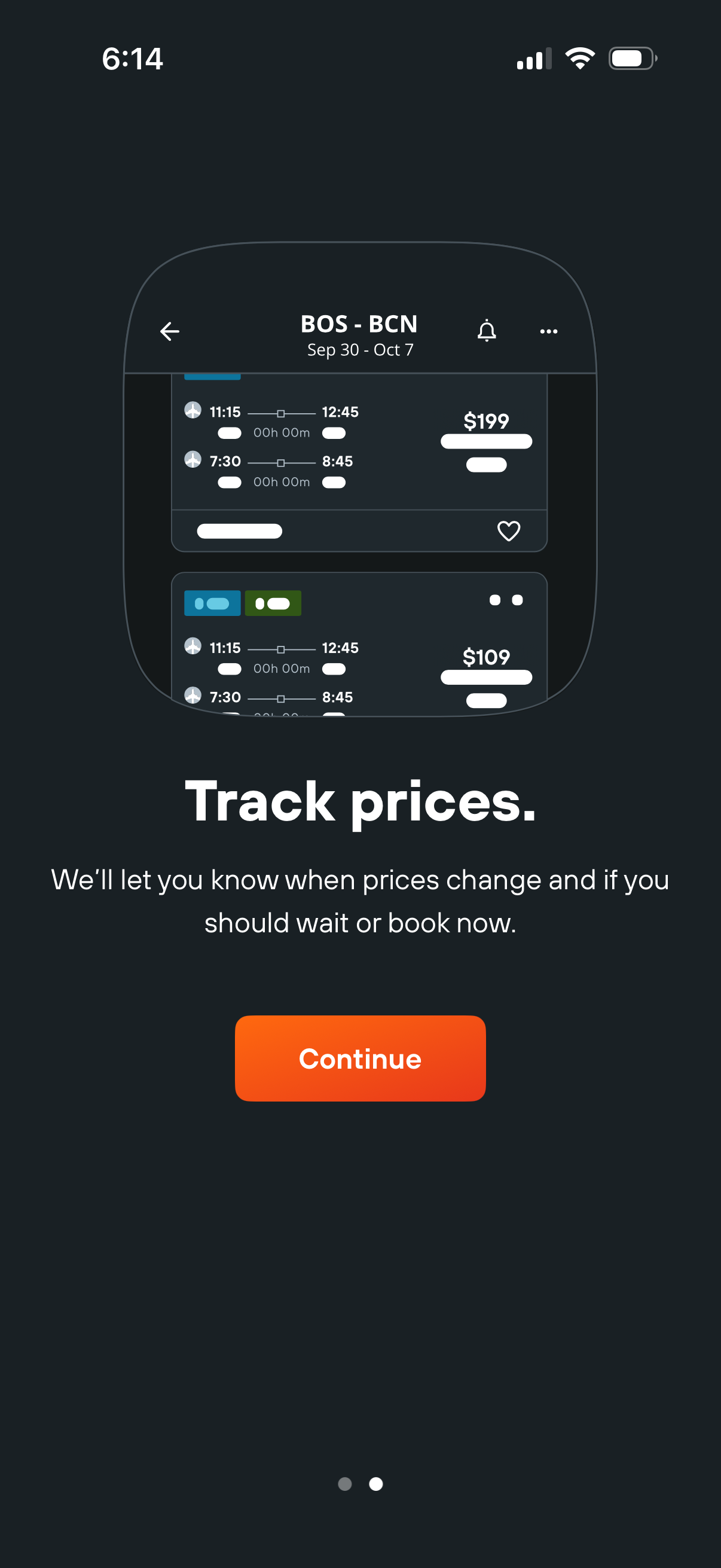
Onboarding screen for a flight search app introducing price tracking, explaining that the app will notify users when fares change and whether to wait or book now. Includes a prominent Continue button to proceed and a preview of flight results with prices and a save/heart action.
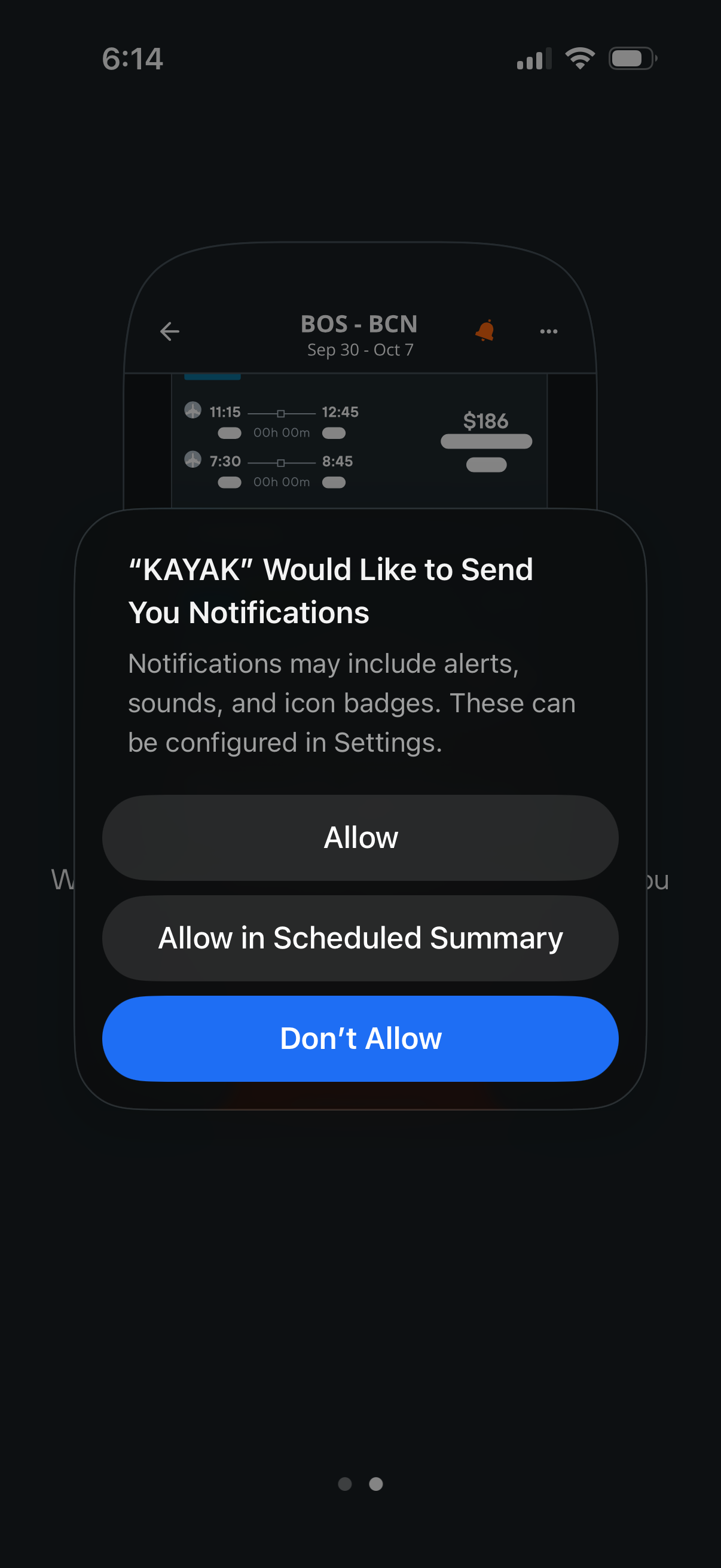
iOS system permission modal prompting the user to enable push notifications for a travel/flight search app while viewing flight results. The dialog offers actions to Allow, Allow in Scheduled Summary, or Don’t Allow for alerts, sounds, and badge icons.
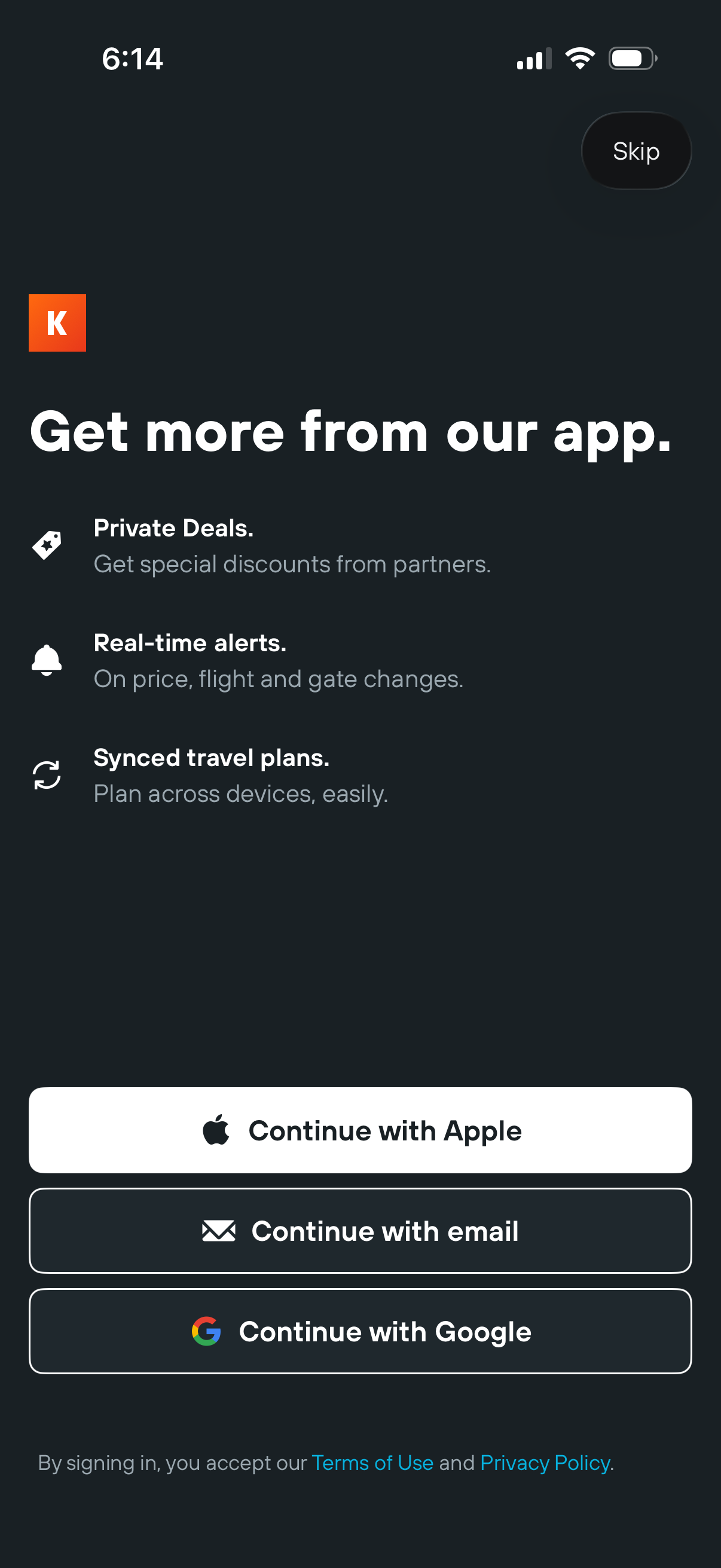
App onboarding sign-in prompt highlighting benefits like private deals, real-time travel alerts, and synced travel plans, with a Skip option. Offers authentication choices including Continue with Apple, email, or Google, plus terms of use and privacy policy links.