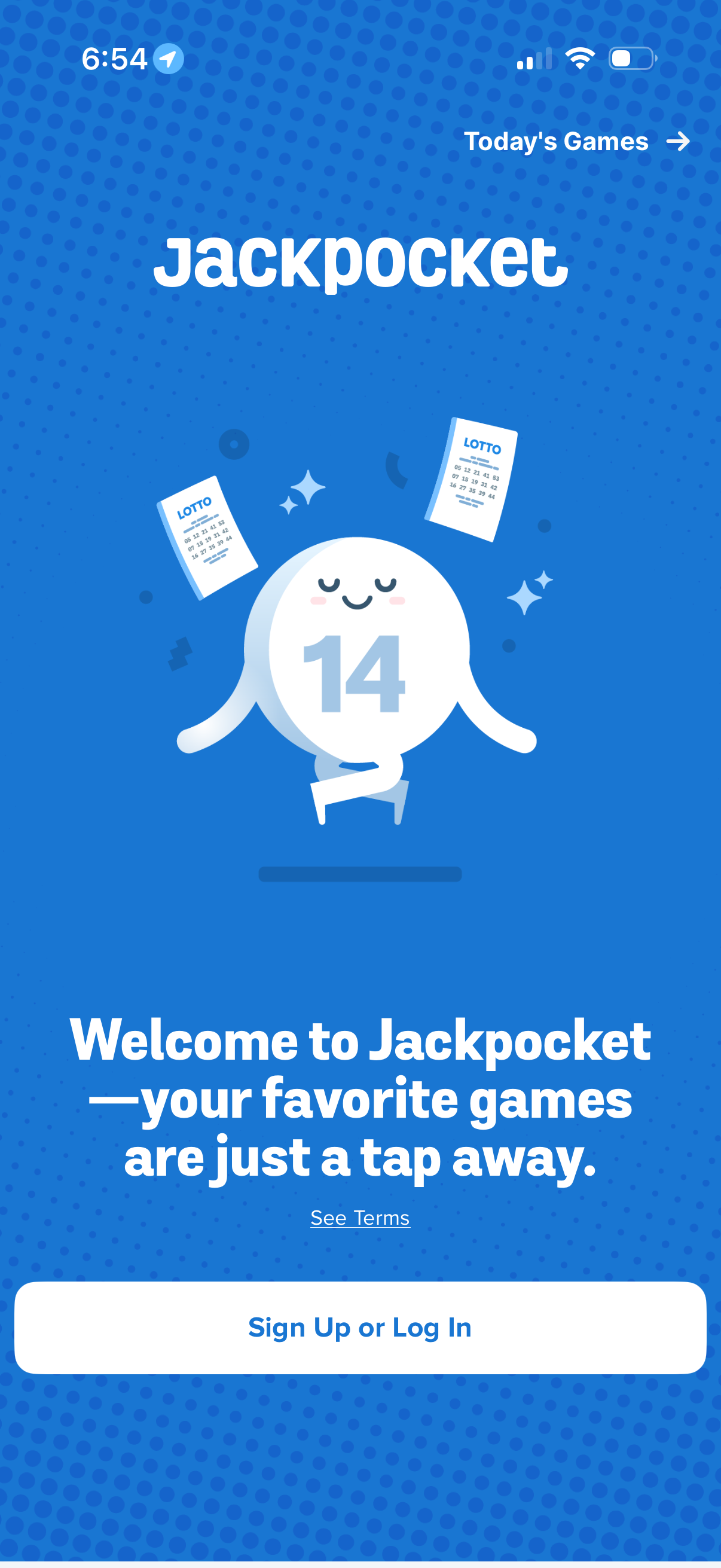
Welcome/onboarding screen for a lottery and games app introducing Jackpocket, with a primary call to action to Sign Up or Log In and a link to view terms. A top navigation link lets users jump to “Today’s Games.
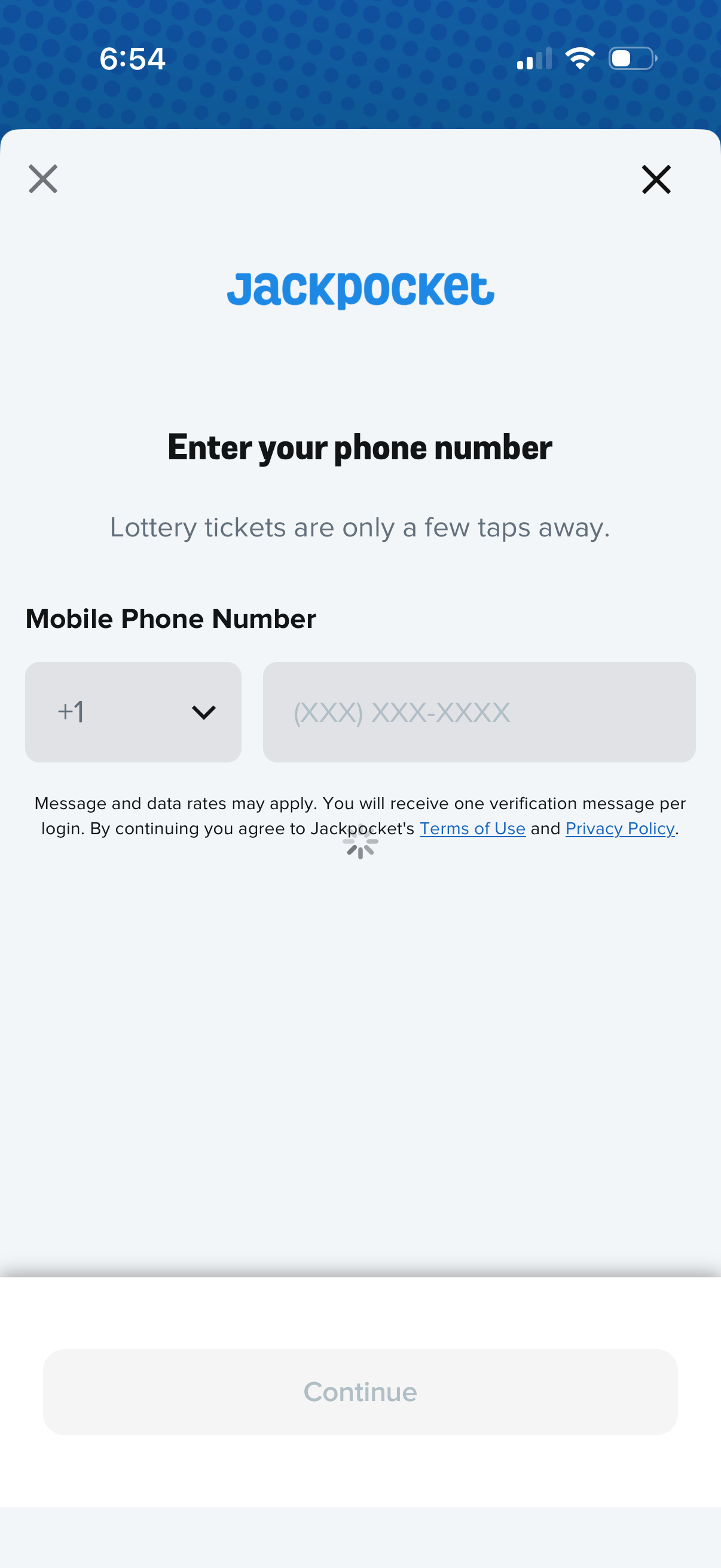
Phone number login/registration screen prompting the user to enter a mobile number with a country code dropdown and formatted input field to receive an SMS verification message. Includes a disabled Continue button until valid input, plus Terms of Use and Privacy Policy links and close icons to exit.
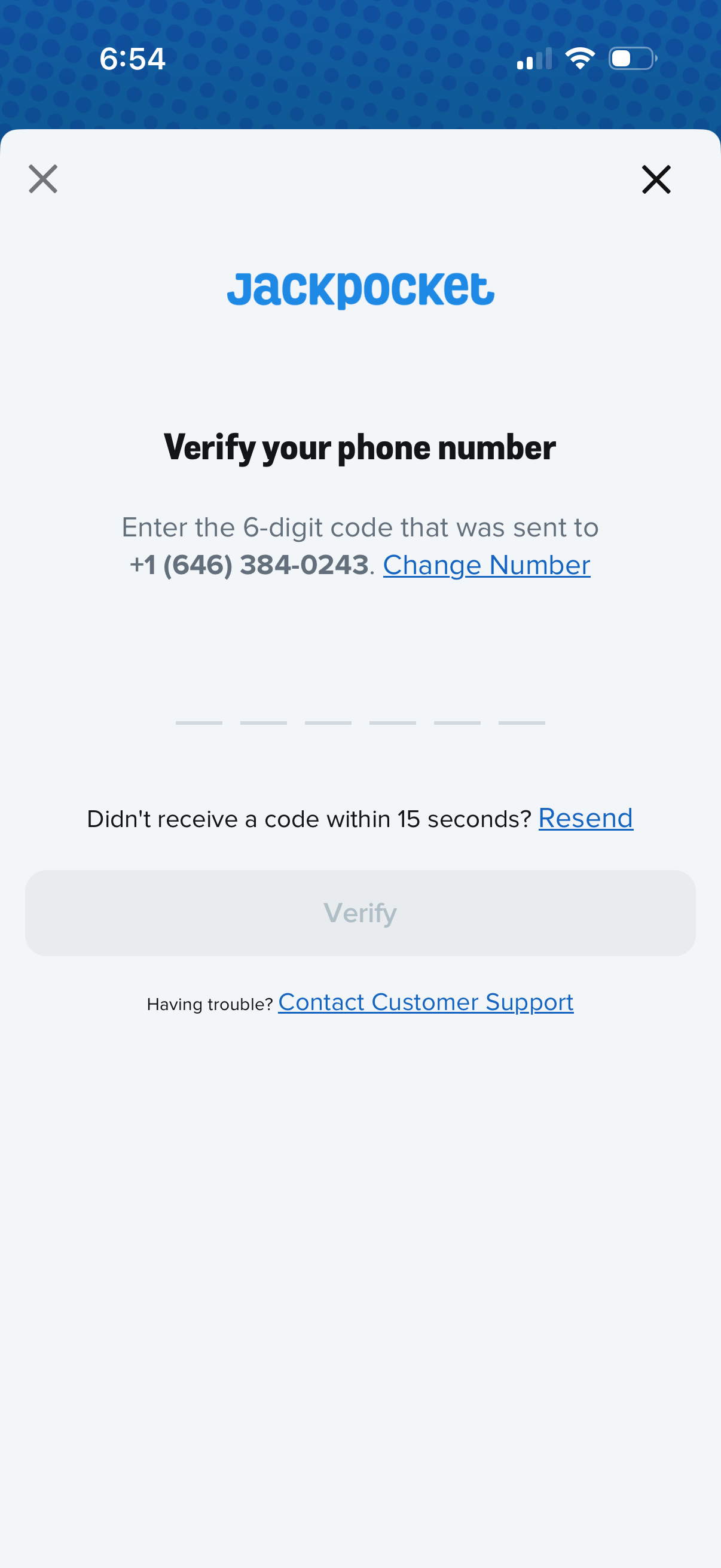
Phone number verification (OTP) screen prompting the user to enter a 6-digit code sent via SMS, with options to change the phone number, resend the code after a short wait, and a disabled Verify button until code entry. Includes a link to contact customer support for troubleshooting and close buttons to exit the flow.
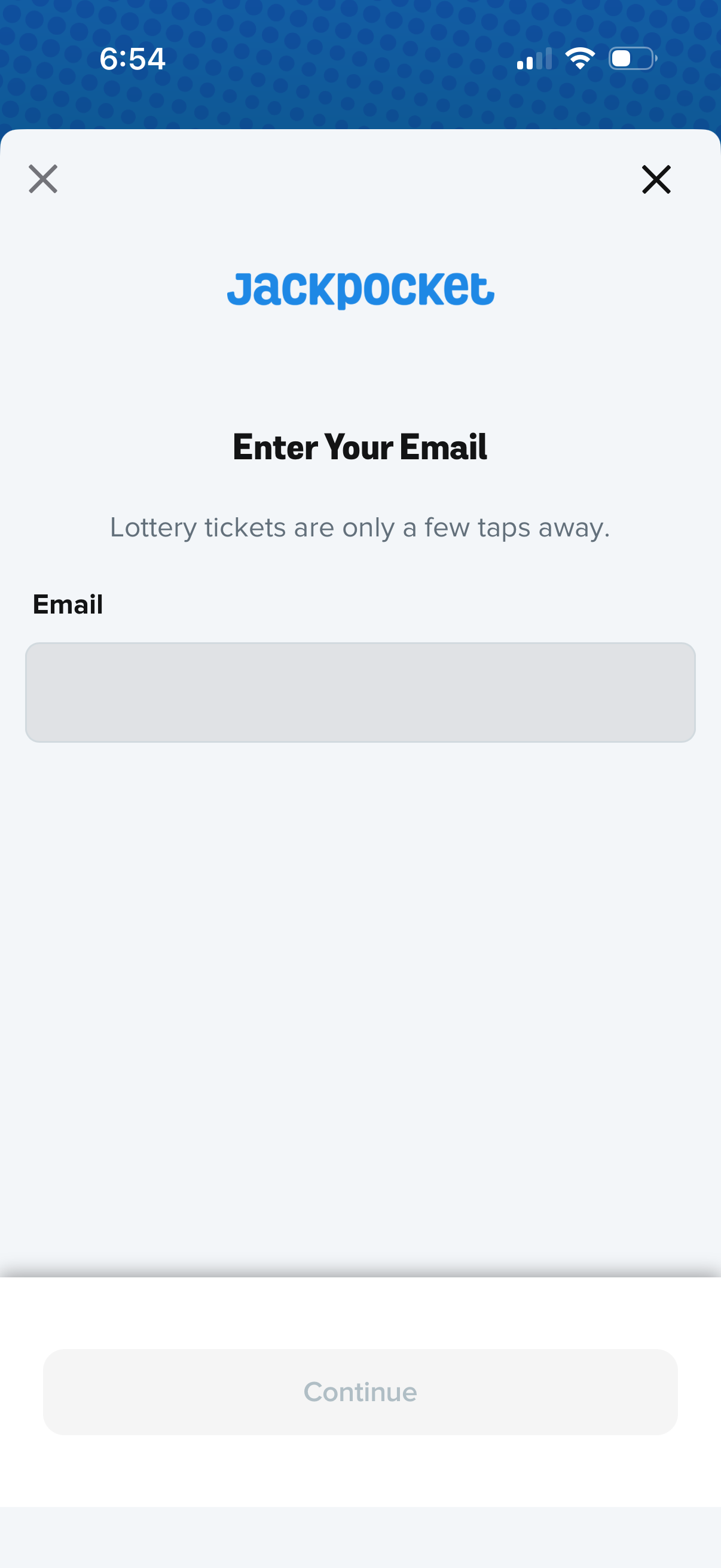
Email entry screen in an onboarding or sign-in flow for a lottery ticket app, prompting the user to enter their email address. Includes a single email input field, a disabled Continue button until valid input, and close icons to dismiss the modal.
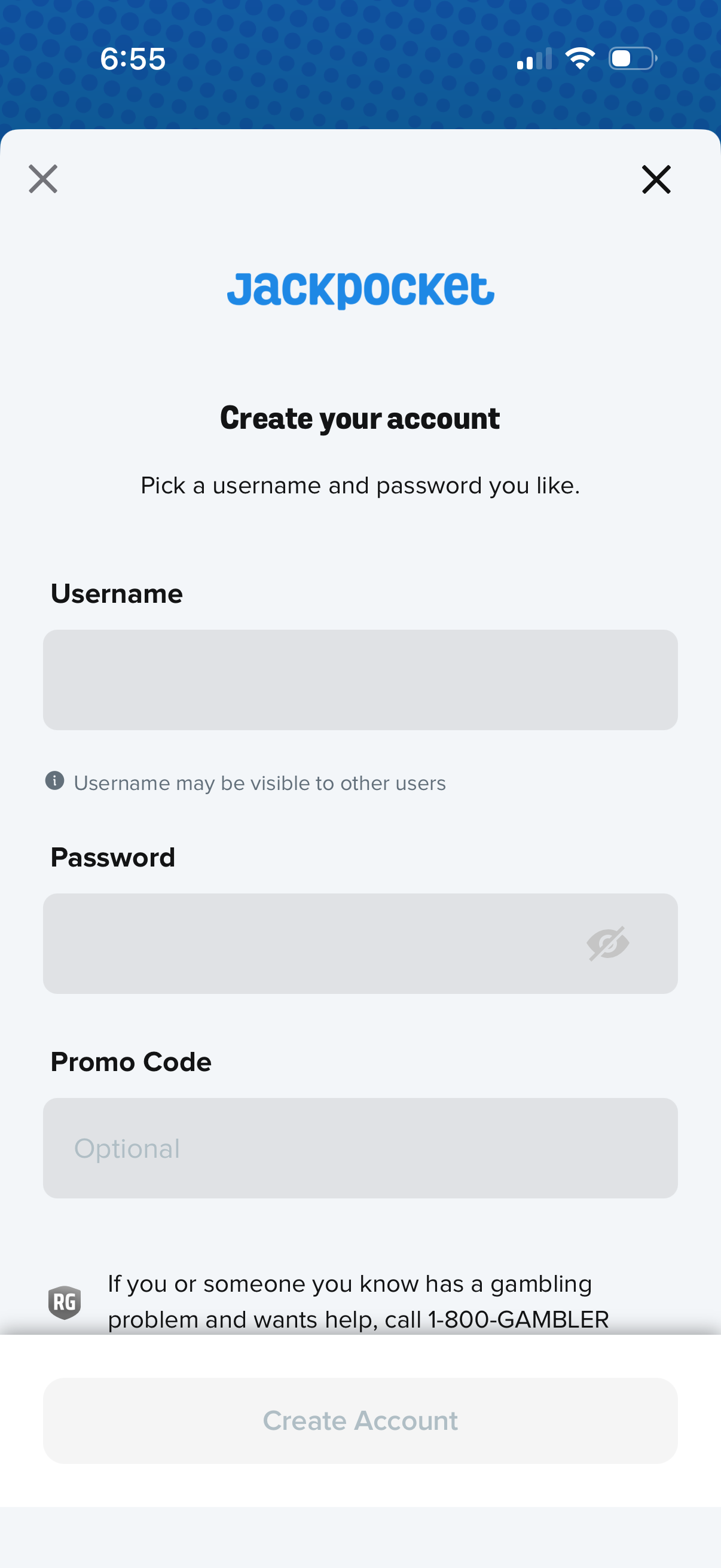
Account creation sign-up screen for a mobile app prompting users to create an account by entering a username and password, with an optional promo code field and a password visibility toggle. Includes close buttons to exit, a disabled “Create Account” primary CTA until fields are completed, and responsible gambling help text.
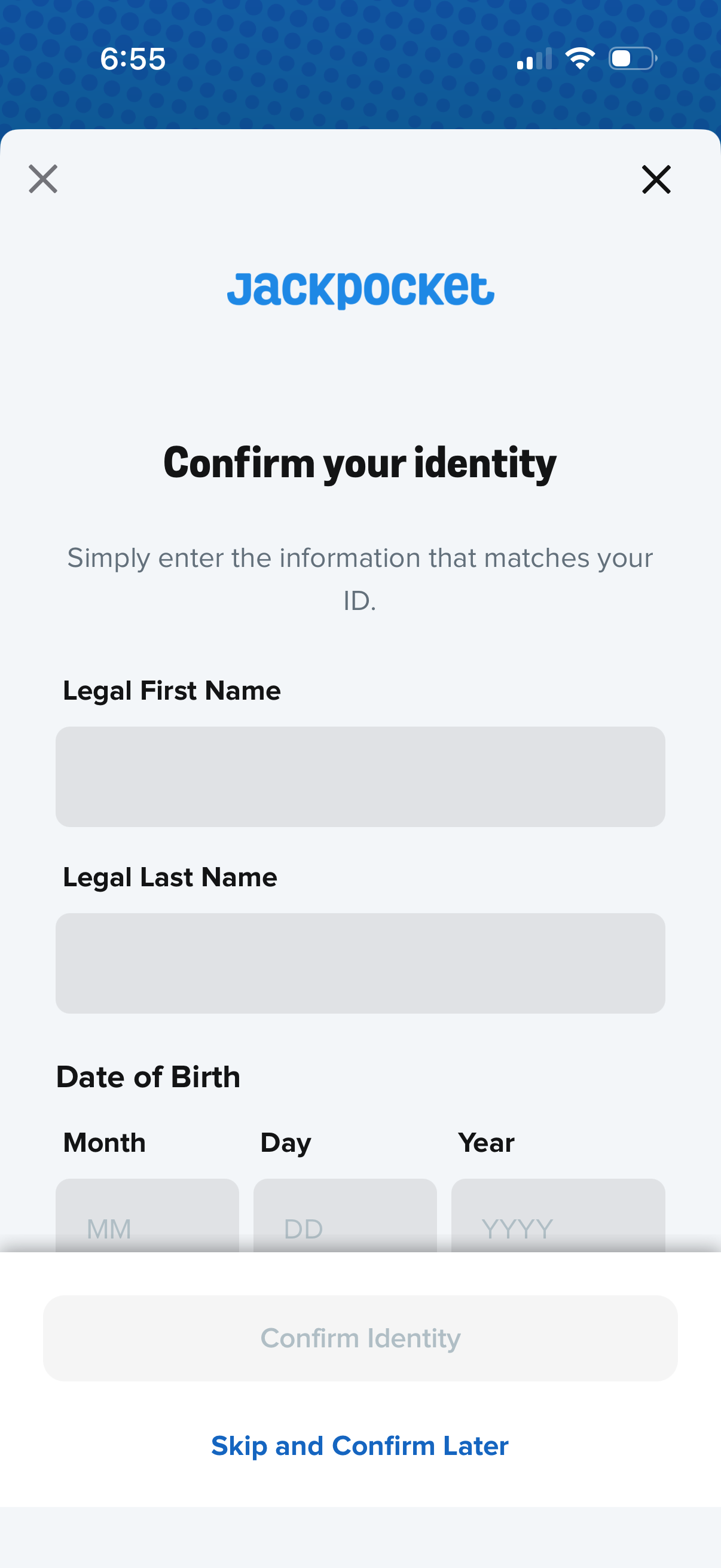
Identity verification form screen prompting the user to confirm their identity by entering legal first name, legal last name, and date of birth (month/day/year). Includes a primary “Confirm Identity” action, an option to “Skip and Confirm Later,” and close buttons to dismiss the flow.
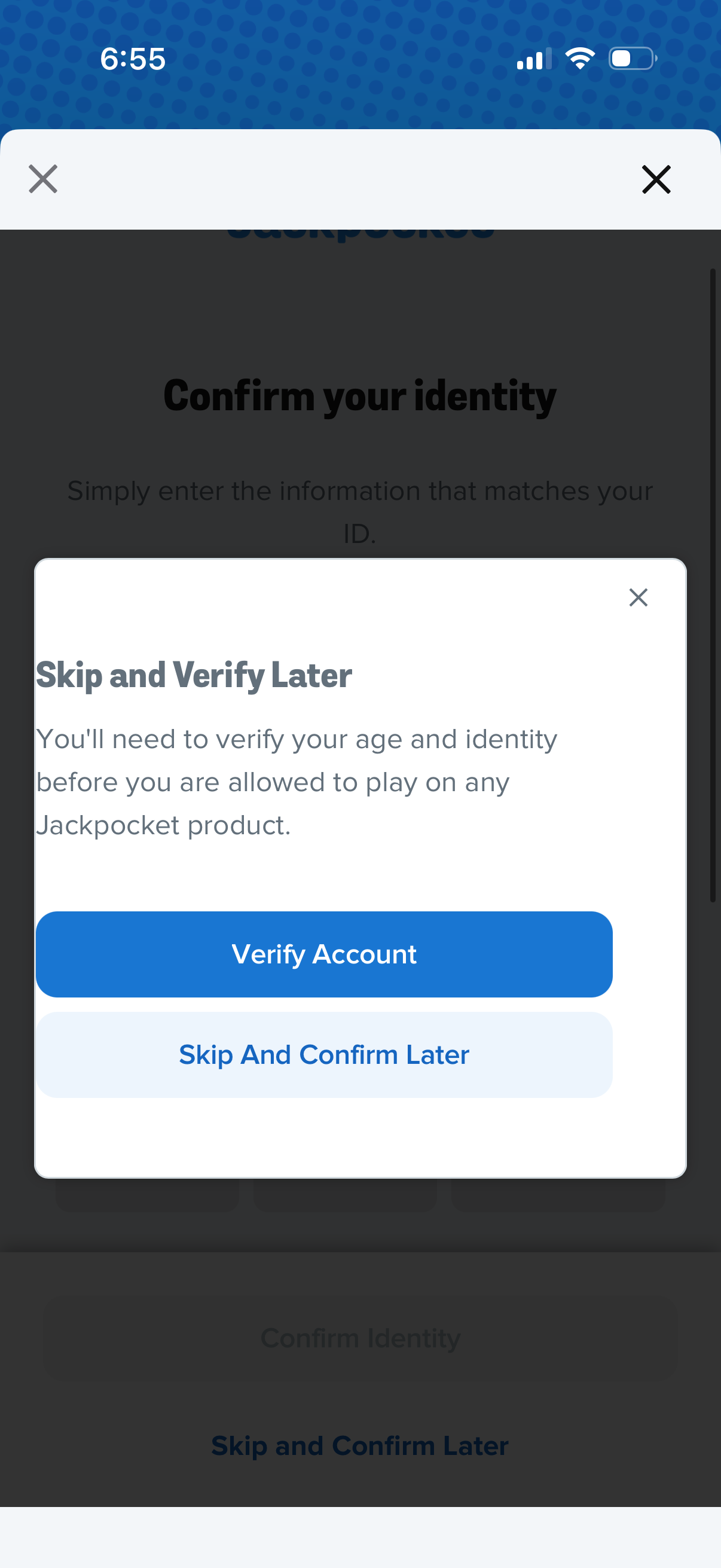
Modal dialog prompting the user to verify their age and identity before using the product, explaining the requirement and offering primary and secondary actions. Users can tap “Verify Account” to start verification or choose “Skip and Confirm Later,” with a close (X) option to dismiss.
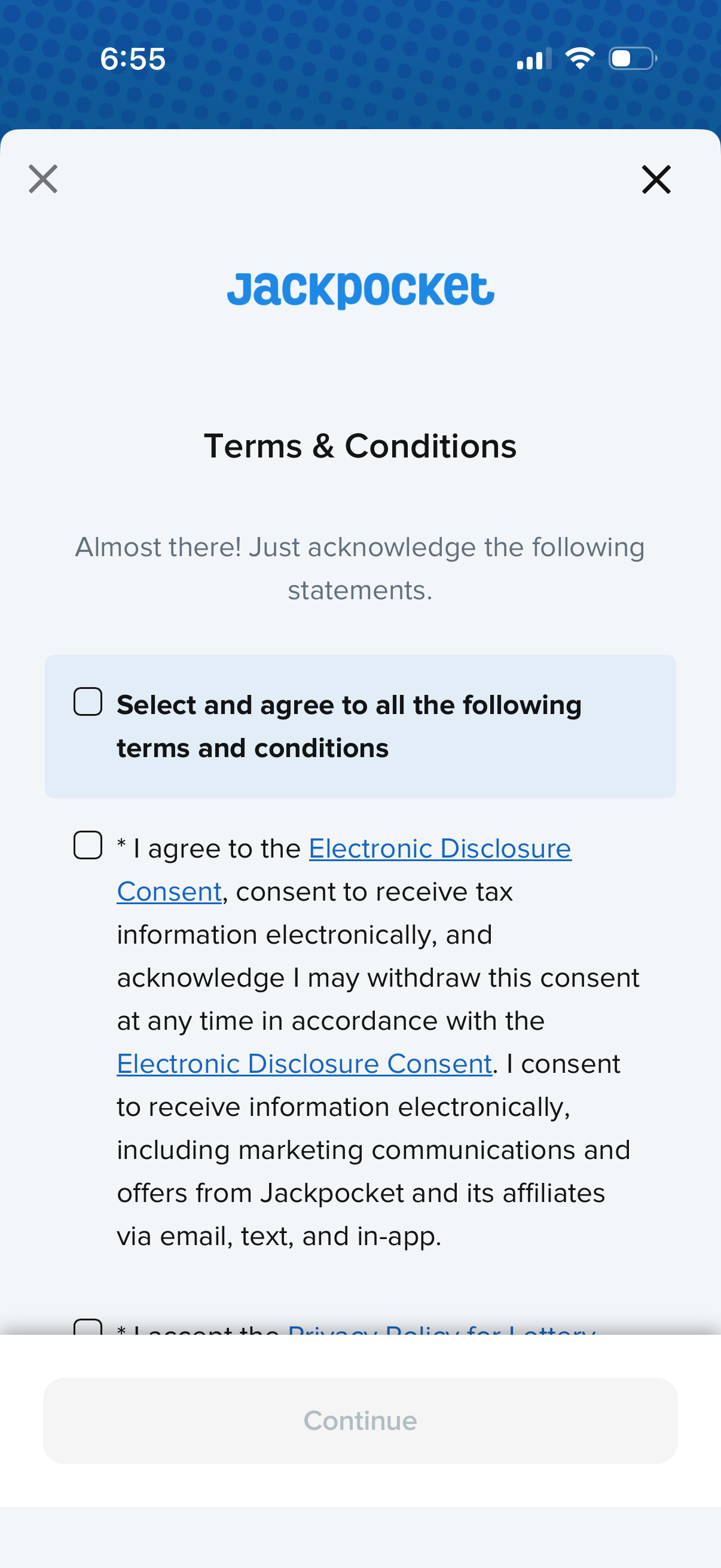
Modal Terms & Conditions consent screen requiring users to check an “agree to all” box or individual checkboxes for policies like electronic disclosure consent before proceeding. Includes linked legal documents, close icons to dismiss, and a disabled Continue button until required agreements are selected.
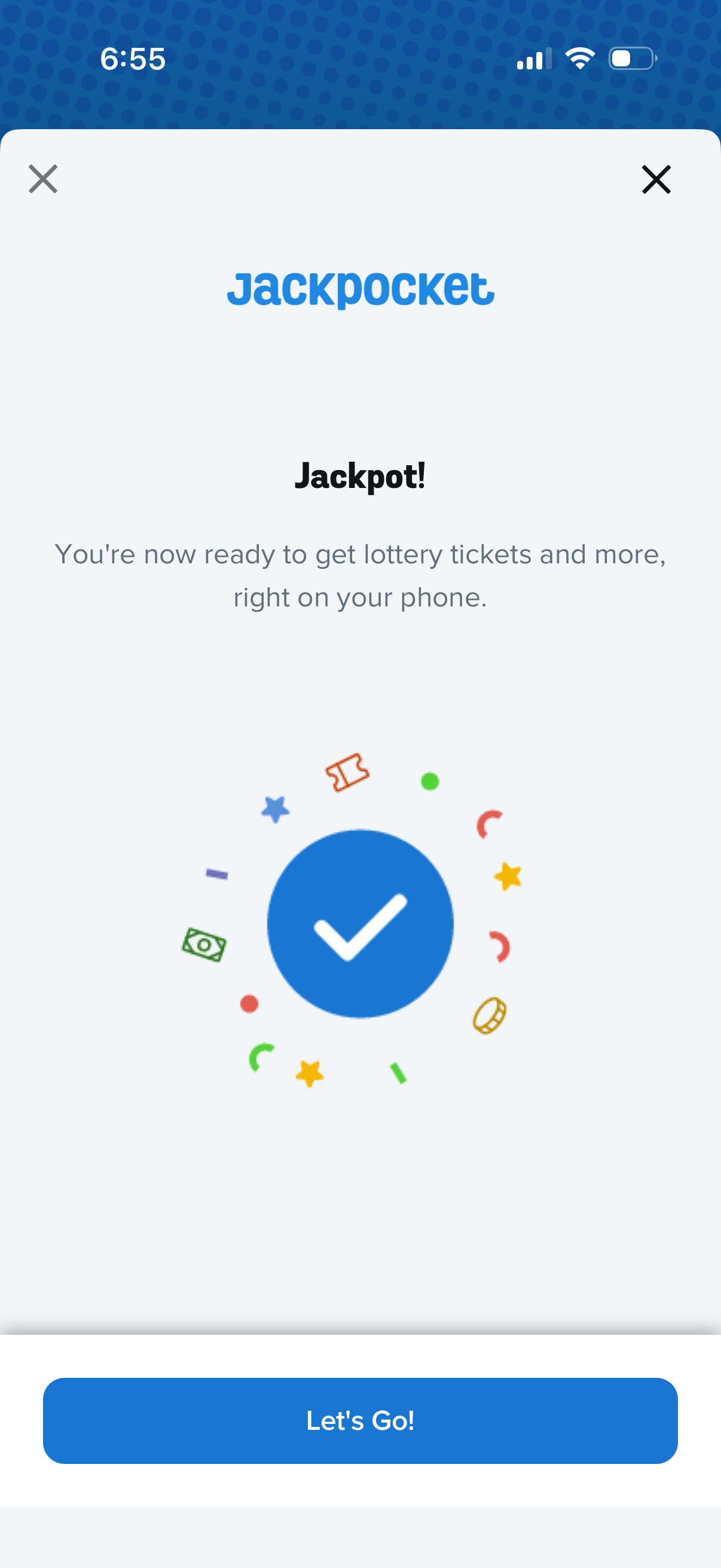
Confirmation success screen for a lottery ticket purchasing app, stating the user is ready to get lottery tickets and more on their phone with a celebratory checkmark graphic. Includes primary CTA button “Let’s Go!