complete onboarding
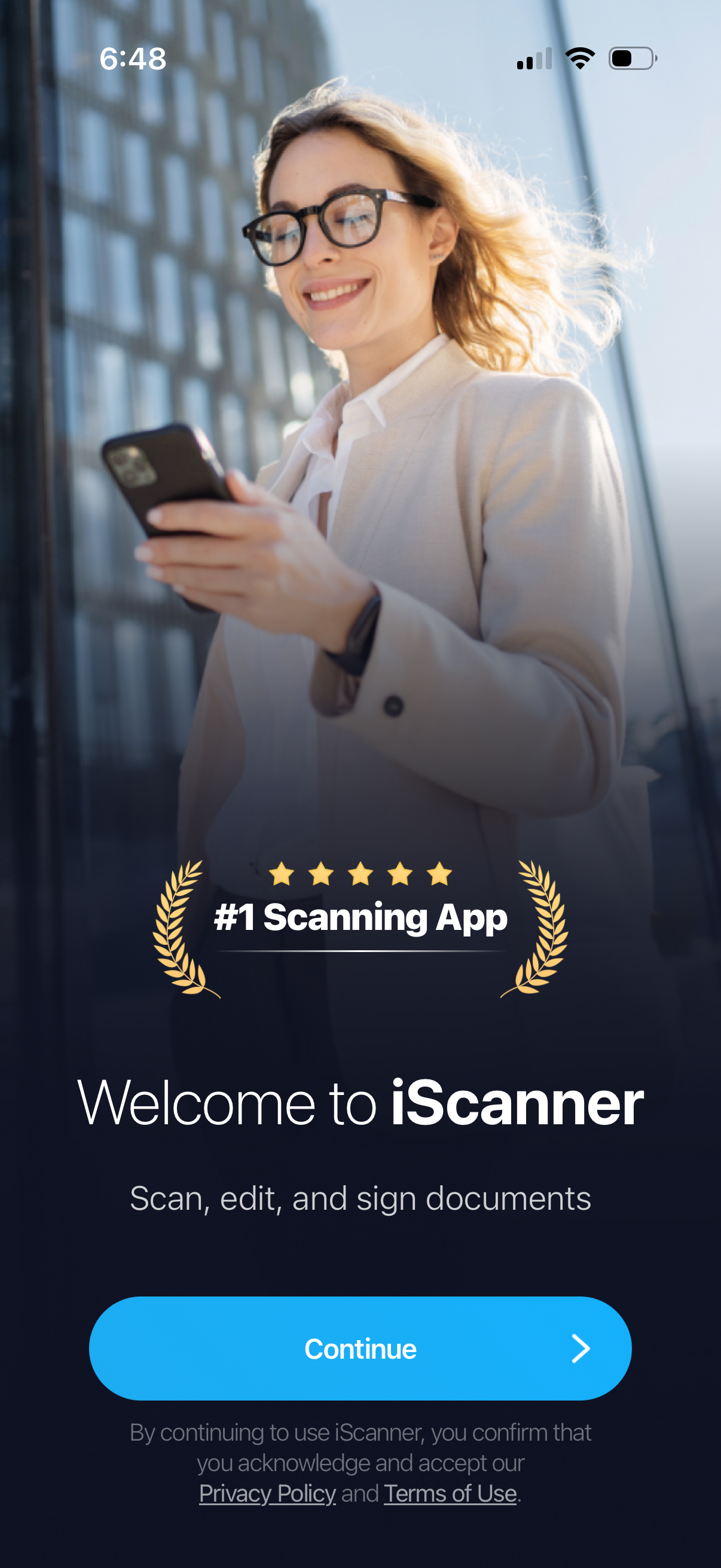
Onboarding welcome screen for a document scanning app promoting “#1 Scanning App” and the ability to scan, edit, and sign documents. Includes a primary “Continue” button to proceed and links to the Privacy Policy and Terms of Use.
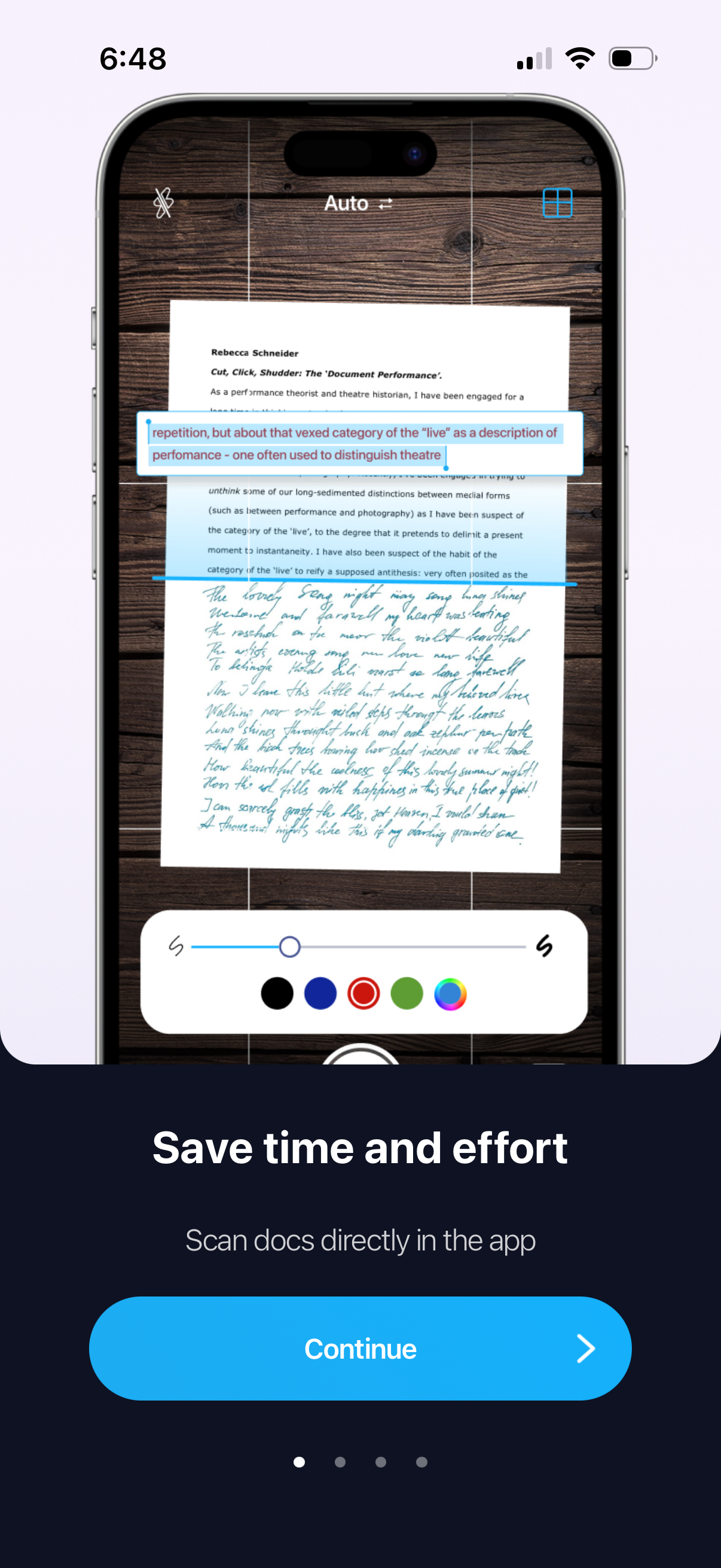
Onboarding screen promoting in-app document scanning, showing a camera-style scanner preview with text highlighting/annotation tools (color picker and thickness slider). Includes a “Continue” call-to-action to proceed through the intro carousel.
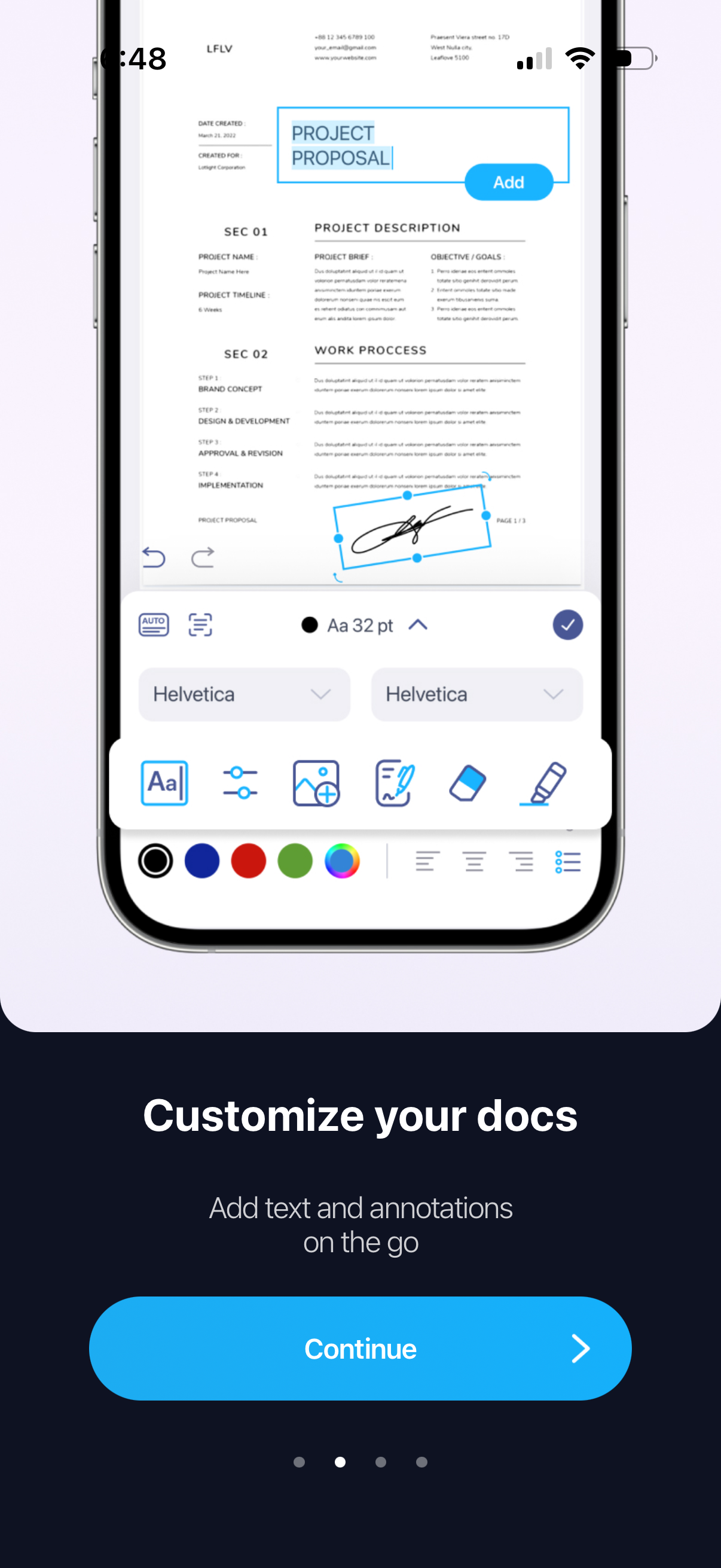
Onboarding feature highlight screen for a mobile document editor showing a PDF/proposal being customized with tools to add text, change fonts and sizes, draw/annotate, and adjust colors. Includes a “Continue” primary CTA and pagination dots to move through the intro carousel.
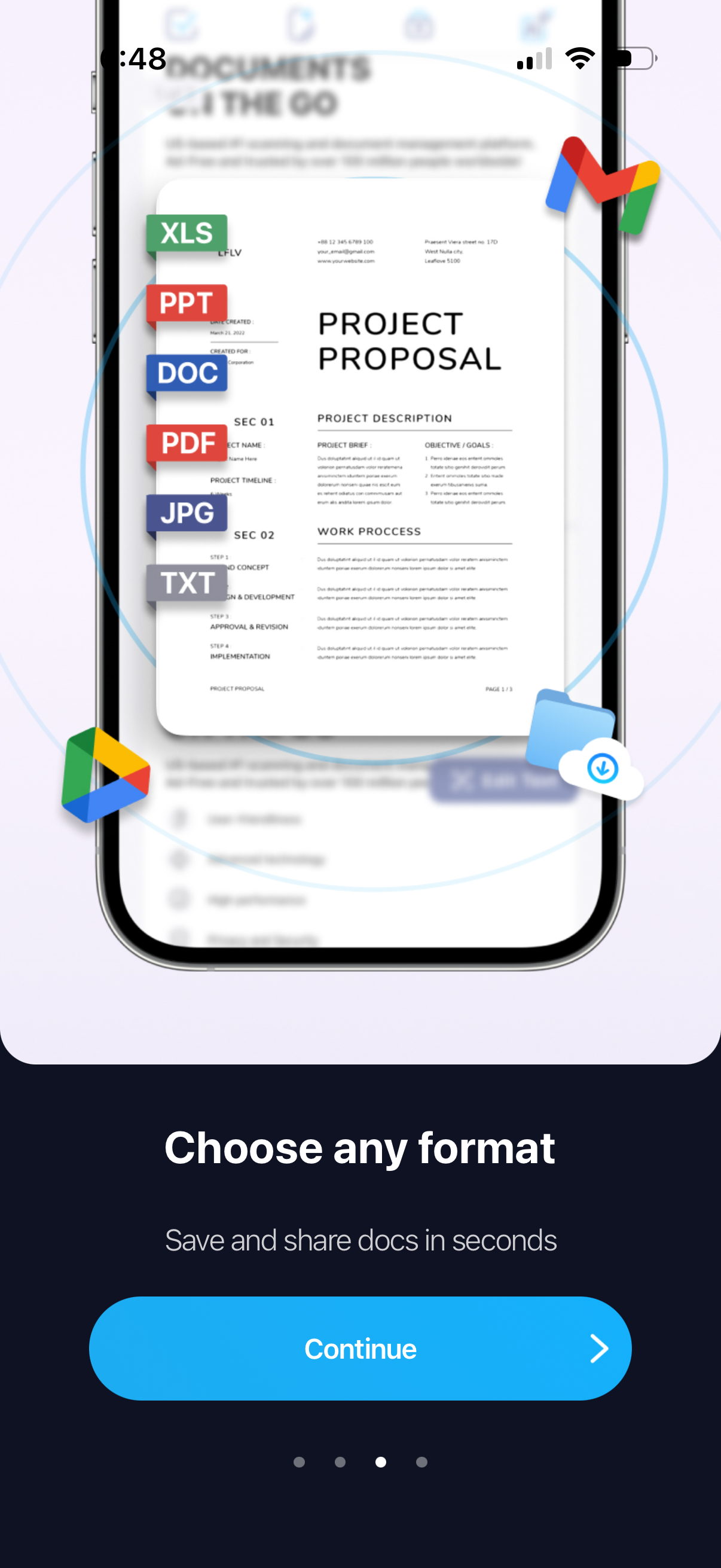
Onboarding feature highlight screen promoting document saving and sharing with support for multiple file formats (XLS, PPT, DOC, PDF, JPG, TXT) and cloud integrations like Google Drive and Gmail. Includes a “Continue” primary CTA and pagination dots to move through the intro carousel.
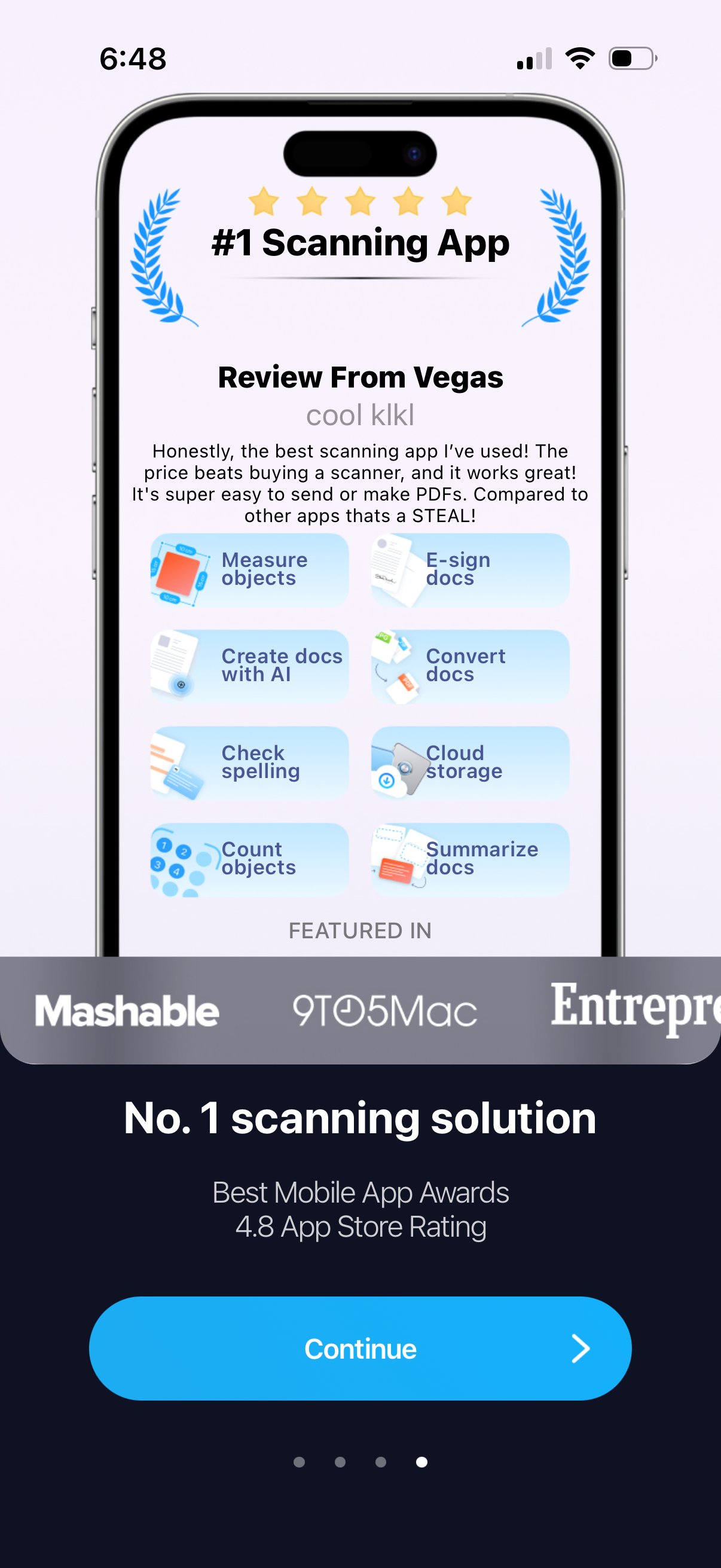
Onboarding marketing screen for a document scanning app highlighting awards, high rating, and a user review, with a grid preview of key features like measure objects, e-sign docs, AI document creation, conversion, spell check, cloud storage, counting objects, and summarizing documents. Includes media/press logos, page indicator dots, and a primary “Continue” call-to-action to proceed.
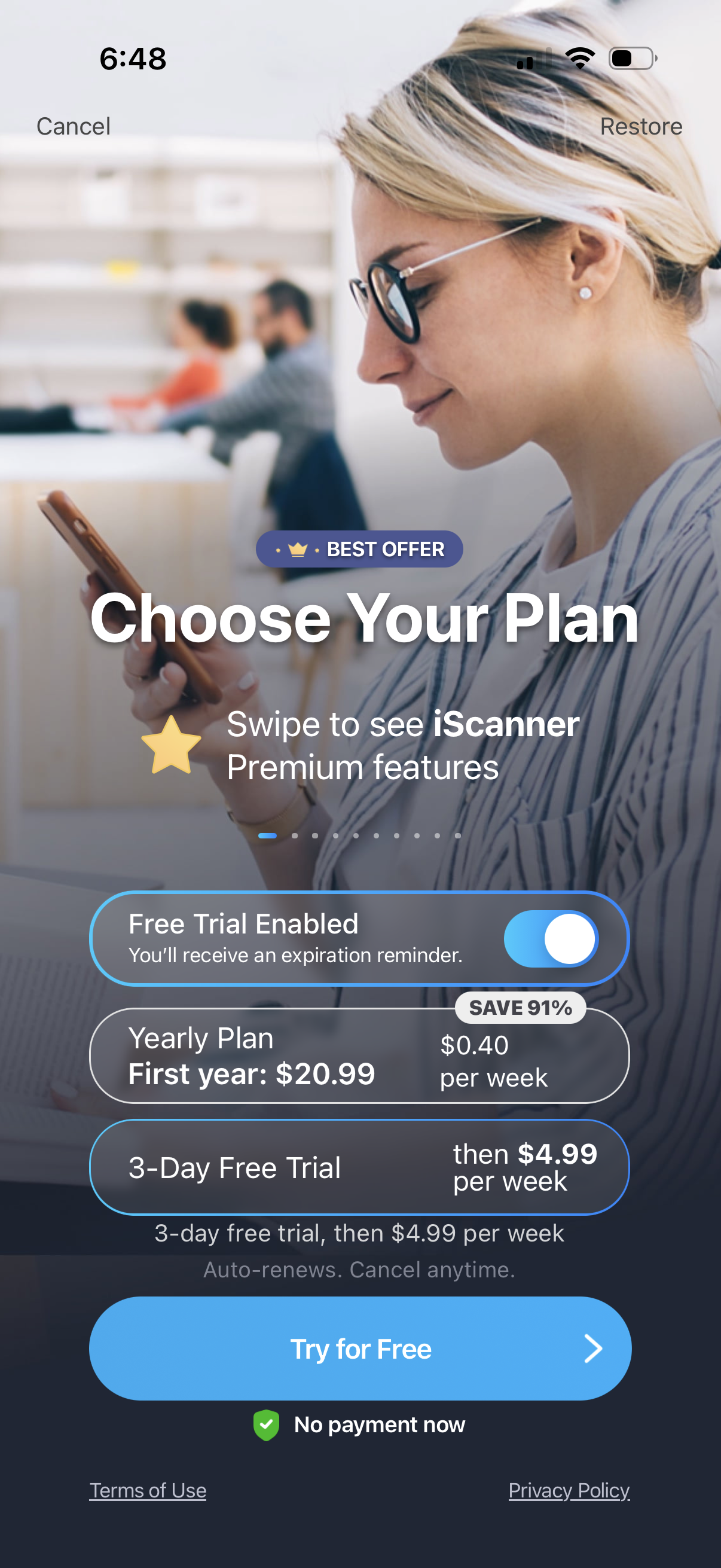
Premium subscription paywall screen prompting users to choose a plan for an app, with swipeable feature highlights, a free-trial toggle, and selectable pricing options (yearly plan with discount vs 3‑day free trial with weekly renewal). Primary CTA is “Try for Free,” with options to cancel or restore purchases plus links to terms and privacy.