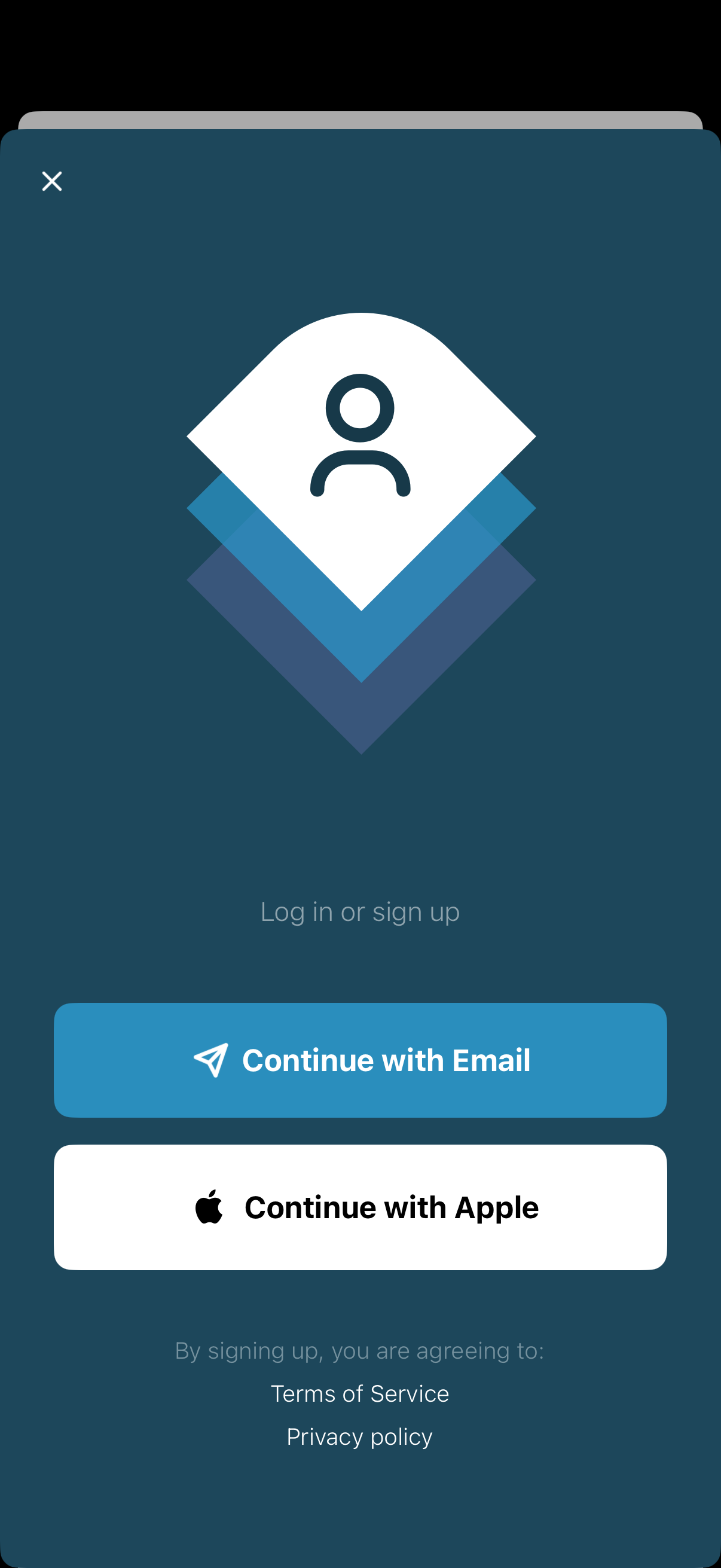
Modal login/sign-up screen prompting users to authenticate, with primary CTA buttons to continue with Email or sign in with Apple. Includes a close icon and links to Terms of Service and Privacy Policy at the bottom.
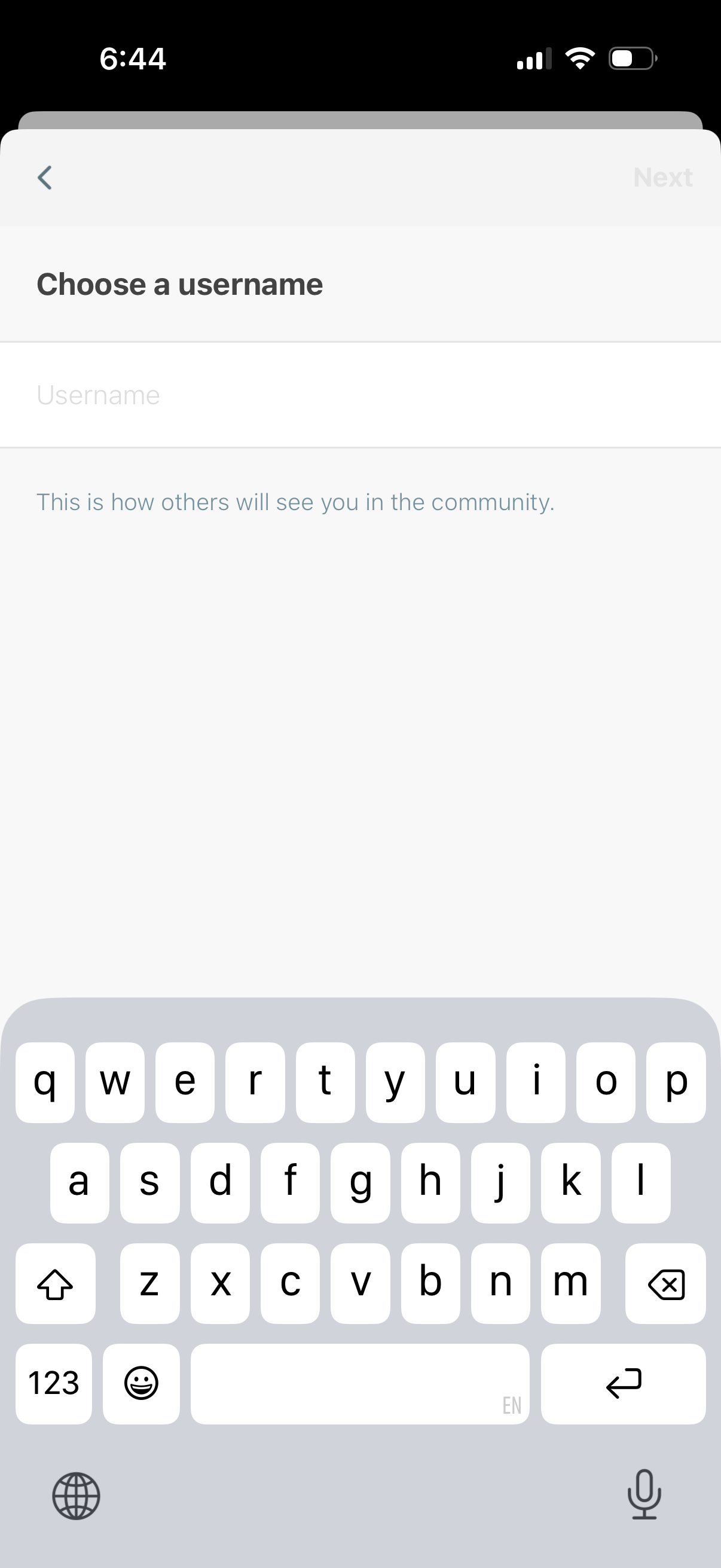
Account setup screen prompting the user to choose a username with a single text input field and helper text explaining it will be shown publicly in the community. Includes back navigation and a disabled “Next” button that becomes available after entering a username.
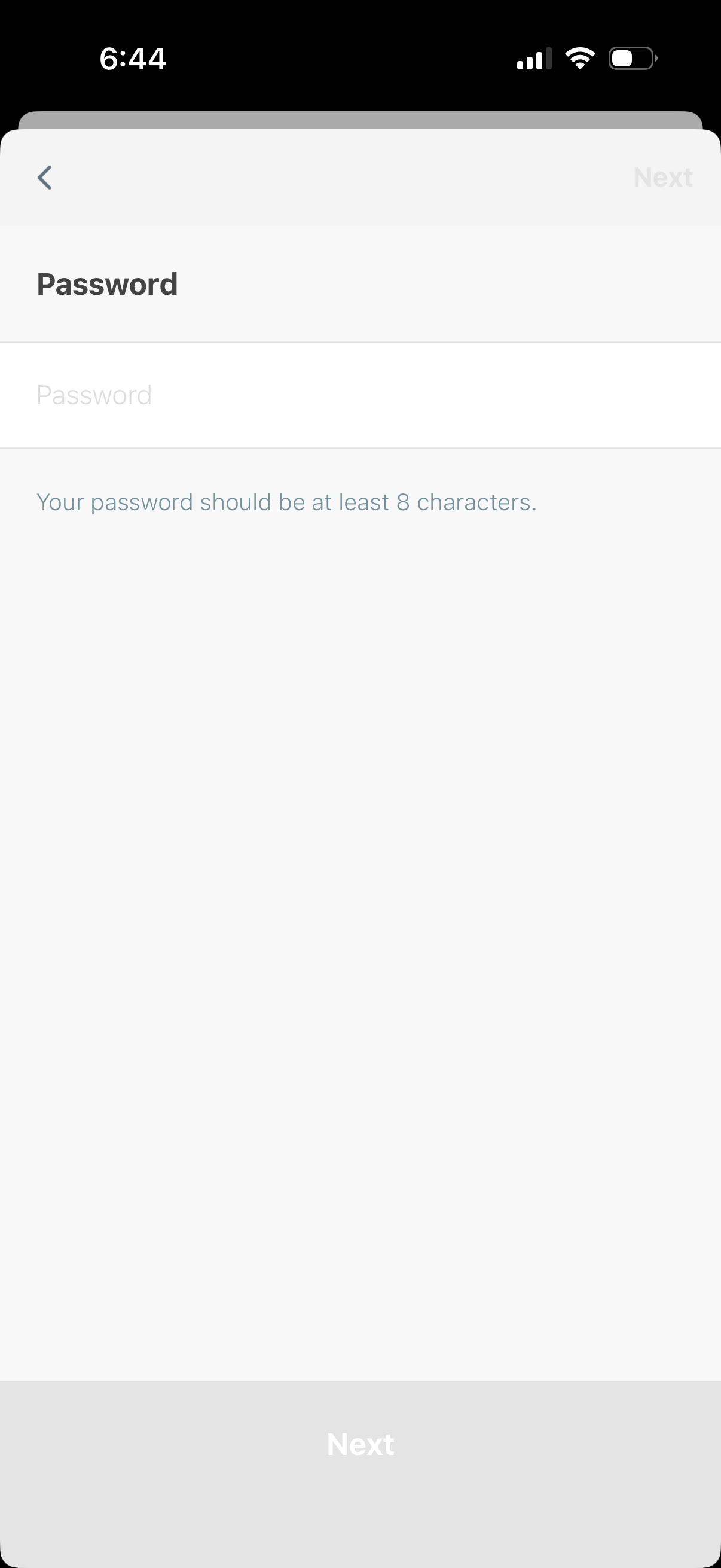
Account setup screen prompting the user to create a password with a single password input field and guidance that it must be at least 8 characters. Includes back navigation and a disabled Next button that becomes active after entering a valid password.
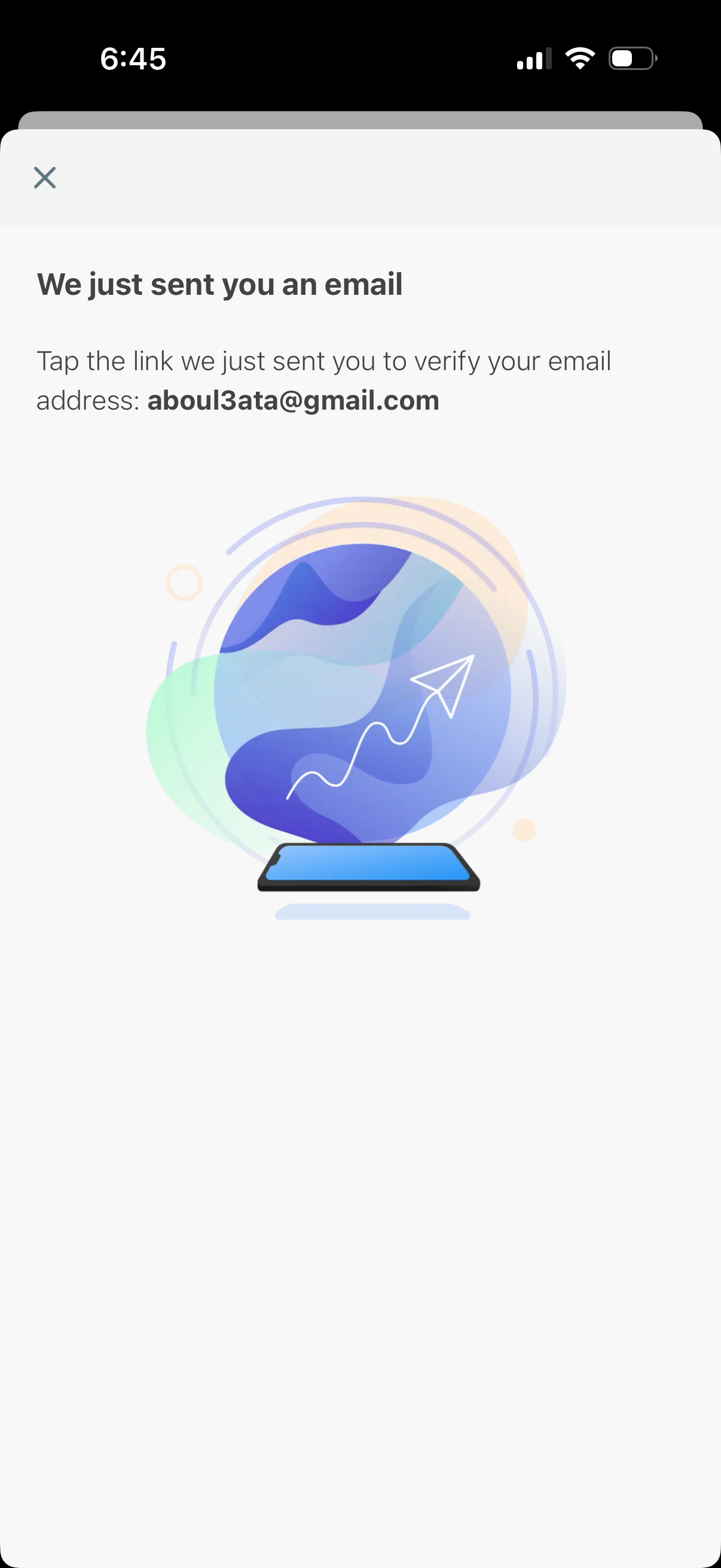
Email verification confirmation screen informing the user that a verification email was sent and instructing them to tap the link in their inbox to confirm their email address. Includes a close/dismiss icon for exiting the modal.

Onboarding profile setup screen prompting the user to add a profile photo, showing an “Add Photo” option with note that it’s optional. Includes a prominent “Next” button to continue to the next step.
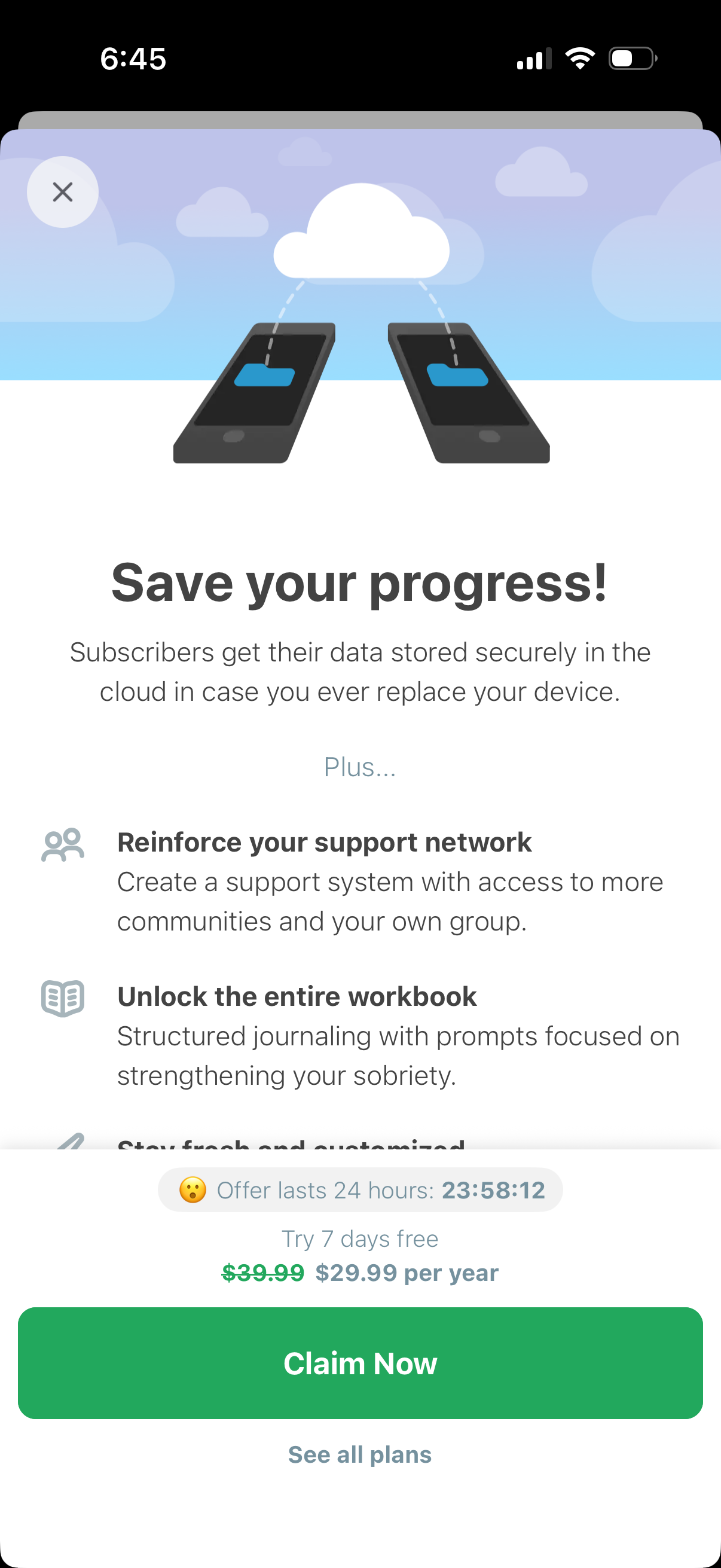
Subscription upsell/paywall screen promoting cloud backup to save user progress and unlock premium features like access to communities/support groups and the full journaling workbook. Includes a limited-time offer countdown, 7-day free trial with annual price discount, primary “Claim Now” CTA, option to see all plans, and a close button.
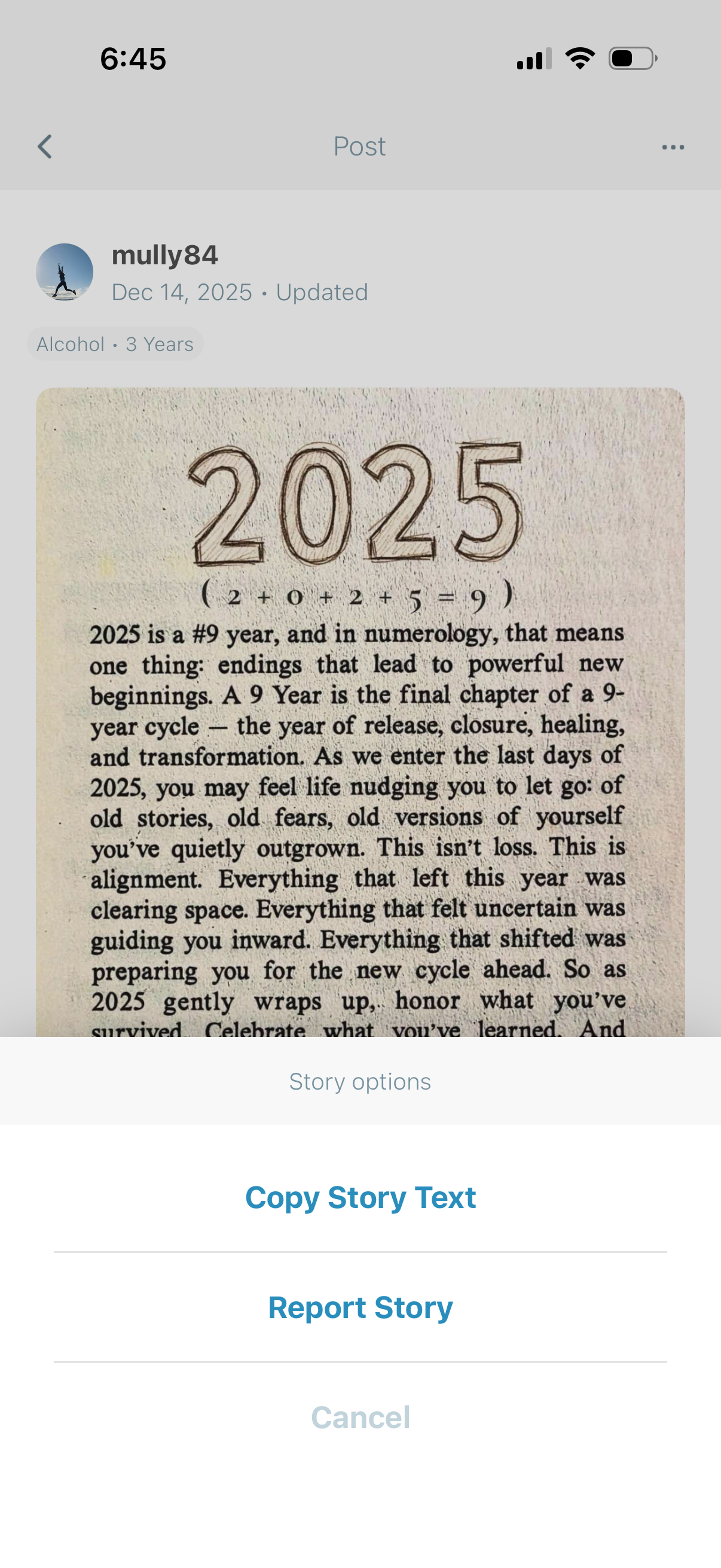
Social feed post detail screen showing a user’s story/post with author info, date, and category tag, and a bottom sheet of story options. Primary actions include copying the story text, reporting the story, or canceling.