Sign in
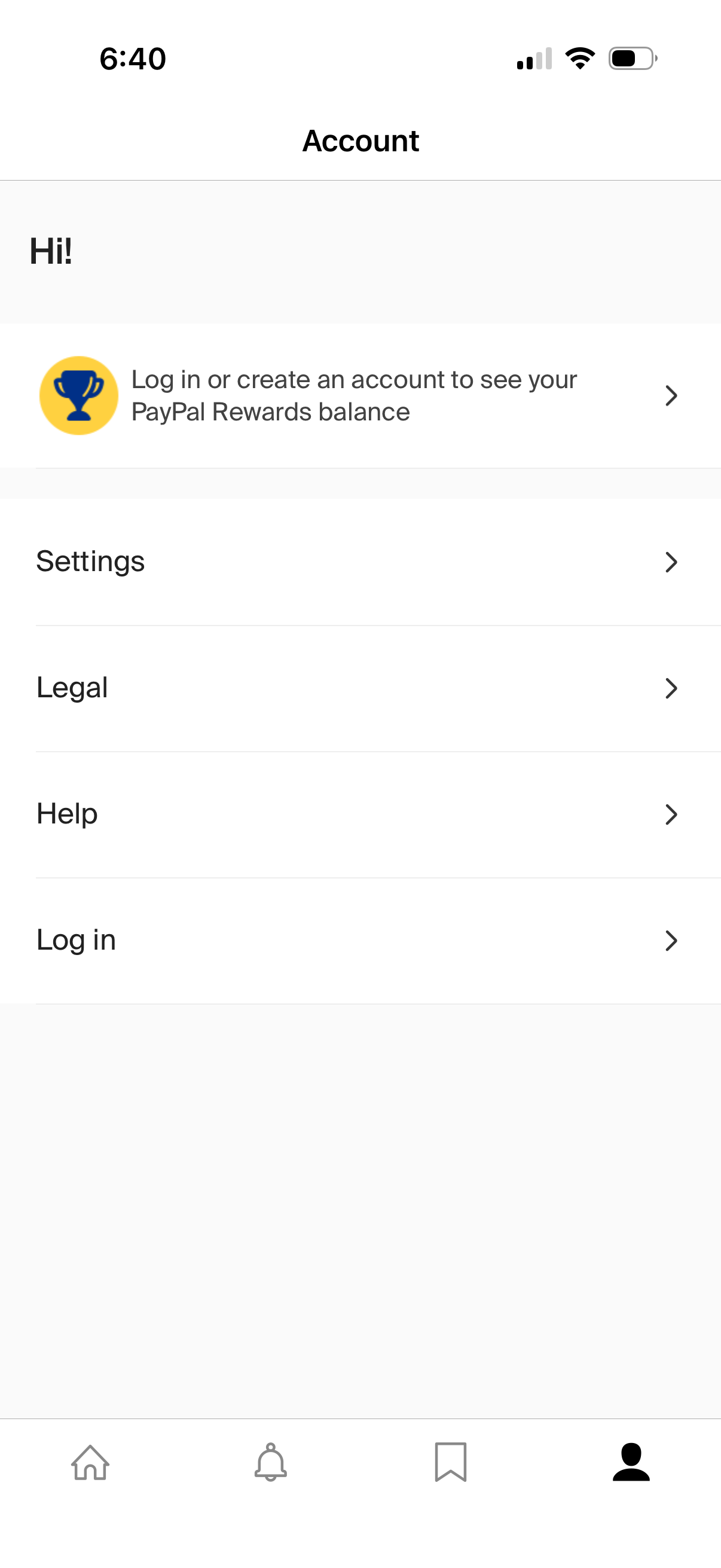
Account tab for a logged-out user prompting them to log in or create an account to view rewards balance. Provides navigational list items for Settings, Legal, Help, and Log in.
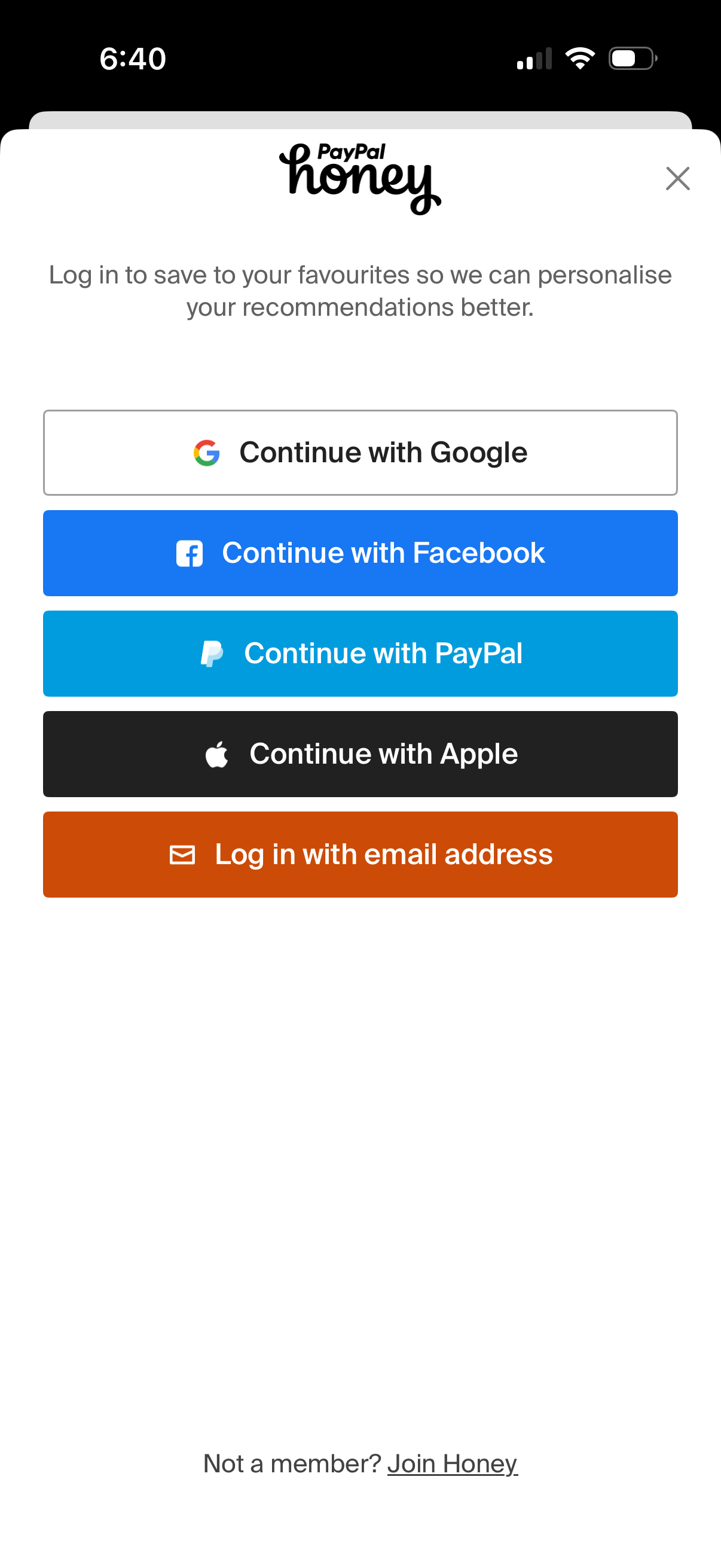
Login/sign-in modal for a shopping rewards app prompting users to log in to save favorites and personalize recommendations, with options to continue with Google, Facebook, PayPal, Apple, or email. Includes a close icon and a “Join” link for new members.
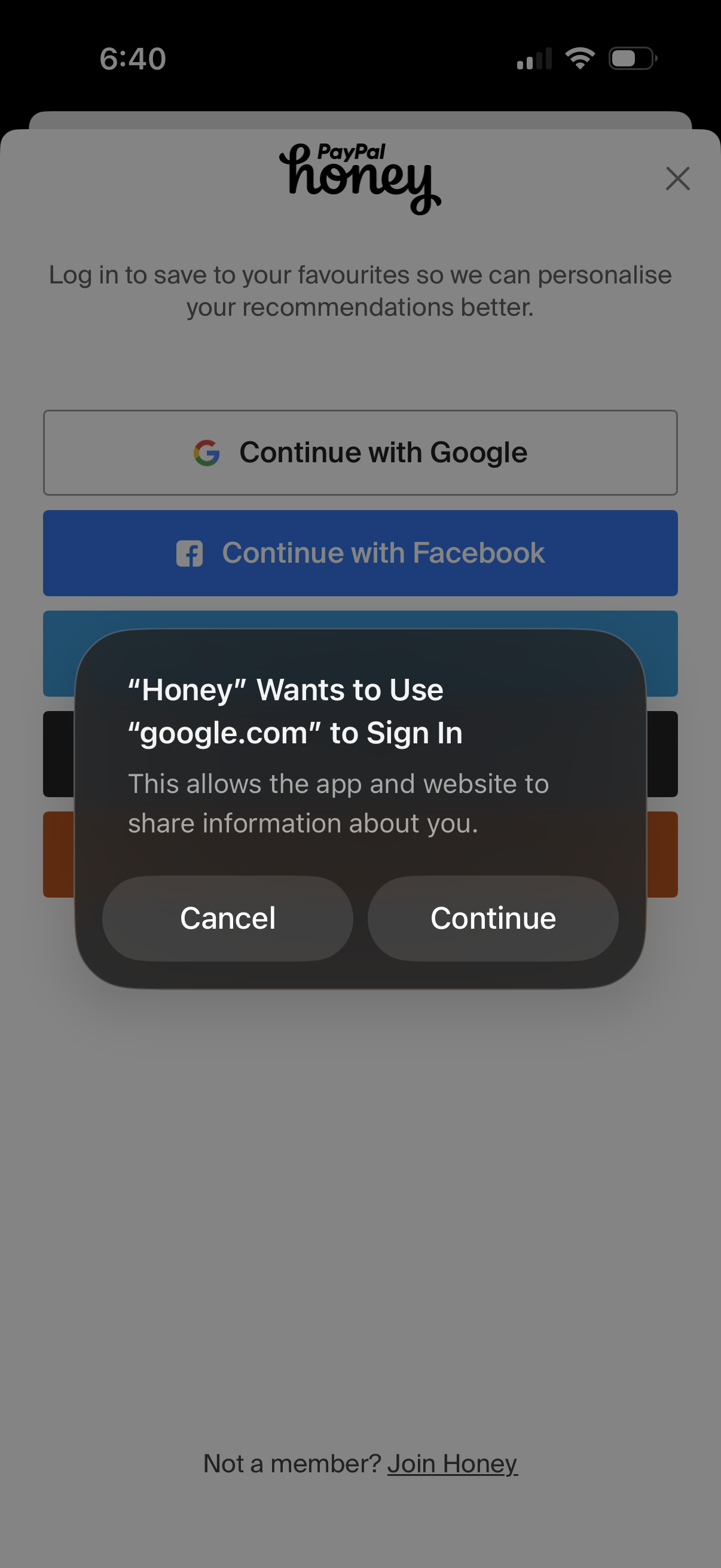
Login screen for a shopping/rewards app prompting users to sign in to save favorites and personalize recommendations, with social SSO buttons like Continue with Google and Continue with Facebook. An iOS permission dialog overlays the page asking to allow the app to use google.
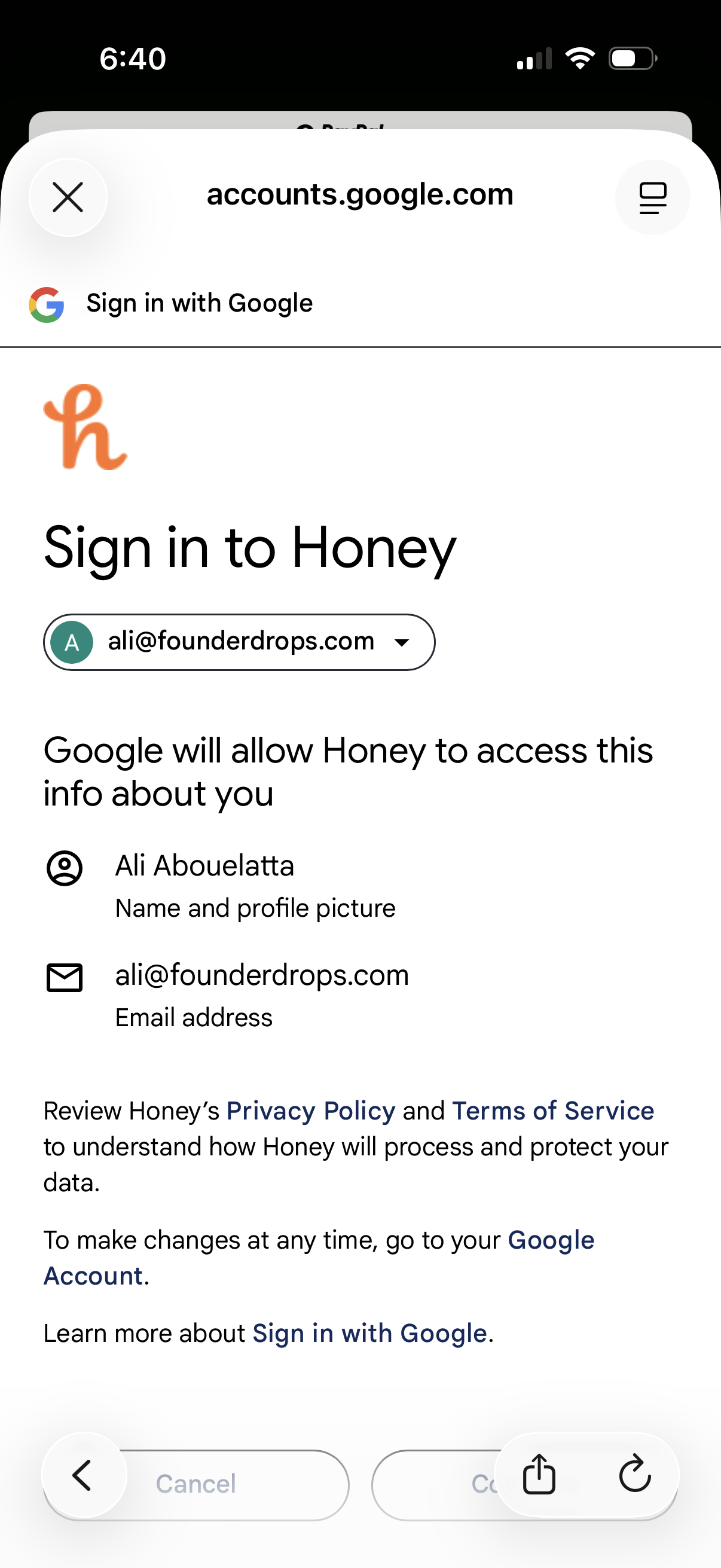
Google OAuth consent screen for signing in to an app, showing the selected Google account and the profile data (name, profile picture, email address) the app will be allowed to access. Includes links to the app’s privacy policy and terms and actions to cancel or continue/authorize the sign-in.
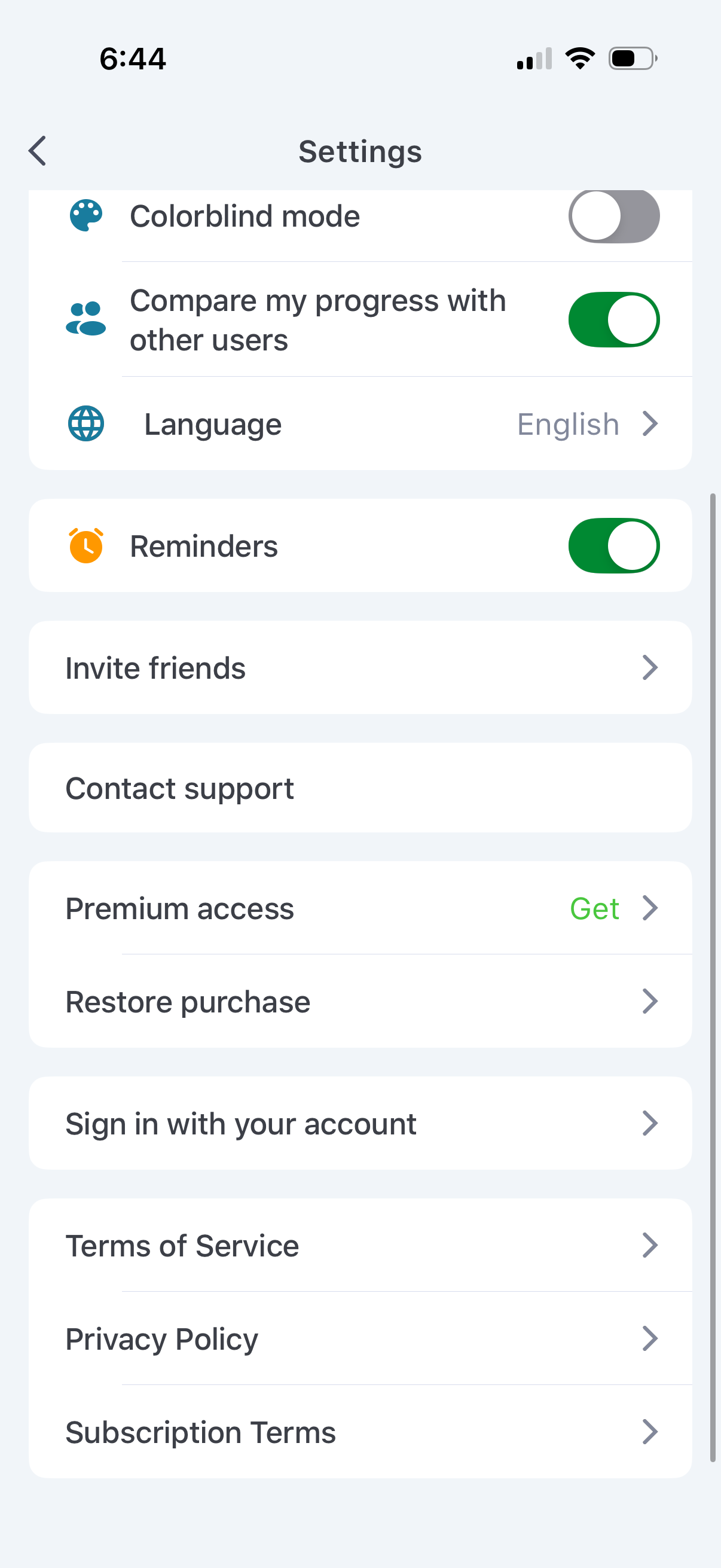
Settings screen for a mobile app with toggles for accessibility and preferences such as colorblind mode, comparing progress with other users, language selection, and enabling reminders. Includes navigation links to invite friends, contact support, manage premium access and restore purchases, sign in to an account, and view legal pages like Terms of Service, Privacy Policy, and subscription terms.