Onboarding
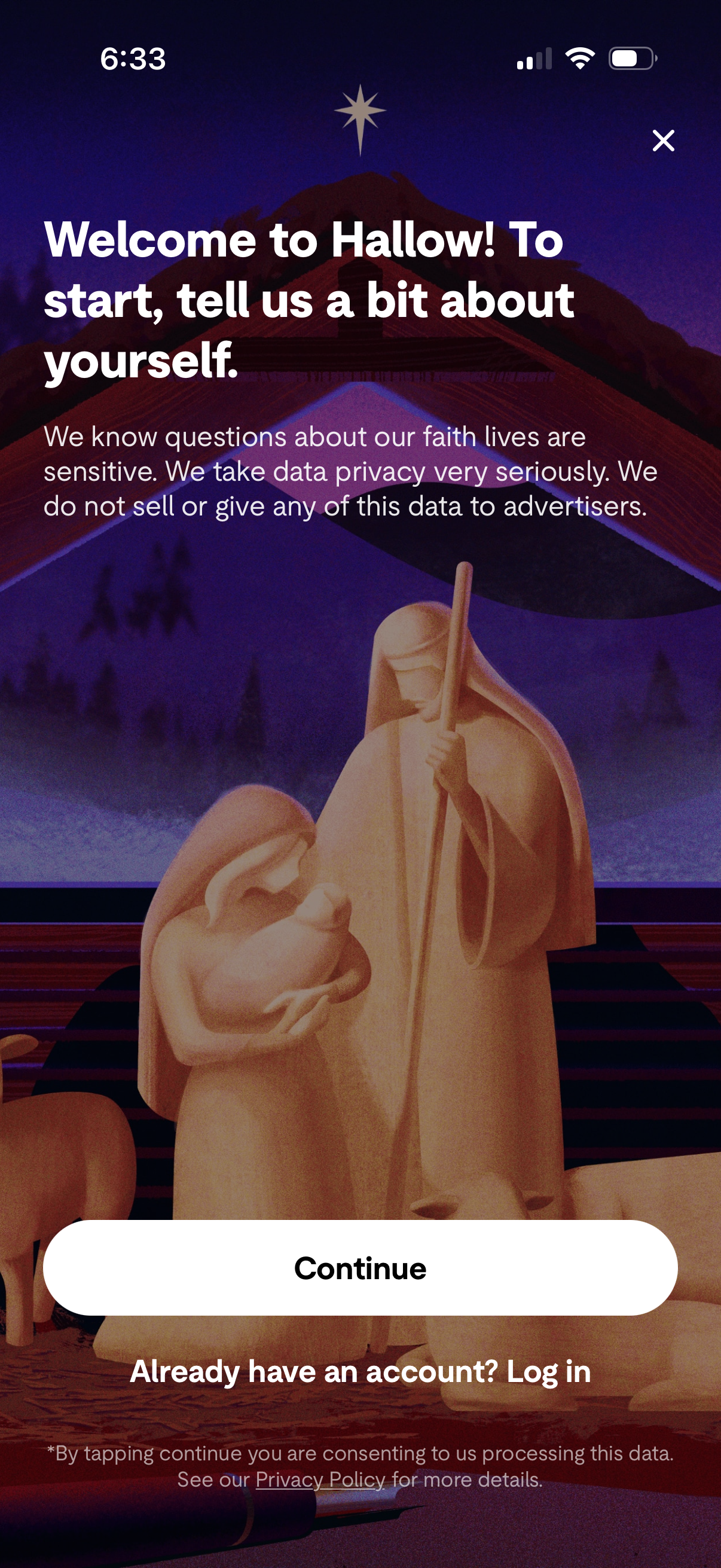
Welcome/onboarding screen asking the user to tell the app about themselves, emphasizing sensitive faith-related data privacy and that information won’t be sold to advertisers. Primary action is a “Continue” button with an option to “Log in” for existing accounts and a close (X) to dismiss.
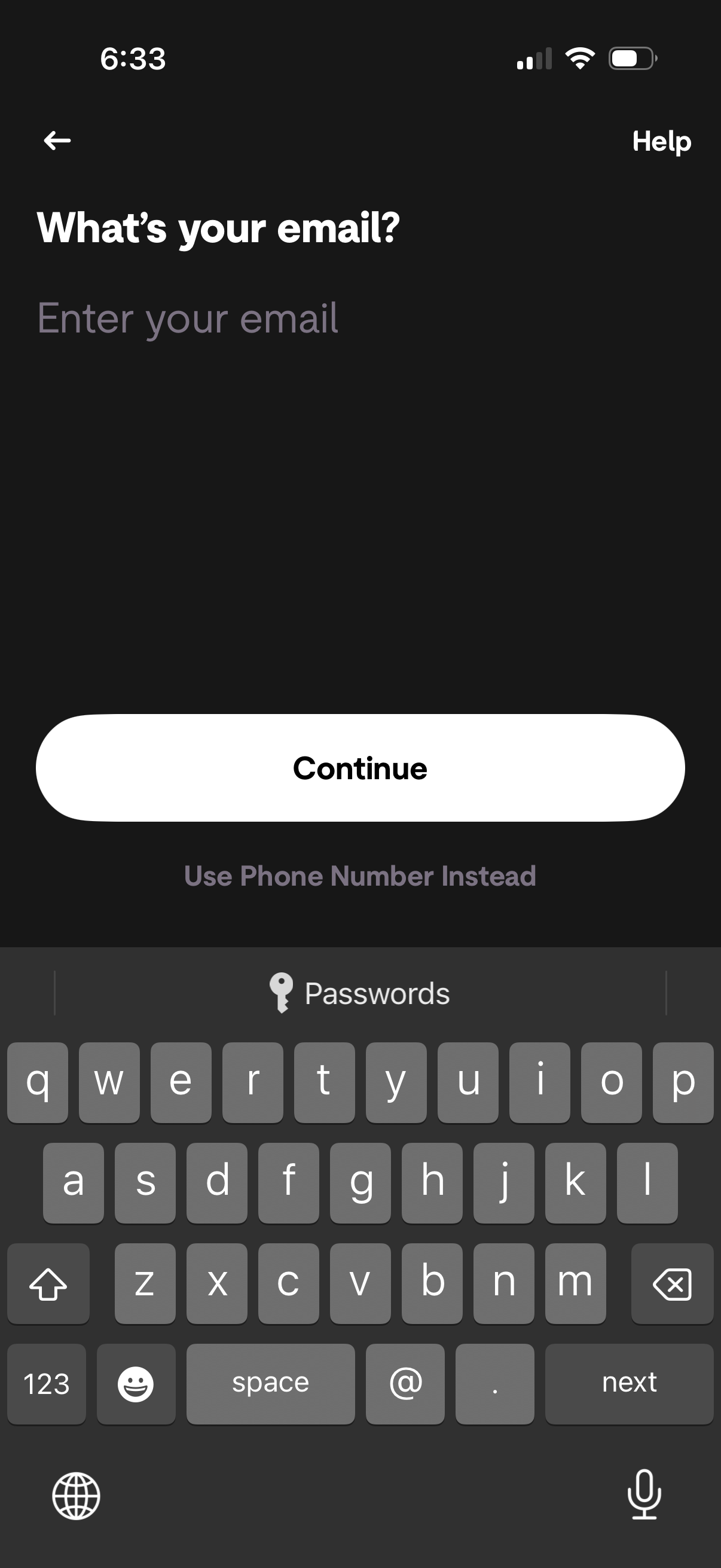
Email entry step in an onboarding or sign-in flow asking “What’s your email? ” with a single text field, a primary Continue button, and an alternate option to use phone number instead, plus back navigation and a Help link.
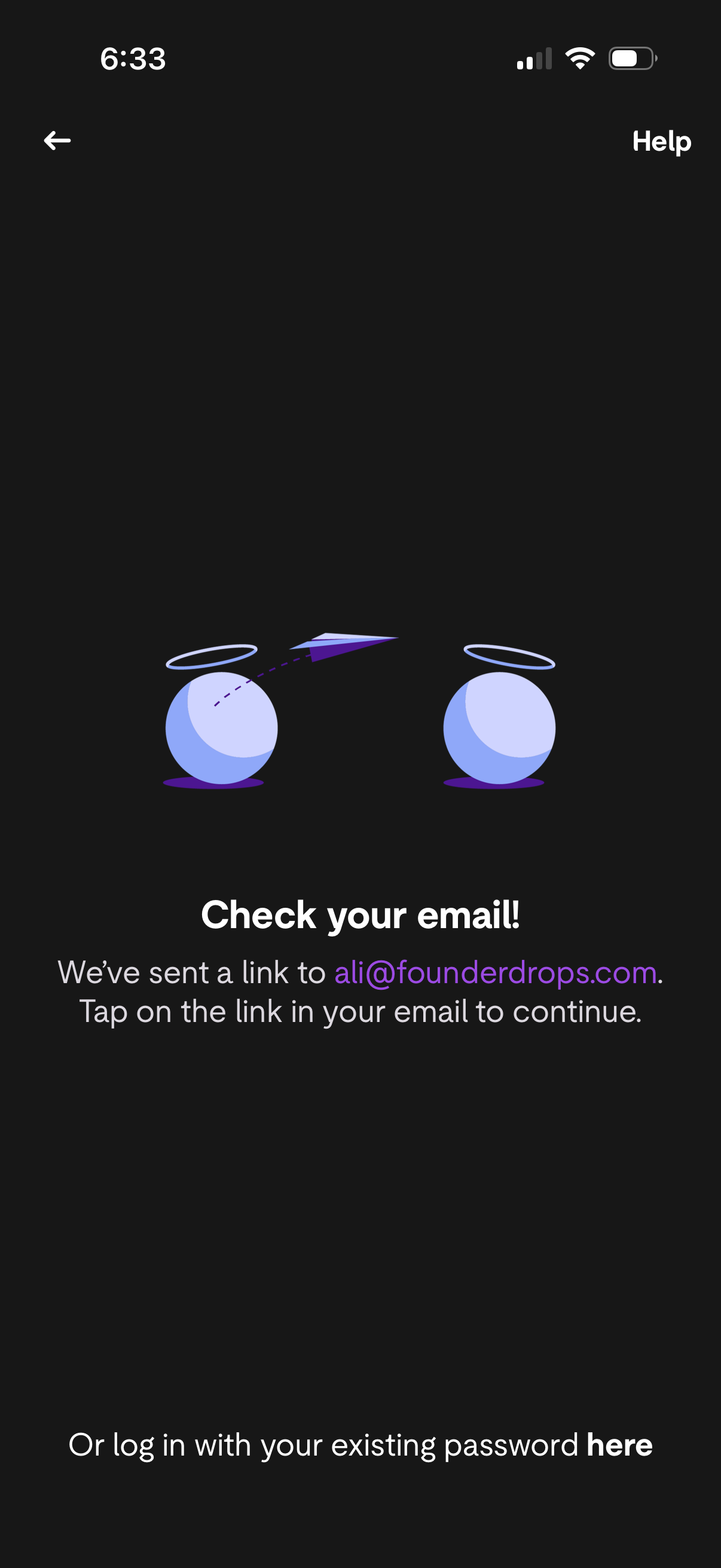
Email verification prompt screen telling the user to check their inbox for a magic link to continue logging in or signing up, with back navigation and a Help link. Includes an alternate option to log in using an existing password via a tappable link.
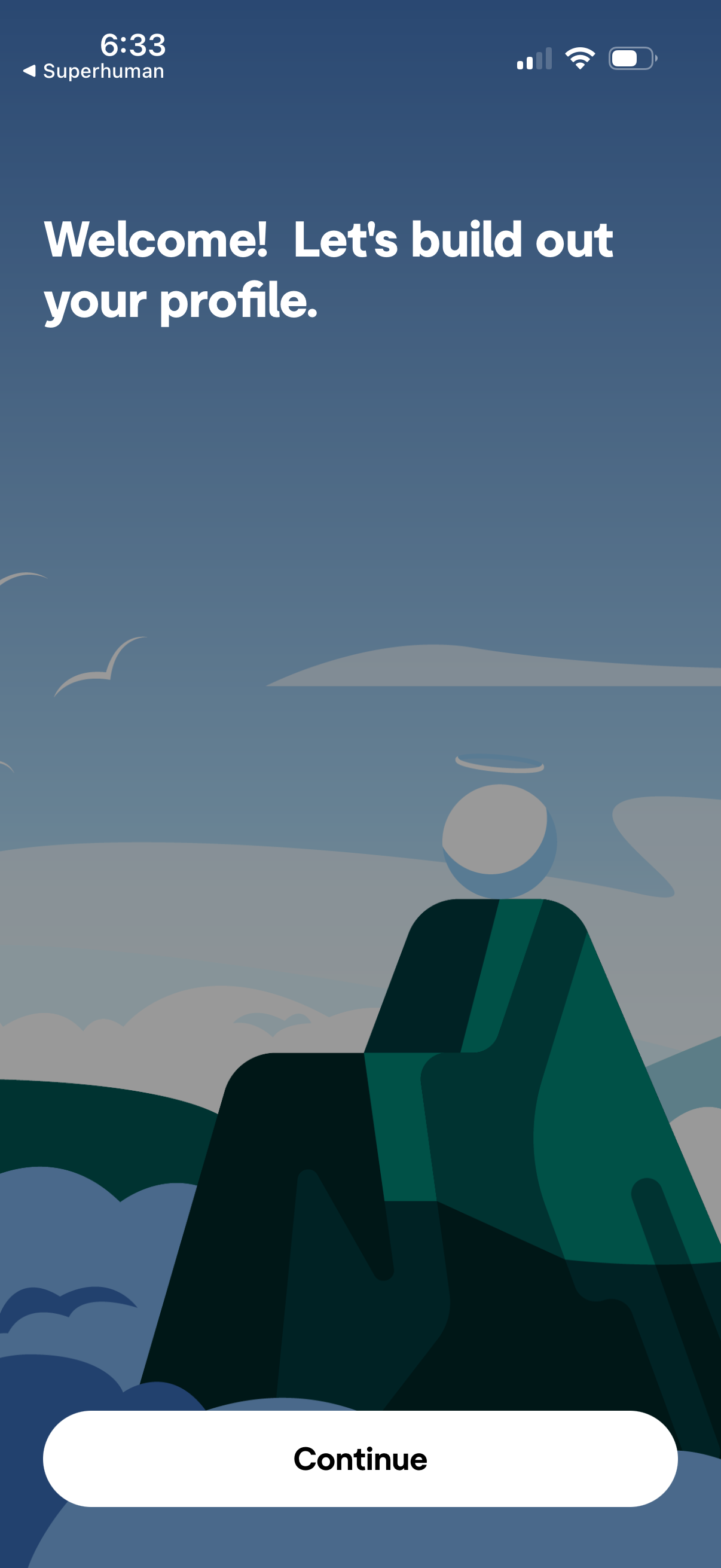
Onboarding welcome screen prompting the user to build out their profile, with a prominent primary CTA button to continue to the profile setup flow and a back navigation option.
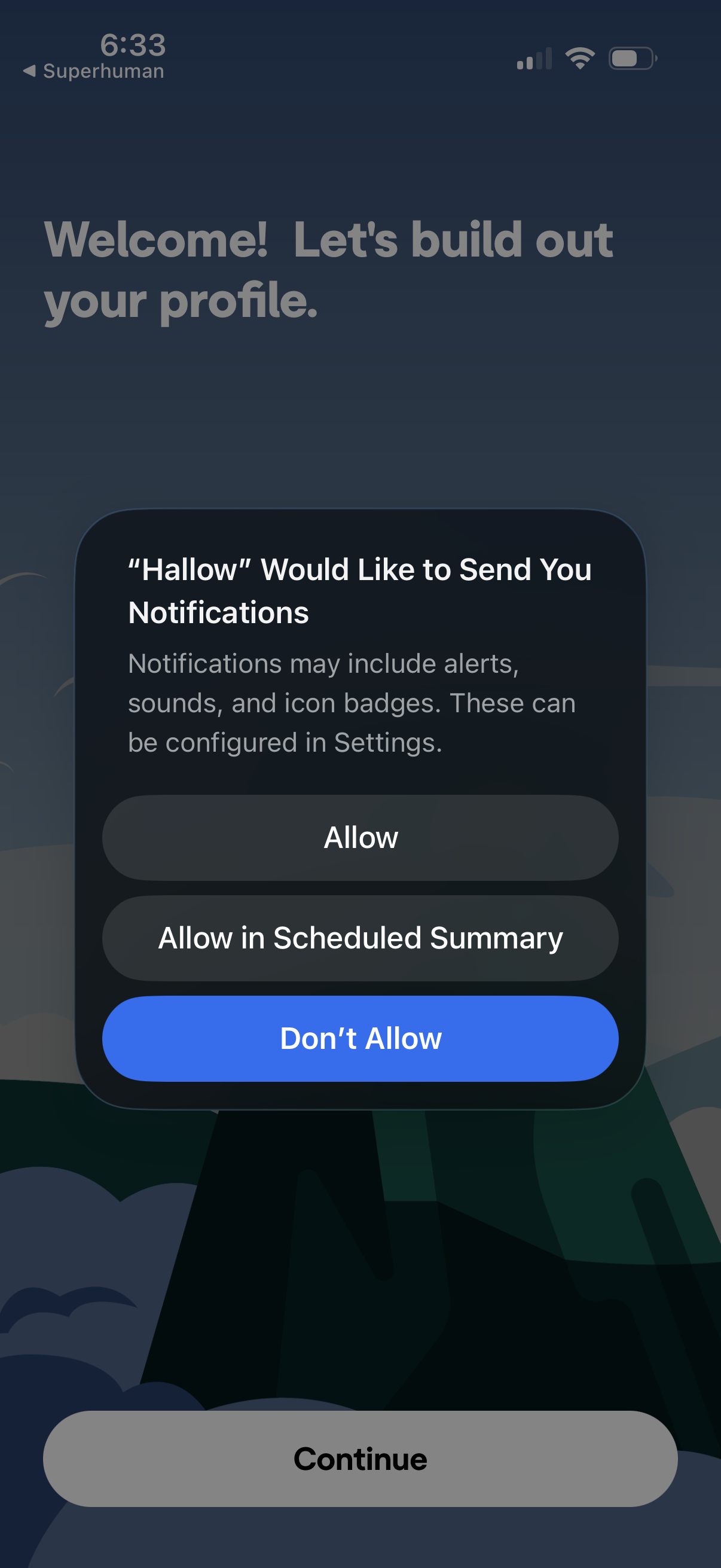
Onboarding profile setup screen with a welcome message and a primary Continue button, interrupted by an iOS system permission modal asking to enable push notifications. The alert offers Allow, Allow in Scheduled Summary, or Don’t Allow actions for notification preferences.
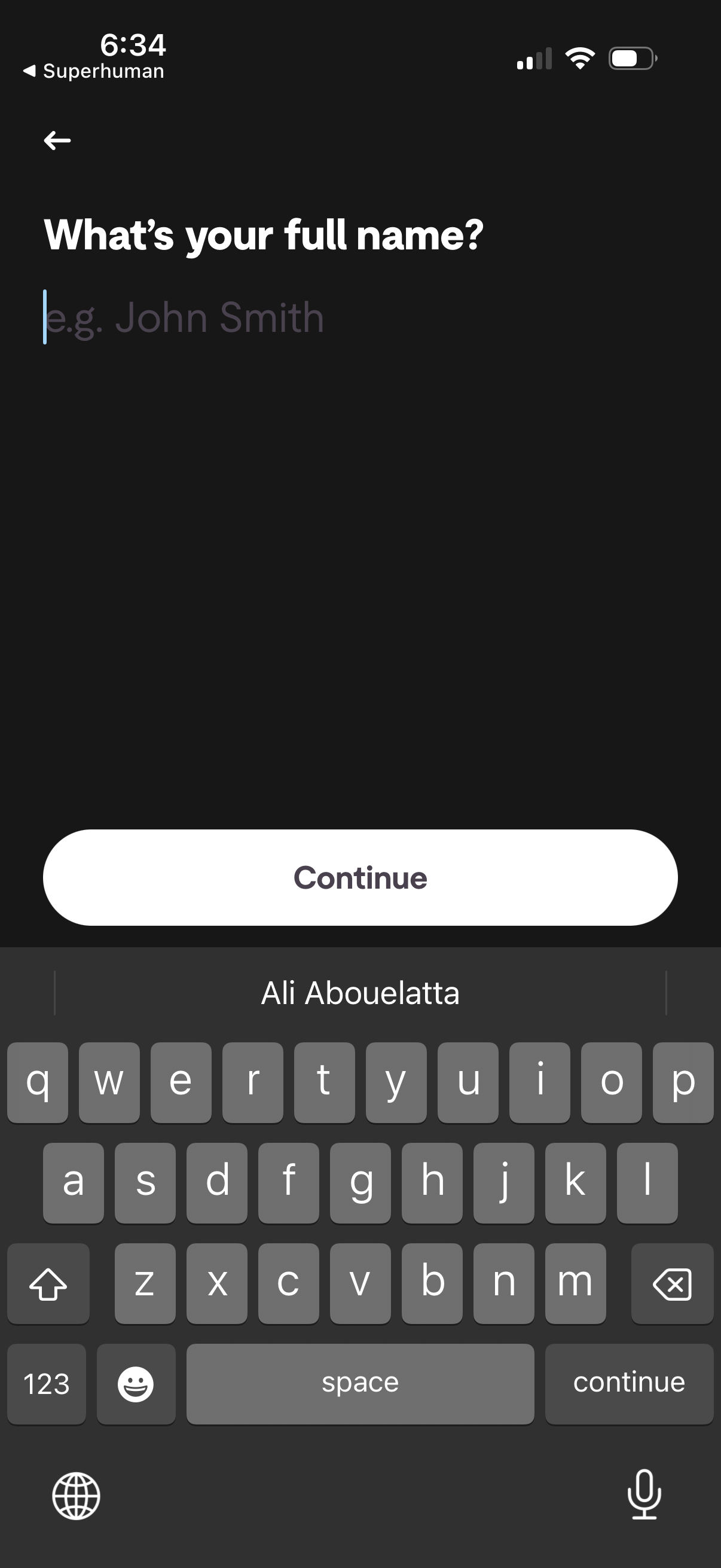
Onboarding/profile setup screen prompting the user to enter their full name in a single text field with an example placeholder. Includes a back button and a primary “Continue” call-to-action to proceed after entering the name.
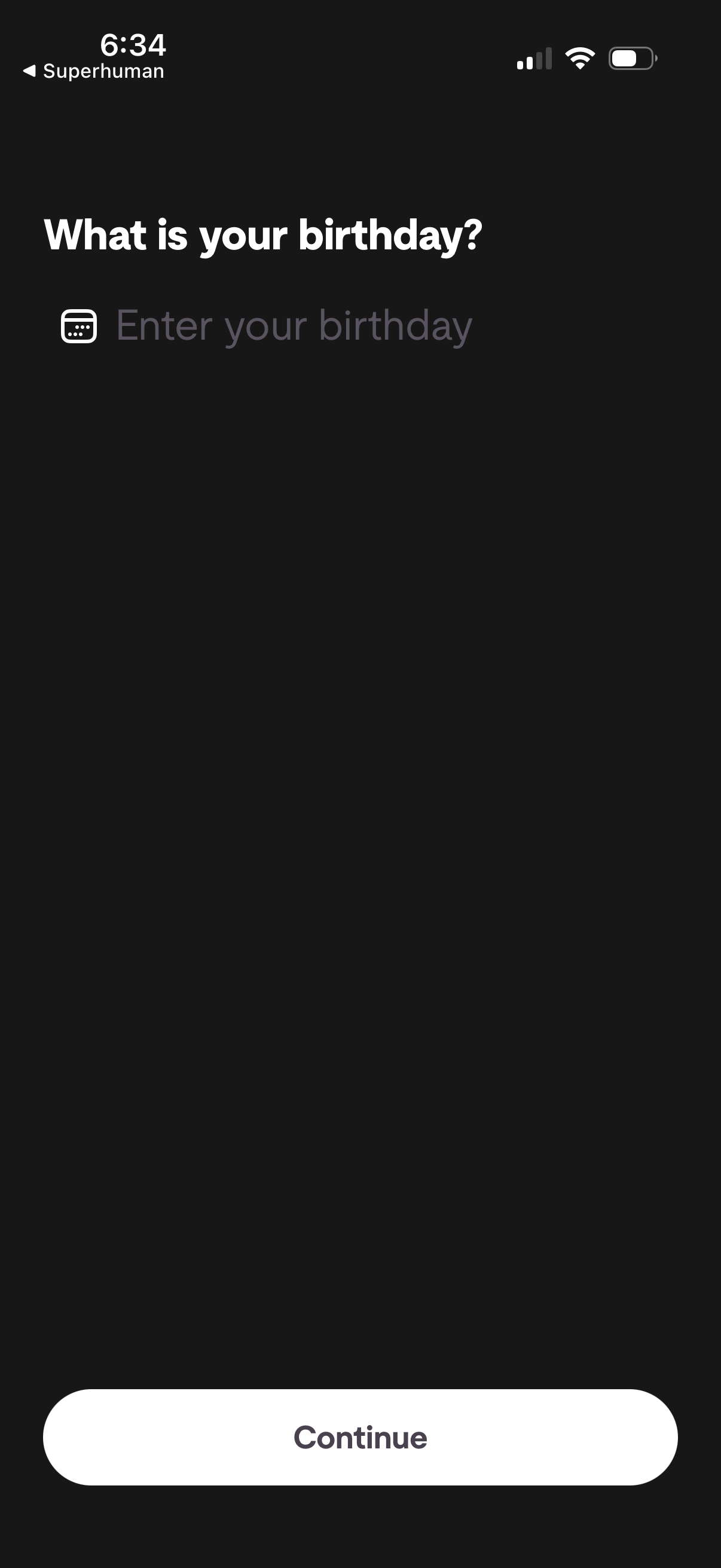
Onboarding profile setup screen asking the user to enter their birthday with a date input field and a primary Continue button to proceed. Includes a back navigation option and minimal form layout in dark mode.
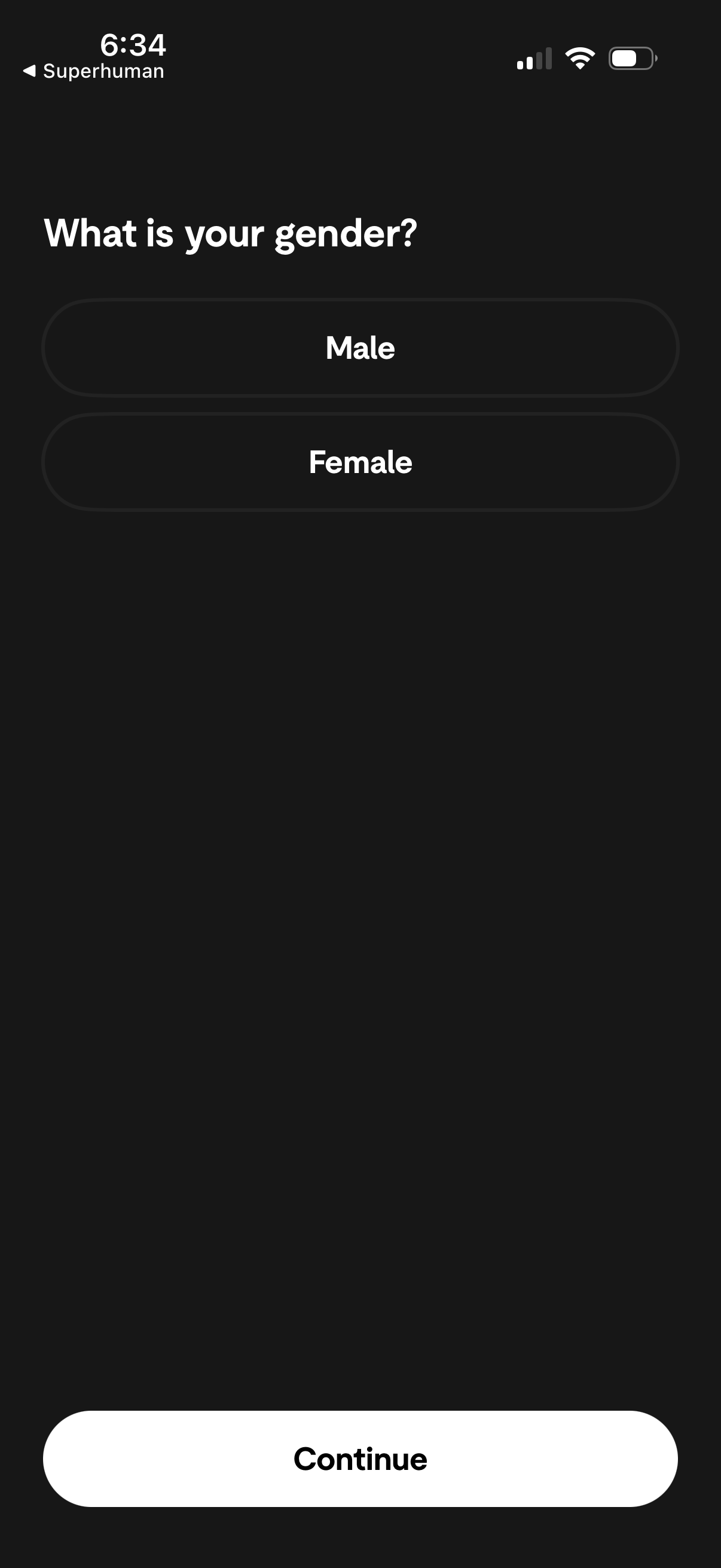
Onboarding profile setup screen asking the user to select their gender with two large options (Male or Female). A prominent Continue button at the bottom advances to the next step after selection.
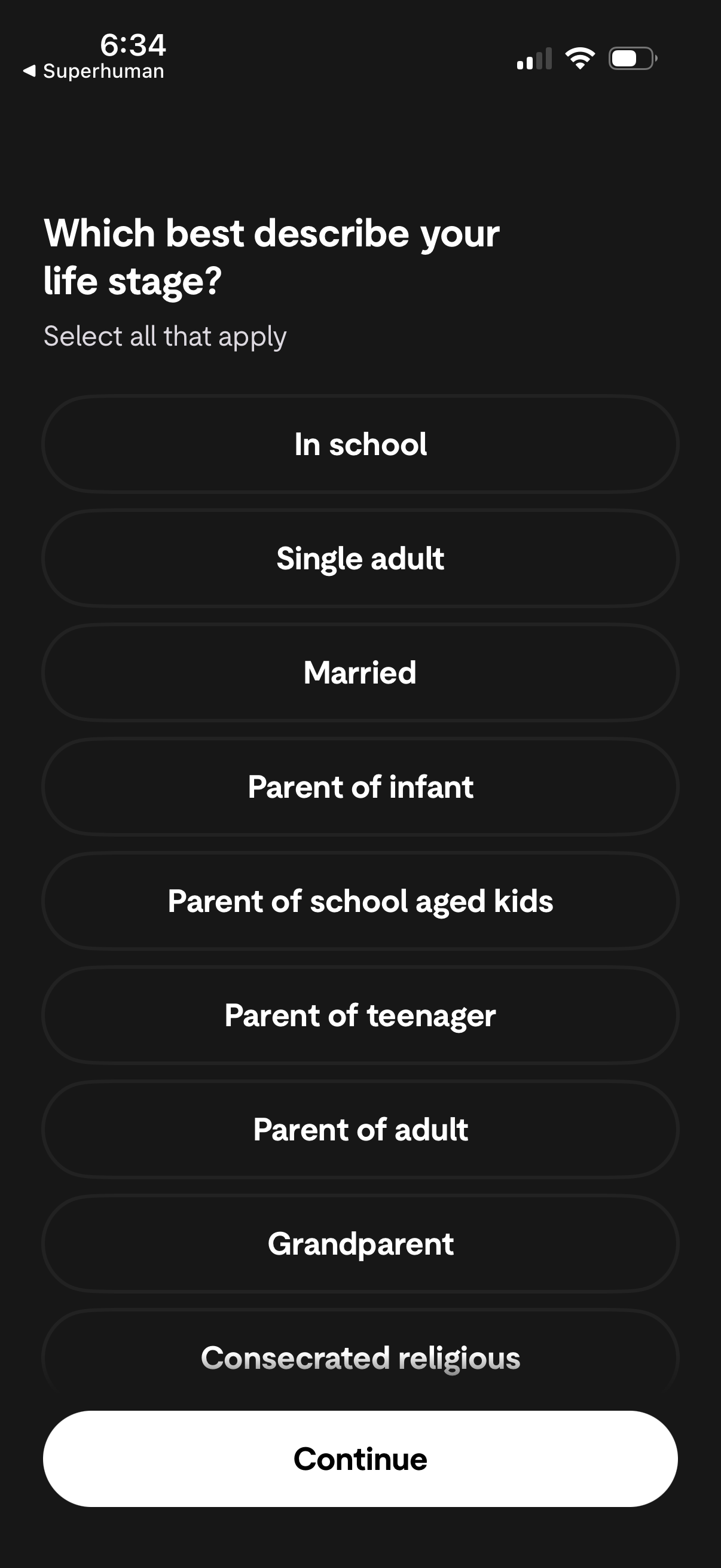
Onboarding survey screen asking users to select all life-stage options that apply (e. g.
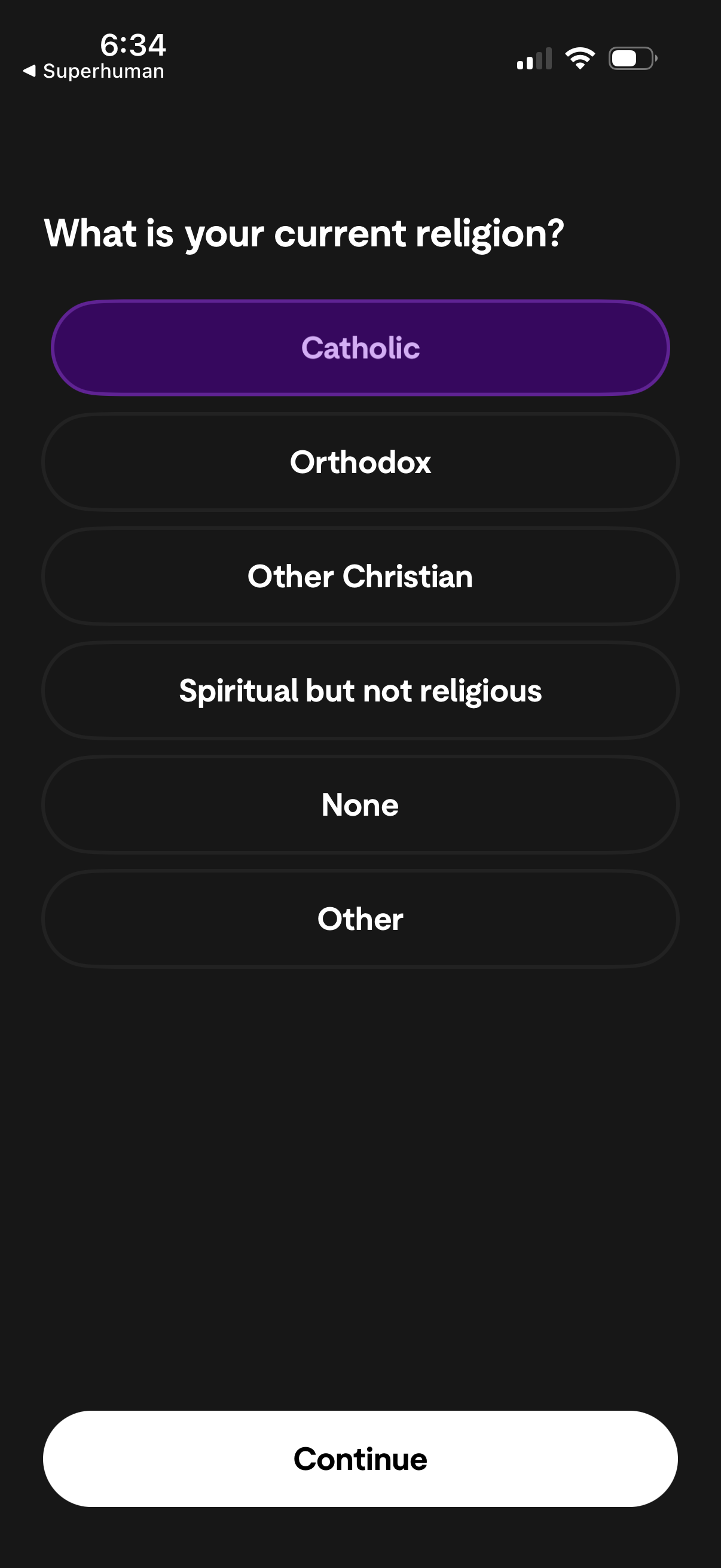
Onboarding profile questionnaire screen asking “What is your current religion? ” with single-select pill options (e.
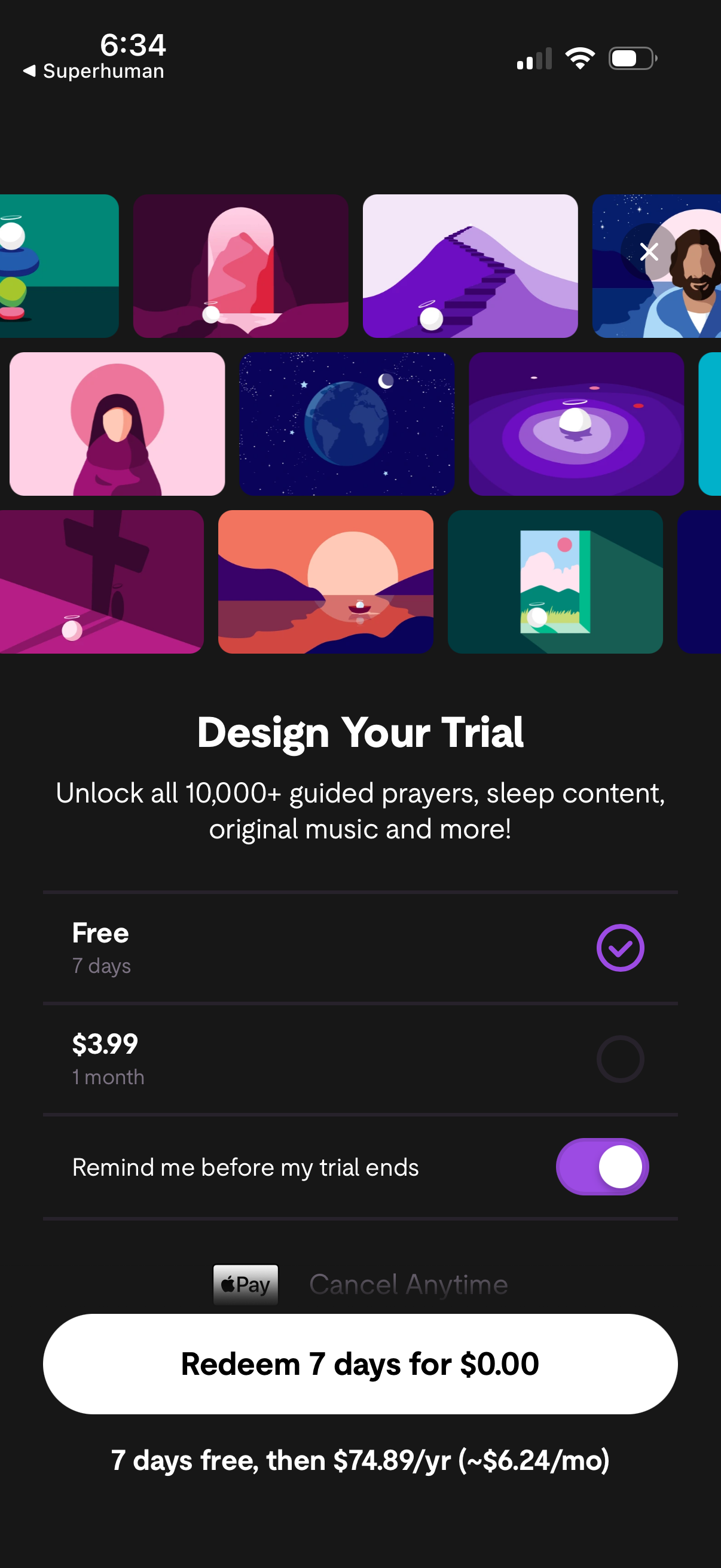
Subscription paywall screen for designing a free trial, highlighting premium access benefits and showing plan options (7-day free trial vs monthly price) with a selectable radio button. Includes a toggle to enable trial-end reminders, Apple Pay checkout, cancel anytime note, and a primary CTA to redeem the free trial with pricing details for renewal.