Onboarding
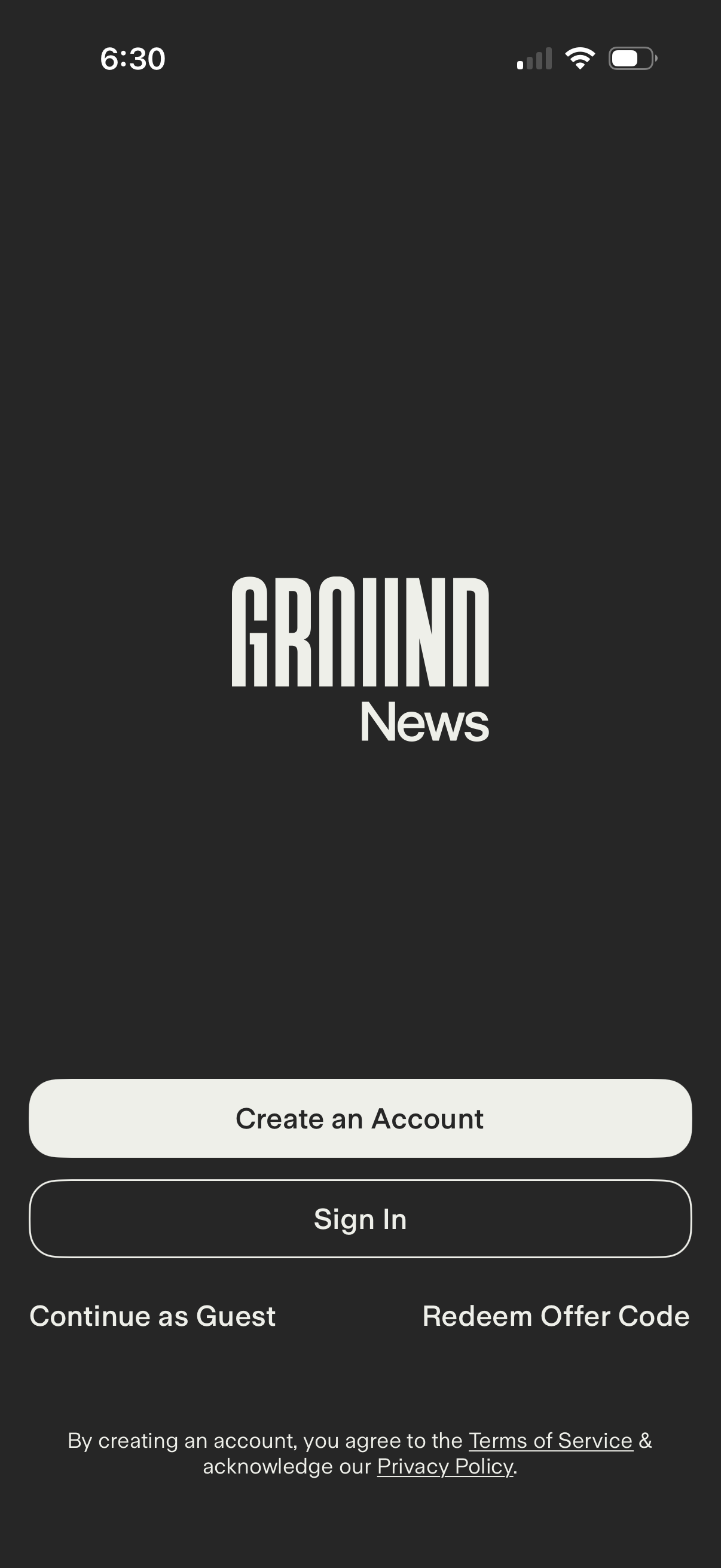
Welcome/authentication landing screen for a news app with primary actions to Create an Account or Sign In. Secondary options let users Continue as Guest or Redeem an Offer Code, with links to Terms of Service and Privacy Policy.
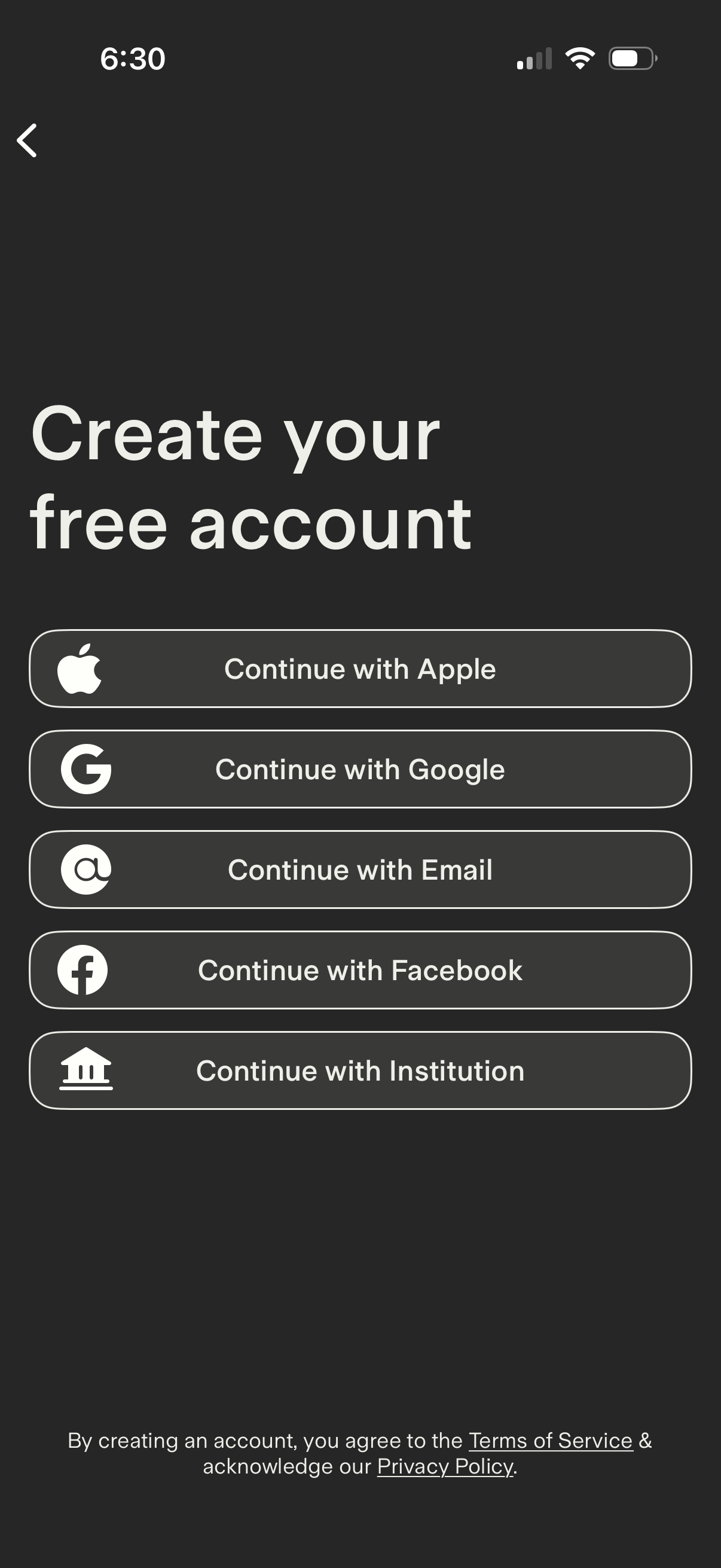
Account creation/sign-up screen offering multiple authentication options, including Continue with Apple, Google, Email, Facebook, or Institution (SSO), with a back navigation arrow. Includes a consent note linking to Terms of Service and Privacy Policy.
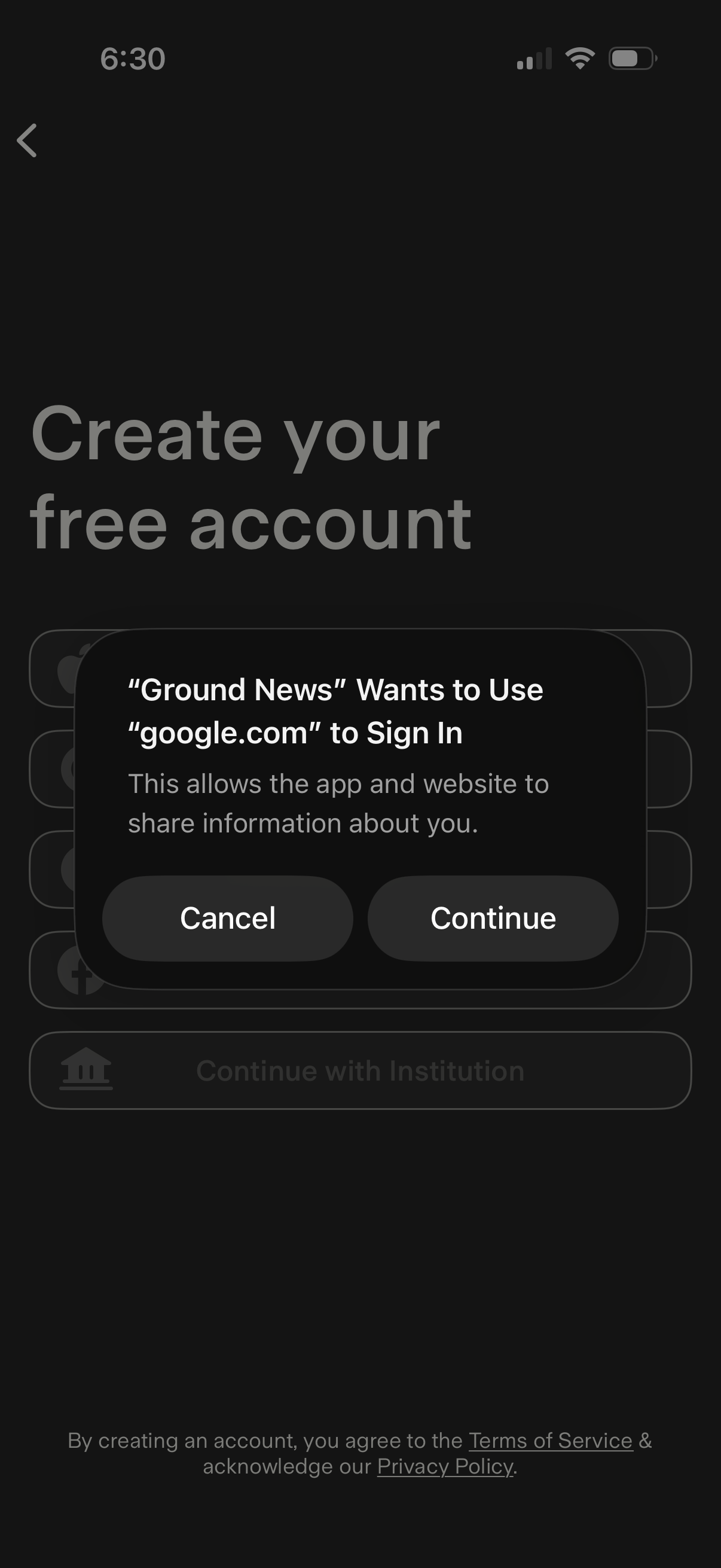
Account creation screen offering social sign-in options, currently showing an iOS permission dialog to allow signing in with a Google account via a web domain. The modal includes Cancel and Continue actions over the “Create your free account” signup page with terms of service and privacy policy links.
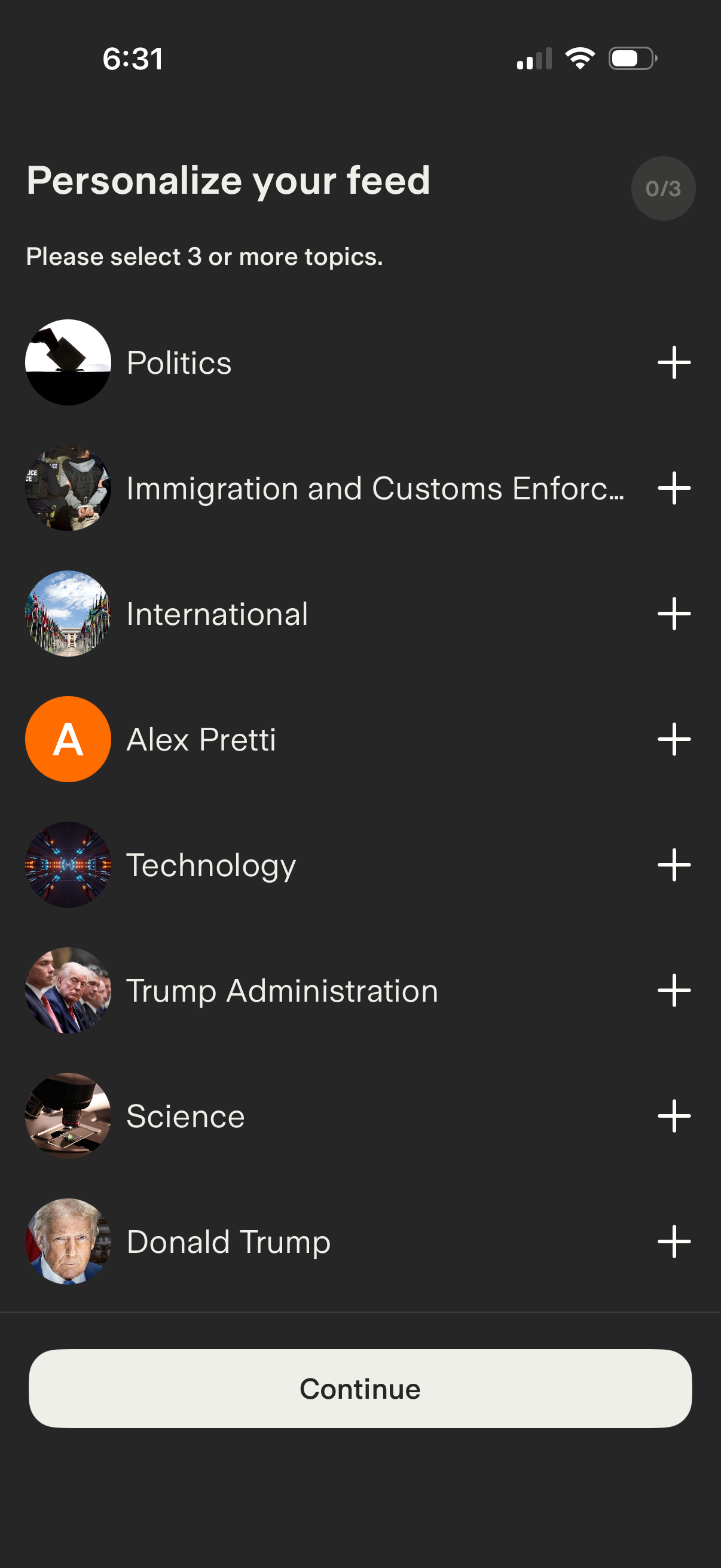
Topic selection onboarding screen to personalize a content/news feed, prompting the user to choose at least three interests from a list with thumbnails. Each topic has a plus icon to add it, a progress indicator shows selections, and a Continue button advances after choosing topics.

Subscription upsell screen promoting a Ground News Premium free trial, listing benefits like comparing articles across sources, bias and factuality ratings, following topics/places/people, unlimited blindspot stories, newsletter access, and hiding read stories. Includes trial end date and annual price disclosure, with a prominent “Start Free Trial” call-to-action and a close button.