Sign In
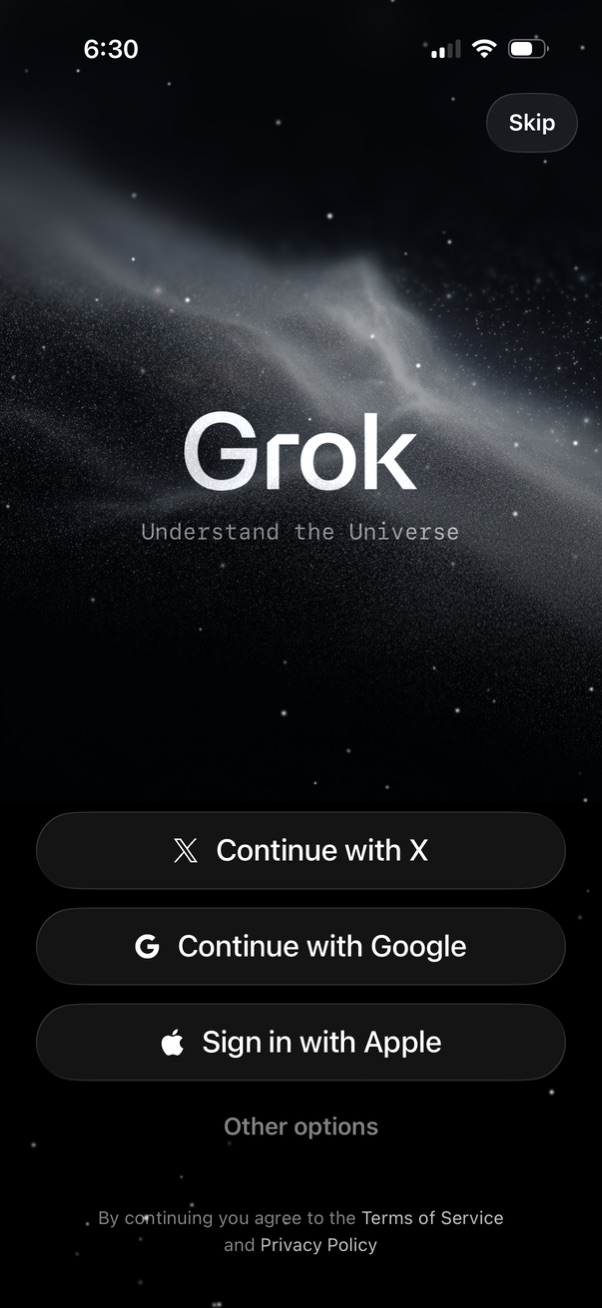
App onboarding login screen for an AI assistant featuring a “Skip” option and single-tap authentication buttons to continue with X, Google, or sign in with Apple, plus an “Other options” link. Includes terms of service and privacy policy consent text beneath the sign-in choices.
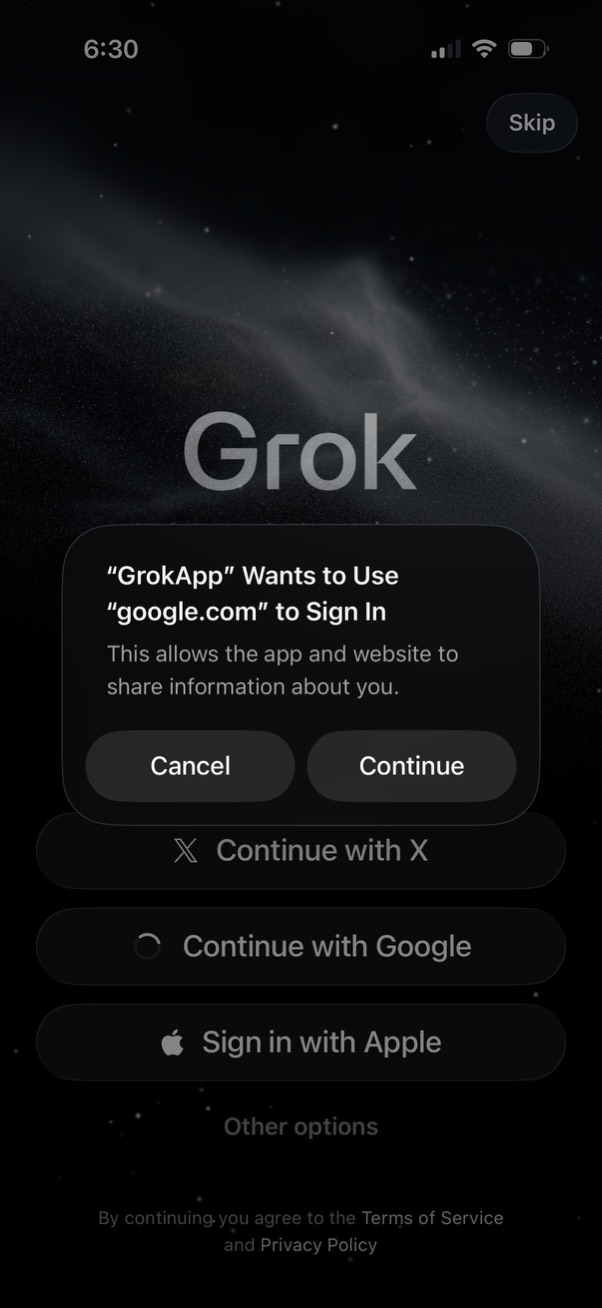
Login/sign-up landing screen for an app with multiple SSO options (Continue with X, Google, or Sign in with Apple) and a Skip button. An iOS system modal prompts the user to allow the app to use a web domain (google.
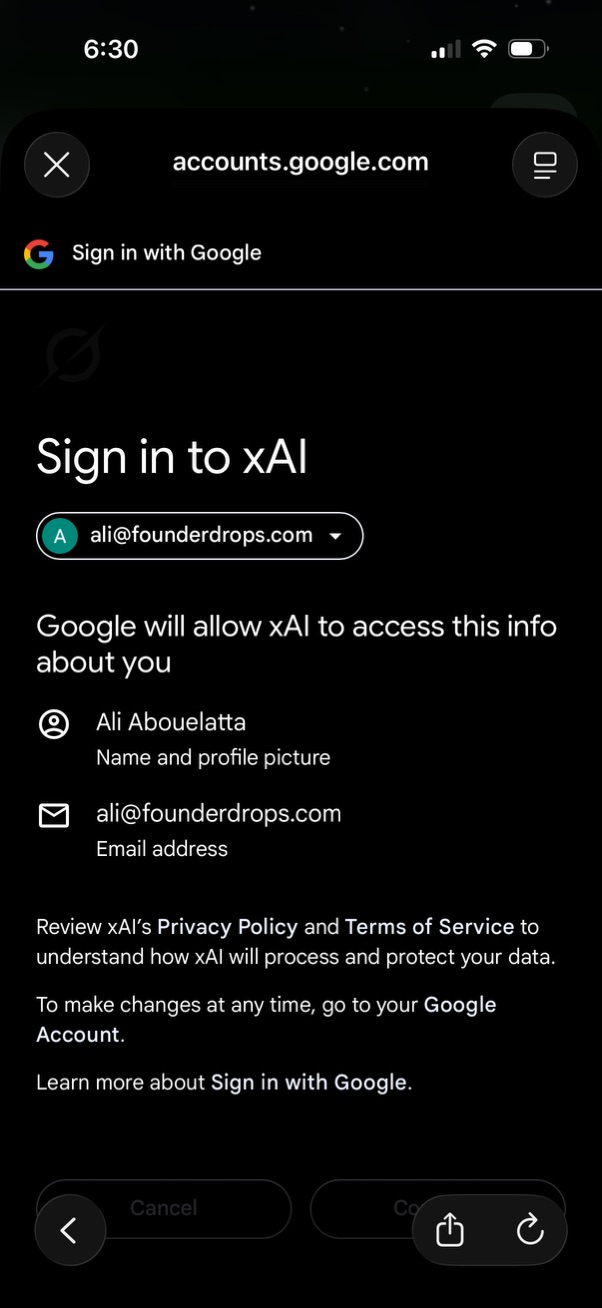
Google OAuth “Sign in with Google” consent screen for signing in to an app, showing the selected Google account and the permissions the app will access (name/profile picture and email address). Includes links to the app’s privacy policy and terms plus options to continue or cancel authentication.