create note with transcription
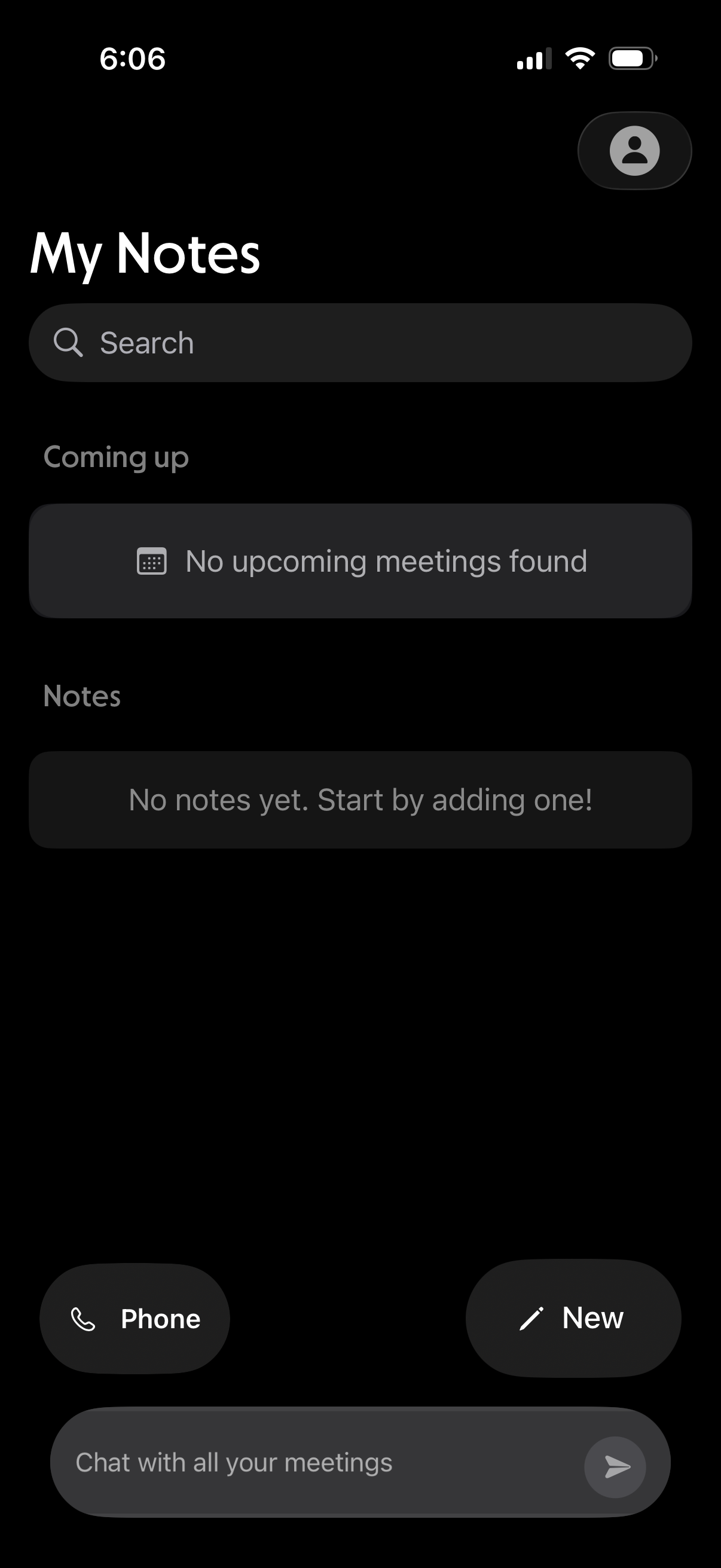
Notes home screen with a search bar, sections for upcoming meetings and saved notes, and empty-state messaging when nothing is found. Provides quick actions to start a phone call, create a new note, and open a chat to message about meetings.
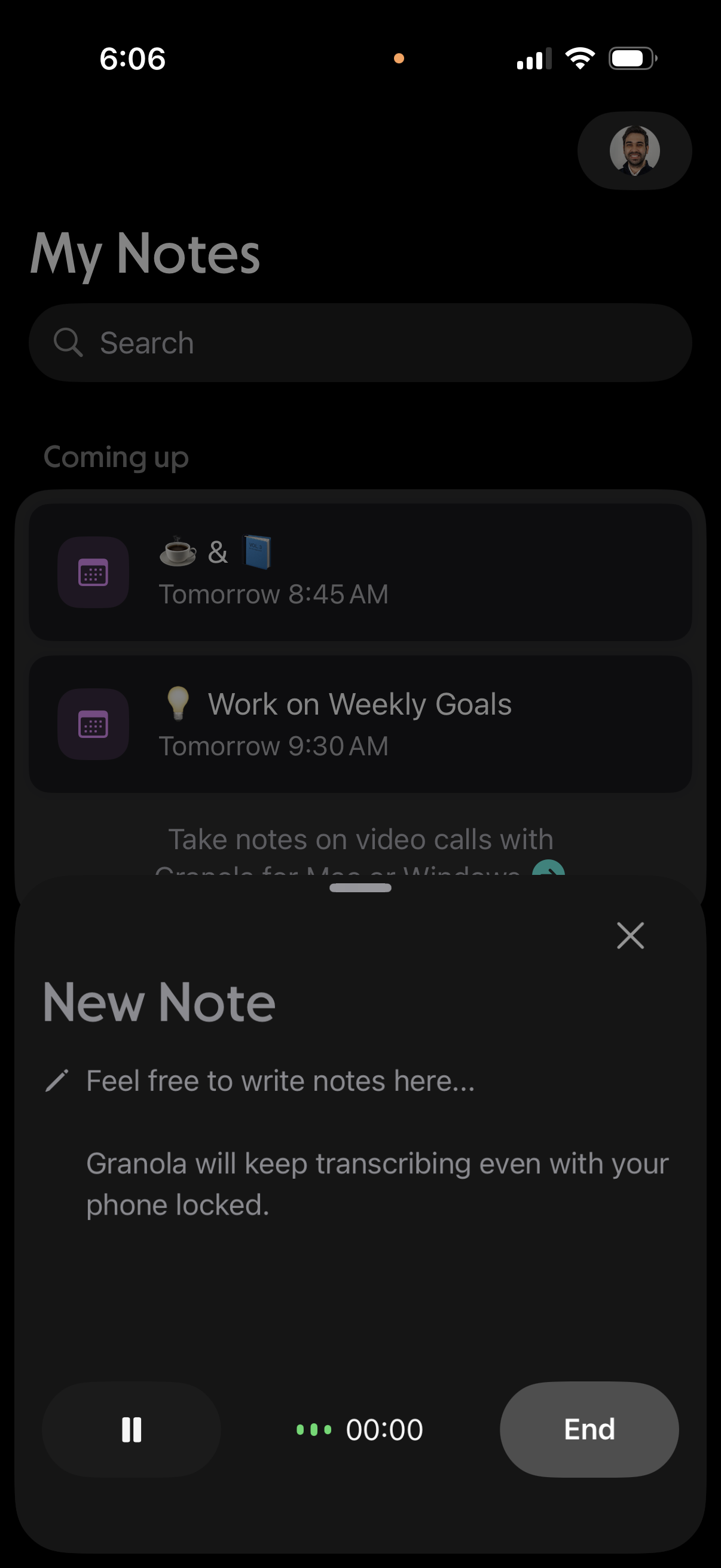
Notes app home screen with a search bar and a “Coming up” list of scheduled notes/tasks, while a bottom sheet “New Note” composer is open for writing a note during an active call with audio transcription/recording controls (pause, timer, end). The modal can be dismissed with an X and indicates transcription continues even when the phone is locked.
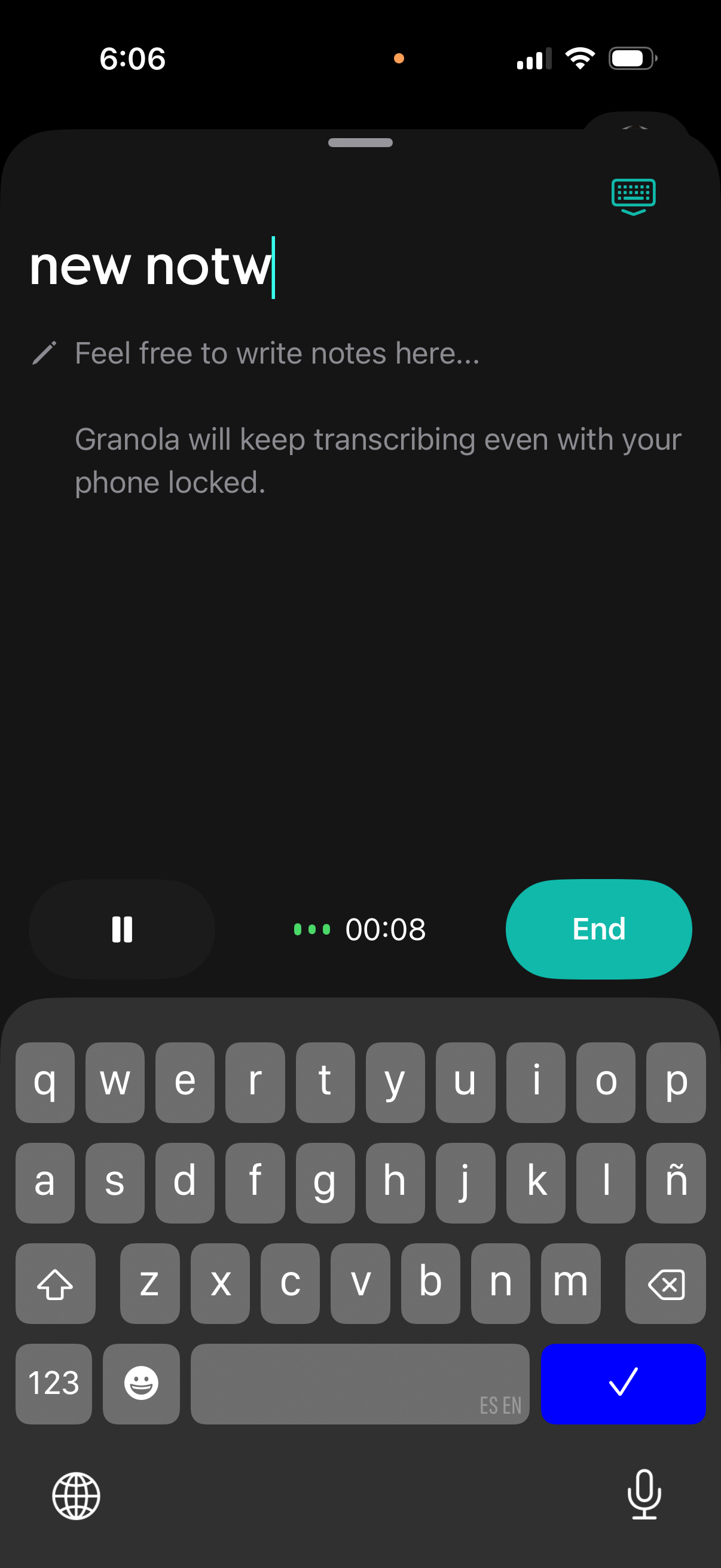
Voice recording and transcription screen for creating a new note, with a title field and optional text area for typing notes while audio is captured. Includes live recording timer with pause control and a prominent End button, indicating transcription continues even when the phone is locked.
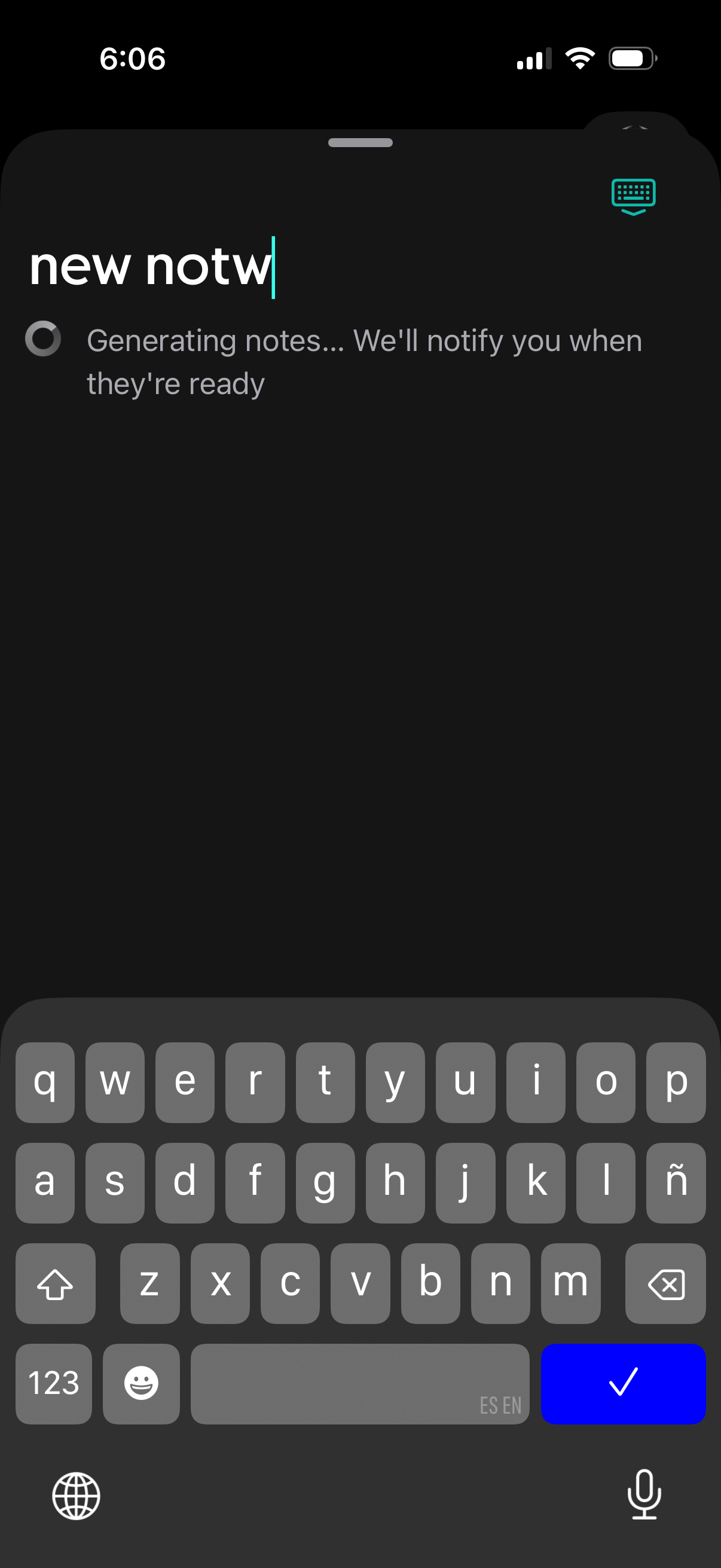
A note-taking app screen where the user is typing a new note title while an AI process generates notes in the background, showing a loading indicator and message that the app will notify when the notes are ready. The primary action is creating a note via text input with an option to dismiss/confirm from the keyboard.
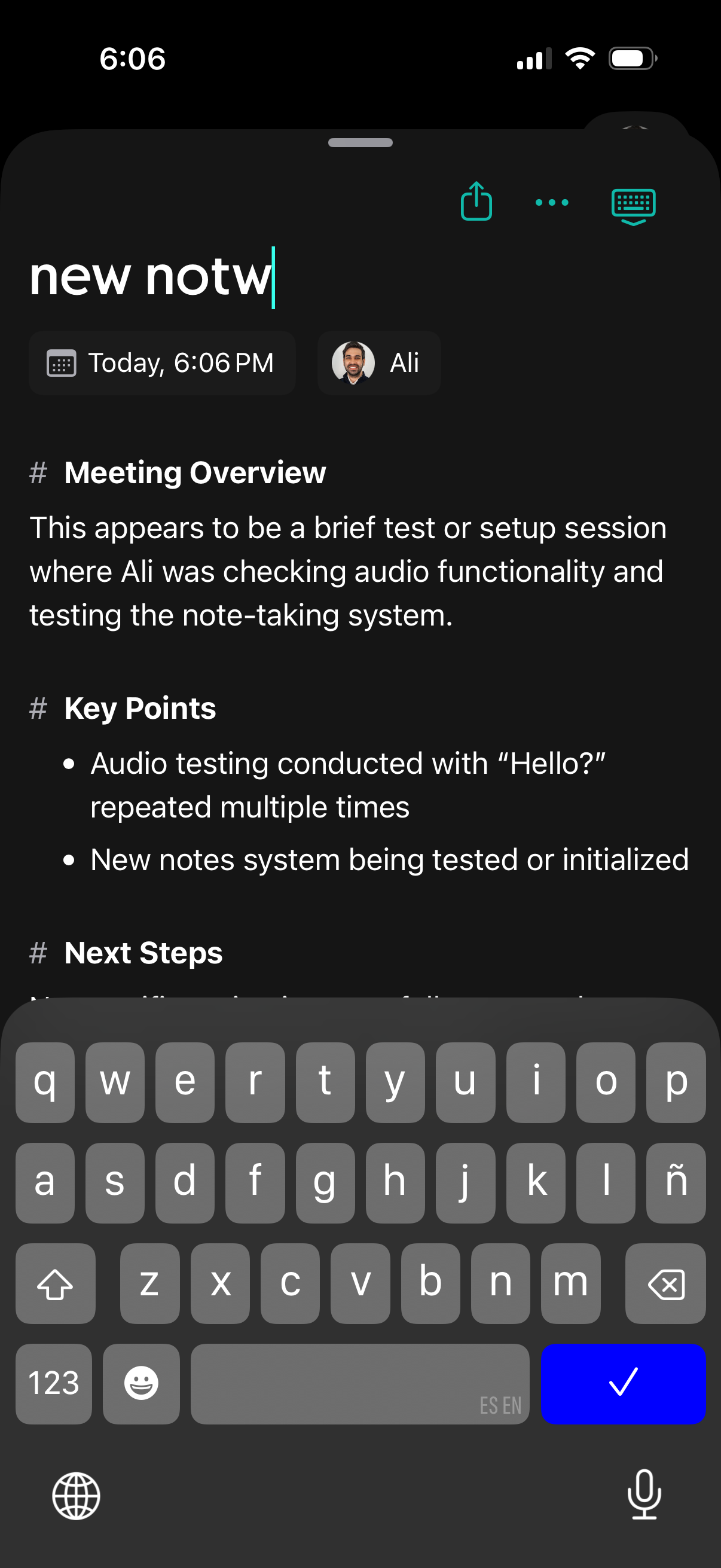
Dark-mode meeting notes editor where the user is creating a new note with a title field, timestamp, and participant tag, and the content is auto-structured into sections like “Meeting Overview,” “Key Points,” and “Next Steps” with bullet points. Top actions include share/export and more options while the keyboard is open for editing.