Login
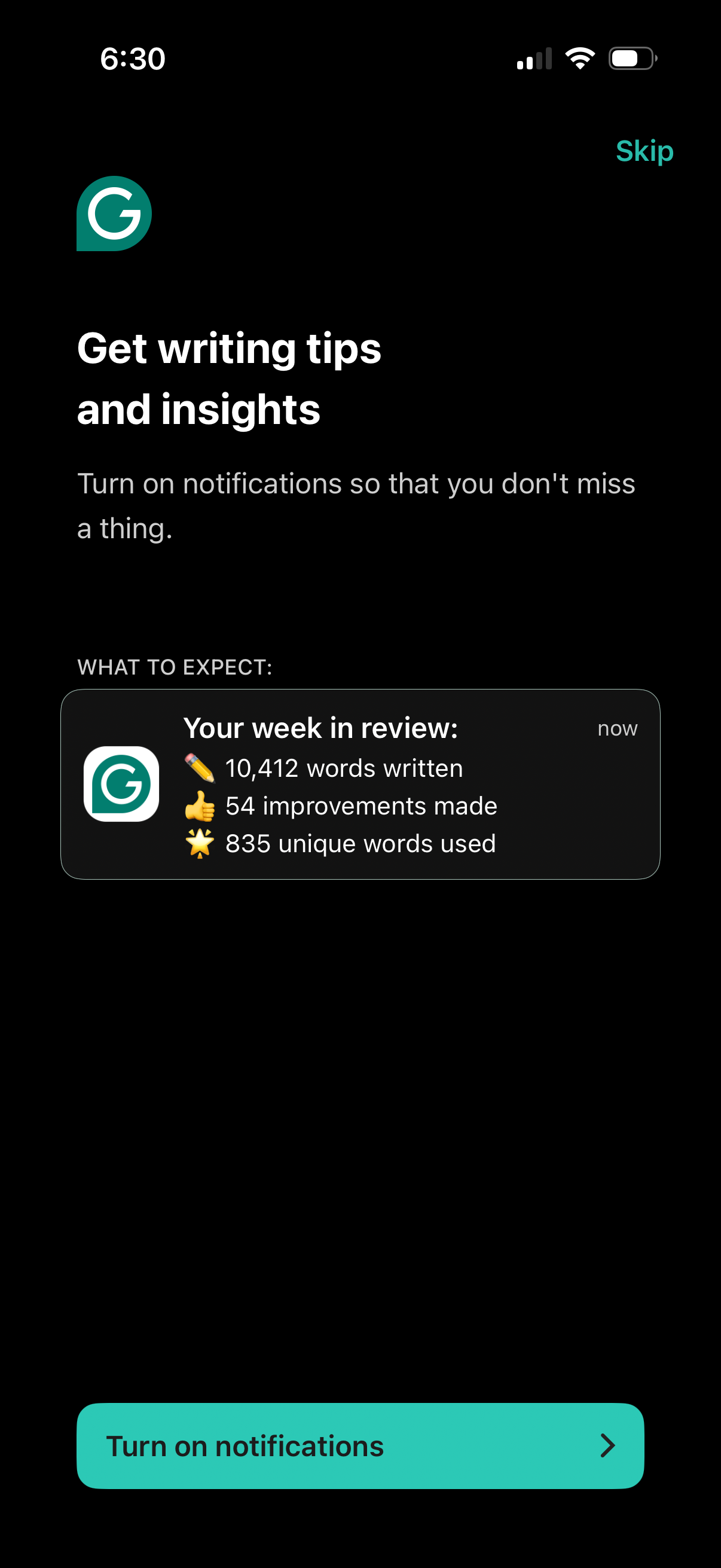
Notification opt-in screen for a writing assistant app prompting users to turn on notifications to receive writing tips, insights, and weekly review stats previews. Includes a primary “Turn on notifications” call-to-action and a “Skip” option.
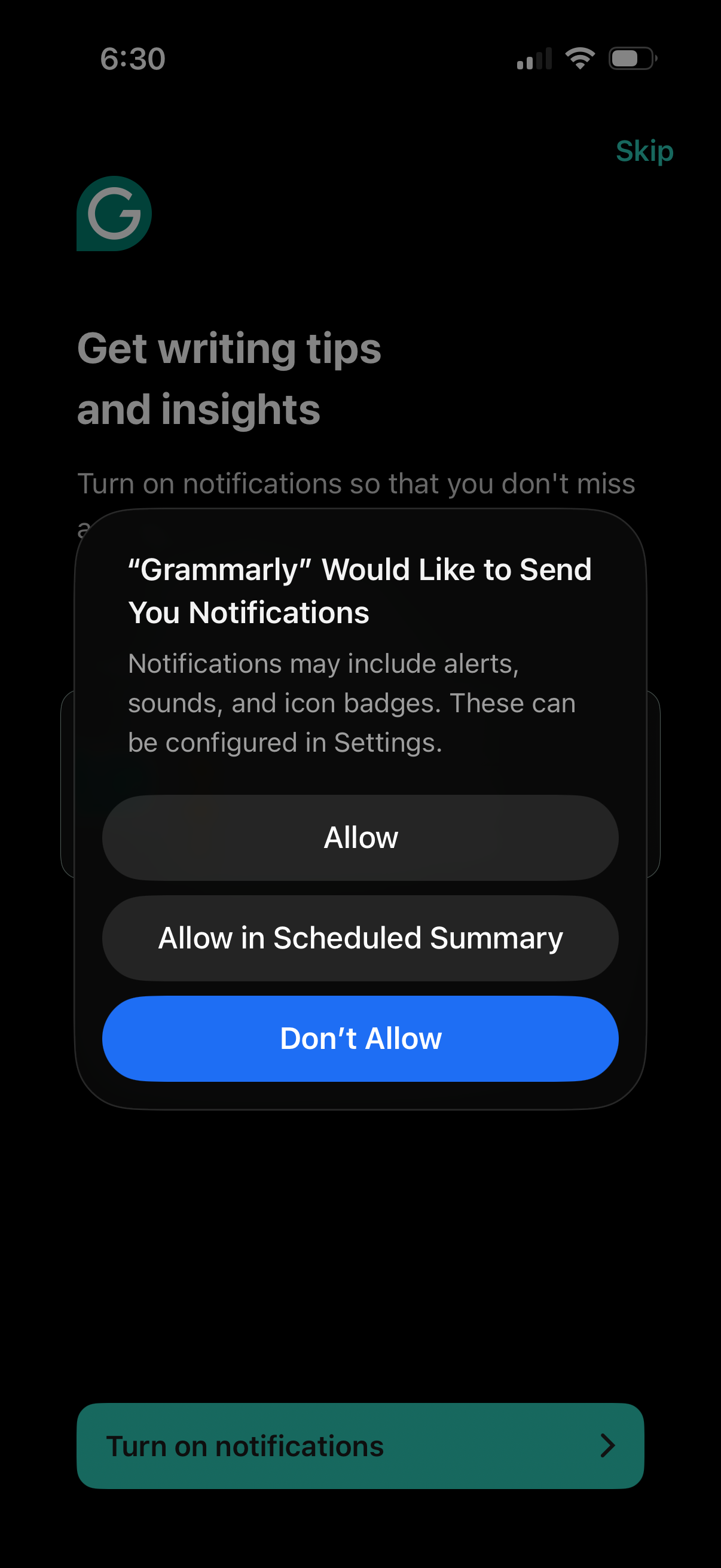
Onboarding screen prompting users to enable push notifications to receive writing tips and insights, with an option to skip and a primary “Turn on notifications” call to action. An iOS system permission modal overlays the page offering Allow, Allow in Scheduled Summary, or Don’t Allow.
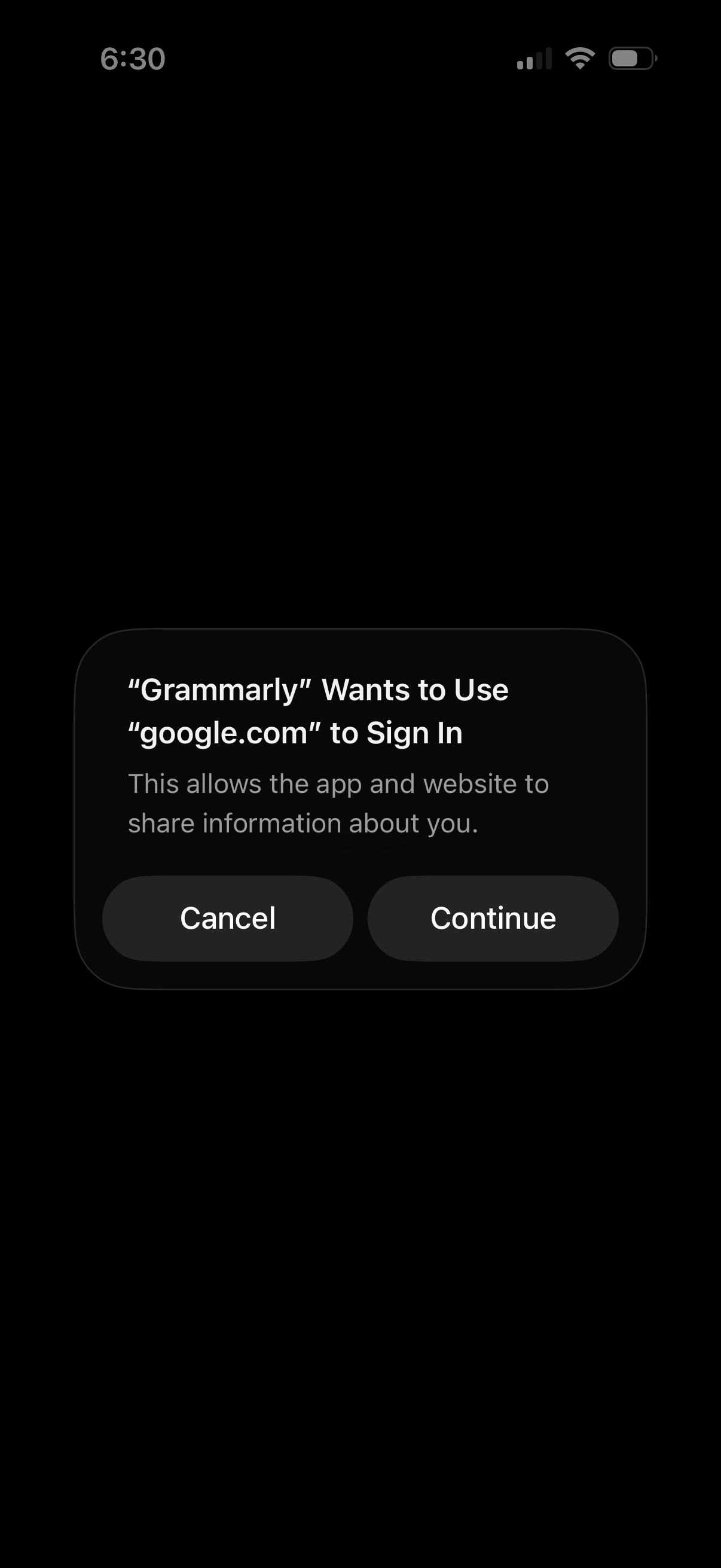
iOS system permission alert asking to allow an app to use a website domain for sign-in (SSO), explaining that the app and website will share user information. The modal provides two actions: Cancel or Continue to proceed with authentication.
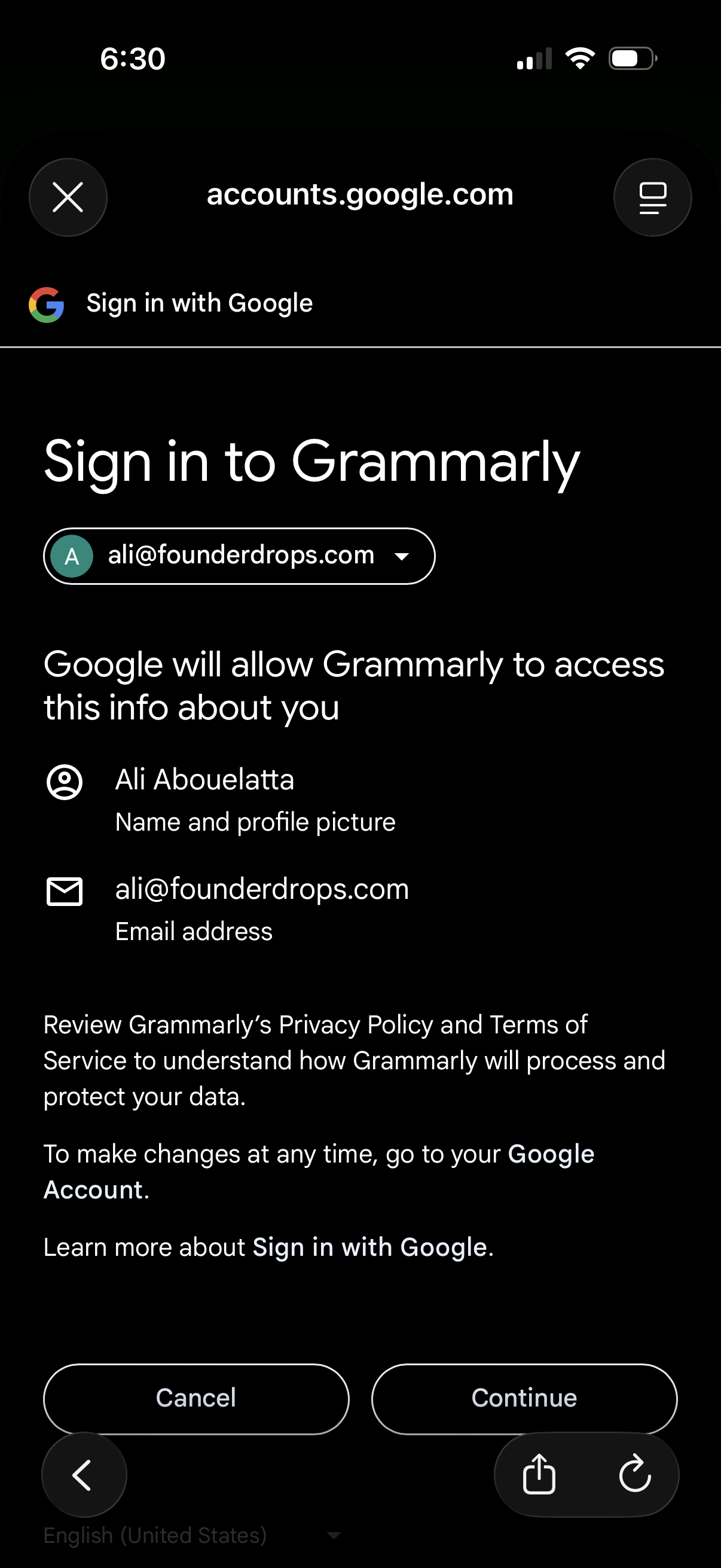
Google OAuth “Sign in with Google” consent screen for logging into Grammarly, showing the selected Google account and the personal data the app will access (name/profile photo and email). Primary actions are Cancel or Continue to grant permission and proceed with authentication.
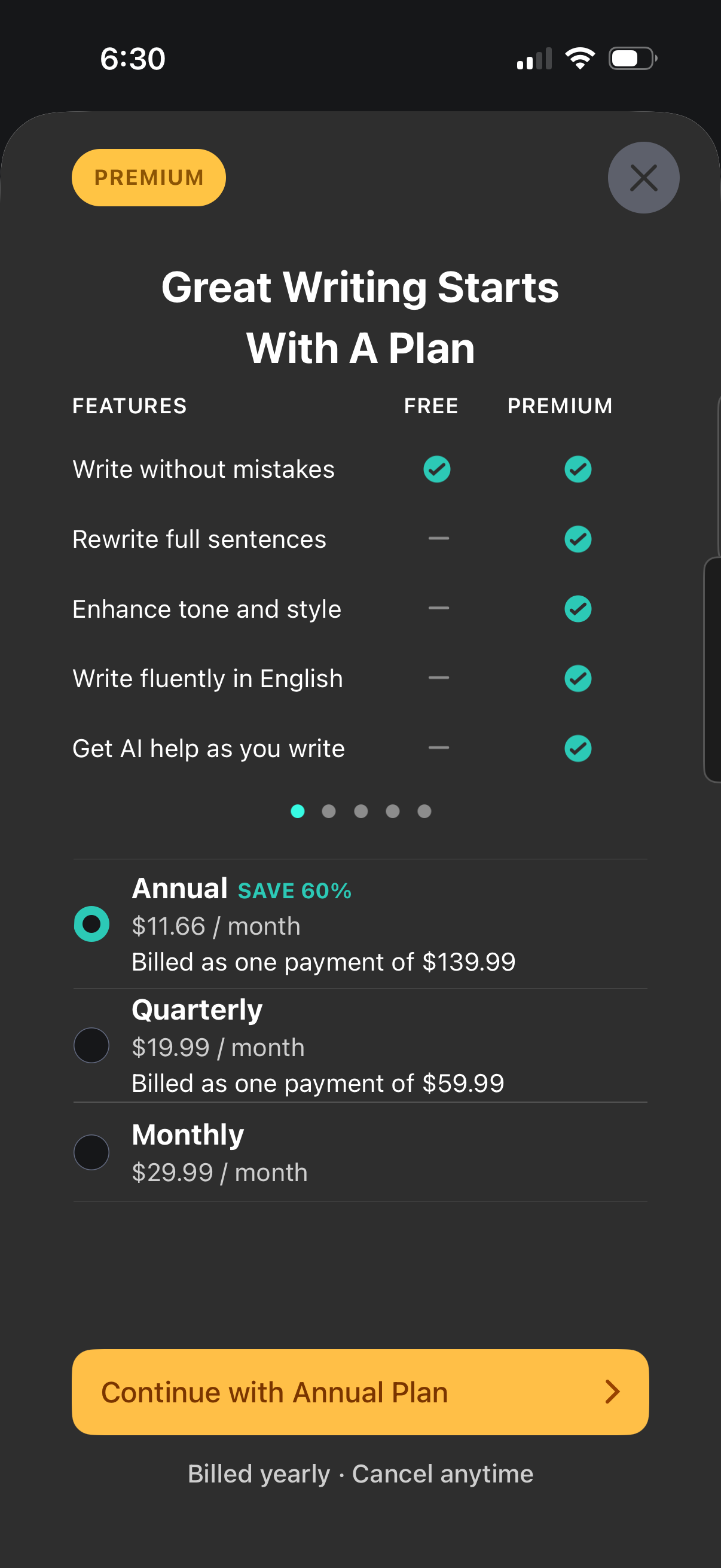
Premium subscription paywall for a writing assistant app comparing Free vs Premium features (rewrite sentences, enhance tone, write fluently, AI help) and offering plan selection with annual, quarterly, and monthly pricing. Includes radio buttons to choose a billing period, a primary CTA to continue with the selected plan, and billing/cancelation notes with a close button.