enable contacts access
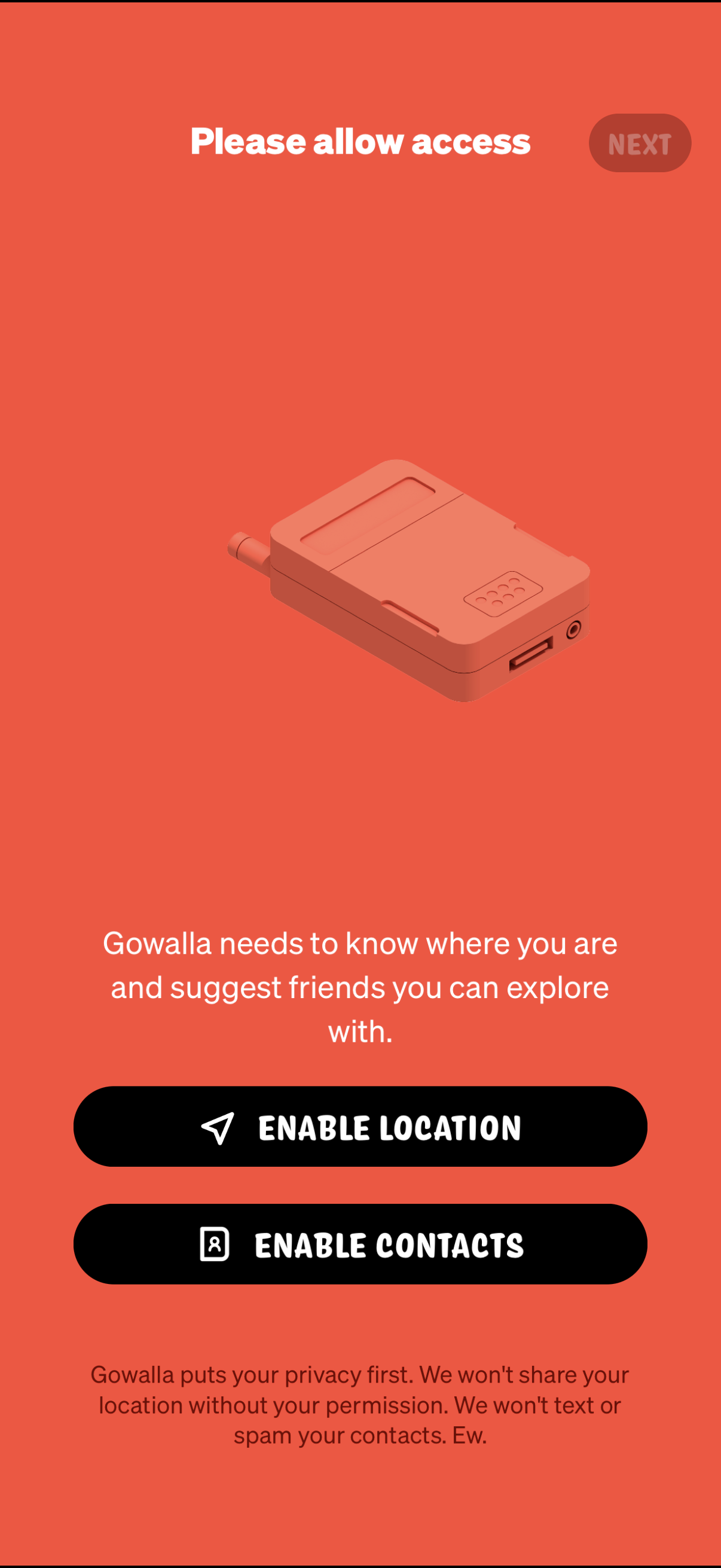
Onboarding permissions screen prompting the user to allow access so the app can find their location and suggest friends, with primary actions to enable Location and enable Contacts plus a Next button. Includes brief privacy reassurance explaining data won’t be shared or contacts spammed without permission.
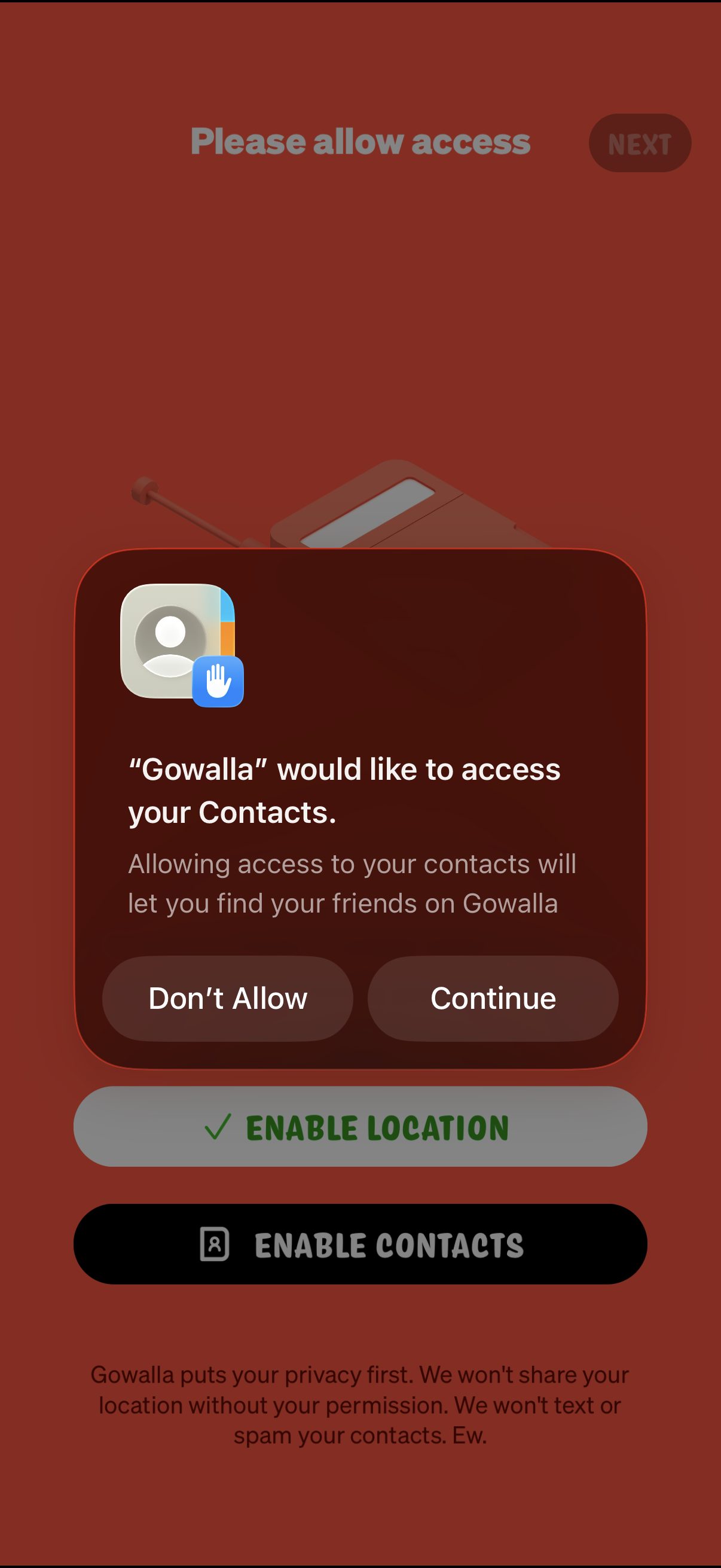
Onboarding permissions screen prompting the user to allow access to their contacts to find friends, showing the native iOS permission dialog with options to Don’t Allow or Continue. The page also includes primary actions to enable location and enable contacts with a brief privacy reassurance message.
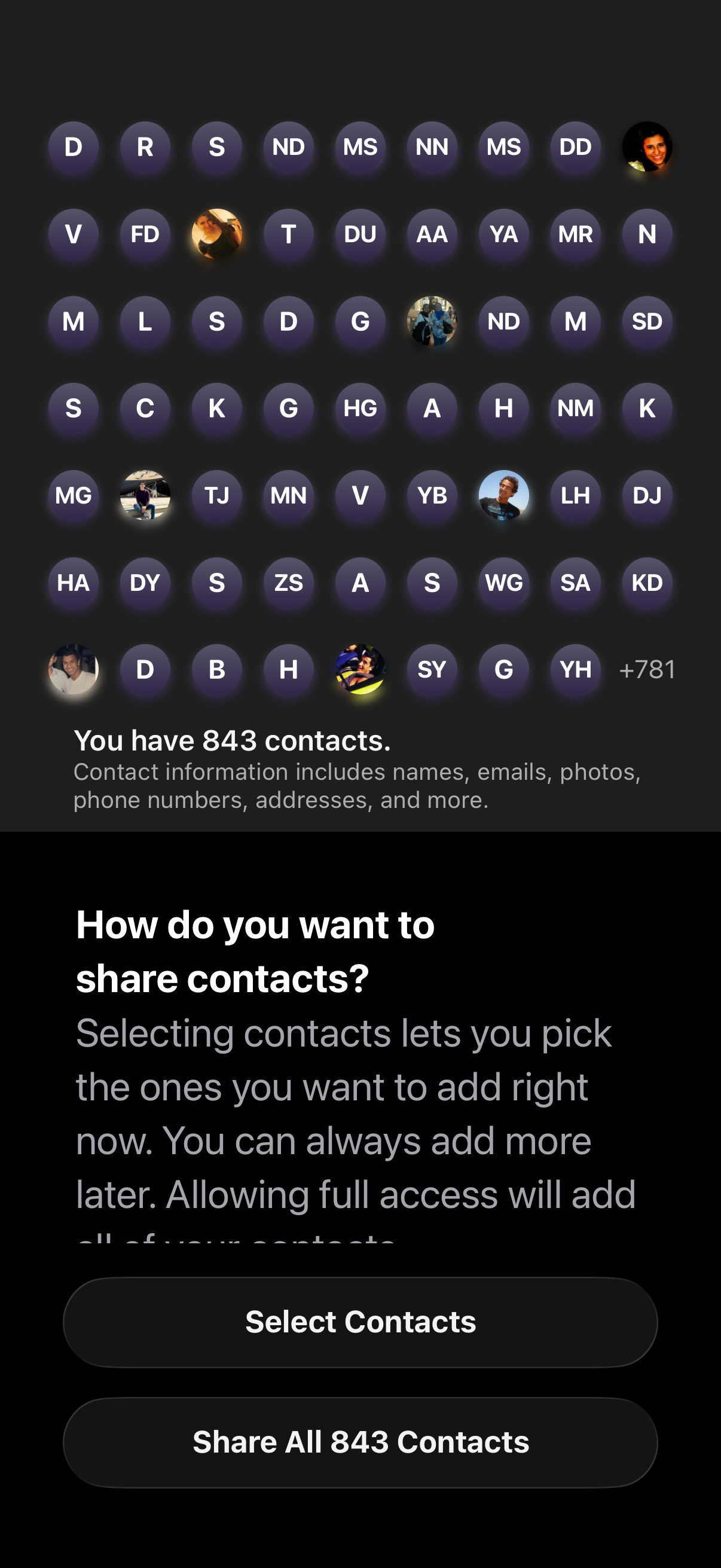
Contact sharing permission screen showing a grid preview of contact avatars and initials with a count of total contacts available. Prompts the user to choose how to share contacts with primary actions to select specific contacts or share all contacts for full access.
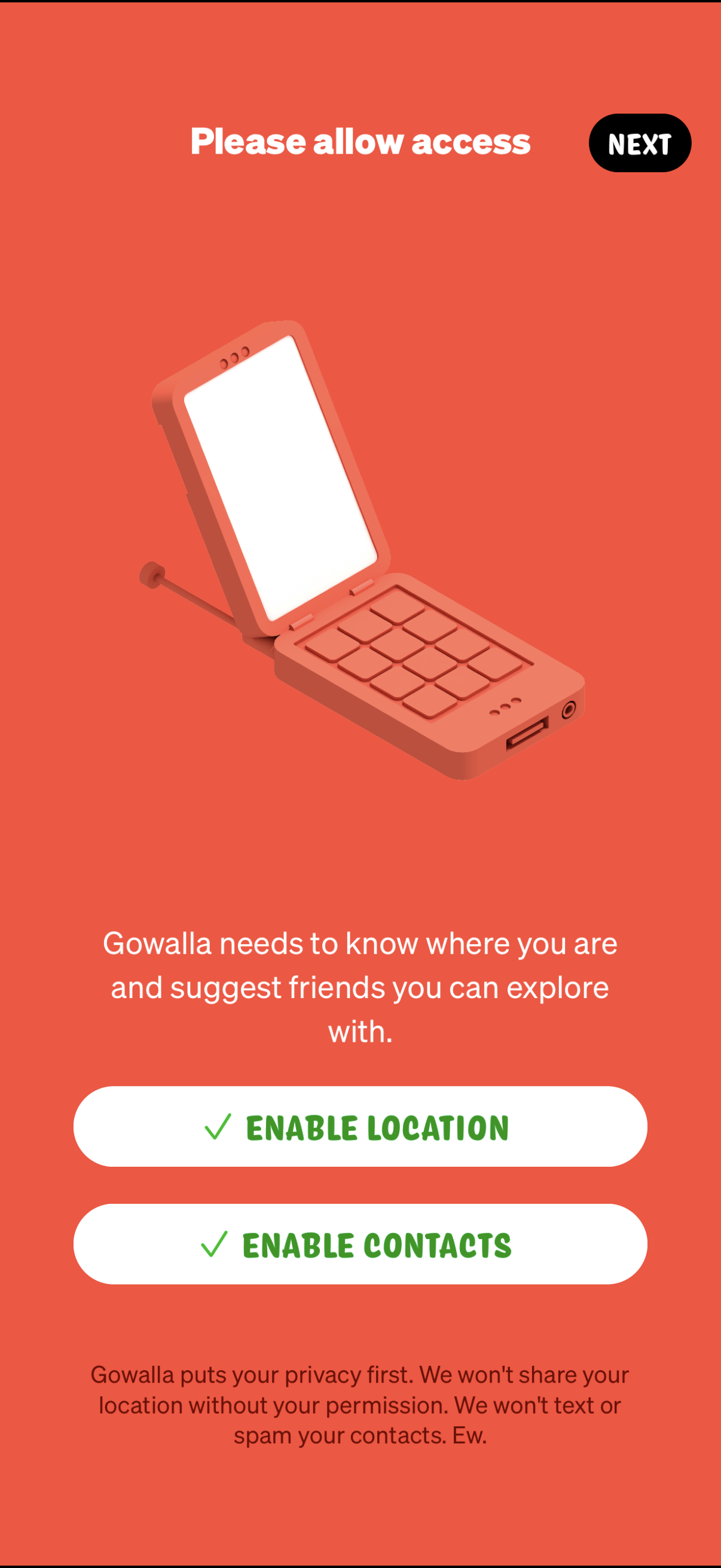
Onboarding permission request screen prompting the user to allow access so the app can find their location and suggest friends to explore with. Primary actions are “Enable Location” and “Enable Contacts,” with a privacy reassurance note and a “Next” button to continue.