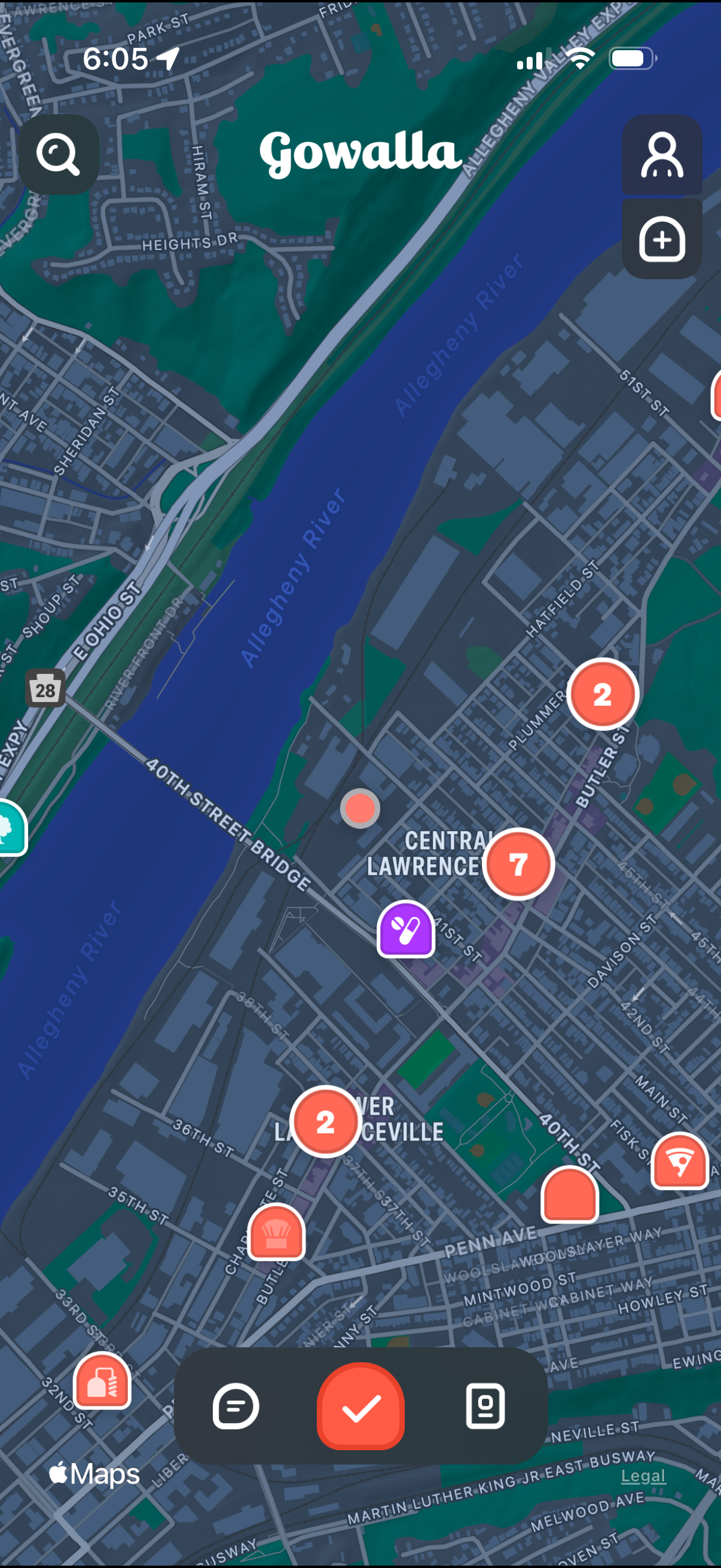
Interactive city map view for a location-based social/check-in app, showing nearby places and activity as numbered markers and icons. Users can search the map, view their profile, add/create a new spot, and use a bottom action bar to browse lists, confirm a selection/check in, or open saved items.
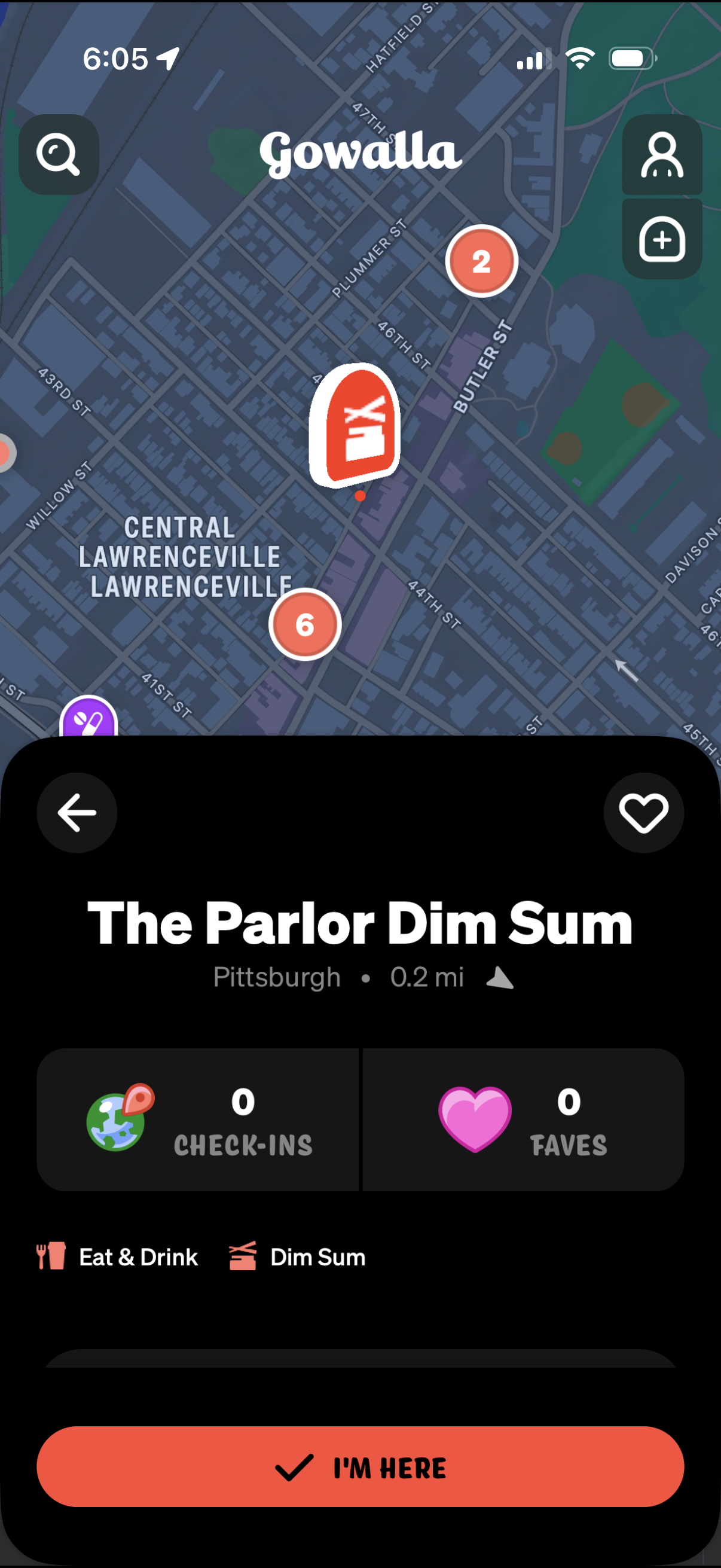
Location-based map screen for a place listing showing a selected venue with distance, category tags, and stats for check-ins and favorites, plus actions to favorite, view nearby map pins, and confirm arrival with an “I’m here” check-in button. Includes navigation back and quick controls for search and adding/inviting friends.
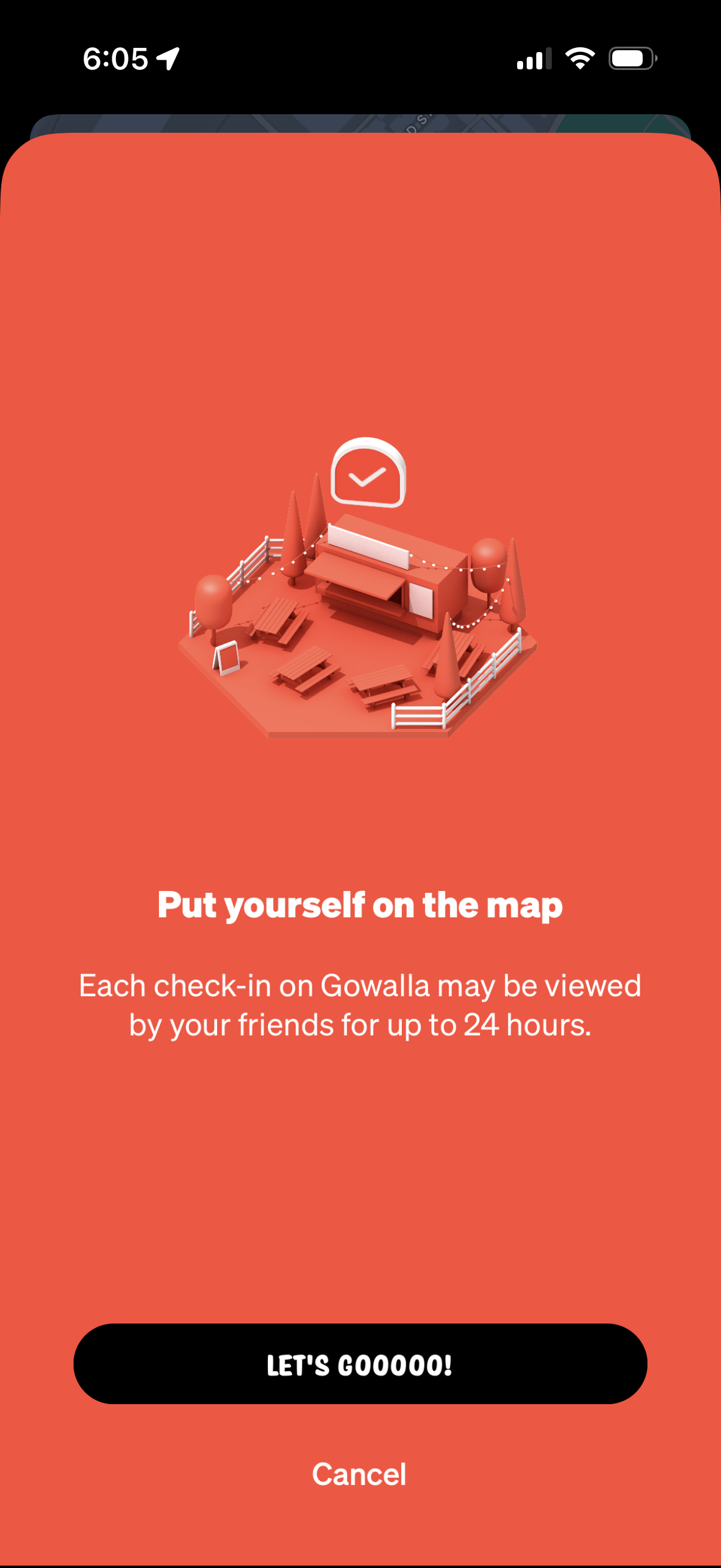
Onboarding permission prompt encouraging the user to enable location-based check-ins and appear on the map, explaining that check-ins are visible to friends for up to 24 hours. Primary CTA button to proceed with location sharing and a secondary Cancel option.
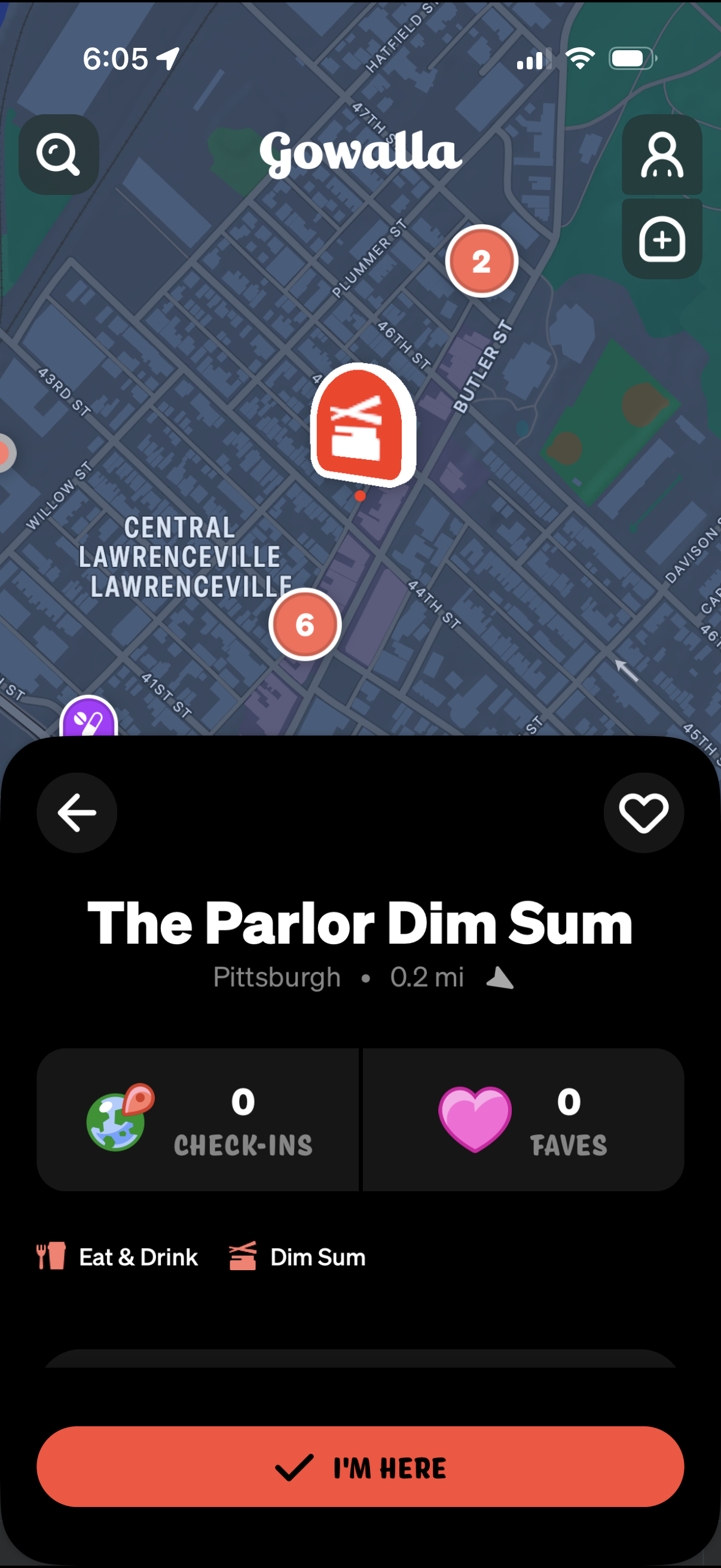
Map-based location detail screen for a nearby venue, showing the place name, distance, category tags, and stats for total check-ins and favorites with a heart/save action. A large “I’m here” button enables check-in at the selected location, with map controls for search, add, and profile.