Sign up
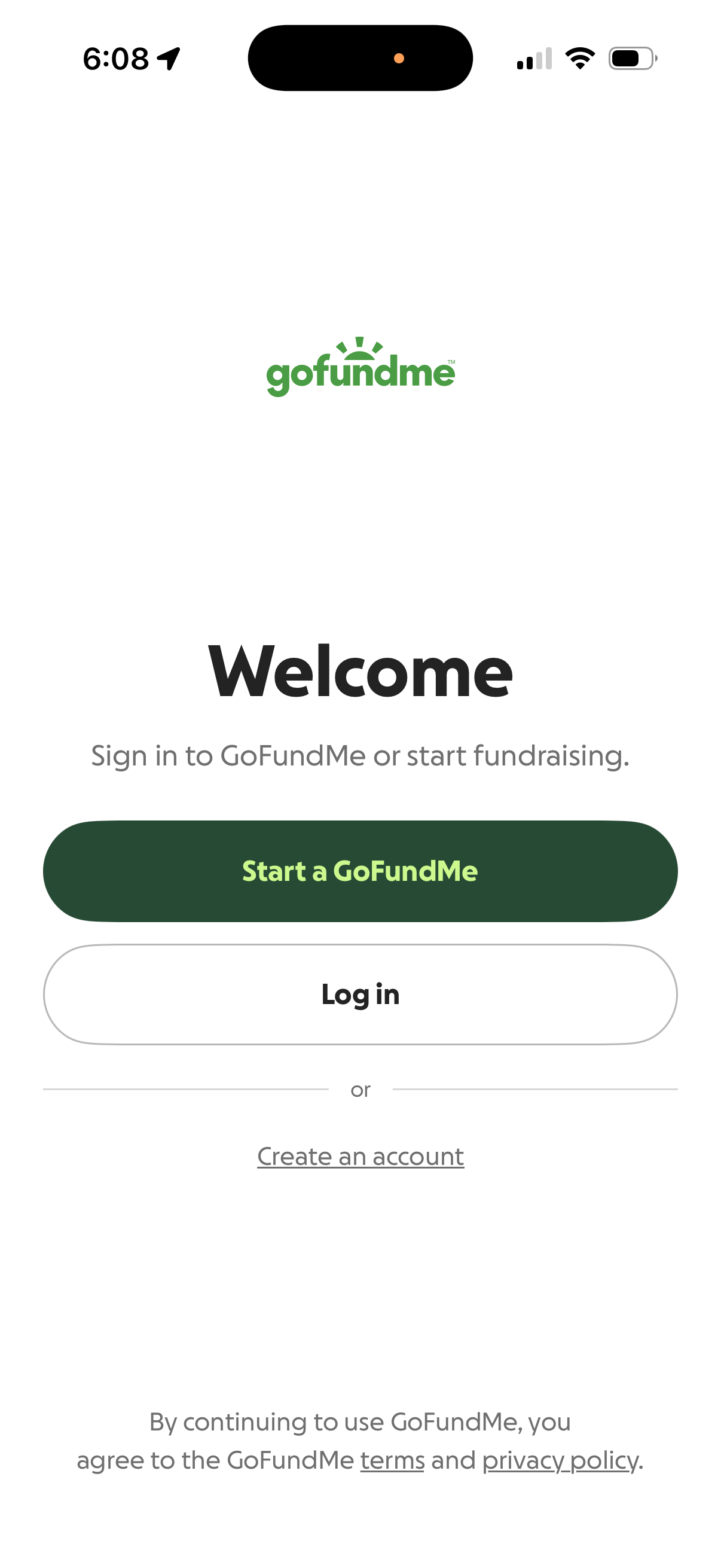
GoFundMe welcome and onboarding screen prompting users to sign in or start fundraising, with primary CTA to “Start a GoFundMe,” secondary “Log in” button, and link to create an account plus terms and privacy policy notice.
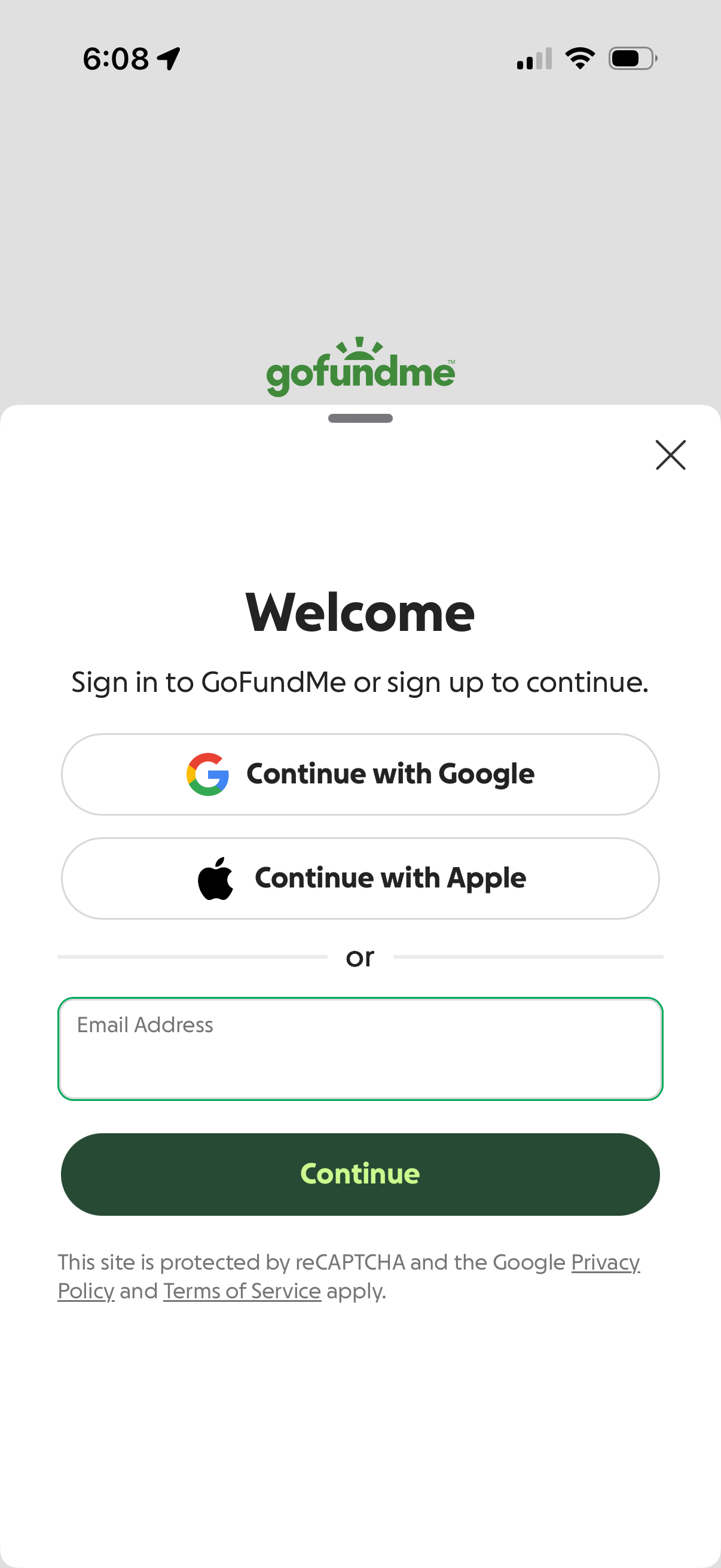
GoFundMe welcome authentication screen prompting users to sign in or sign up, offering social login options (Continue with Google, Continue with Apple) or email address entry. Includes a primary Continue button and a close icon to dismiss the modal.
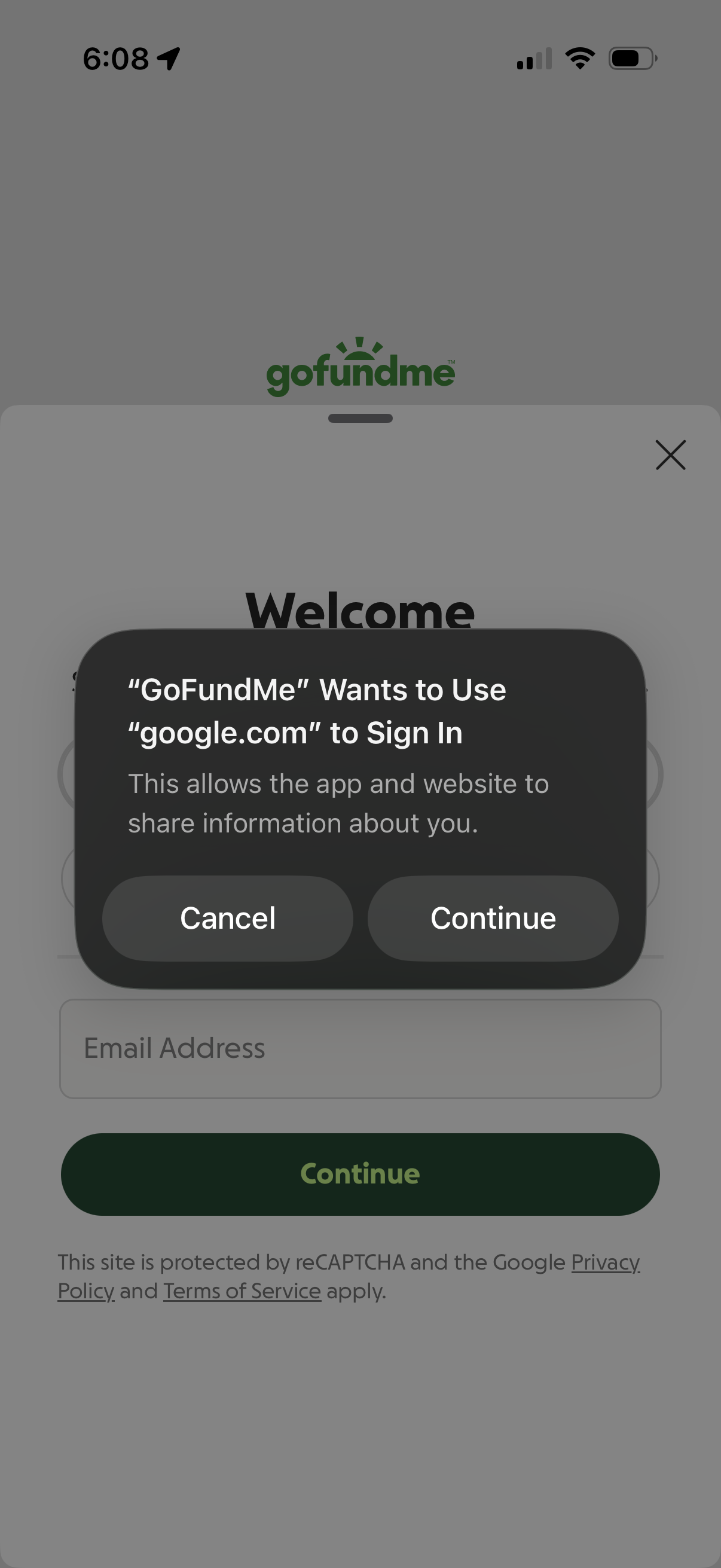
iOS system permission modal prompting to continue or cancel third‑party authentication, allowing the app to use google. com to sign in.
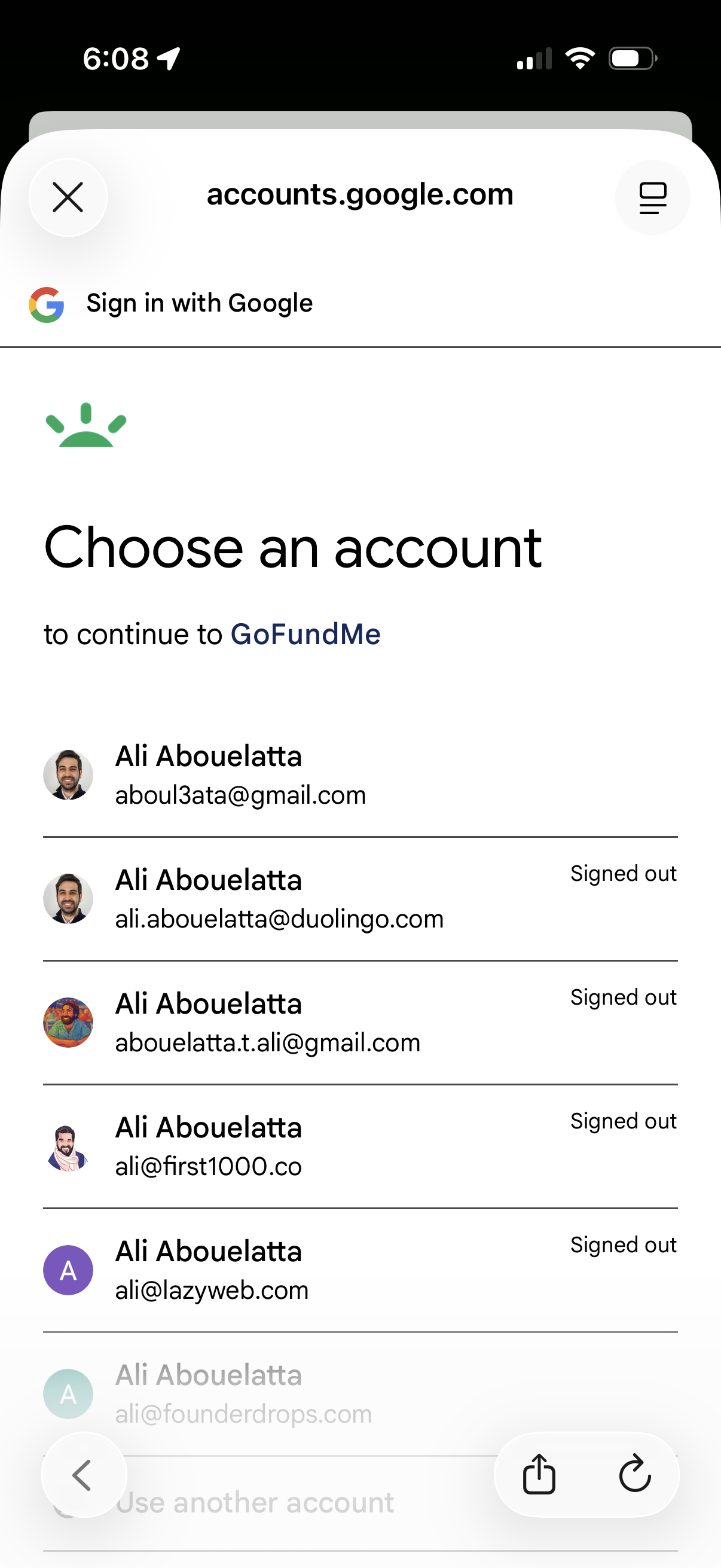
Google OAuth sign-in screen prompting the user to choose an account to continue to a third-party app, showing a list of saved Google accounts with avatars, email addresses, and signed-out status. Users can select an existing account, switch/add another account, or close the authentication flow.
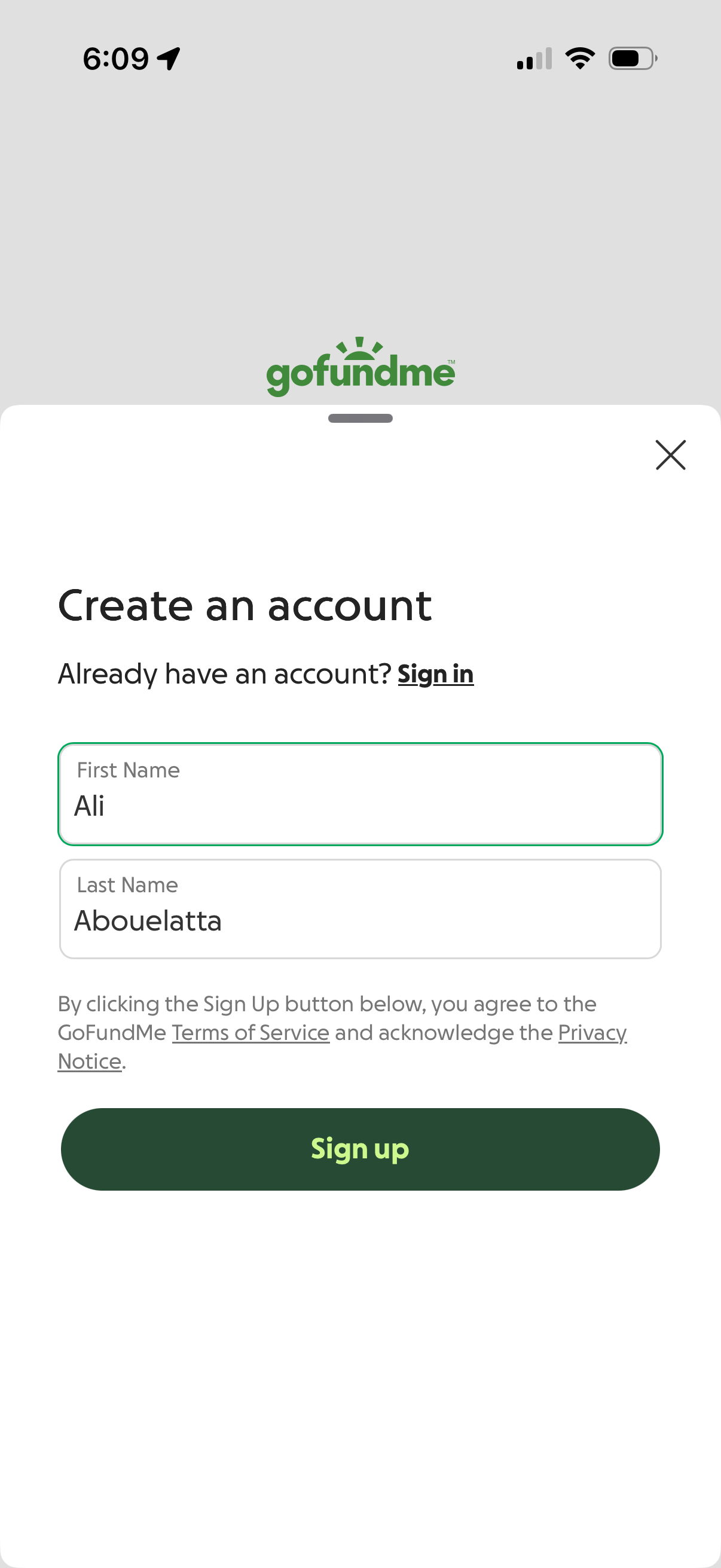
Account creation sign-up screen in a mobile app with fields for first name and last name, a link to sign in for existing users, and legal text linking to Terms of Service and Privacy Notice. Primary action is a large “Sign up” button, with a close icon to dismiss the modal.
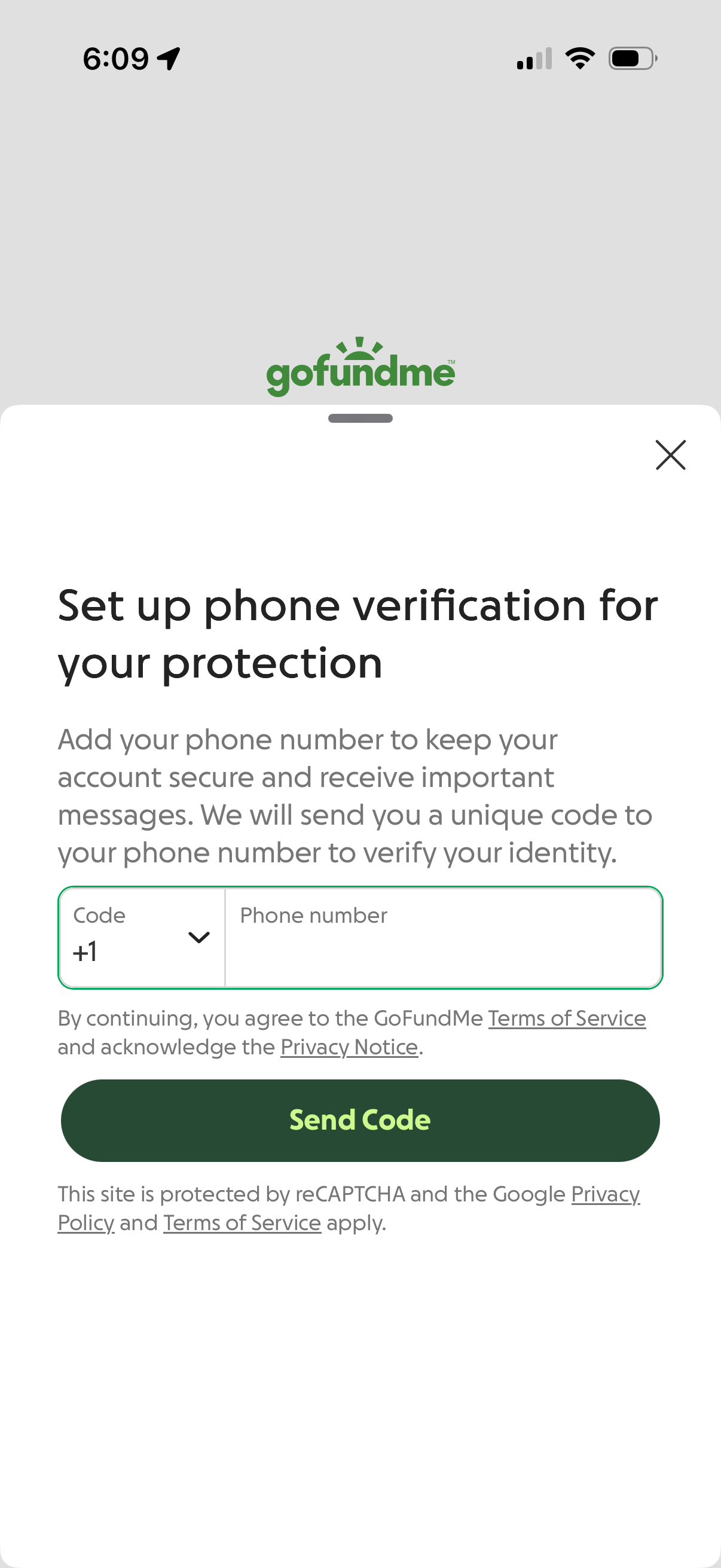
Phone verification setup screen for account security, prompting the user to select a country code, enter their phone number, and request an SMS verification code. Includes a primary “Send Code” CTA, close button, and links to terms, privacy notice, and reCAPTCHA info.
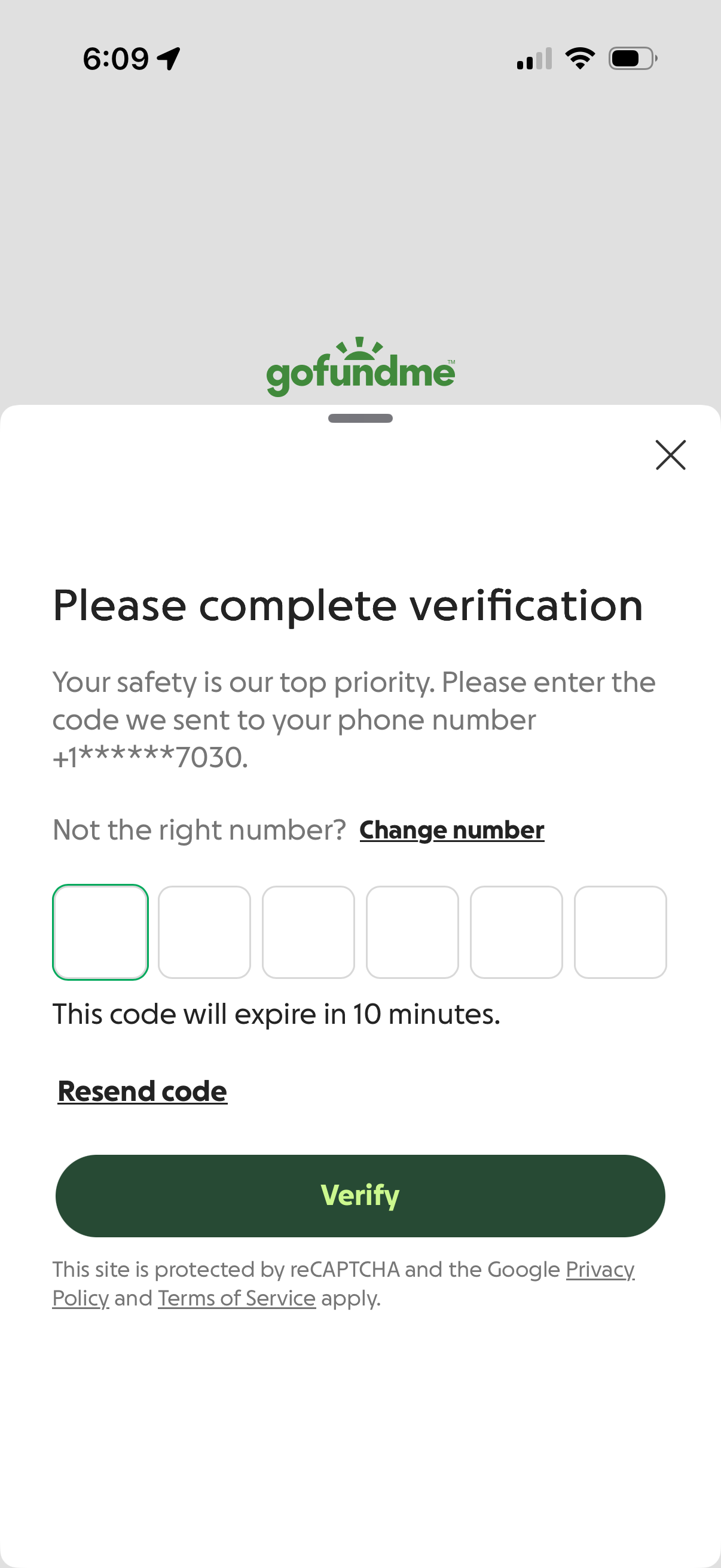
Phone number verification screen for two-factor authentication, prompting the user to enter a 6-digit SMS code sent to their phone with an expiration timer. Includes options to change the phone number, resend the code, close the modal, and a primary “Verify” button to submit the OTP.
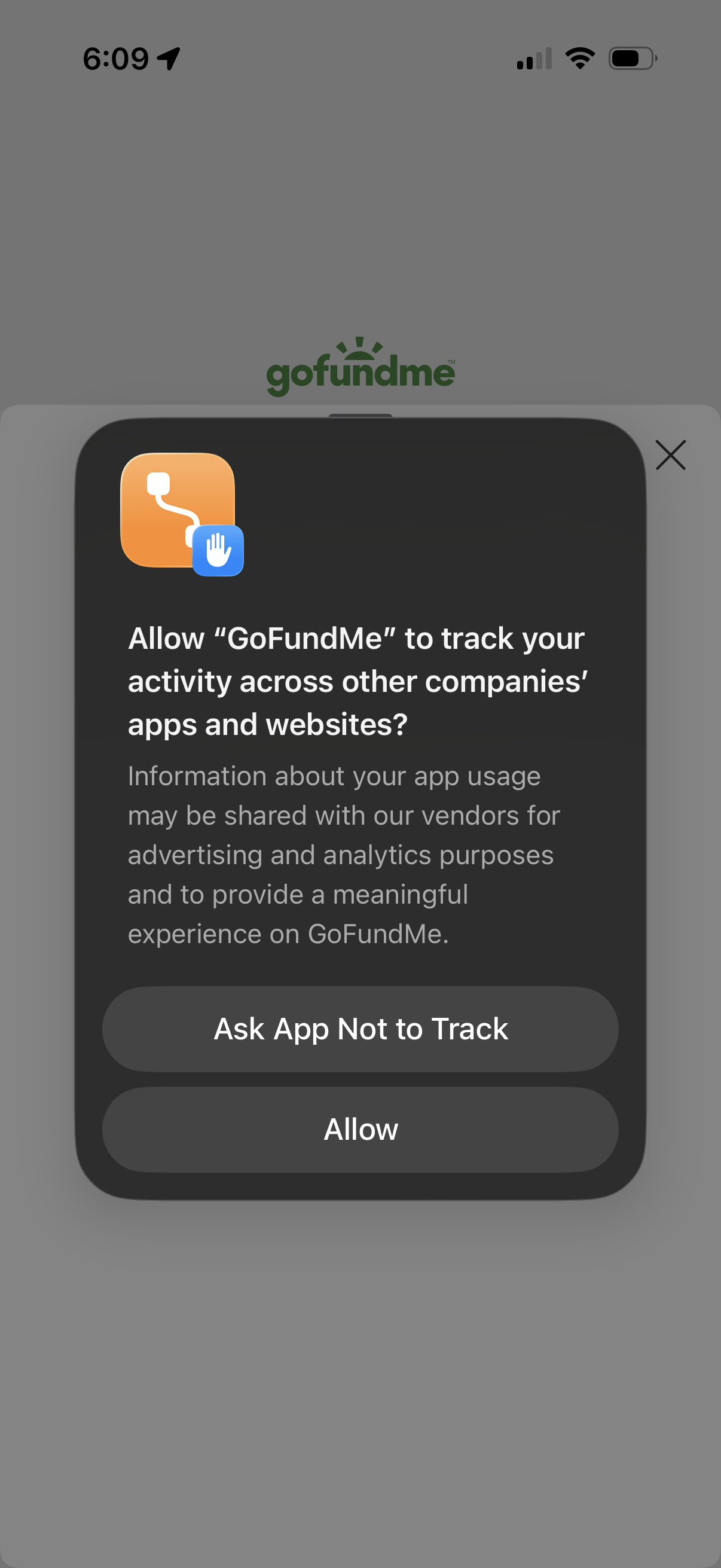
iOS App Tracking Transparency permission modal asking whether to allow the app to track activity across other apps and websites for advertising and analytics. Provides primary actions to “Allow” tracking or “Ask App Not to Track,” with an option to dismiss.
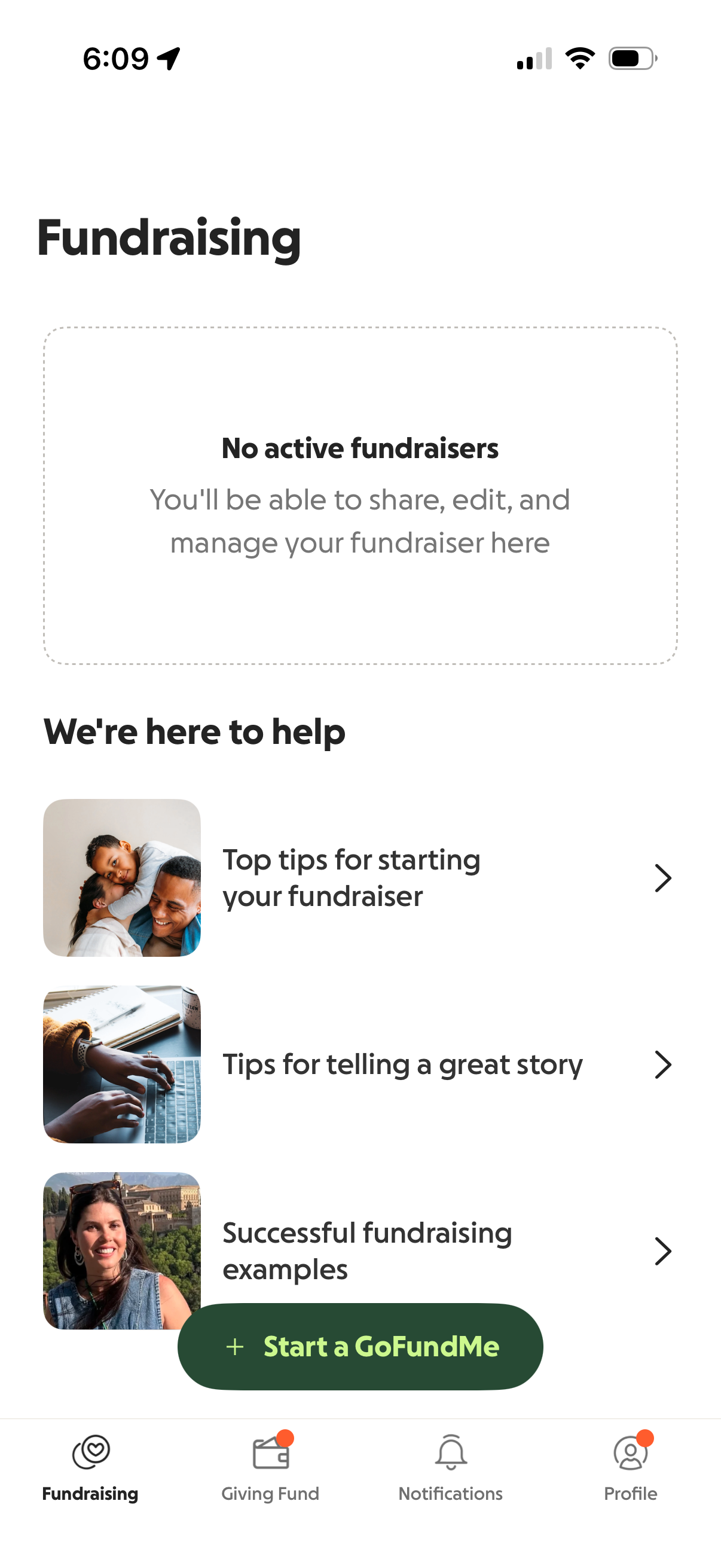
Fundraising dashboard showing an empty state with “No active fundraisers” and messaging that users can share, edit, and manage campaigns here. Provides help resources for starting a fundraiser, telling a great story, and viewing successful examples, plus a primary CTA button to start a new GoFundMe.