skip trial and continue
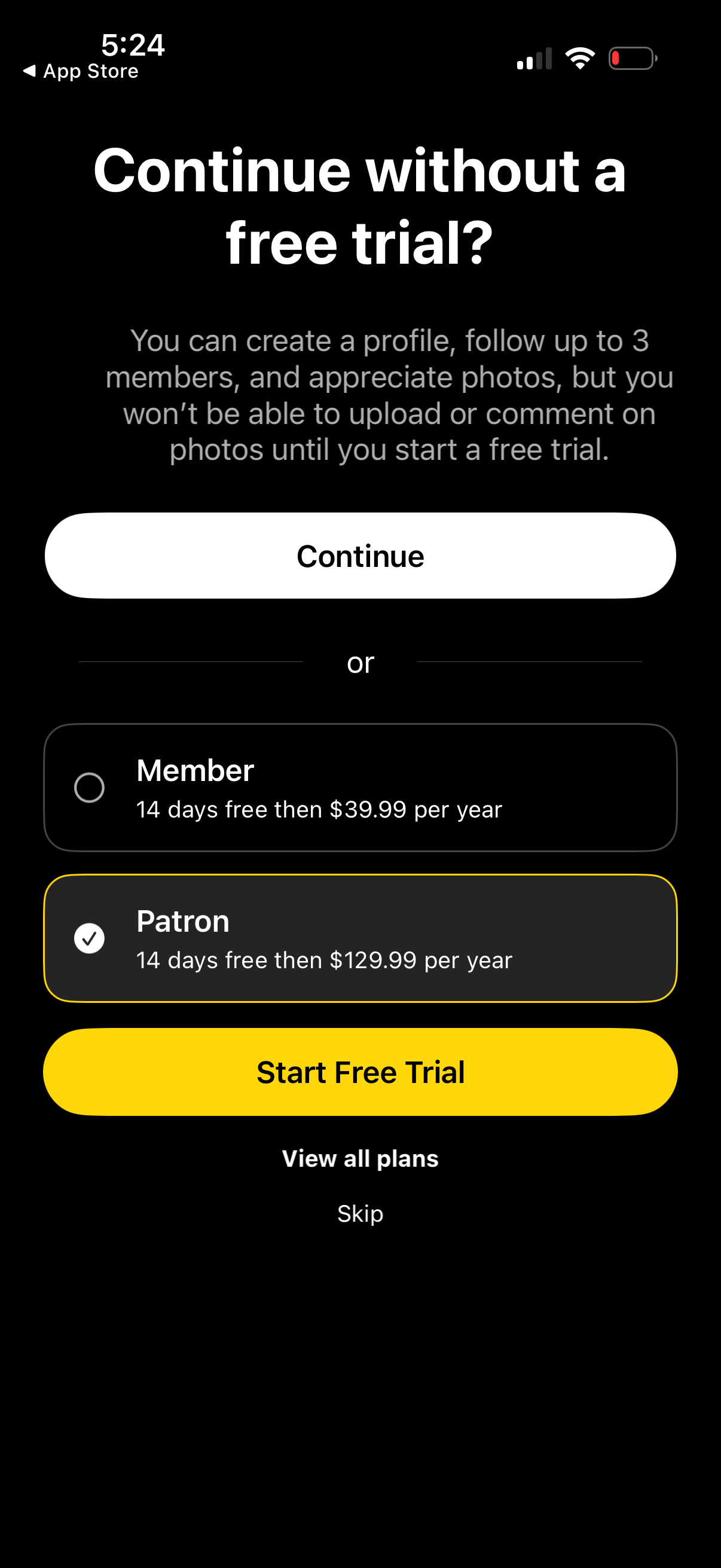
Subscription paywall screen prompting users to start a 14-day free trial, explaining limited access without trial and offering tier selection (Member vs Patron) with annual pricing. Primary actions include Start Free Trial, continue without trial, view all plans, or skip.

Profile setup step for adding a profile picture, prompting the user to select an image with a back button and a disabled Next button to continue the onboarding flow.
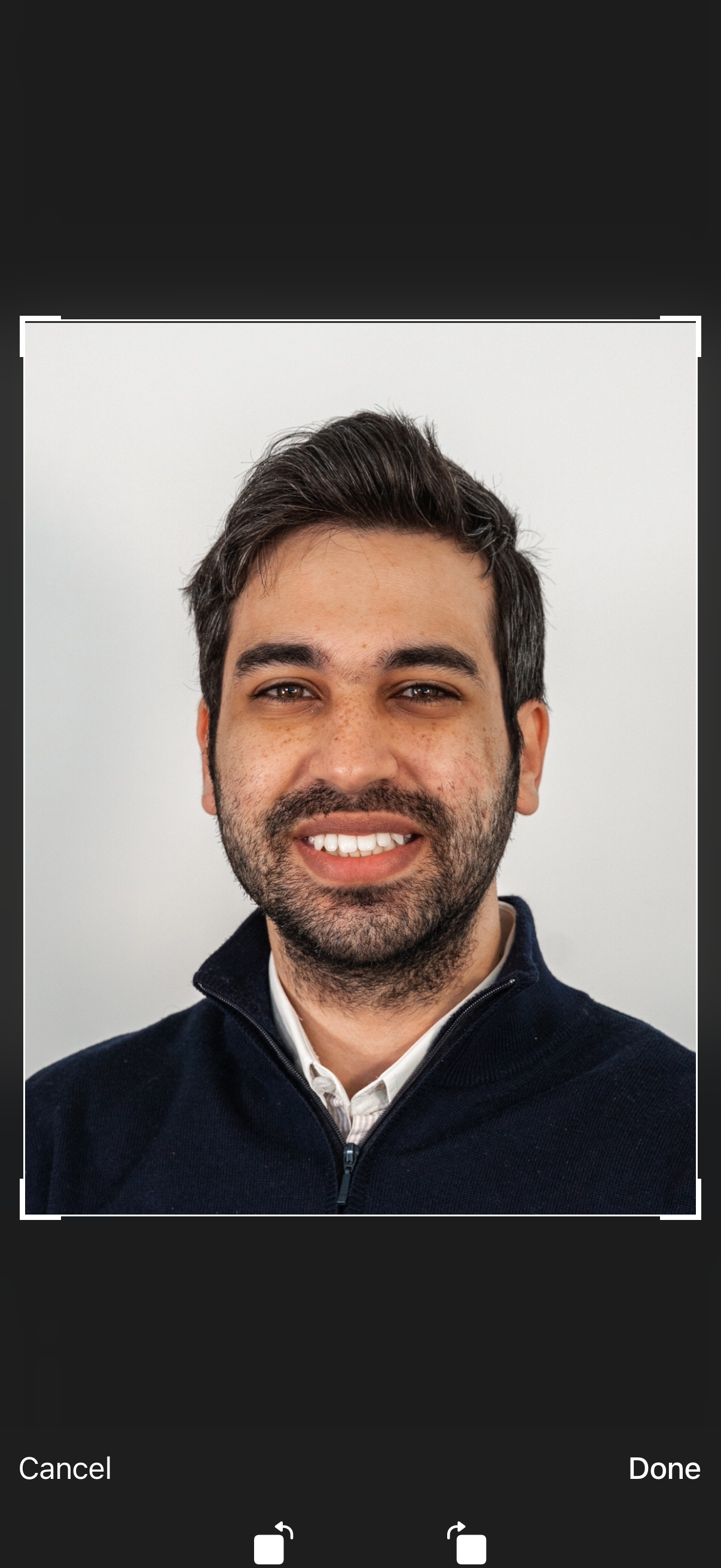
Photo cropping/editing screen for a profile picture or headshot, showing the selected image inside a resizable crop frame. Users can confirm the edit with Done or discard changes with Cancel.
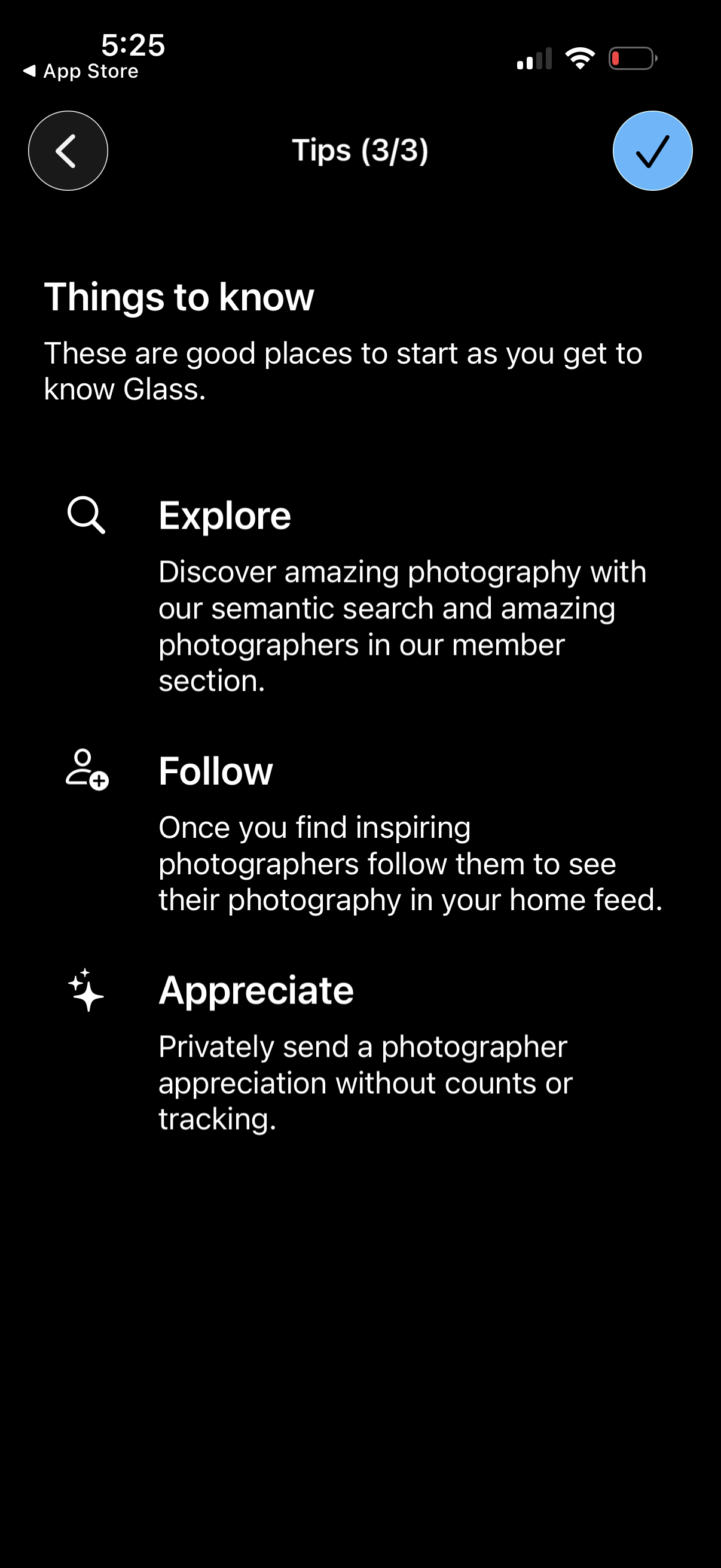
Onboarding tips screen in a photography community app explaining key actions like exploring content via semantic search, following photographers to personalize the home feed, and privately sending appreciation. Includes back navigation and a checkmark button to finish/complete the tips step.
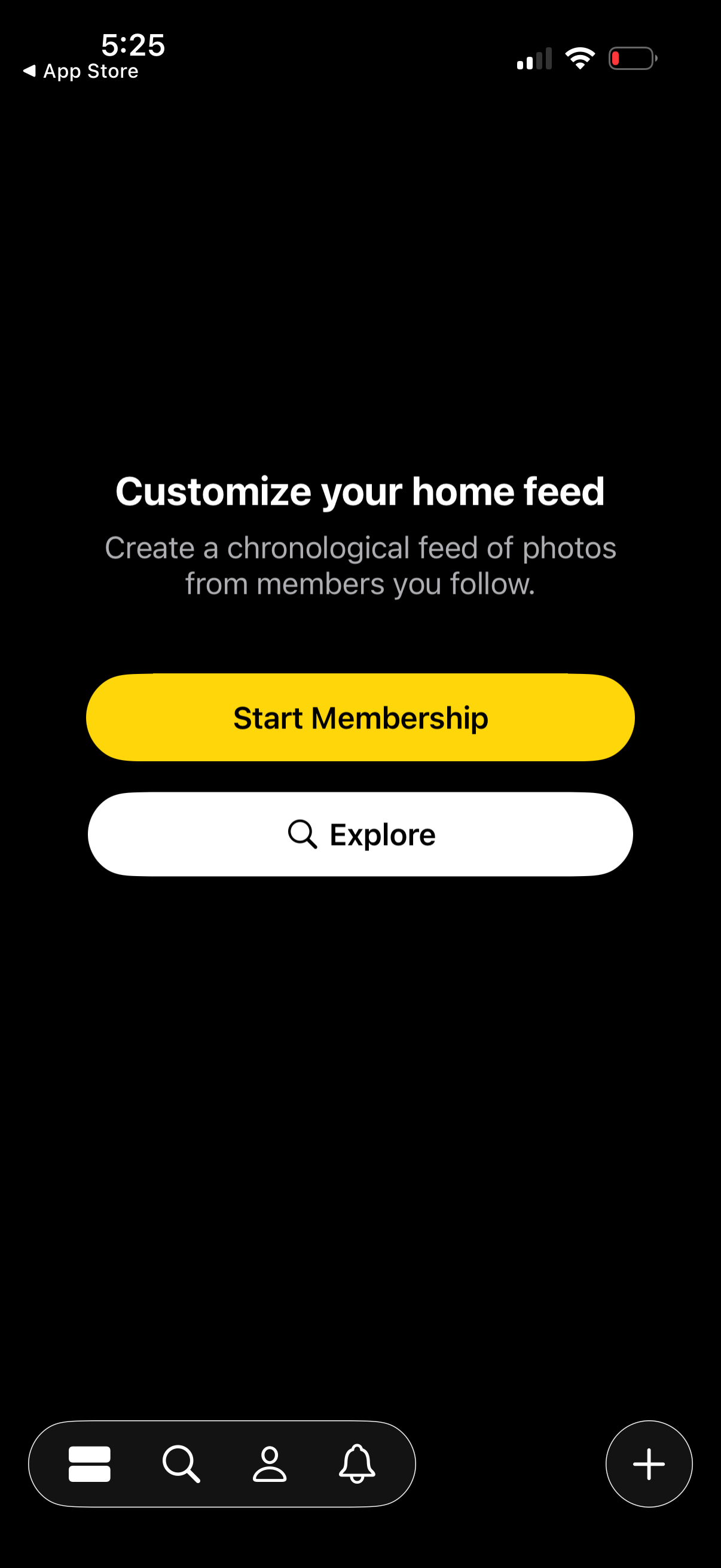
Membership upsell onboarding screen prompting users to customize their home photo feed into a chronological feed from followed members. Primary CTA is “Start Membership,” with a secondary “Explore” option and bottom navigation plus a floating add/create button.