Apple Health Permission
1

Permission onboarding screen prompting users to allow access to Apple Health data to enable personalized activity paths, workout logging, and fitness/well-being summaries. Includes a primary “Connect to Health” CTA and privacy disclaimer that health data stays on the device.
2

iOS Health Access permission screen prompting the user to allow a third-party app to access and update Health data, with individual toggles for specific data types, a “Turn On All” option, and primary actions to Allow or Don’t Allow.
3
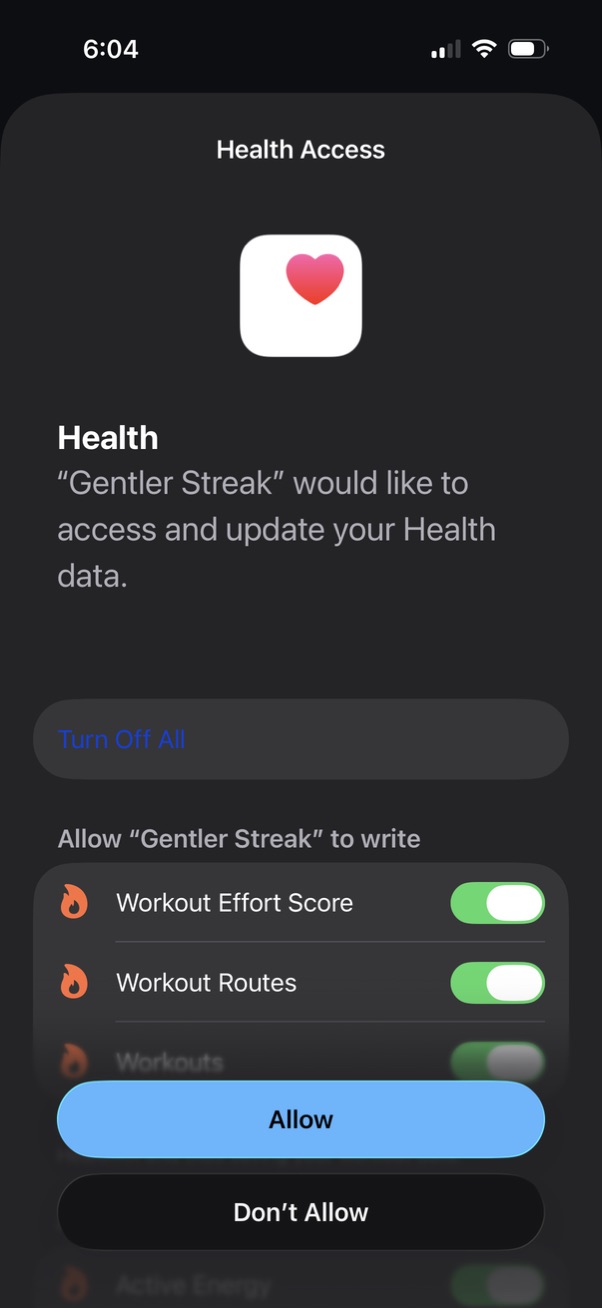
iOS Health Access permission screen asking to allow a third-party app to access and update Apple Health data, with granular toggles for specific write permissions (e. g.