Onboarding
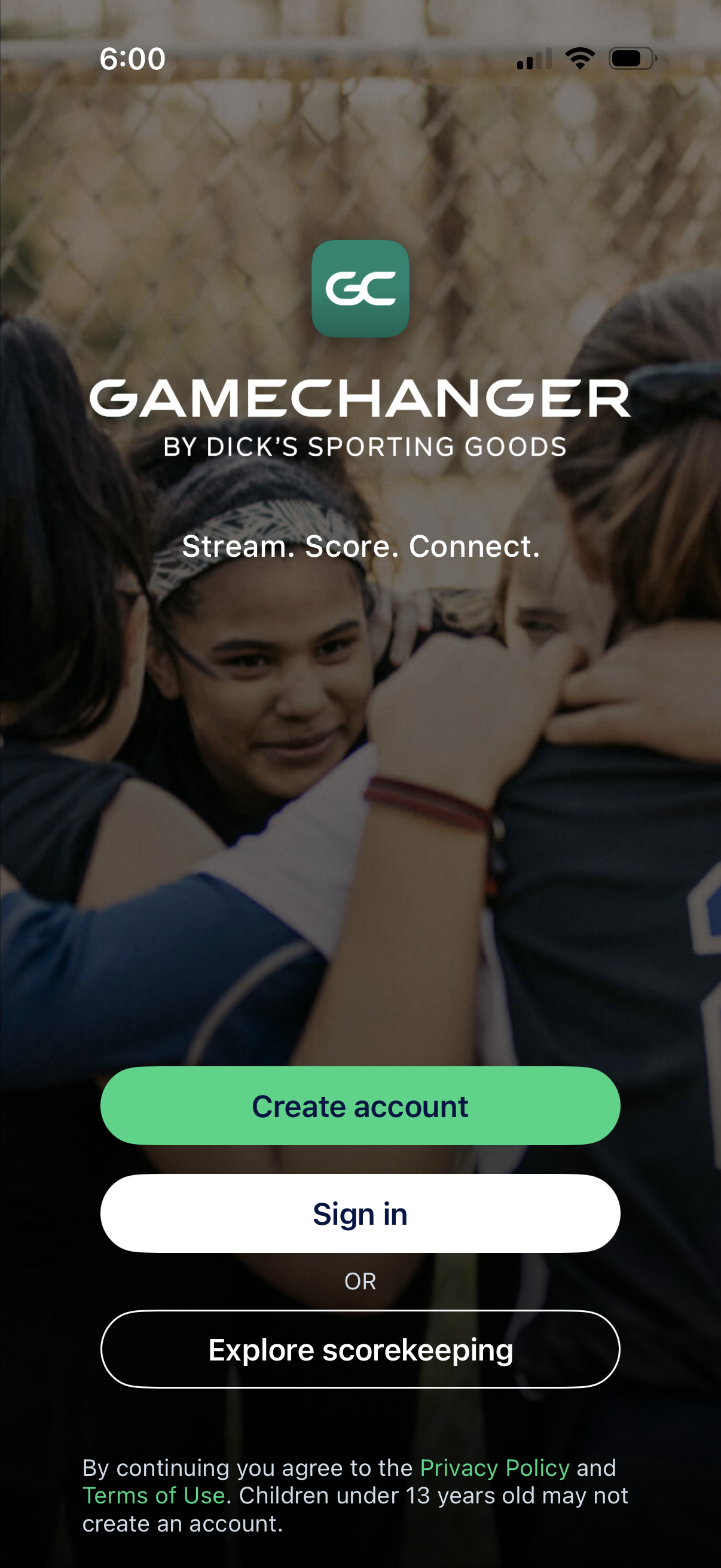
Welcome/onboarding screen for a sports scoring and streaming app with prominent authentication actions to create an account or sign in, plus an option to explore scorekeeping without logging in. Includes app branding, tagline, and links to privacy policy and terms of use.
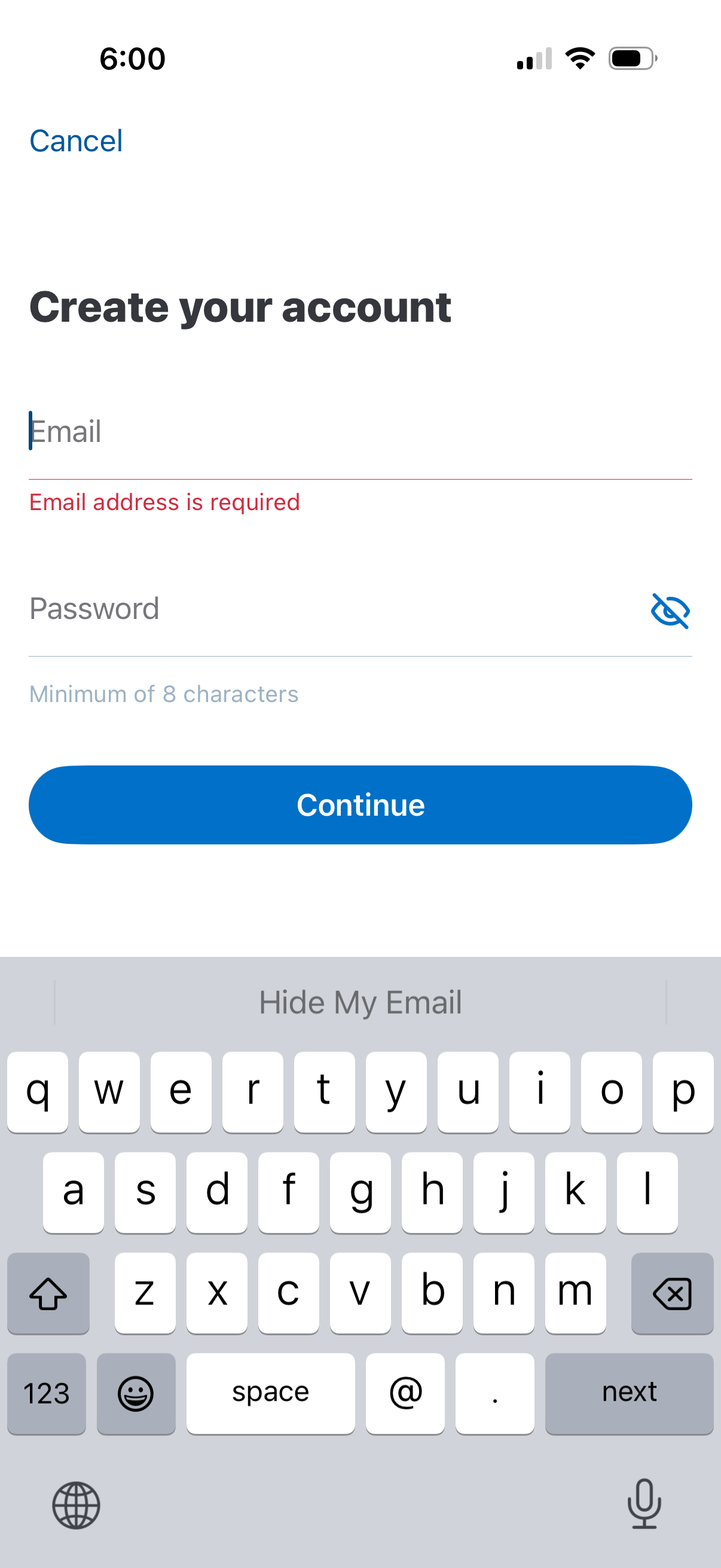
Account creation sign-up form with email and password fields, including a password visibility toggle and minimum length hint. Shows inline validation error for missing email and provides Cancel navigation and a primary Continue button to proceed.
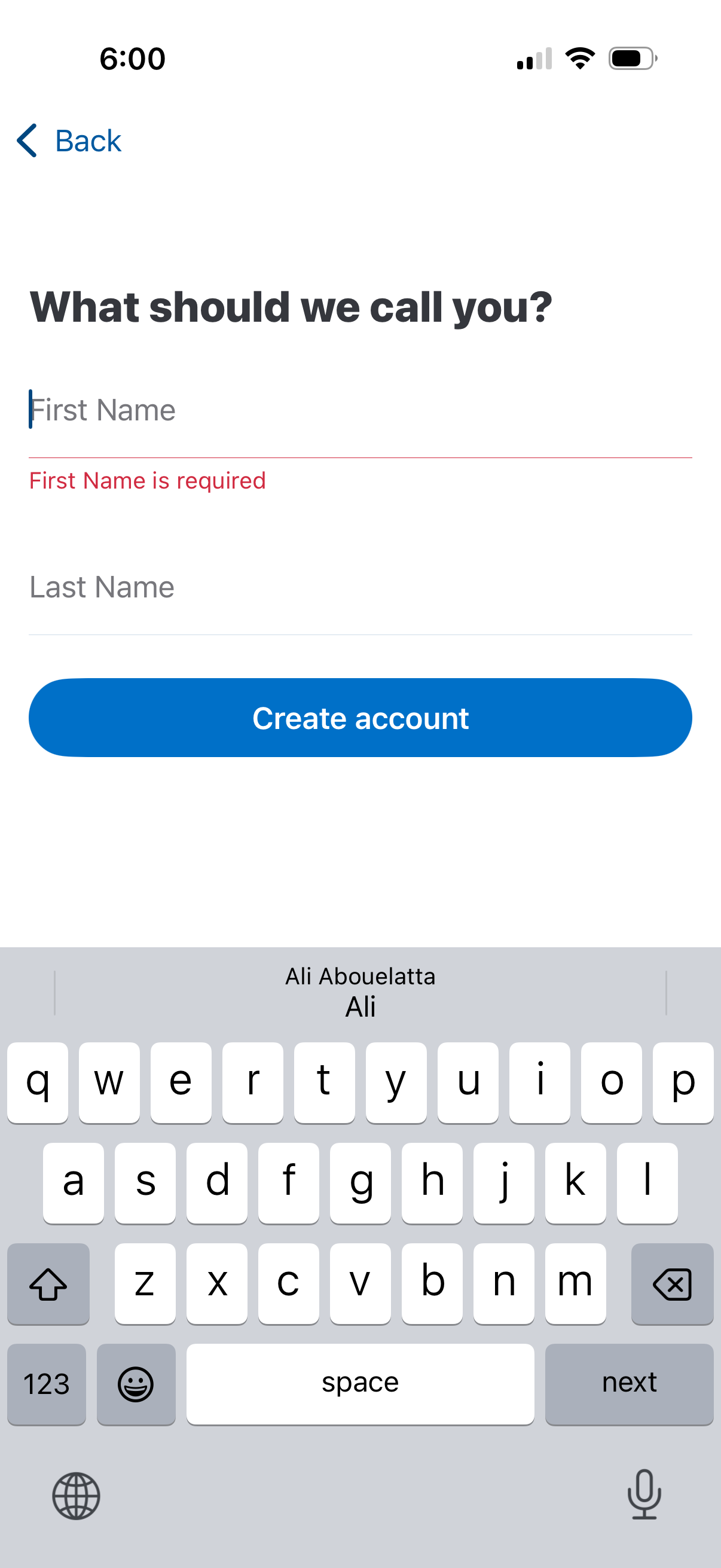
Account sign-up form screen asking “What should we call you? ” with first name and last name input fields, inline validation error for missing first name, and a primary “Create account” button with a back navigation option.
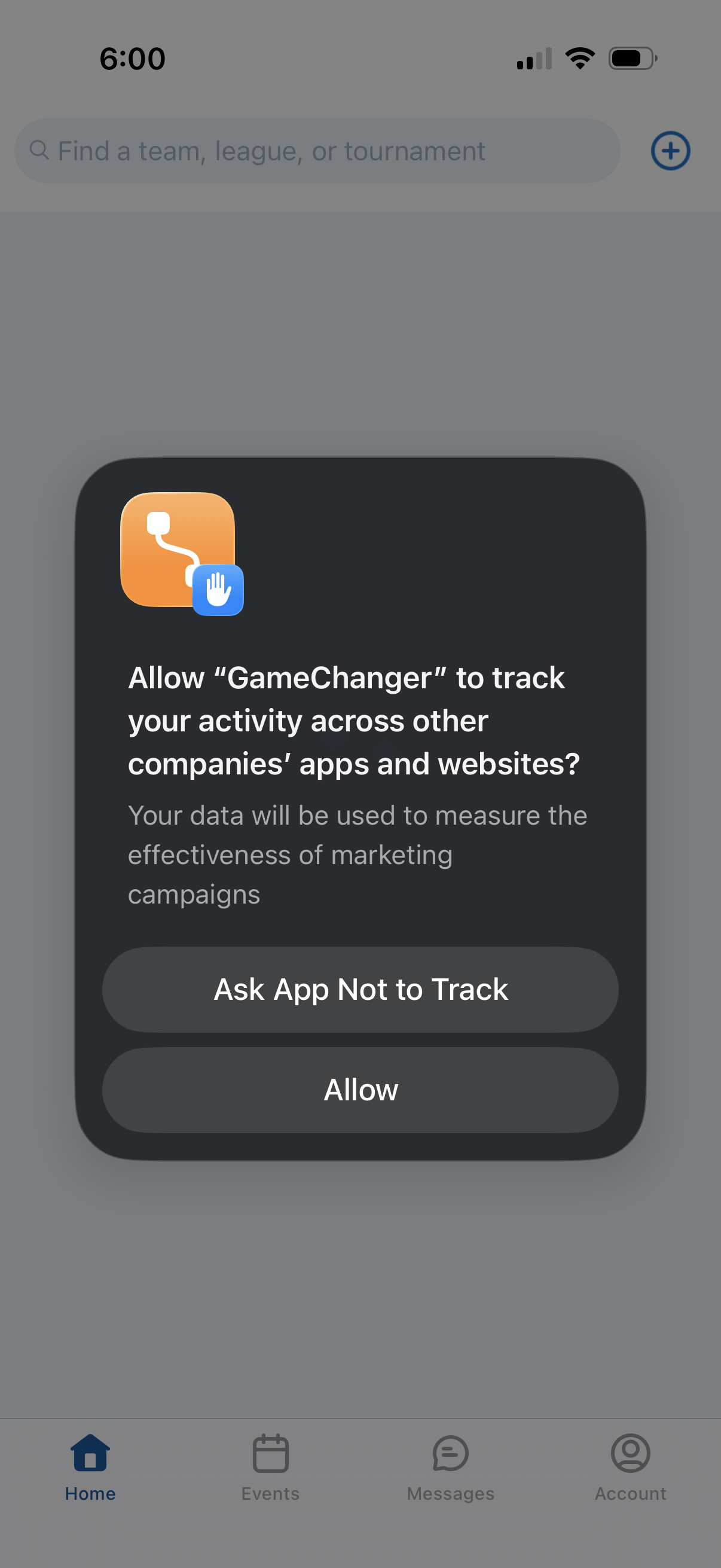
iOS App Tracking Transparency permission prompt asking whether to allow the app to track user activity across other apps and websites for marketing measurement. Provides two actions: “Ask App Not to Track” or “Allow,” displayed over the app’s home screen.
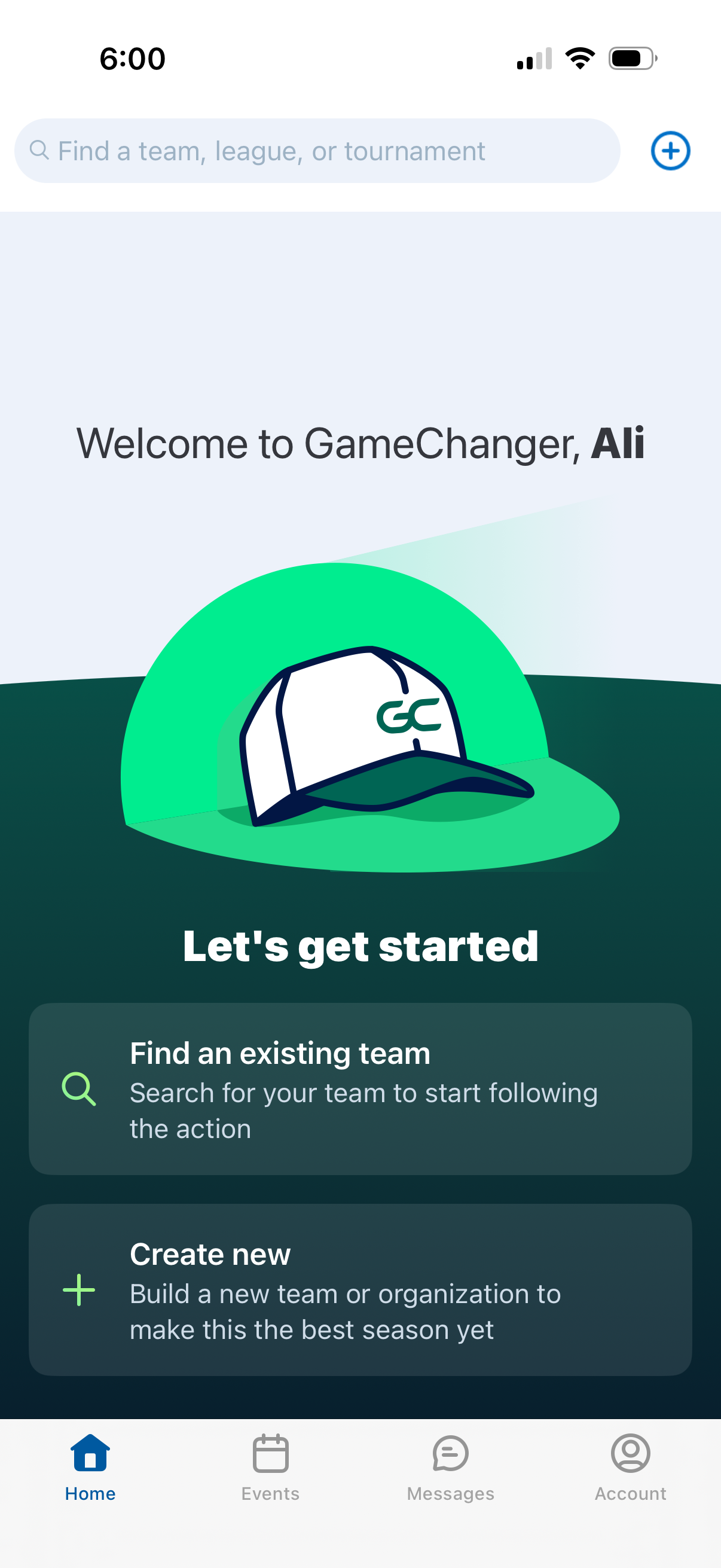
Sports team management app home/onboarding screen with a search bar to find a team, league, or tournament and a plus button to add/create. Primary actions include finding an existing team to follow or creating a new team/organization, with bottom navigation for Home, Events, Messages, and Account.