
Travel and hospitality home screen with a top search bar for destinations, menu and chat icons, and a welcome prompt to sign in or create a profile for a personalized experience. Large promotional card highlights “Hotels & Resorts” with primary actions to Book Now or Discover.
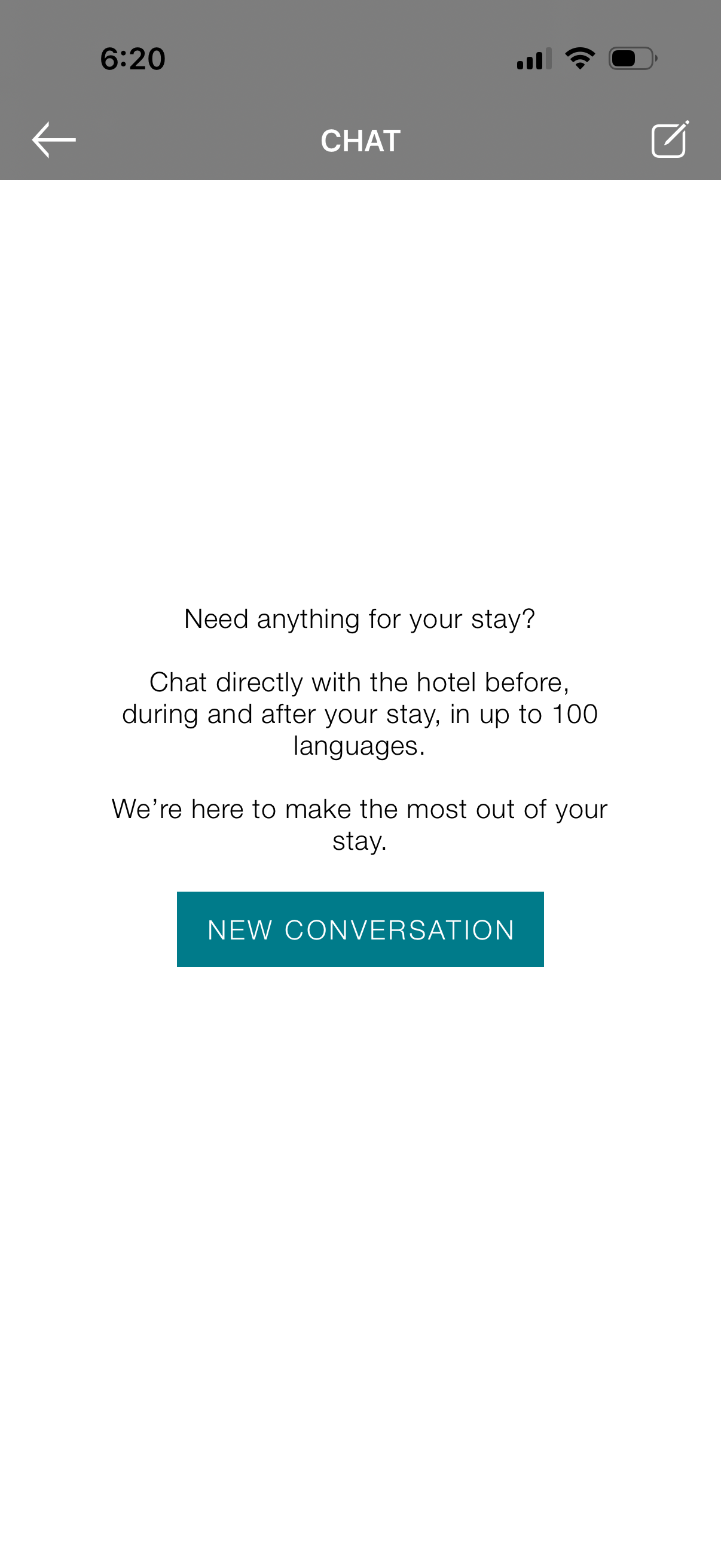
Hotel booking app chat screen introducing in-app messaging with the hotel for requests before, during, and after a stay, with multilingual support. Primary call to action is a “New Conversation” button to start a customer support thread, with back navigation and compose icon in the header.
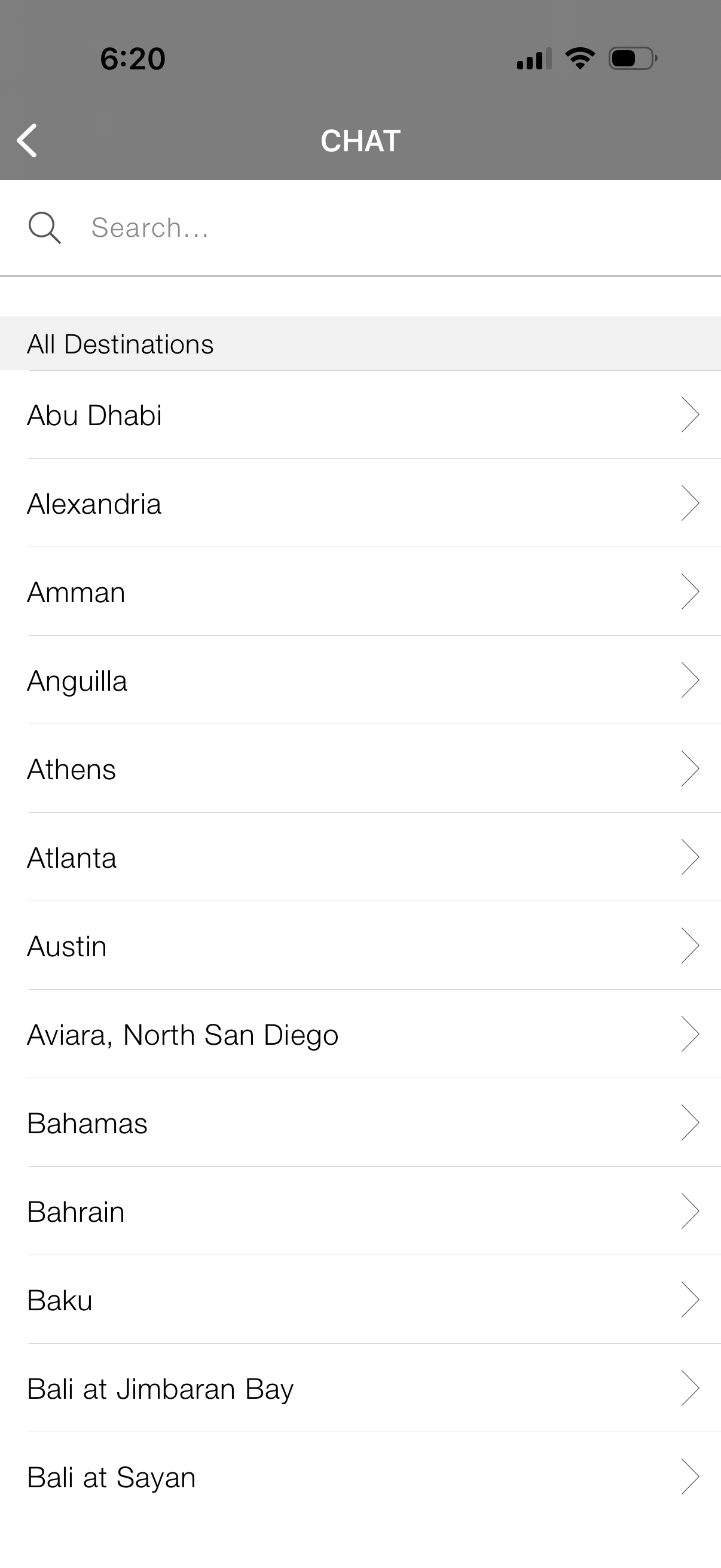
Chat screen with a search bar and a scrollable alphabetical list of destinations/locations, each row tappable to open a destination-specific conversation. Includes an “All Destinations” section for browsing and selecting where to chat.
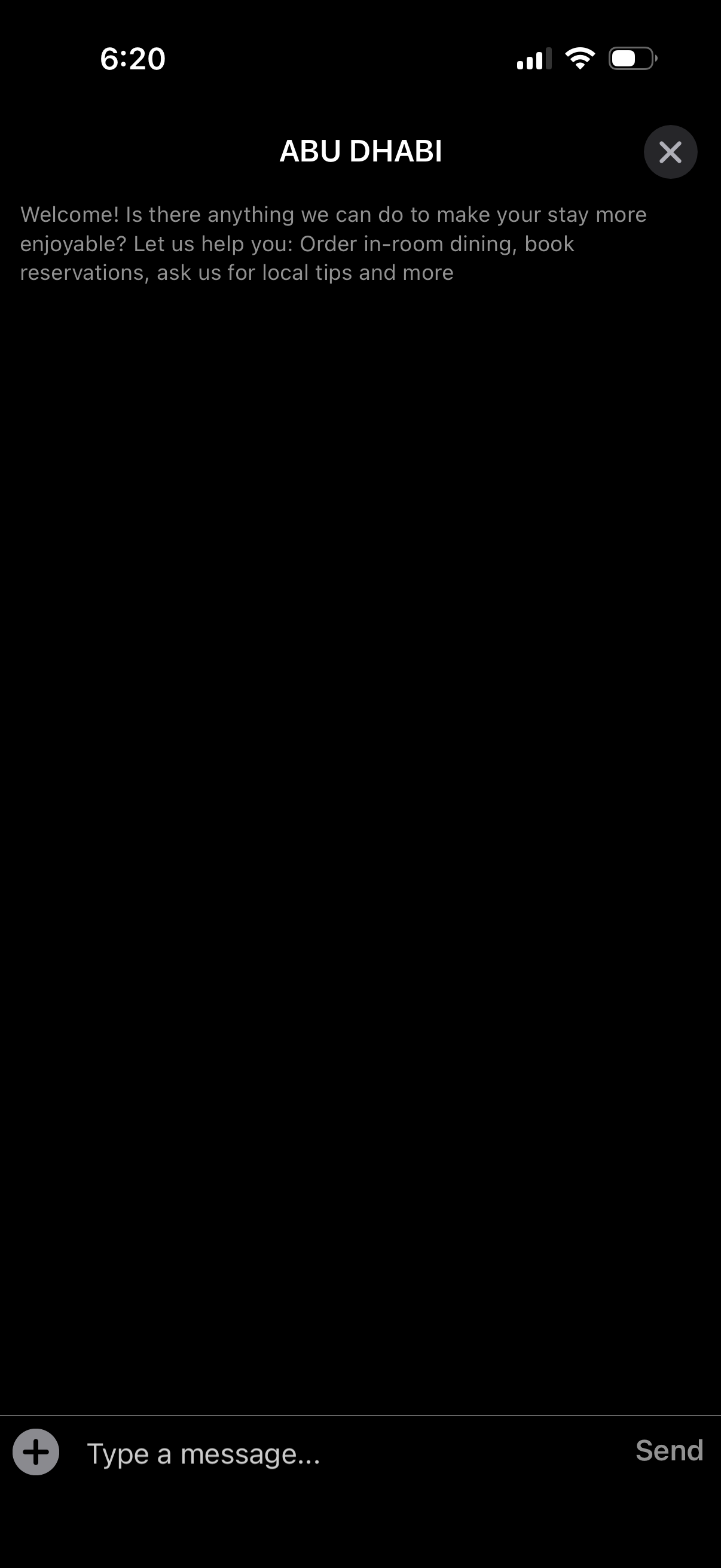
In-app hotel concierge chat screen for a specific location, showing a welcome message about available services like in-room dining, booking reservations, and local tips. Users can type and send messages via a text input with send button, with an option to close the chat.