
Dark splash/loading screen for a sports scores app, showing the centered FotMob logo on a black background while the app launches.
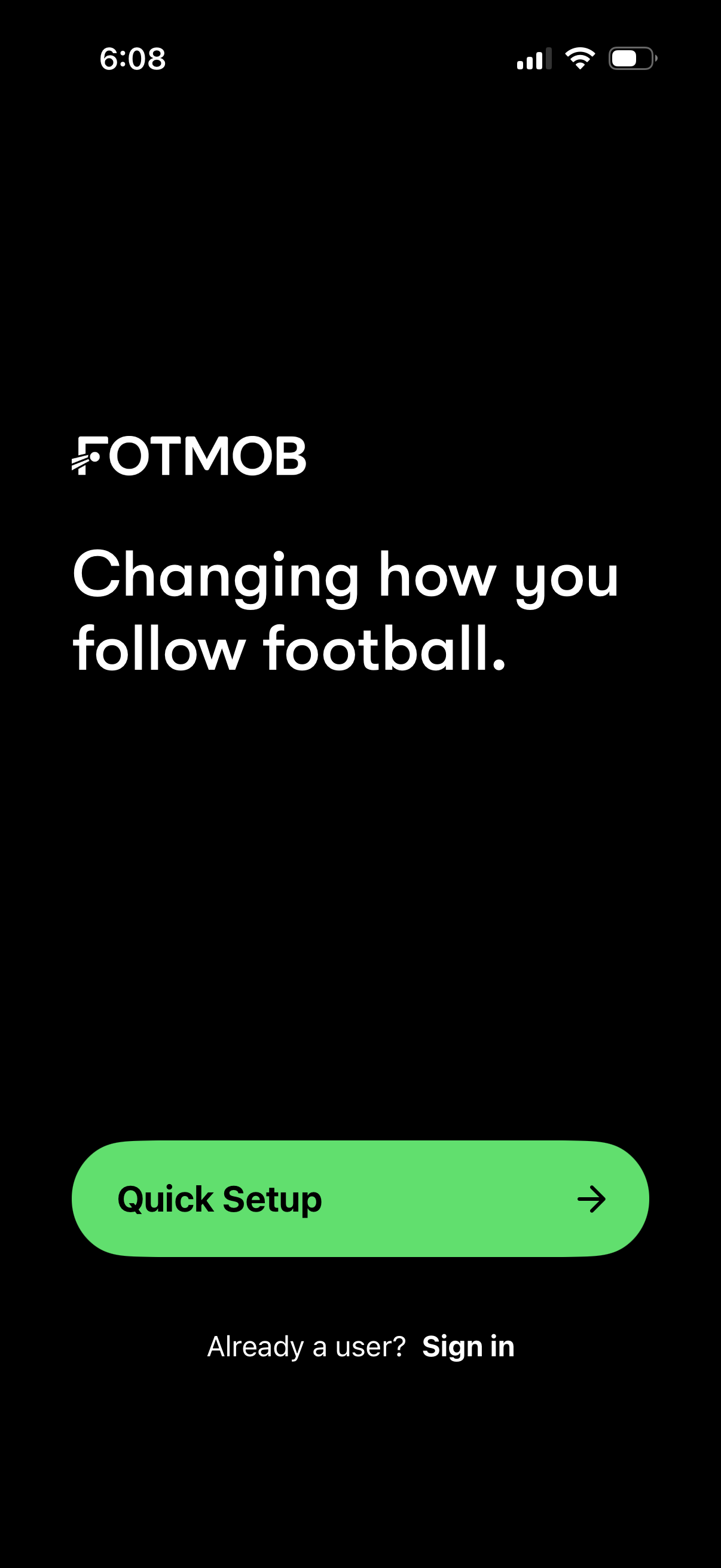
App welcome/onboarding landing screen for a football scores and tracking app with a tagline, a primary “Quick Setup” button to start onboarding, and a secondary “Already a user? Sign in” link for returning users.
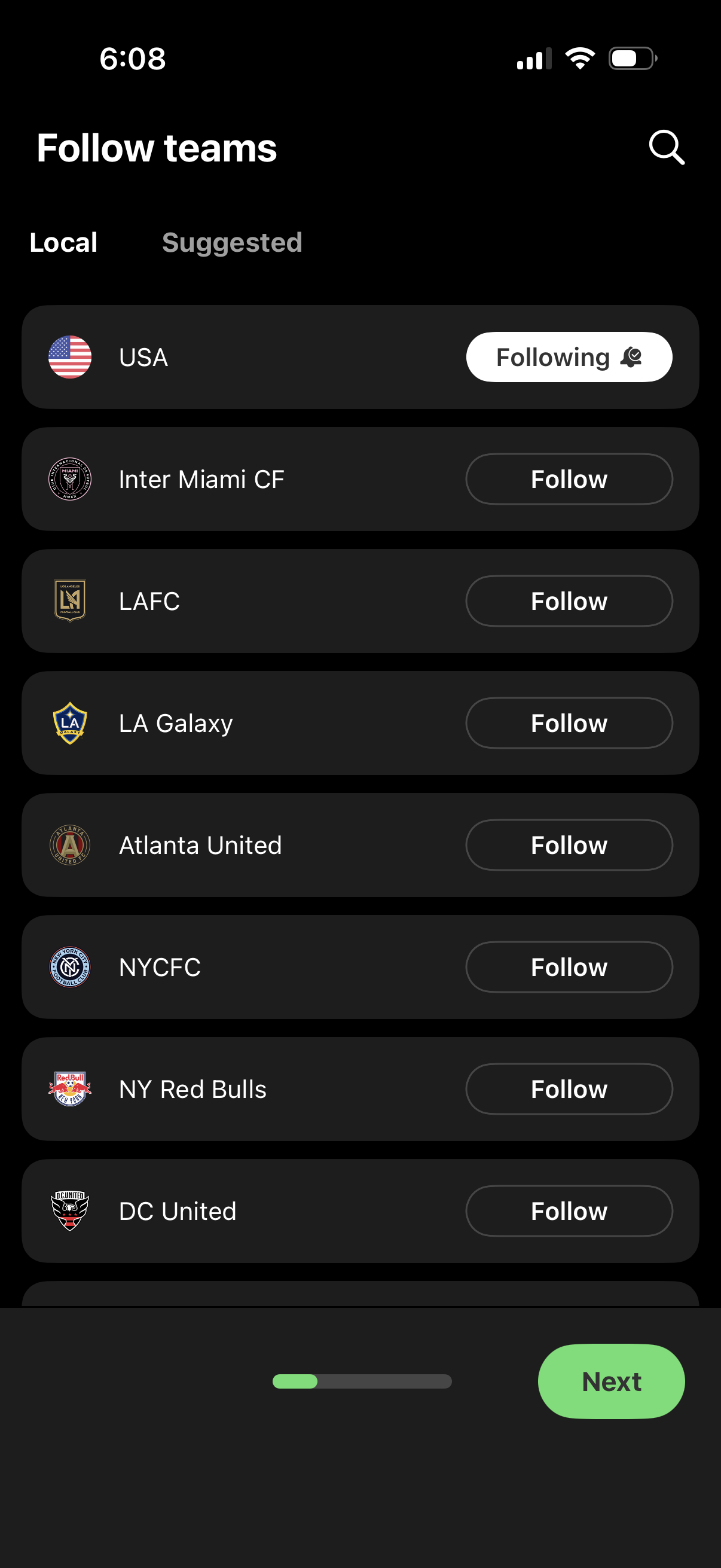
Sports onboarding screen for choosing teams to follow, showing Local and Suggested tabs with a searchable list of clubs and national teams. Each row has a logo and a Follow/Following toggle, with a progress indicator and a prominent Next button to continue.
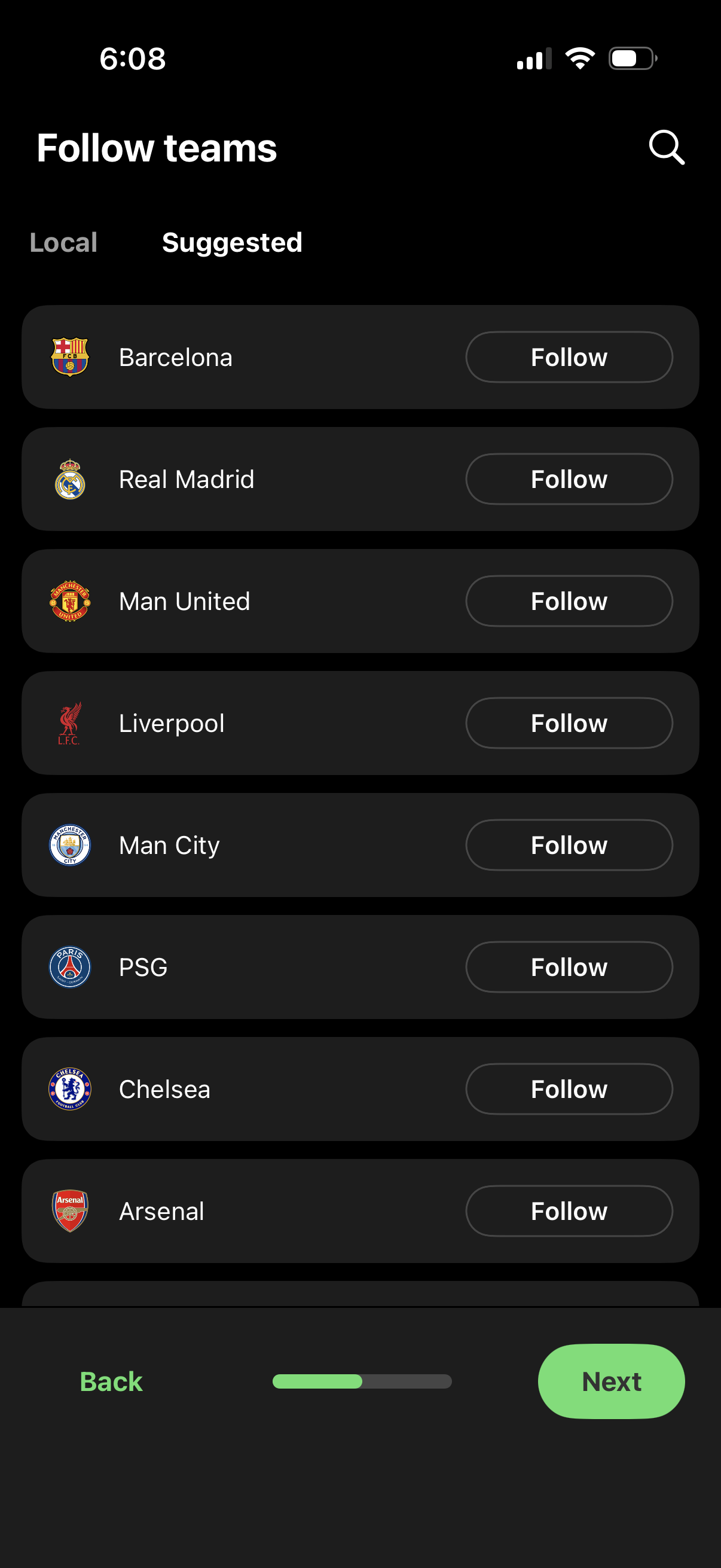
Onboarding screen to follow sports teams, showing a suggested list of clubs with logos and a “Follow” button for each item. Includes Local/Suggested tabs, a search icon to find teams, and bottom navigation with Back and Next to continue setup.
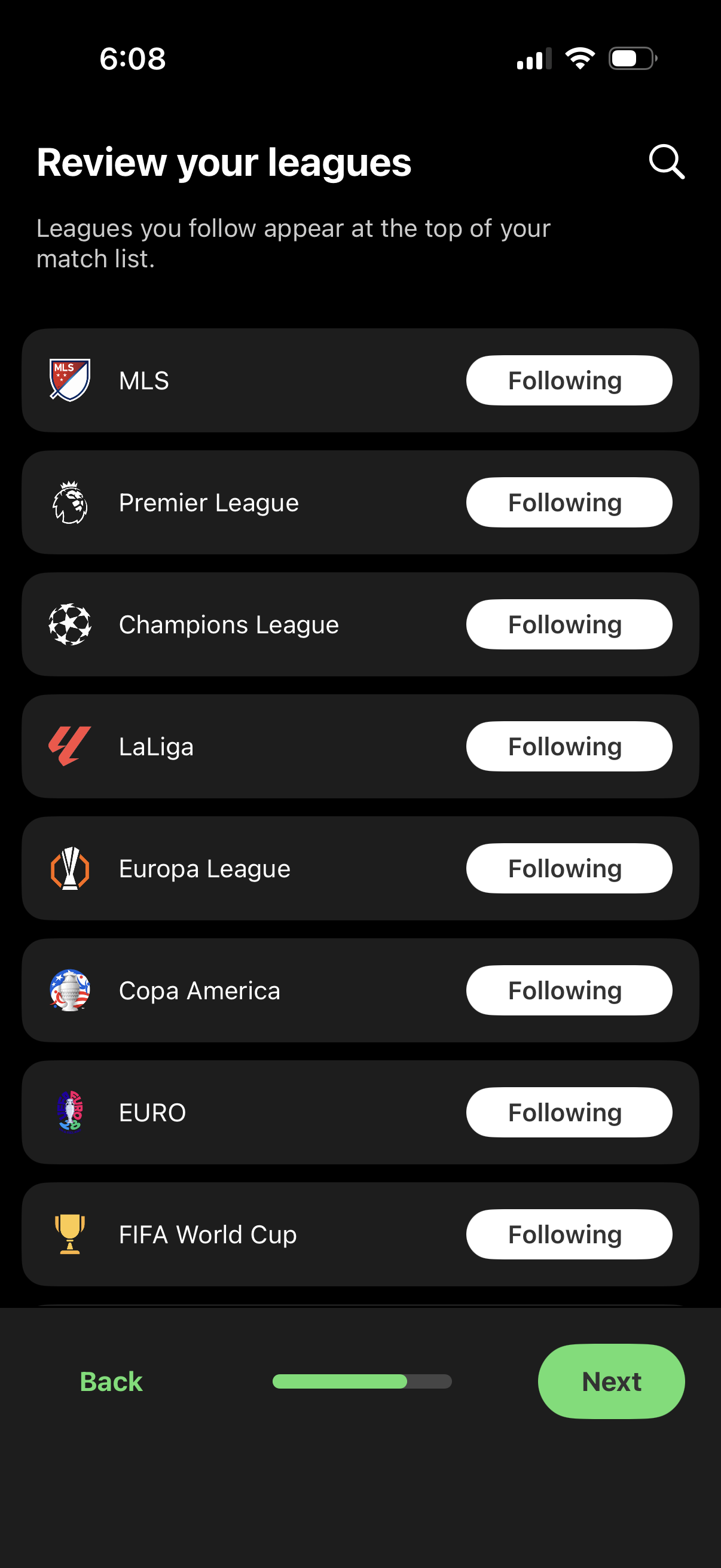
Screen for reviewing and managing followed soccer/football leagues, showing a scrollable list of leagues with logos and a “Following” toggle button for each. Includes a search icon to find leagues and bottom navigation actions for Back and Next in an onboarding/preferences flow.
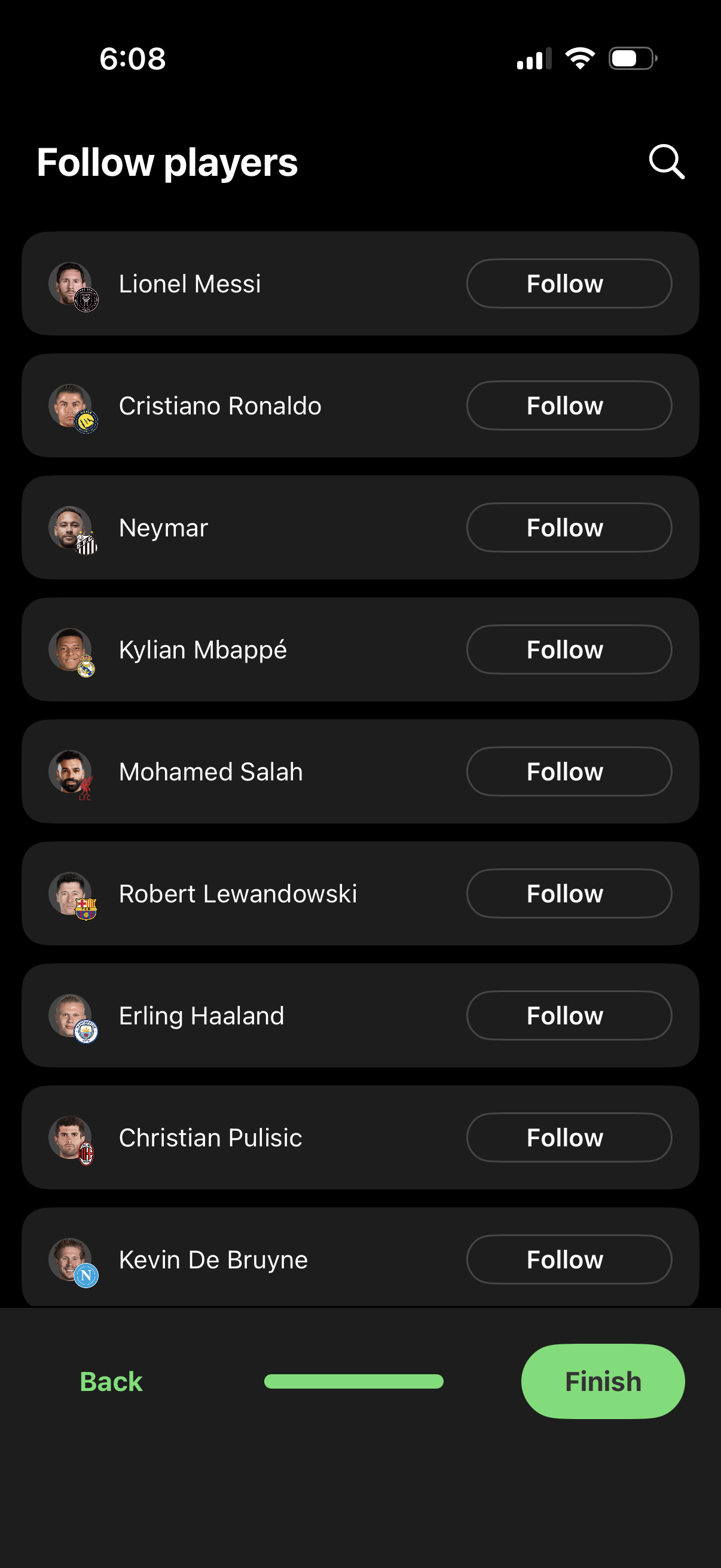
Player discovery screen prompting users to follow popular athletes, showing a scrollable list of player profiles with avatar, name, and a “Follow” button for each. Includes a search icon to find players plus onboarding navigation with Back and Finish actions.
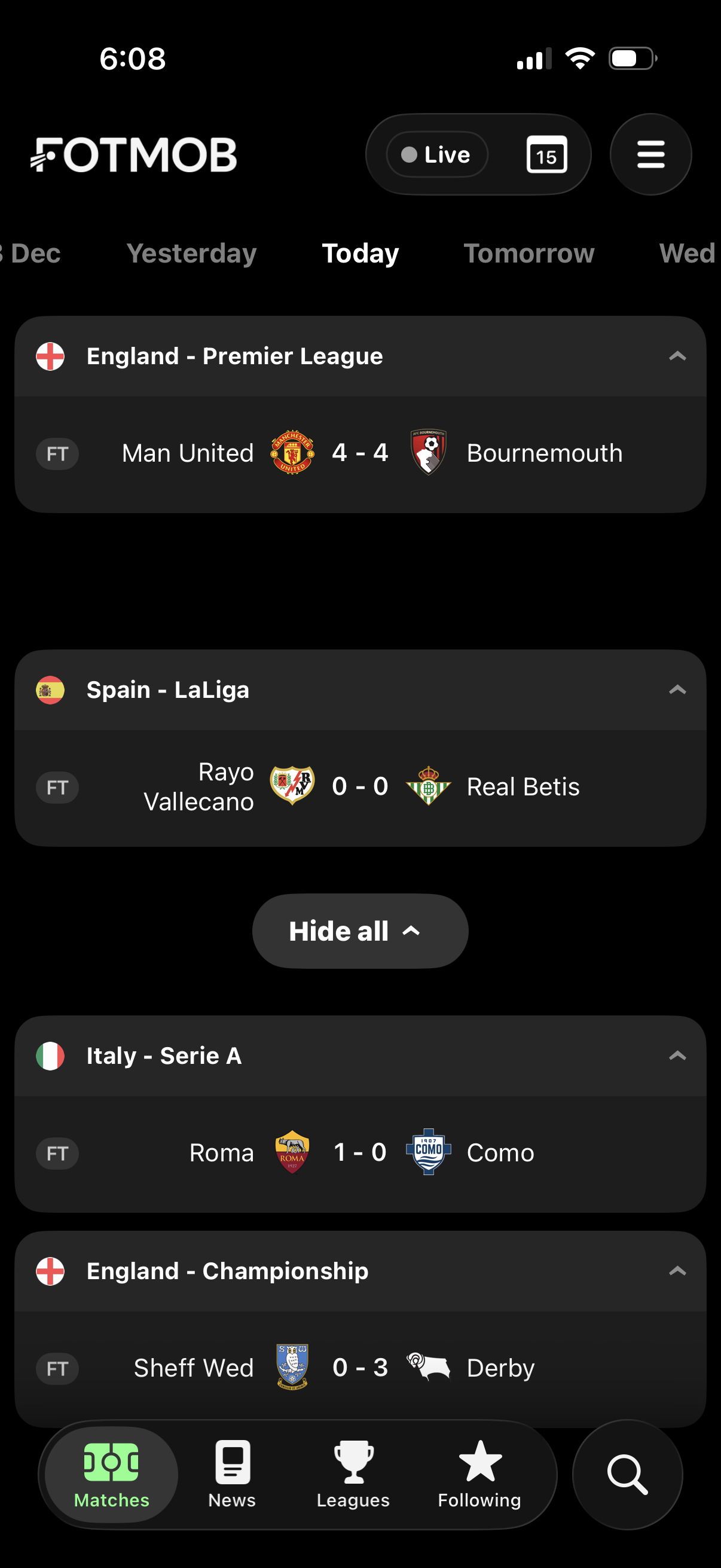
Football scores and fixtures home screen showing today’s matches grouped by league, with expandable league sections displaying team logos, final-time status, and match results. Users can switch between dates (yesterday/today/tomorrow), filter to live games, and navigate via bottom tabs for matches, news, leagues, following, and search.
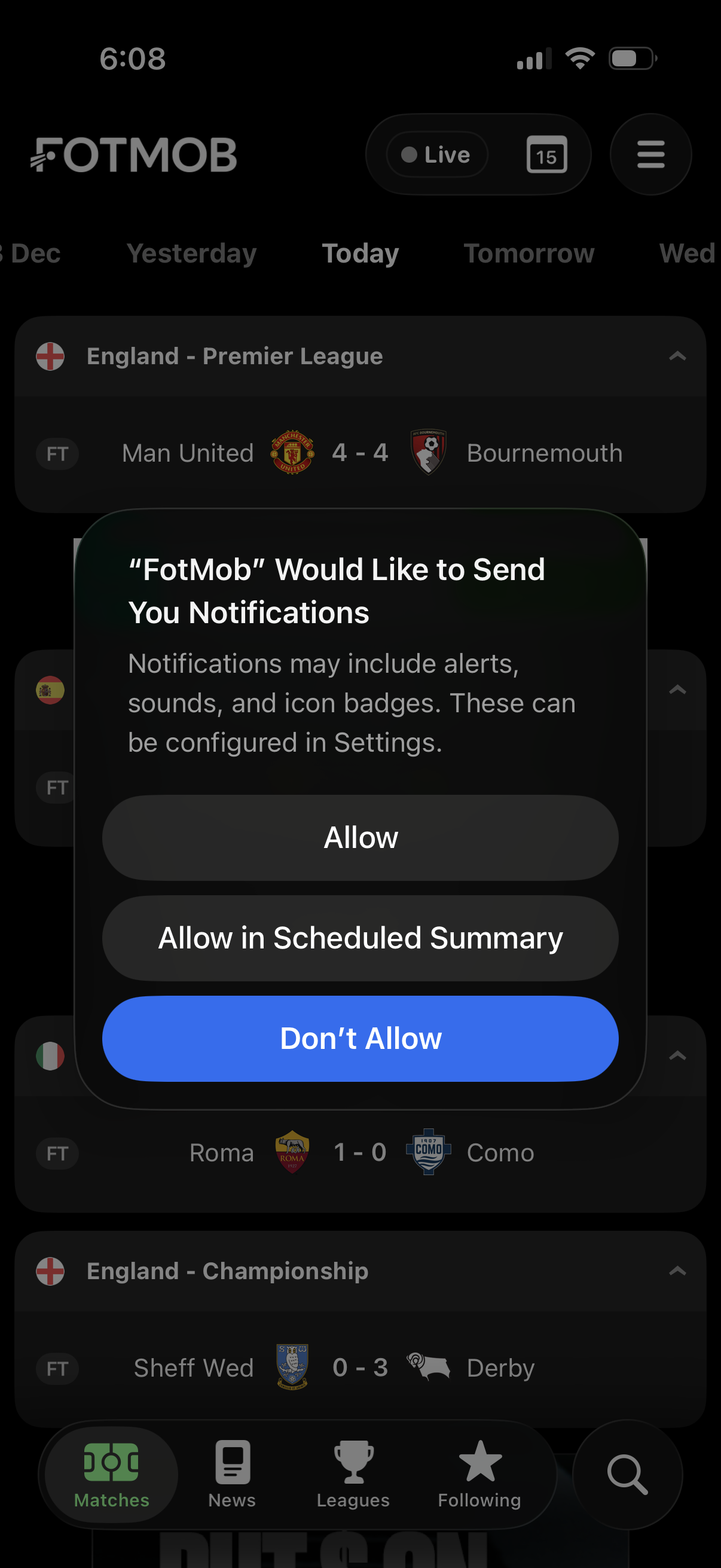
A sports scores app matches feed screen with a date tab bar (Yesterday/Today/Tomorrow) and grouped league sections listing football match results and scores. An iOS system permission modal prompts the user to enable push notifications with options to Allow, Allow in Scheduled Summary, or Don’t Allow.
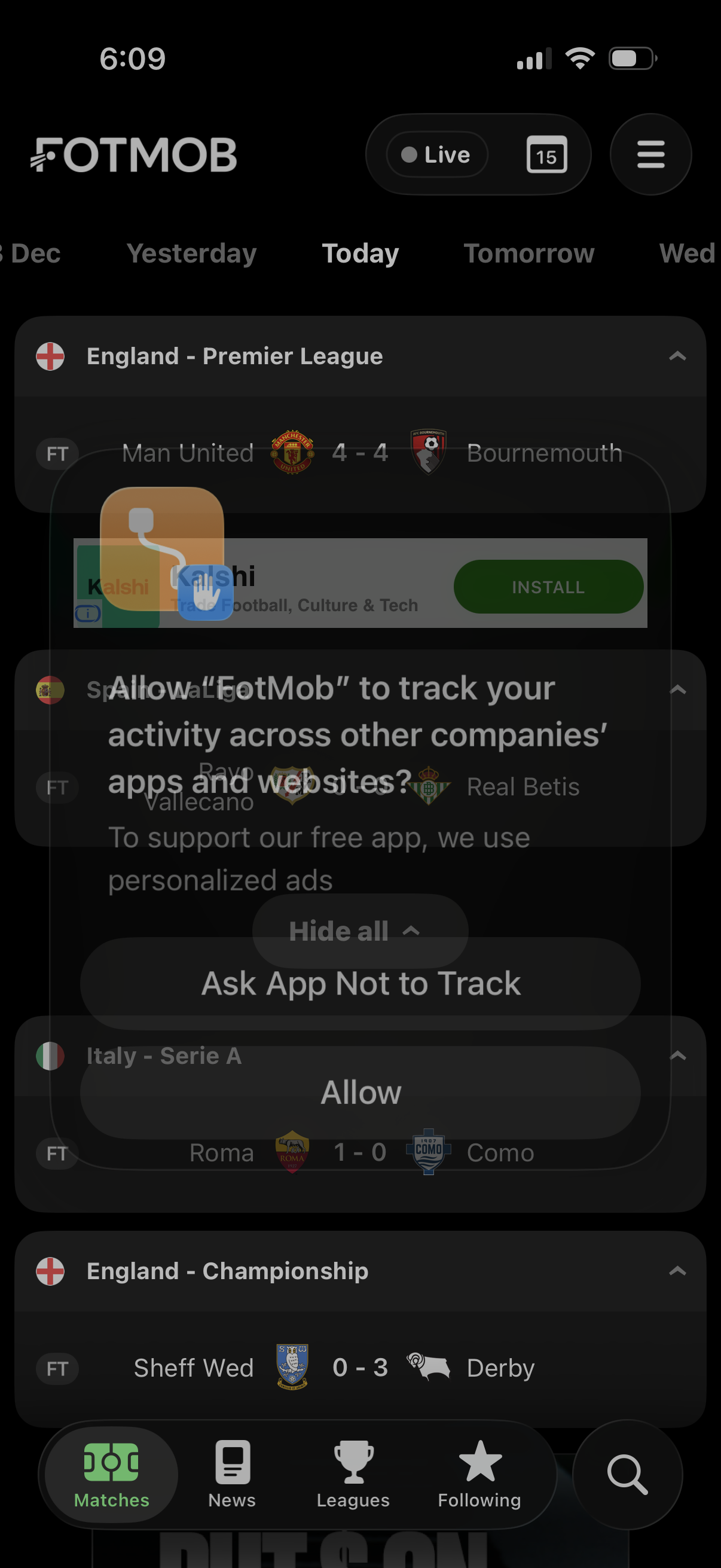
Soccer scores app match list for “Today,” showing league sections with final/live status and match results, plus tabs for matches, news, leagues, and following and a search/menu. An iOS App Tracking Transparency permission modal overlays the screen asking to allow tracking with options to Allow or Ask App Not to Track.
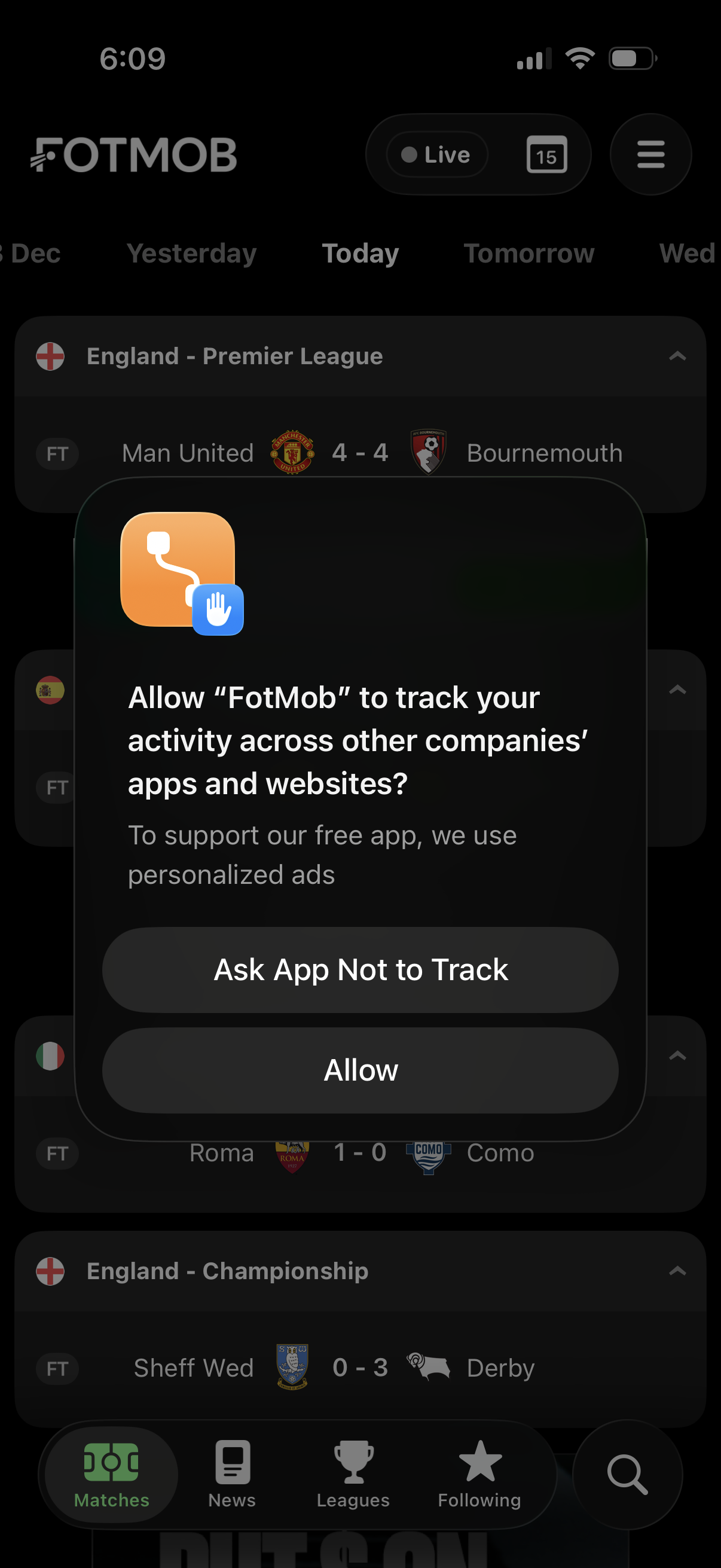
iOS App Tracking Transparency permission popup asking whether to allow the app to track activity across other companies’ apps and websites for personalized ads, with actions to “Ask App Not to Track” or “Allow,” shown over a sports scores/matches feed.