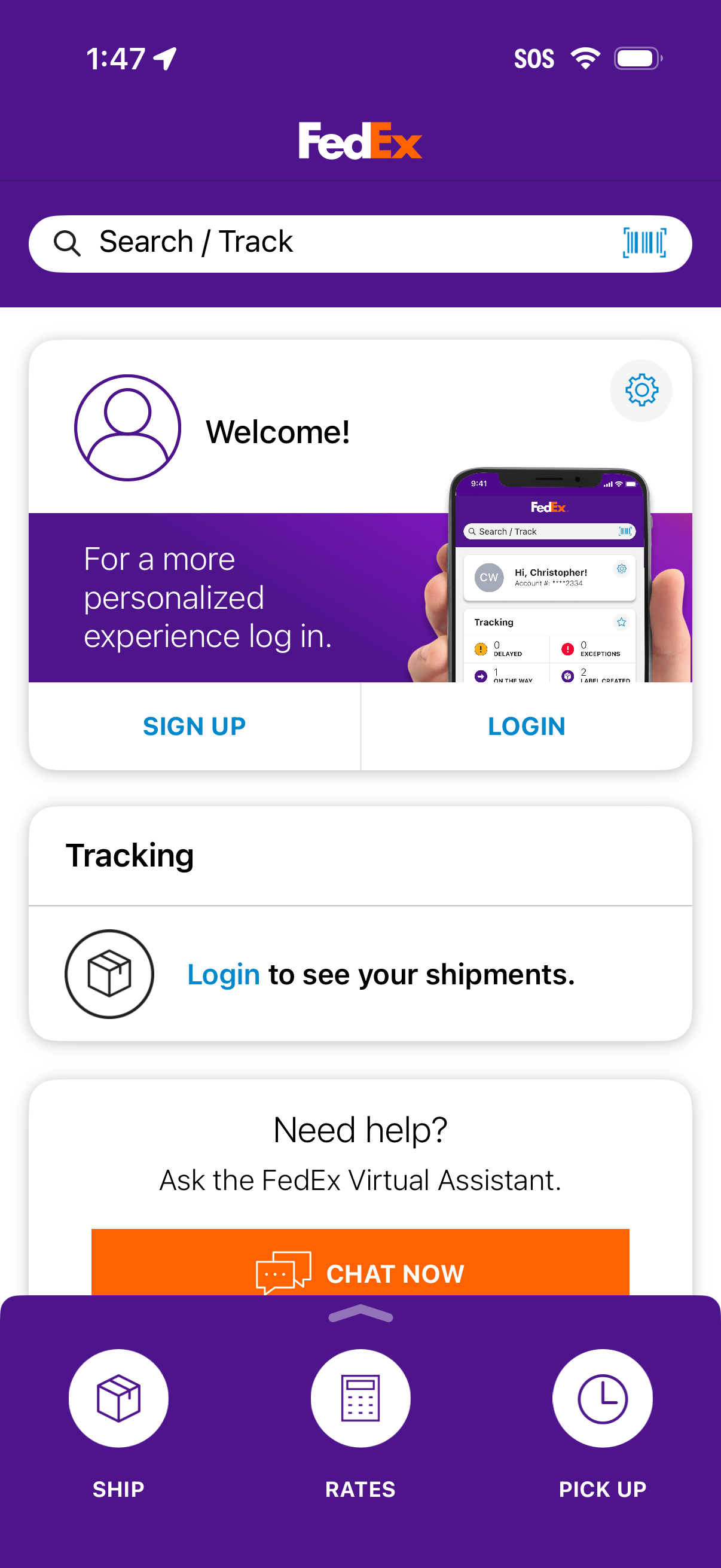
FedEx app home screen with a Search/Track bar (including barcode scanner) and prompts to sign up or log in to view shipments and tracking. Includes a help section to chat with a virtual assistant and a bottom navigation for Ship, Rates, and Pick Up.
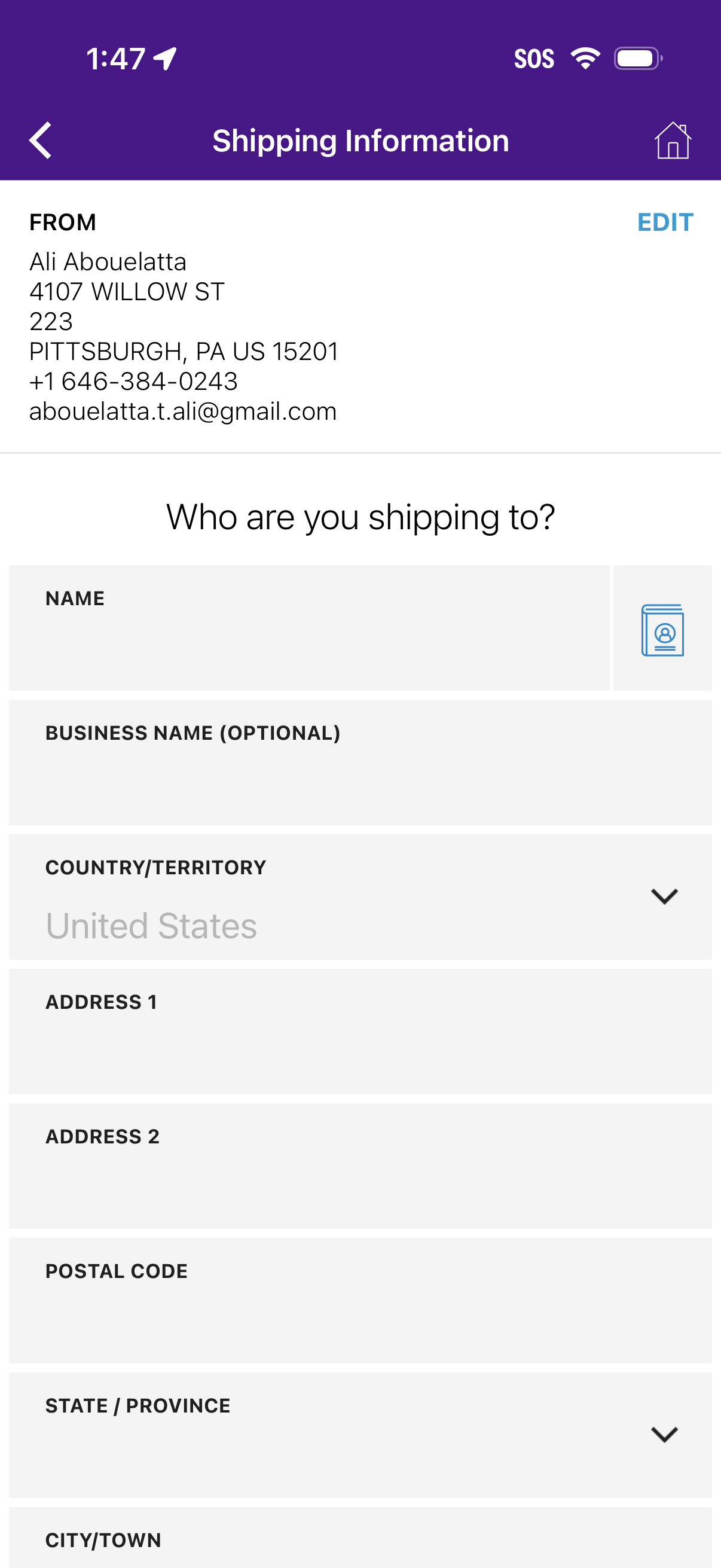
Shipping information form for entering the recipient’s delivery address, including name, optional business name, country/territory dropdown, street address lines, postal code, state/province selector, and city/town. The screen also shows the sender “From” address summary with an Edit action, plus navigation back and home.
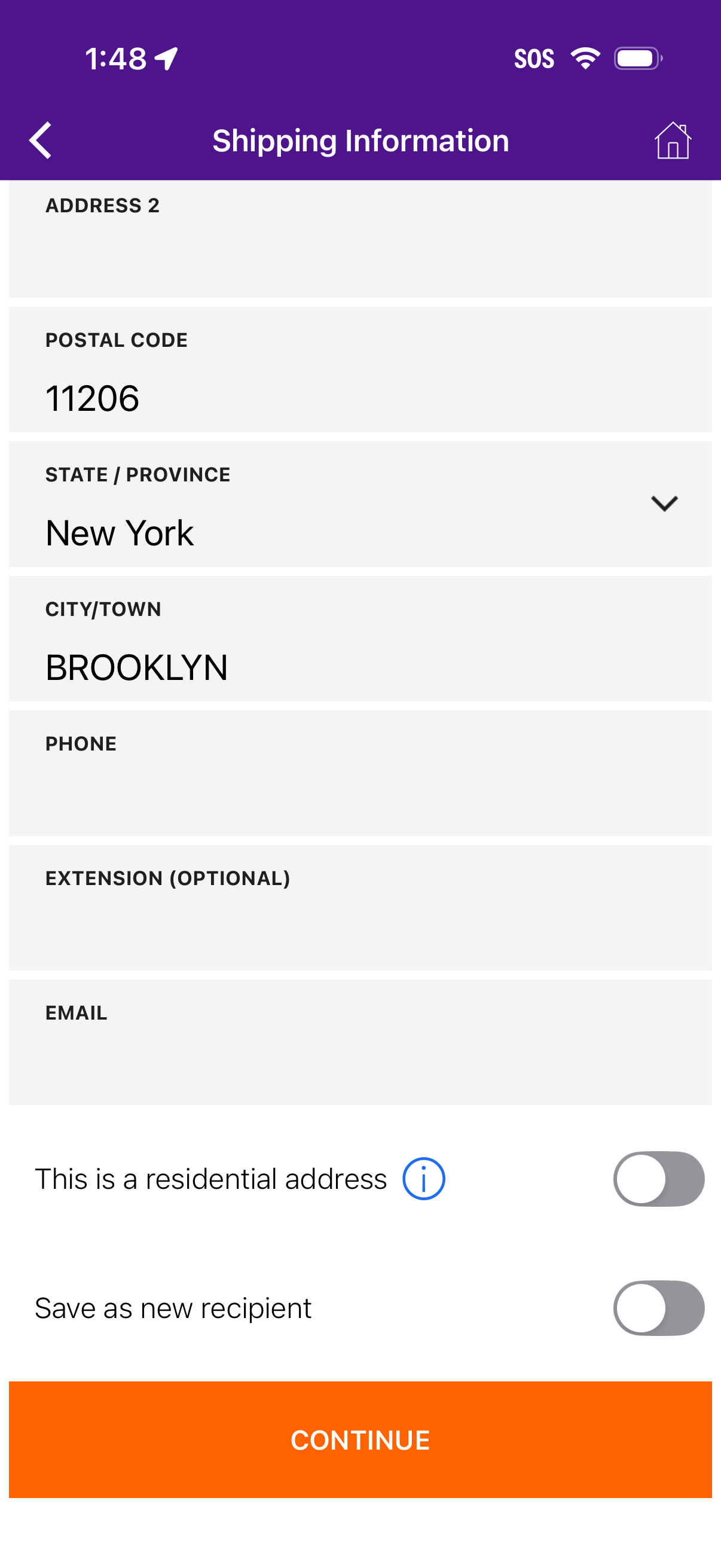
Checkout shipping information form for entering recipient address details, including postal code, state/province dropdown, city, phone, extension (optional), and email. Includes toggles to mark the address as residential and save as a new recipient, with a primary Continue button to proceed.
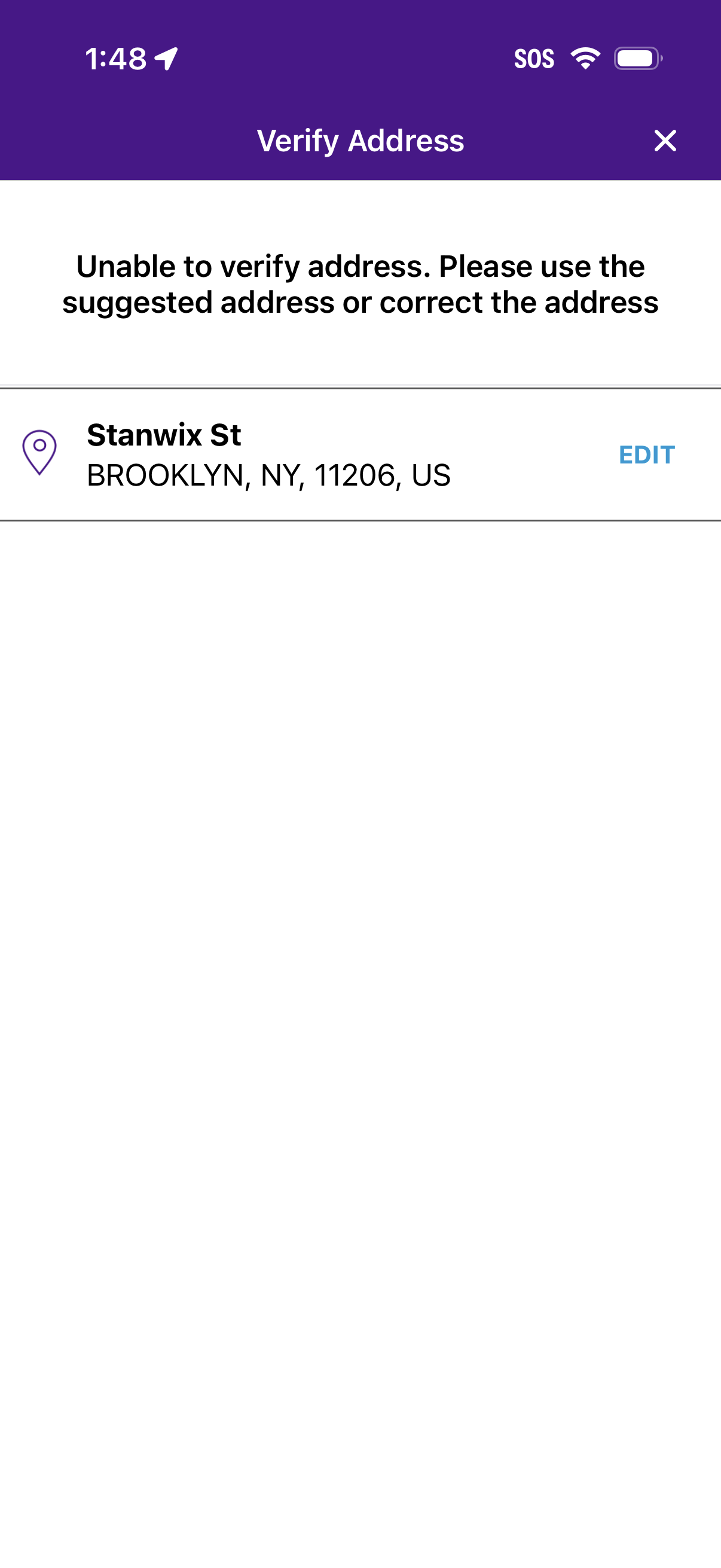
Address verification error screen informing the user the entered address can’t be verified and prompting them to use the suggested address or correct it. Displays the current address with an Edit action and a close (X) option to dismiss.
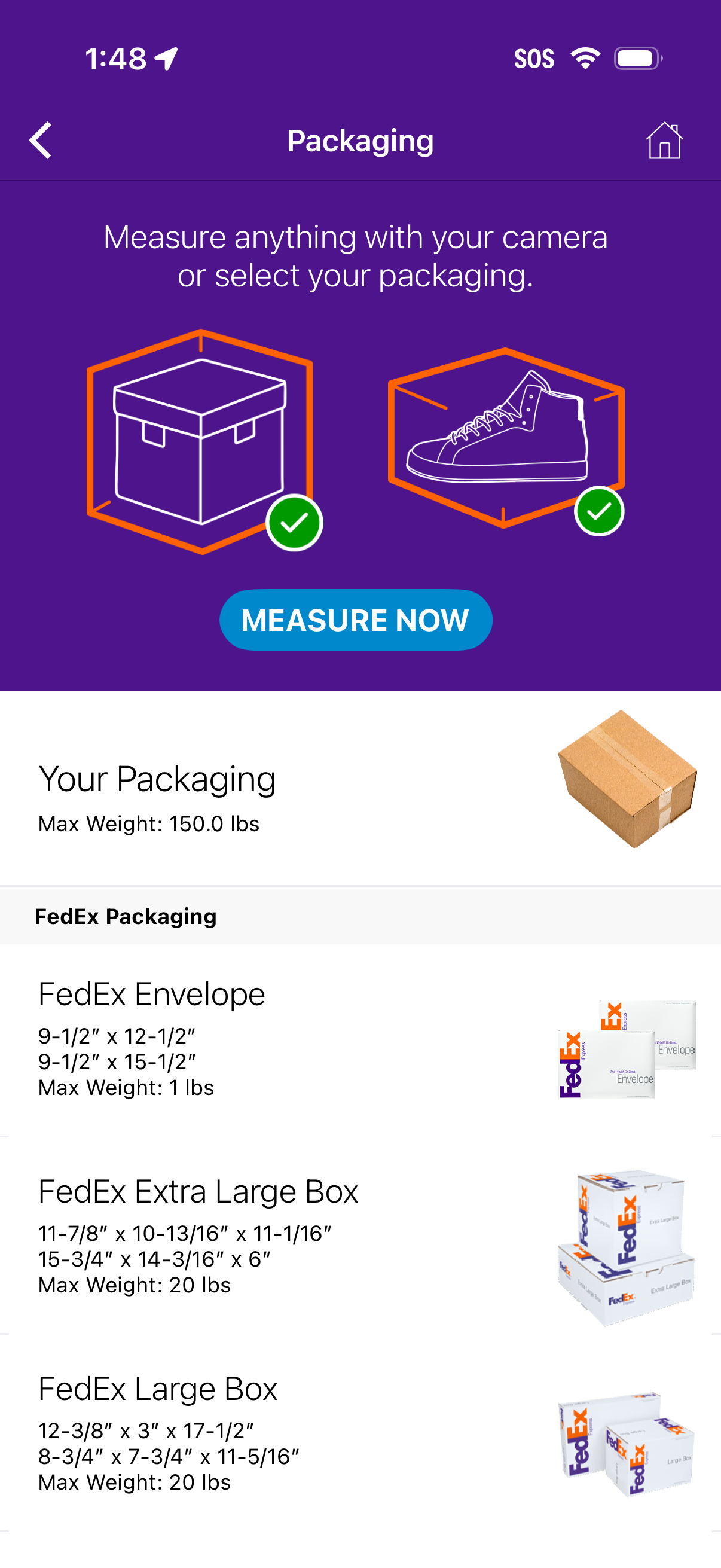
Shipping packaging selection screen that lets users measure an item with the camera or choose a packaging type, with a primary “Measure Now” CTA. Below, a scrollable list of packaging options (e.
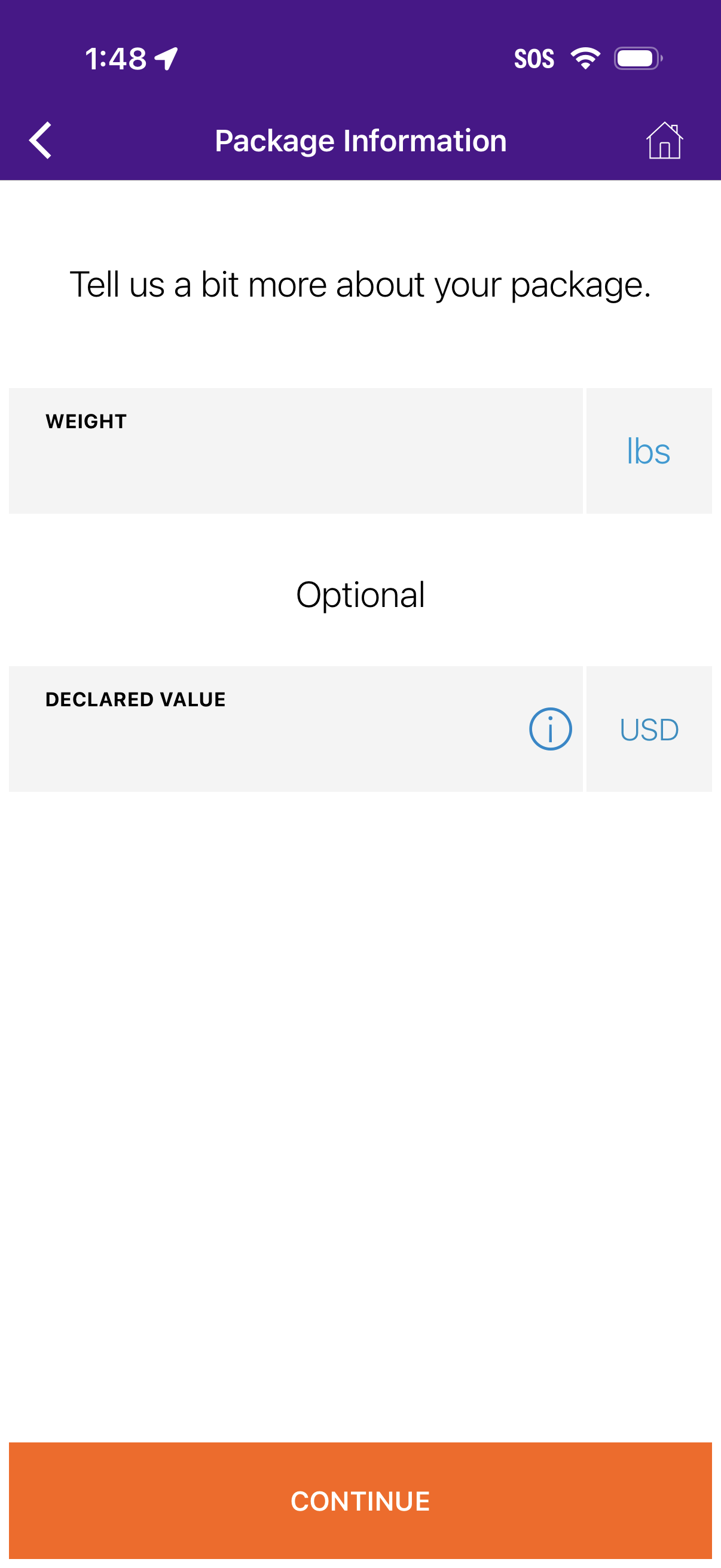
Package information form screen for shipping, prompting the user to enter the package weight in lbs and optionally a declared value in USD with an info tooltip. Includes back and home navigation and a prominent Continue button to proceed in the shipment creation flow.
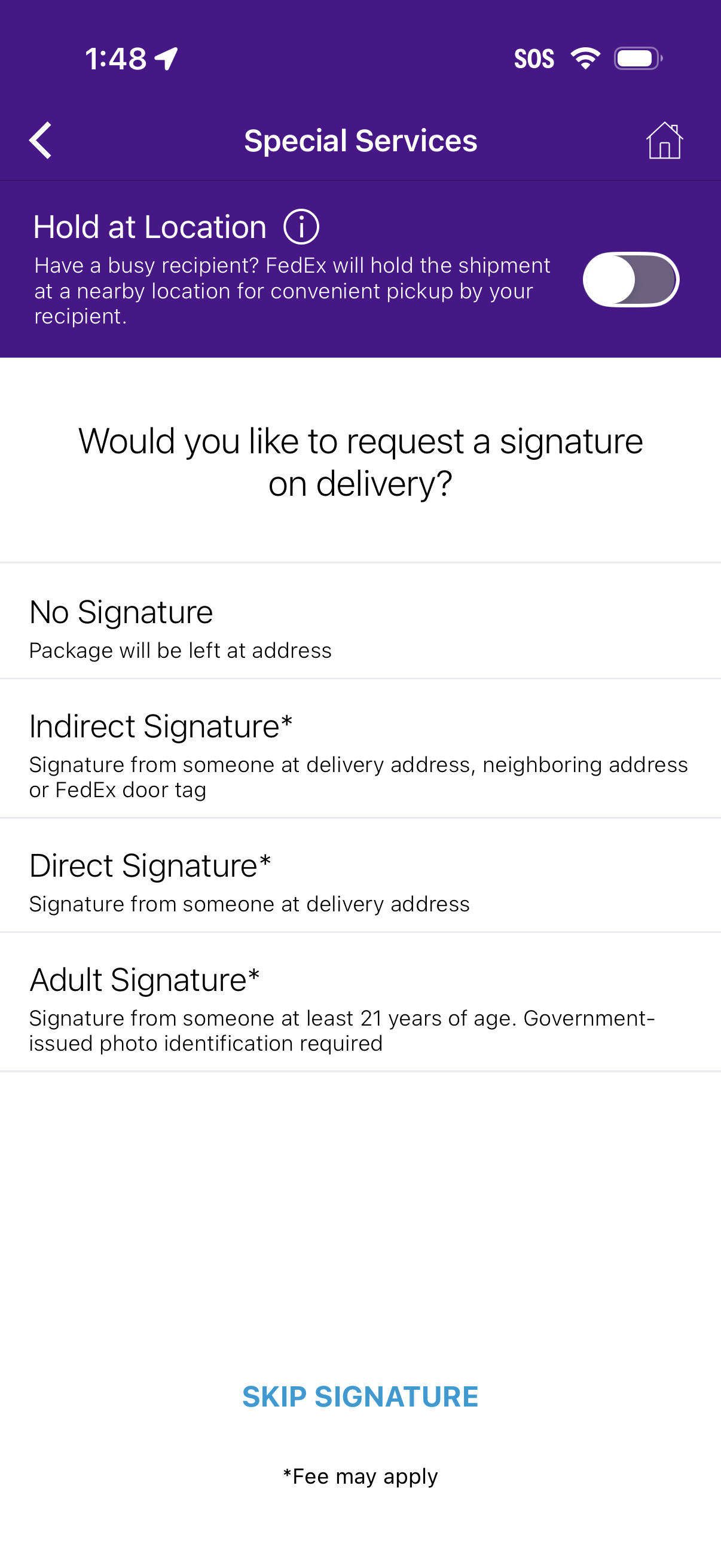
Delivery special services settings screen for a shipment, letting the user toggle “Hold at Location” for pickup and choose a signature requirement for delivery (no signature, indirect, direct, or adult signature, with fee notice). Includes an option to skip signature.
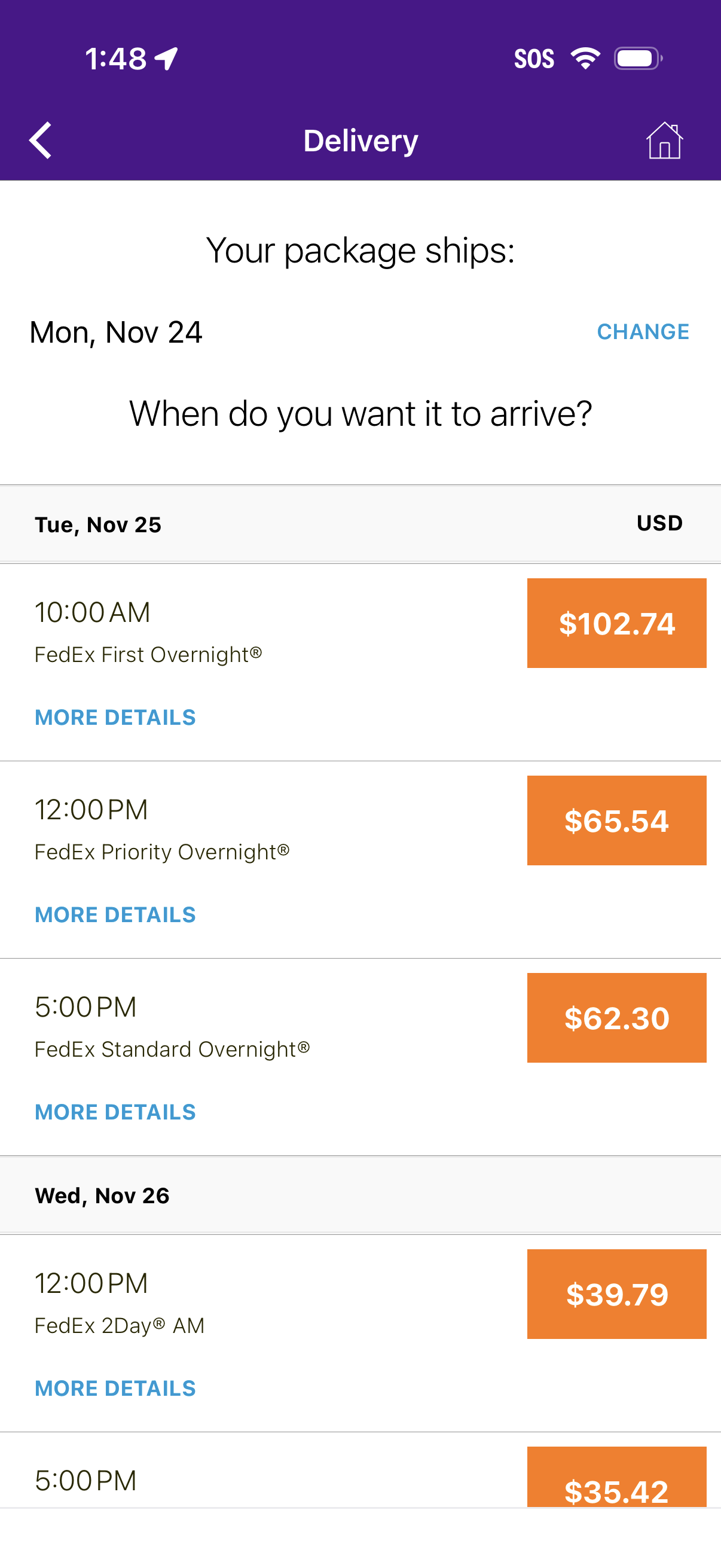
Delivery options selection screen for shipping a package, showing the ship date with a Change action and asking when the user wants the package to arrive. Lists available delivery dates and time windows with carrier service types, prices in USD, and a “More details” link for each option.
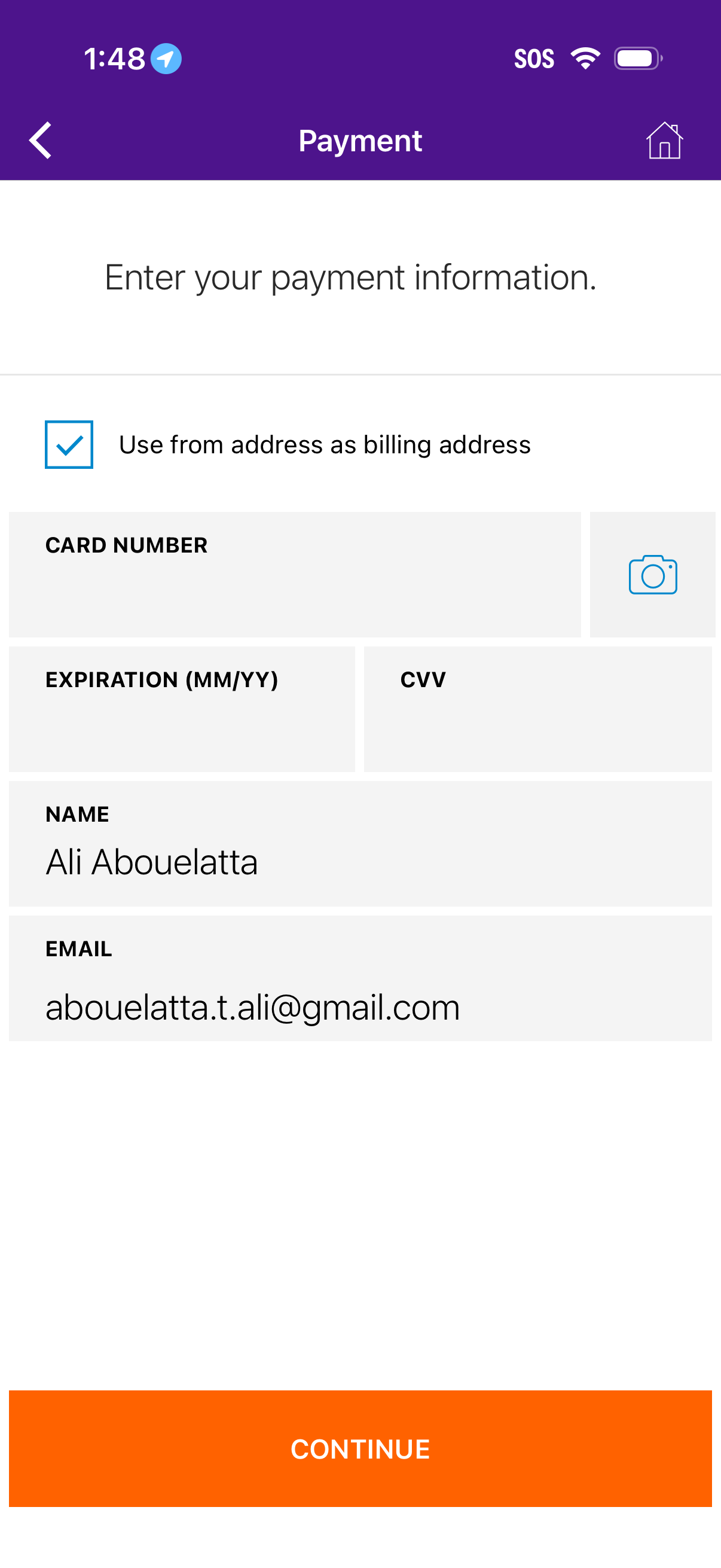
Payment information entry screen for checkout, with a checkbox to use the current address as the billing address and form fields for card number (with scan camera icon), expiration date, CVV, name, and email. Includes back and home navigation and a prominent Continue button to proceed with payment.