view story
1
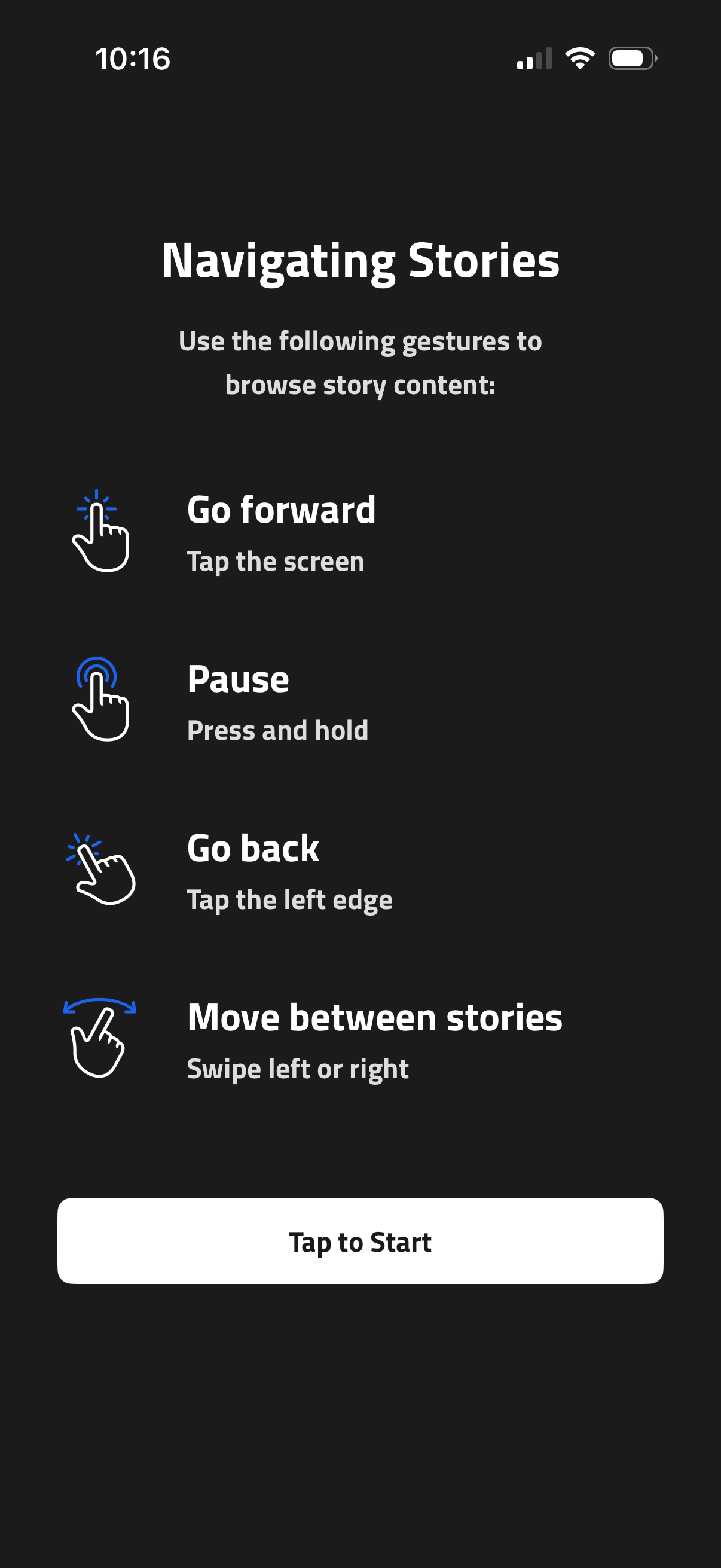
Onboarding help screen explaining how to navigate story content with gestures: tap to go forward, press and hold to pause, tap the left edge to go back, and swipe left or right to move between stories. Includes a primary “Tap to Start” button to begin viewing stories.
2

Full-screen sports news story viewer showing a “Breaking” headline card with a large image and bold title text, plus top controls for search and close. A bottom sheet banner summarizes the breaking update and an action icon allows sharing the story.