change vpn location
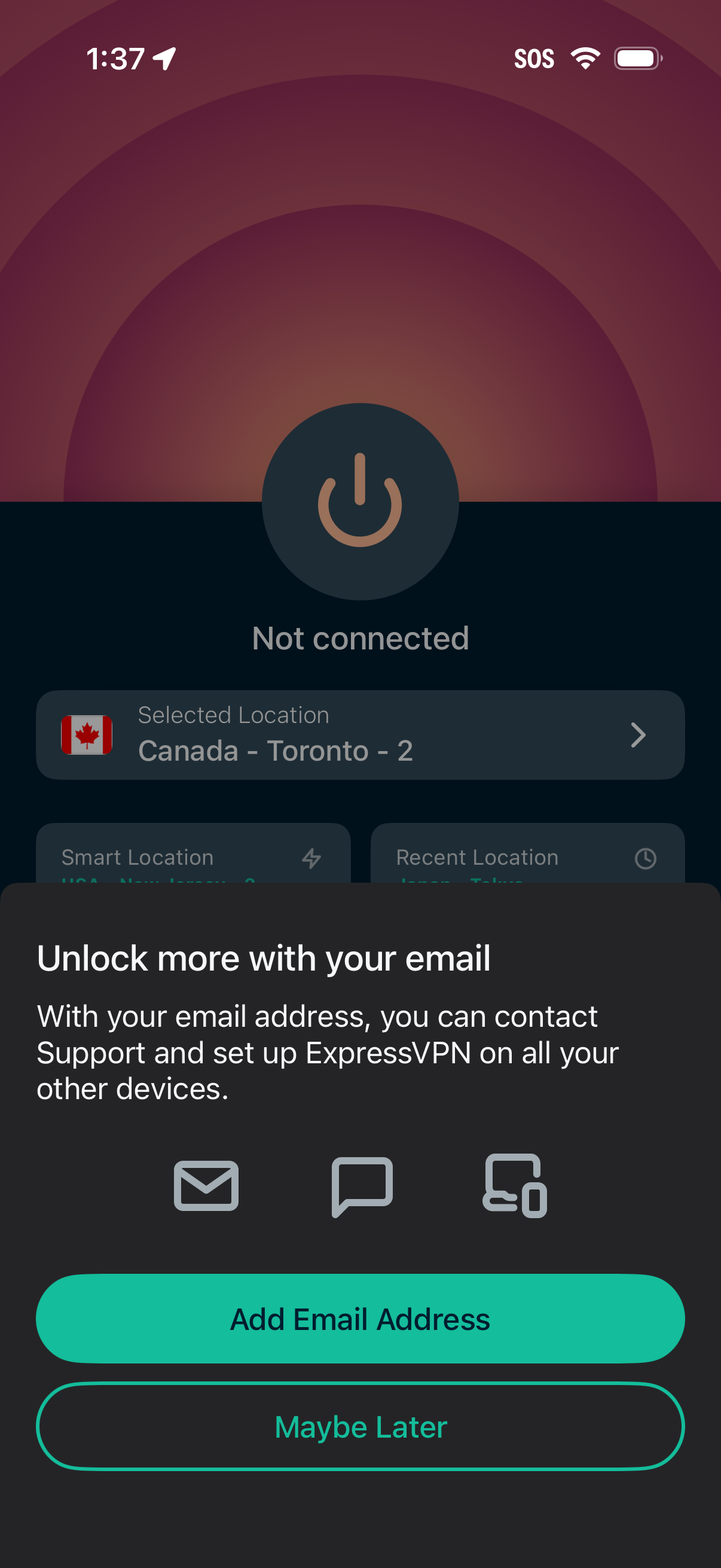
VPN home screen showing a large power button with “Not connected” status and a selected server location, overlaid by a modal prompting the user to add an email address to unlock more features and support access. The popup provides primary and secondary actions to “Add Email Address” or “Maybe Later.
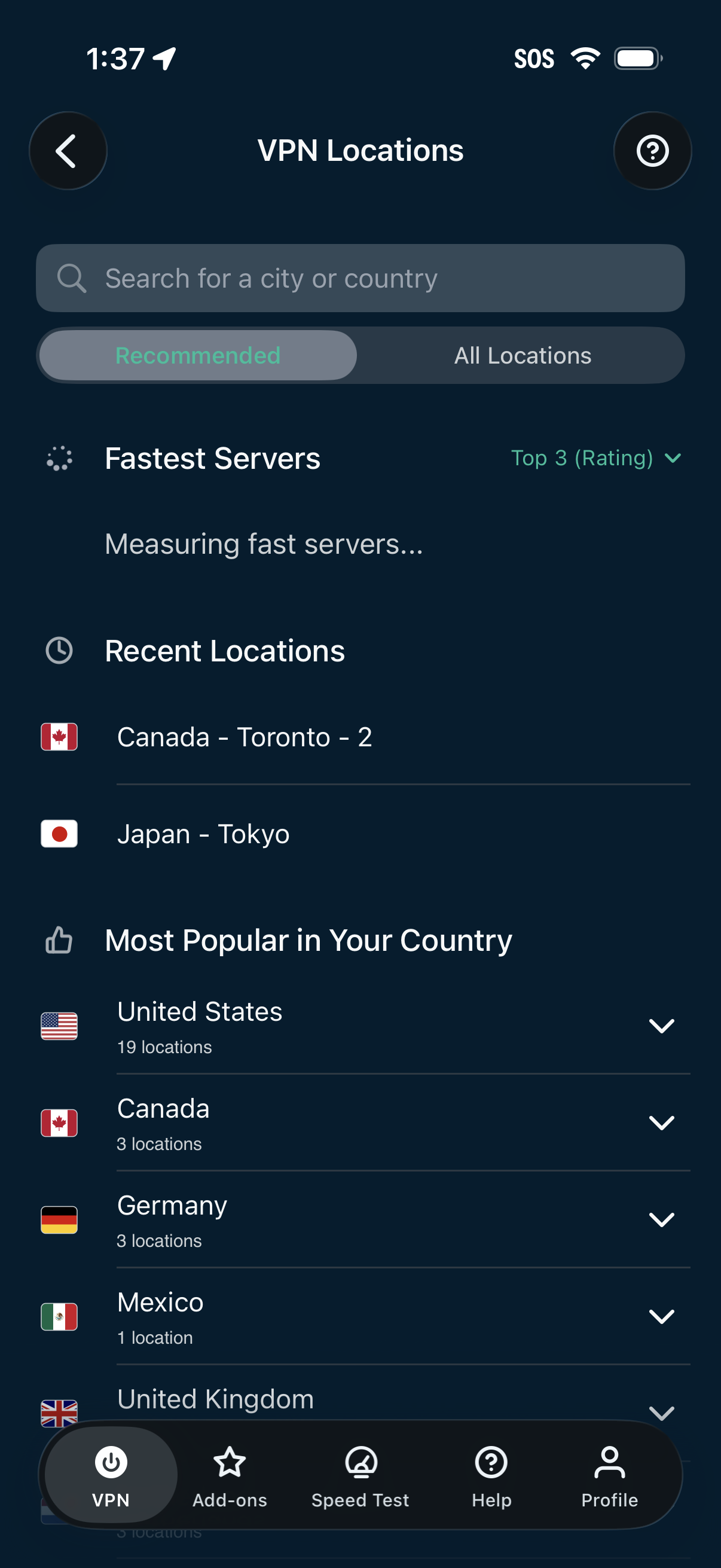
VPN location selection screen with a search bar for city or country, tabs for Recommended vs All Locations, and a “Fastest Servers” section showing top-rated options. Includes lists for recent locations and most popular countries with expandable country rows and counts of available server locations.
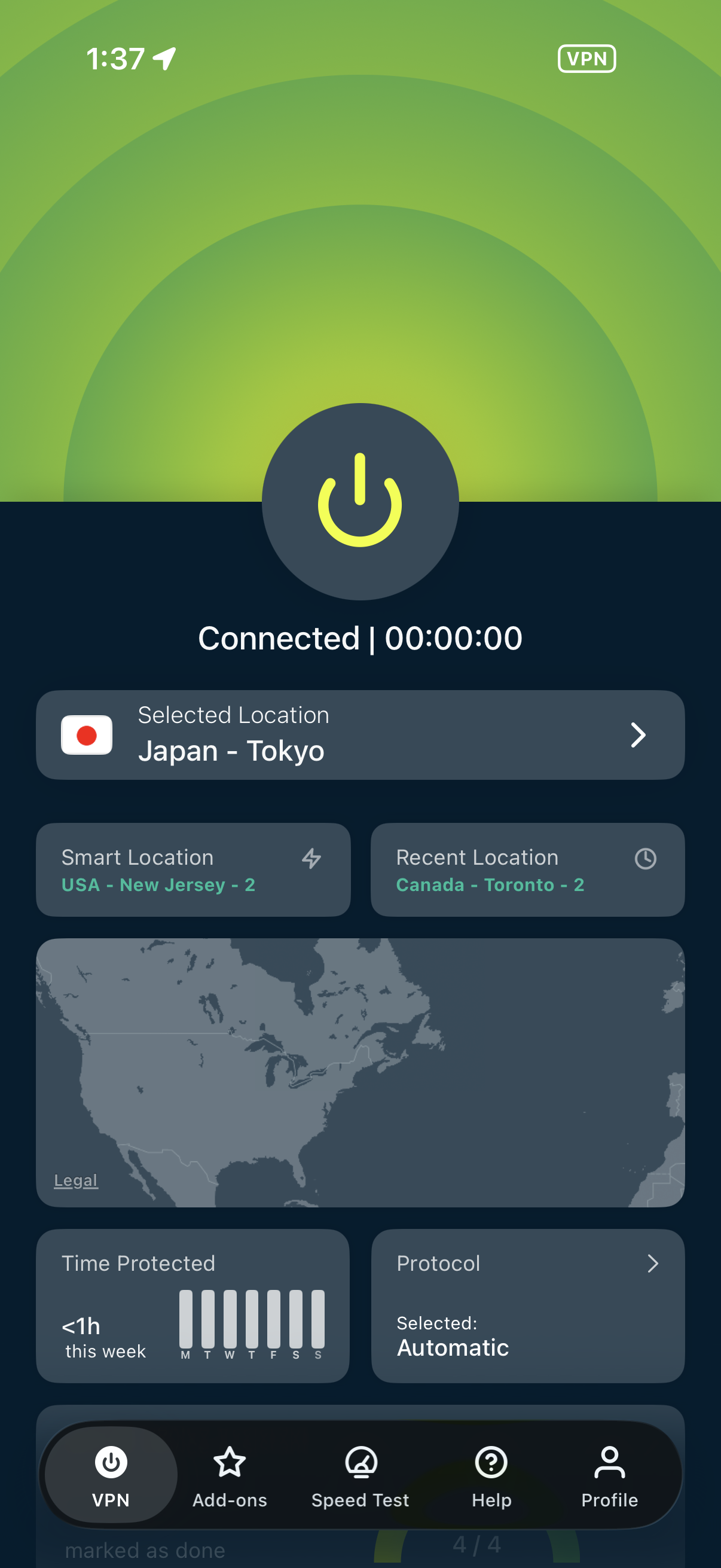
VPN home dashboard showing connection status with a large power button to connect/disconnect and a session timer. Users can choose a server location (selected, smart, and recent locations), view a map, see time protected stats, and change protocol, with bottom navigation to add-ons, speed test, help, and profile.